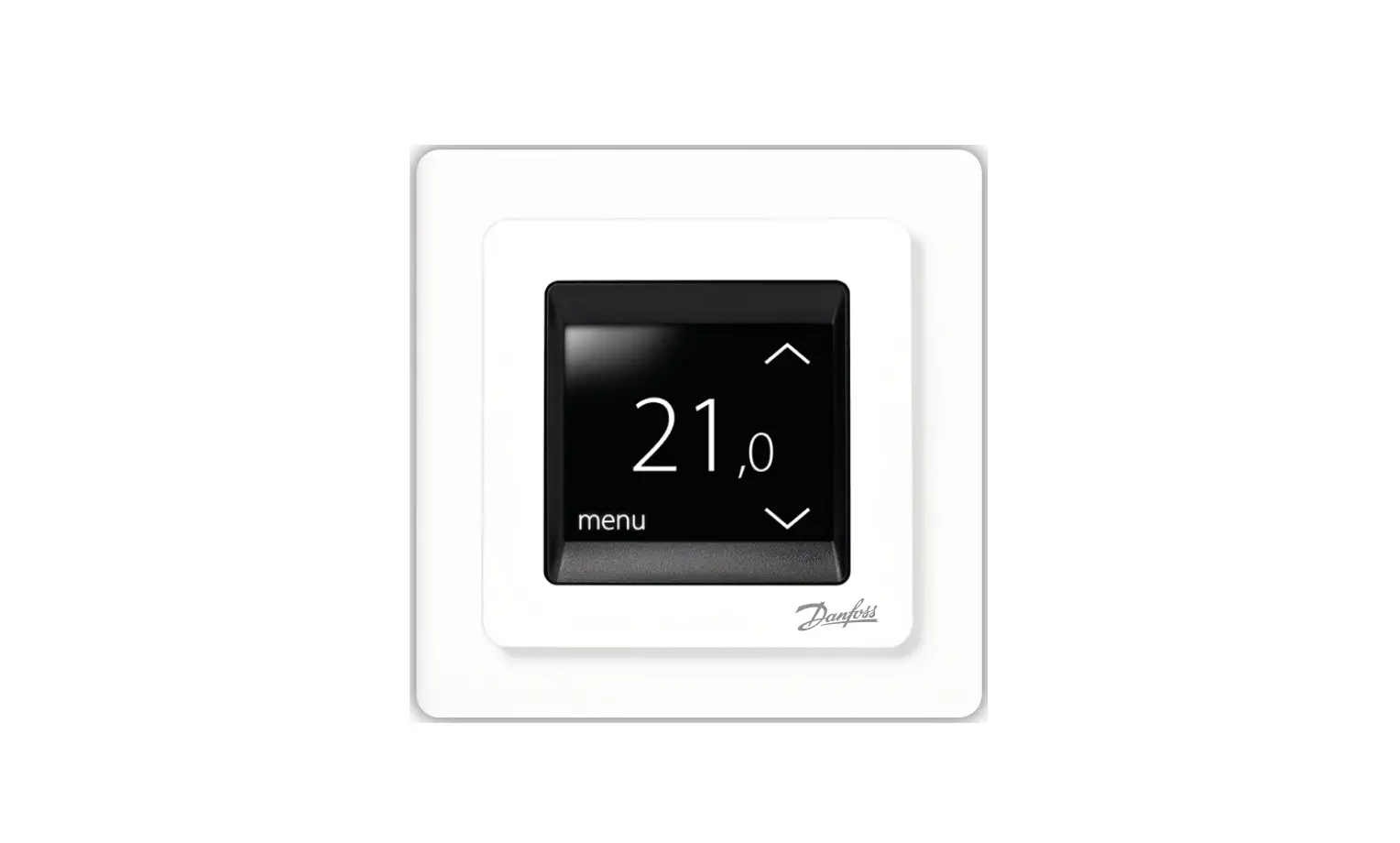
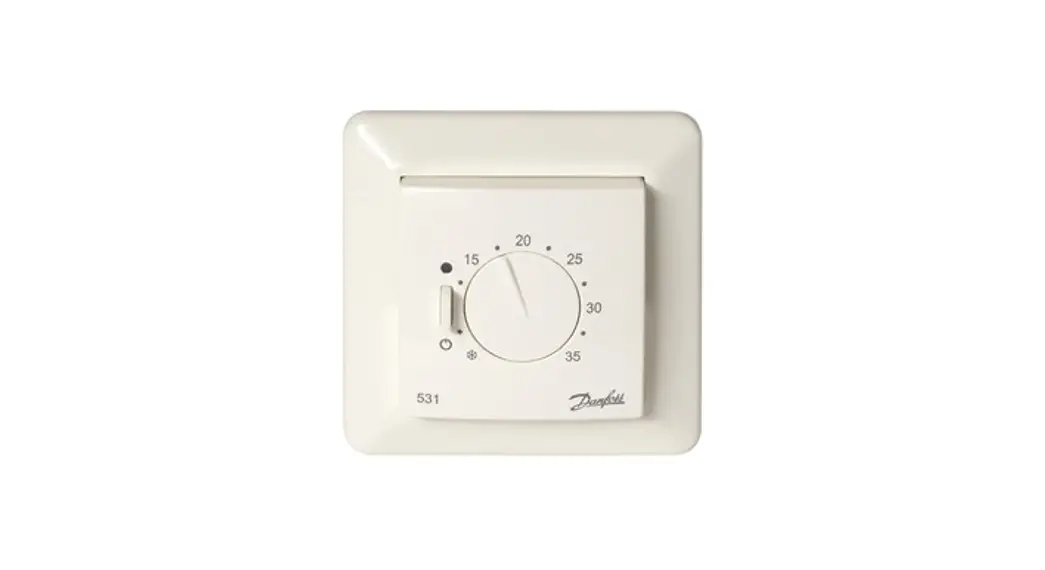
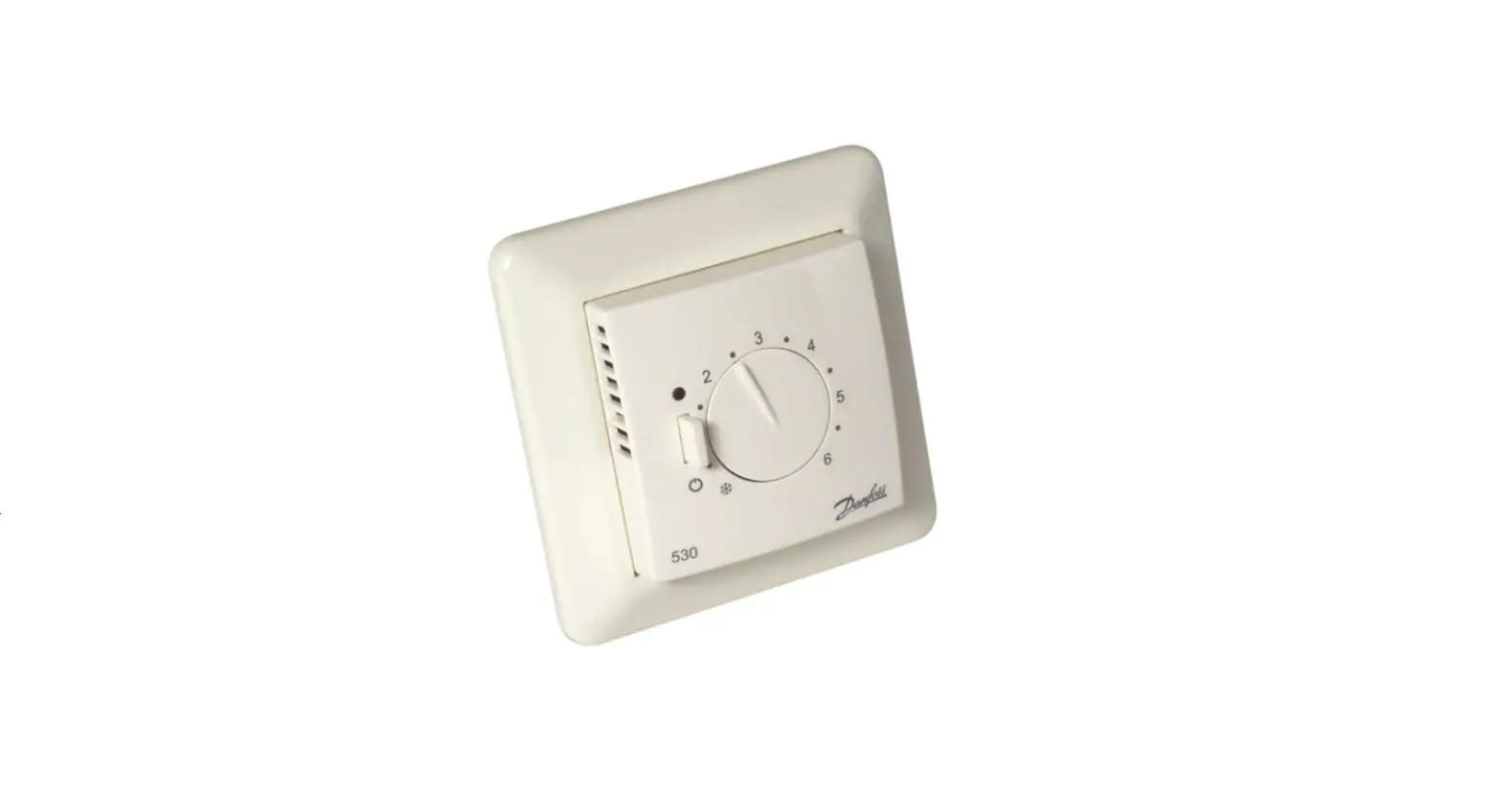
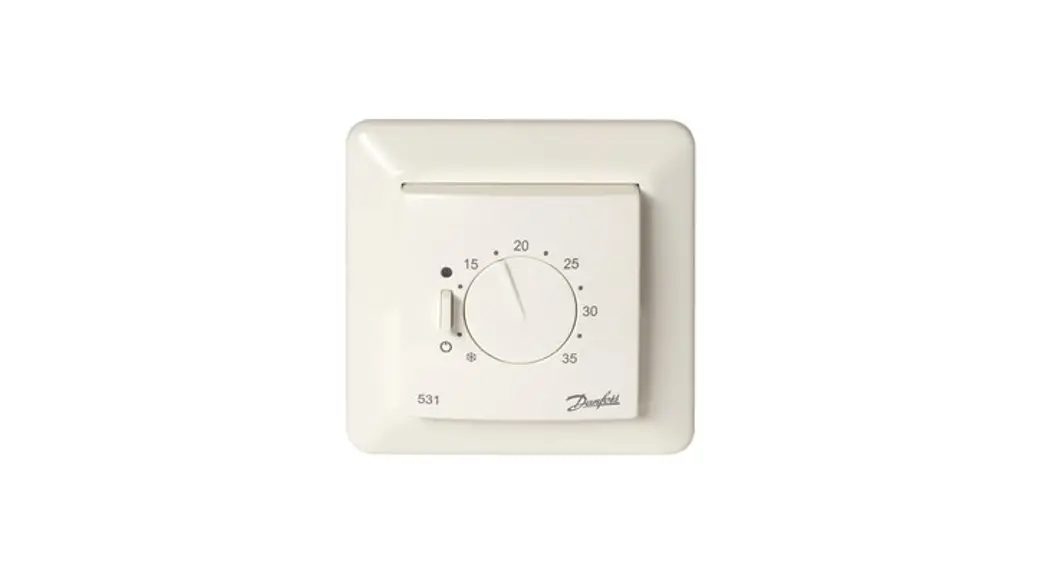
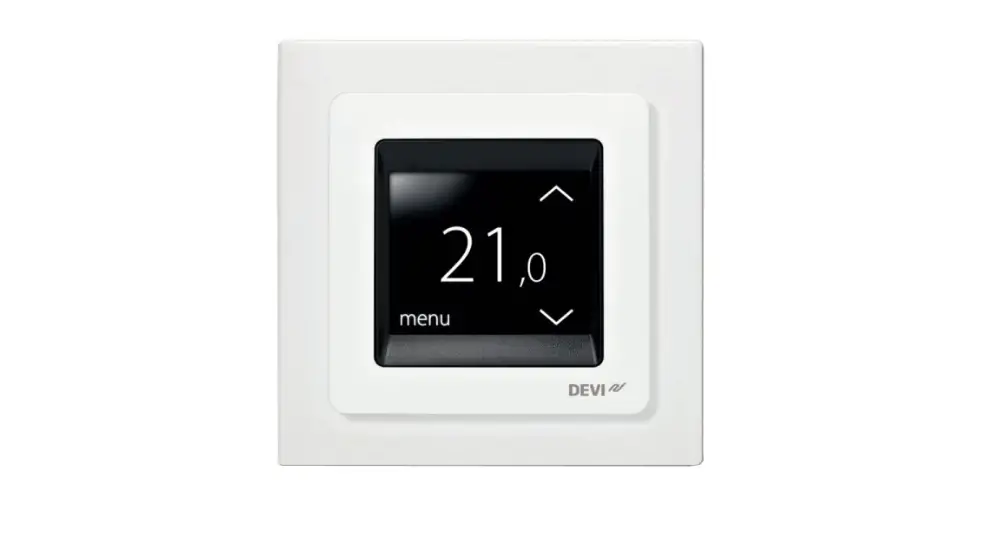
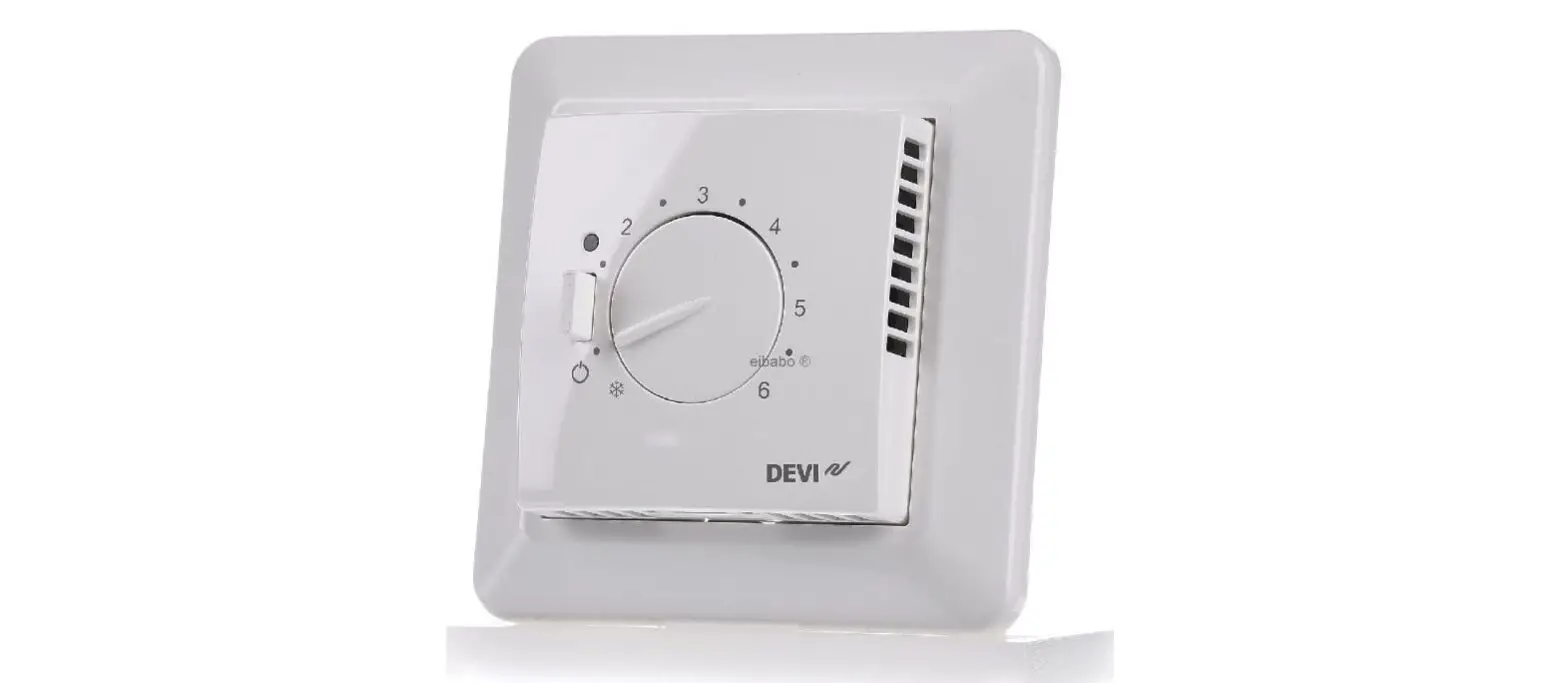
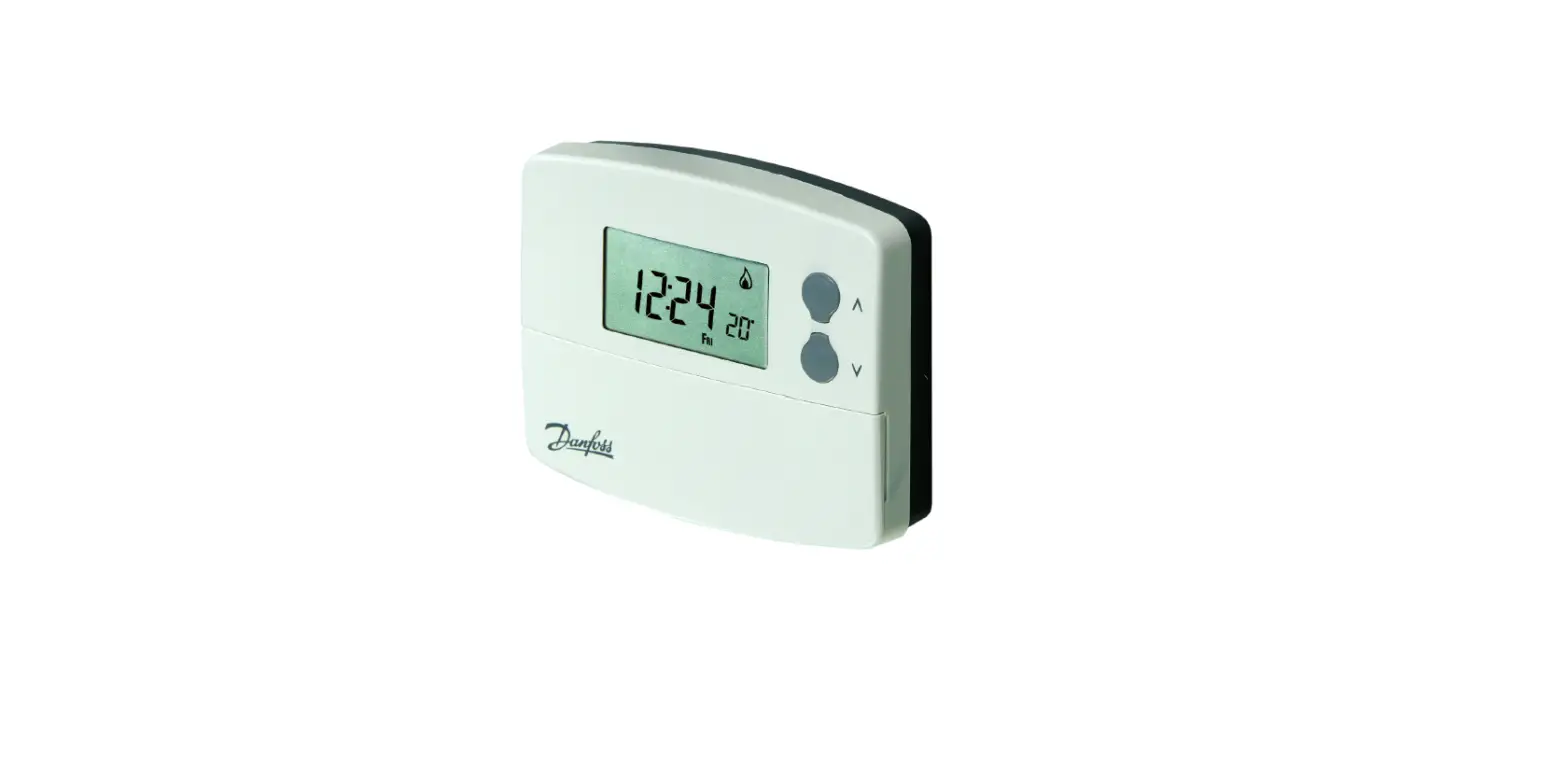
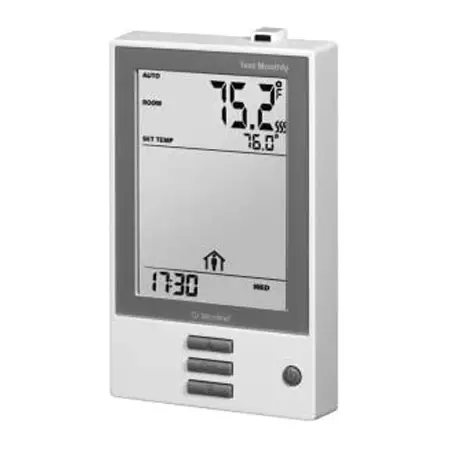
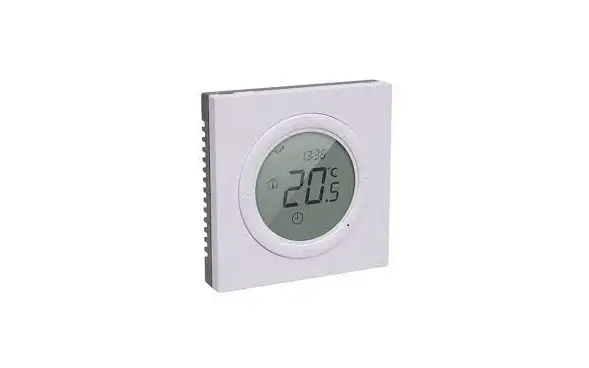
ECtemp Next Plus Electronic Intelligent Timer Thermostat
Product Information
| Product Name | Danfoss ECtemp Next Plus Electronic Intelligent Timer Thermostat |
|---|---|
| Manufacturer | Danfoss |
| Website | electricheating.danfoss.com |
Technical Specifications
| Operation Voltage | 85-250V~, 50/60 Hz |
|---|---|
| Standby Power Consumption | 0.4 W |
| Relay | Resistive load, Inductive load |
| Floor Sensor | Yes |
| Control | 1C |
| Ambient Temperature | Not specified |
| Frost Protection Temperature | Not specified |
| Cable Specification | 1×4 mm2 or 2×2.5 mm2 |
| Pollution Degree | 2 (domestic use) |
| Software Class | A |
| Storage Temperature | Not specified |
| IP Class | 30 |
| Protection Class | Class II |
| Dimensions | 86 x 86 x 16/40.5 mm (in-wall depth: 24.5 mm) |
| Weight | 103 g |
Safety Instructions
- Make sure the mains supply to the thermostat is turned off
before installation.
Mounting Instructions
- Place the thermostat at a suitable height on the wall
(typically 80-170cm). - The thermostat should not be placed in wet rooms. Place it in
an adjacent room and use floor sensor only. - Always place the thermostat according to local regulation on IP
classes and use floor sensor only. - Do not place the thermostat on the inner side of an exterior
wall. - Always install the thermostat at least 50 cm. from windows and
doors. - Do not place the thermostat in a way that it will be exposed to
direct sunlight.
Installation Guide
Danfoss ECtemp Next Plus Electronic Intelligent Timer Thermostat
electricheating.danfoss.com
Danfoss ECtemp Next Plus
Table of Contents
1
Introduction 3
1.1 Technical Specifications . . . . . . . . . . . 3
1.2 Safety Instructions . . . . . . . . . . . . . . . 5
2
Mounting Instructions 5
3
Symbols 7
4
Settings 8
4.1 Power ON/OFF . . . . . . . . . . . . . . . . . 8
4.2 Initial Settings . . . . . . . . . . . . . . . . . 9
4.3 Advanced Programmable Timer . . . . . 10
4.4 Temperature Setting . . . . . . . . . . . . 12
4.5 Timer Setting . . . . . . . . . . . . . . . . . 13
4.6 Safety Lock. . . . . . . . . . . . . . . . . . . 14
4.7 Away Mode . . . . . . . . . . . . . . . . . . 14
4.8 Present Floor Temperature. . . . . . . . . 14
4.9 Change to Room control only . . . . . . 15
4.10 Extending Maximum floor temperature
limitation to 45°C . . . . . . . . . . . . . . 15
4.11 Table for 4.9 Change to Room control
only and 4.10 Extending Maximum Floor
temperature limitations to 45°C . . . . . 16
5
Error Codes 17
6
Warranty 18
7
Disposal Instruction 20
2
Installation Guide
Danfoss ECtemp Next Plus
1 Introduction
The Danfoss ECtemp Next Plus is an electronic programmable timer thermostat used for controlling electrical floor heating elements. The thermostat is designed for fixed installation only and can be used for both direct heating of the entire room and for comfort heating of the floor.
More information on this product can also be found at: electricheatingdanfosscom
11 Technical Specifications
Operation voltage
Standby power consumption
Relay: Resistive load Inductive load
Floor sensor
Sensing values: (Default NTC 15 K) 0°C 20°C 50°C
Control
Ambient temperature
Frost protection temperature
85-250V~, 50/60 Hz 0,4 W
Max. 16 A / 3680 W @ 230 V cos = 0.3 Max. 1 A Floor Sensor NTC 15 k at 25°C
42 k 18 k 6 k Hysteresis ± 1.0° C -10°C to +60°C 5°C to +9°C (default 5°C)
Installation Guide
3
Danfoss ECtemp Next Plus
Temperature range
Room temperature: 5-35°C. Floor temperature: Max. 35°C is default.
Sensor failure monitoring
The thermostat has a built-in monitoring circuit, which will switch off the heating if the sensor is disconnected or shortcircuited
Cable specification max.
1×4 mm2 or 2×2,5 mm2
Ball pressure test temperature 75°C
Pollution degree
2 (domestic use)
Controller type
1C
Software class
A
Storage temperature
-20°C to +65°C
IP class
30
Protection class
Class II –
Dimensions
86 x 86 x 16/40.5 mm (in-wall depth: 24.5 mm)
Weight
103 g
Electrical safety and Electro-Magnetic Compatibility for this product is covered by the compliance with the EN/IEC Standard “Automatic electrical controls for household and similar use”:
· EN/IEC 60730-1 (general)
4
Installation Guide
Danfoss ECtemp Next Plus
· EN/IEC 60730-2-9 (thermostat)
12 Safety Instructions
Make sure the mains supply to the thermostat is turned off before installation.
Important: When the thermostat is used to control a floor heating element in connection with a wooden floor or similar material, always use a floor sensor and never set the maximum floor temperature to more than 35°C.
Please also note the following: · The installation of the thermostat must be done by an authorized and qualified installer according to local regulations. · The thermostat must be connected to a power supply via an all-pole disconnection switch. · Always connect the thermostat to continuous power supply. · Do not expose the thermostat to moisture, water, dust, and excessive heat.
2 Mounting Instructions
Please observe the following placement guidelines:
Place the thermostat at a suitable height on the wall (typically 80-170cm.).
Installation Guide
5
Danfoss ECtemp Next Plus
The thermostat should not be placed in wet rooms. Place it in an adjacent room and use floor sensor only. Always place the thermostat according to local regulation on IP classes and use floor sensor only.
Do not place the thermostat on the inner side of an exterior wall.
Always install the thermostat at least 50 cm. from windows and doors.
Do not place the thermostat in a way that it will be exposed to direct sunlight.
Note: A floor sensor enables a more accurate temperature control and is recommended in all floor heating applications and mandatory under wooden floors to reduce the risk of over-heating the floor. · Place the floor sensor in a conduit in an appropriate place where it is not exposed to sunlight or draft from door openings.
· Equally distant and >2cm from two heating cables.
· The conduit should be flush with the floor surface countersink the conduit if necessary.
· Route the conduit to the connection box.
6
Installation Guide
Danfoss ECtemp Next Plus
· The bending radius of the conduit must be min 50mm.
Connect the thermostat according to the connection diagram.
The screen of the heating cable must be connected to the earth conductor of the power supply cable by using a separate connector.
Note: Always install the floor sensor in a conduit in the floor.
3 Symbols
The following symbols appears in the display:
Symbols Function description
Symbols Function description
Room temperature
Away mode
Floor temperature
Child safety lock
Temperature indication
Power ON/OFF
Installation Guide
7
Danfoss ECtemp Next Plus
SET
Set temperature
Floor heating, Active
Frost protection, Active
M < >
Timer and program operation
Mode change/check floor temp./child safety lock/parameters setting
Up/down selectors
Power ON/OFF
<
<
>
SET
M
M <
4 Settings
41 Power ON/OFF Switch thermostat ON/OFF by pressing button on top of thermostat.
8
Installation Guide
Danfoss ECtemp Next Plus
42 Initial Settings
Initial settings must be specified when the unit is activated for the first time:
Press M button for 6 seconds to enter the parameter setting mode. The upper digits indicate the parameter number. Press M for parameter selection. Press < or > to set the parameter range. Complete all adjustments.
Press to exit ECtemp Next Plus settings, which is available for this purpose.
To exit ECtemp Next settings automatic wait approx. 30 seconds.
The digits indicate the set value as follows:
No Parameter settings Settings range
Default
P01 Working mode
01: Manual
02
02: Advanced Program-
mable Timer
P02 Temperature control 01: Room and floor temp; 01
mode
02: Only floor temp.;
03: Only room temp.*
Installation Guide
9
Danfoss ECtemp Next Plus
P03 Maximum floor temperature
20-30°C (only for 01 in 35°C P02)**
P04 Frost protection
01: Enable; 02: Disable 01
P05 Frost protection
5-9°C
5°C
setpoint
P06 Timer display option 01: 24h; 02 12h
01
P07 Room temp. display option at shutdown
01: No display surrent
01
temp.;
02: Display current temp.
* It will be possible to use only a room sensor. However, this option is not recommendable due to an increased risk of overheating the floor. See 4.9 Change to Room control only
** P03 appears on relevant temperature control mode. See 4.10 Extending
Maximum floor temperature limitations to 45°C
43 Advanced Programmable Timer
The Advanced Programmable Timer mode enables the setting of a timer-controlled program for automatic comfort temperature, and an energy-saving lower setback temperature if standard room comfort temperature is not required.
The function consists of 2 programs:
P1 with 4 events in 5 days (Mon. Tue. Wed. Thu. Fri.)
P2 with 4 events in 2 days (Sat. Sun.).
10
Installation Guide
Danfoss ECtemp Next Plus
P1: Press and hold to display P2: Sa. Su. are now shown in
Mo. Tu. We. Th. Fr.
the display.
P1, Event 1: 1. Use < or > to select the start time. 2. Press to accept the setting. 3. Use < or > to select the temperature. 4. Press to accept the setting.
P2, Event 1: 1. Use < or > to select the start time. 2. Press to accept the setting. 3. Use < or > to select the temperature. 4. Press to accept the setting.
P1, Event 2-4: Repeat the Event 1 procedure for programming Event 2-4.
P2, Event 2-4: Repeat the Event 1 procedure for programming Event 2-4.
The thermostat will continue the 4-event program based on the present time and day.
To set and change the room temperature temporarily:
1. Press < or > at any time to change the desired temperature value. SET is shown in the display.
2. When releasing the < or >, the display returns to showing the actual temperature. This temperature change is only temporary and will be maintained only until the next programmed setting!
A default program provides timer control if the customer does not create own programs:
Installation Guide
11
Danfoss ECtemp Next Plus
Event 1 Days Start Temp
time
Event 2
Start Temp time
Event 3
Start Temp time
Event 4
Start Temp time
Mon Fri.
6:30
20°C (27°C)*
8:30
15°C (25°C)*
16:30
20°C (27°C)*
22:30
25°C (25°C)*
Sat Sun.
7:30
20°C (27°C)*
9:30
20°C (27°C)*
16:30
21°C (28°C)*
22:30
25°C (25°C)*
*Only floor temperature control mode.
44 Temperature Setting
Changing of desired temperature – press < or >. SET is showed in the display.
Adjustment is changed in steps of 0.5°C When releasing < or > again the display returns to normal mode and shows actual temperature.
It will be possible to set the maximum floor temperature up to 45°C.
It would also be possible to use only one temperature sensor. However, this option is not recommendable as this cause an increased risk of overheating of the floor.
Extending maximum floor temperature and Setting into room only mode See point 4.9 and 4.10.
IMPORTANT: When the thermostat is used to control a floor heating element in connection with a wooden floor or
12
Installation Guide
Danfoss ECtemp Next Plus
similar material, always use a floor sensor and never set the maximum floor temperature to more than 35 ° C.
Thermal resistance [m2K/W] 0.05
0.10 0.13 < 0.17
0.18
Examples of Details Flooring
8 mm HDF based laminate
>800 kg/m3
14 mm beech 650 – 800
parquet
kg/m3
22 mm solid oak plank
>800 kg/m3
Max. carpet thickness suitable for floor heating
acc. to EN 1307
22 mm solid for planks
450 – 650 kg/m3
Approximate setting for 25°C floor temperature 28°C
31°C
32°C
34°C
35°C
45 Timer Setting To adjust time and week day – press
Use < or > to adjust hours,
Press again to shift to minutes and use < or > for adjusting3
Installation Guide
13
Danfoss ECtemp Next Plus
Press again to shift to weekdays and use < or > for selecting right day
Finish timer setting by pressing any other button or wait for automatic exit after 6 sec. without operation
46 Safety Lock Press M and > simultaneous to enable Safety lock.
To release safety lock press M and > simultaneous again.
47 Away Mode Press M to get into Away mode
is showed in the display Changing the desired temperature in Away mode
Press < or >. SET is showed in the display Adjustment in steps of 0.5°C
Press M to exit Away mode again
48 Present Floor Temperature Press M and hold Press < within 6 sec also
start to flash and current floor temperature is being displayed.
14
Installation Guide
Danfoss ECtemp Next Plus
Press any other button to exit or wait for automatic exit after 6 sec. without operation
49 Change to Room control only
Switch Power OFF Press M and Timer buttons simultaneously for approx. 10 seconds Select Function P08: Only Room temperature control Select Setting 01: Enable
Switch Power ON
Press M button for approx. 6 seconds
Select Parameter Setting P02: Temperature Control mode
Select Setting Range 03:
Room Only mode
410 Extending Maximum floor temperature limitation to 45°C
Power OFF
Press M and Timer buttons simultaneously for 10 seconds
into those parameters setting.
Select Function P07 (Table in 4.11): Setting range extension
for P06, P07 and P08
Select Setting 02:
Maximum 45°C
Adjust Maximum Floor temperature according to need up to 45°C
Power ON
Installation Guide
15
Danfoss ECtemp Next Plus
Press M button for 6 seconds Select P03 (Table in 4.2): raise floor temperature limitation
higher than 35°C by using the >
411 Table for 49 Change to Room control only and 410 Extending Maximum Floor temperature limitations to 45°C
No. Function
P01 Room Sensor Calibration
P02 Floor Sensor Calibration
P03 Maximum Room Temp. Limitation
P04 Minimum Room Temp. Limitation
P05 Maximum Room Temp. Limitation
P06 Minimum Room Temp. Limitation
P07 Setting range extension for P06, P07, P08
Setting
Offset:-10°C to +10°C Offset:-10°C to +10°C 5-35°C(Active in Temperature Control Mode 01) 5-35°C(Active in Temperature Control Mode 01) 5-35°C(Active in Temperature Control Mode 02) 5-35°C(Active in Temperature Control Mode 02)
Factory default Danfoss ECtempTM Next Plus
0°C 0°C
35°C
5°C
35°C
5°C
01: Max. 35°C, 02: Max. 45°C
01
16
Installation Guide
Danfoss ECtemp Next Plus
P08 Only room temperature control
01: Enable, 02: Disable
02
5 Error Codes
E1
Room sensor failure
E2
Floor sensor failure
EE
EEPROM failure
Lo
Temperature lower than 0°C
Hi
Temperature higher than 5°C
All relay output will be turned off in all cases.
Installation Guide
17
Danfoss ECtemp Next Plus
6 Warranty
A 2-year product warranty is valid for: · thermostats: ECtemp Next Plus.
Should you, against all expectations, experience a problem with your Danfoss product, you will find that Danfoss offers Danfoss warranty valid from the date of purchase on the following conditions: During the warranty period Danfoss shall offer a new comparable product or repair the product if the product is found to be faulty by reason of defective design, materials or workmanship. The repair or replacement.
The decision to either repair or replace will be solely at the discretion of Danfoss. Danfoss shall not be liable for any consequential or incidental damages including, but not limited to, damages to property or extra utility expenses. No extension of the warranty period following repairs undertaken is granted.
The warranty shall be valid only if the WARRANTY CERTIFICATE is completed correctly and in accordance with the instructions, the fault is submitted to the installer or the seller without undue delay and proof of purchase is provided. Please note that the WARRANTY CERTIFICATE must be filled in, stamped and signed by the authorized installer performing the installation (Installation date must be indicated). After the installation is performed, store and keep the WARRANTY CERTIFICATE and purchase documents (invoice, receipt or similar) during the whole warranty period.
Danfoss warranty shall not cover any damage caused by incorrect conditions of use, incorrect installation or if installation has been carried out by nonauthorized electricians. All work will be invoiced in full if Danfoss is required to inspect or repair faults that have arisen as a result of any of the above. The Danfoss warranty shall not extend to products which have not been paid in full. Danfoss will, at all times, provide a rapid and effective response to all complaints and inquiries from our customers.
The warranty explicitly excludes all claims exceeding the above conditions.
For full warranty text please use QR code
18
Installation Guide
Danfoss ECtemp Next Plus
Installation Guide
WARRANTY CERTIFICATE
The Danfoss warranty is granted to:
Address
Stamp
Purchase date
Serial number of the product
Product
Art. No.
*Connected output [W] Installation Date & Signature *Not mandatory
Connection Date & Signature
19
Danfoss ECtemp Next Plus
YEAR WARRANTY 7 Disposal Instruction
20
Installation Guide
Danfoss ECtemp Next Plus
Installation Guide
21
Danfoss ECtemp Next Plus
22
Installation Guide
Danfoss ECtemp Touch
Danfoss A/S
Nordborgvej 81 6430 Nordborg, Syddanmark Denmark
08096226 & AN311445900435en-020102
Produced by Danfoss © 07/2022
*08096226*
Danfoss ECtemp Next Plus
088L0121 EN
Intelligent Timer Thermostat Floor / Room Sensor 85-250V~ 50-60Hz -10°C to +60°C 16A/3680W@230V~ IP 30
Product documentation
dM
Made in China
5 703466 233979