VDO360 2SEE Personal Visual Collaboration Camera
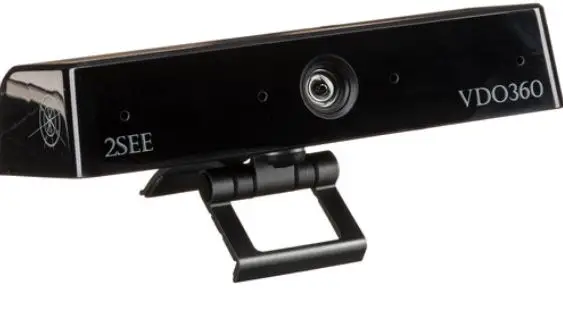
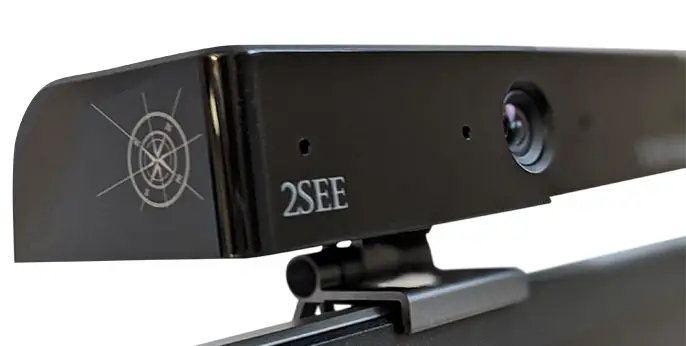
Personal Visual Collaboration Camera With a Four Element Beamforming Microphone array
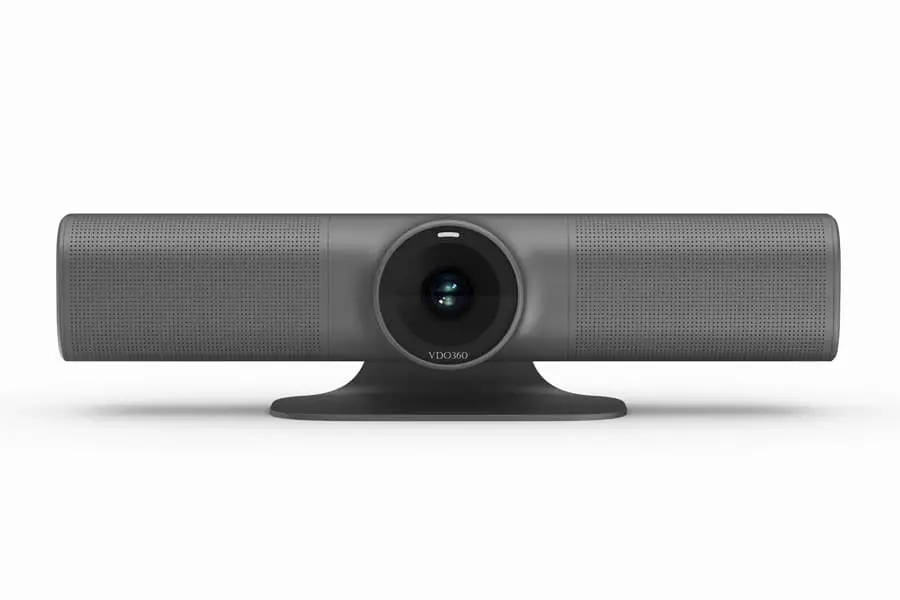
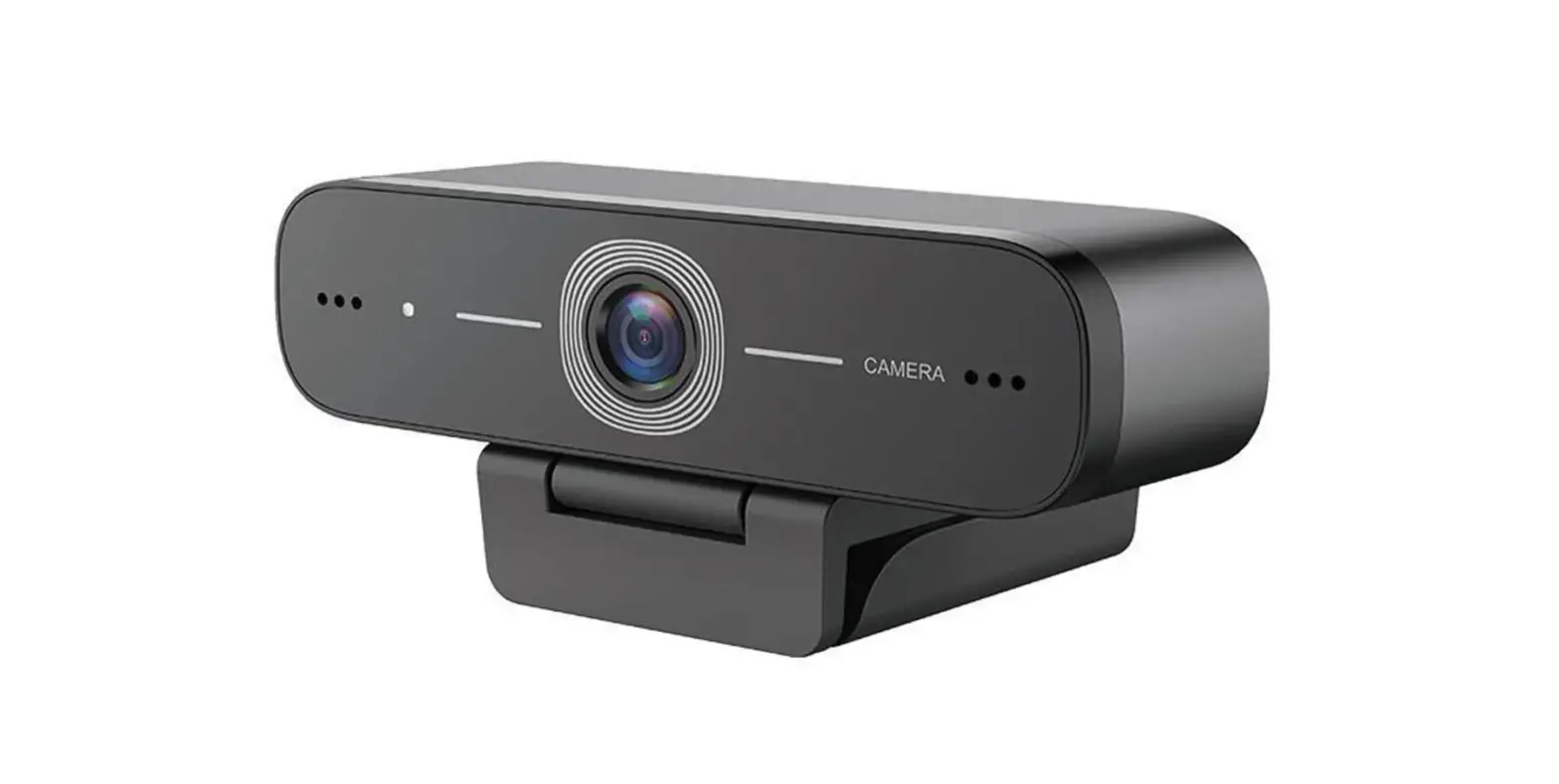
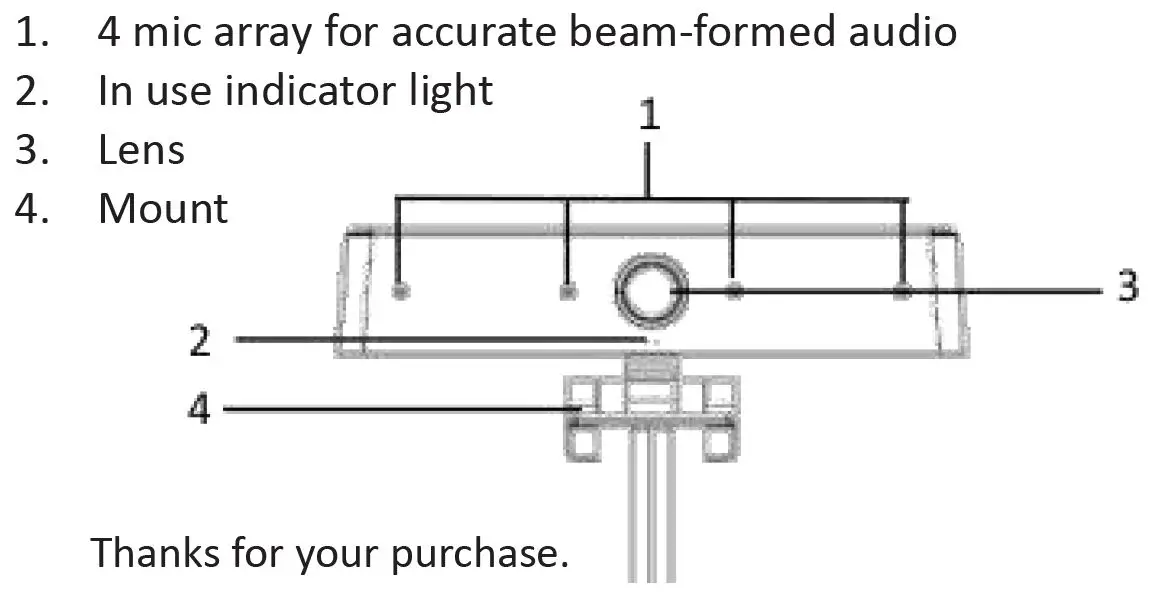
PARTS
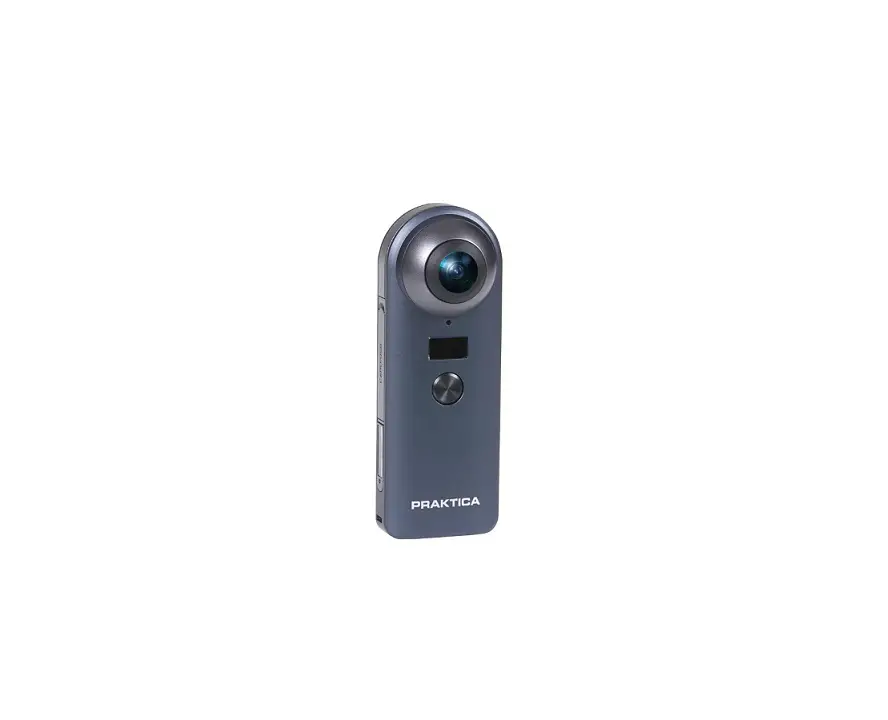
- 4 mic array for accurate beam-formed audio
- In use indicator light
- Lens
- Mount
A Few things that set the 2SEE apart-
First- a microphone device that will surpass expectations at every meeting or collaboration session. Acoustic Echo Cancellation, Automatic Noise Suppression, and Auto Gain Control enable true to life audio with clean, clear input to your PC, Mac, or Chromebook.
Next- the great video quality at true HD and 30 frames per second.
And finally- ease of use, simply connect to your PC with the attached USB cable no additional drivers necessary!
Operation of the 2SEE is simple
- Plug in the camera to USB port on the PC
- Open Visual Collaboration software of Choice-Teams®, Zoom®, WebRTC, Webex, Bluejeans®, etc., there are many.
- Most collaboration software allows you to choose your combination of devices. Simply select the VDO360 2SEE for both microphone and camera
There are a few things we suggest for best performance
- Do not sit right in front of a window or other bright light source
- Having an uncluttered background will have your viewers concentrating on you.
- The mounting system allows for tilting and aiming the camera. While sitting in your normal position, your entire face should be just above the middle of the picture. Tilt and move the camera to frame up a good view.
- The 2SEE’s audio pickup is great, but any sharp loud noises may cause a bit of echo- the automatic sensing may take a moment to adjust, but outside ambient noises will be dampened. You only need speak at a normal volume- let the 2SEE do the work!
| Total Pixels | 2 million pixels | Mic array quantity | 4 |
| Lens Size | 1/2.7 inch | Mic Array Form | linear |
| Pixel Size | 3um | Mic Distance | 31mm |
| Image area | 5.85mm×3.27mm | Mic Specification | Digital Mic |
| Maximum effective pixel | 1920(H)×1080(V) 2.1 million pixels | Sampling rate | 16KHz/48KHz |
| Output image format | MJPG | Sensitivity | -29dBFs |
| Resolution | 1920*1080@30fps 1280*720@30fps 640*480*30fps | Far-field Distance | 0 ~ 8 meters |
| SNR | 39dB | Horizontal radio Angle | Horizontal 180° |
| Dynamic Range | 69dB | SNR | 65.5dB |
| Sensitivity | 0.65V/lux-sec@550nm | PSRR | 76dBV/FS |
| Minimum illumination | 0.5lux | Communication Mode | full duplex |
| Interface type | USB 2.0 High Speed | AEC | 50dB |
| Driver | USB Video Class(UVC) | Noise suppression | ≥15dB |
| AIC | Automatic Exposure (AE) Auto White Balance (AWB) Automatic Gain Control (AGC) Dynamic Black Level Calibration(ABLC) | ||
| OS Support | WinXP/Vista/Win7/Win8/Win10 Linux with UVC(above linux- 2.6.26) MAC-OS X 10.4.8 or later WinCE with UVC Android 4.0 or above with UVC | ||
| Field of view | 75°(W) | ||
| Power | USB 5V | ||
For further information, warranty, etc. as well as more tips- please refer to our webpage for the 2SEE.
www.vdo360.com/2SEE