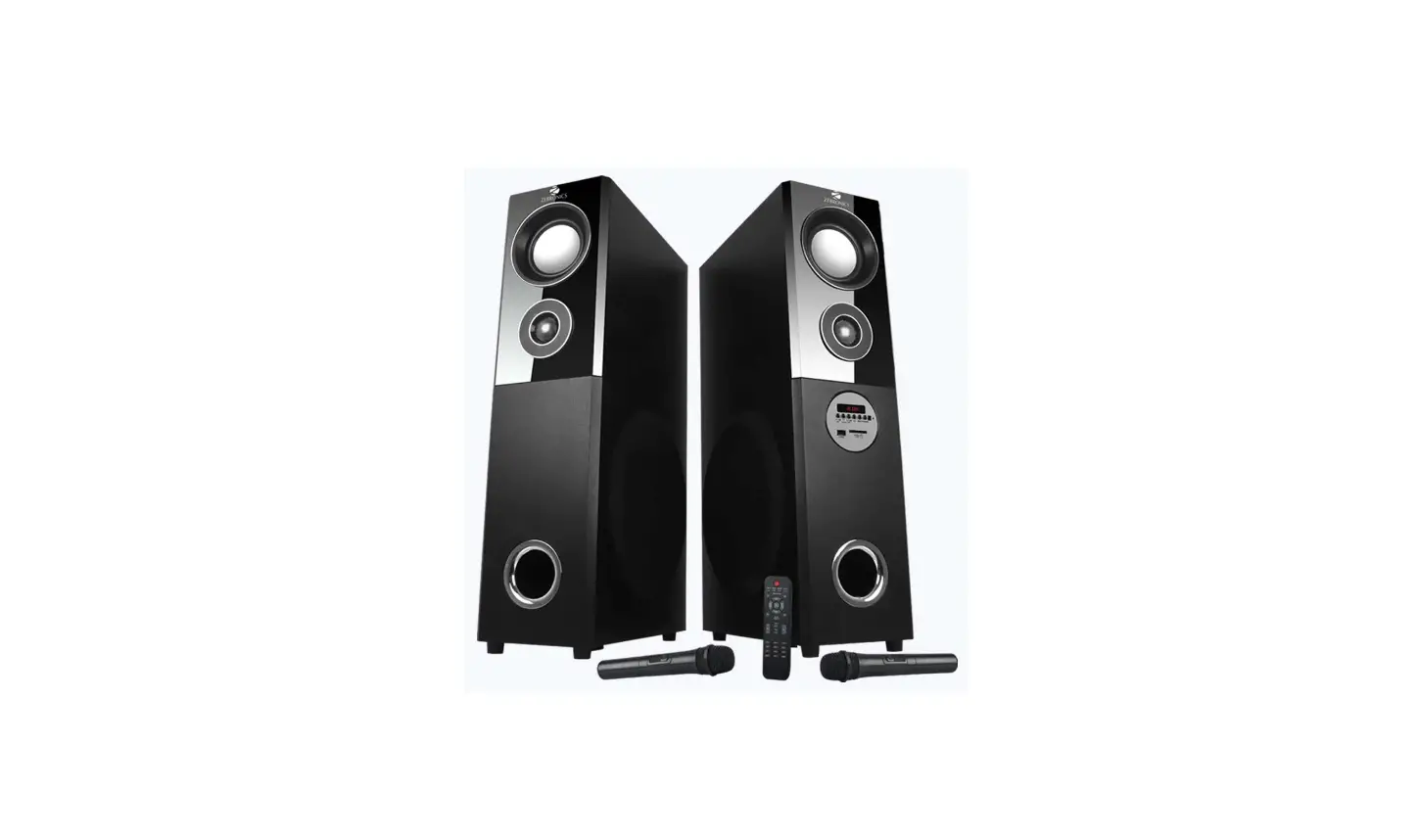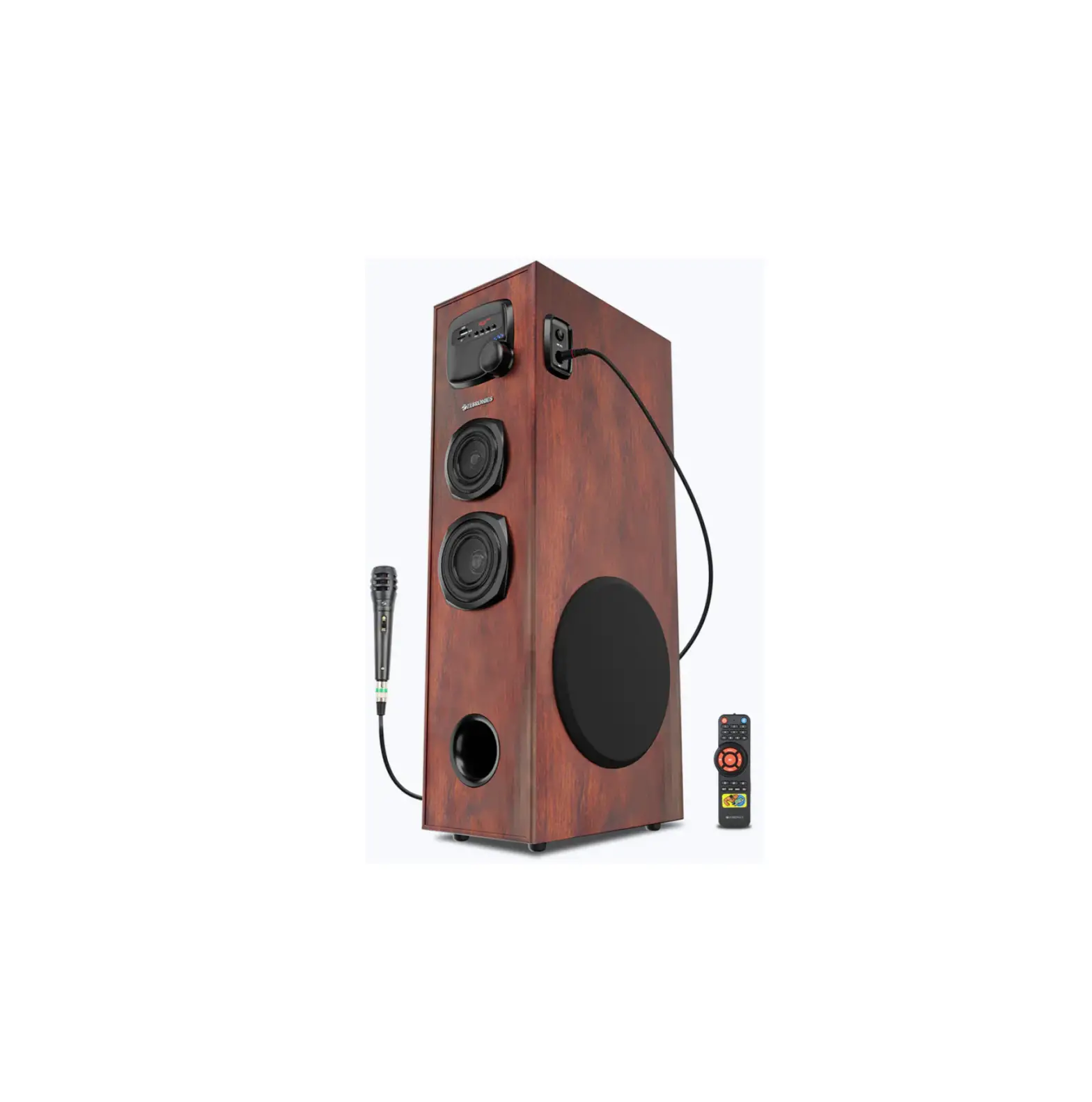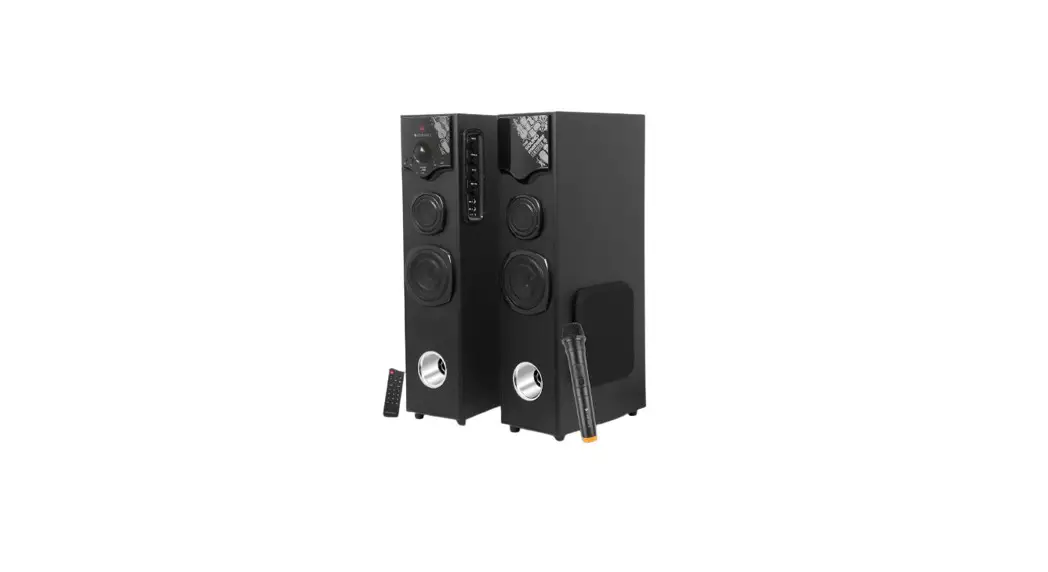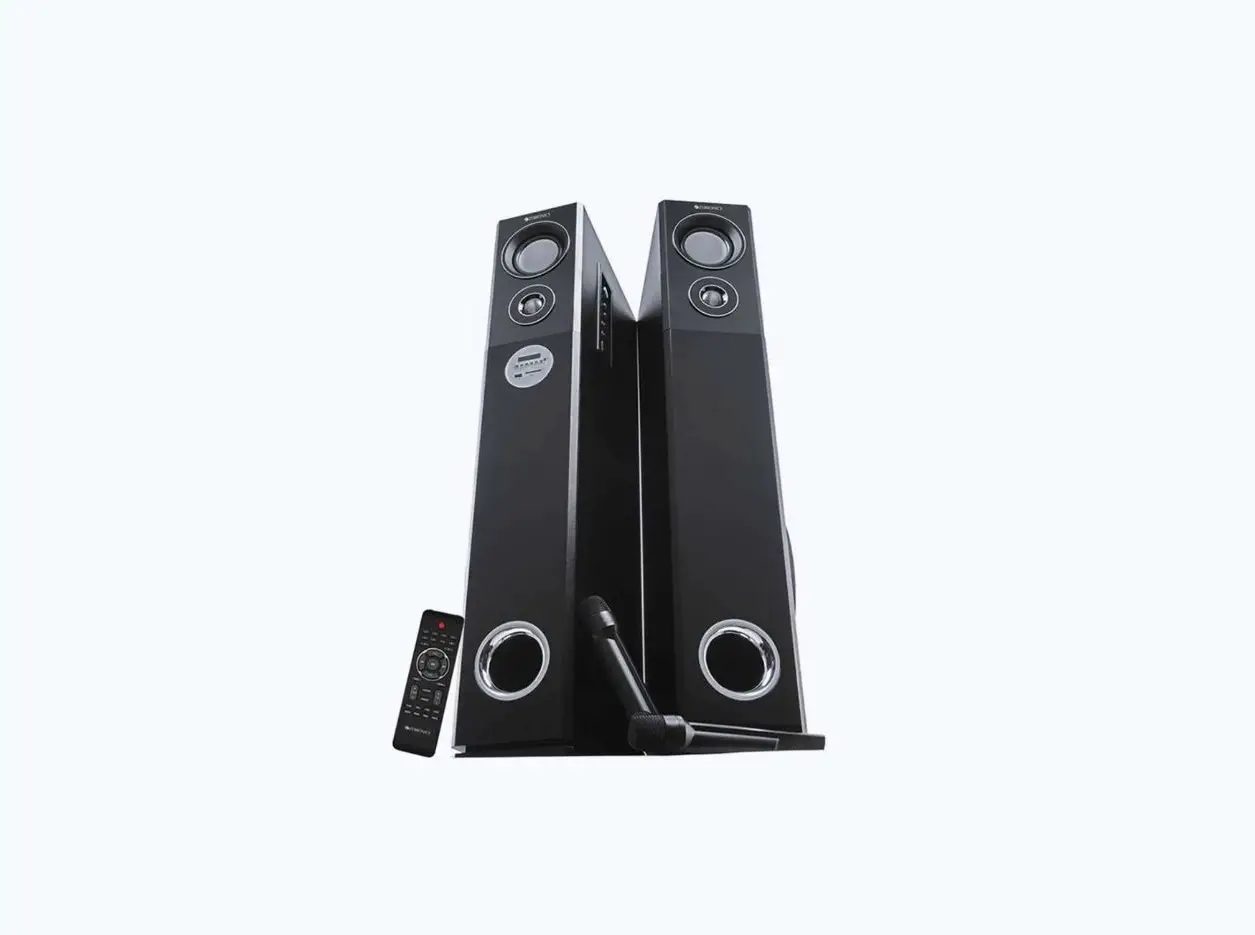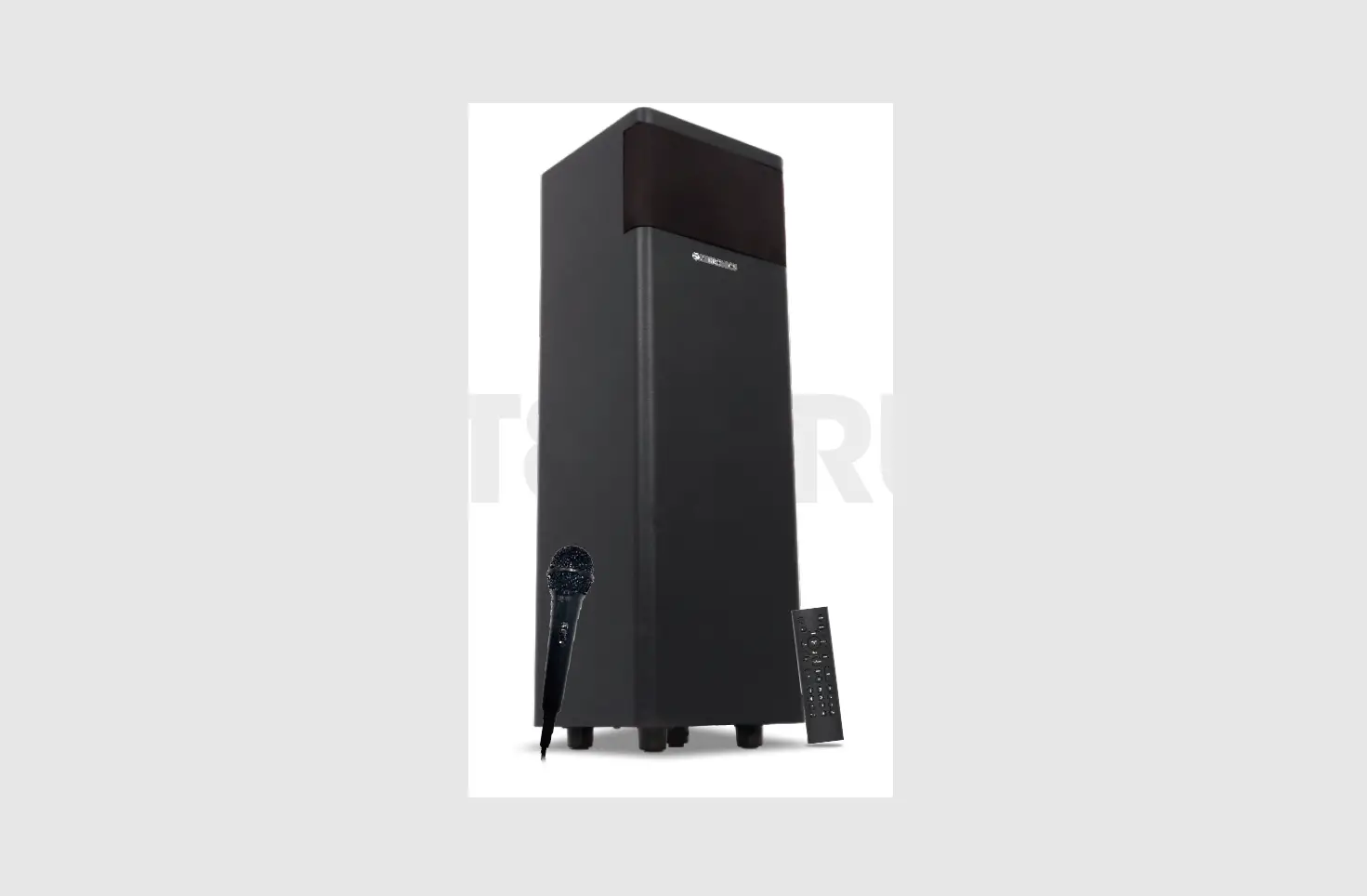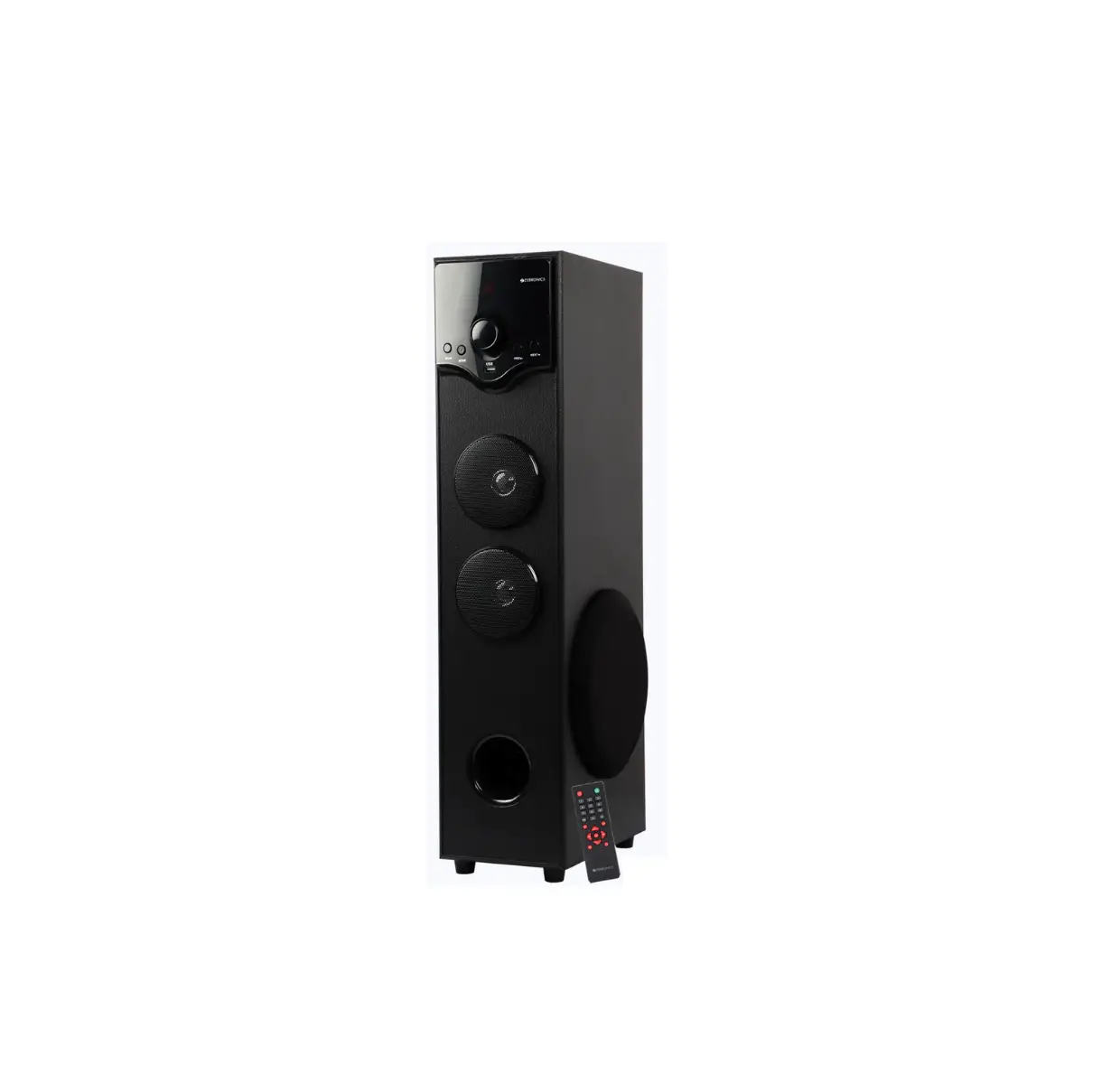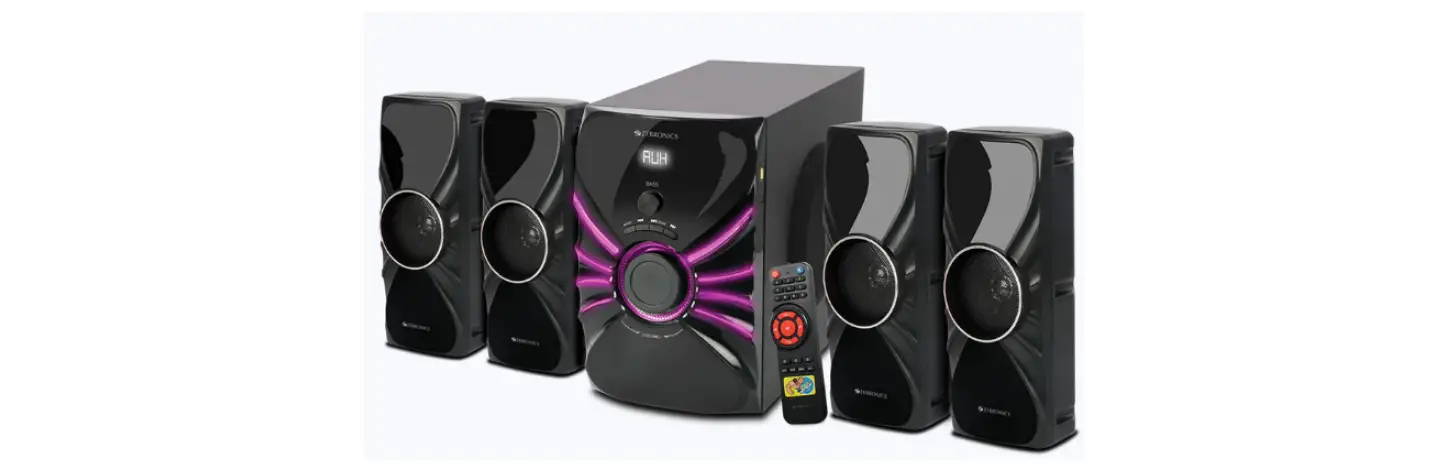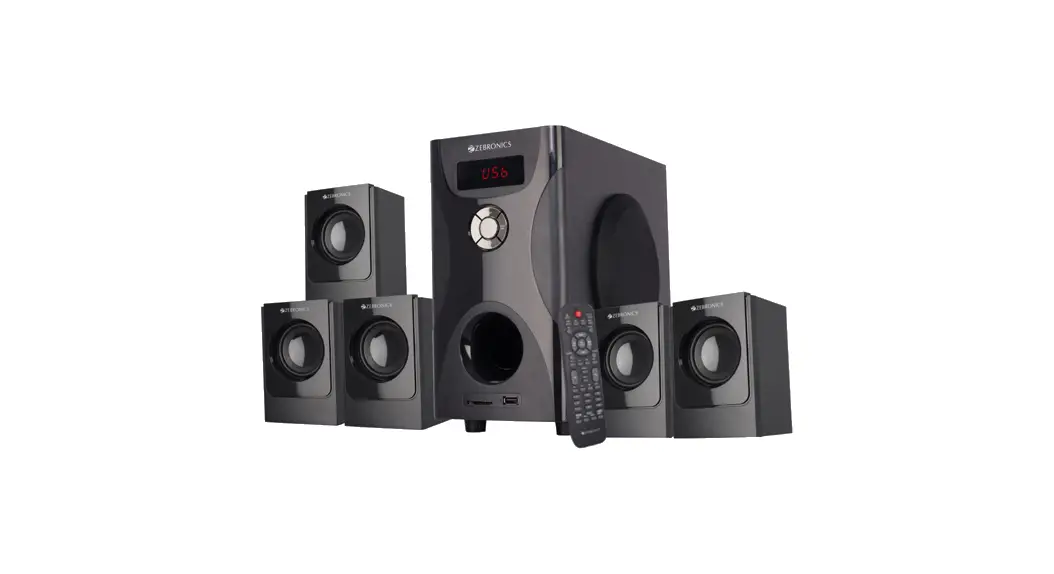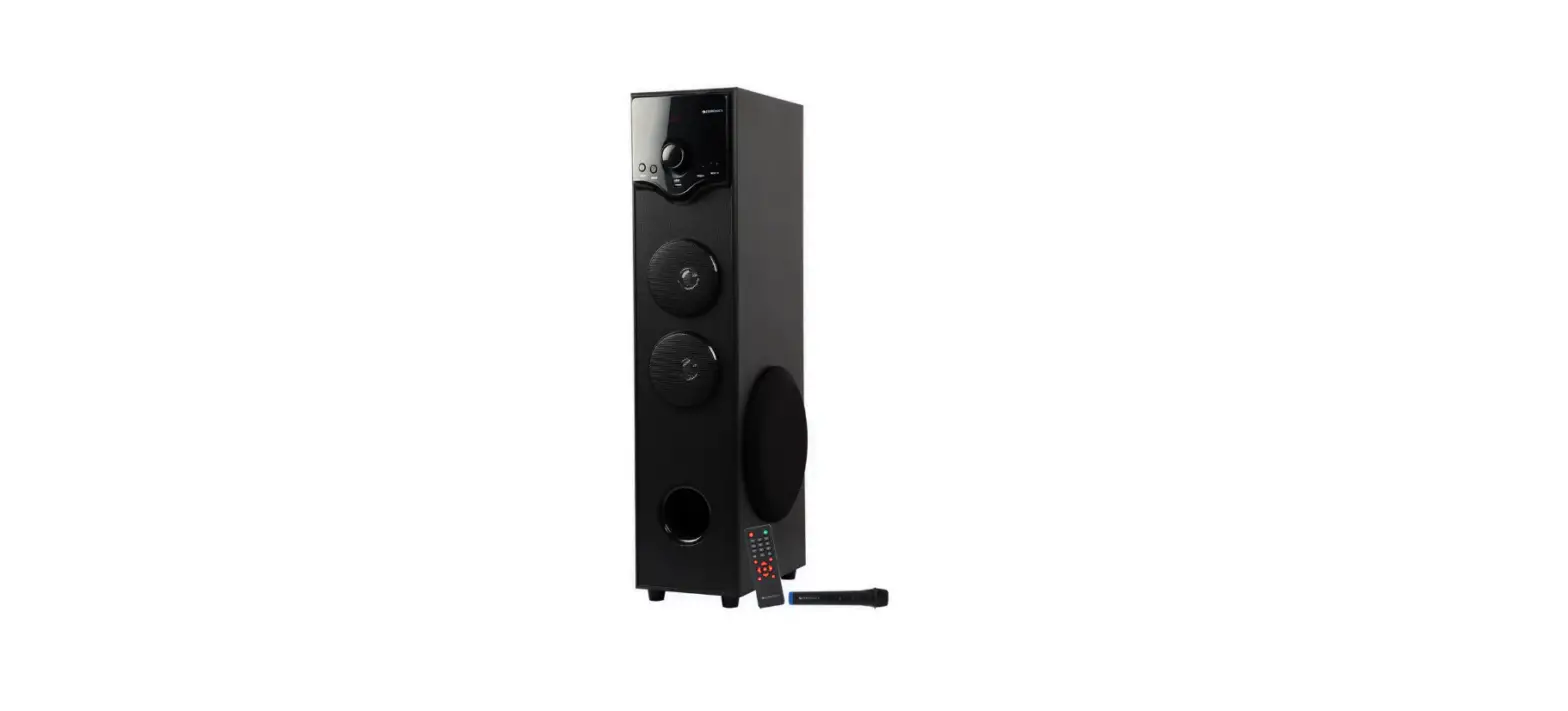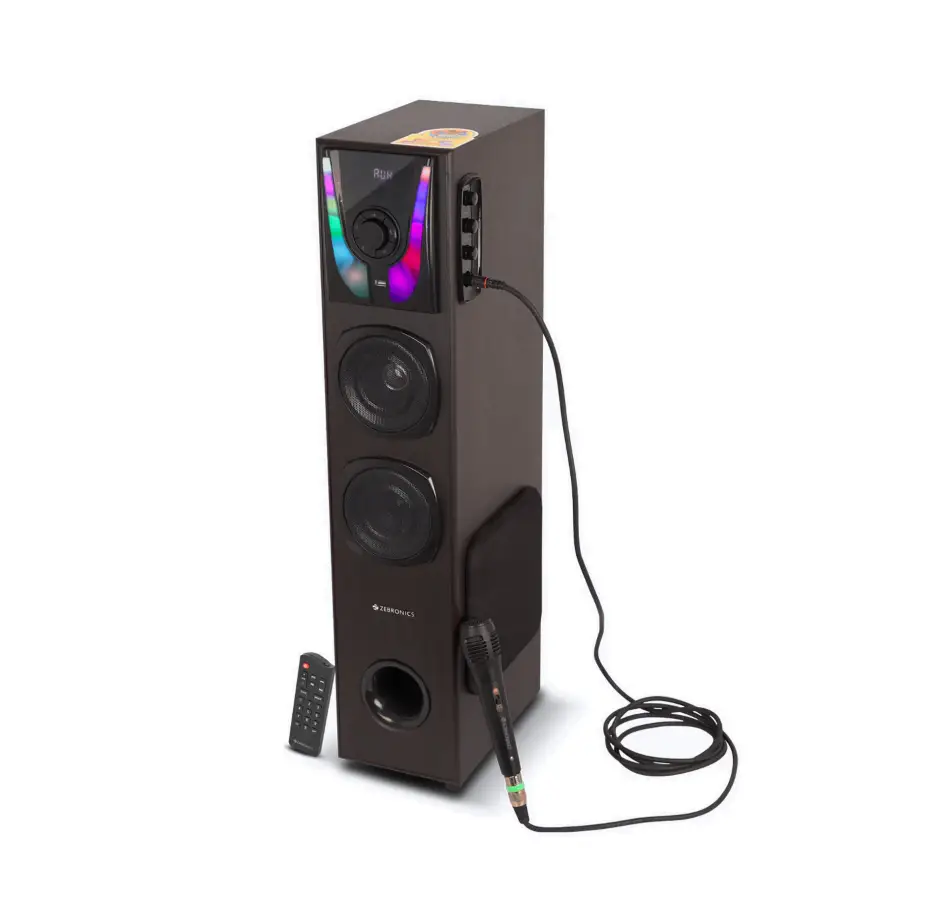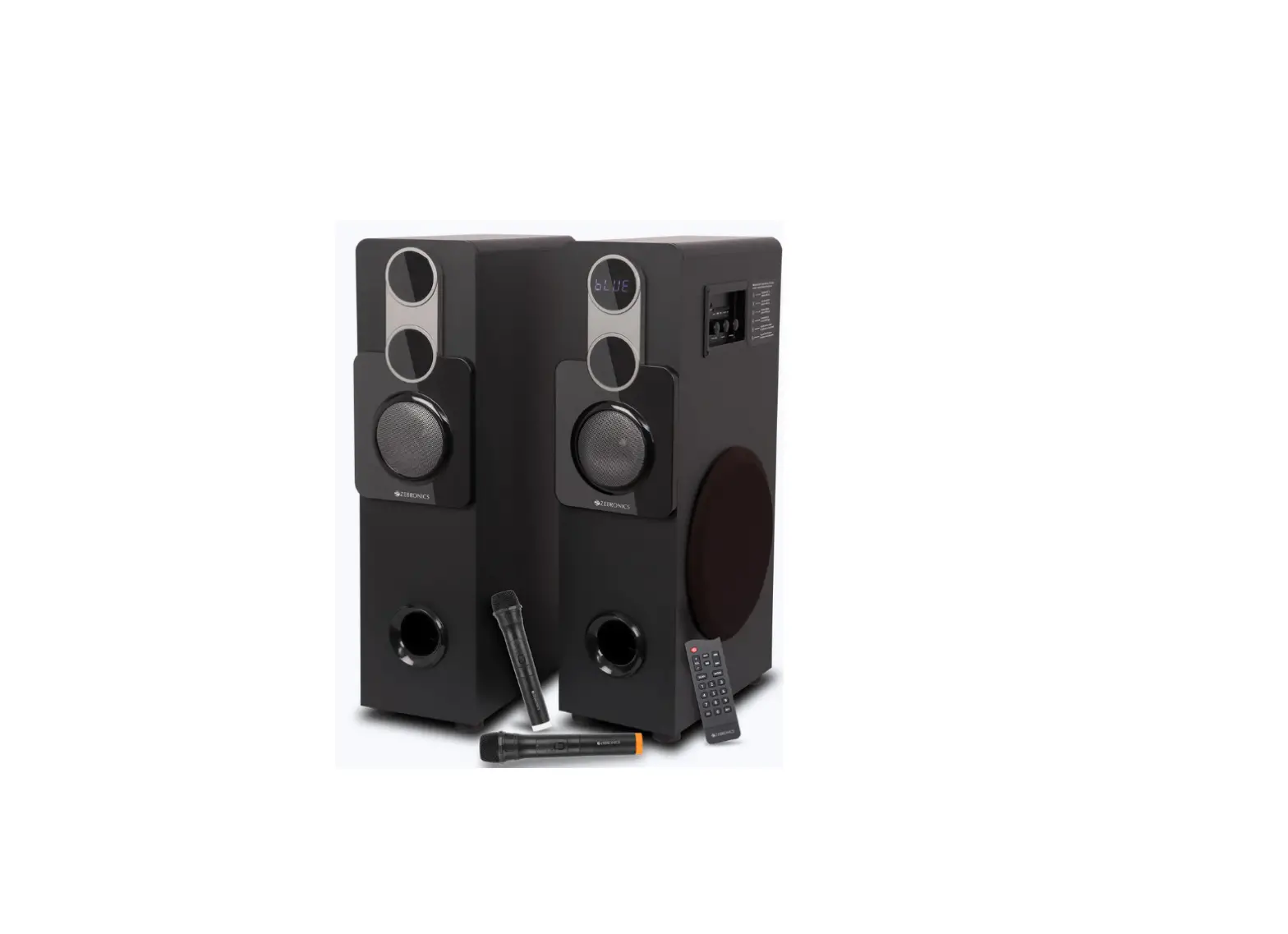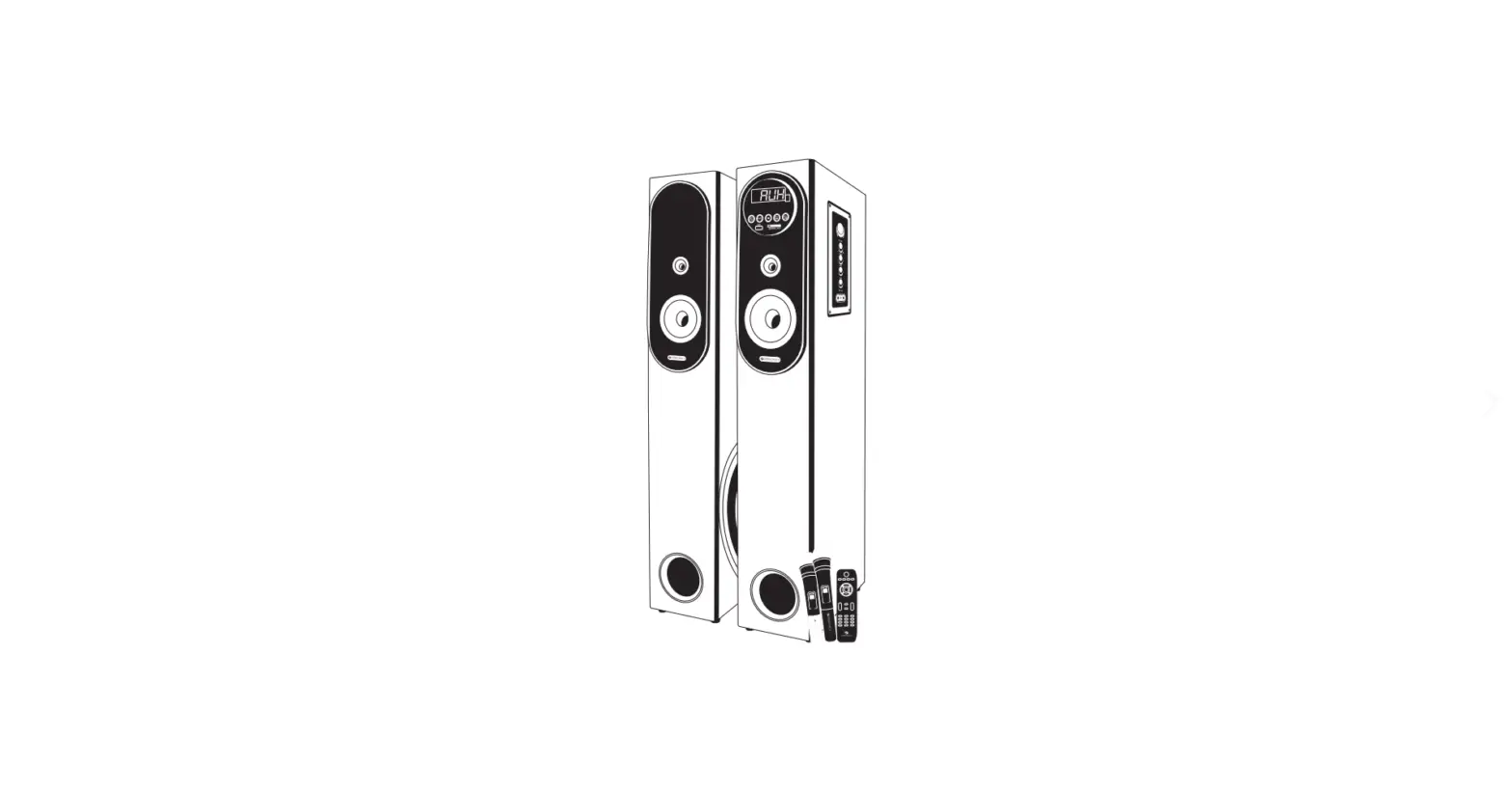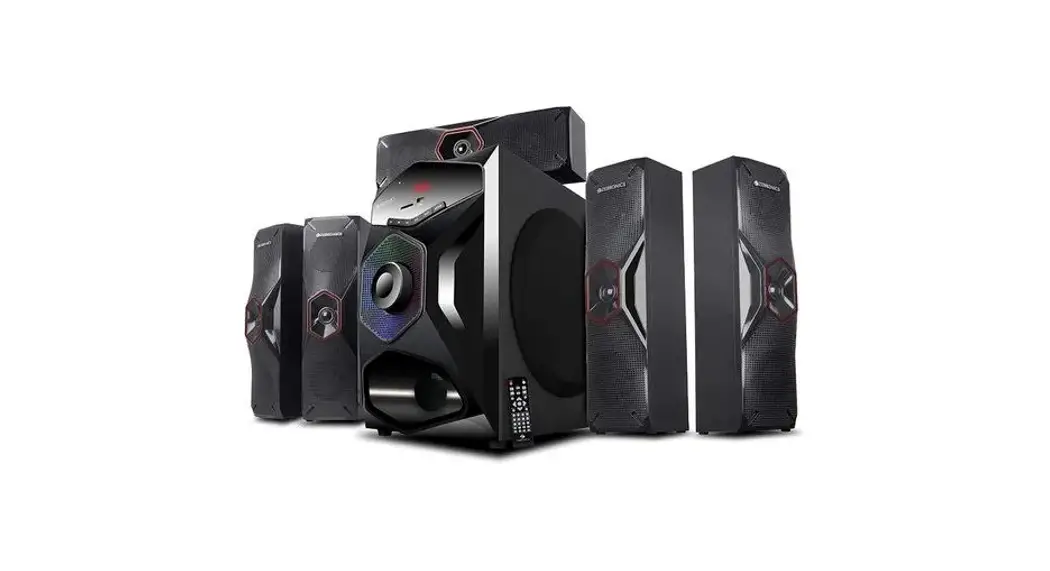

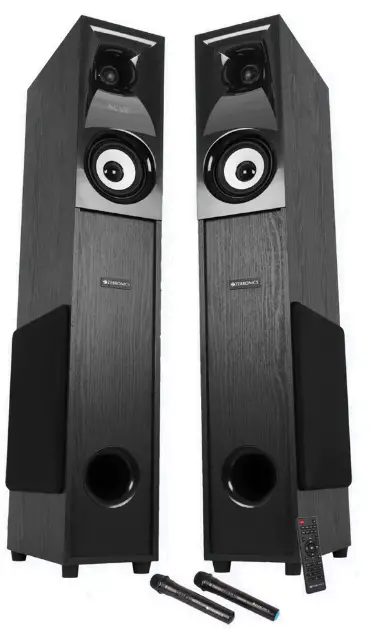
ZEBRONICS ZEB-BT702RUCF Hammer Tower Speaker
Note:
Avoid the use of this speaker at a high-temperature and high humidity environment. Avoid self-disassembly of the speaker, or it will result in the failure of warranty.
Features
- 2.0 Channel Tower speaker
- Wireless BT/AUX/USB/mSD/FM/MIC Inputx2
- LED Display
- Volume/Bass/Treble Control
- 2×25.4cm Subwoofer
- 3 way speaker
- Remote control
- Karaoke
- Dual wireless mics
- Glossy finish
- Mic/Echo volume control
- Recording function
Specification
- Output power (RMS): 160W (8OW+ 80W)
- Driver size
- Subwoofer: 25.4 cm x2
- Mid: 10.16 cmx2
- Tweeter: 2.54 cm x2
- File format support (USB/mSD): MP3/WMA/WAV
- Line input: 2Ch RCA, 3.5mm
- Max. supported (USB/ mSD) memory size: 32GB
- FM frequency Scan range: 87.5-108MHz
- BT name: ZEB-BT702RUCF
- BT version: v5.0
- Product dimension: 148 x 295 x 860 mmm(W x Dx H)
- Net. weight
- (with amplifier):13.6Kg
- (w/o amplifier): 10.6Kg
Package contents
- Tower speaker: 2U
- Remote: 1U
- Wireless Mic: 2U
- Input cable: 1U
- Antenna cable: 1U
- Power cord: 1U
- QR Code guide: 1U
Control description
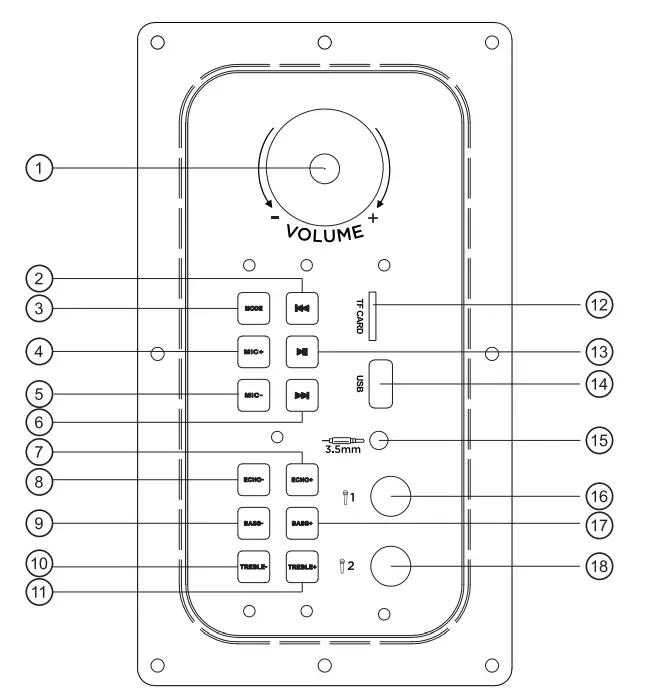
- Master volume control
- Previous track/ FM channel
- Mode change key
- Mic Volume+
- Mic Volume-
- Next track/ FM channel
- Echo Volume+
- Echo Volume
- Bass Volume
- Treble Volume-
- Treble Volume+
- mSD Card slot
- Play/Pause button
- USB Port
- 3.5mm Audio input
- Microphone input 1
- Bass Volume+
- Microphone input 2

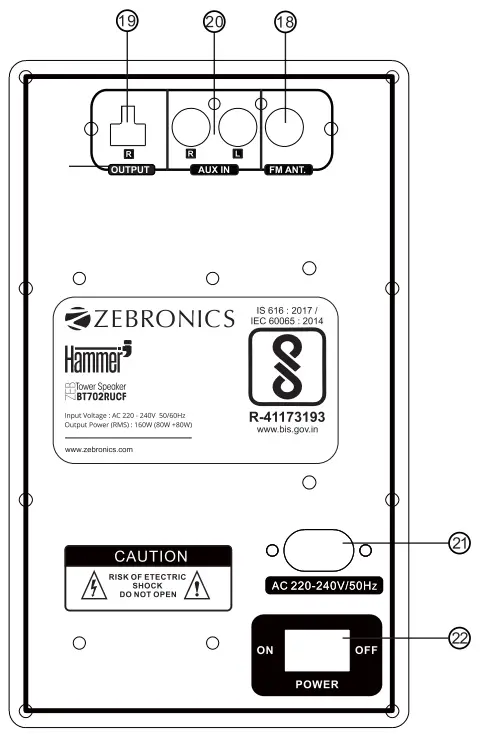
- FM Antena
- Right channel output
- Audio input
- AC Power input
- Power On-Off switch
Remote control
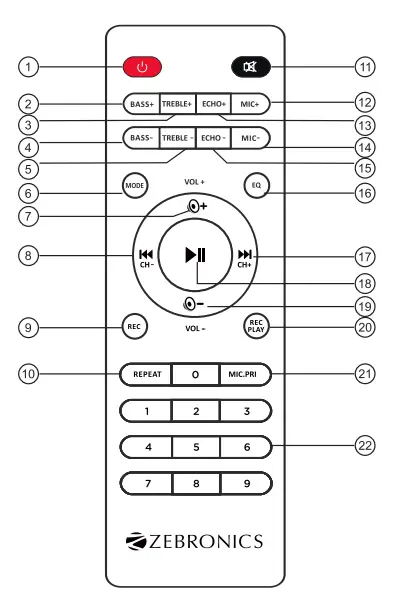
- Power On-Off
- Bass volume +
- Treble volume +
- Bass volume –
- Treble volume –
- Mode change key (BT/AUX/USB/mSD/FM)
- Volume+
- Previous track / FM Channel key / Music Rewind
- Recording key
- Repeat key
- Mute/ Unmute key
- Mic Volume +
- Echo volume +
- Mic Volume –
- Echo volume –
- Equalizer preset
- Next track / FM channel key/ Music Forward
- Play/ Pause key
- Volume
- Play recorded file
- Mic Priority On-Off key
- Numberic selection key (0-9)
General instruction
- Bluetooth connectivity
Switch the speaker to BT mode, Scan for nearby BT devices in your mobile. Tap on “ZEB-BT702RUCF” to connect. - USB/mSD Mode
Insert the USB/mSD card to the speaker. The speaker will detect the USB/mSD card automatically & the songs from it will be played. - FM Radio
Switch the speaker to FM, In FM Mode, Long press the Play/Pause Key to scan the available FM channels. Once the scanning is done, The Speaker will start playing the first scanned channel. - AUX-In
The speaker can be connected to an audio device using an RCA to 3.5m audio Cable. Connect one end of the Cable to the speaker & connect the other end of the cable to an audio source. The songs from the audio source can be heard through the speaker. - Recording function
To record a voice, first plug-in a USB/mSD card into the speaker which will act as a storage device. Press the REC. key on the remote to start/stop recording. Once the song or voice is recorded through the Mic, press the REC. PLAY key to play the recorded file.
Note: Speaker can record the Mic input.