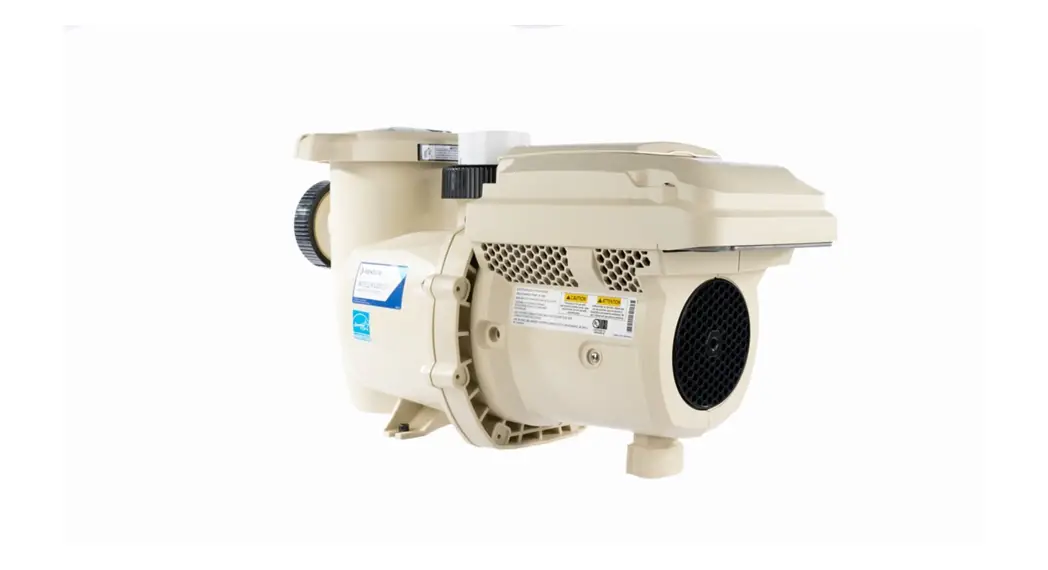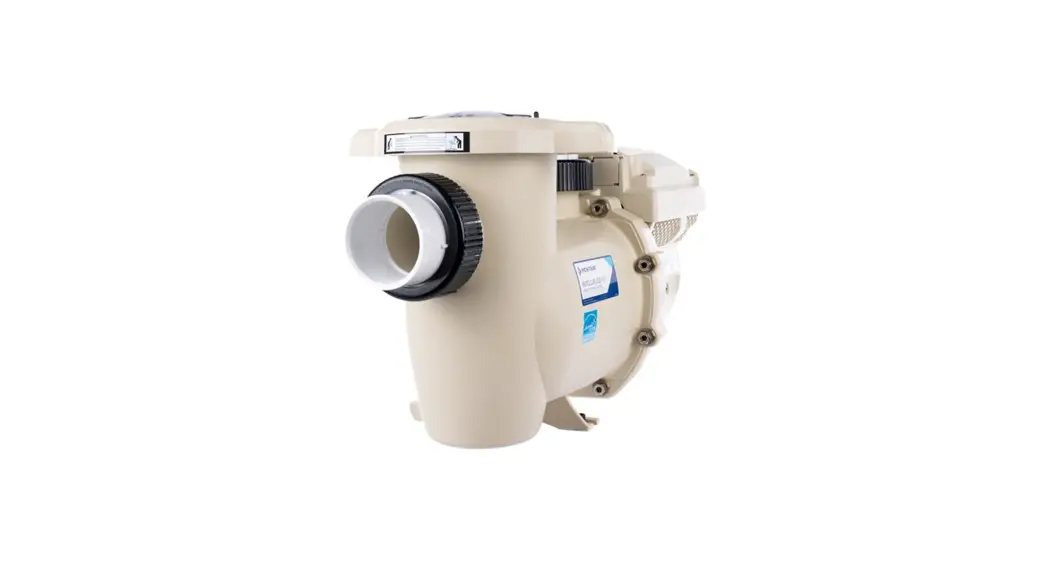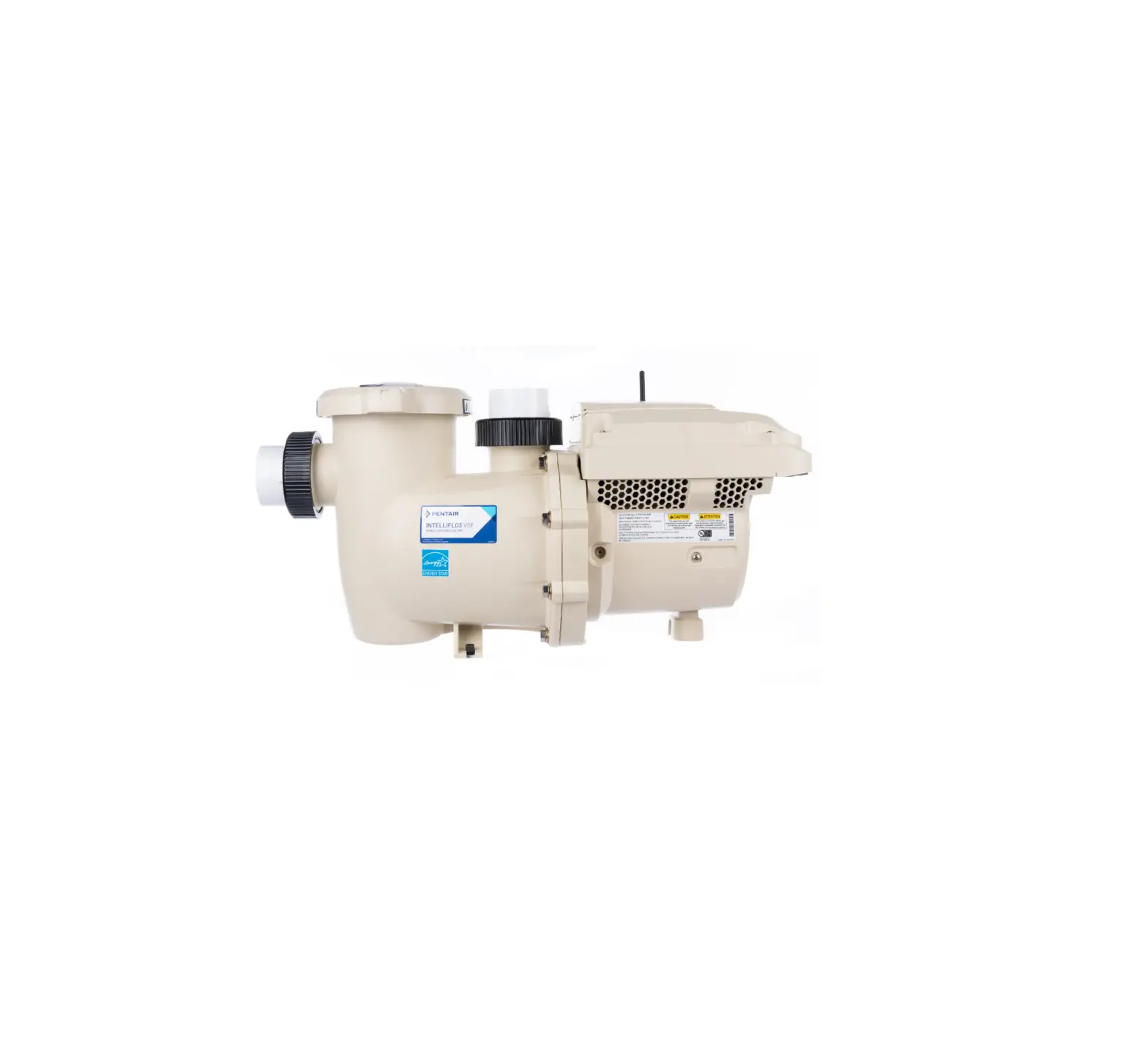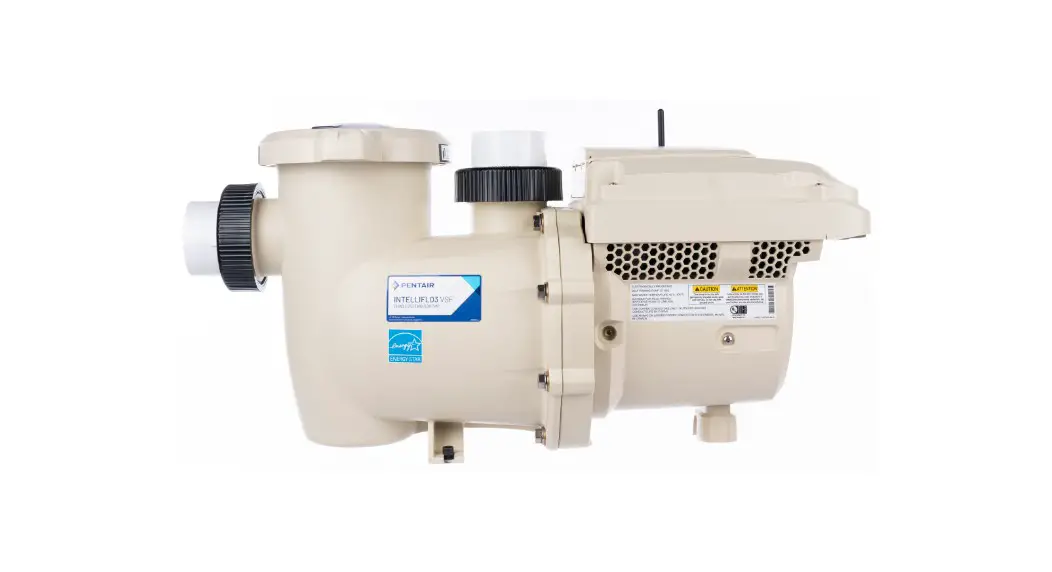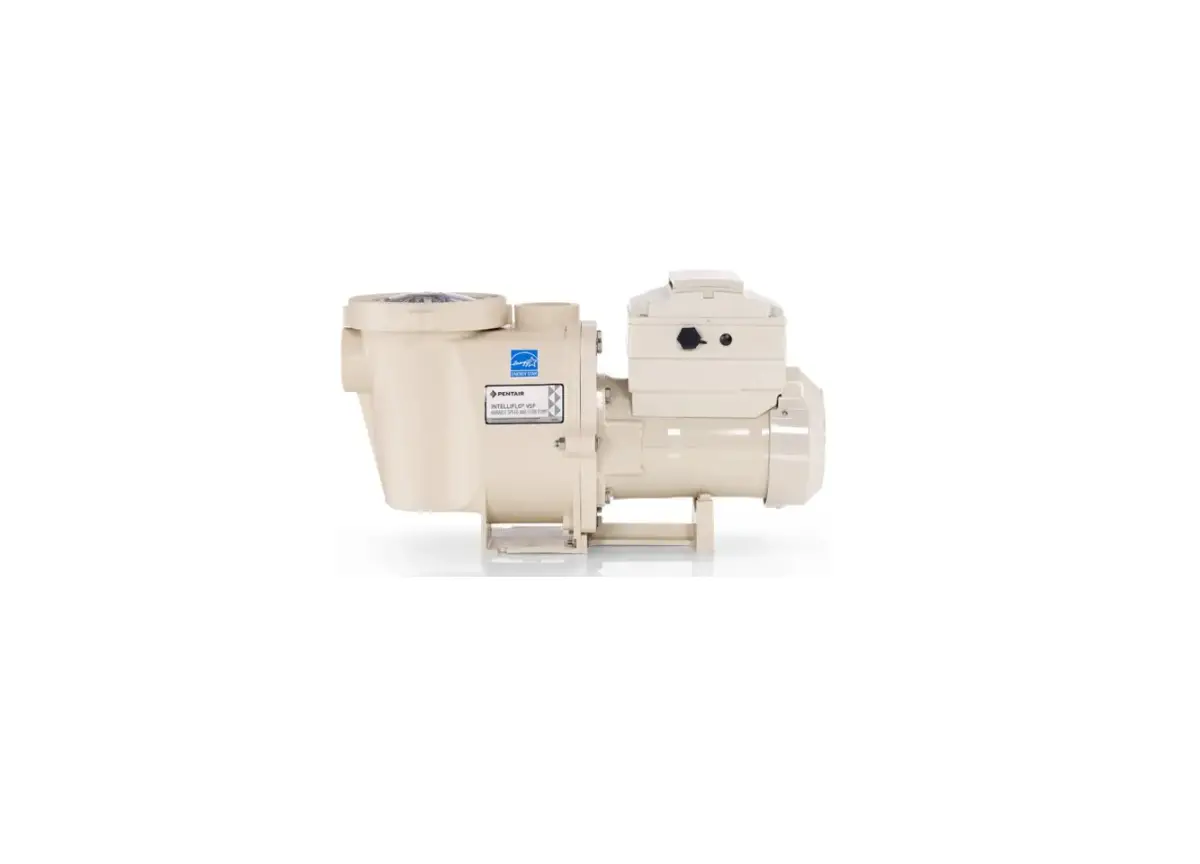
PENTAIR INTELLIFLO3 Pool Pump User Guide
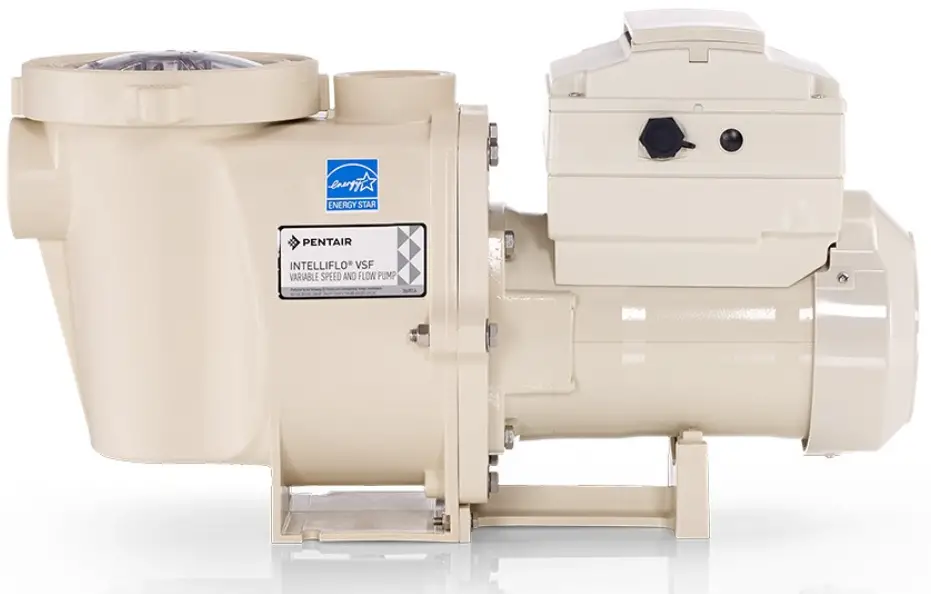
CONNECT THE INTELLIFLO3™
VARIABLE SPEED AND FLOW PUMP TO THE PENTAIR HOME APP
Open the Pentair Home app and follow these instructions to connect the IntelliFlo3 to your Home account.
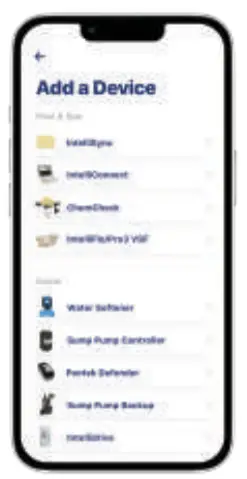
From the home app, choose Add a Device. Select IntelliFlo3.
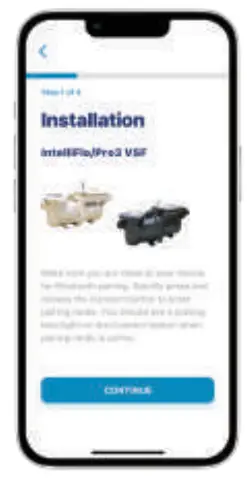
Make sure you are close to your pump to pair your Bluetooth device.
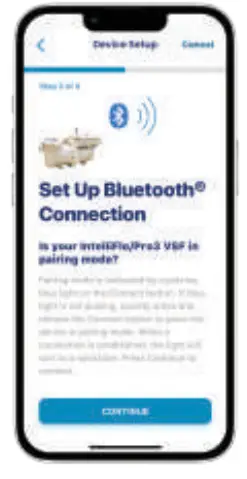
Begin pairing mode. Select CONTINUE.
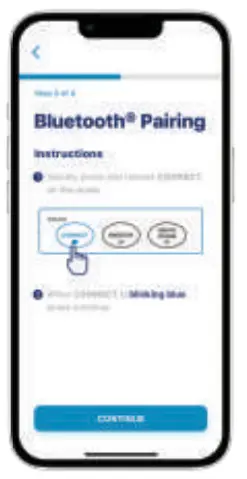
Press the CONNECT button on the pump. When the CONNECT button flashes blue on the pump, on the app screen, select CONTINUE.
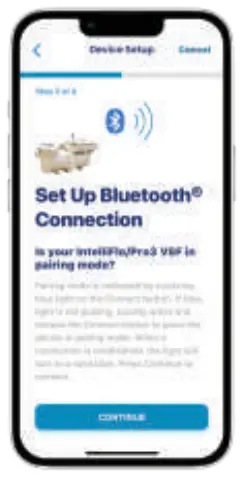
Select CONTINUE.
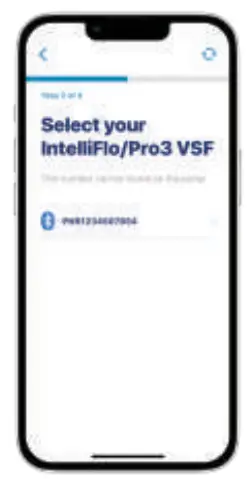
Select the device that shows up. The device should start with the letters PNR. The connection process will begin.
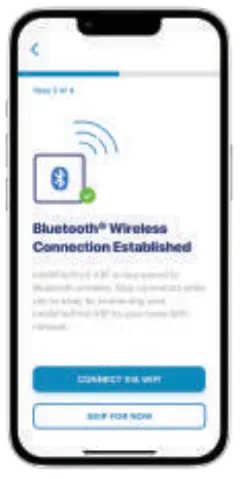
Your Bluetooth Wireless Connect has been established. Select CONNECT VIA WIFI for the best experience
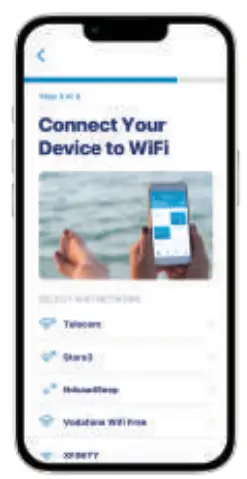
Select your home network under Select WiFi Network.
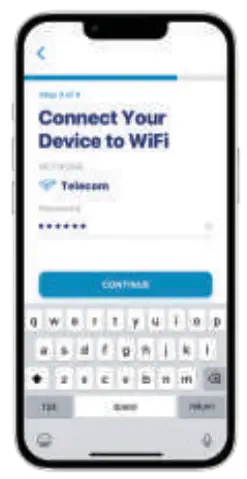
Enter your WiFi password and select CONTINUE
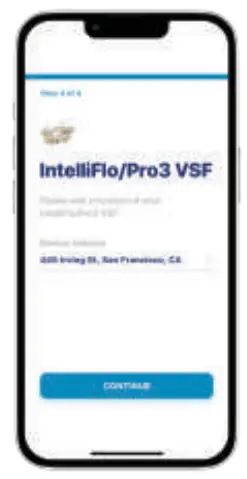
Once your IntelliFlo3 is connected to your WiFi, add your device address to complete setup. Select CONTINUE.
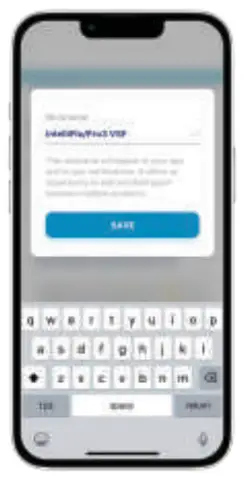
Nickname your pump. Select Save.
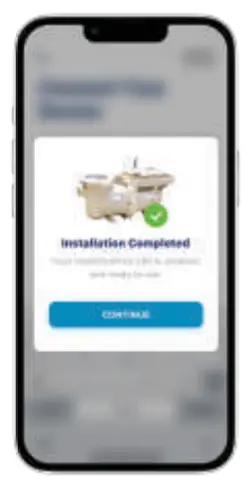
The installation is complete. Select CONTINUE.
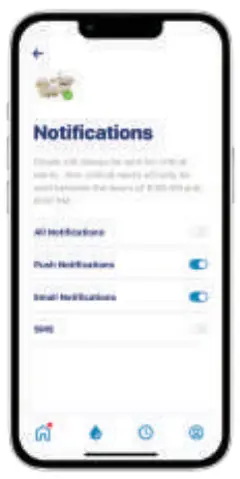
Select your Notifications. Select CONTINUE
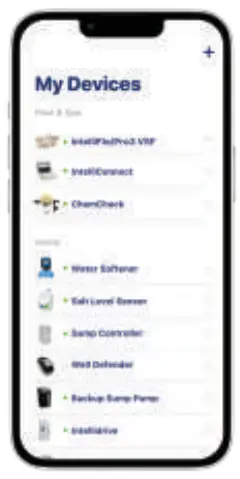
Your IntelliFlo3 is ready to use.
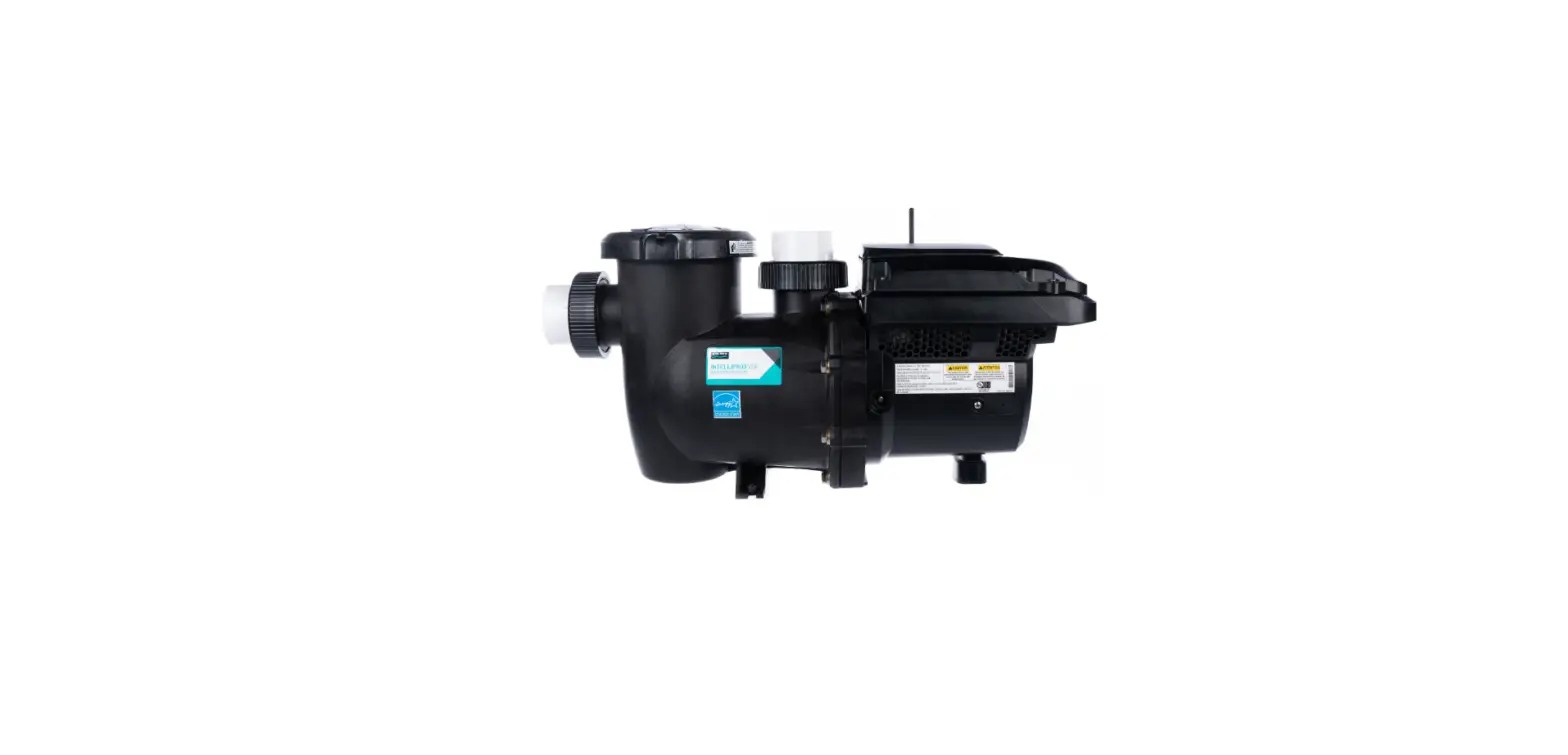
Note: These are the same installation steps for the IntelliPro3™ Variable Speed and Flow Pool Pump
CUSTOMER SUPPORT
 To download the app, scan the QR code or go to pentair.com/appdownload.
The Bluetooth® word mark and logos are registered trademarks owned by the Bluetooth SIG, Inc. and any use of such marks by Pentair Management Company is under license.©2022 Pentair. All Rights Reserved.
pentair.com

 Pentair