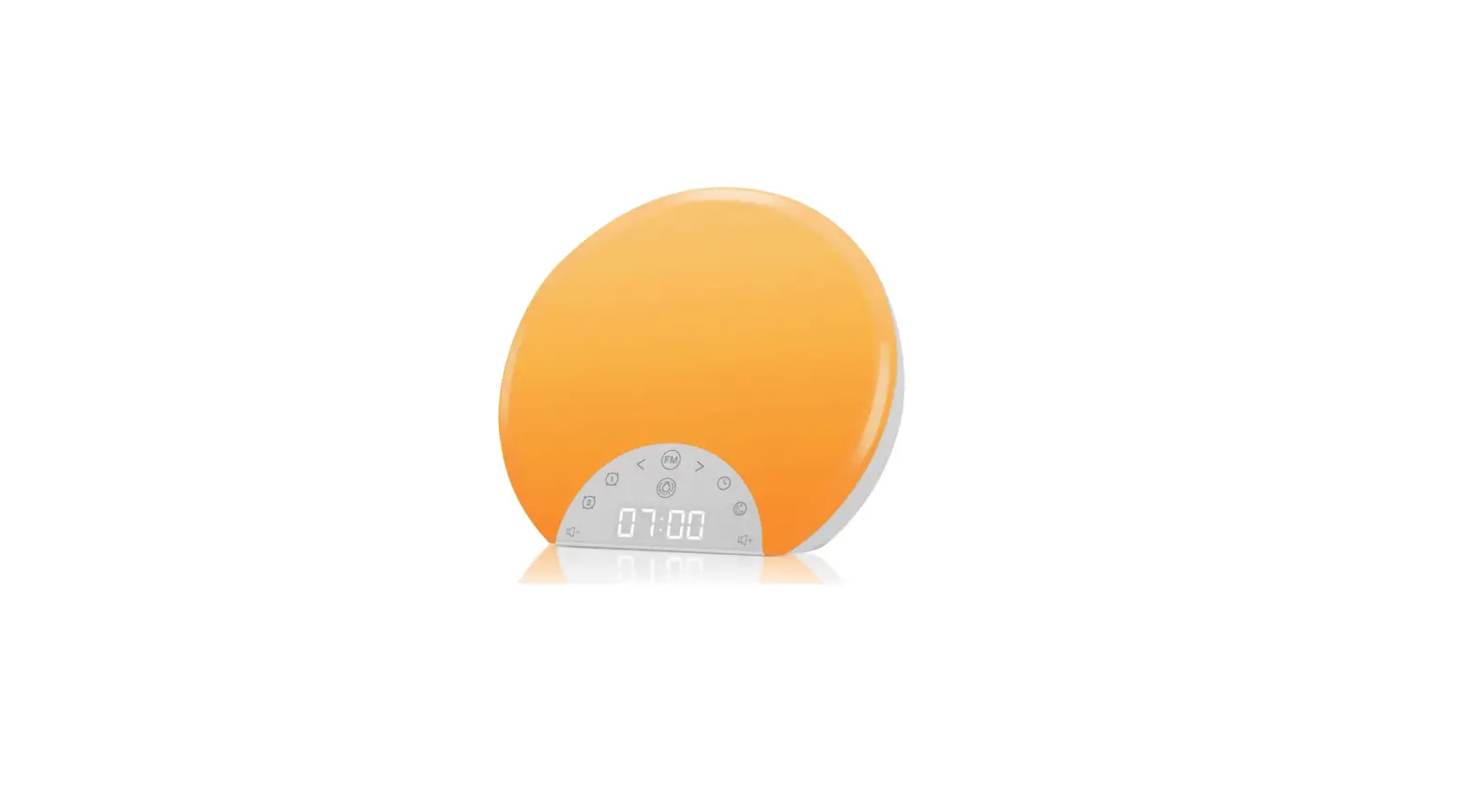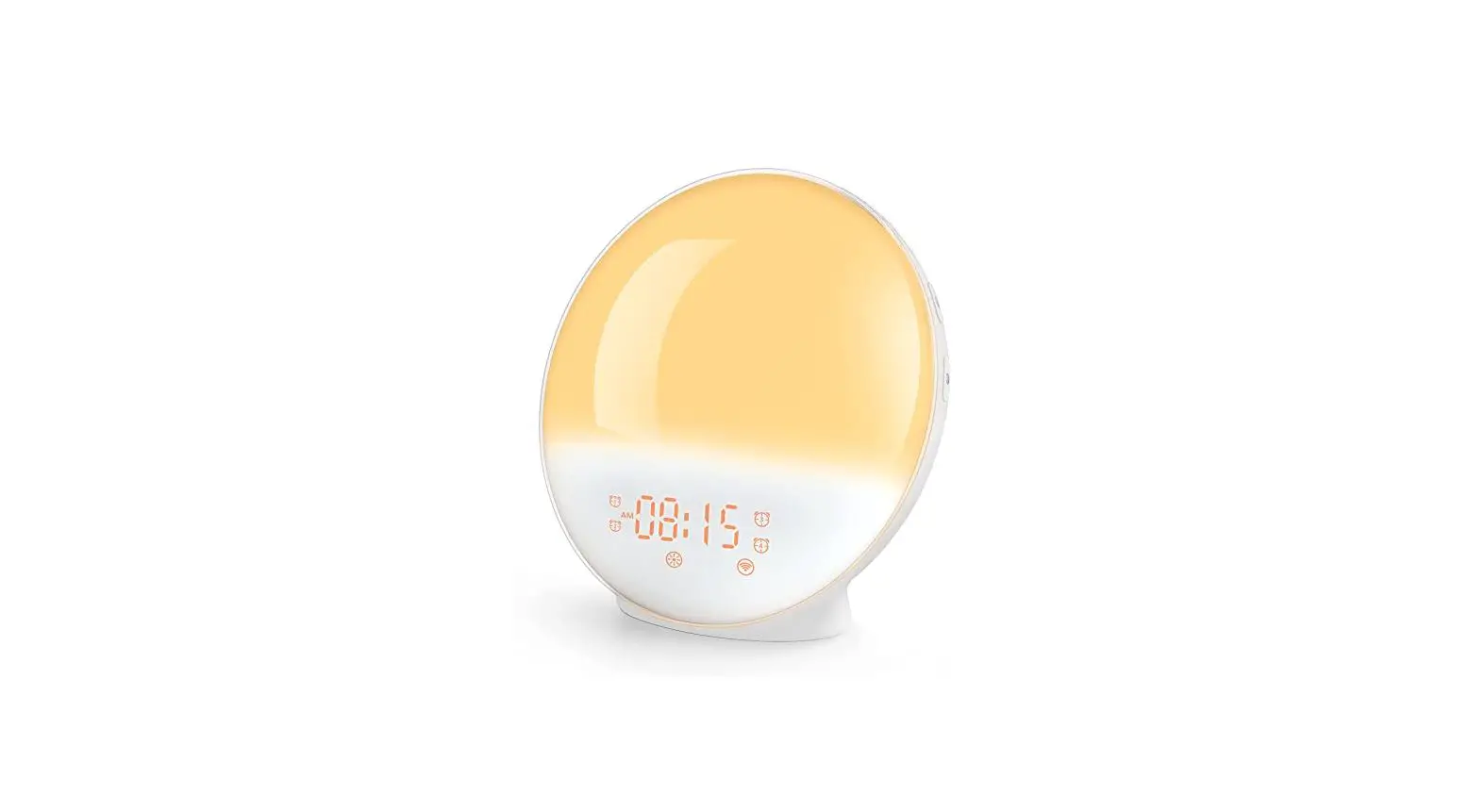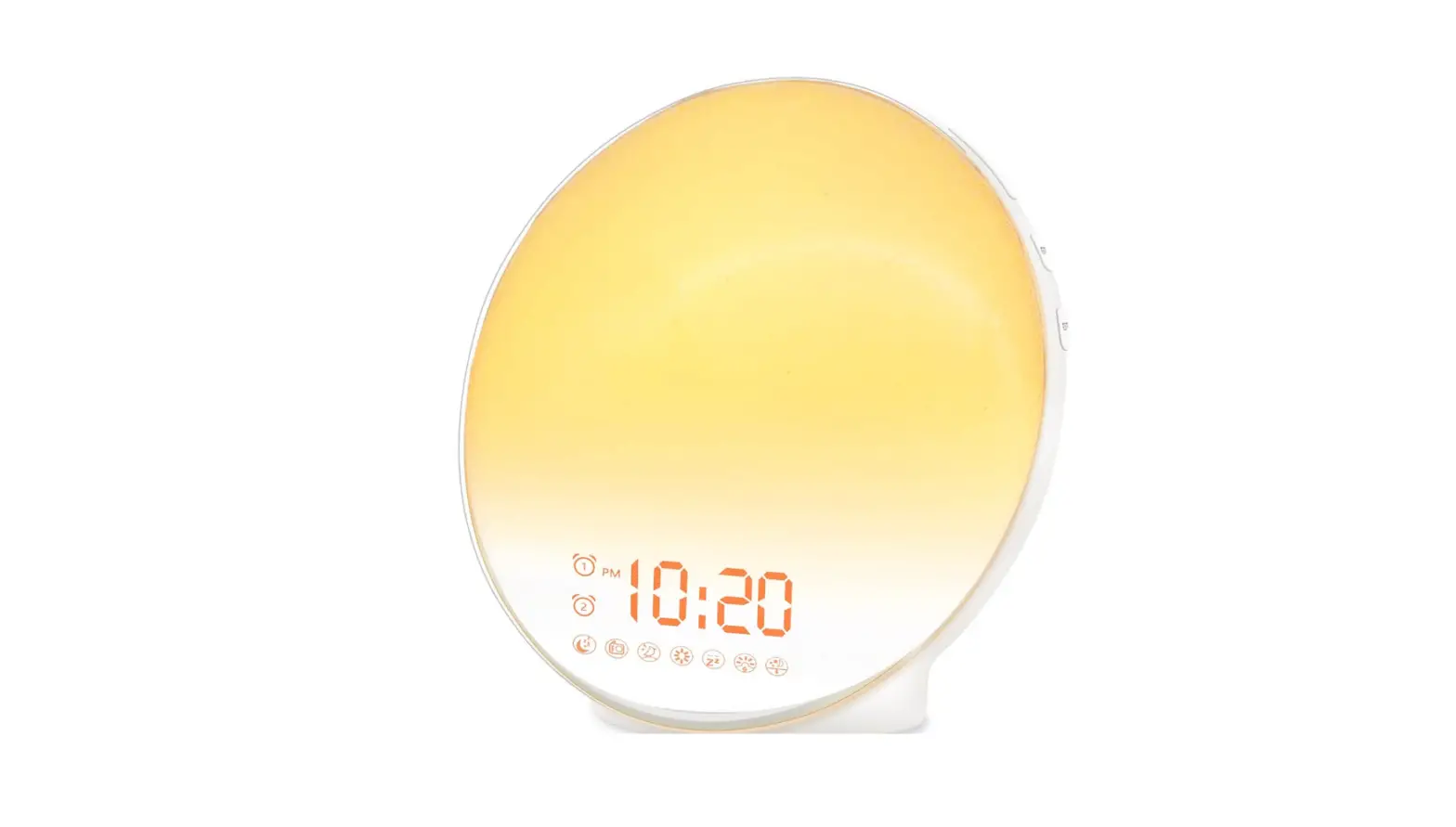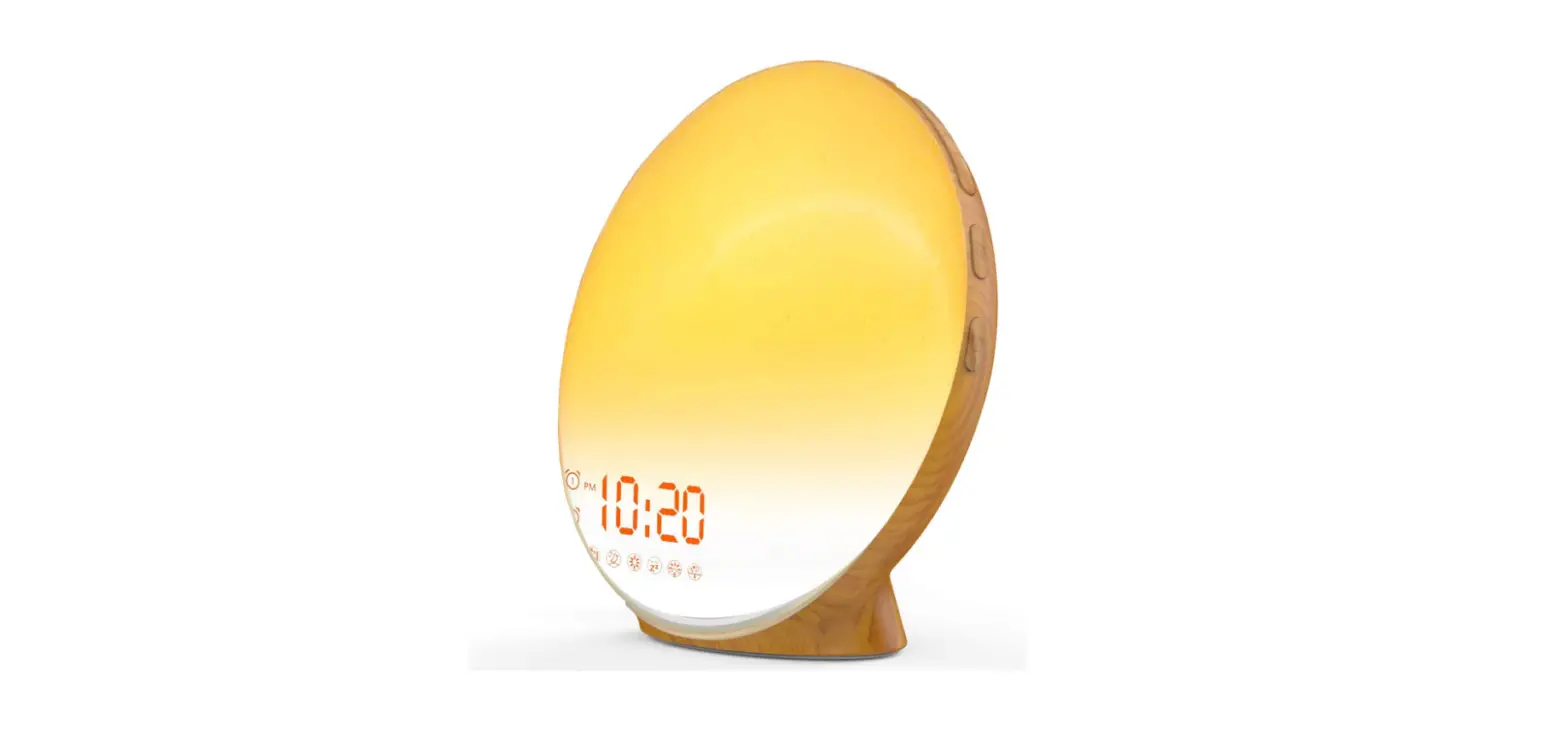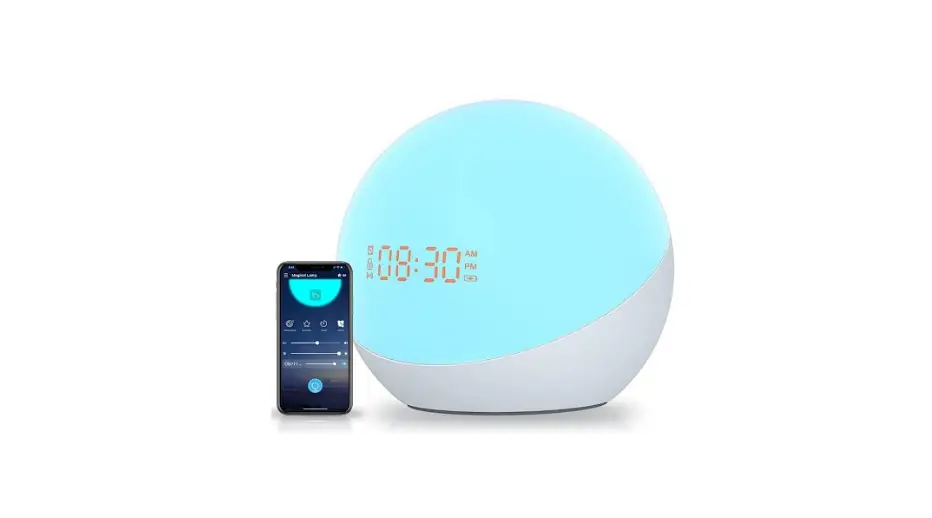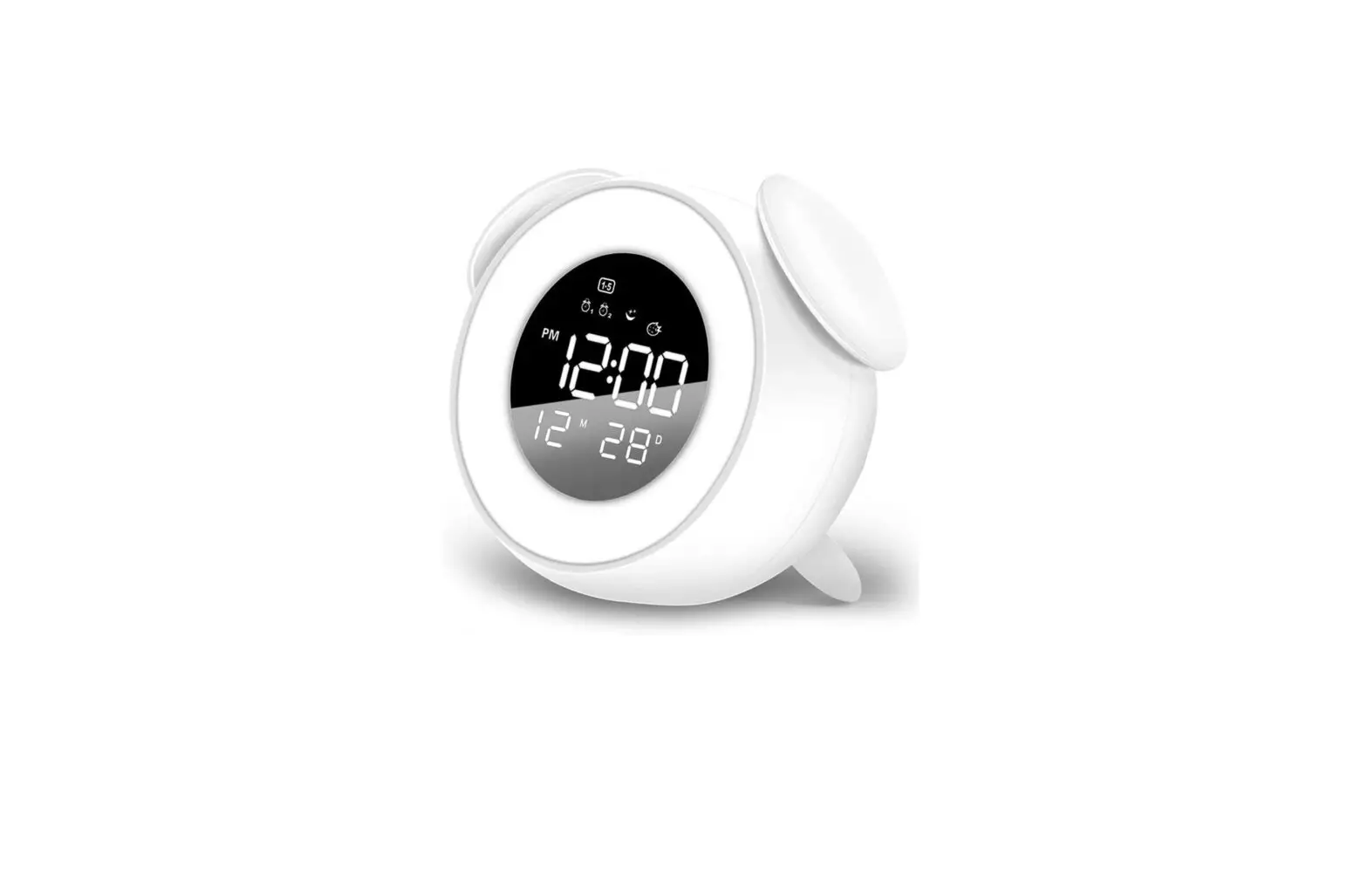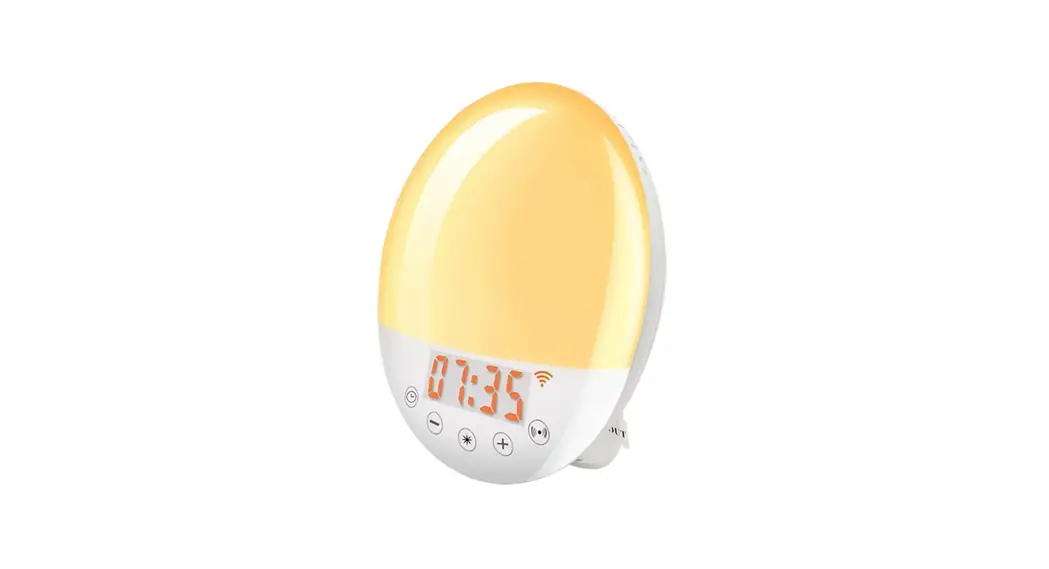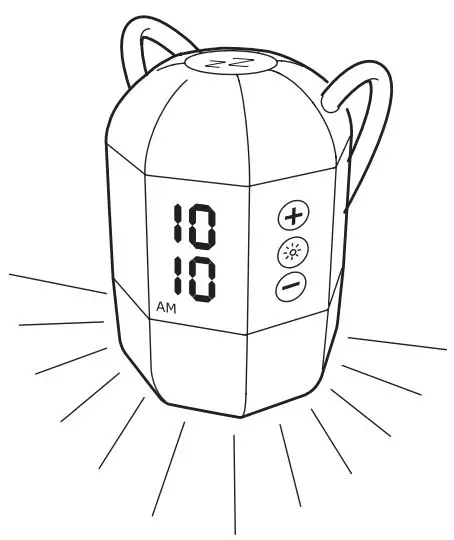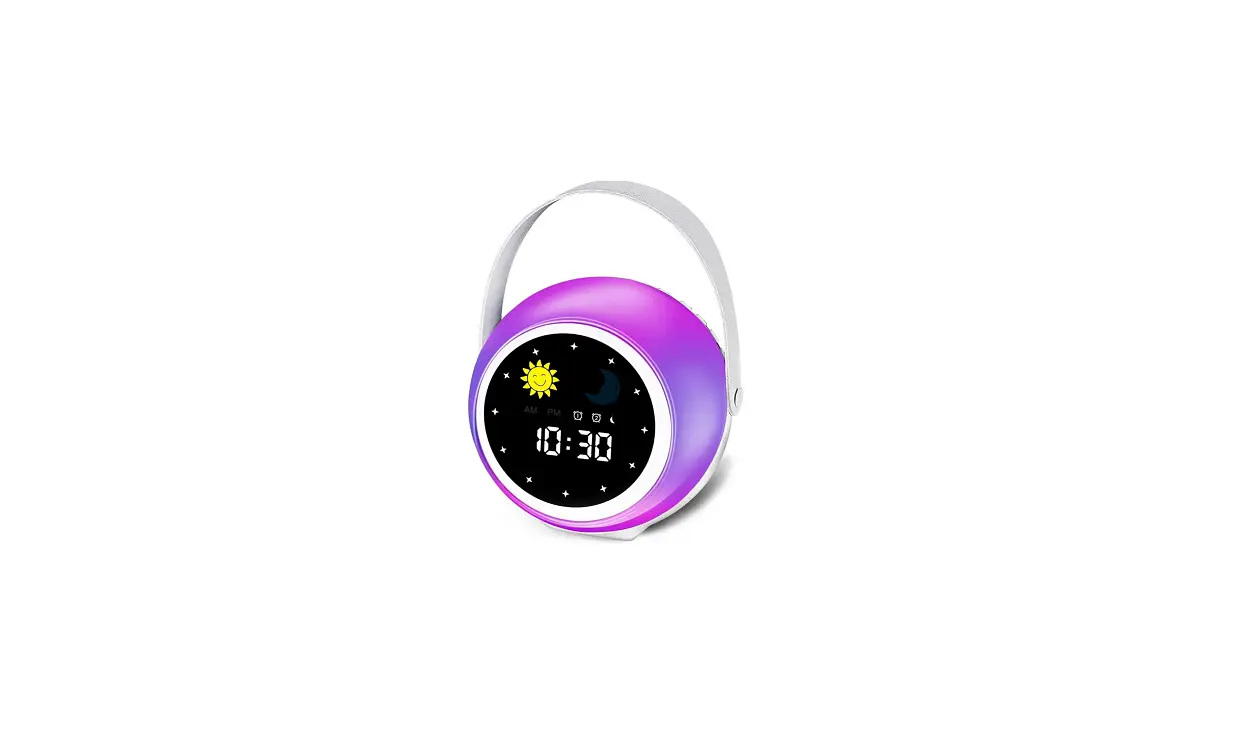
Smart Wake-Up Light Guide
APP Function


- Four Alarm Clocks
- Remote Control
- Automatic network timing
- Smart alarm Settings-can set alarm mode, alarm duration and working day
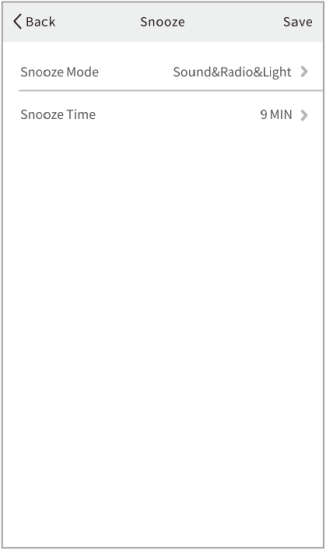
- Intelligent Snooze Setting-can set Snooze mode and Snooze duration
- Practical Sleeping mode Settings
Voice control
- Support for Amazon Alexa, Google Home
Thank you for choosing our product.
Version ACA-003 2.0
WARNING
To reduce the risk of Fire, Electric Shock, or Injury to Persons:
- This appliance is only intended for household use, including similar use in hotels.
- Place this appliance on a stable level and non-slippery surface.
- Do not use this appliance in wet surroundings (e.g. in the bathroom or near a shower or swimming pool.)
- Make sure the adapter does not get wet.
- Do not let water run into the appliance or spill water onto the appliance.
- Only use the original adapter. Do not use the other adapter if they are damaged.
- This appliance has no on/off switch. To disconnect the appliance from the power source, remove the the plug from the wall outlet.
- Do not use this appliance as a means to reduce your hours of sleep. The purpose of this appliance is to help you wake up more easily. It does not diminish your need for sleep.
STORAGE
- Clean the appliance with a soft cloth.
- Do not use abrasive cleaning agents, pads or cleaning solvents like alcohol, acetone, etc., as this might damage the surface of the appliance.
- If the appliance will not be used for an extended period of time, remove the power cord from the wall outlet and store the appliance in a safe, dry surroundings where it will not be crushed, banged, or subject to damage.
Quick-start Guide
Alarm


(1) Press : turn on/off the alarm;
(2) Press and hold: set the alarm with pressing  /
/ to adjust.
Fall Asleep
(1) Press : turn on/off the fall asleep function;
(2) Press and hold : set the fall asleep mode, with pressing / to adjust.
Display Brightness & Time Setting

(1) Press : adjust the time display brightness;
(2) Press and hold : set the time with pressing / to adjust.
Light


(1) Press to turn on/off sunrise light;
Press / to adjust the brightness.
(2) Press twice to turn on/off the colored light;
Press / to adjust the light color.
FM Radio


(1) Press to turn on/off the FM;
Press twice to scan radio frequencies automatically.
(2) Press / to adjust the frequency (0.1 MHz);
Press and hold / to adjust the channel.
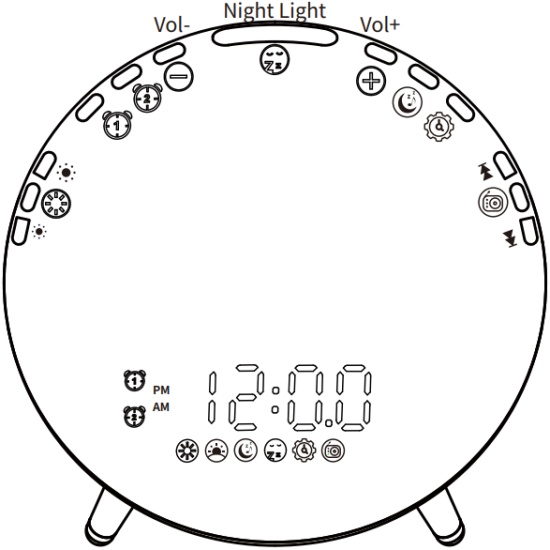
Overview
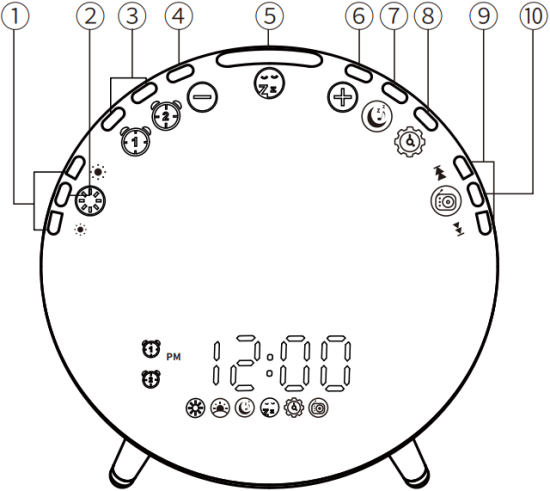
(1) Light Brightness Adjustment
(2) Light Switch
(3) Alarm 1/Alarm 2
(4) Setting “-“/Volume “-”
(5) Snooze/Night Light Switch
(6) Setting “+”/Volume “+”
(7) Fall Asleep
(8) Display Brightness/Time Setting
(9) FM Tuning
(10) FM Switch
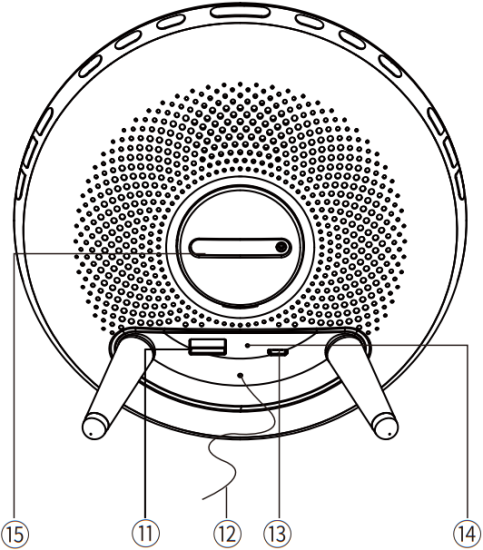
(11) USB Output
(12) FM Antenna
(13) Micro USB Input
(14) Reset
(15) Button Battery
Quick Installation and Removal
1. Install the stand: Insert the stand directly into the mounting hole until it is securely attached. (as shown in Fig. 1)
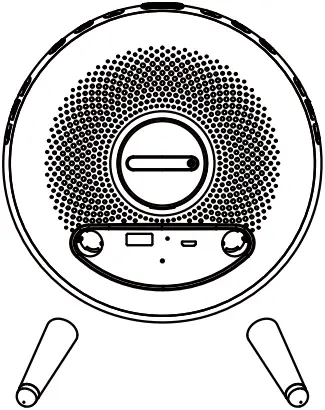
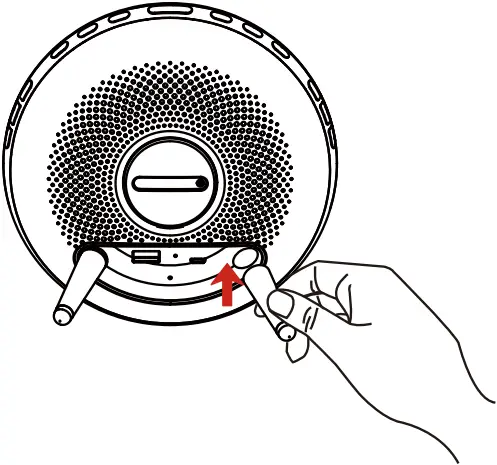
Fig. 1
2. Remove the stand: Hold the stand and gently press down to remove it. (as shown in Fig. 2)
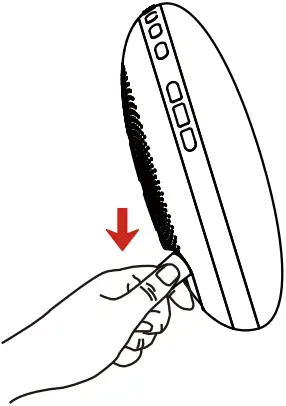
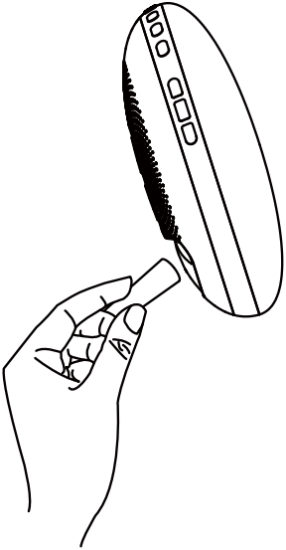
Fig. 2
1 Time & 12/24H Setting
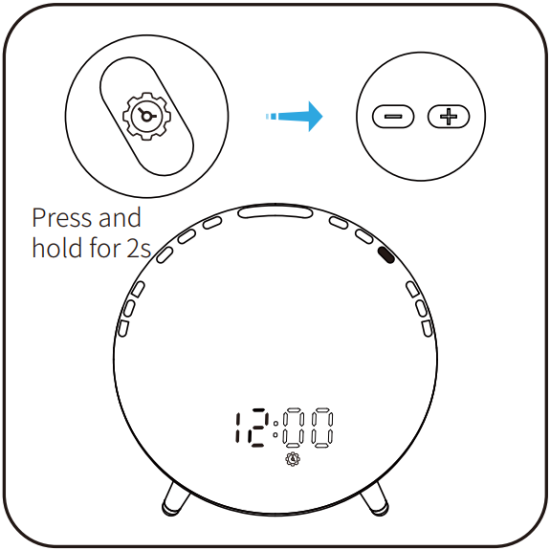
1. Press and hold for 2s, the  icon will illuminate and the hour indication will start to flash; press / to adjust the hour.
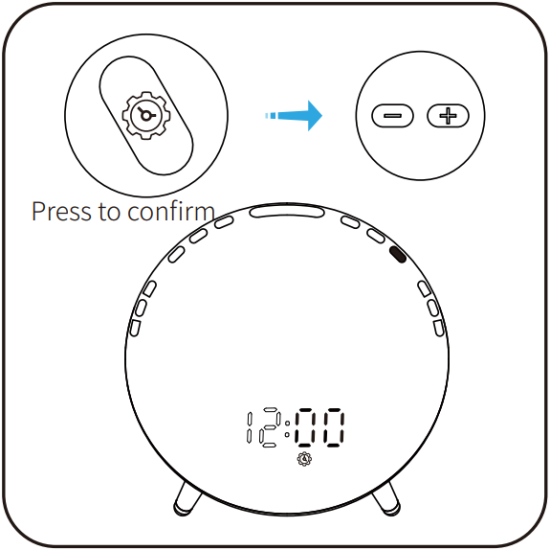
2. Press to confirm the setting, the minute indication will start to flash; press / to adjust the minute.
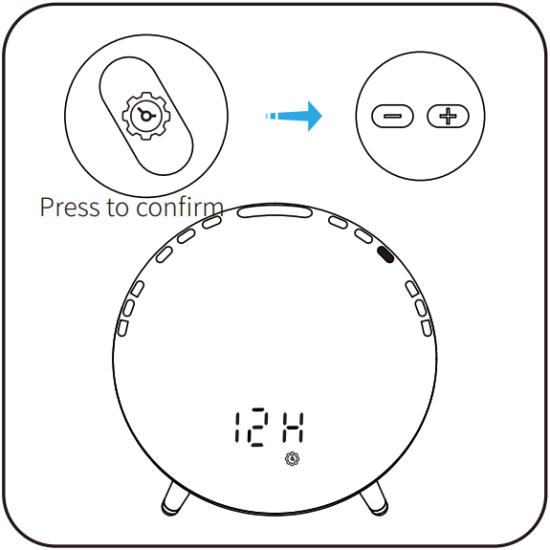
3. Press to confirm the setting, the 12H indication will start to flash; press / to choose between a 12-hour and a 24-hour clock Press to complete the time setting.
2 Display Brightness
Press to adjust the display brightness. 3 Levels: Bright – Auto – OFF. Default Brightness: Bright.
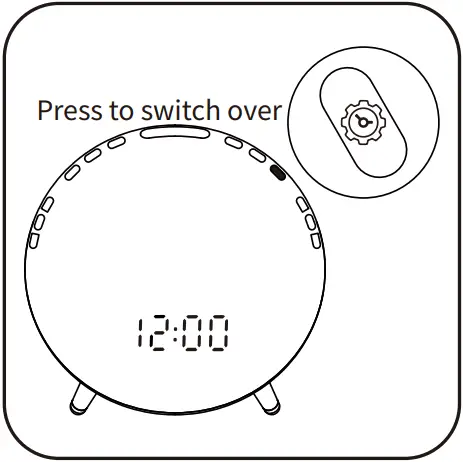
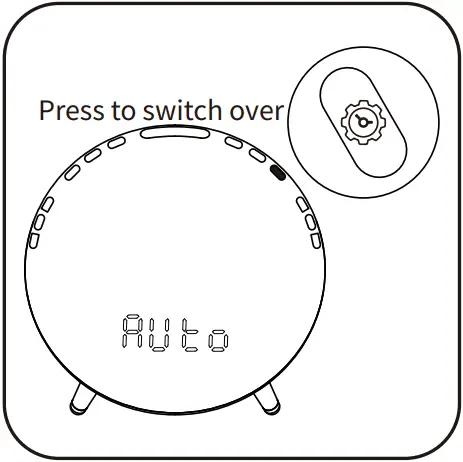
Bright Mode Auto Mode
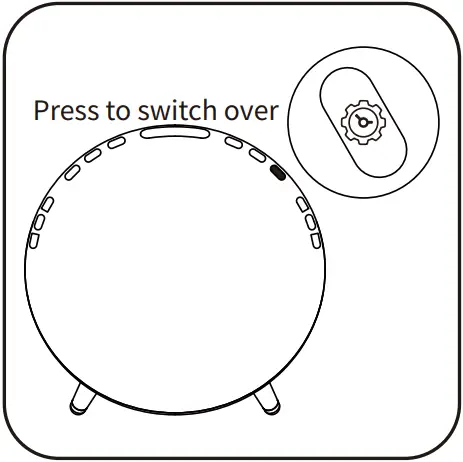
OFF Mode
3 Alarm Function
3.1 Alarm Groups
Allow users to program 2 alarms based on individual needs. For example, set Alarm 1 for weekdays and Alarm 2 for weekend. Note: the setting of 2 alarms is the same.
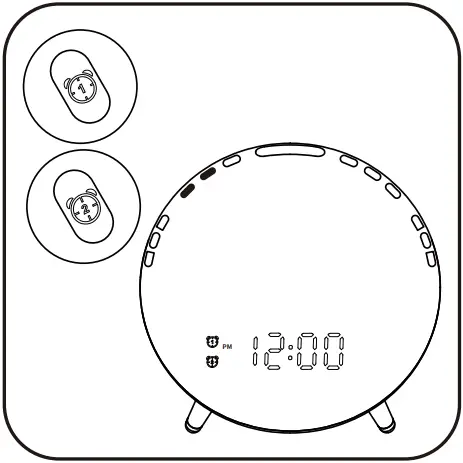
3.2 Alarm Switch (Alarm 1 as the example)
Press to turn on/off the alarm; When Alarm 1 is turned on, the  icon will illuminate on the display.
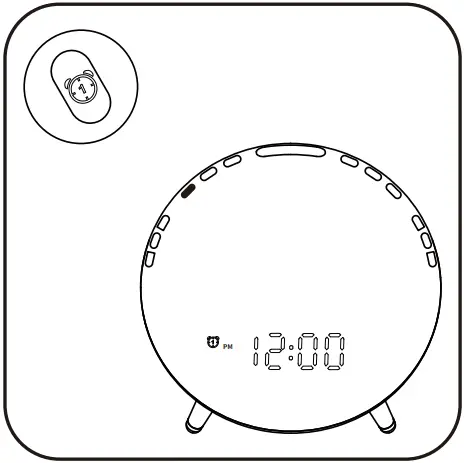
Alarm1 ON
3.3 Alarm Setting
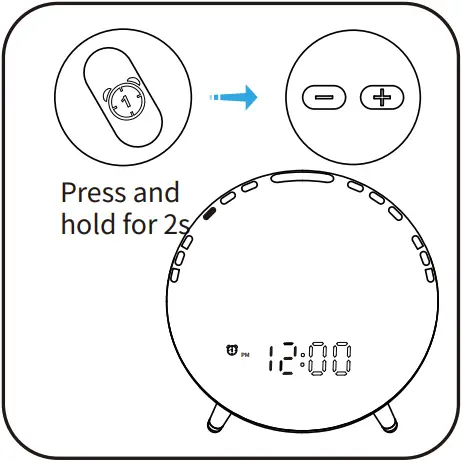
1. Press and hold for 2s, the icon and the hour indication will start to flash; press / to adjust the hour;
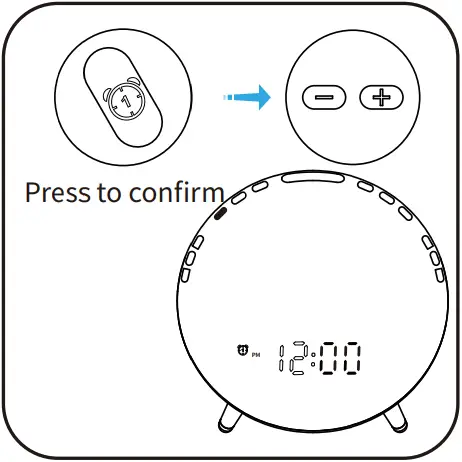
2. Press to confirm the setting, the minute indication will start to flash; press / to adjust the minute.
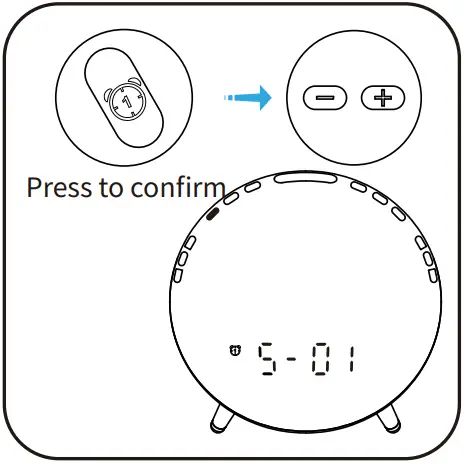
3. Press to confirm the setting, the sound indication will start to flash; press / to choose the sound; (S-00~S-07, XX MHz)
Indications: S-00: the sound is turned off.S01~S07: built-in natural sounds. XX MHz: the last FM radio frequency you listened to.
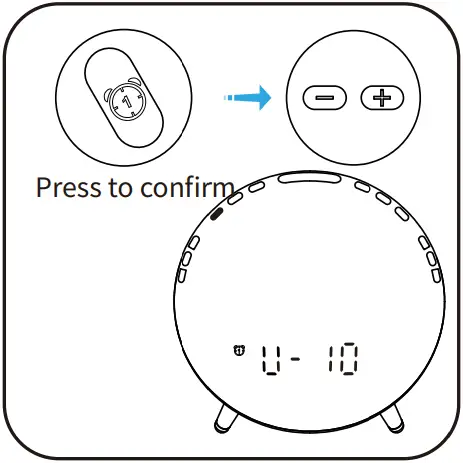
4. Press to confirm the setting, the volume indication will start to flash; press / to adjust the alarm volume (V-01~V-16).
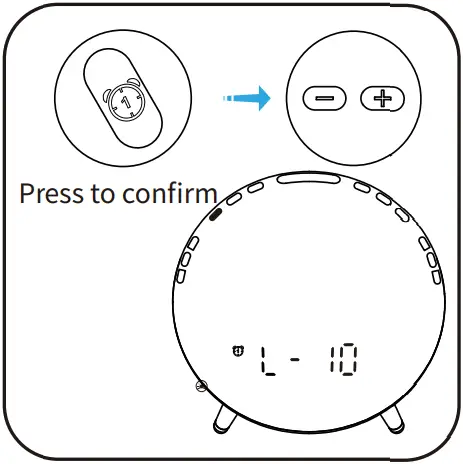
5. Press to confirm the setting, the wake-up light brightness indication will start to flash; press / to adjust the wake-up light brightness (L-00, L-01 to L-20).
Note: The light will reach the maximum brightness when the alarm goes off. L-00: the light is turned off.
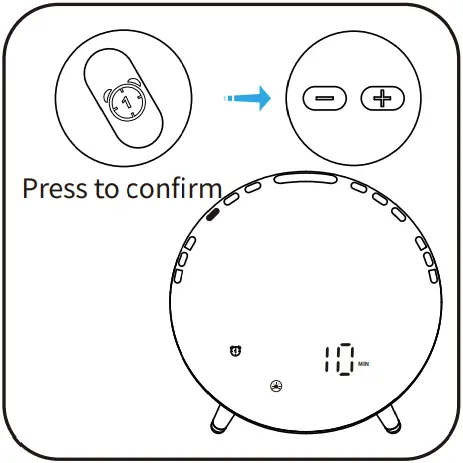
6.Press to confirm the setting, the ”light up prior to alarm” indication will start to flash; press / to adjust the duration (10~60 min).
Press to confirm and complete the alarm setting.
4 Snooze and Stop
The wake-up light can simulate sunrise to gradually increase the brightness. The alarm will go off at set time as the wake-up light reaches the set brightness. When the alarm goes off, you can tap to snooze, adjust the alarm volume or stop the alarm.
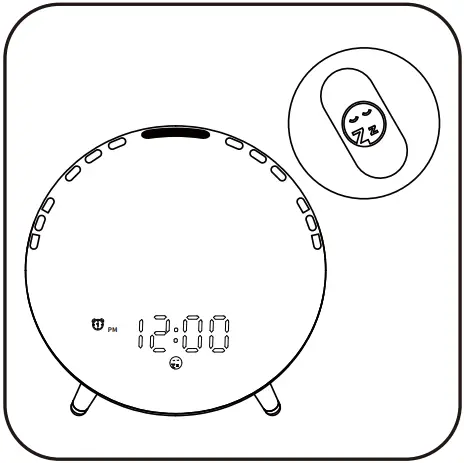
1. Press  to snooze. After 9 minutes, the light will automatically come on and the sound will play again (5 times at most).
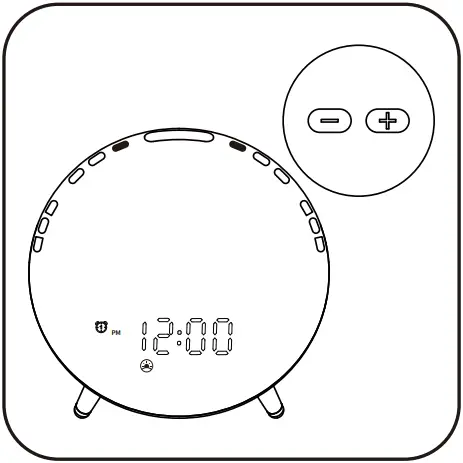
2. Press / to adjust the current volume when the alarm is ringing.
Note: Adjust the volume only when this alarm sounds.
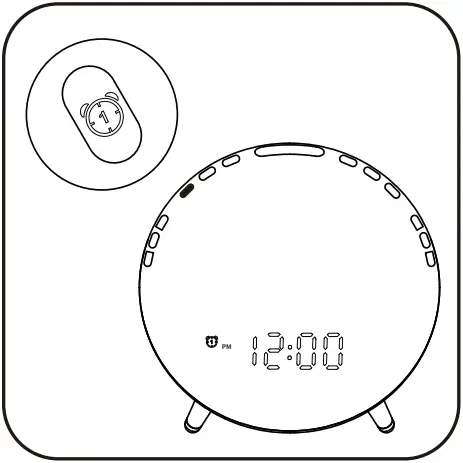
3. Press to stop the alarm.
Note: If the alarm is turned on, it will still go off next time.
4. If the alarm is ignored for 30 minutes, it will stop automatically.
Note: If the alarm is turned on, it will still go off next time.
5 Light Function
5.1 Night Light
Press to turn on/off the night light.
Note: Night light is dim; it is recommended to use at night.
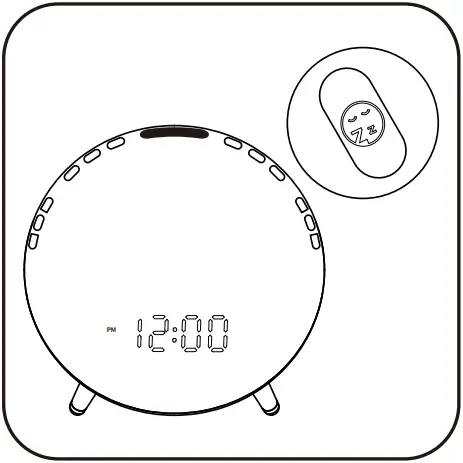
5.2 Sunrise Light
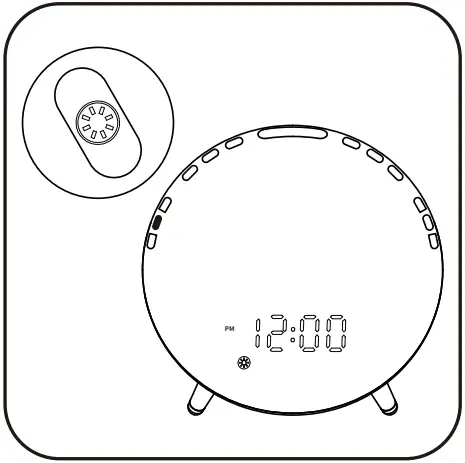
1. Press to turn on the sunrise light; the  icon will illuminate.
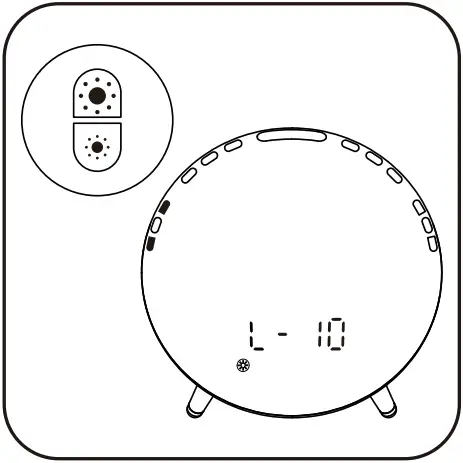
2. Press / to adjust the brightness. Press again to turn it off.
5.3 Colored Light
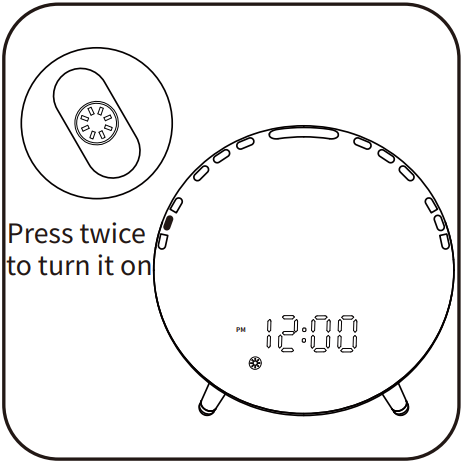
1. Press twice to turn on the colored light; the icon will illuminate and the light will activate auto color-change mode.
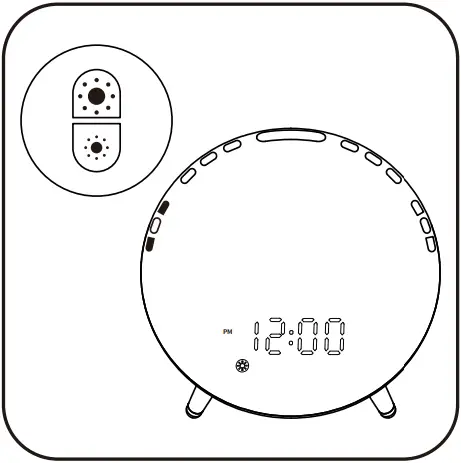
2. Press / to manually adjust the light color.
Press and hold / to quickly adjust the light color and the light will activate auto color-change mode.
Press to turn it off.
6 FM Radio
6.1 Radio Switch
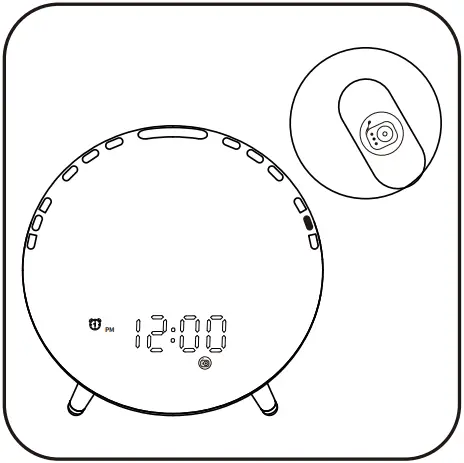
1. Press to turn on/off FM. The  icon will illuminate on the display when the FM mode is turned on.
6.2 Auto Scan
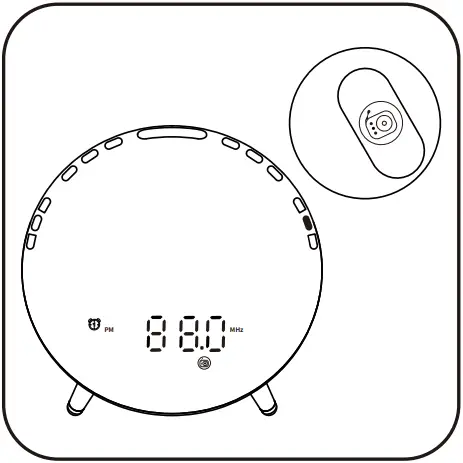
2. Press twice to scan radio channel automatically; the icon will start to flash. It broadcasts the first channel after the search is complete.
6.3 FM Tuning
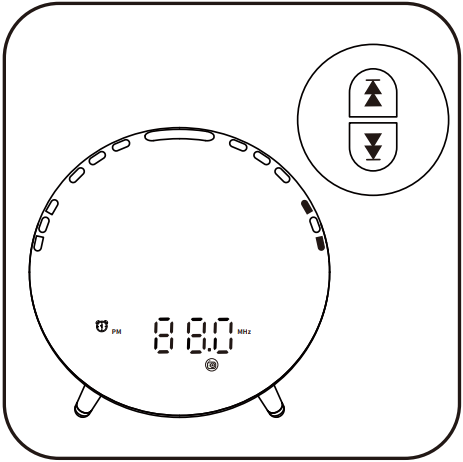
3. When the FM mode is turned on, Press / to adjust the frequency (0.1 MHz);Press and hold / to adjust channels.
6.4 FM Volume
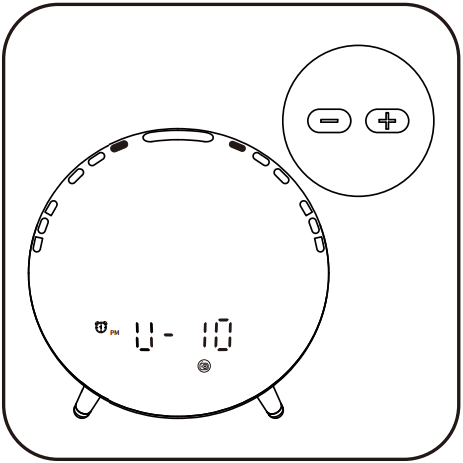
4. When the FM mode is turned on, press / to adjust the volume.
7 Fall Asleep Function
7.1 Fall Asleep Switch
Press to turn on/off the fall asleep mode.
The  icon will illuminate on the display when the fall asleep mode is turned on.
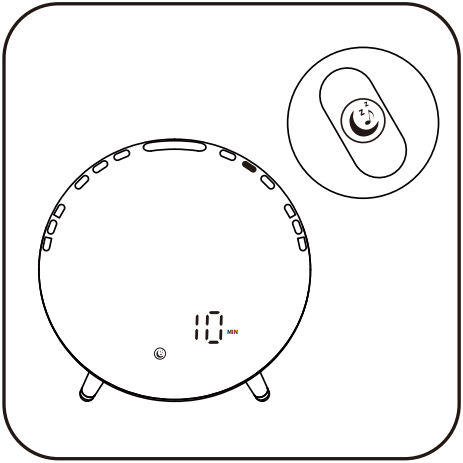
Fall asleep mode: ON
7.2 Fall Asleep Setting
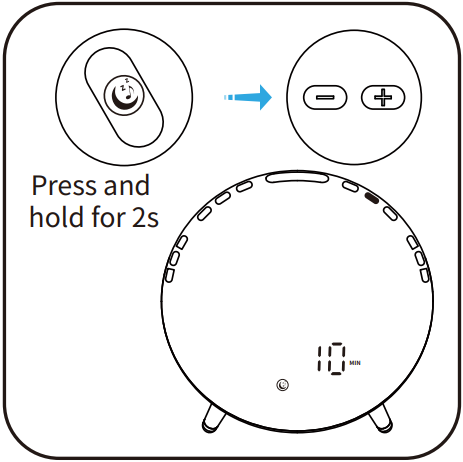
1. Press and hold for 2s to start the setting, the icon will illuminate and the time indication will start to flash; press / to adjust the fall asleep time (10~120 min).
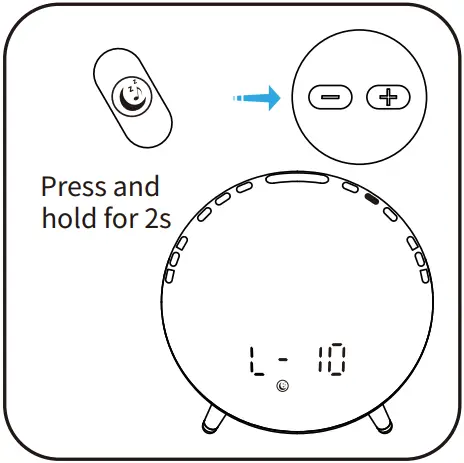
2. Press to confirm the setting, the fall asleep brightness indication will flash; press / to adjust the fall asleep brightness. (L-00, L-01~L-20); Note: the fall asleep brightness is the initial brightness when fall asleep mode is turned on. L-00: the light is turned off.
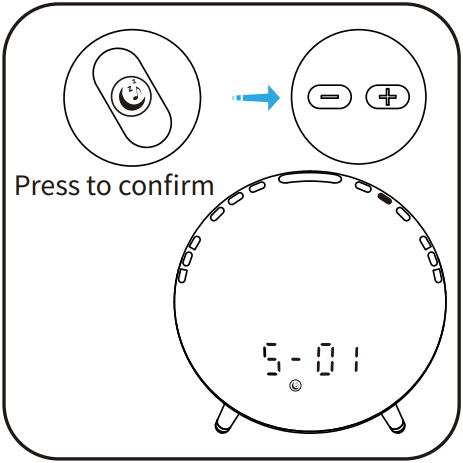
3. Press to confirm the setting, the fall asleep sound indication will start to flash; press / to adjust the fall asleep sound. (S-00~S-03, XX MHz); Note: S-00: the sound is turned off.S-01~S-03: natural sounds. XX MHz: the last FM radio frequency you listened to.
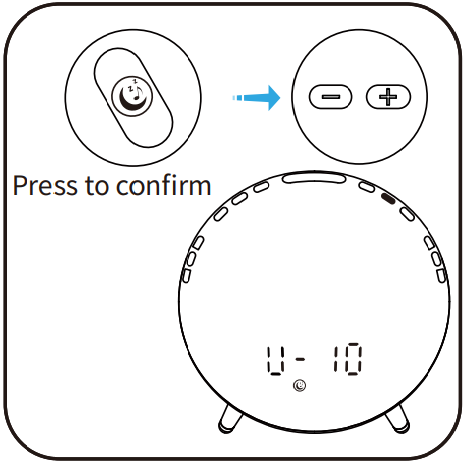
4. Press to confirm the setting, the fall asleep volume indication will start to flash. Press / to adjust the volume(V-01~V-16). Press to confirm the completion and activation of fall asleep mode.
7.3 Fall Asleep Adjustment
Sunset simulation for peaceful bedtime: when the fall asleep mode is turned on, the light will dim until it goes out and the sound will gradually decrease until there is no sound.
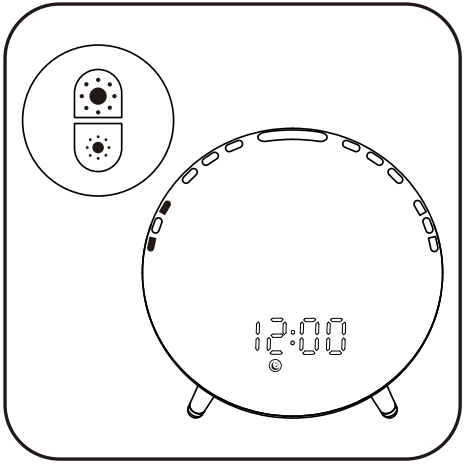
1. Press / to adjust the brightness.
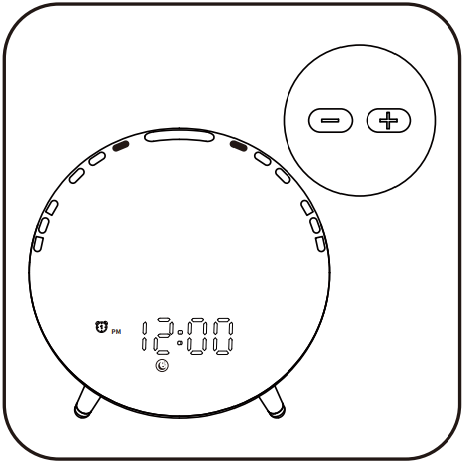
2. Press / to adjust the volume.
If you set FM as the fall asleep sound
When fall asleep mode is turned on, press / to adjust the radio frequency; press and hold / to adjust the radio channel.
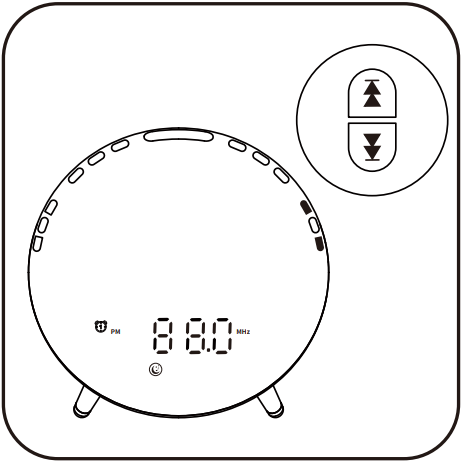
8 CONNECTING YOUR MOBILE DEVICE
1. Download Smart Life into your mobile device from App Store/ Google Play or by scanning QR code.
• Download APP


Android/IOS
2. Create an Account and Log in
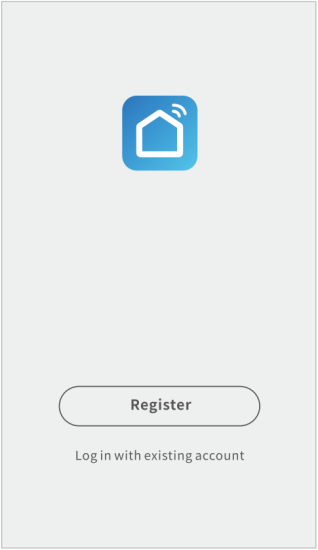
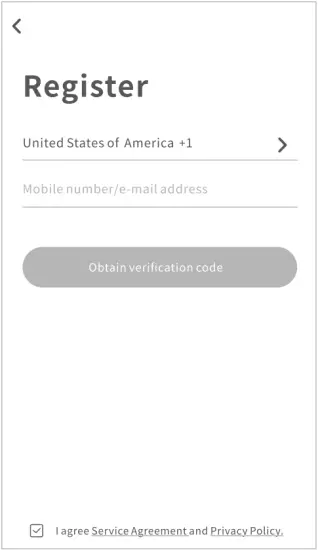
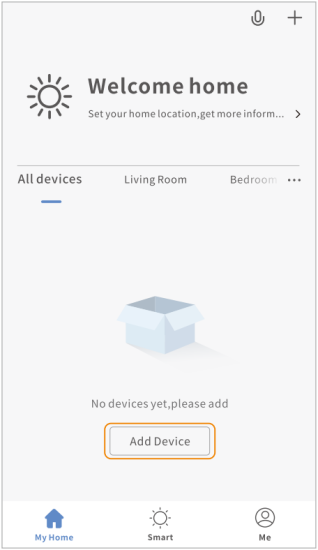
3. Add Device & Connect WIFI
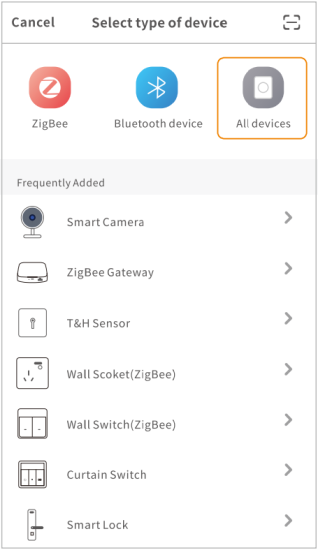
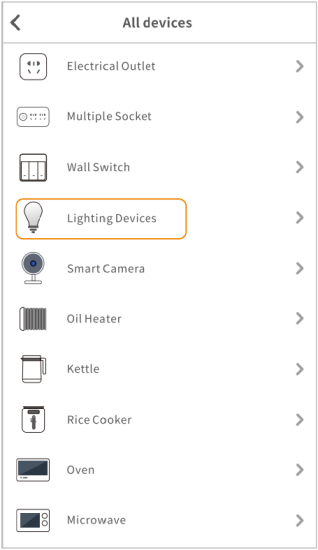
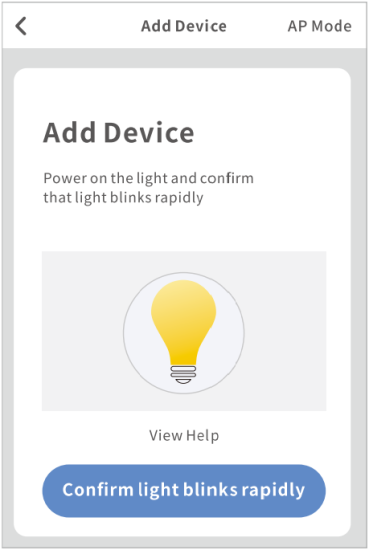
Power on the light and confirm Wi-Fi blinks rapidly
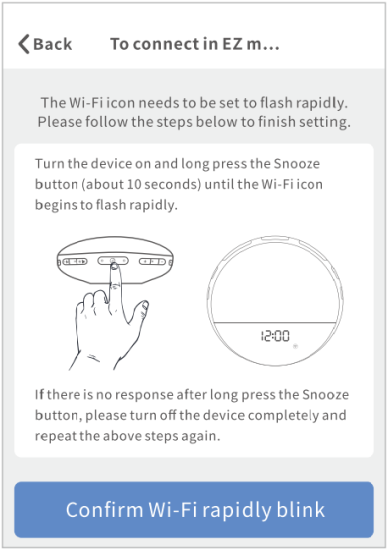
Turn the device on and long press the Snooze button (about 10 seconds) until the Wi-Fi icon begins to flash rapidly.
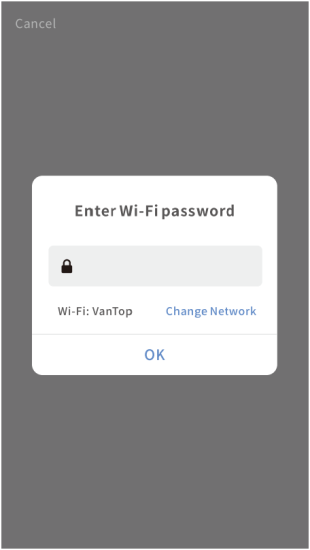
Select your own Wi-Fi and enter correct password
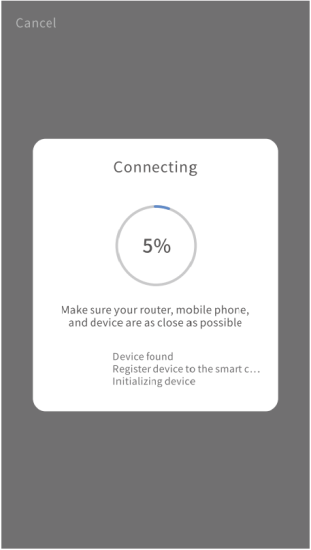
Wait for connecting
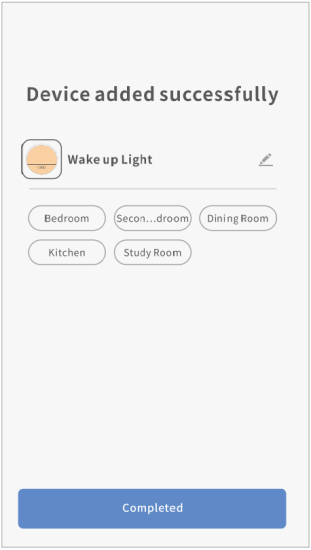
Create a name for your wake-up light.
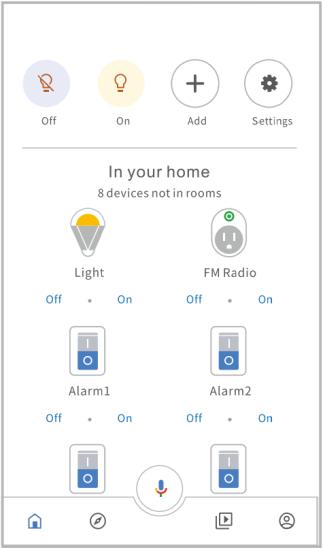
4. How to Operate the Light via Smarf Life APP Operation Panel
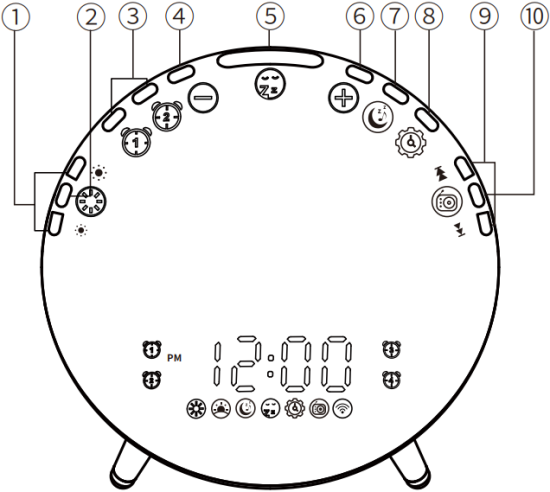
(1) Light Brightness Adjustment
(2) Light Switch
(3) Alarm 1/Alarm 2
(4) Setting “-“/Volume “-”
(5) Snooze/Night Light Switch
(6) Setting “+”/Volume “+”
(7) Fall Asleep
(8) Display Brightness/Time Setting
(9) FM Tuning
(10) FM Switch
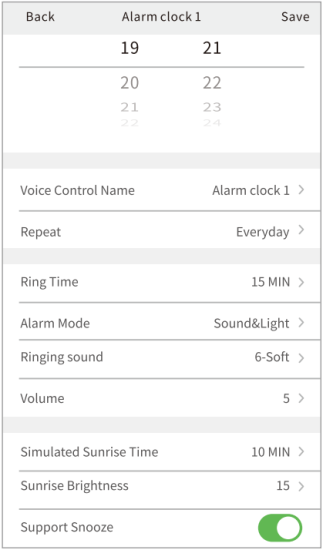
A. Click  /
/ to set the four alarm docks.
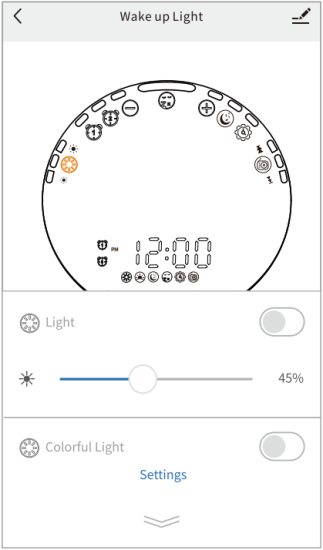
B. Click to choose the light display type and adjust the light intensity.
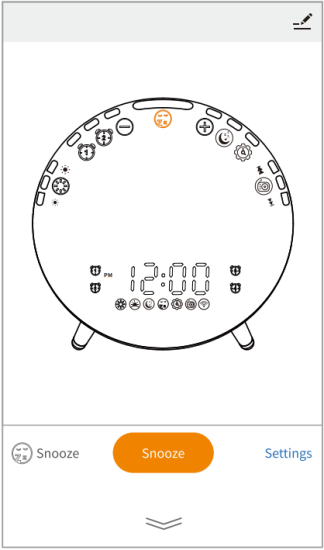
C. Click  to set the snoozing pattern.
D. Click to turn on/turn off the FM radio, and choose the frequency you want.
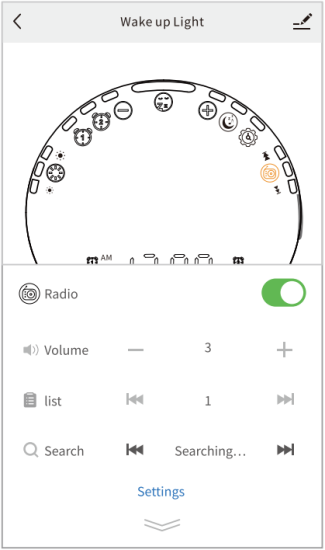
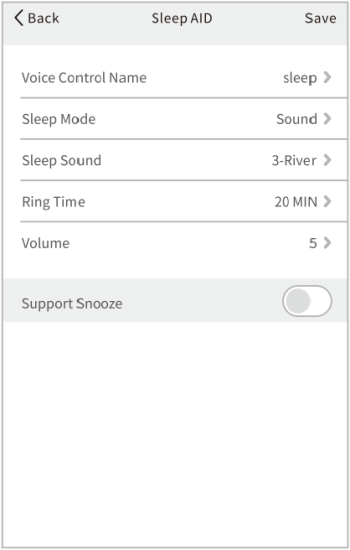
E. Click to set the sleep timer and create your Sleep AID.
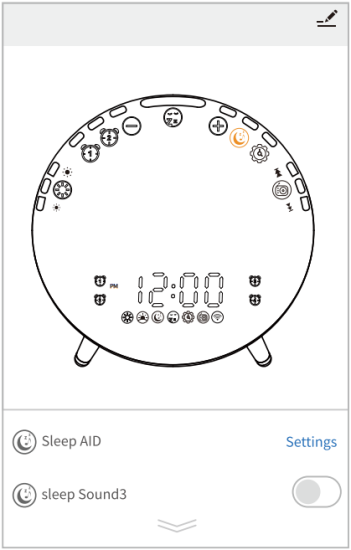
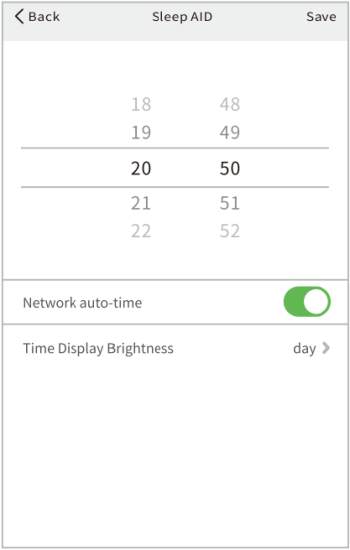
F. Click  to set the time of the wake-up light and time display brightness.
9 HOW TO CONNECT WITH AMAZON ALEXA
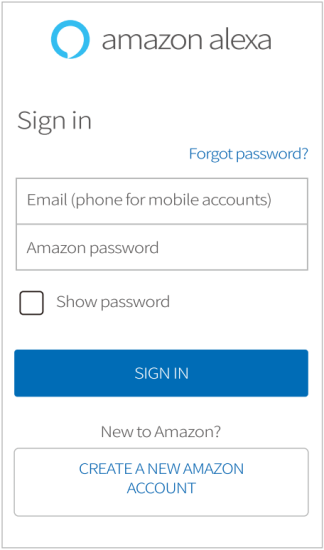
1. Download Amazon Alexa and sign in your Amazon account.
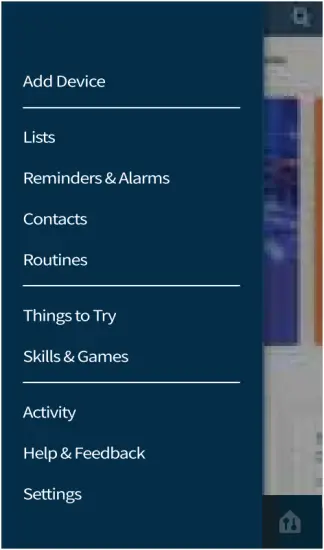
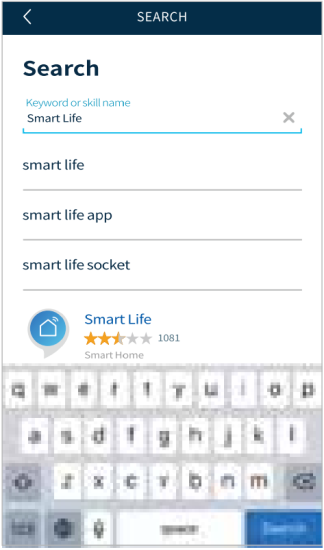
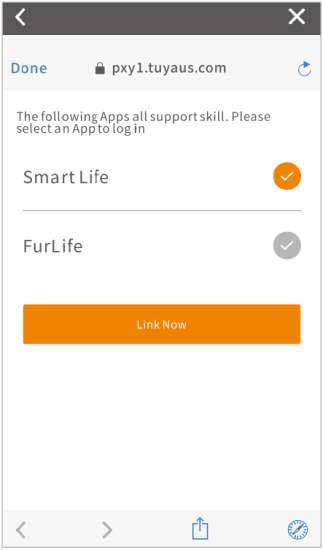
2. – Select Skills & Games, search Smart Life, and ENABLE TO USE it.
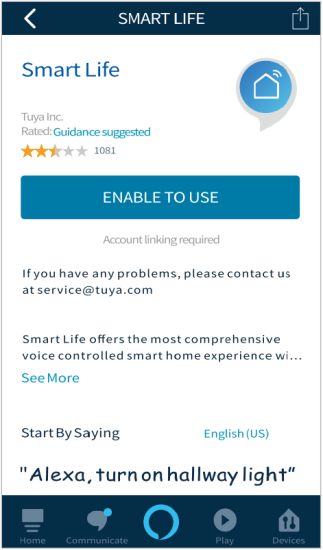
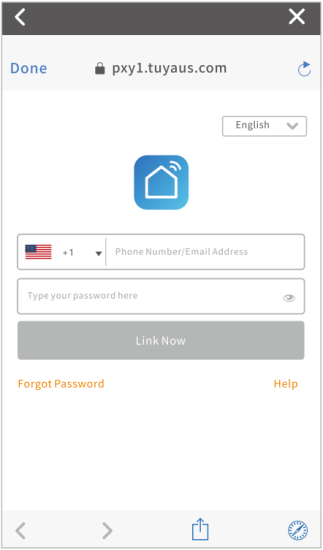
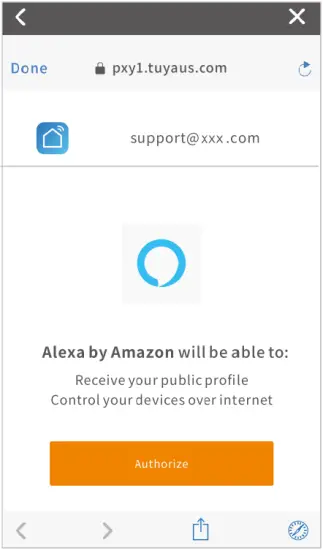
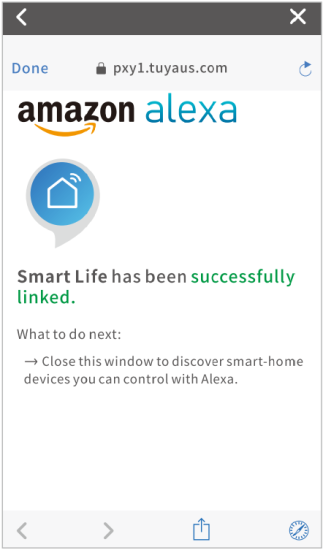
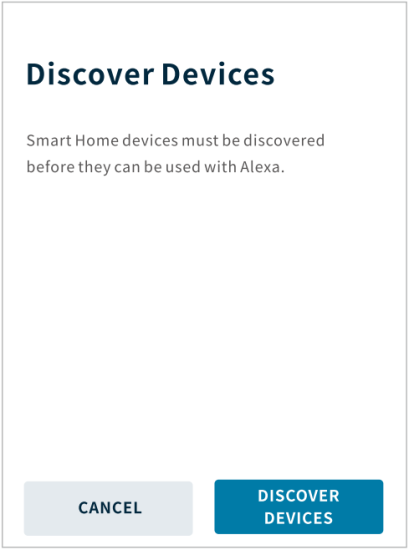
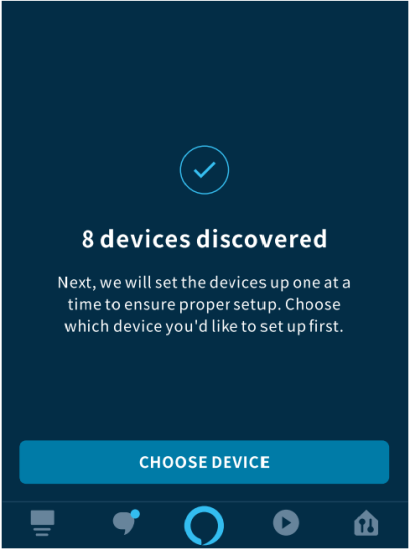
– Login your “Smart Life” account, then Authorize and close the successfully linked page after it is connected successfully to enter Discover Devices page.
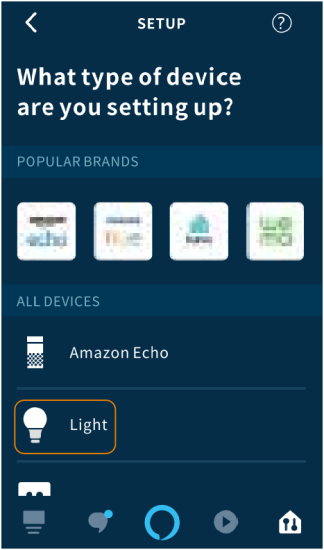
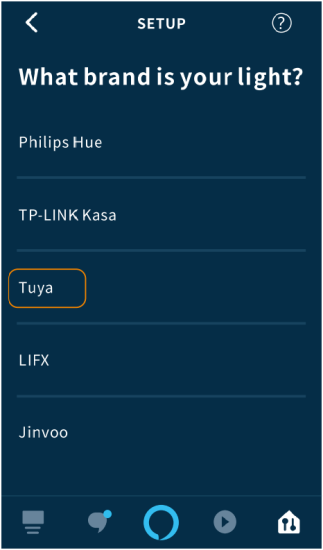
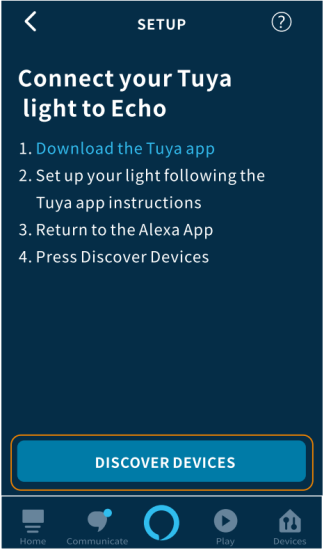
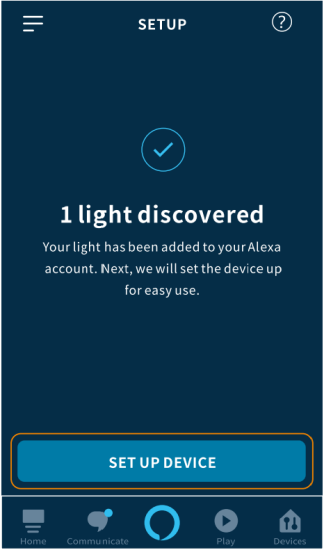
3. Discover Devices
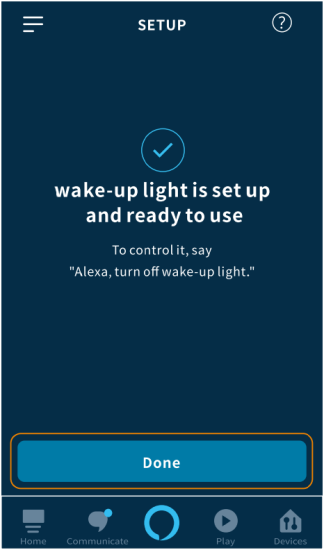
This wake-up Eight works with Alexa, through this skill, Amazon Alexa will find and Fist devices you originally added in Smart Life App.

Note:
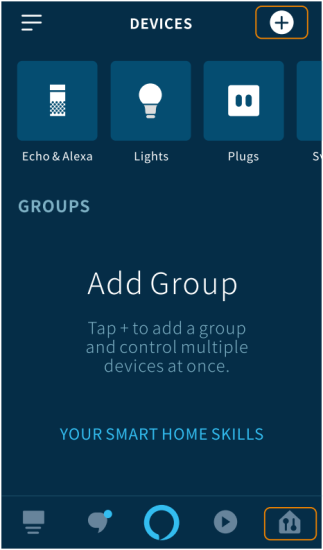
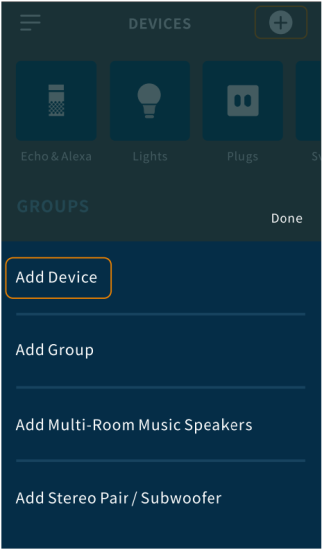
If your Smart Life account has linked to Alexa, please add the devices by the following steps:
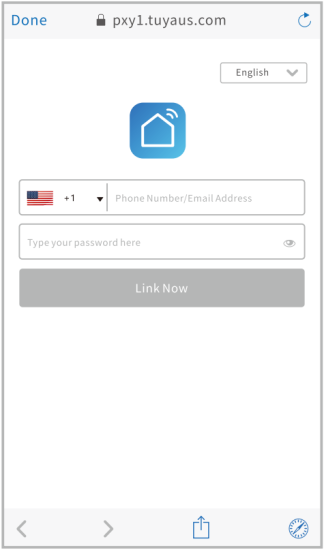
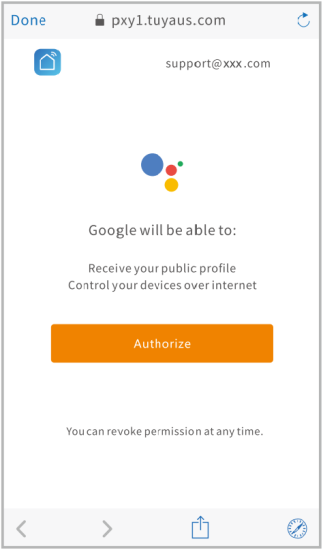
10 HOW TO CONNECT WITH GOOGLE HOME
1. Download Google Home and sign in your google account.
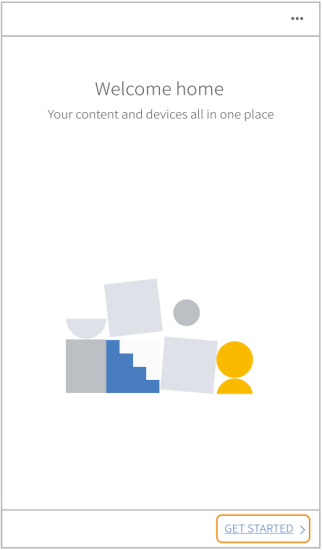
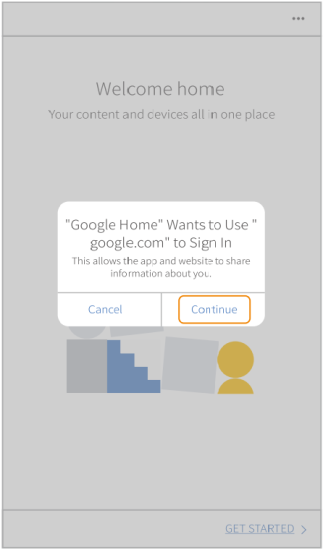
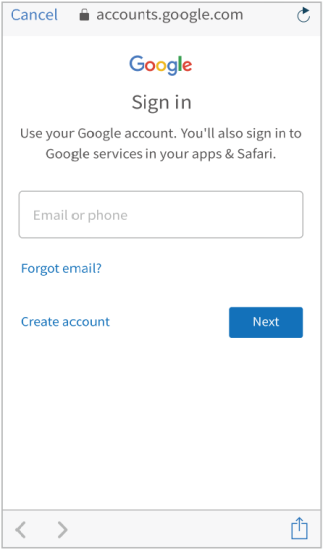
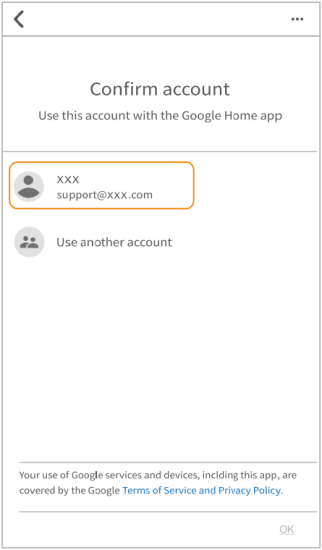
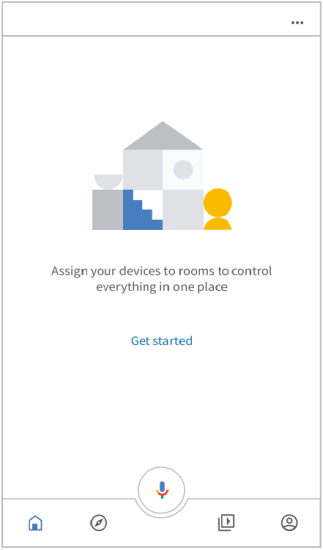
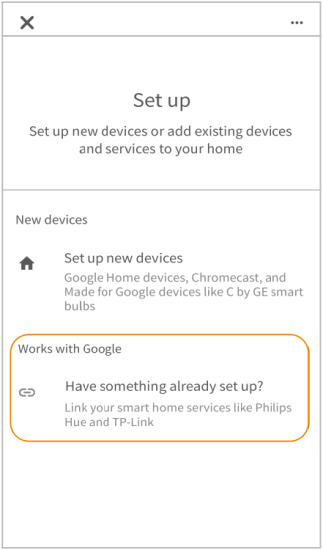
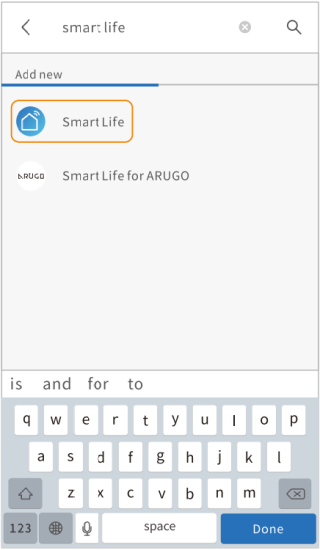
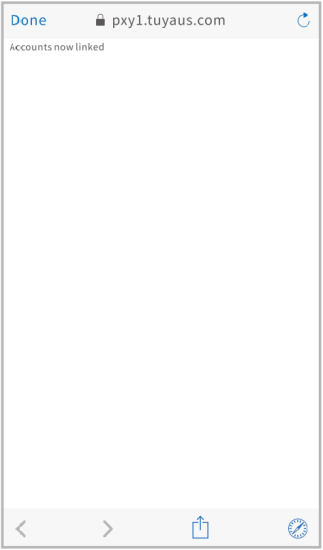
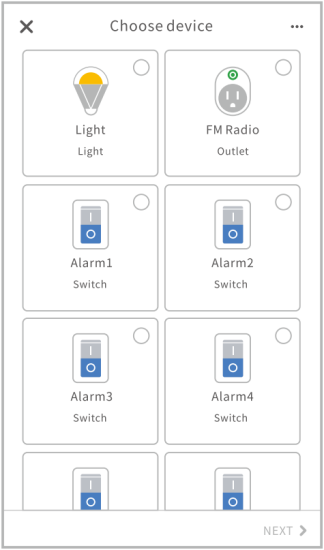
2. Login your “Smart Life” account, then Authorize and close the Accounts now linked page after it is connected successfully to enter Choose Device page. Then you can control the wake-up light via Google Home after complete setting.
Specification
| Product Name | Wake-up Light |
| Brightness Adjustment | 20 Levels |
| Light Color | 7 |
| Volume Adjustment | 16 Levels |
| Display Brightness | 3 Levels |
| Alarm Groups | 4 |
| Type of Alarm Sound | 7 Natural Sounds & FM Radio |
| Sunrise Simulating Time | Adjustable 10-60 Minutes |
| Alarm Mode | Light & Sound; Sound Only; Light Only |
| Alarm Time | 30MIN |
| Snooze Time | 8-15MIN |
| Number of Snooze Times | 5 |
| Fall Asleep Sound | 3 Natural Sounds & FM Radio |
| Sunset Simulating Time | 10-120 Min |
| Fall Asleep Mode | Light & Sound, Sound Only, Light Only |
| Frequency | 76.0-108MHz |
| Material | Light-proof ABS + PC + Silicone |
| Operating Temperature | 0℃~40℃ (32℉~104℉) |
| Type of Battery | Button Cell CR2032 |
| Input Voltage | 100~240V |
| USB Output | 5V/2A |