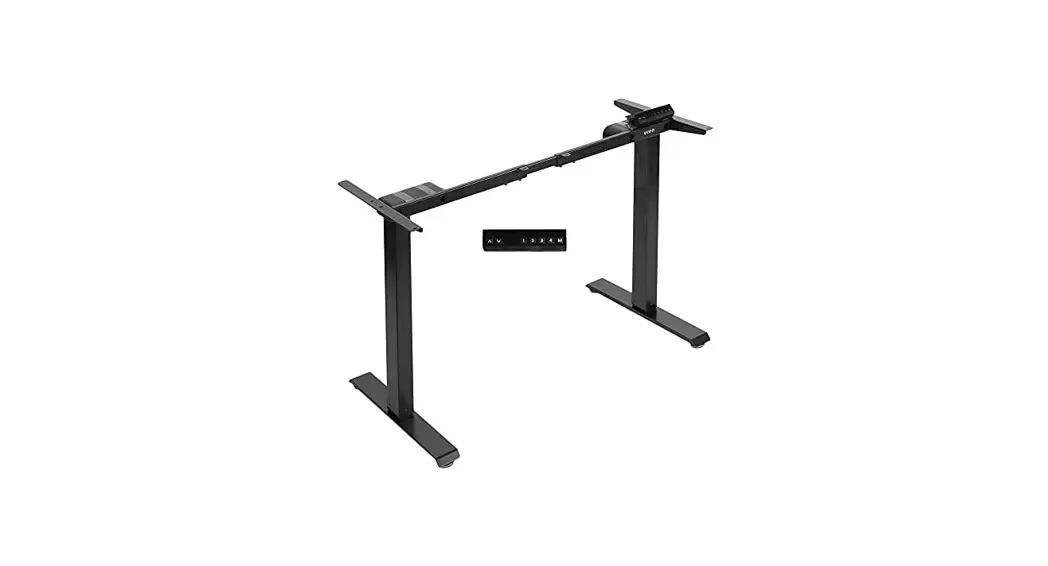

User Manual
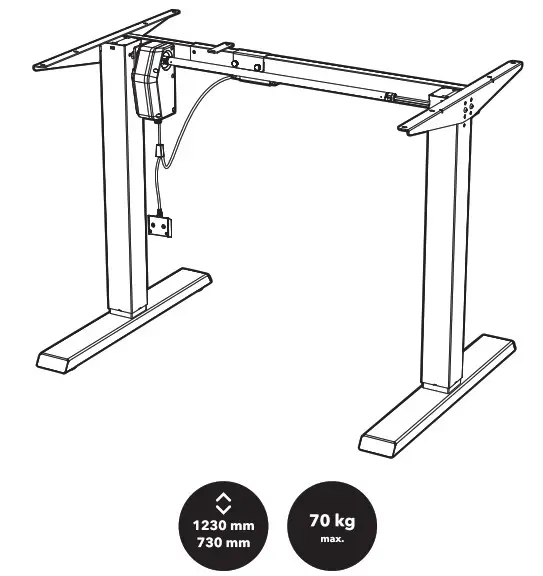
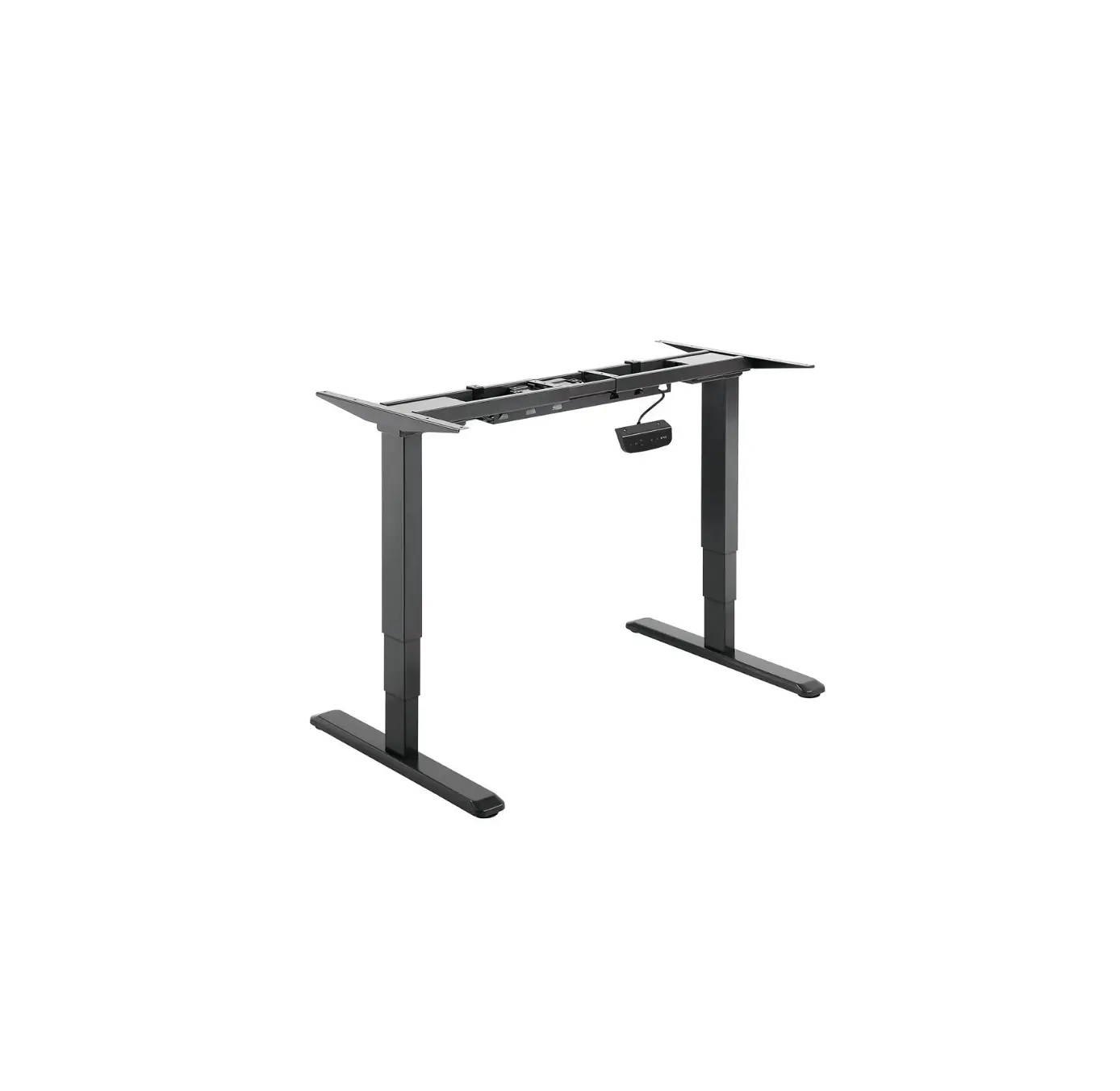
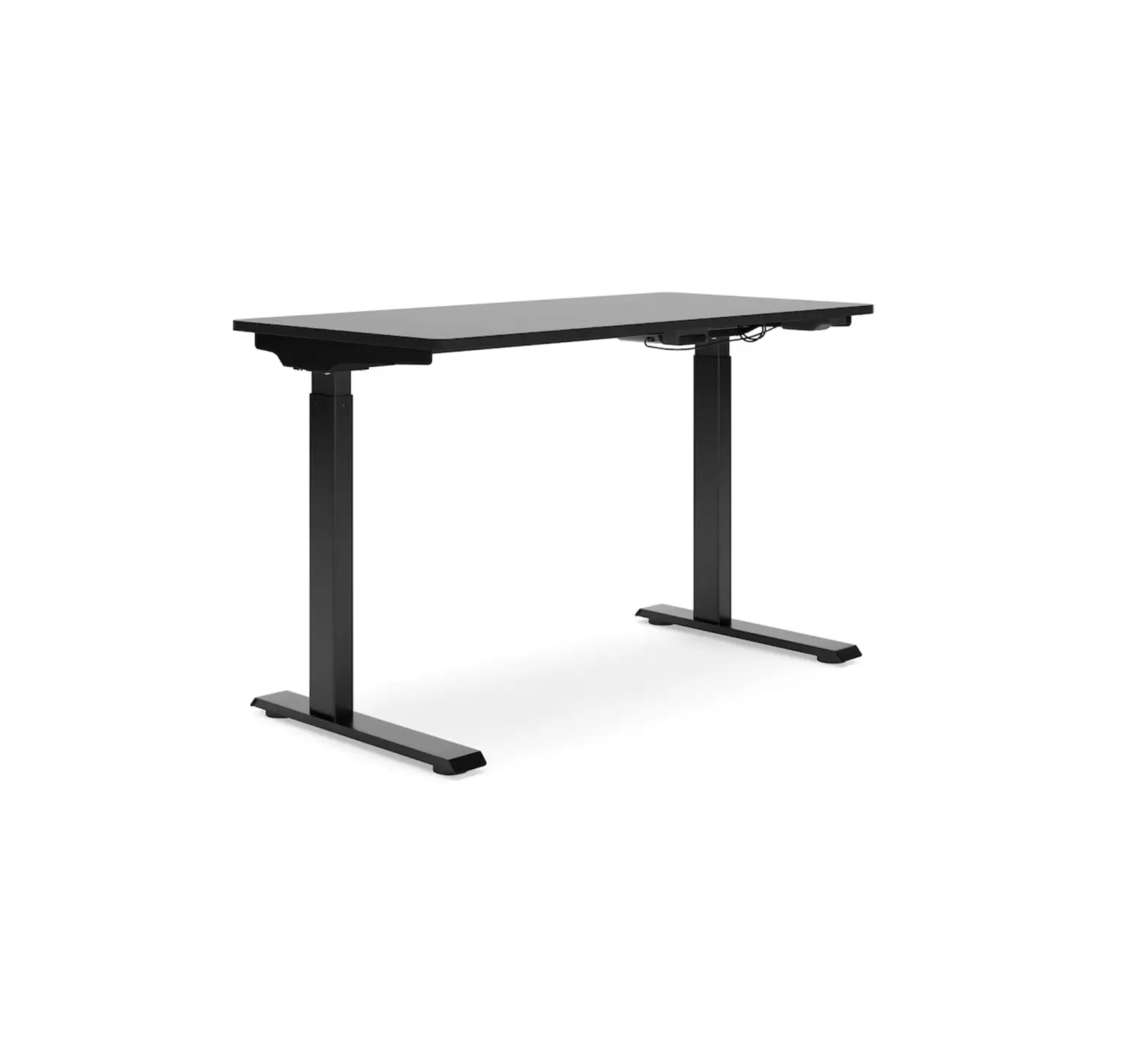
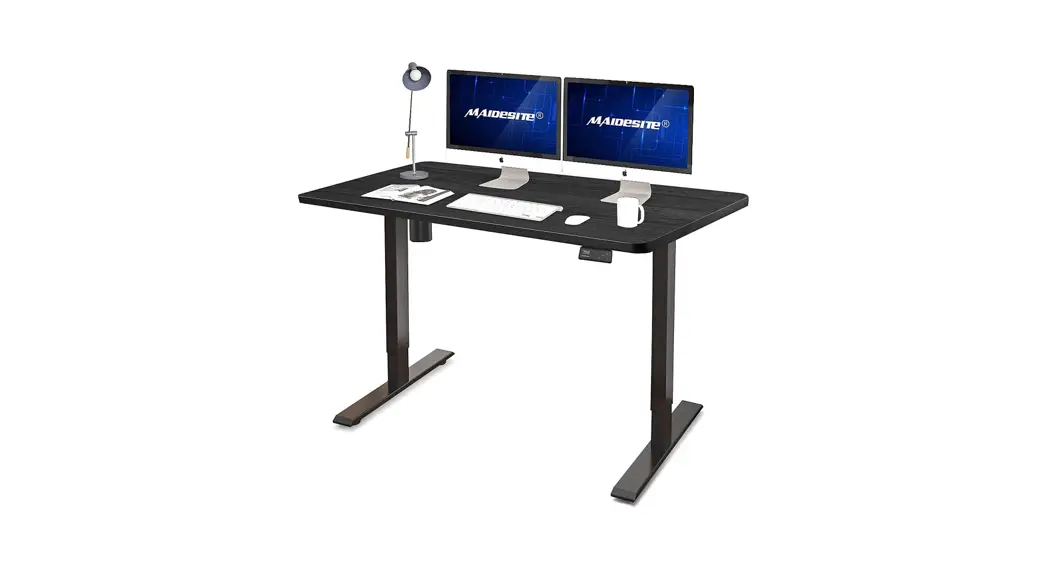
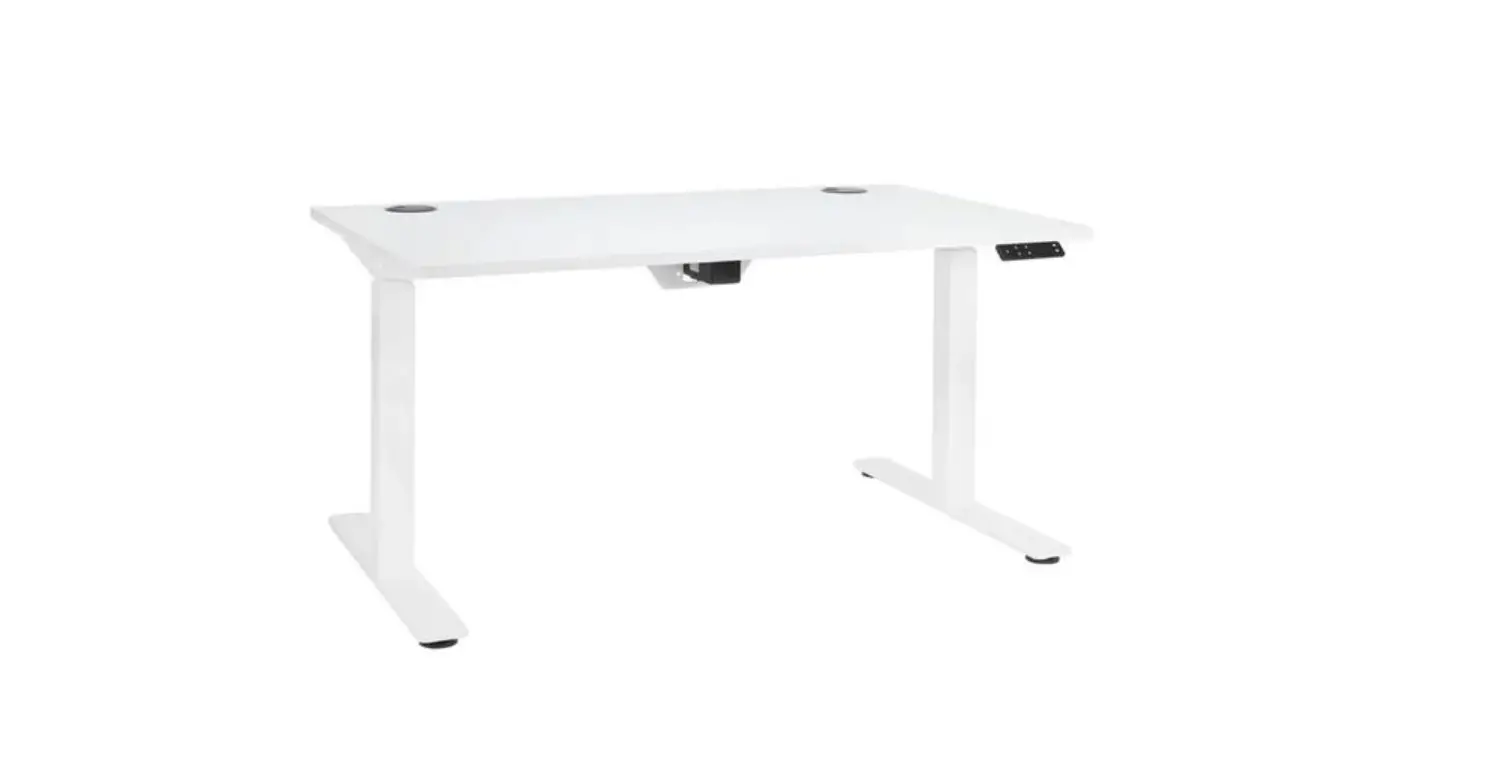
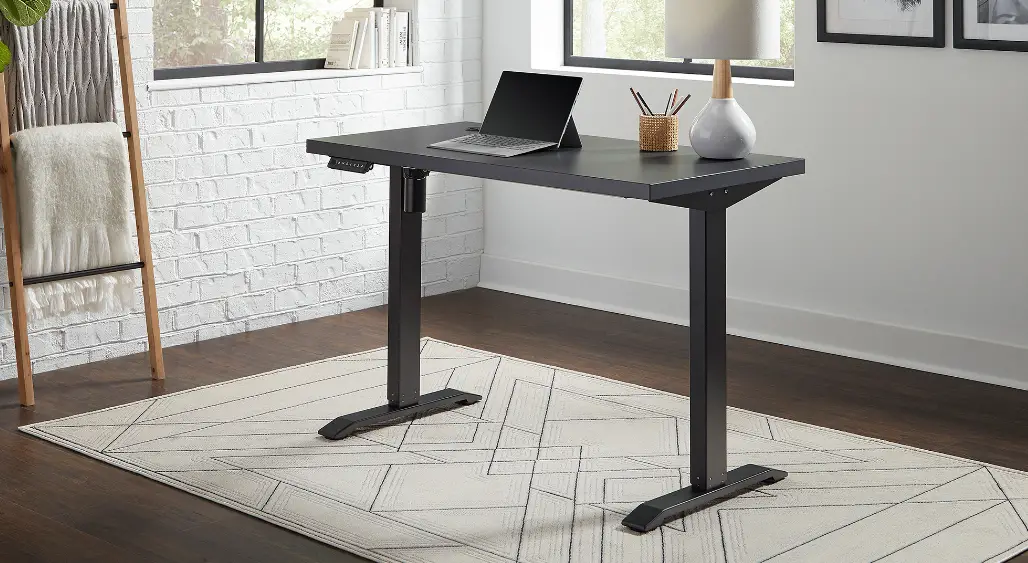
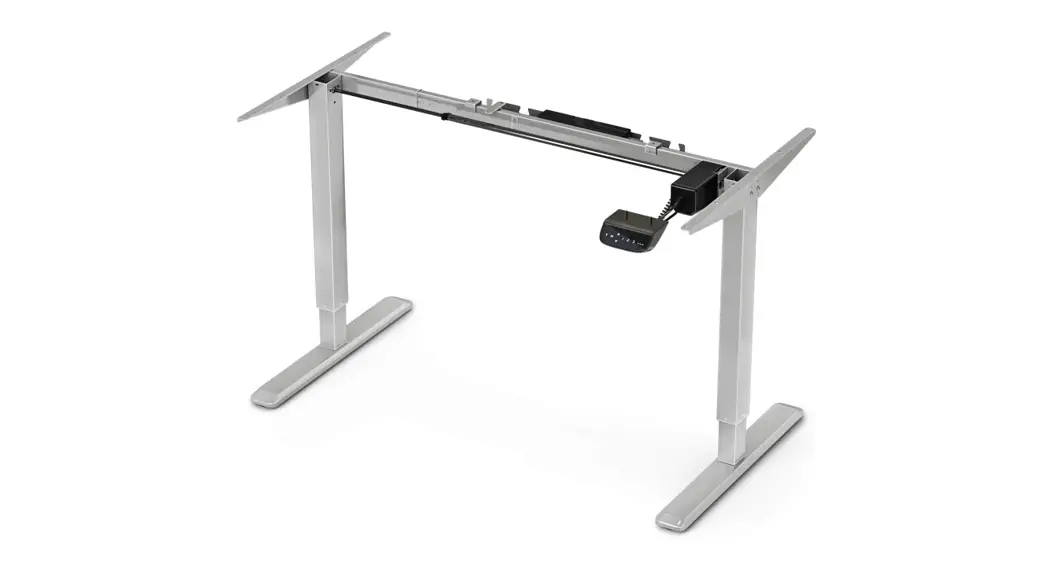
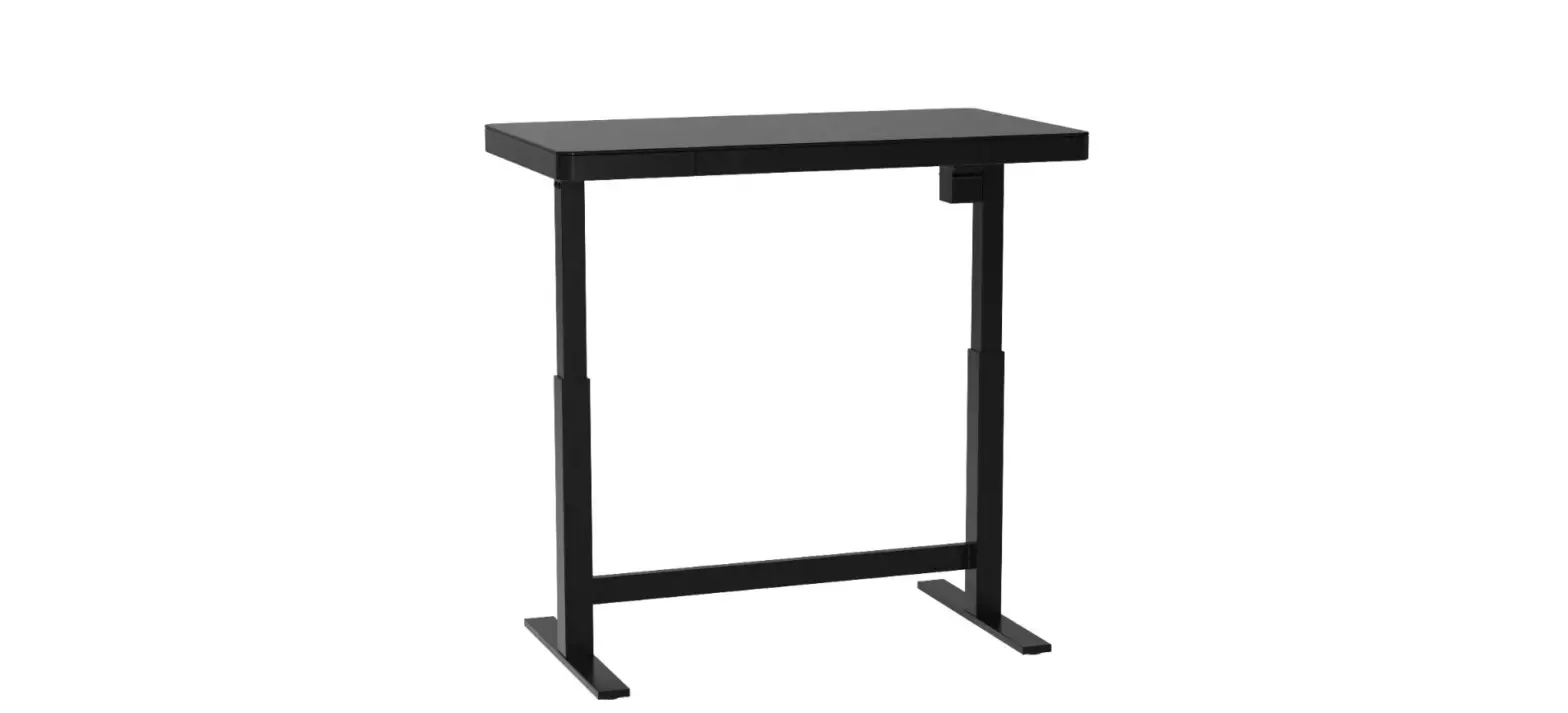
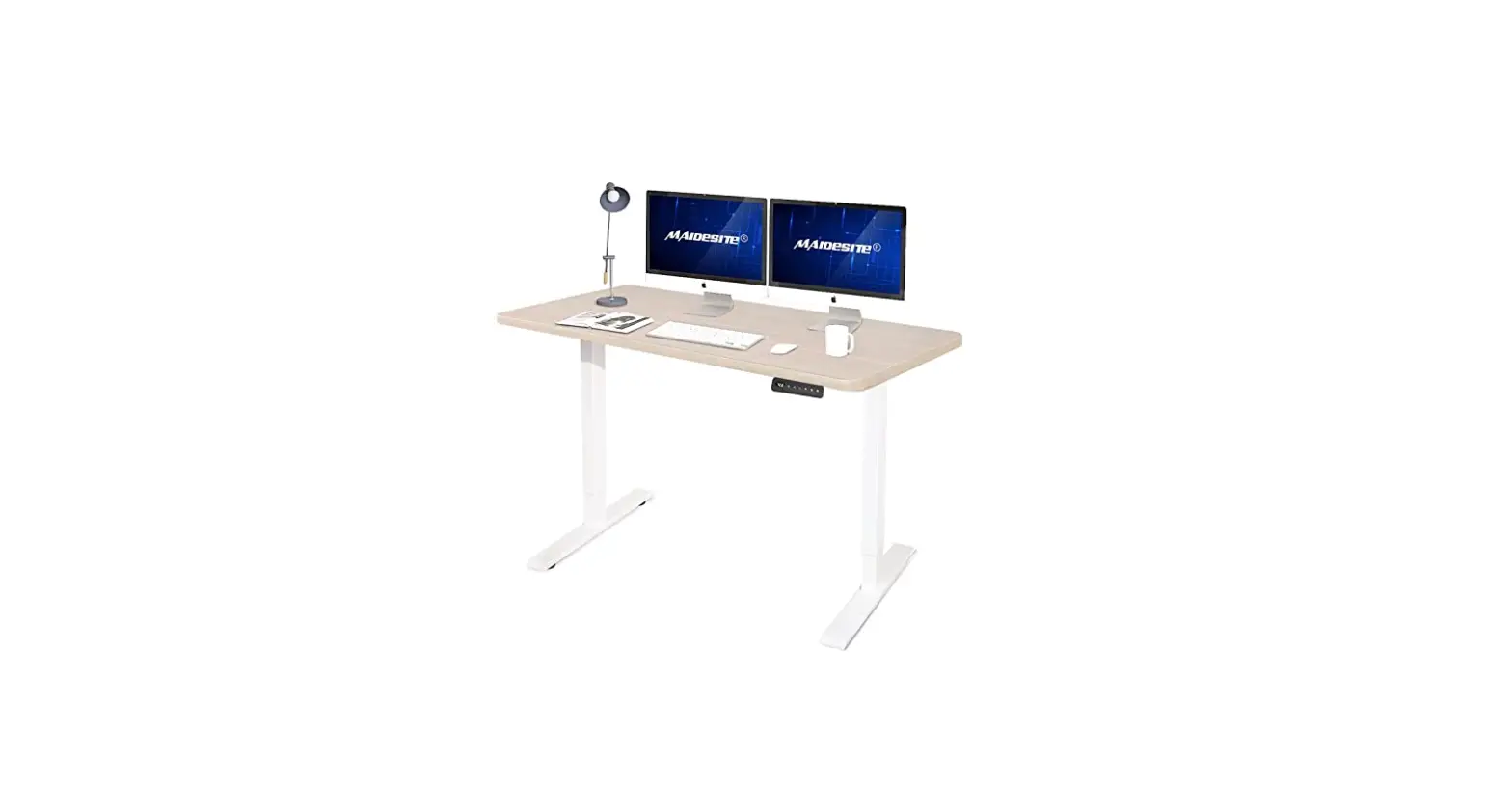
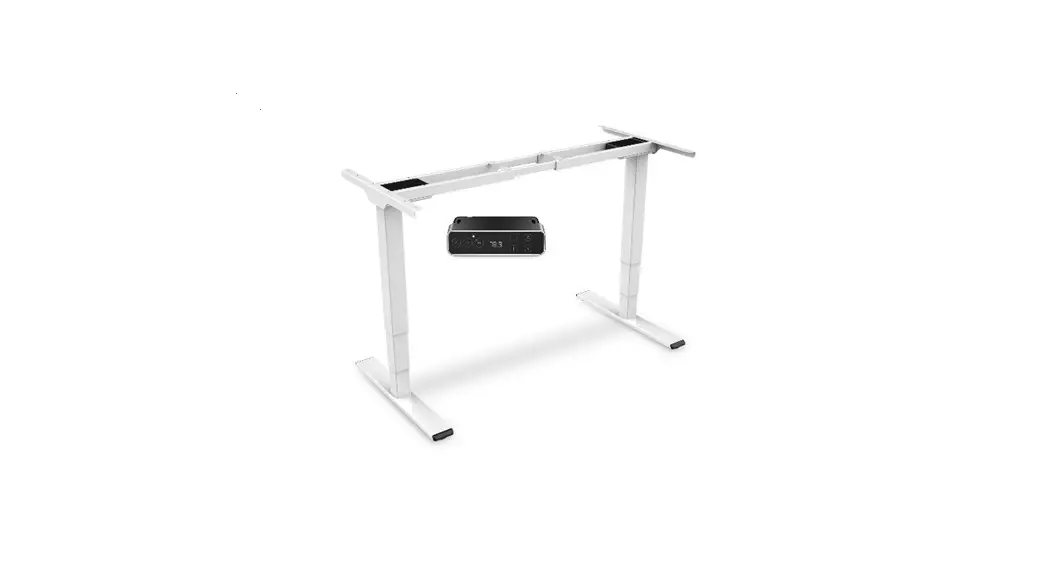
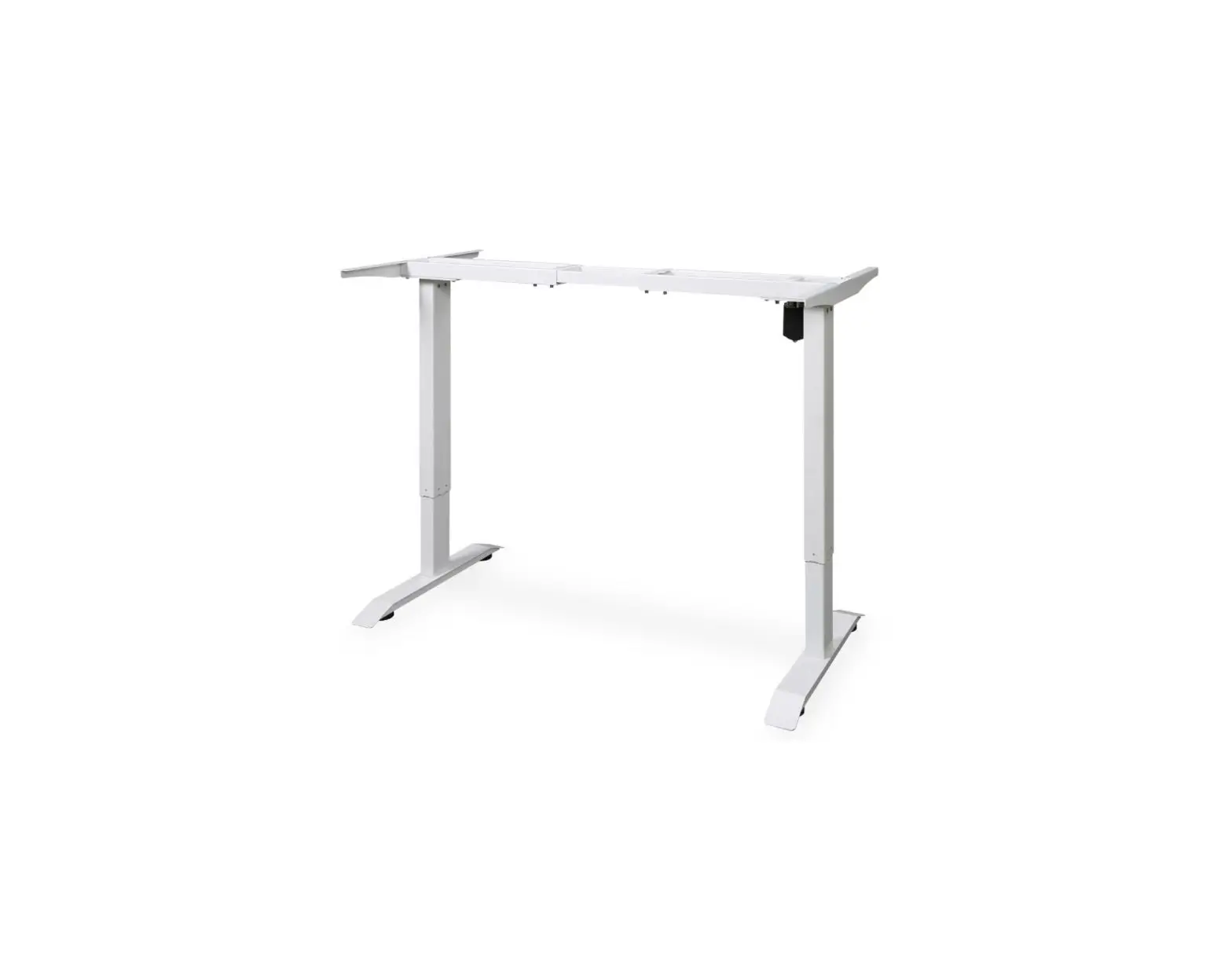
Height-Adjustable Desk Frame ET2.1
APW-EGET7100
APW-EGET7100B Height-Adjustable Desk Frame
THANK YOU FOR CHOOSING US!
We value your trust. We hope that you will be happy with our product, and as excited about it as we are. We try to offer products of the highest quality that satisfy even the most demanding requirements. If you are satisfied, it would make us very happy if you choose us again the next time you make a purchase.
SAFETY INFORMATION
- Read this manual before starting the installation.
- Please make sure that the complete package has been delive- red to you. If there happens to be something missing or damaged, contact the seller.
- Caution: Using this product with heavier weight than listed may result in damage or serious injury.
- The product must be installed as instructed. Failure to follow the instructions may result in damage or serious injury.
- Appropriate tools and safety aids must be used during installation. This product should only be installed by professionals.
- Make sure you install the product on a surface that can handle the combined weight of the product and the installed device with all of its components.
- Use the product only for its intended purpose.
- This product is not a toy. It may contain small parts. Keep out of the reach of children.
- This product is not recommended for use by children without supervision.
- This product is intended for indoor use only. Outdoor use may result in product damage or injury.
- Store the product in a clean and dust-free environment
- Do not expose the product to high or low temperatures. Keep the product dry.
- Do not disassemble the product. Improper modifications can damage the product and cause serious injuries.
- Caution: Do not apply excessive force to tighten to the screws in order to avoid tearing the thread.
- Maintenance: Check product safety at regular intervals (at least every 3 months).
Technical parameters
| Input | AC 100-240 V~50-60 Hz1.5A |
| Output | DC 29 V/52.2 W |
| Rated power | 100 W |
| Max. weight load | 70 kg (154 Ibs) |
| Level of noise | < 60 dB |
| Duty cycle | ON 2 min/OFF 18 min |
| Width range | 840~1300 mm |
| Height range | 730~1230 mm |
| Max. speed | 28 mm/s |
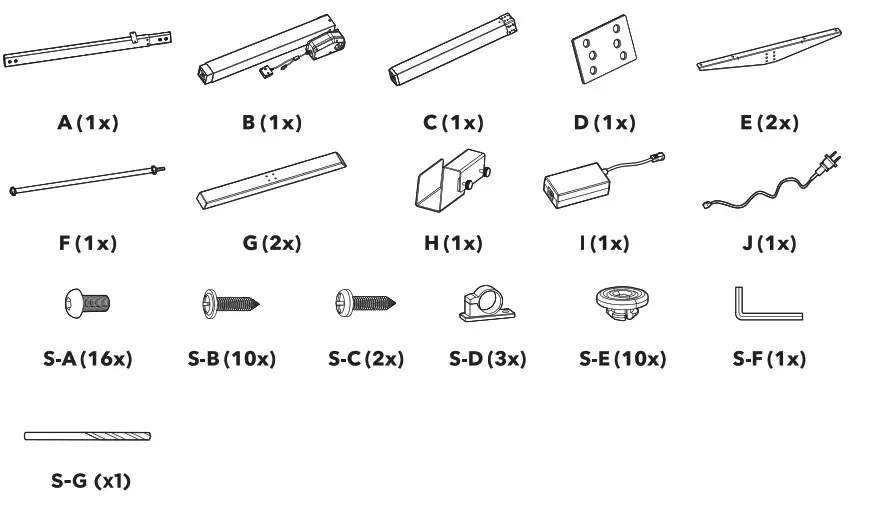
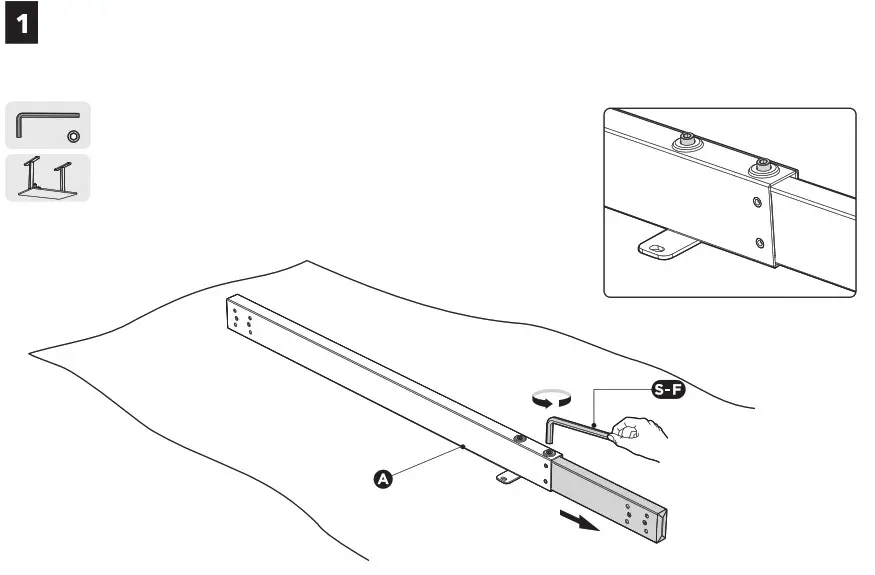
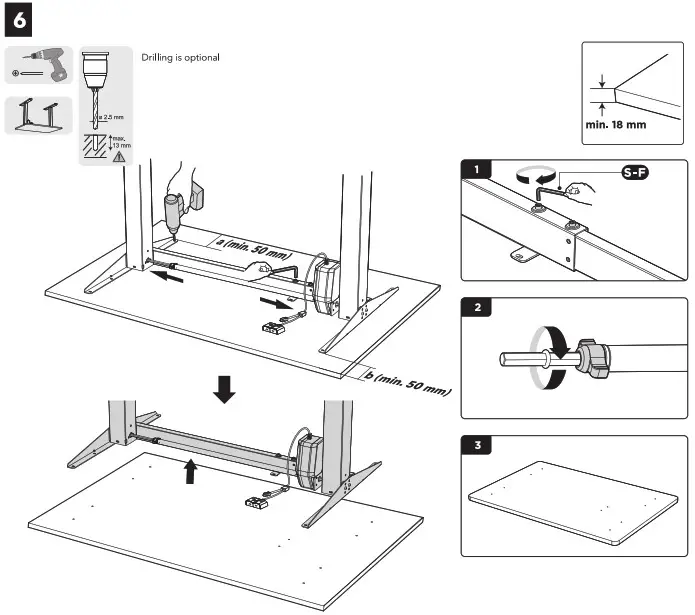
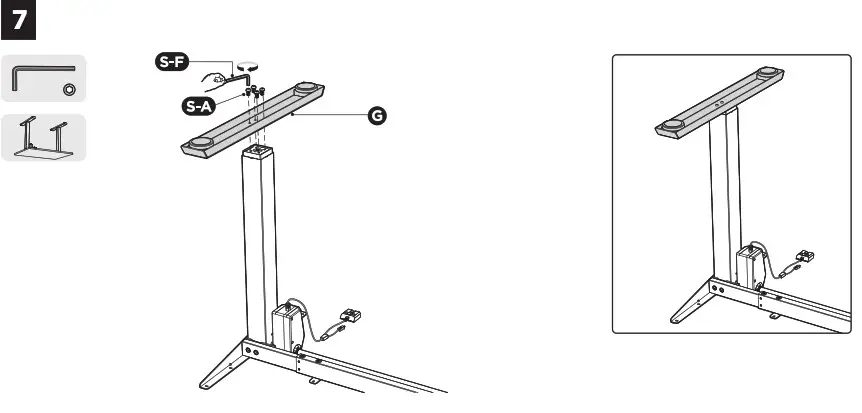
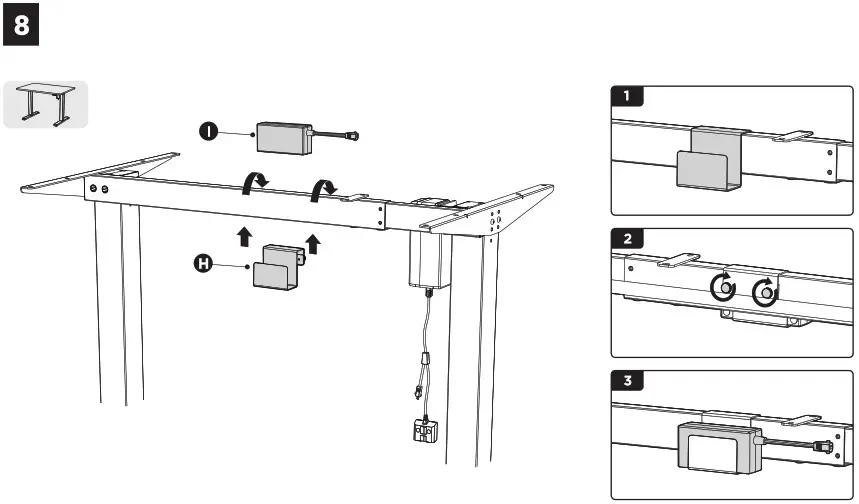
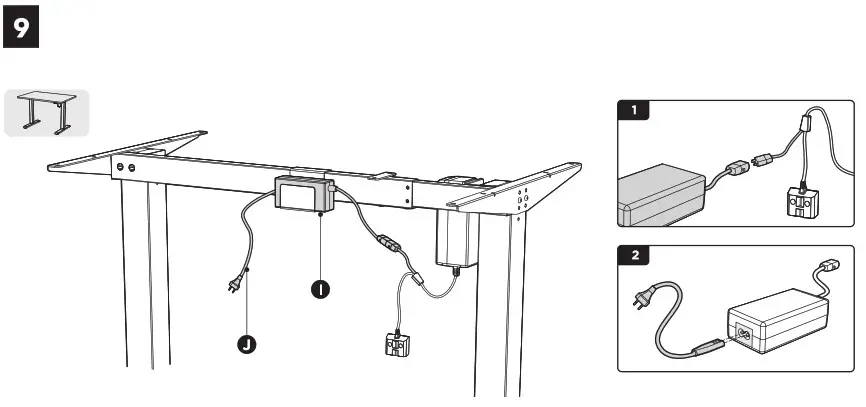
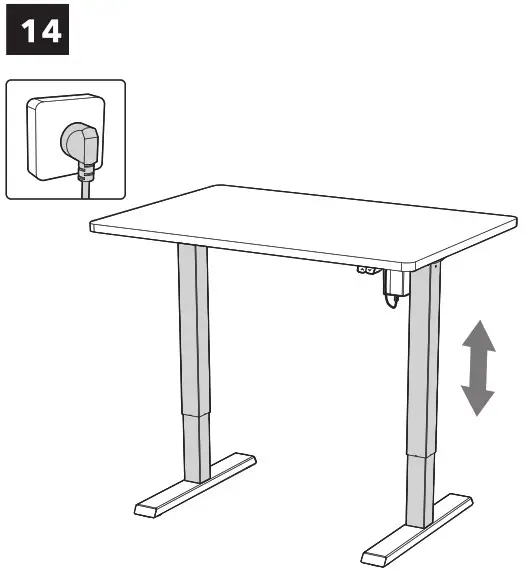
Operation Instruction:
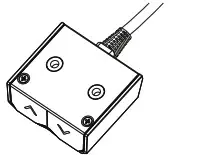
▲ Upward movement
▼ Downward movement
Press the “▲” or “ ▼” and do not release until the desk reaches the desired height. To avoid possible motor damage, do not continuously operate the control panel for over 2 minutes. Should the unit be operated over this time, please allow the system to rest for at least 18 minutes prior to using it again.
Overload protection mode: the desk will enter overload protection mode should the system exceed maximum loaded weight. Should this occur, the system will power off automatically. Before using it again, remove some items on the desk until the system is within the maximum loaded weight.
WARRANTY & SUPPORT
Your new product is protected by our 24-month warranty, or extended warranty (if stated), which you can apply at any of our points of sale. For inquiries, you can use the contact form or one of our international call centres.
| United Kingdom | +44 (0)203 514 4411 |
On-line: www.alzashop.com/contact
R20230425

Co. Reg. No. 27082440
Alza.cz a.s., Jankovcova 1522/53, 170 00 Prague 7, Czech Republic
© 2023 Alza.cz a.s. All Rights Reserved.