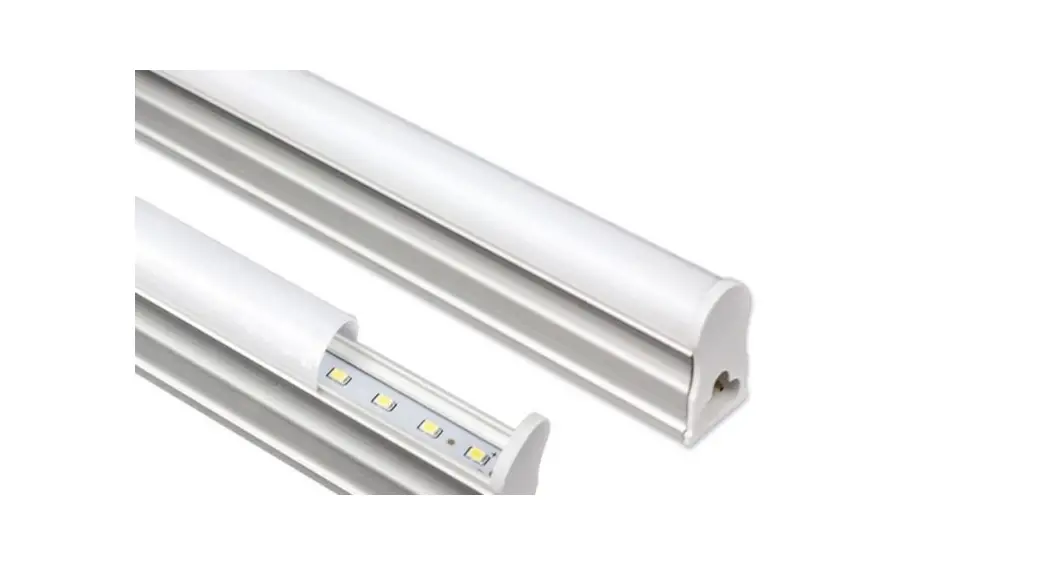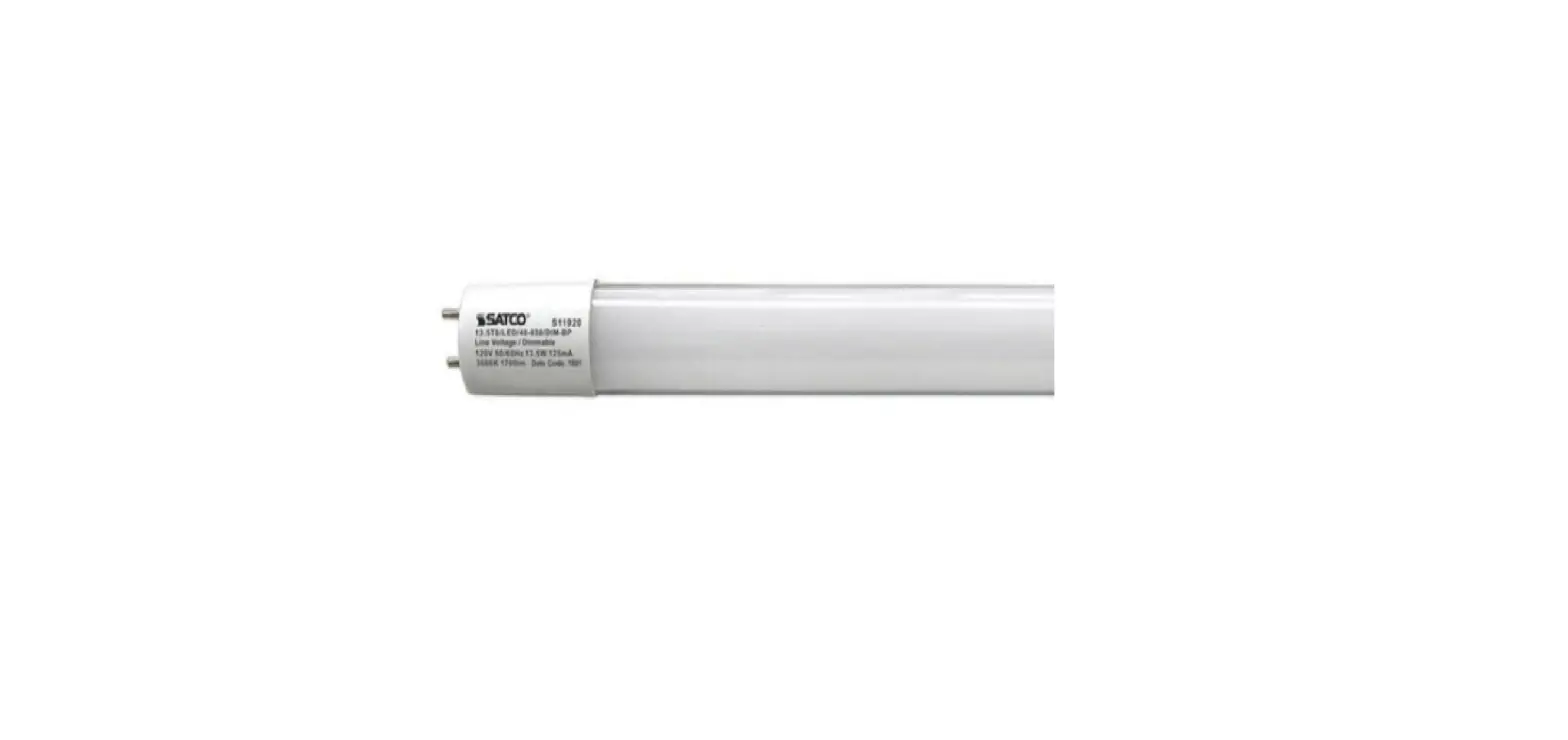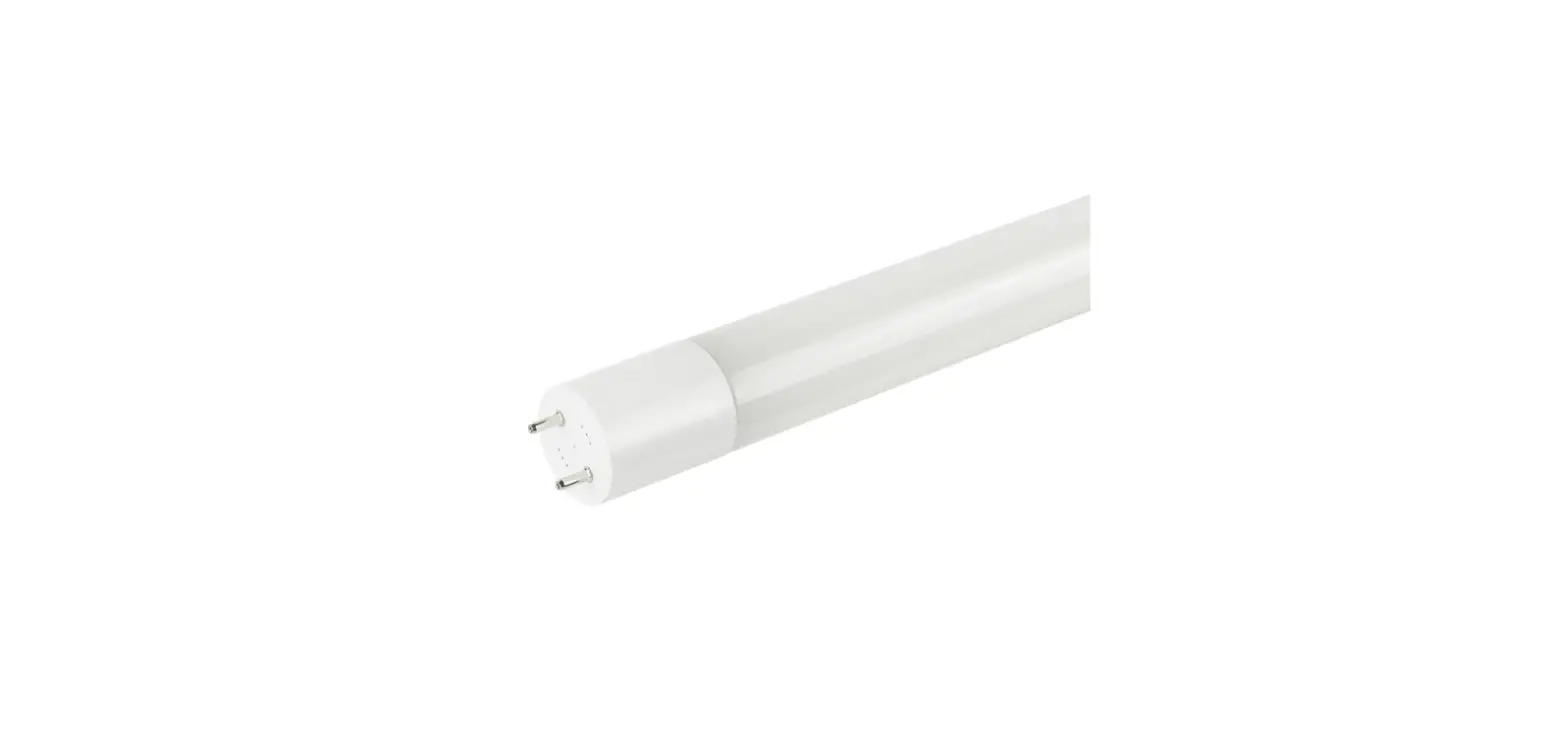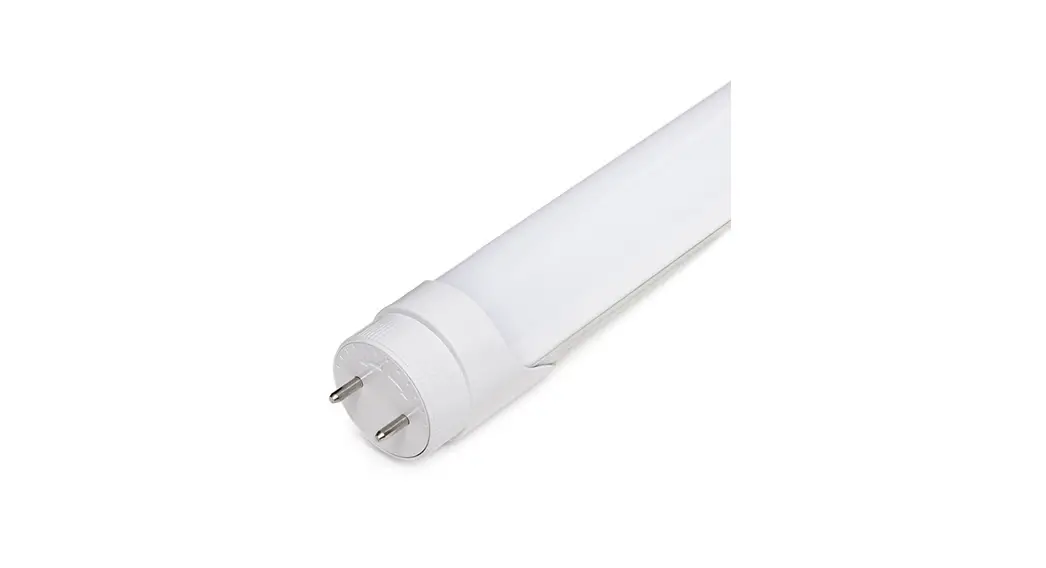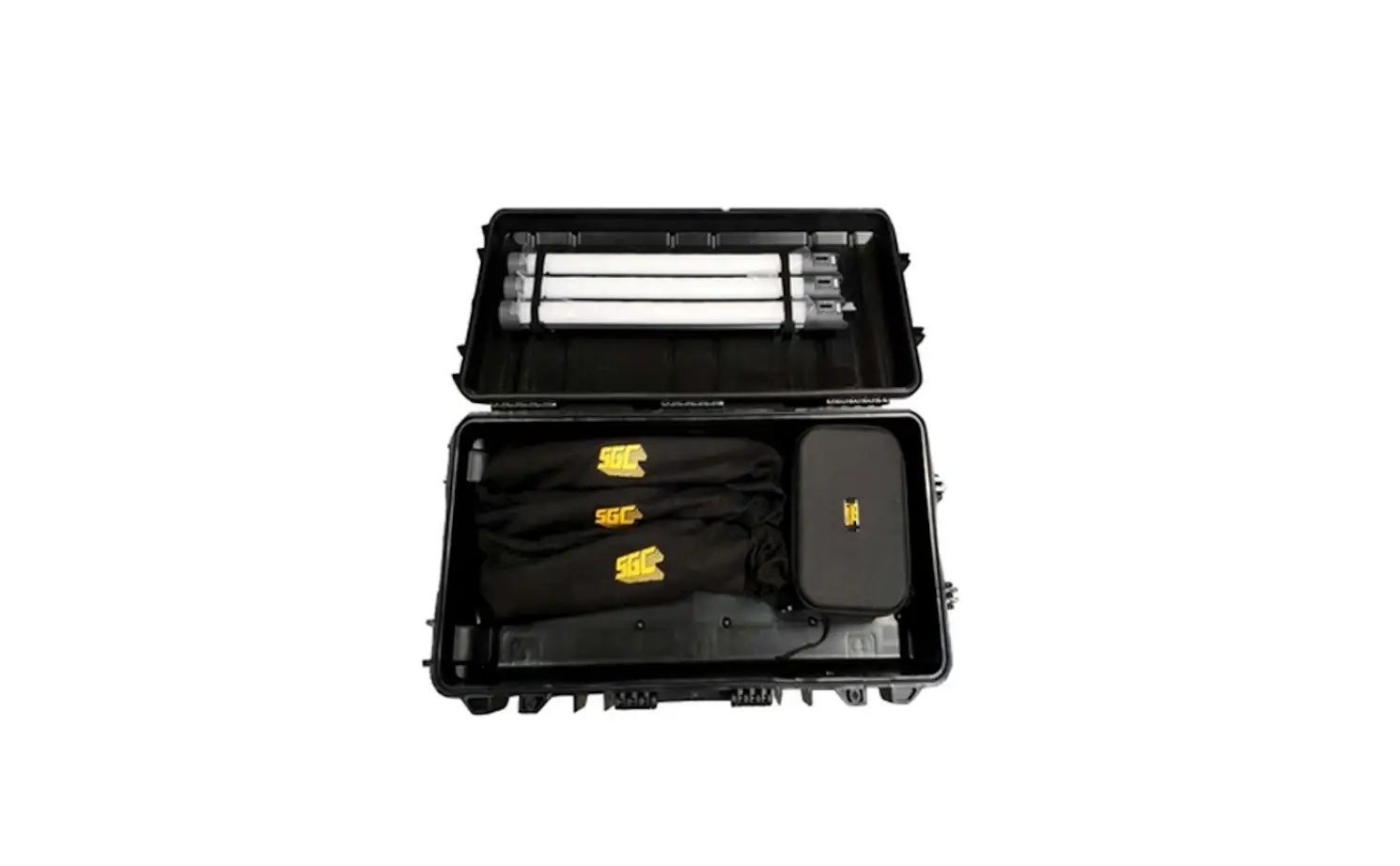
Hybrid Series H60 Tube Type LED Lamp Instruction Manual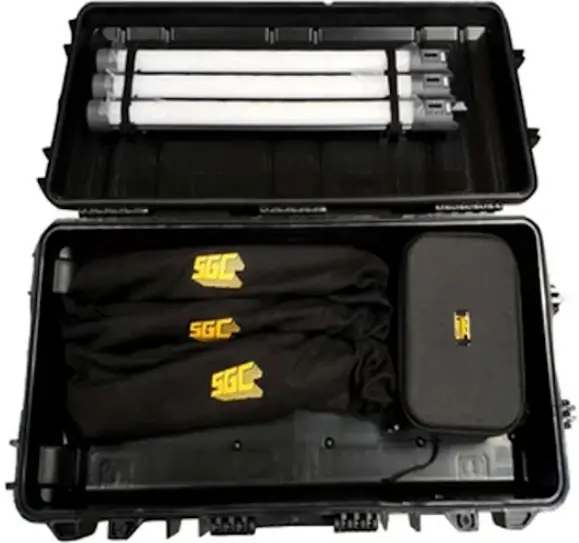
Package Contents
- 1x Hybrid60 OR Hybrid120 tube type LED lamp
- 1 x SGC replaceable Li-Ion 16000mAh capacity Battery Pack
- lx AC Power Supply
- lx Mini Safety Chain
- 1 x User Manual
Package contents may be updated or changed without notice. `Various accessories are constantly being developed. Please check our website www.sgclights.com to learn more.
Product Specification
| Models | H60 | H120 |
| Optics | White Diffuser | |
| Beam Angle | 150′ | |
| Color Temp. | 2700-6000K | |
| Color Temp. Tolerance | +100K | |
| Color Accuracy Standard | CRI>95. TLCI>95 | |
| Power Input Range | DC 24V | |
| Power Consumption | 20W | 40W |
| Power Port | DC input. 2 5″5.5mm barrel connector | |
| Lumens (@6000K) | 23001m | 4600Im |
| Dimming | 0-100°0 | |
| Software Interface | On-board Controller with Display | |
| IP Rating | IP50 | |
| Operational Temp. | -20–40’C | |
| Fixture Dimensions | 043’600mm | 043’1200mm |
| Fixture Weight | 0.7kg | 1.0kg |
| Battery Capacity | 16000mAh | 16000mAh |
| Battery Pack Charge Life | Expected battery pack capacity after 300 charging cycles: >70°0 | |
| Expected Lamp Life | 25000 Hours | |
| Controls | Manual on-board control, wired/wireless DMX, Wireless Remote Controller (optional) | |
Functional Description
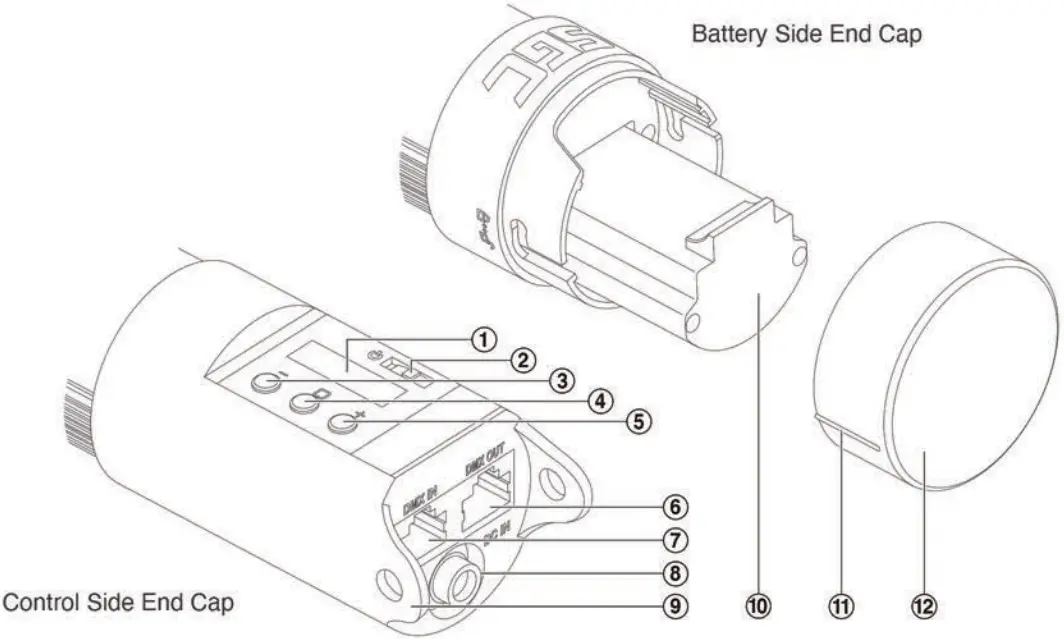
- Menu Screen
- Power Switch
- “Minus/Left” Button
- “Confirm” Button
- “Plus/Right” Button
- DMX OUT Port
- “Confirm” Button
- DC Input Port
- Safety Chain Brackets
- Rechargeable Battery Pack
- Locking Pin Indicator
- Battery Cap
Operations: Li-Ion Rechargeable Battery Pack
Removing and Inserting of Battery Pack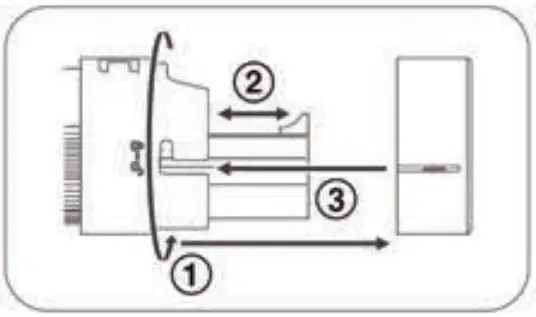
- Twist the battery cap to unlock and remove it from end cap
- Use the built in tab to pull out the battery pack or insert it
- Align the locking-pin indicator when re-inserting the battery cap
Charging – Directly inside a fixture (default)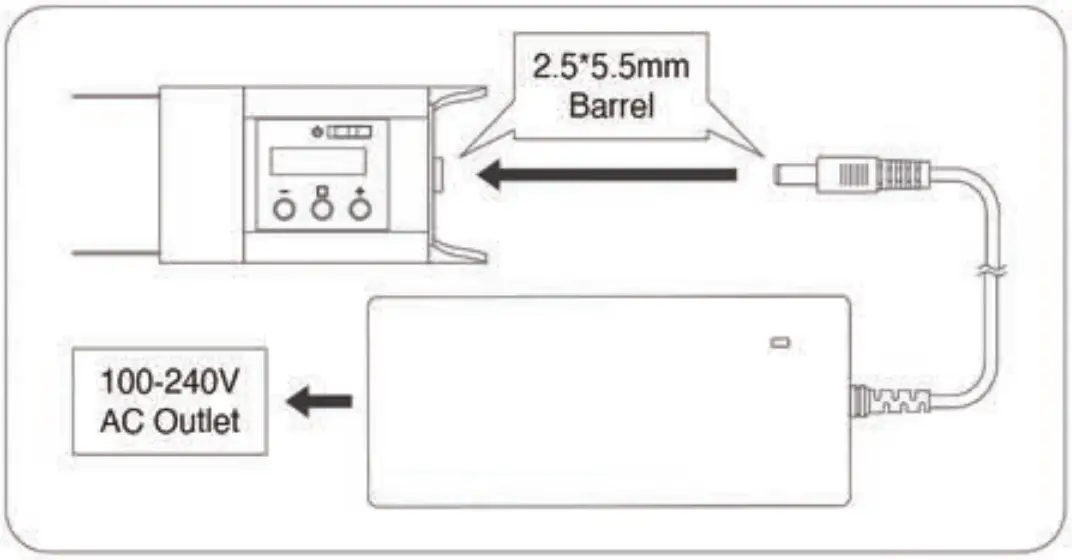
- When a supplied AC power supply is connected to the fixture, it will provide power for the fixture to operate and/or charge the rechargeable battery pack depending if the battery is inside or not.
- Below is the list of Battery Status Icons on the fixture’s Control Screen
 Solid battery icon with bars: current Battery Level
 Flashing empty battery icon: the battery has less than 5% charge remaining and needs to be charged
 Empty battery icon with a lightening sign: the battery is being charged
Charging – Using an external battery charger (optional)
- An optional external battery charger can be purchased to charge additional battery packs separately.
Control Button Functions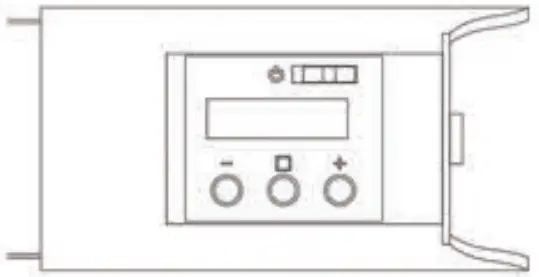
- When the fixture is powered on, the CCT menu is displayed, showing Color Temp. and Intensity parameters.
- To change Color Temp., press / To change Intensity, press and then press I .
- For Main Menu, press and hold H. Press / to scroll through options.
- To set the DMX Address, press on DMX. Press / to select the Address. Press and hold 🙂 to Save.
- To Reset to Default, press [_ on RST. Press to select Yes. Press to Reset Lamp.
Control Menu Listing
| Main Menu | Sub Menu | Parameters | Description |
| CCT | Color Temp. | 2700-6000K | Adjust Color Temperatureby 100k |
| CCT | Intensity | 0-100% | Adjust Brightness 1% |
| DMX | DMX Address | 001-512 | Set the DMX address forthe fixtureBy default. the first addressis assigned to Intensity,and the subsequent numberis assigned to Color Temp. |
| RST | Yes/No | Factory reset that resets thelight to following parameters:100% brightness,3200K Color Temperature,DMX Address 001 |