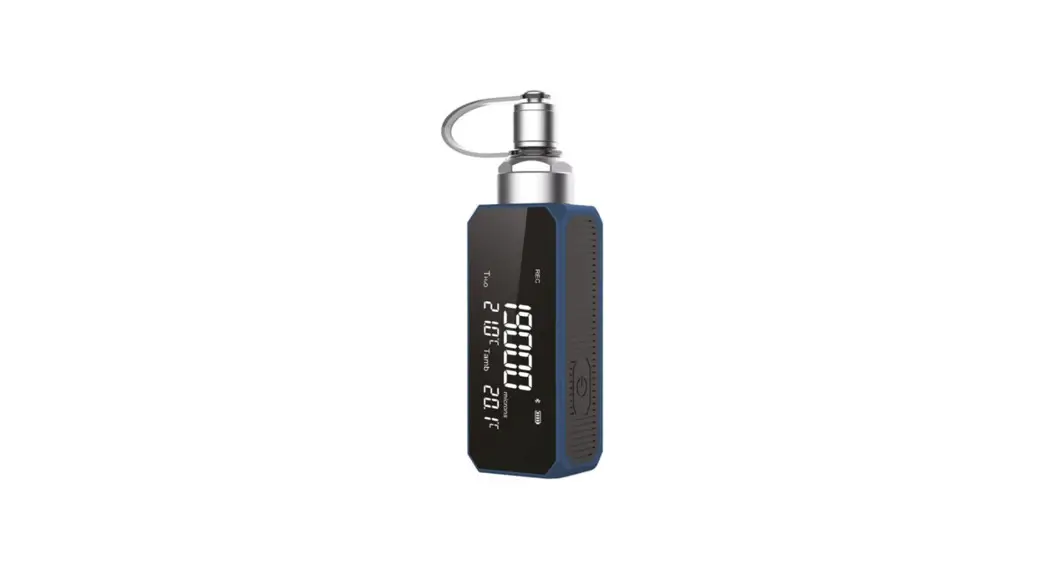
 BE COOL V1 SMART
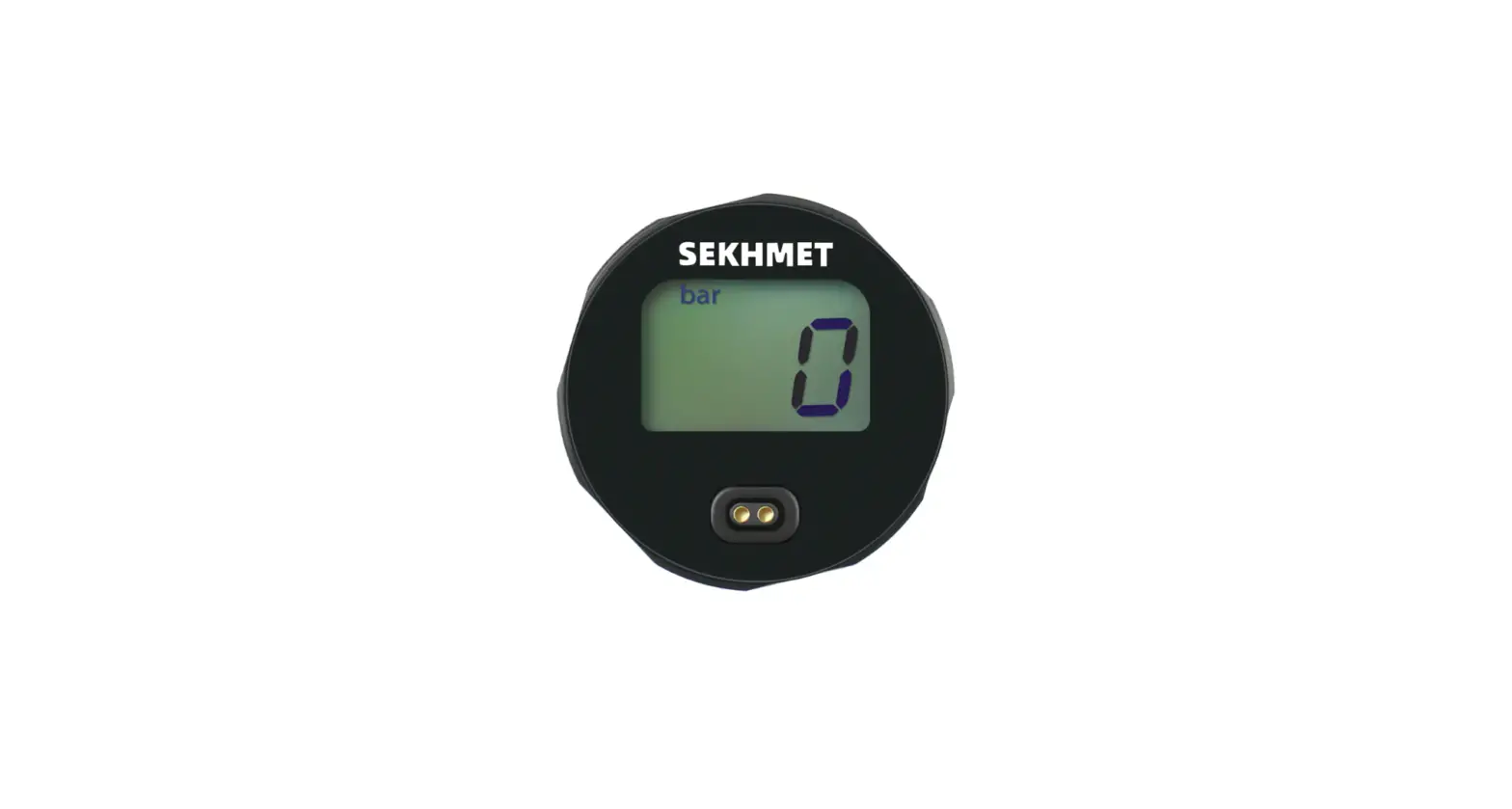
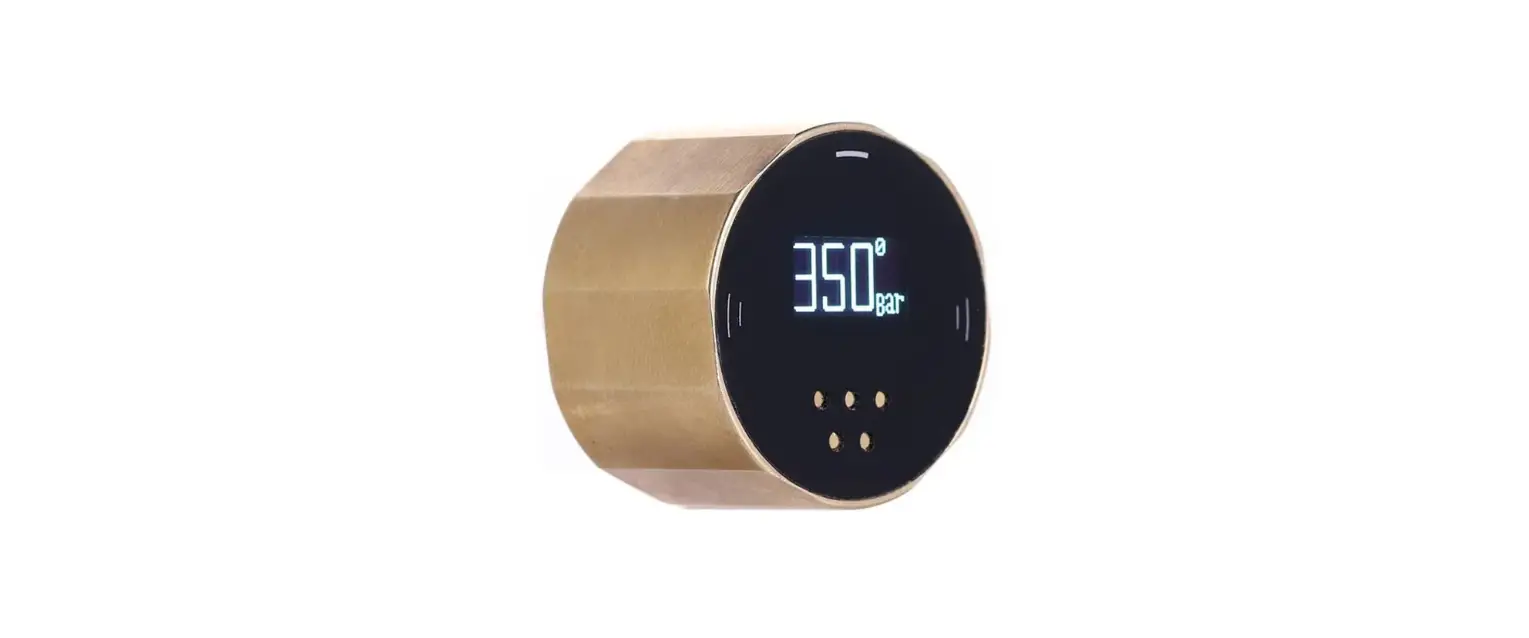
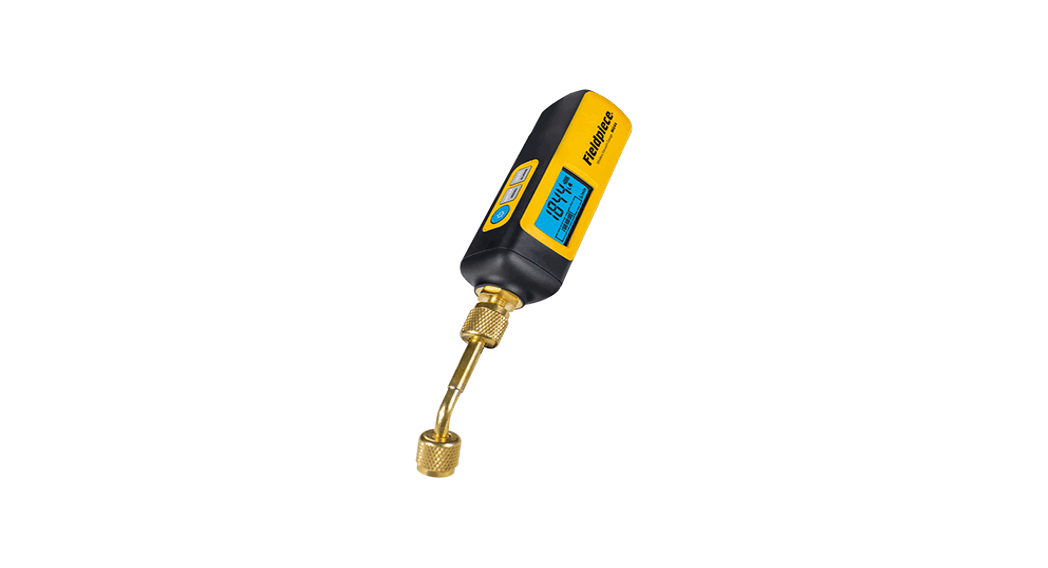
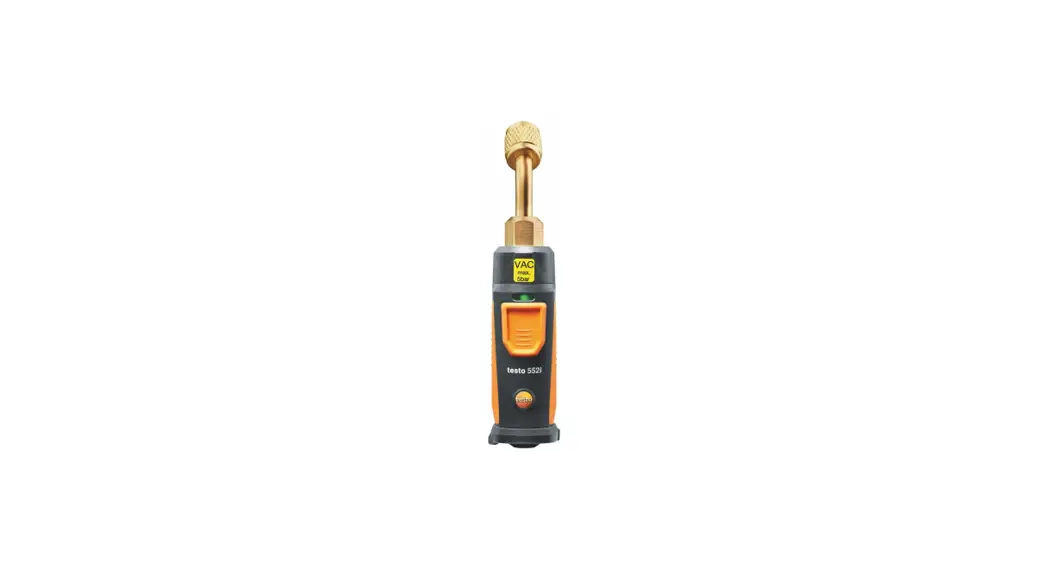
Digital vacuum gauge
Quick Guide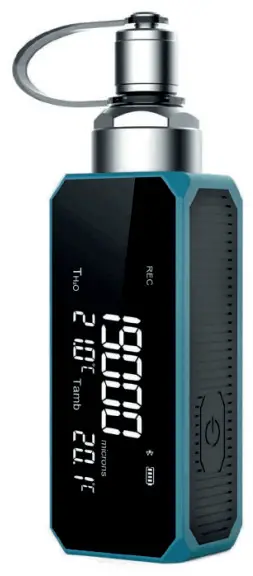
FUNCTIONALITIES:
– Measurement range: 1 – 19000 micron
– Meas. unit: micron, mTorr, inHg, Pa, Torr, KPa, mbar, psia
– Resolution: 1 .. 400 micron -> 1 micron
400 .. 3000 micron -> 10 micorn
3000 .. 10000 micron -> 100 micron
10000 .. 19000 micron -> 250 micron
– Precision: 1 .. 10000 micron ±10% of reading; 10000 .. 19000 micron ±20% of reading
– Battery: Lithium rechargeable, 1000 mAh
– Temperature of use: -10 .. 50°C / 14 .. 122 °F
– Storage temperature: -20 .. 60 °C / 14 .. 140 °F
– Male 1/4 SAE fitting
– Bluetooth® connection
Scan the QR codes and download the complete manuals.
 |  |
| https://seitron.com/en/smart-vacuum-gauge.html | https://seitron.com/it/vacuometro-digitale-smart.html |
OPERATION
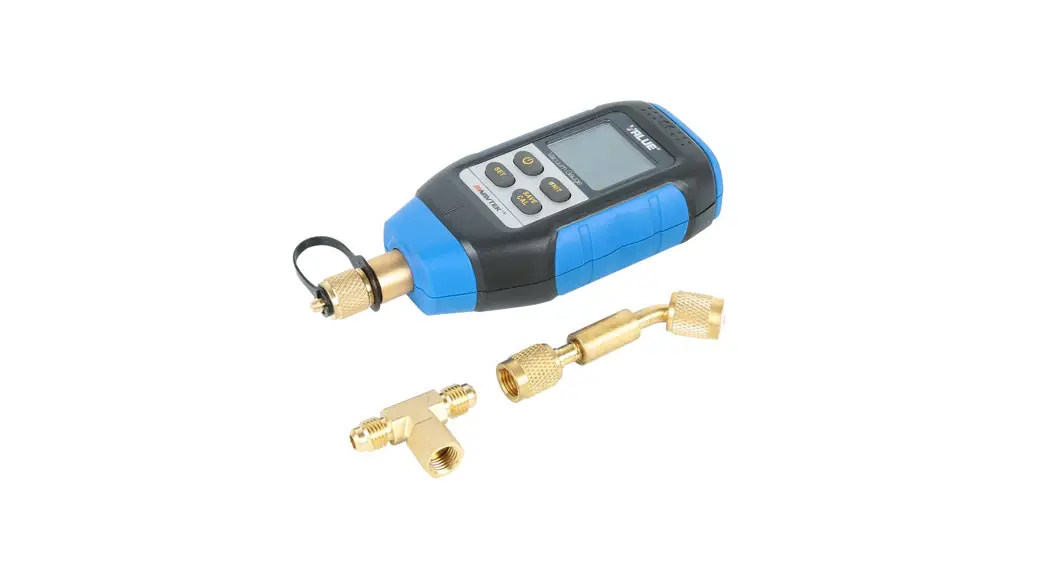
The instrument BE COOL V1 Smart measures vacuum in the context of emptying the refrigerant gas present in the cooling system, as it is capable of measuring pressure values below atmospheric pressure. It can also be used remotely by connecting the appropriate App via Bluetooth.
Summary steps for use without the App:
| 1 | Connect the instrument to the refrigeration system (via the 1/4 SAE male and tee fitting) and press the ‘on’ button. |
| 2 | The display shows ‘—–’ until it detects a pressure in the measurement range of 0 to 19000 microns. |
| 3 | Now the vacuum measurement, in addition to the temperature parameters, will be available for the user to read directly on the instrument display. |
| 4 | If necessary, it is possible to change the unit of vacuum and temperature measurement according to the user’s needs: briefly press the power button to cycle through the available units of measurement. |
MEASUREMENT SCREEN
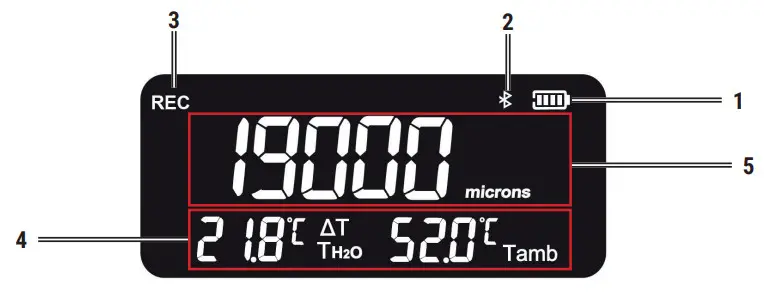
| 1 | Battery charge indicator: indicates the charge liel of the internal battery; if the indicator is empty, the remaining charge is less than 5%. In this case, it is recommended to recharge the instrument. |
| 2 | Bluetooth icon: indicates when an external device is connected via Bluetooth to the instrument. |
| 3 | REC icon: this icon is present when recording of the current measurement has been started. |
| 4 | Temperature display panel: this section displays: the current measured temperature, the measurement parameters (TH2O = water evaporation temperature, Tamb =ambient temperature, ∆T=Tamb -TH2O ) and the temperature unit °C or °F. |
| 5 | Display de vacuum measurement: shows the current vacuum measurement measured by the instrument. |
APP MOBILE
Download to your mobile device the App Seitron BE COOL in Google Play Store (Android), APP Store (Apple) or Huawei AppGallery.
Launch the app you just downloaded and click on “Search for nearby devices.”
Once the device icon appears on the screen click on it;
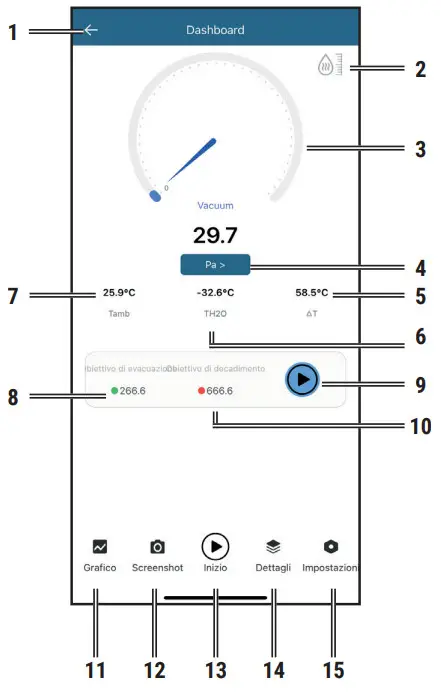
Main screen:
| 1. Back to the main screen 2. Water status indicator 3. Vacuum status indicator 4. Unit setting 5. Temperature difference 6. Water saturation temperature 7. Room temperature 8. Objective vacuum value | 9. Decay target value 10. Start/Pause leak test 11. View graph 12. Performs the screenshot 13. Start/Pause Recording 14. Device information 15. Settings |
Seitron S.p.A. a socio unico
Via del Commercio, 9/11 – 36065 – MUSSOLENTE (VI) ITALY
Tel. 0424.567842 – [email protected] – www.seitron.com
Distributed by: Valuetesters.com
[email protected]
Tel: 602-795-8292, Fax: 602-795-4624
 Seitron: sistemi di termoregolazione, sicurezza e gas