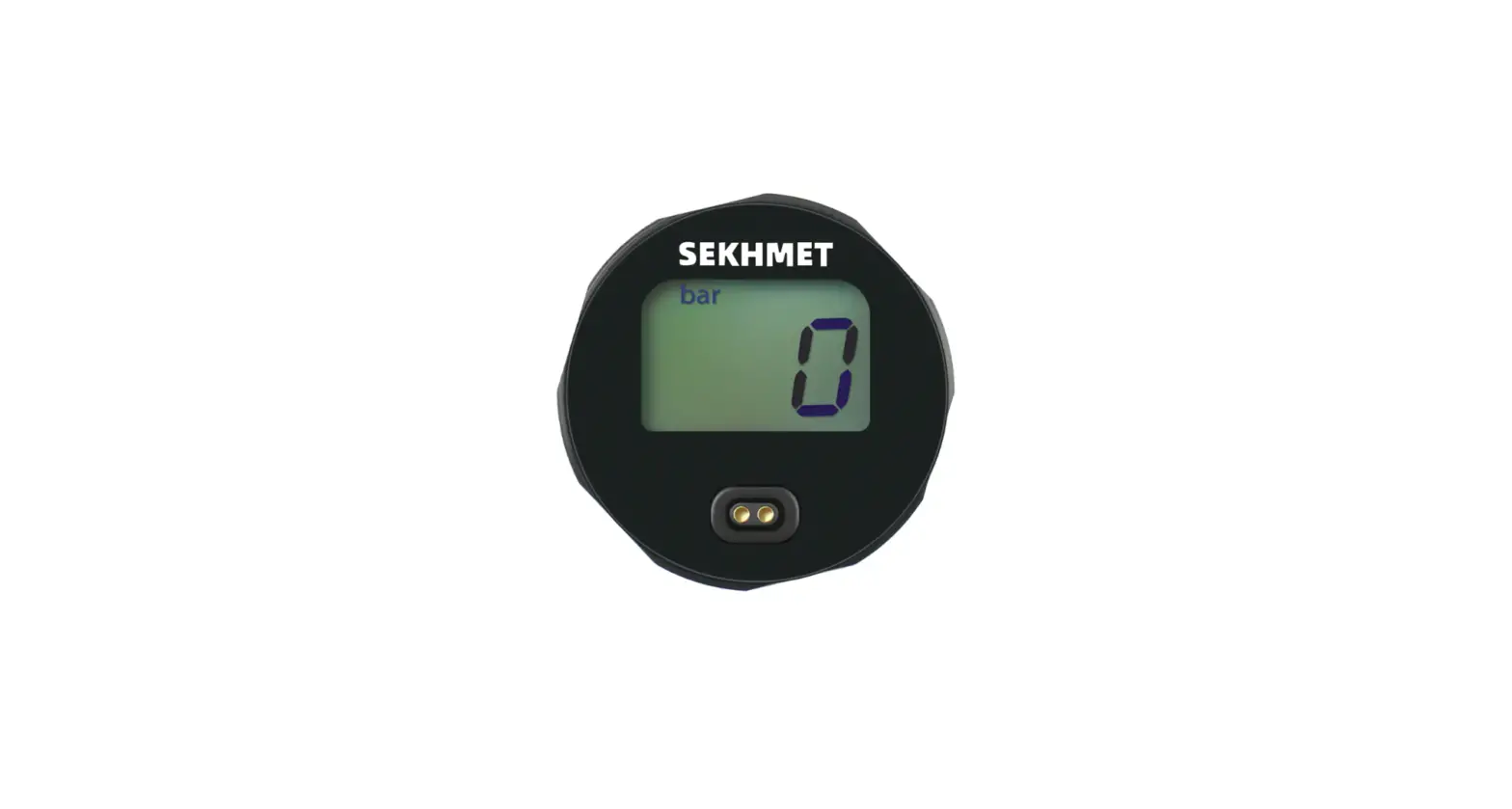
SEKHMET 25mm Digital Gauge User Manual
NAME OF EACH PART
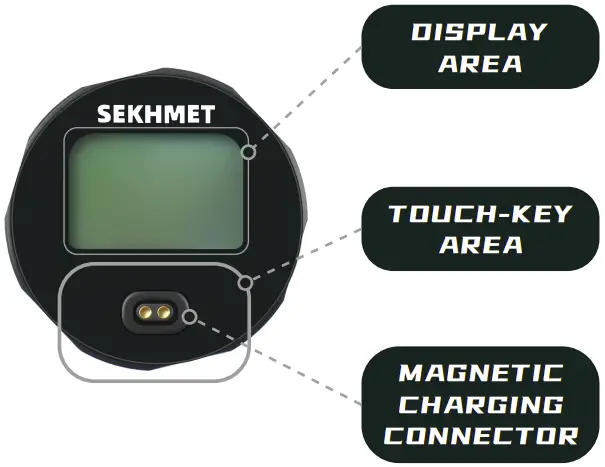
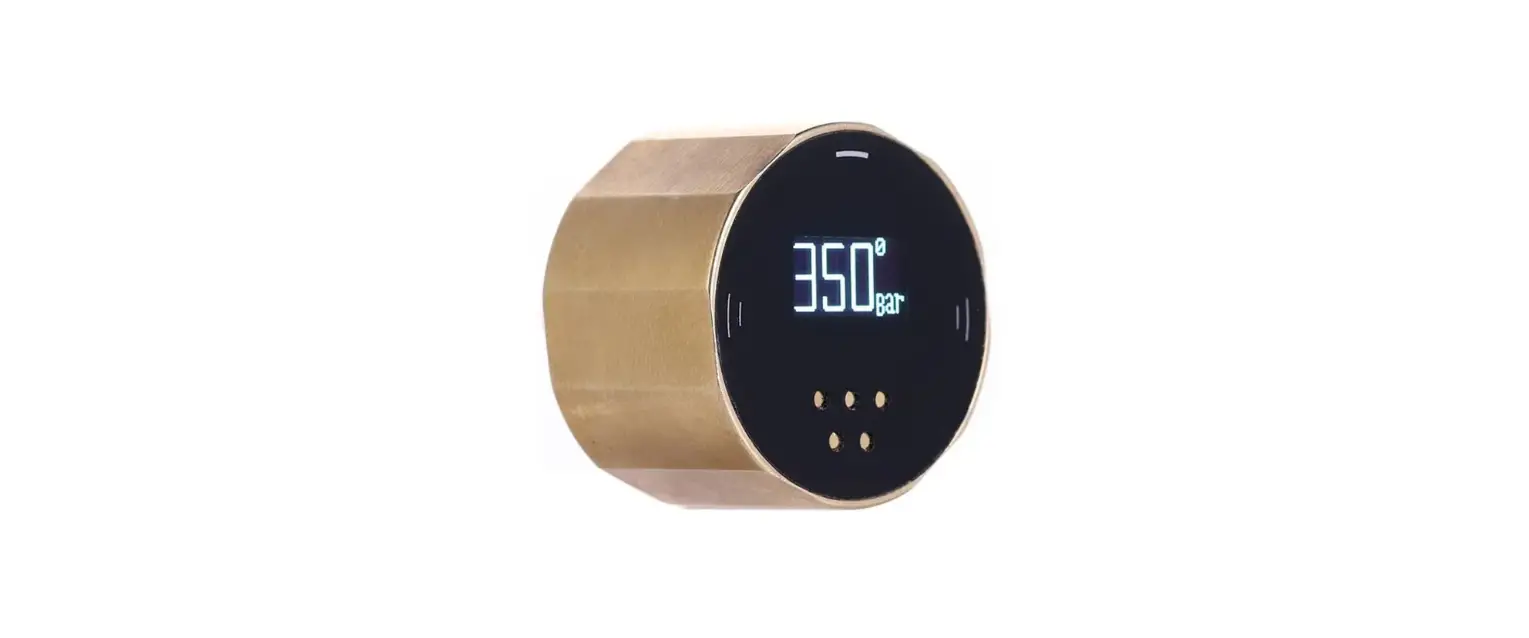
- Display Area: Shows pressure in Bar, shows battery icon when charging.
- Touch-Key Area: One button touch key
- Magnetic Charging Connector: 5V In
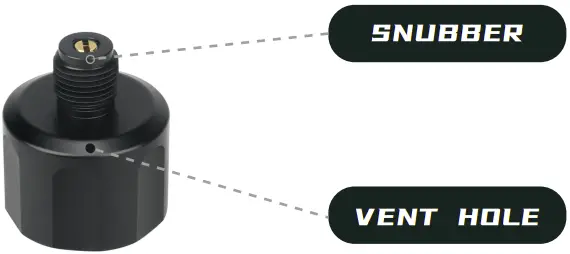
- Snubber: To protect pressure sensors and pressure gauges against pressure surges, if it is loose, use a flat-blade screwdriver to tighten it.
- Vent Hole: Explosion-proof, do not block this hole.
INSTALLATION
Before install the gauge on your air gun, choose the seal component properly.
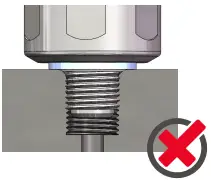
A Complimentary Bonded Seal is NOT recommended on this gauge.
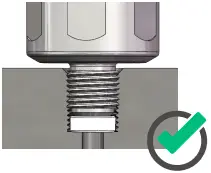
Pom/ PTFE/Rubber gaskets are recommended on this gauge.
Note: Using Pom/ PTFE/Rubber gaskets could possibly block the air inlet due to over-tightening, which may cause the gauge to read ZERO. Please make sure the air inlet is clear.
OPERATION
Power on: Short touch
Power off: Long touch for 5 seconds
Auto Power off: 10 minutes
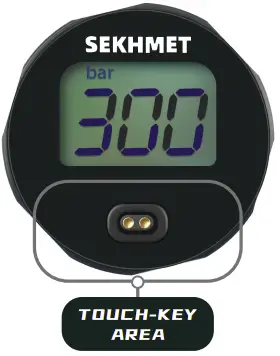
To show the battery icon, you need to power on this device before charging it, and after the battery is fully charged, the battery icon does not change to indicate “FULL“, this icon will disappear, and the device goes to sleep.
To extend the battery life, the whole charging process is divided into three-part, fast \ slow, and trickle charge. One or half hours of charging is enough for daily usage and it takes hours to wait for the icon to go off.

NOTES
THE COATING ON THE THREADS MAY HAD BEEN DAMAGED. THIS DOESN’T MEAN THIS GAUGE HAS BEEN USED. IT WAS SCRATCHED DURING THE TWO CALIBRATIONS AND PRESSURE TESTS BEFORE WE SHIPPED IT.