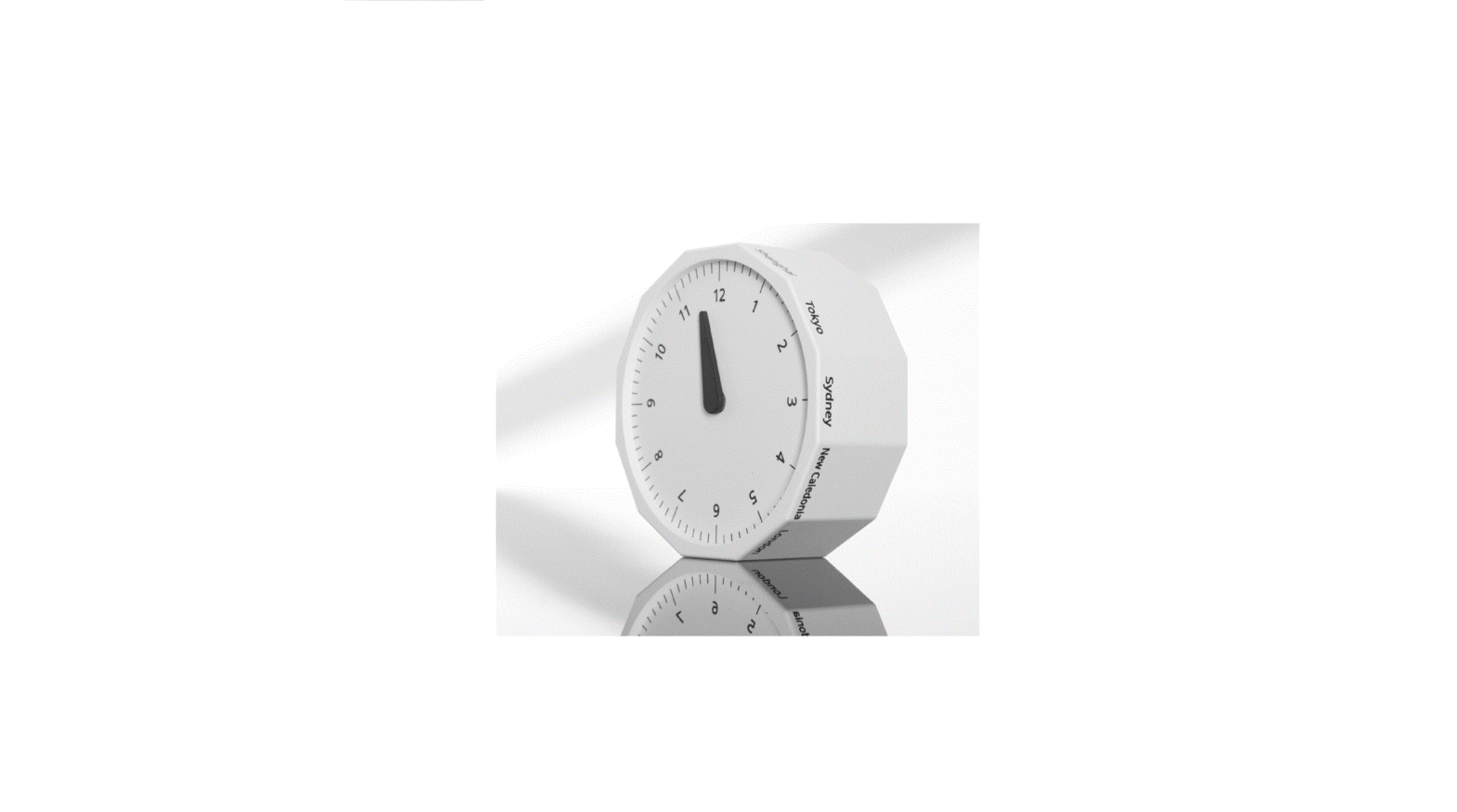

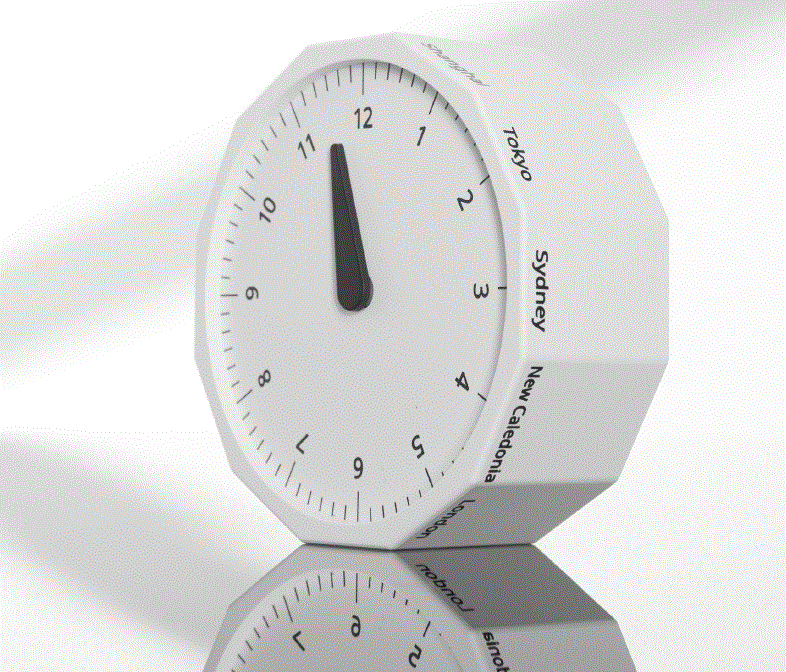
Thank you for purchasing the World Clock. Please read this guide and store it for future reference.
INTRODUCTION
Coordinated Universal Time (“UTC”) is the primary time standard by which the world regulates clocks and time. It is within about 1 second of mean solar time at 0° longitude and is not adjusted for Daylight Saving Time. It is effectively a successor to Greenwich Mean Time.
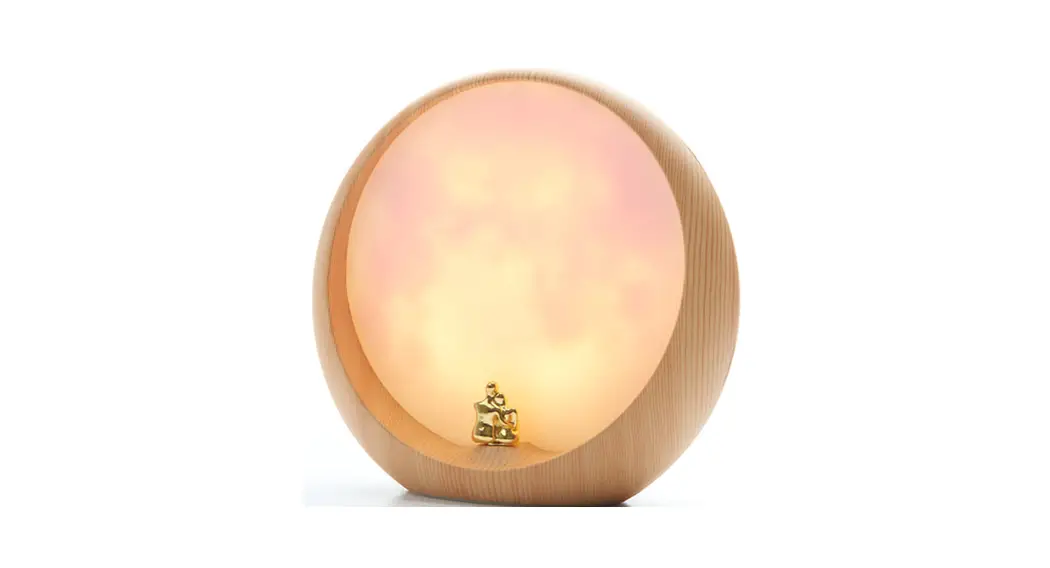
The World Clock helps you stay connected with your loved ones in different time zones. Simply rotate the entire clock so the name of your desired city is facing up. Once selected, the hour hand will automatically set to the correct position for that city’s time zone.
PLEASE NOTE: There is no minute hand on this clock.
FEATURES
- Easy-to-use world clock
- Compact stylish design
- Dimensions: 3.25” L x 3.25” W x 1.25” H. 3 lbs.
- Battery included (1 x AA)
SUPPORTED TIME ZONES AND CITIES
- UTC+0, London
- UTC+1, Paris
- UTC+2, Cape Town
- UTC+3, Moscow
- UTC-8, Los Angeles
- UTC+5, Karachi
- UTC-6, Mexico City (Central Standard Time)
- UTC-5, New York (Eastern Standard Time)
- UTC+8, Shanghai (Pacific Standard Time)
- UTC+9, Tokyo
- UTC+10, Sydney
- UTC+11, New Caledonia
HOW TO SET THE WORLD CLOCK
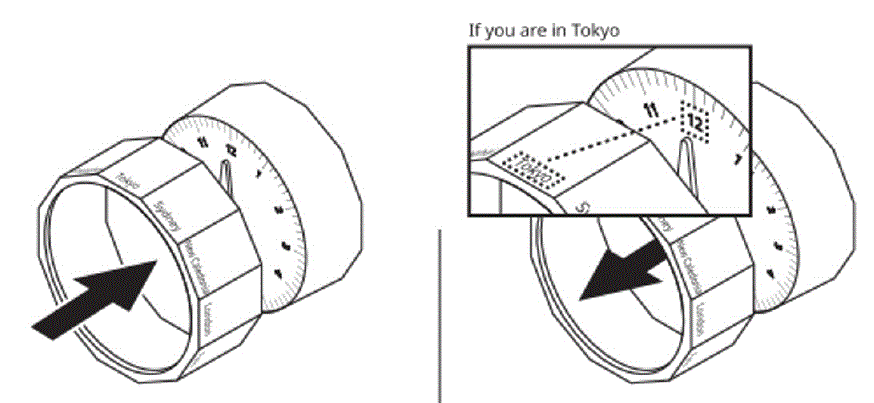
- Set your time zone:
Remove the sleeve around the clock.
- Align your city name with the number 12. Reinstall Sleeve.
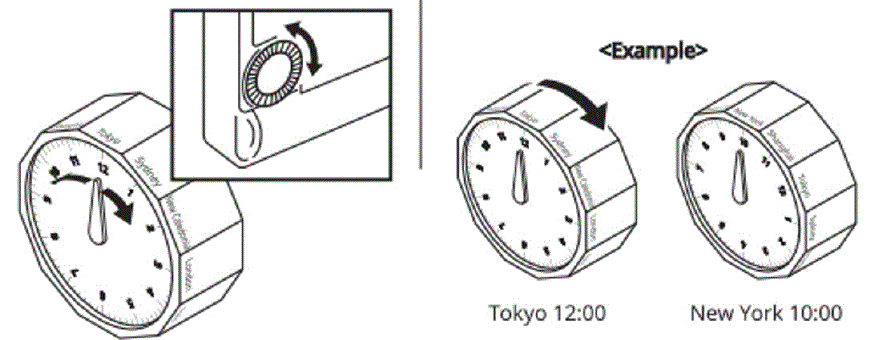
- Adjust the time:
Rotate the dial to the desired time.
- To determine other time zones:
Rotate the entire clock to the desired city.