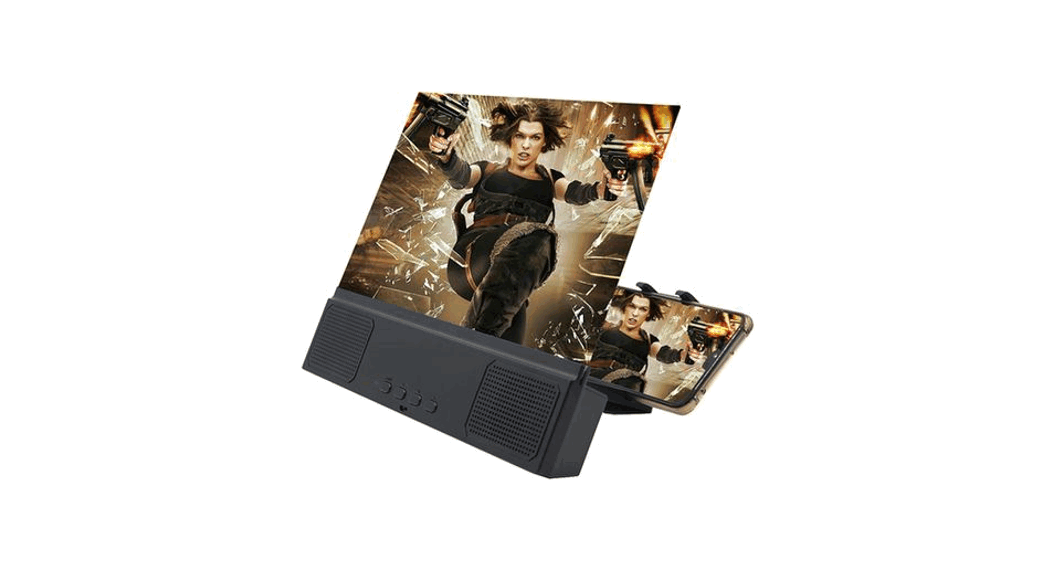
 SMARTPHONE TV SCREEN MAGNIFIER
Item No. 208256
User Guide 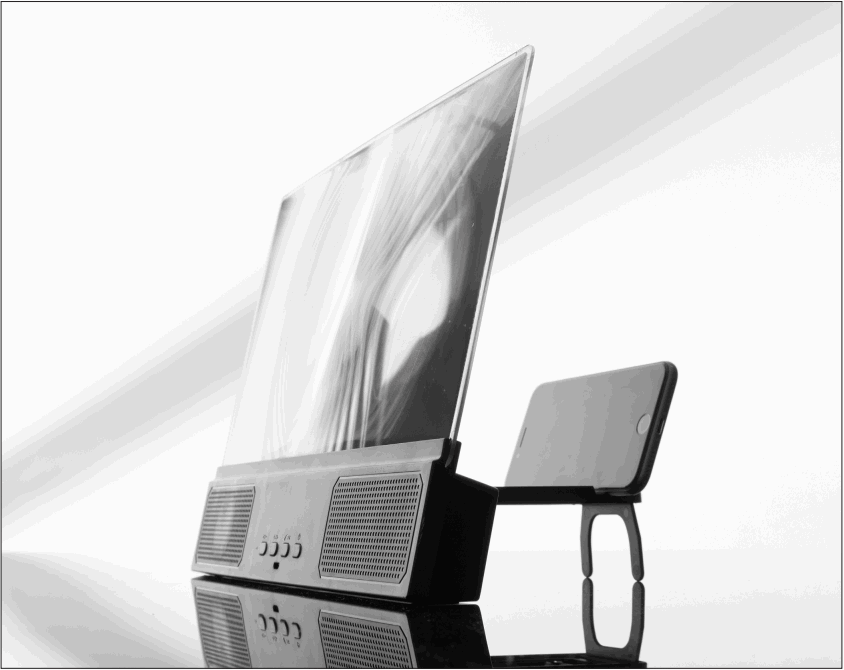
Thank you for purchasing the Smartphone TV Screen Magnifier. Please take a moment to read this guide and store it for future reference.
INTRODUCTION
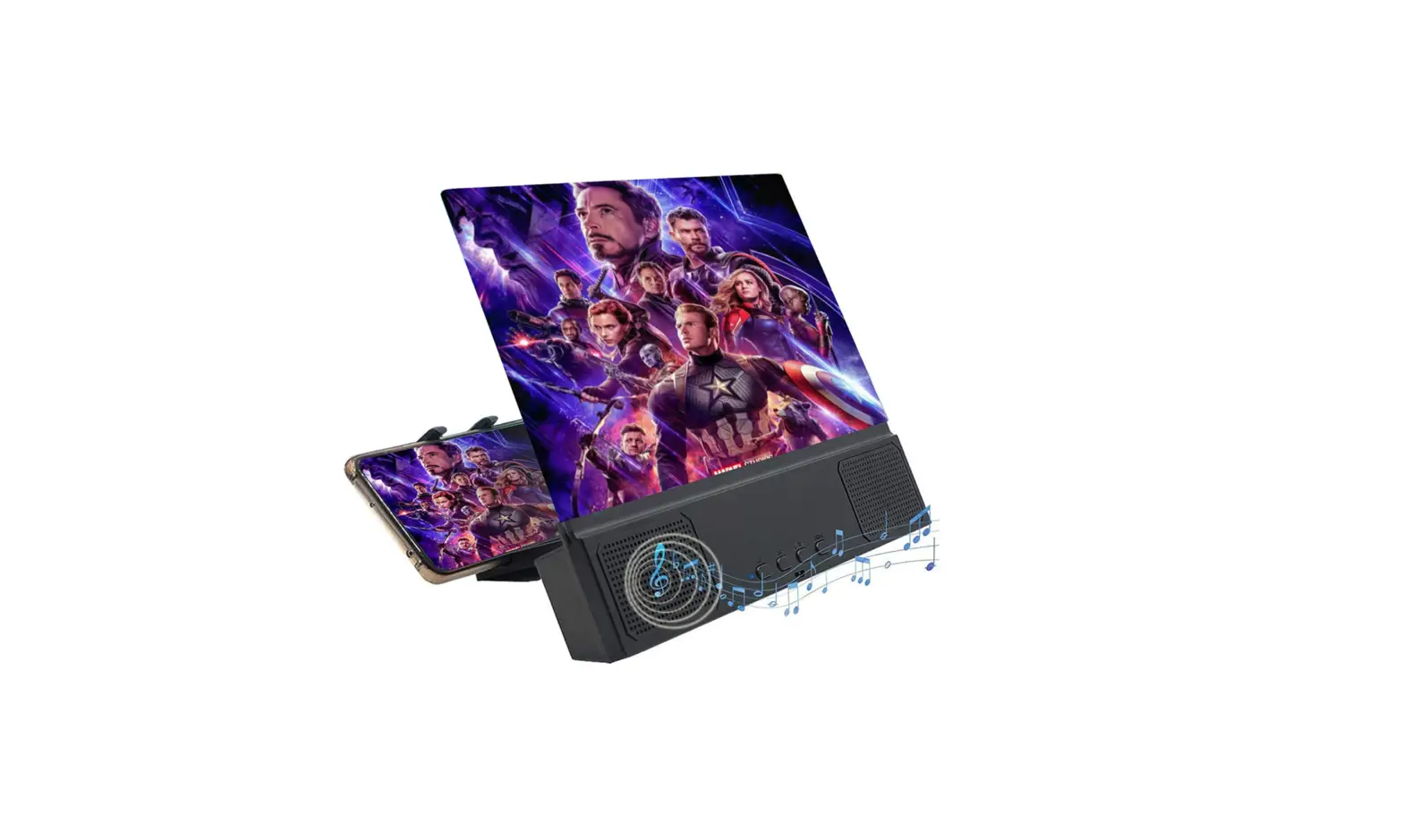
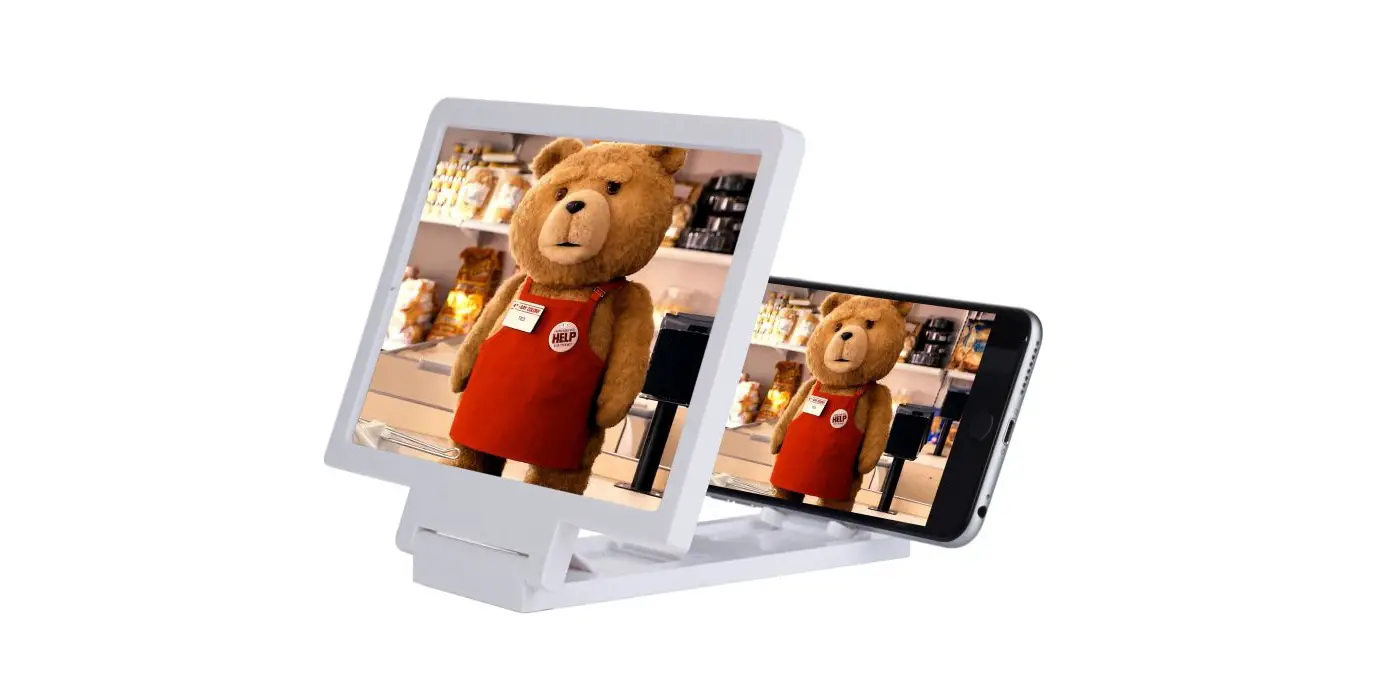
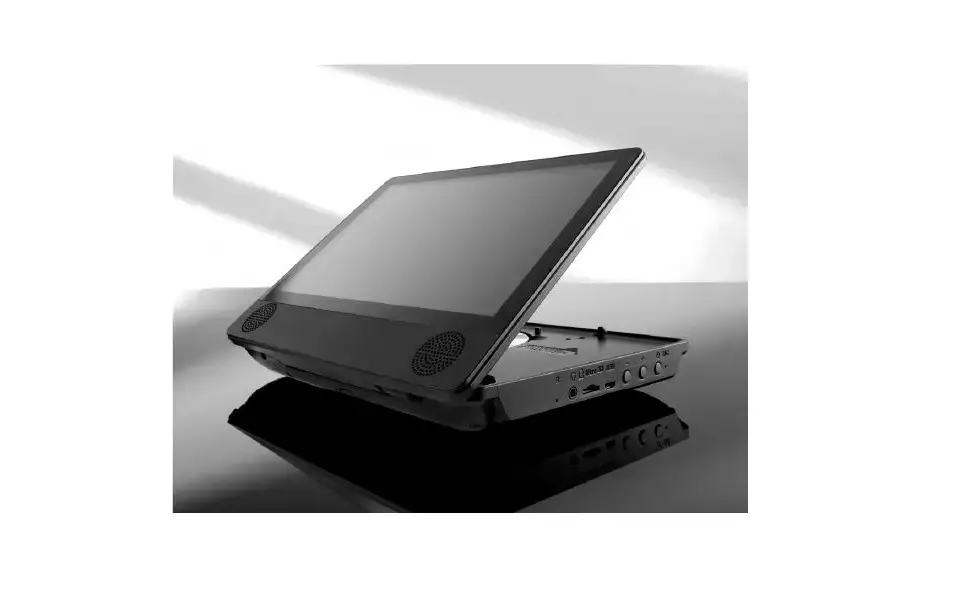
The Smartphone TV Screen Magnifier turns your phone into a 12” display screen for easier viewing.
Simply pair your phone with the wireless speakers to enjoy a more cinematic experience for your favorite movies, videos, and games.
FEATURES
- Magnifies your smartphone screen
- Accommodates most smartphones
- Dual 5W wireless speakers
- Bluetooth 5.0
- 12” curved screen provides a more cinematic experience
- Dimensions: 10” L x 8.1” W x 1.9” H
- Weight: 1.2 lbs.
- Battery Capacity: 1800mAh
- Charge time: 3-4 hours
- Charges via USB
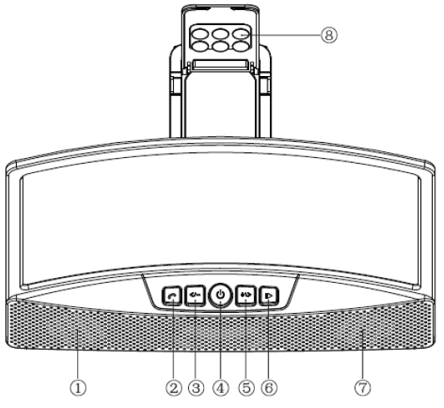
DESCRIPTION OF PARTS (1)
- Left Speaker
- Answer/Hang Up Phone (Short press)
- Volume – / Previous (Long press to decrease volume. Short press to skip back to the previous track.)
- Power ON/OFF (Long press 3 seconds)
- Volume + / Next (Long press to increase volume. Short press to skip ahead to the next track.)
- Play / Pause (Short press)
- Right Speaker
- Silicone Suction Cups
 DESCRIPTION OF PARTS (2)
 - Charging port
- Charging indicator
- Magnifier lens
- Magnifier base
- Base brackets

 DESCRIPTION OF PARTS (2)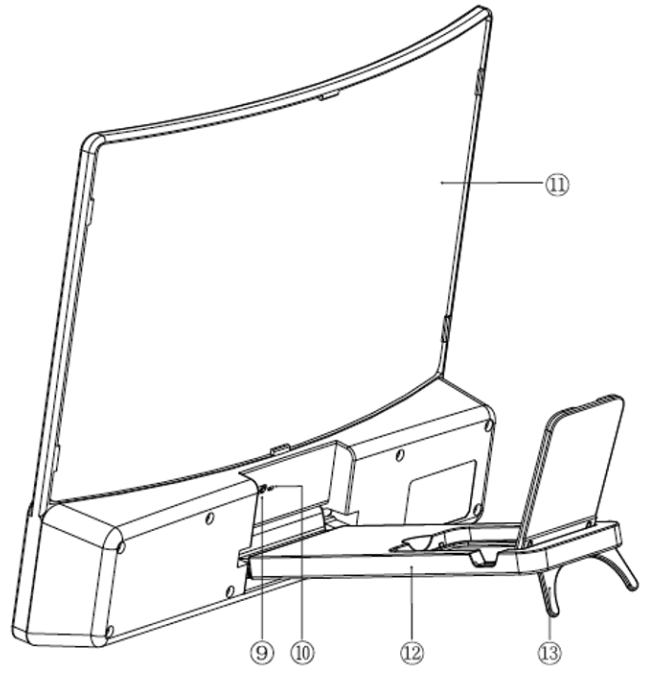
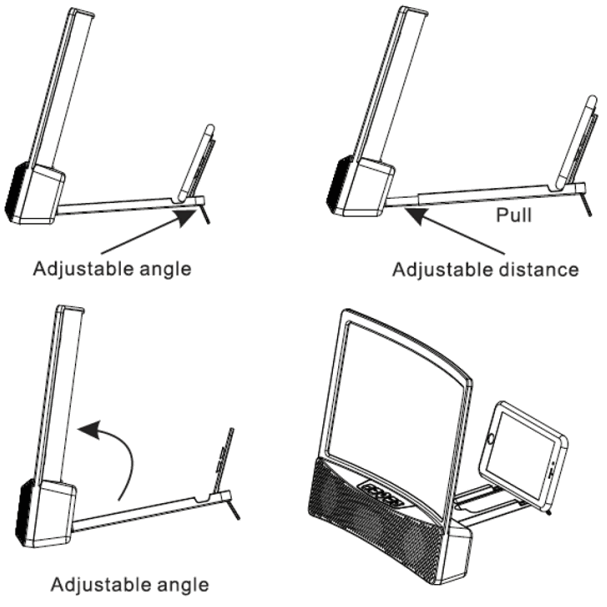
SETTING UP THE SCREEN
- Place the Smartphone TV Screen Magnifier on a flat surface and expand as shown.
- Place your smartphone into the holder.
- To get the best picture possible you may need to do the following:
• Adjust the angle of the screen.
• Adjust the angle of the phone.
• Adjust the distance between the screen and the phone.
PAIRING THE SPEAKERS WITH YOUR SMARTPHONE
- Hold down the Power ON/OFF button for 3 seconds to enter Bluetooth pairing mode.
- Wait for “L10-L30” to appear on your Bluetooth device list. Select it to pair with your phone.
- Adjust the volume to your comfort level with the Volume + and Volume – buttons. (Long press to adjust the volume.)
USING THIS DEVICE AS A SPEAKERPHONE
When this device is paired with your phone, you can use it as a hands-free speakerphone to answer incoming calls.
- When a call comes in, short press the Answer/Hang Up Phone button. The caller’s voice will be heard on the built-in Bluetooth speakers.
- When the call is over, short press the same button to hang up.
NOTE: Your audio will automatically pause during a phone call and automatically resume at the end of the call.
CHARGING YOUR DEVICE
- Connect the device to a USB power source.
- Please use the cable that came with this device.
- The charge time is approximately 3-4 hours.
- Disconnect the device when fully charged.
 MADE IN CHINA