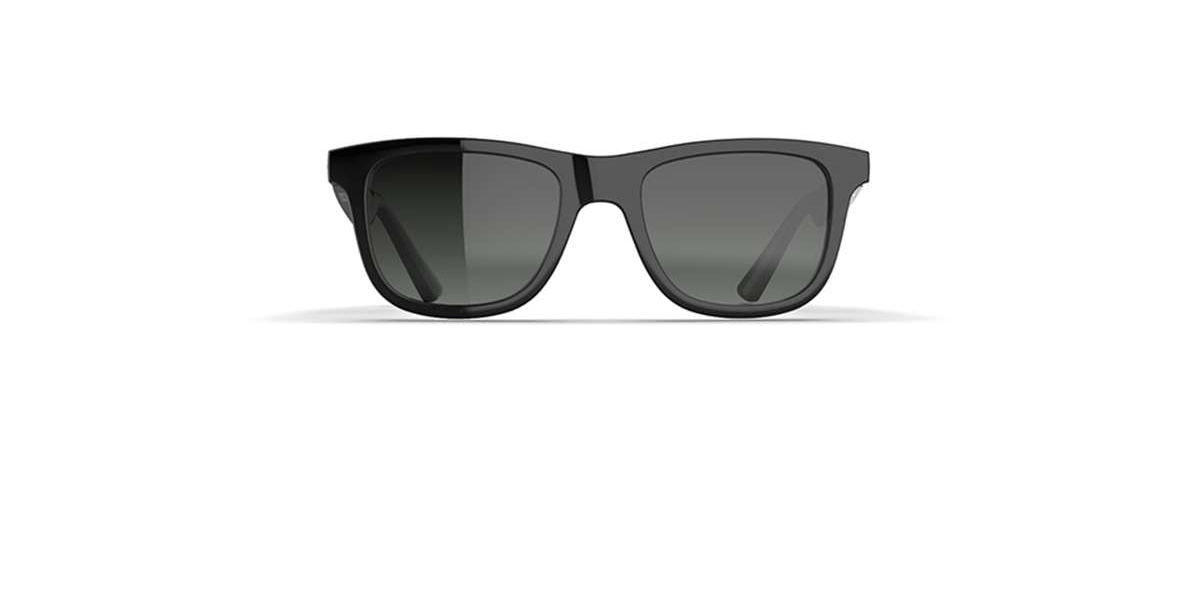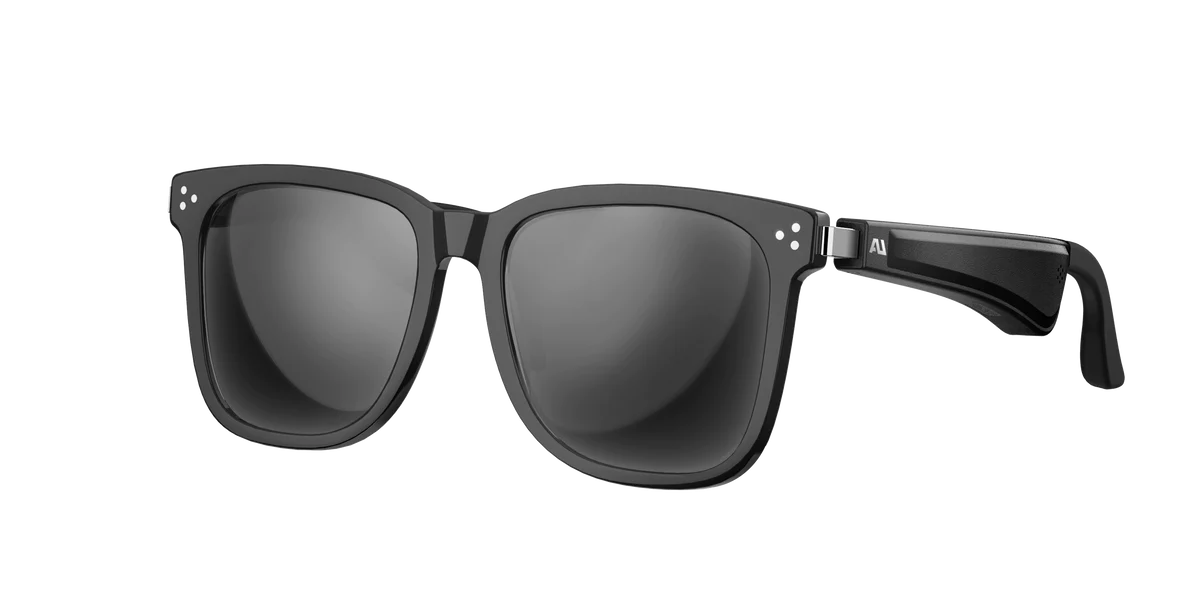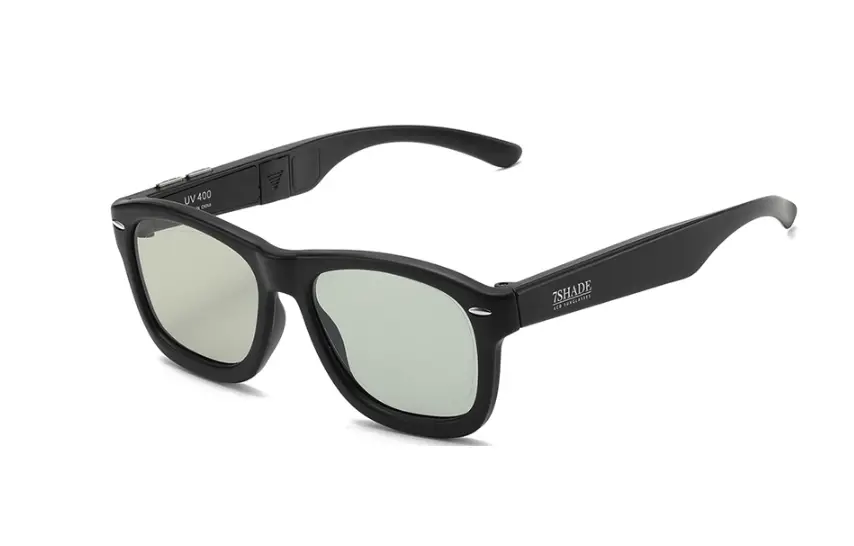
SHARPER IMAGE J-1403 Multi Shades 7 LCD Sunglasses User Manual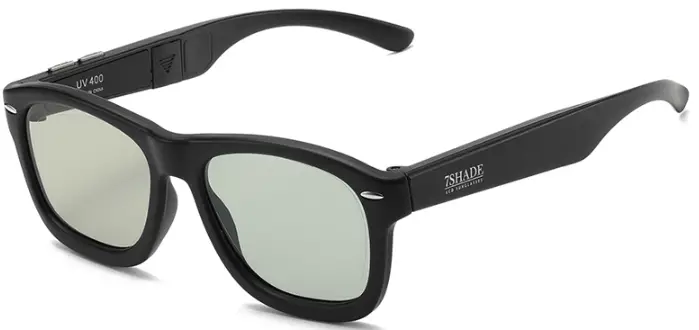
Overview
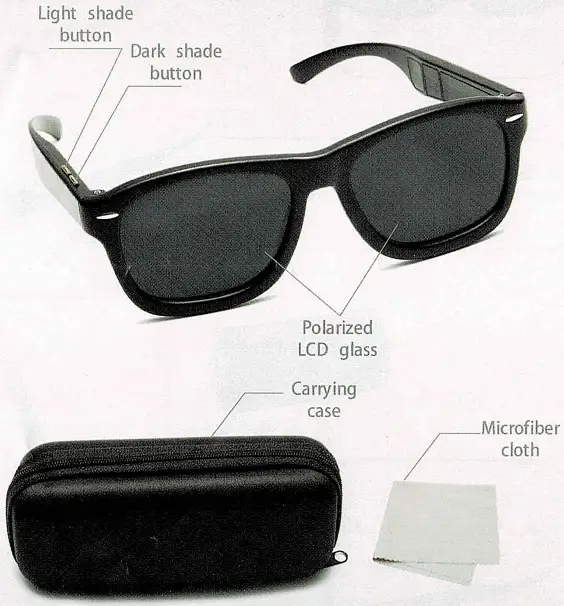
7 Shade Levels

Using Instruction
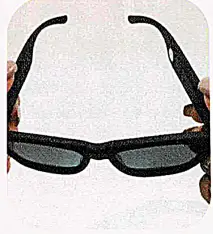
- Open the frames with both hands.

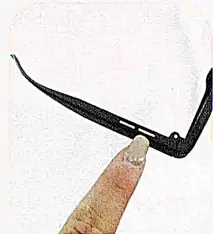
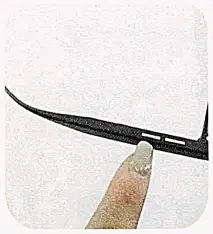
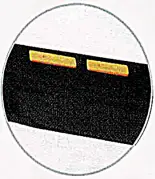
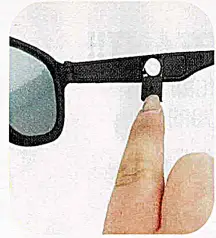
- Use the forward button on the right arm to choose darker shade levels.
- Use the rear button on the right arm to choose darker shade levels.

- Replace the CR927. 3V vell by sliding the battery door side arm.

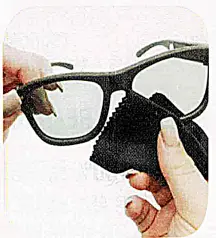
- Gently clean the lens with the microfiber cloth.
Features
- 7 levels of shade control
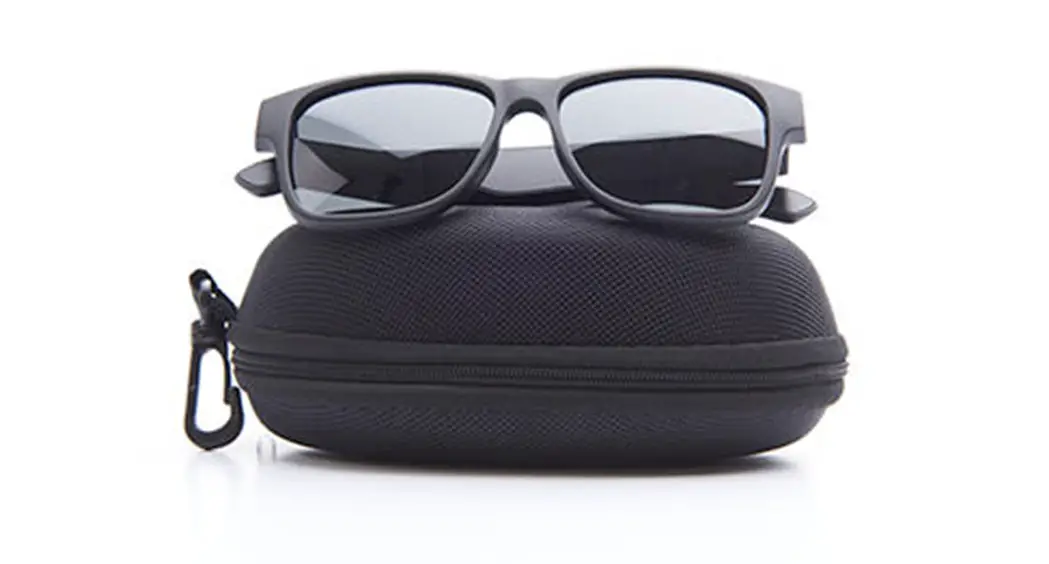
- Classic wayfarer design
- LCD glass technology
- Carrying case
- Microfiber cloth
Note:Store the sunglasses in the enclosed case and keep in a cool dry place.
Caution: Do not immerse these glasses in water. Clean frames with a damp cloth.