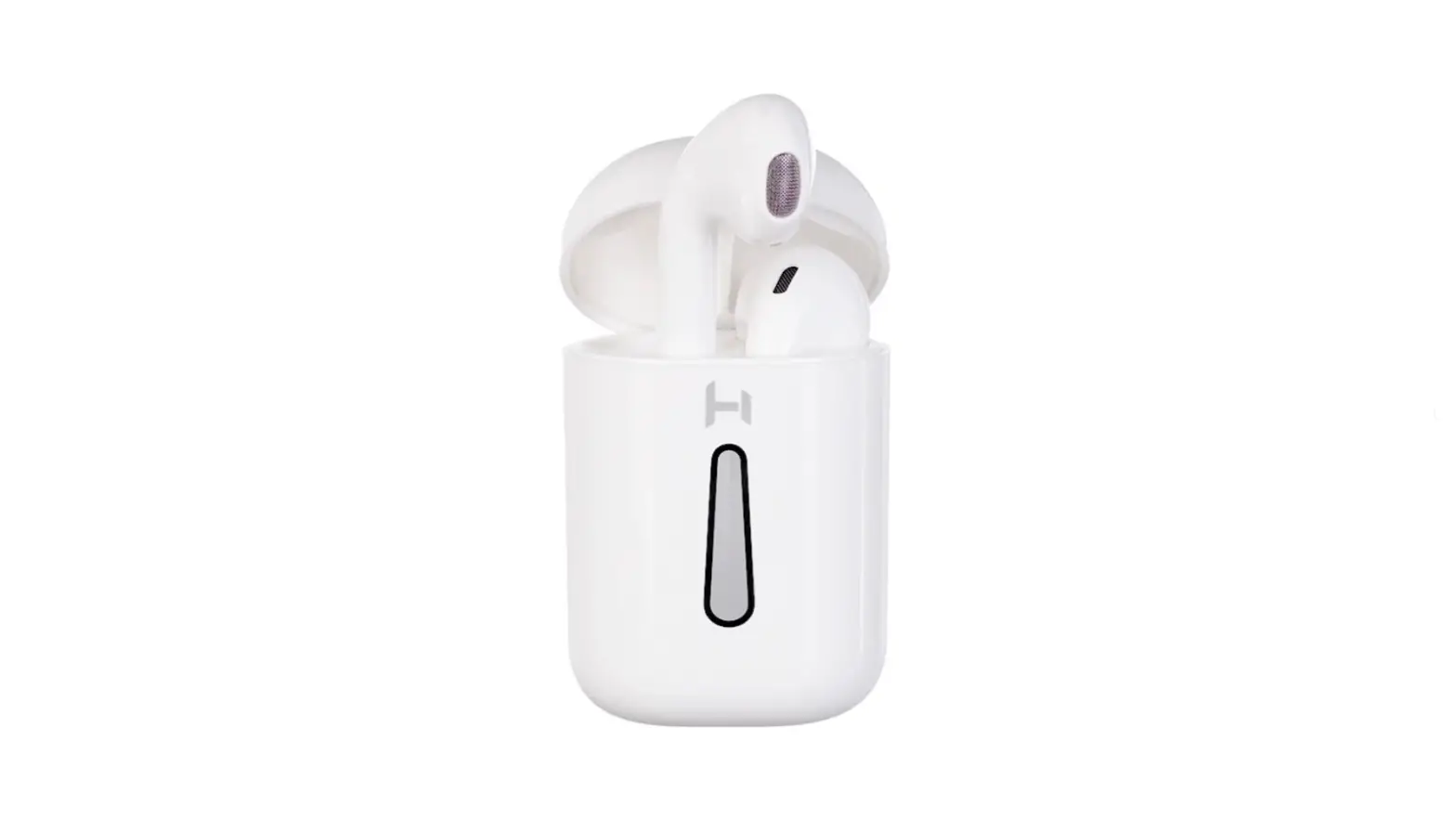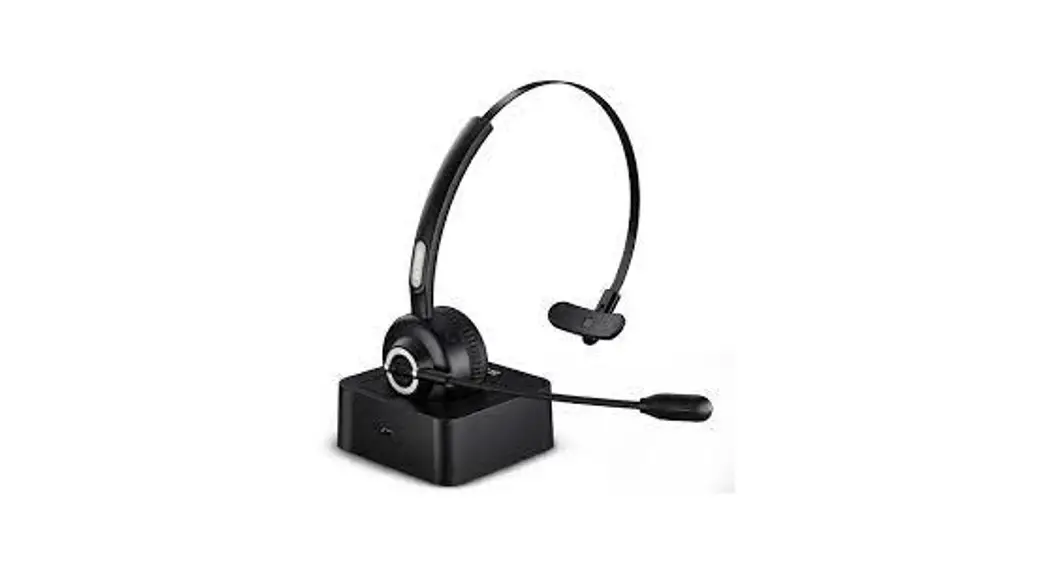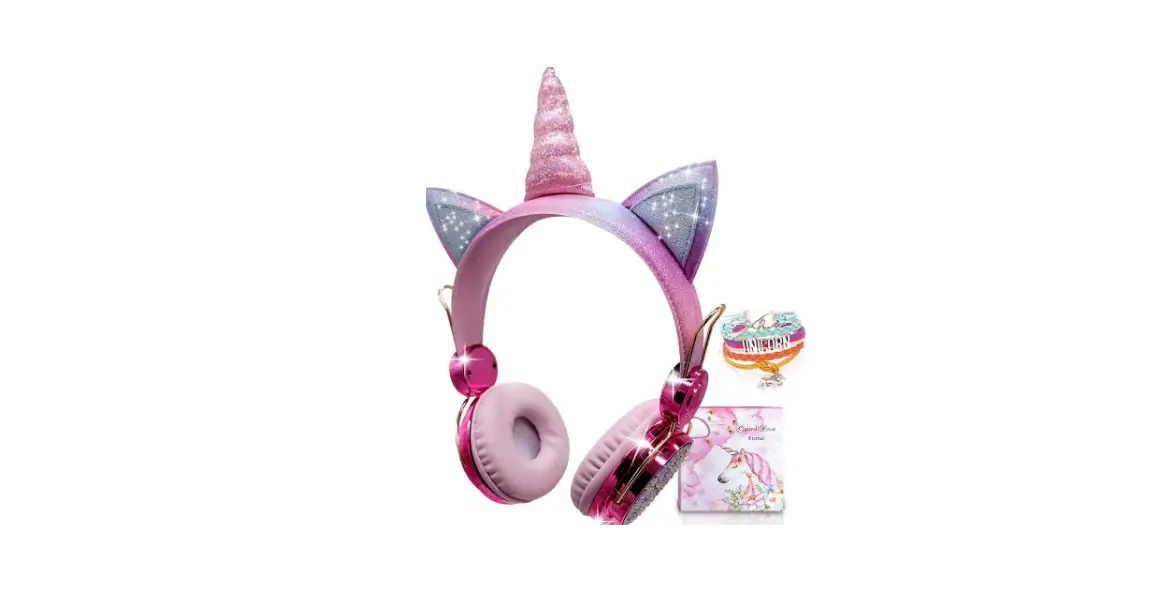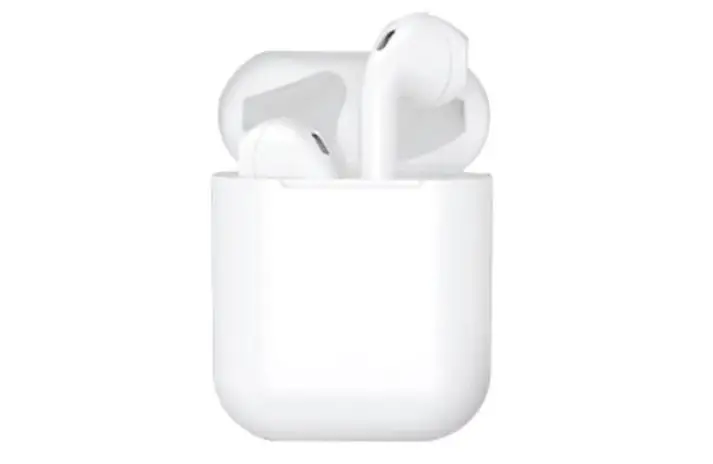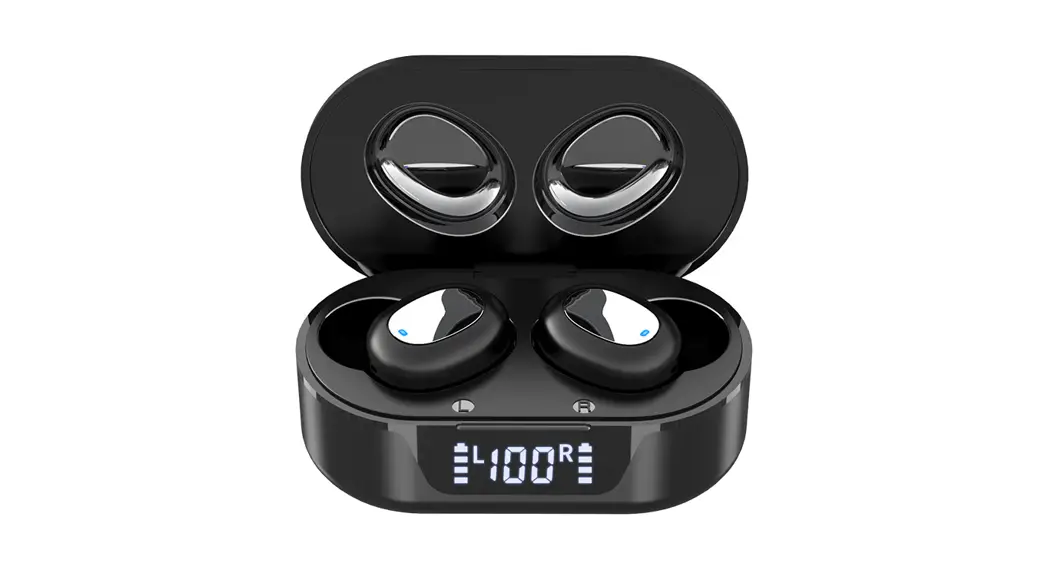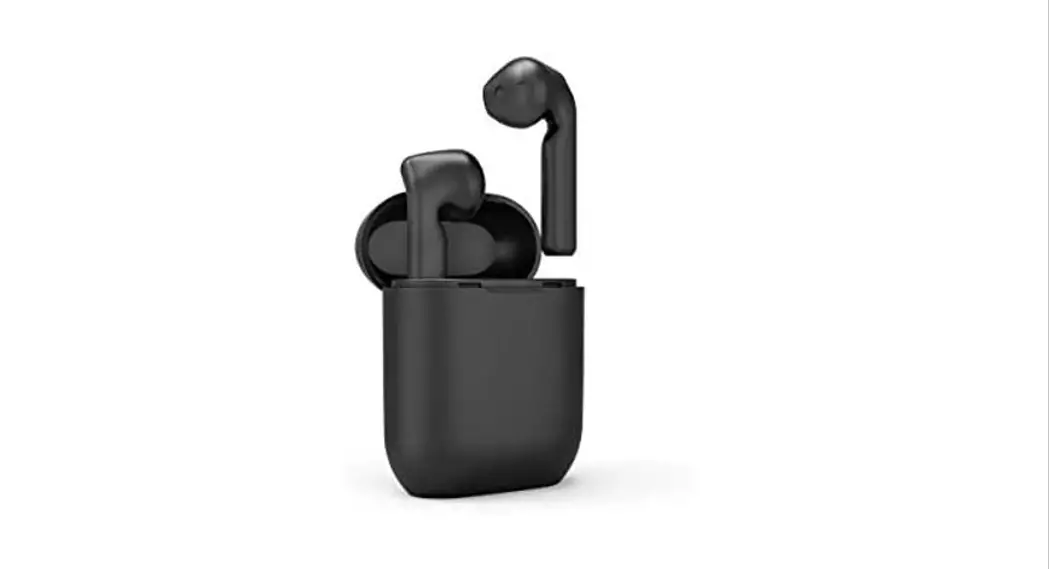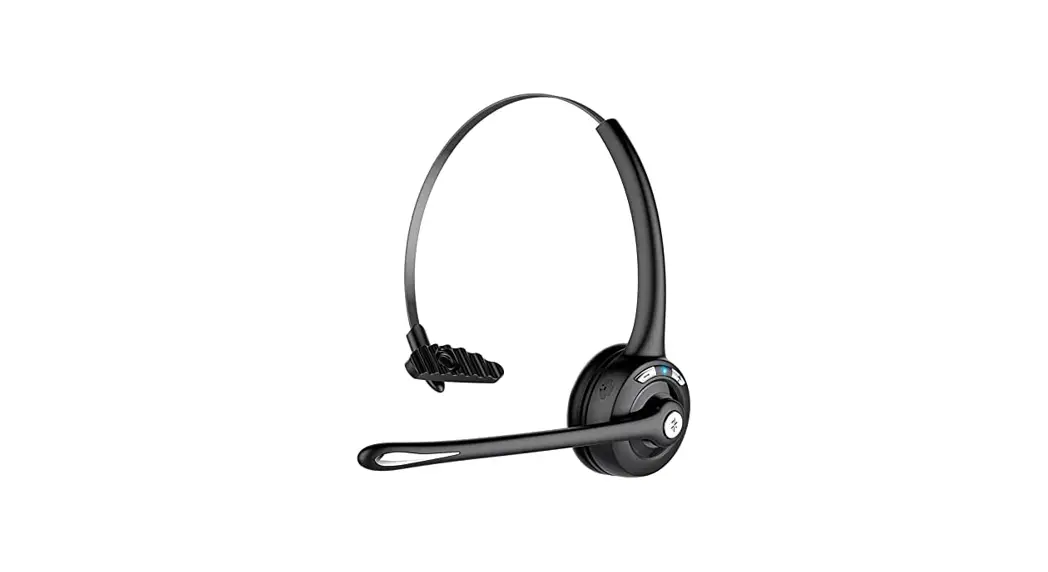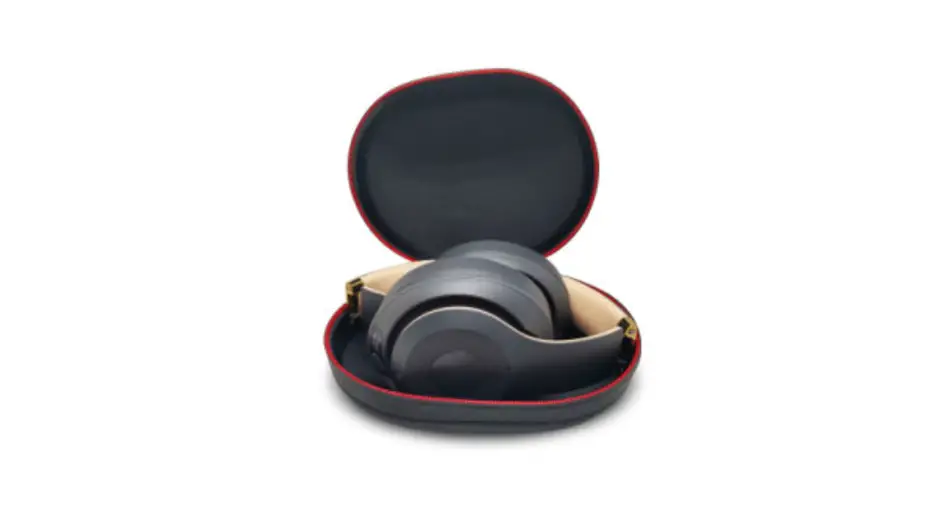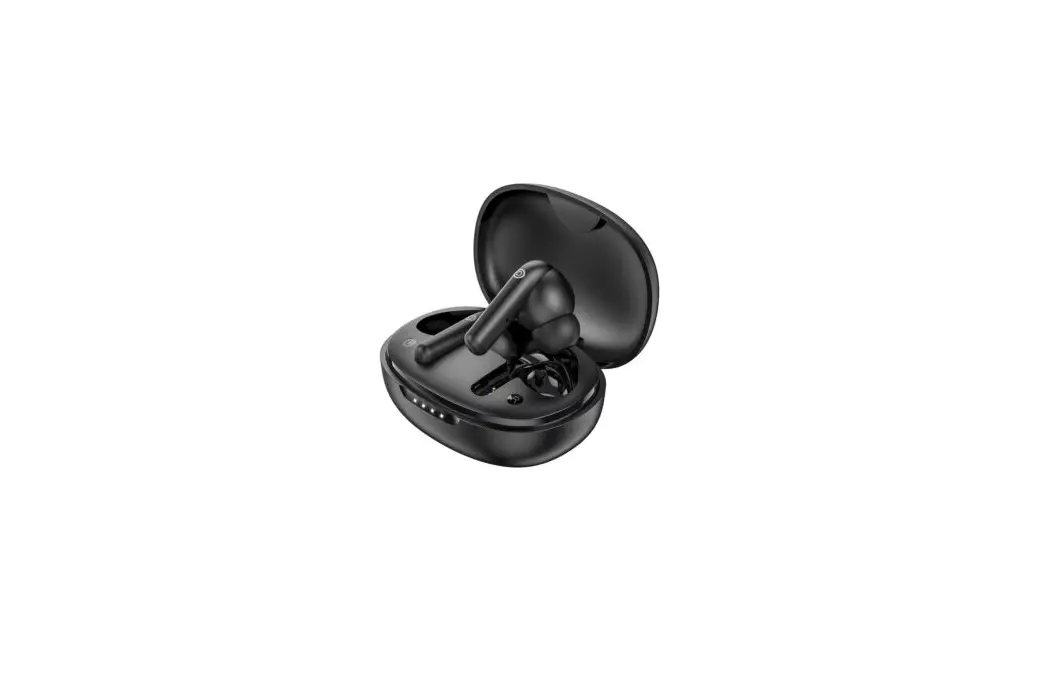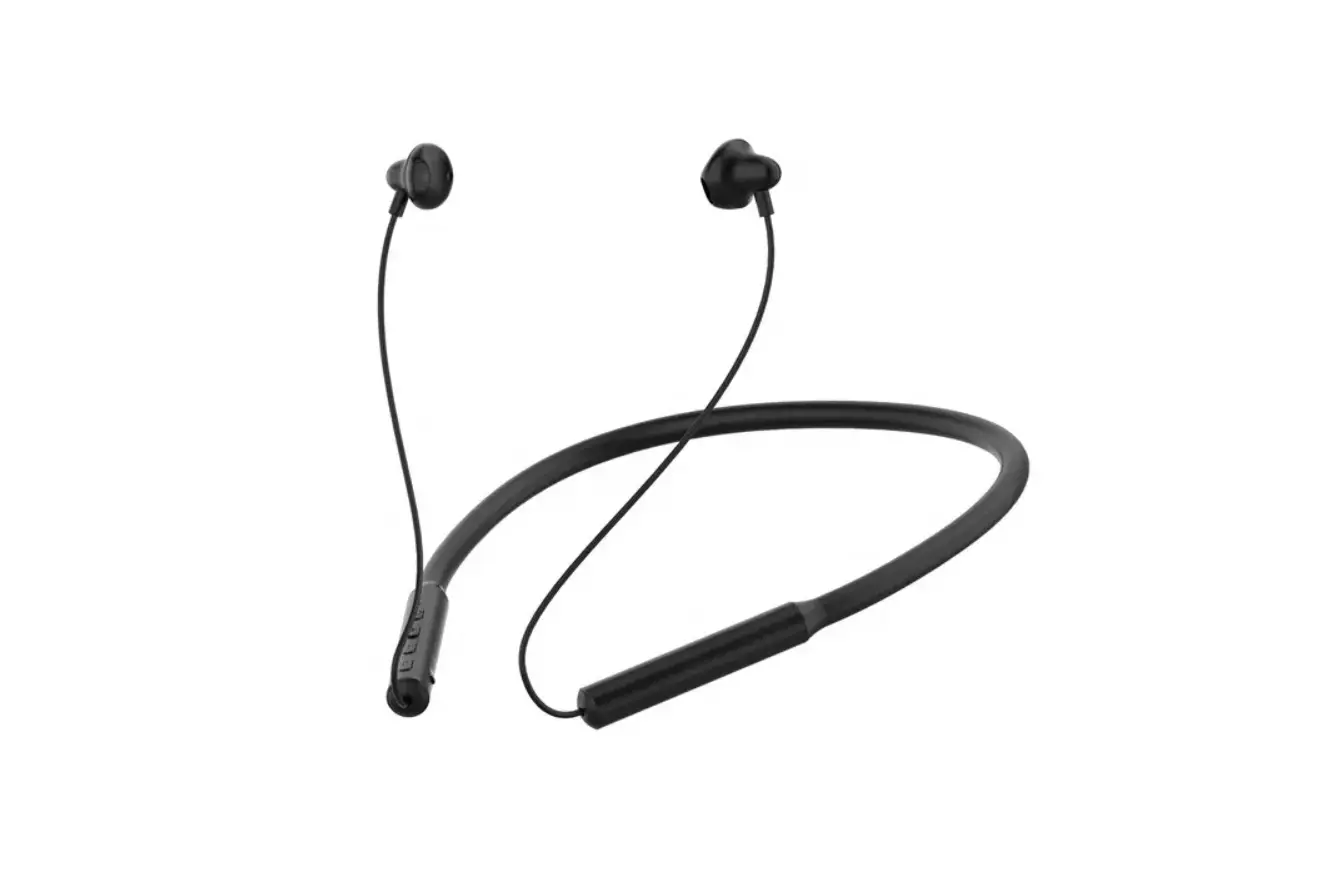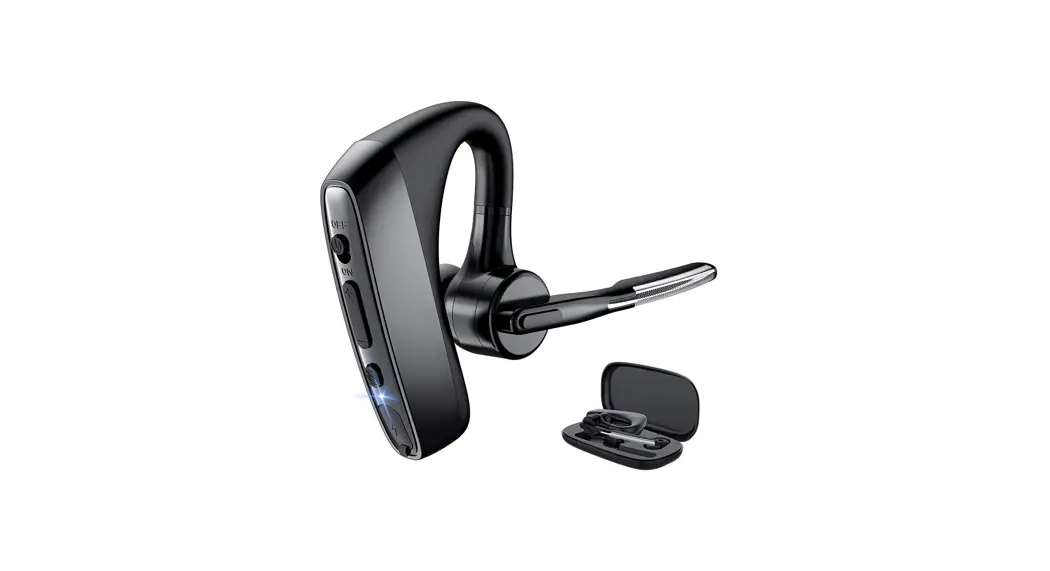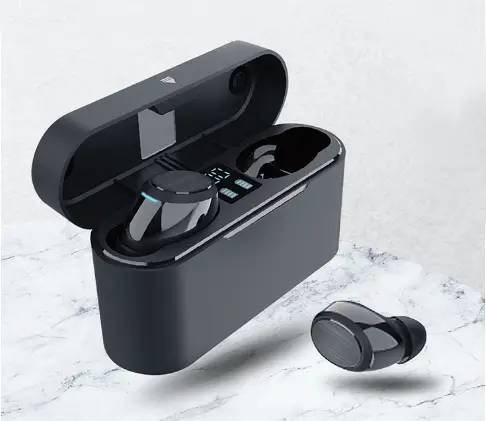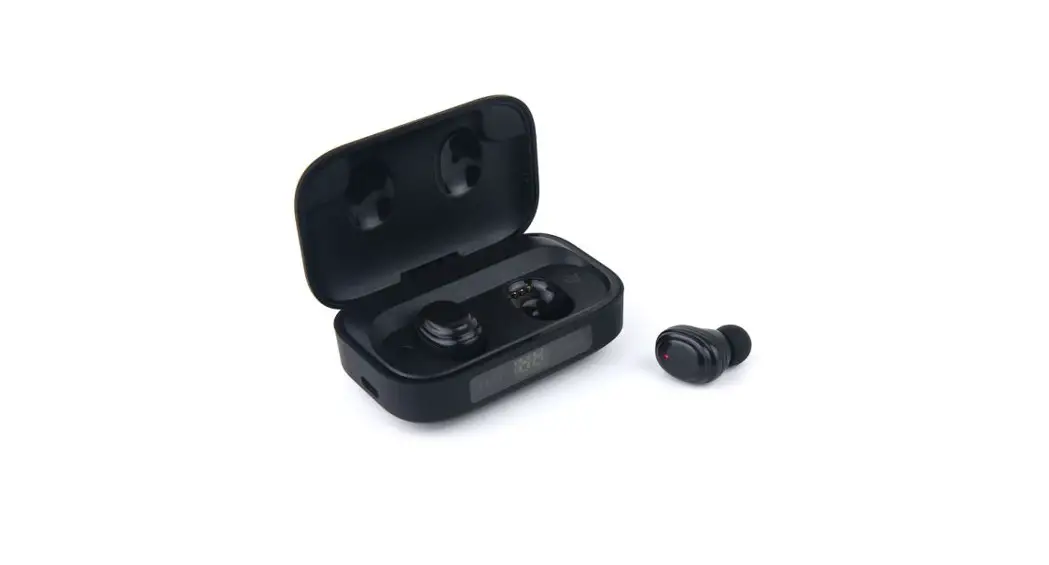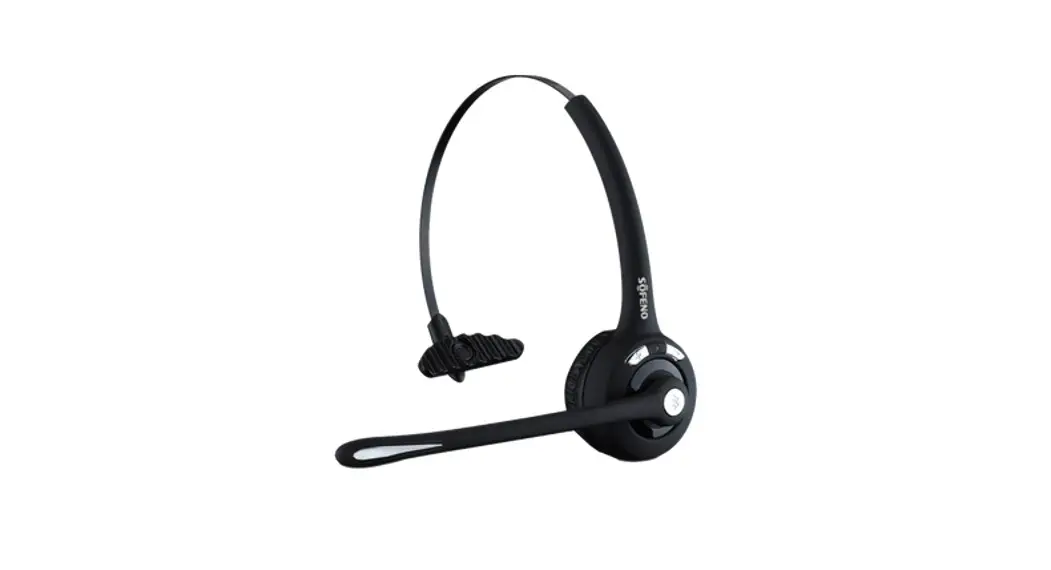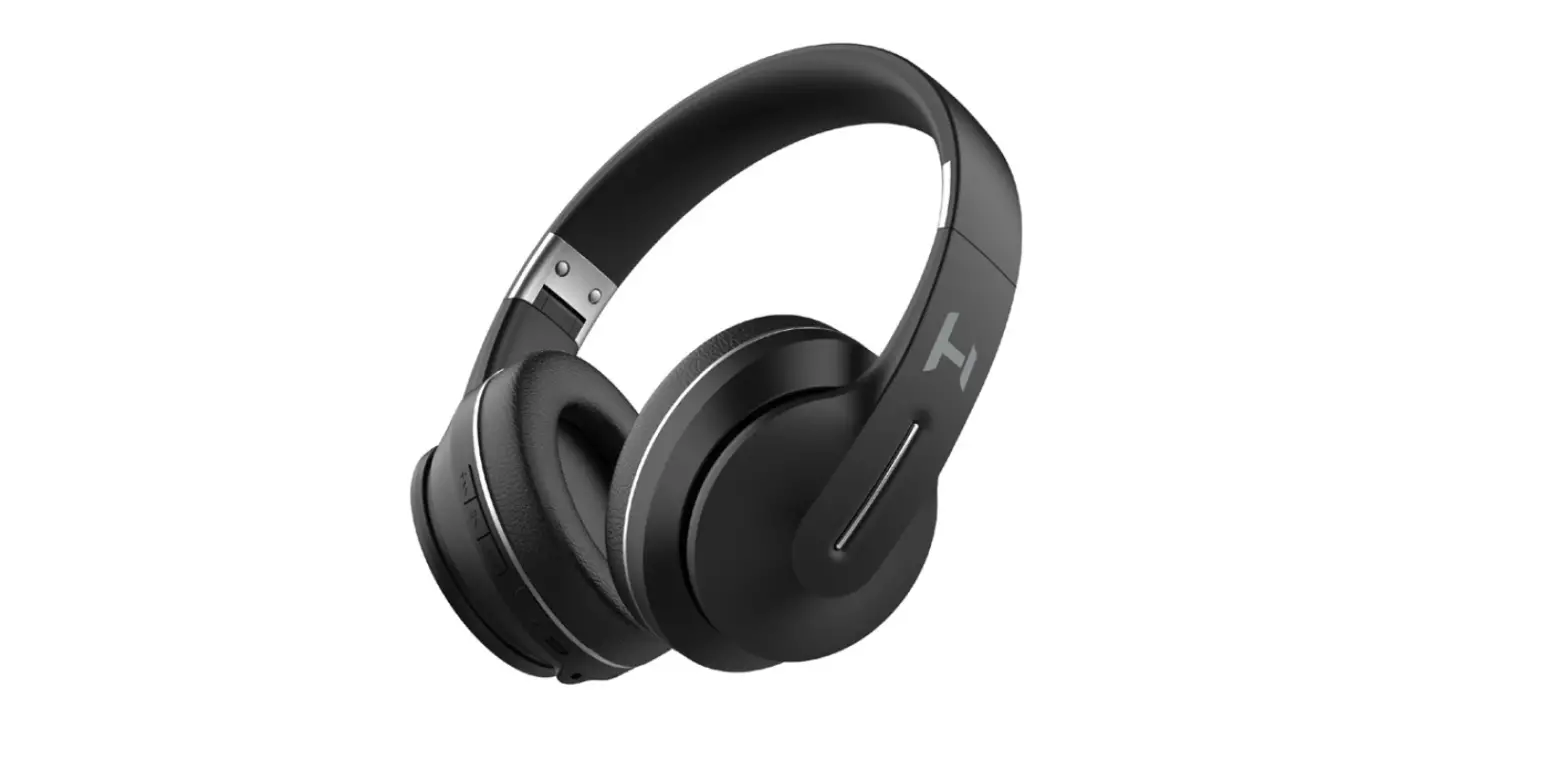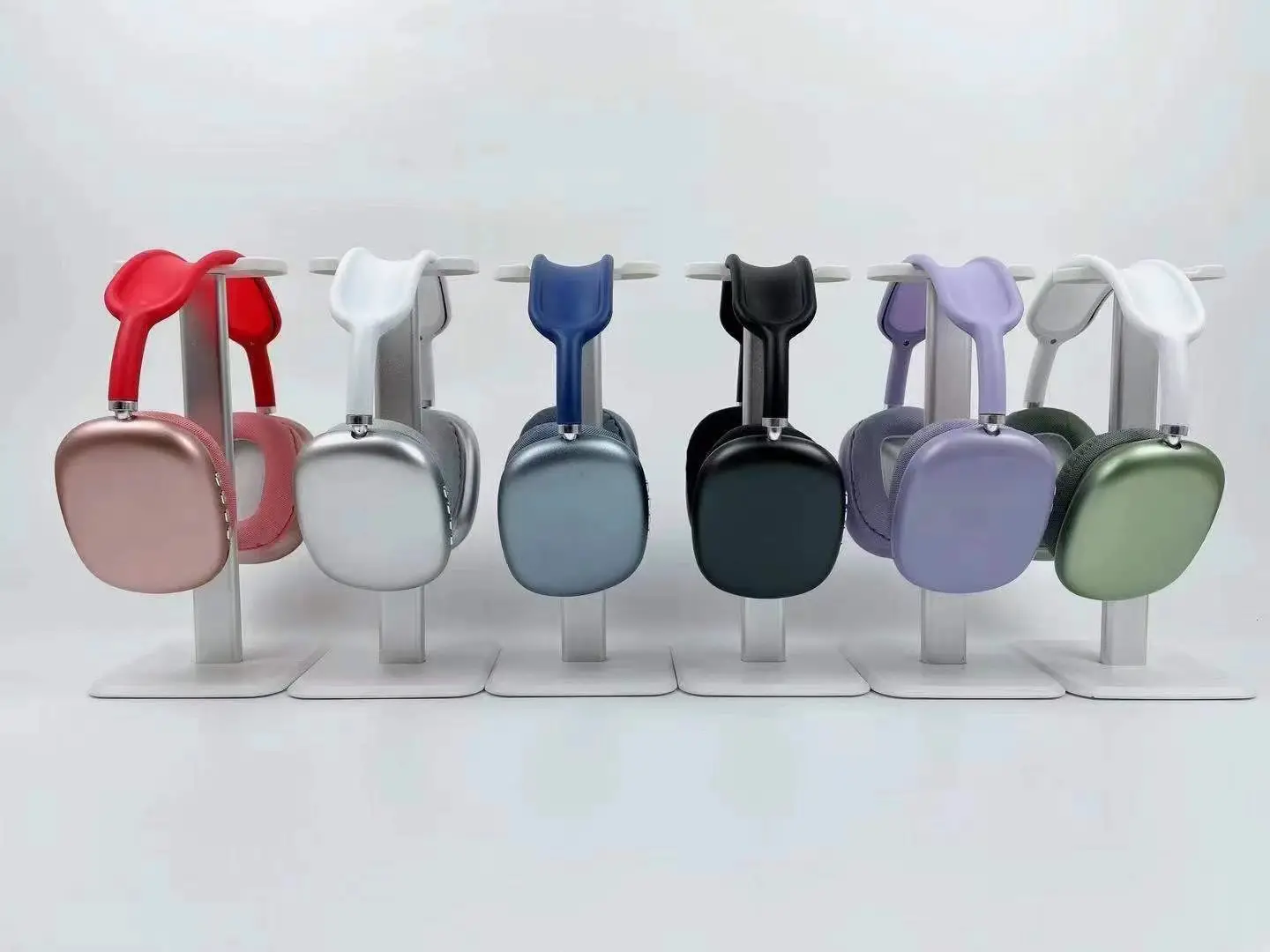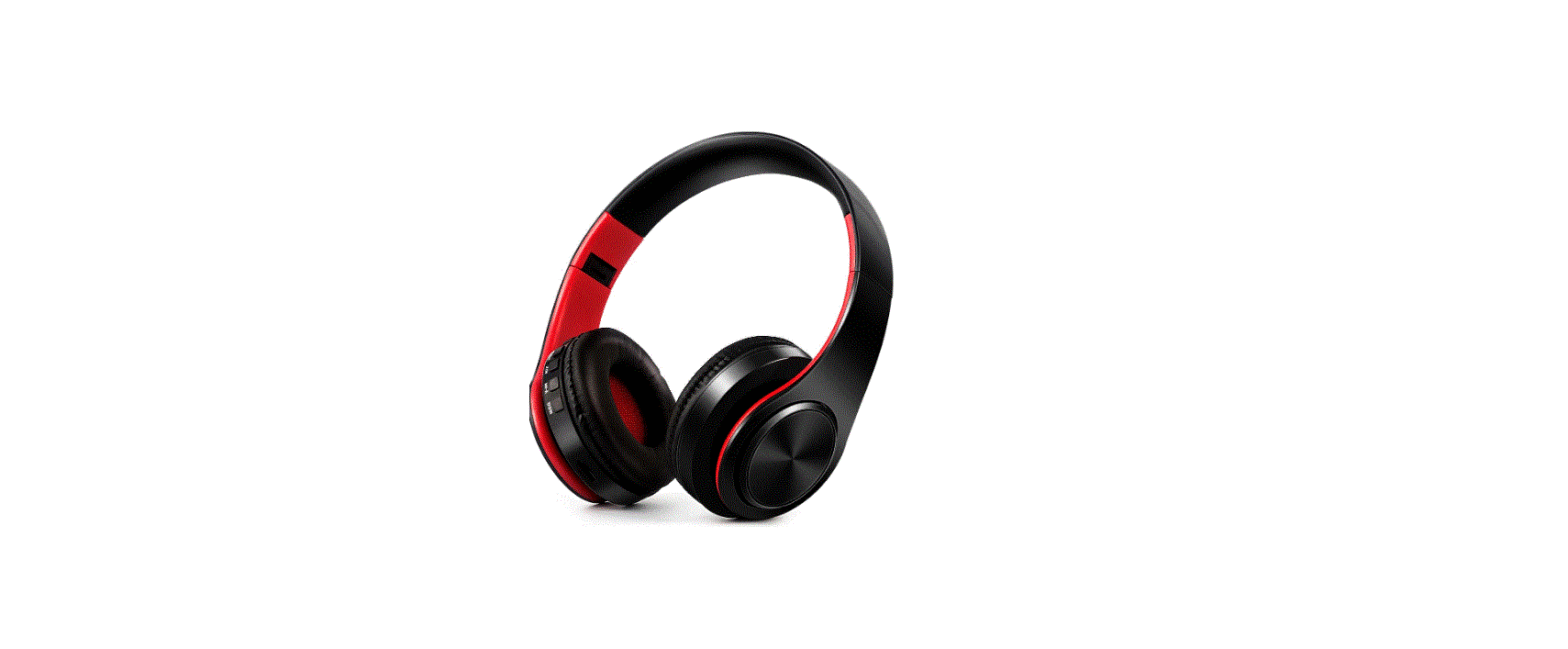

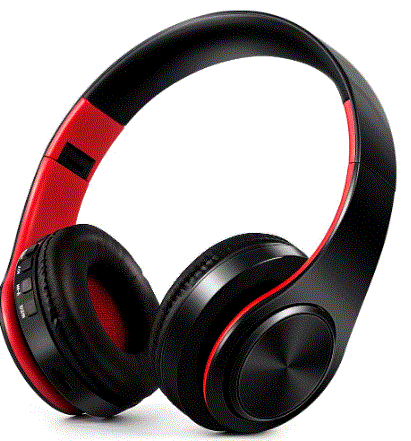
Guangzhou Guoxin Kejiyouxiangongsi 2A637 Bluetooth Wireless Stereo Headset with Microphone
FEATURES
- ENJOY STEREO MUSIC WIRELESSLY.
- LOVELY UNICORN DESIGN WITH BUNG RHINESTONES.
- DELICATE, ADJUSTABLE DESIGN, MAKING IT EASY TO CARRY.
- HAND-FREE AND TANGLE-FREED DESIGN.
- PINKY COLOR MAKES IT A GREAT GIFT FOR LITTLE KIDS.
- COMPATIBLE DEVICES: ANY DEVICES WITH BLUETOOTH FUNCTION.
PACKAGE LISTS
- WIRELESS BLUETOOTH HEADSETS
- INSTRUCTION
- USB CHARGING CABLE

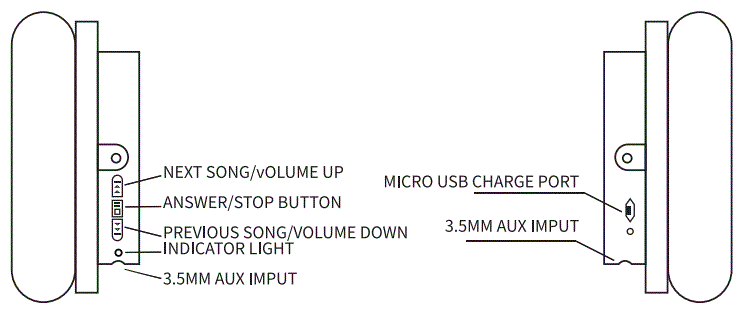
| POWERON | PRESS ON/OFF BUTTON FDR ABOUT 3 SECONDS,YOU WILL HEAR “BLUETOQTH MQDE”,WHICH MEANS POWER IS ON. |
| POWER OFF | |
| STANDBY STATUS PROMPT | IN STANDBY MODE,BLUE LIGHT FLICKERS WHEN POWER IS SUFFICIENT,AND RED LIGHT FLICKERS WHEN POWER IS TOOLOW. |
| CHARGING STATUS PROMPT | PRESS ON/OFF BUTTON ONCE TO ANSWER AN INCOMING CALL AND AGAIN TO HANG UP THE CALL. |
| ANSWER/HANG UP | PRESS ON/OFF BUTTON ONCE TOANSWER AN INCOMING CALL AND AGAIN TO HANG UP THE CALL. |
| VOLUME | LONG PRESS “VOLUME+” QR “VOLUME”-” TQADJUSTVOLUME. |
| STOP/PLAY | PRESS ON/OFF BUTTON ONCE TO PAUSE THE MUSIC,ANO THENAGAIN TO CONTINUE. |
| PREVIOUS/NEXT | PRESS THE VOLUME”+”OR VOLUME”-‘ BUTTON ONCE TO PLAY THE PREVIOUS OR NEXT SONG. |
PARAMETERS
| PRODUCT NAME | BLUETOOTH HEADPHONES, |
| BLUETOOTH VERSION | JL 5.0 |
| SUPPORT AGREEMENT | HSP /HFP/A2DP/AVRCP |
| IMPEDANCE | (32±15%)0/ !KHz |
| DRIVER UNIT | 40MM |
| FREQUENCY BAND | 2.4GHZ |
| FREQUENCY RANGE | 20HZ~20KHZ |
| BATTERY SPECIFICATION | 3.7V/300 MAH |
| TRANSMISSION RANGE | !OM |
| CHARGING TIME | l.5-2.5H |
| CHARGING MODE | MICRO USB SV |
| CHARGING CURRENT | 300MA |
| CONTINUOUS SERVICE TIME | 4-6H |
| STANDBY TIME | >2 MONTHS(POWER OFF STATE) |
| MAX VOLUME | 105db |
CONNECTION METHOD
- LONG PRESS THE ON/OFF BUTTON FOR 3 SECONDS, AND YOU WILL HEAR A “BLUETOOTH MODE” VOICE, AND THEN A SOUND-DINGDONG, WHICH MEANS THE POWER IS ON,YOU CAN CONNECT YOUR BLUETOOTH.MEANWHILE,THE BLUE LIGHT FLICKERS.
OPENING THE BLUETOOTH ON YOUR MOBILE, TABLET, OR ANY DEVICE WITH BLUETOOTH. FIND THE BLUETOOTH NAMED “JC-1”, THEN PAIR THEM UP.
CONNECTION LOST?
- IF PAIRING THE HEADPHONE DOES NOT WORK, TURN OFF THE HEADPHONE AND REPEAT THE STEPS AGAIN IN “PAIRING YOUR HEADPHONE”.
- MAKE SURE YOUR HEADPHONE IS WITHIN RANGE OF YOUR SMART DEVICE.
- IF YOU HEAR ALONG WITH BEEP, YOU NEED TO RECHARGE YOUR HEADPHONE. CONNECTION MAY BE LOST DUE TO LOW BATTERY.
- WHEN CHARGING YOUR HEADPHONE, ONLY USE THE INCLUDED USB CABLE.
WARNING
- PLEASE STORE AND USE THE PRODUCT AT ROOM TEMPERATURE.
- DO NOT EXPOSE THE PRODUCT TO RAIN OR HUMIDITY.
- DO NOT THROW, TO AVOID PRODUCT DAMAGE DUE TO DROP.
- DO NOT DISASSEMBLE, REPAIR OR MODIFY THE PRODUCT BY YOURSELF.
- DO NOT WIPE THIS PRODUCT WITH A CHEMICAL SOLVENT.
- PLEASE KEEP THE HEADPHONES AWAY FROM FIRE.
AFTER-SALE SERVICE:
IF YOU HAVE ANY PROBLEMS WITH THESE HEADPHONES, PLEASE CONSULT THE INSTRUCTIONS IN THE MANUAL!
- WE STAND BY OUR PRODUCTS WHICH IS WHY WE GUARANTEE THEM FROM ANY FUNCTIONAL DEFECTS FOR SIX MONTHS ES FROM THE ORIGINAL DATE OF PURCHASE. ANY PROBLEM DURING THAT TIME, CONTACT US,
WE WILL TRY OUR BEST TO HELP.
EMAIL: - WE ARE NOT RESPONSIBLE FOR DAMAGES CAUSED BY HUMANS, SITUATIONS INCLUDED BUT NOT LIMITED. SUCH AS DISASSEMBLING,
BREAKING AND SCRATCHING.
FCC Warning Statement
Changes or modifications not expressly approved by the party responsible for compliance could void the user’s authority to operate the equipment. This equipment has been tested and found to comply with the limits for a Class B digital device, pursuant to Part 15 of the FCC Rules. These limits are designed to provide reasonable protection against harmful interference in a residential installation. This equipment generates uses and can radiate radio frequency energy and, if not installed and used in accordance with the instructions, may cause harmful interference to radio communications. However, there is no guarantee that interference will not occur in a particular installation. If this equipment does cause harmful interference to radio or television reception, which can be determined by turning the equipment off and on, the user is encouraged to try to correct the interference by one or more of the following measures:
- Reorient or relocate the receiving antenna.
- Increase the separation between the equipment and receiver.
- Connect the equipment into an outlet on a circuit different from that to which the receiver is connected.
- Consult the dealer or an experienced radio/TV technician for help.
This device complies with part 15 of the FCC Rules. Operation is subject to the following
two conditions:
- This device may not cause harmful interference, and
- this device must accept any interference received, including interference that may cause undesired operation.
The device has been evaluated to meet general RF exposure requirements.