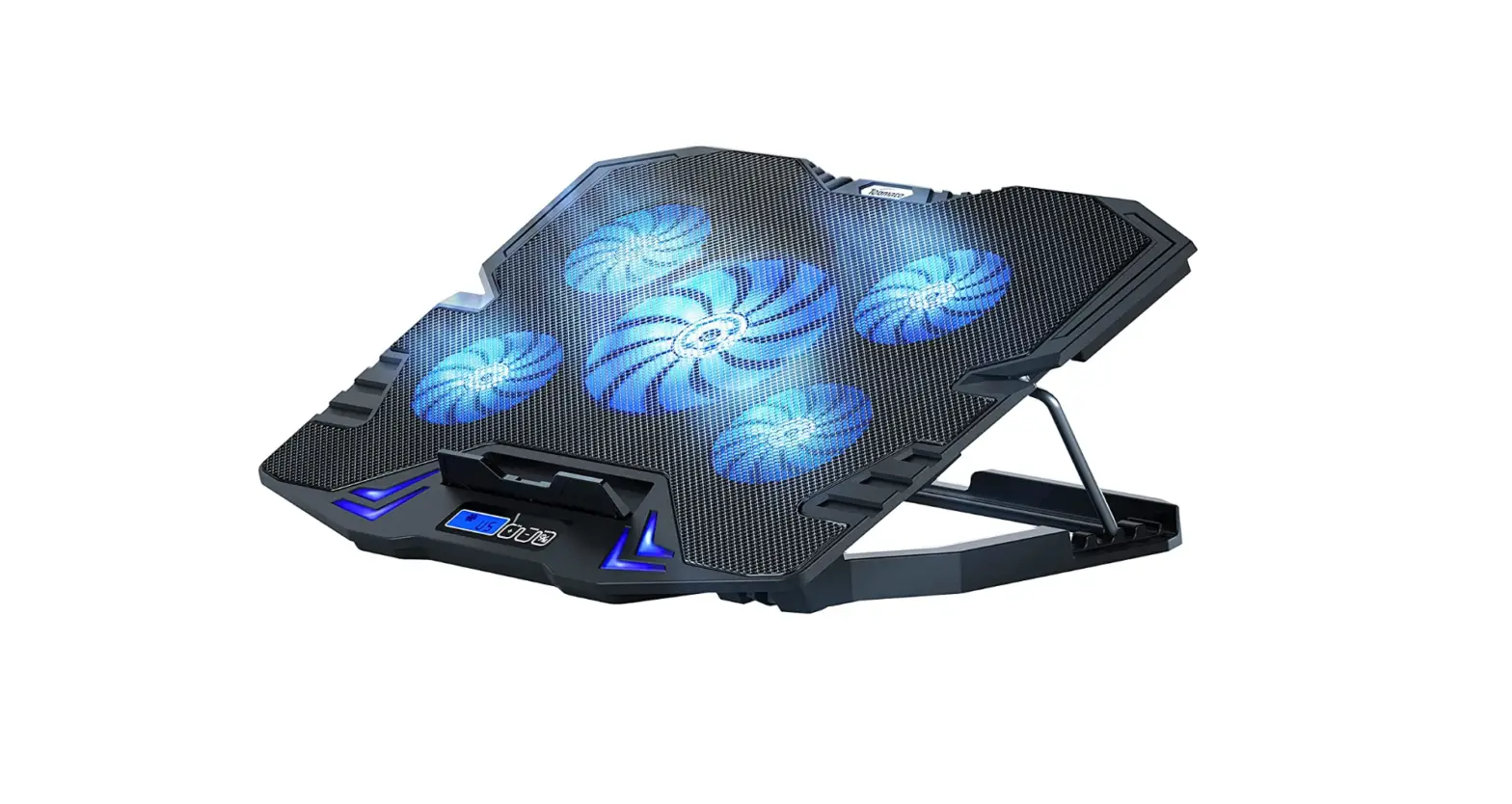

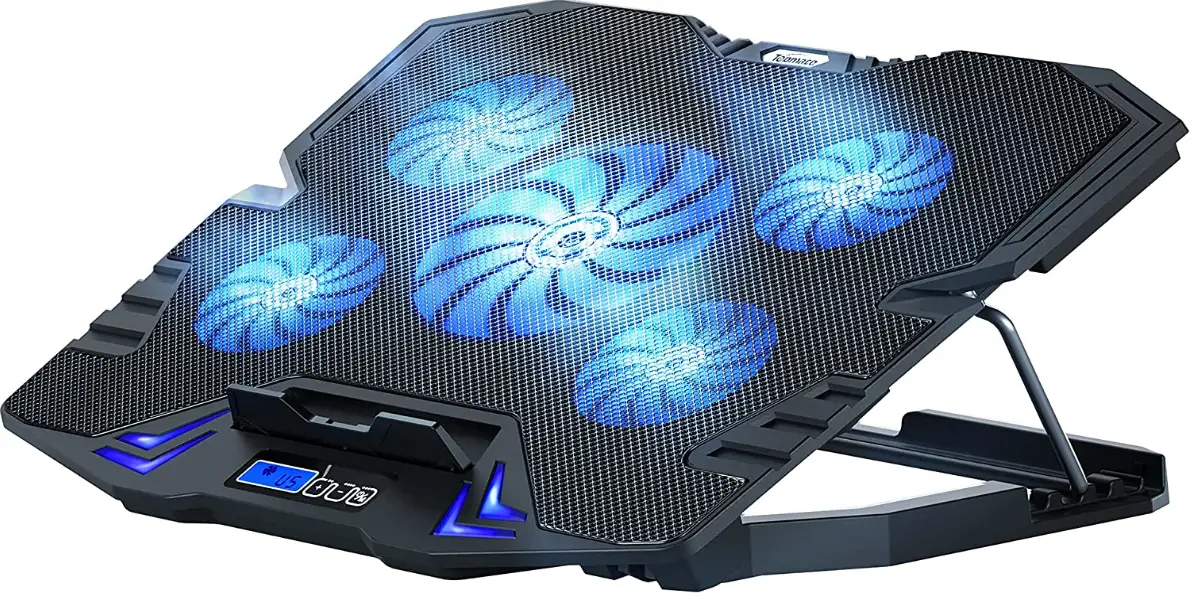
TopMate C5 Laptop Cooling Pad
Specifications
- Brand: TopMate
- Item model number: C5
- Color: Blue
- Material: Plastic
- Item Weight: 0.95 Kilograms
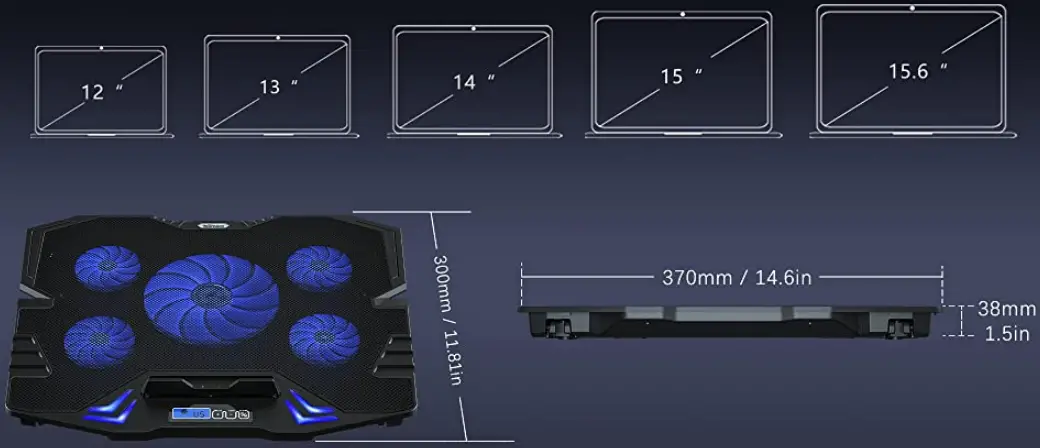
- Item Dimensions LxWxH: 14.57 x 11.81 x 1.5 inches
Description
Compatible with Various Sizes
Three Different Fan Modes
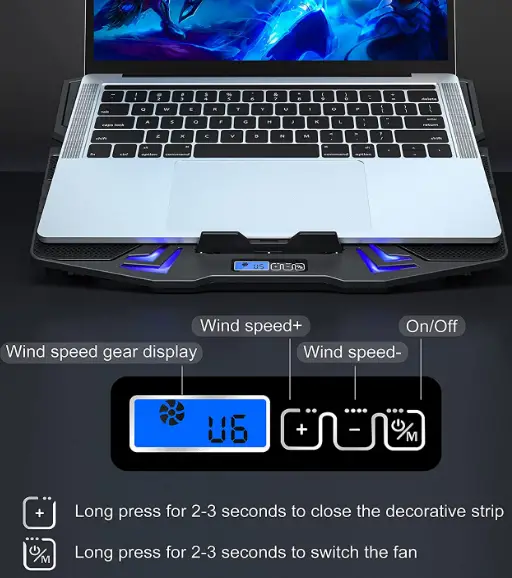
- On the gaming notebook cooler, there is a small LCD screen and a control panel with buttons.
- Information concerning different wind speeds is displayed on the screen, and buttons allow you to switch between modes.
- To switch between the three fan operation modes, long press “on/off.”
AESTHETIC DESIGN
The notebook cooler is distinctively styled and has a tilting feature.
Two USB 2.0 ports
Two USB ports are on the laptop cooler cooling pad. It can be used to connect to other devices such as a keyboard, computer, laptop, or mouse.
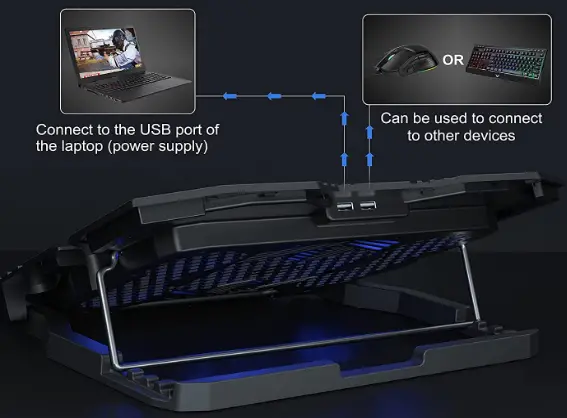
Cable USB braided
Rubber USB cables are more prone to wear and tear than braided USB cables, which also come with the notebook cooling stand.
Metal and Plastic Mesh
The lightweight, long-lasting material used to make the MacBook cooling pad is plastic and metal mesh. Help with laptop cooling.
STANDARD POWER 5V 2A SPEED TEST
Opened when the adjustable bracket
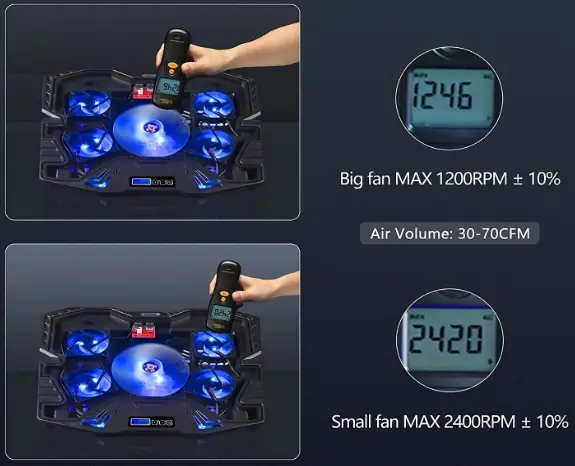
Features
Key Features
- 5 High-Speed Metal
- Fans Mesh
- 5 Adjustable Angles
- Heat Dissipation
- Dual Wide
- USB ports Compatibility
- 6 Fan Speed Silent
Low-Speed Fan
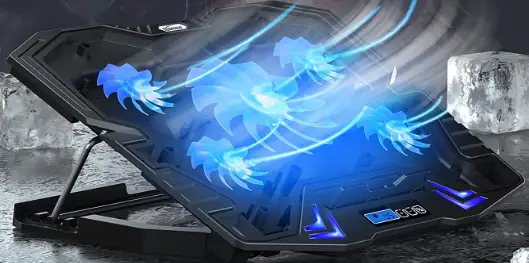
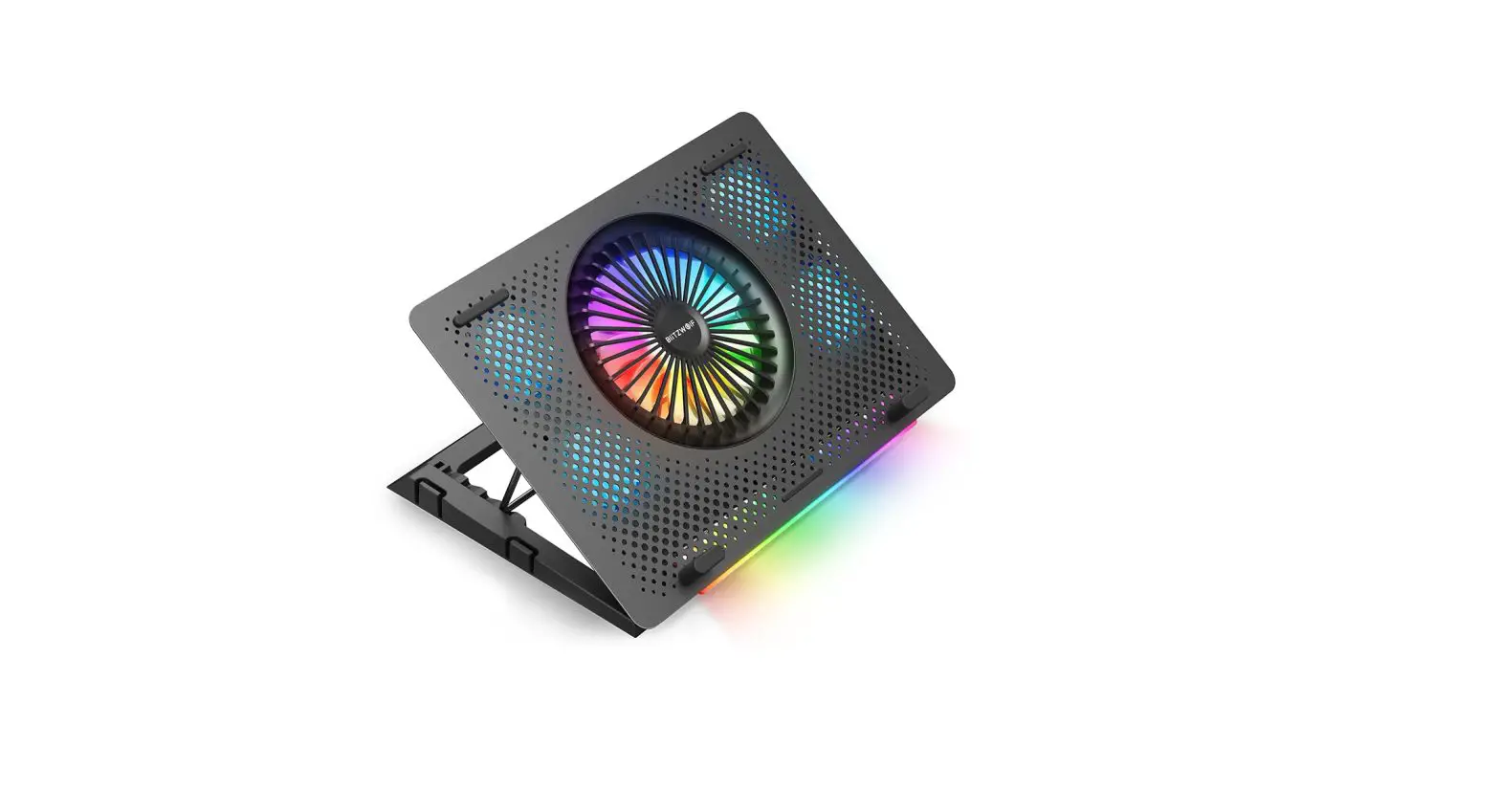
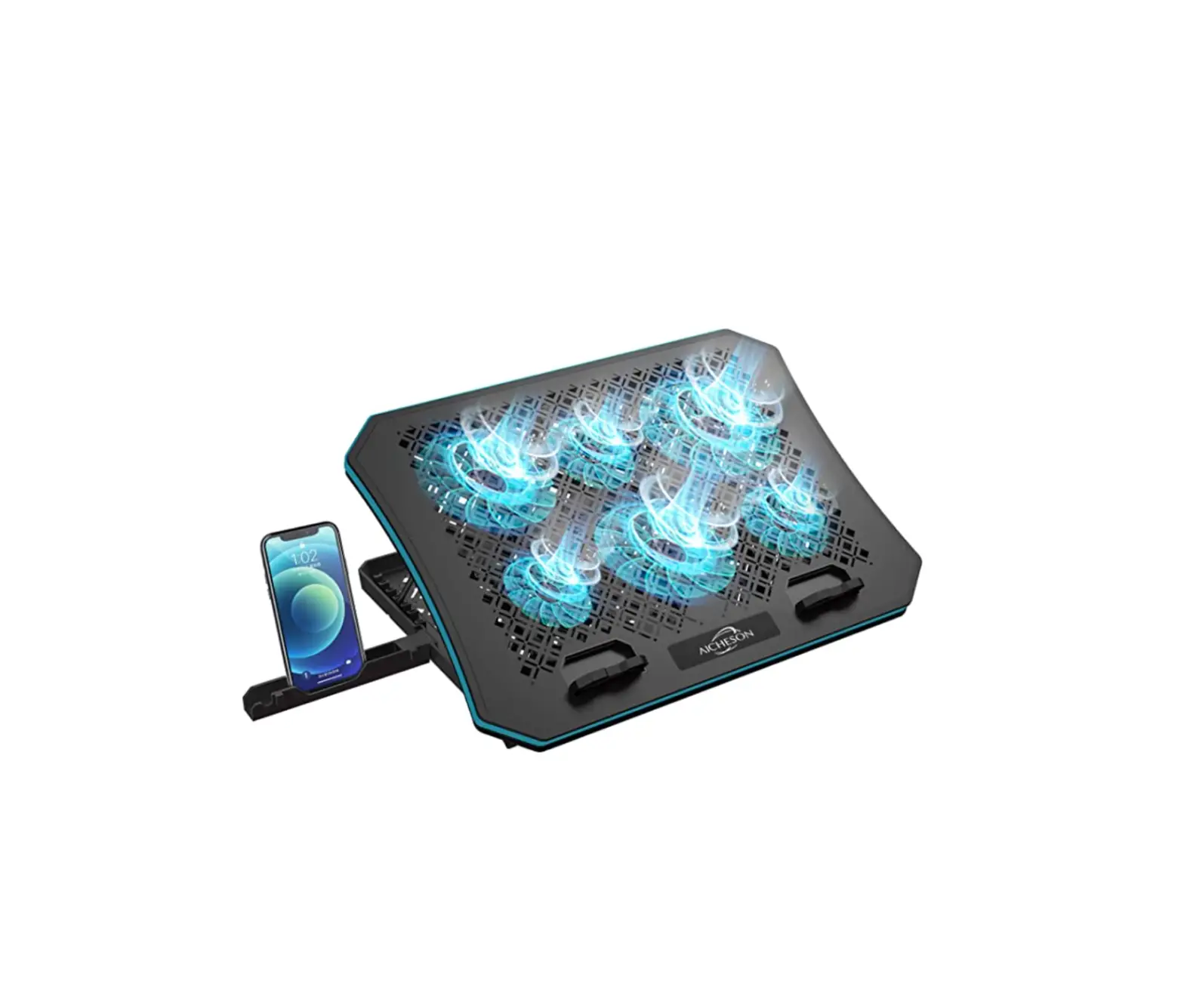
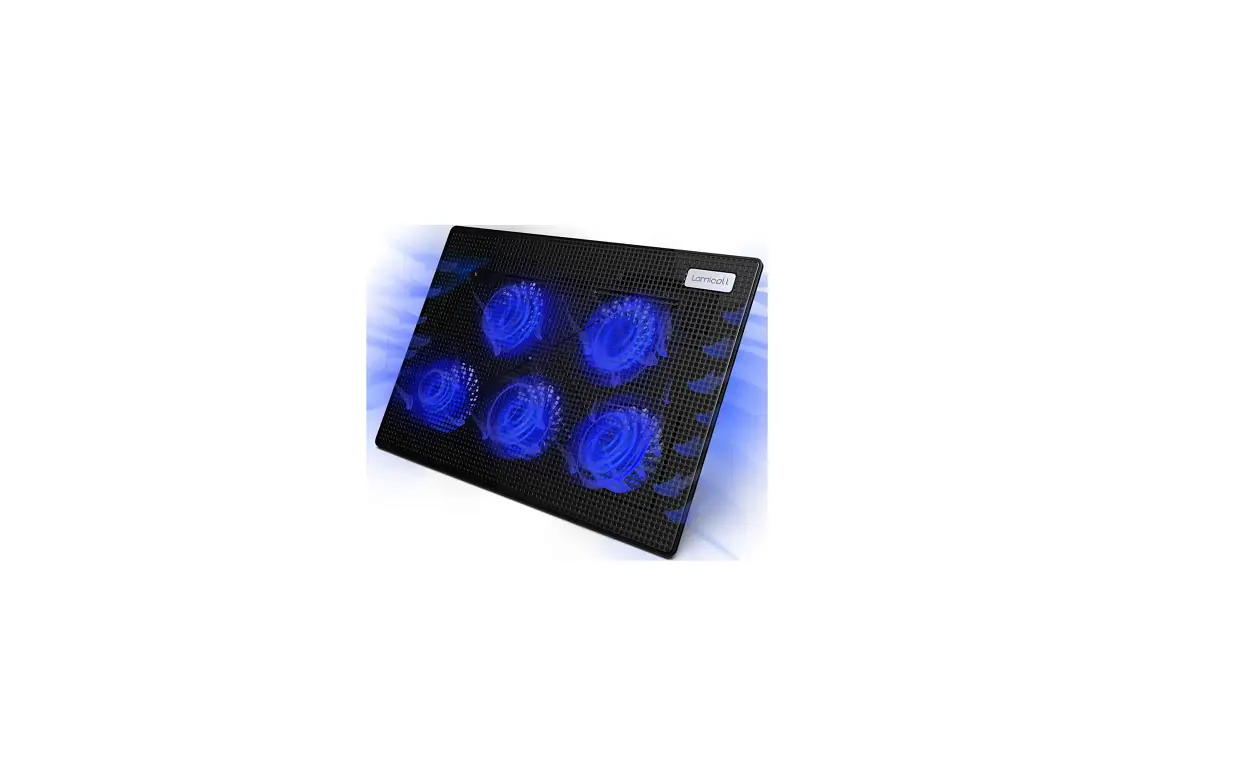
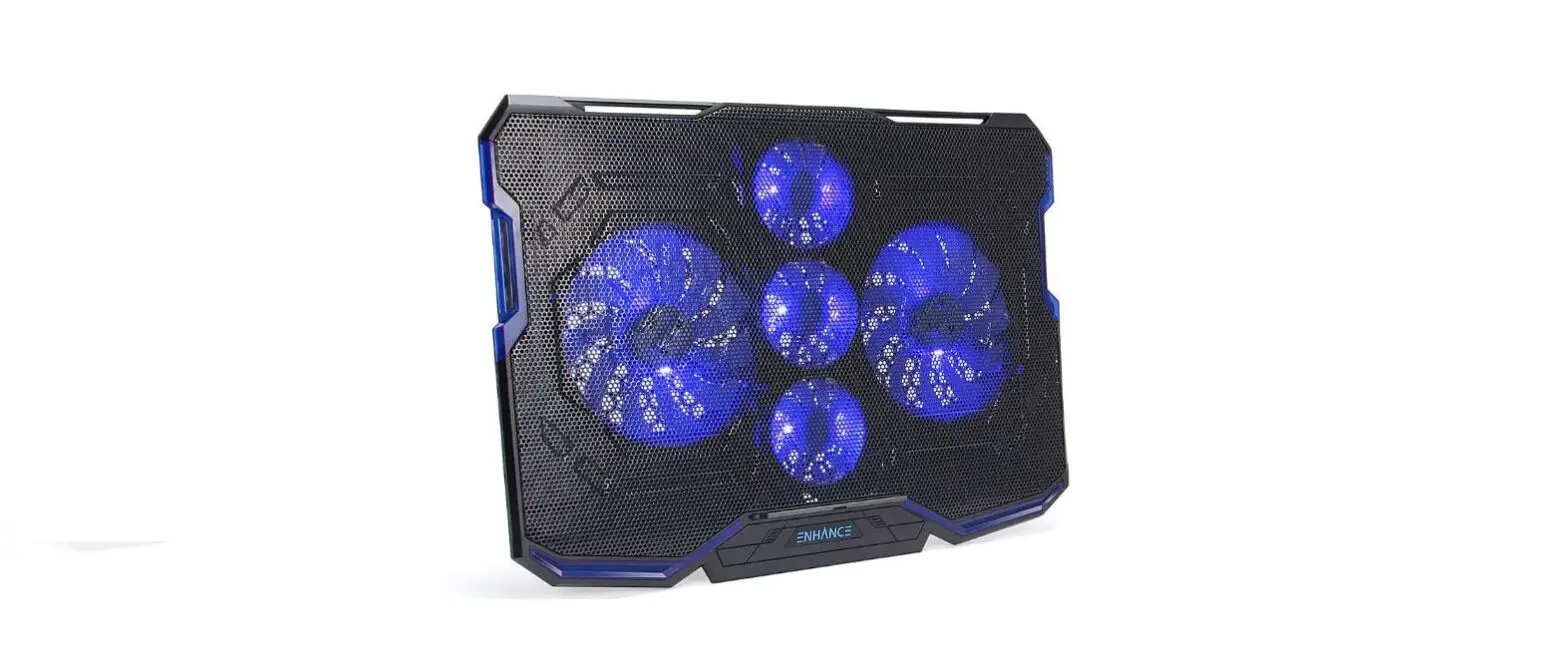
The topmost Gaming laptop cooling pad includes five fans—four on the outside and one big, powerful fan in the middle. Under various use scenarios, it can stop laptop Router Xbox Ps4 Network Devices from overheating.
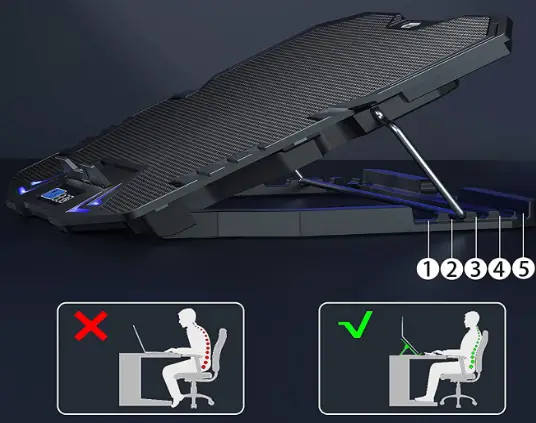
Designing ergonomically
The notebook cooler features a distinctive shape and tilting that can be adjusted. You may change your viewing and typing height in five different ways, which will ease the strain on your neck and back.
The “Non-Slip Baffle”
To prevent the laptop from slipping down toward you, you can flip up a hinged flap on the laptop cooler.
Shift Control
On the computer chill mat, there is a button control panel and a small LCD screen for this. Information concerning different wind speeds is displayed on the screen, and buttons allow you to switch between modes. It offers 3 fan operation modes and 6 wind speeds.
Beautiful LED Light
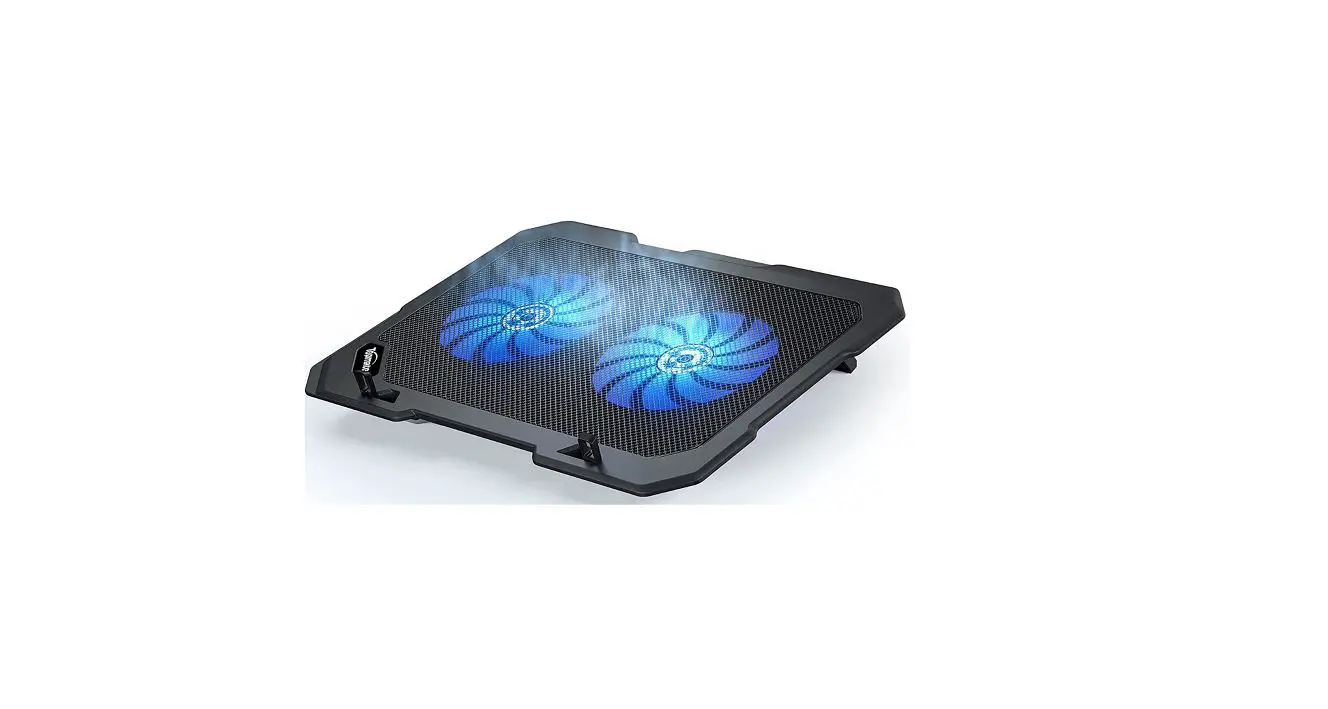
The laptop cooling stand is illuminated while in use by blue LEDs. It looks really stunning at night. That can drastically improve the way you play video games.
Note
Products with electrical plugs are made with American consumers in mind. Because outlets and voltage vary from country to country, this device might need an adapter or converter to be used where you are traveling. Before buying, kindly verify compatibility.
FAQ’s
The lights on the arrows are simple to turn off (I’m typing this with my laptop on the pad with the arrows off). The fans must be turned off in order to turn off the lights on the fans. Which fans are on are shown by the LEDs. If there is an easy way to detach the LEDs from the fans, please let me know.
After using the first USB port for almost two years, I discovered that the second one on the fan was needed.
It depends on the size of your laptop, but it should take about 10 minutes.
The fans are powered by USB. The USB cable is connected to the computer, and the fans are powered by a USB port.
The cord is about 10 feet long.
No, you have to use your own power adapter.
The cooling pad cools my laptop by moving air below it rather than sucking the air out of it.
Regarding the laptop fan’s “long-term durability,” I’m unsure. The Topmate Cooling Pad has been in my possession for a few months and is still performing admirably. I occasionally shut down my computer and don’t leave it running all the time. All is well thus far.
It fits well on my 14-inch laptop, which I do use. A 13-inch should fit just fine.
When a USB is plugged in, the internet connection can be extremely finicky.
It supports the laptop. No problems.
Simply pressing the button turns off the cooling pad. It is incredibly “user-friendly.”