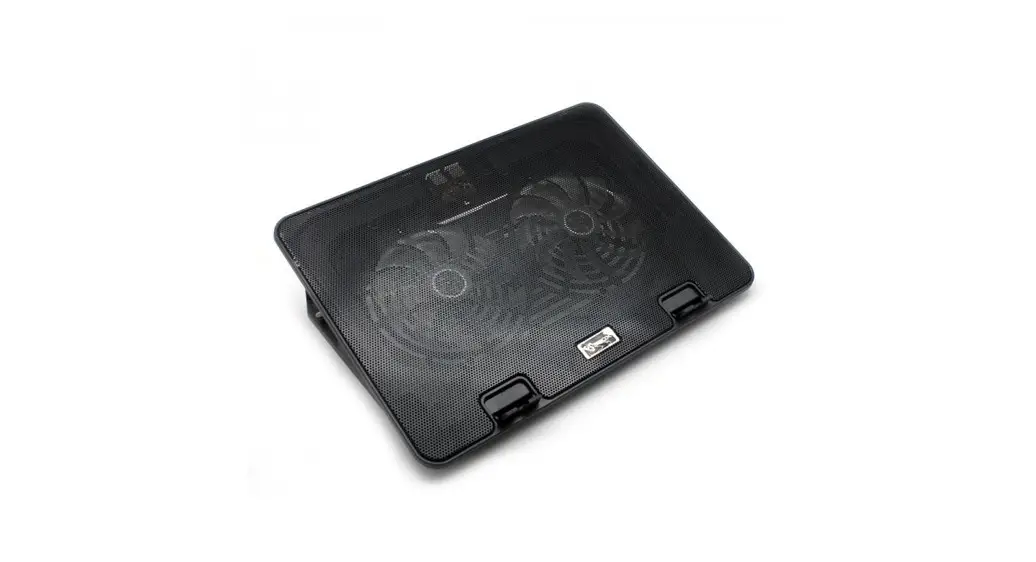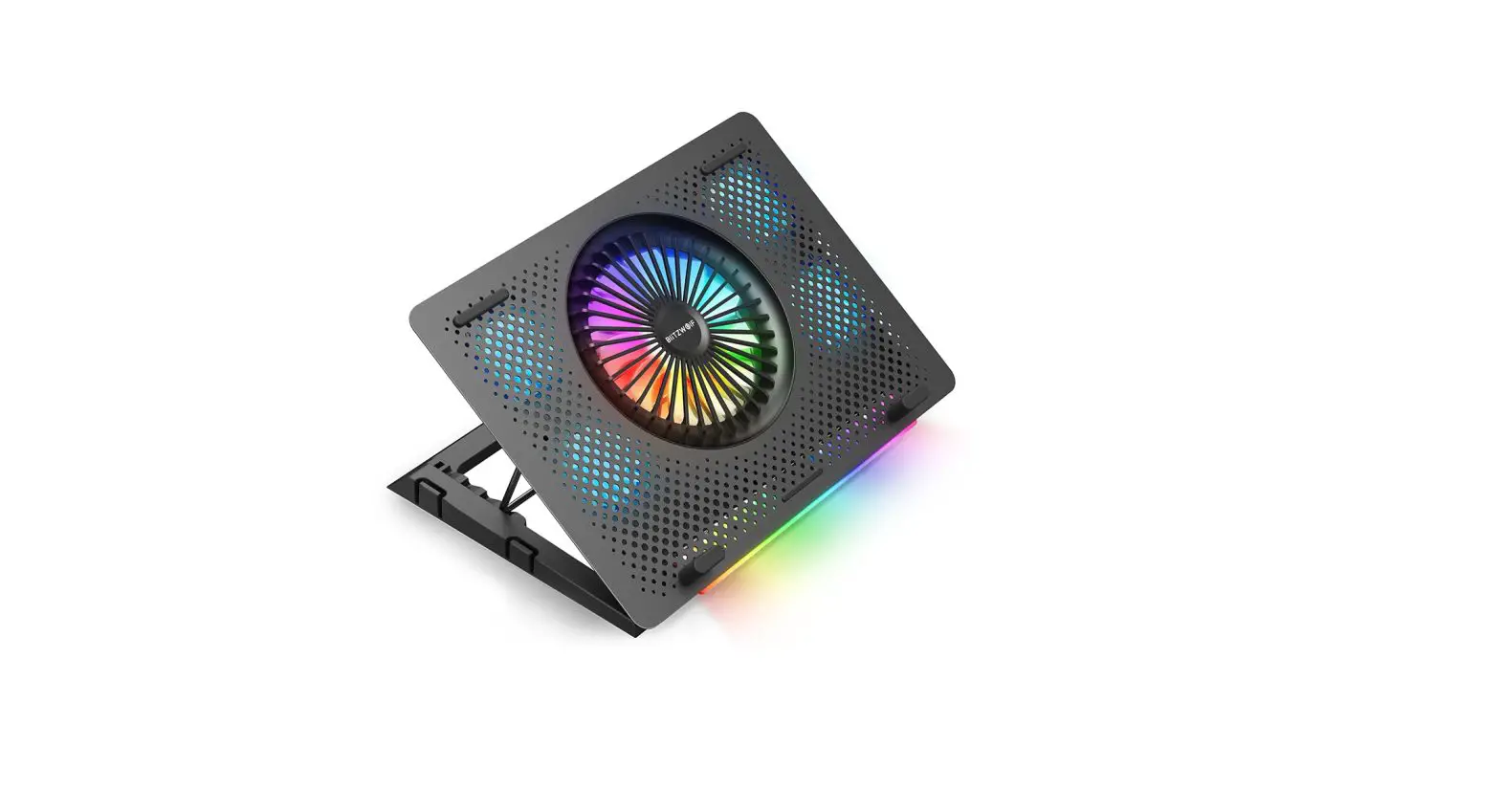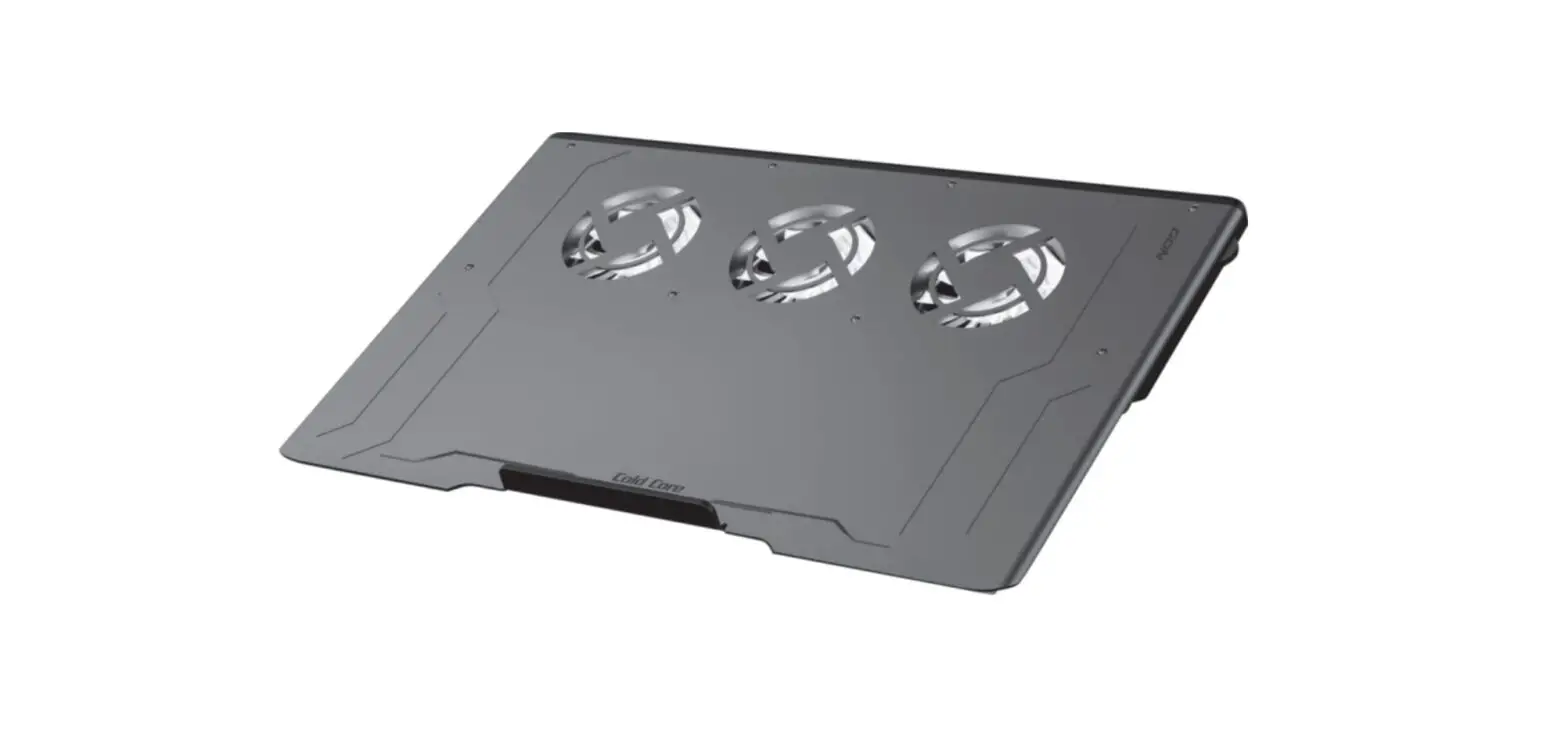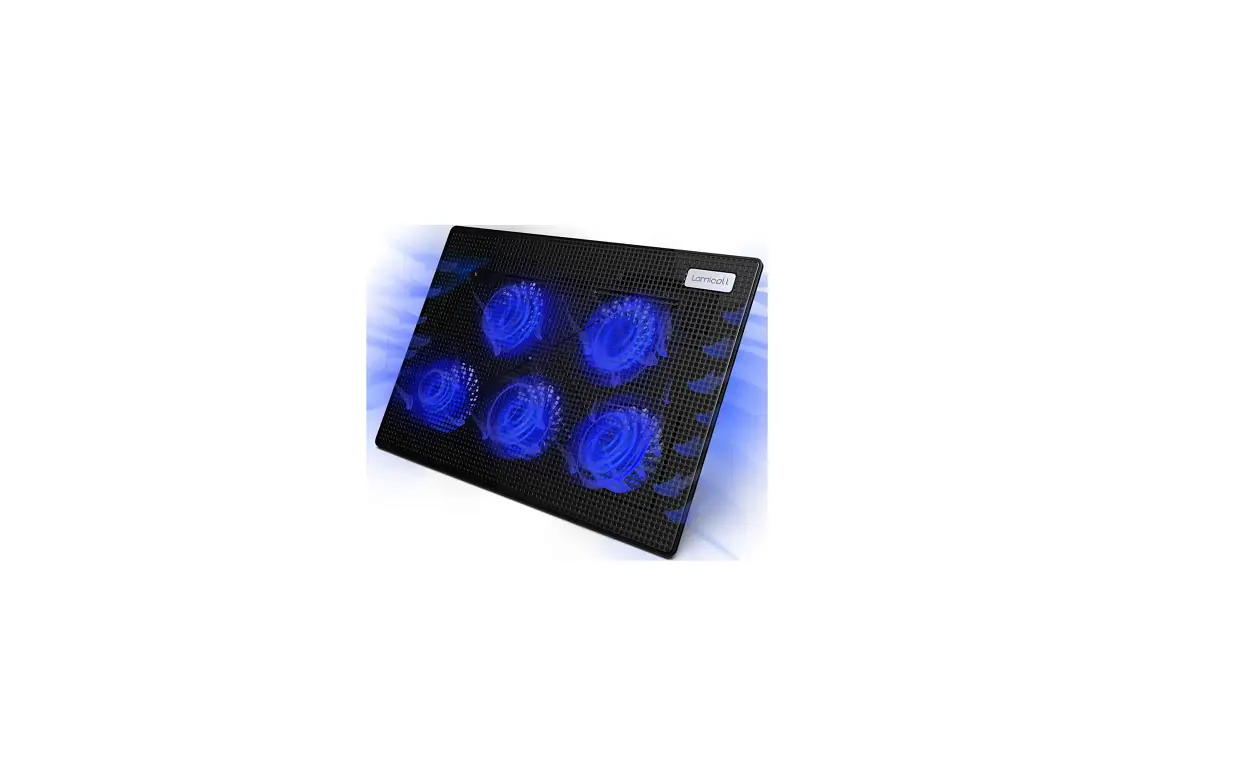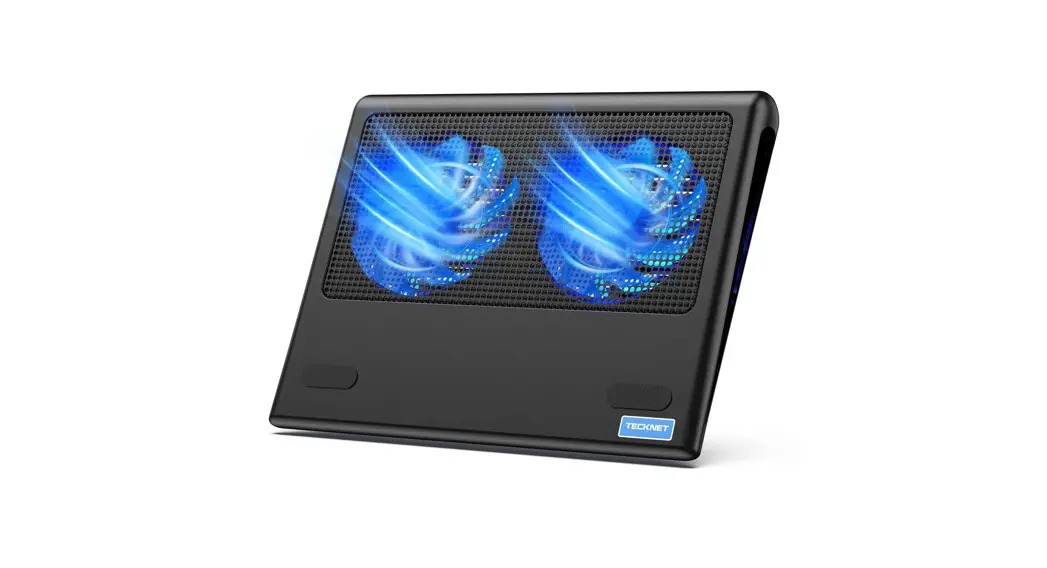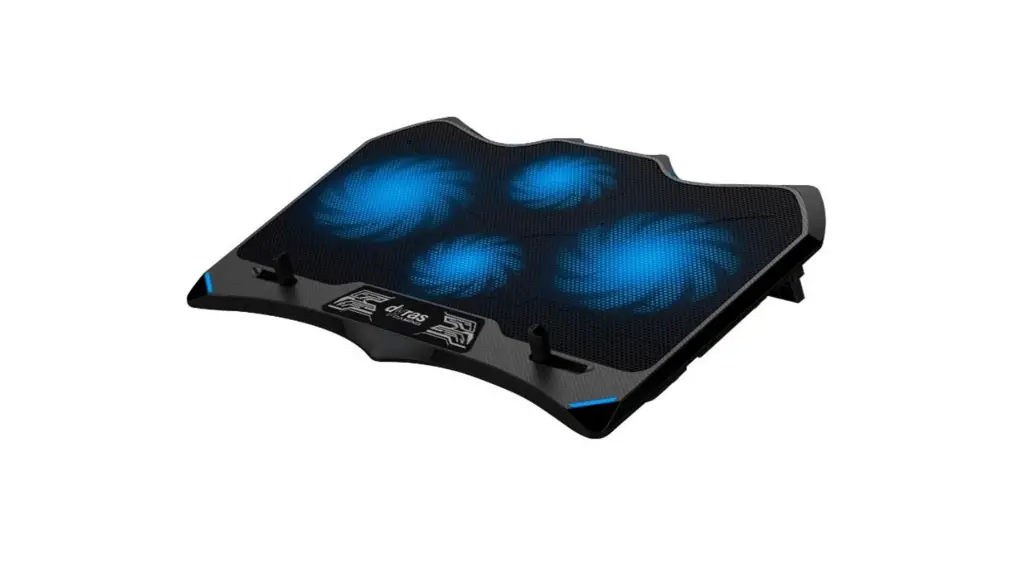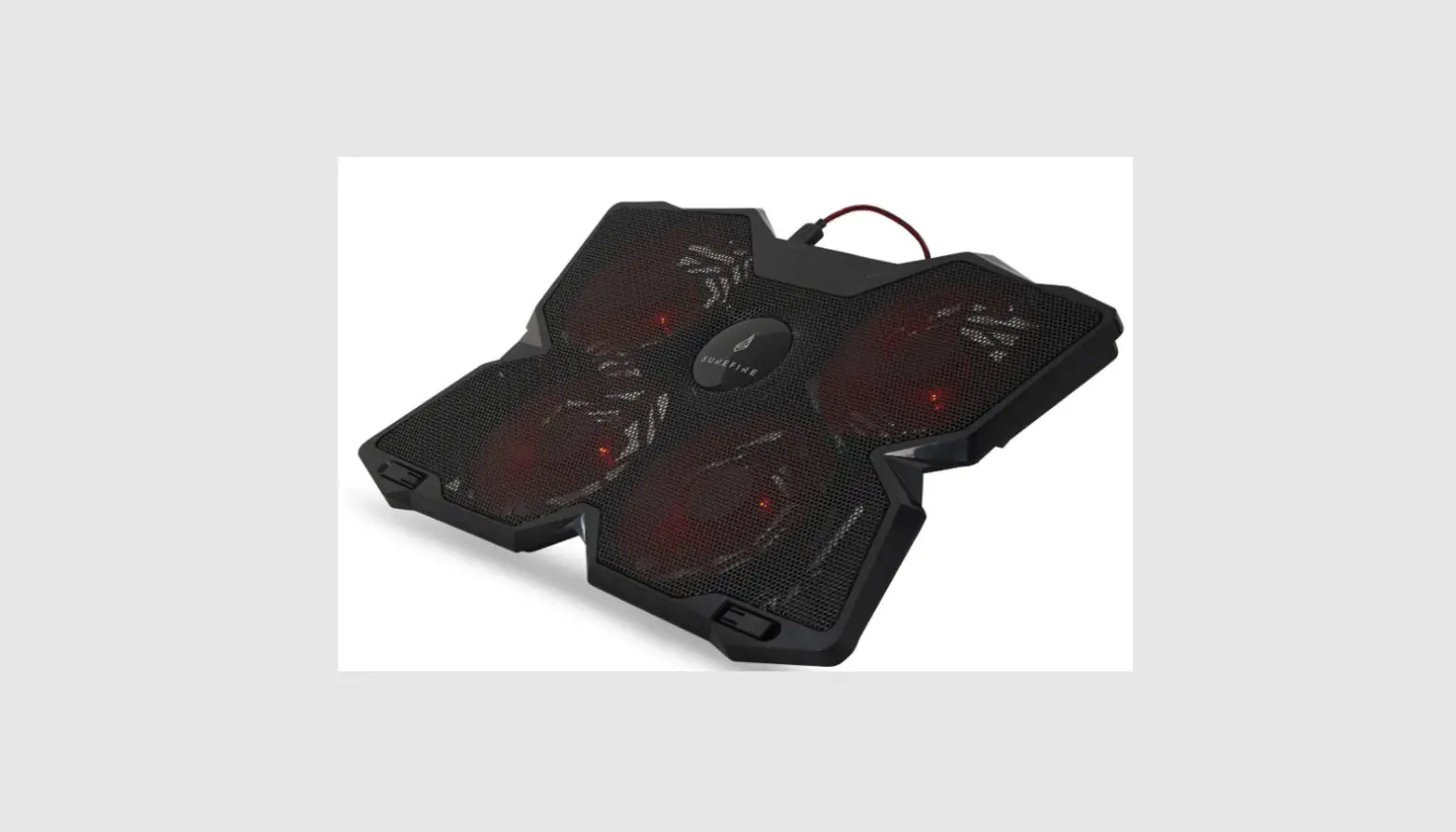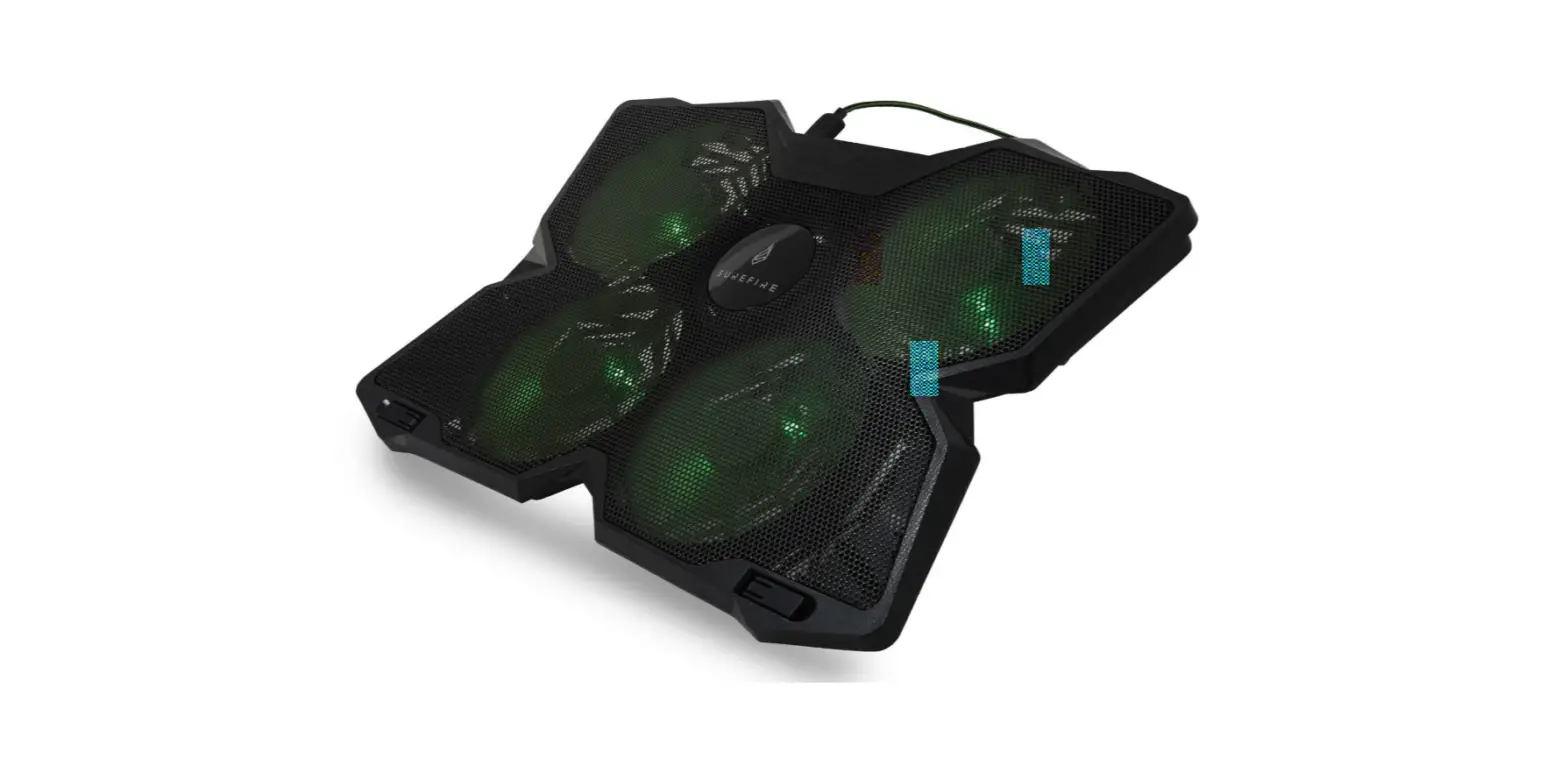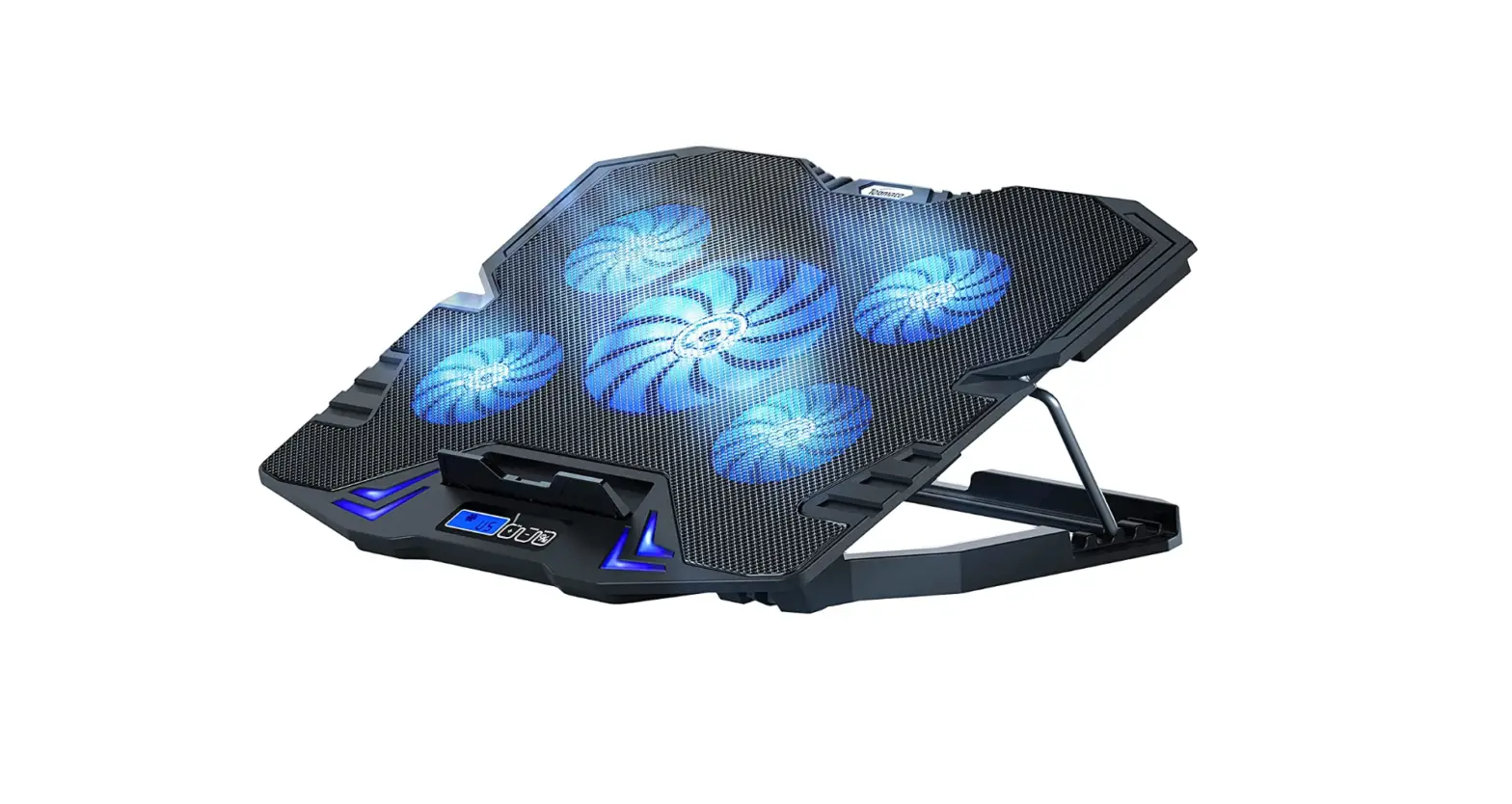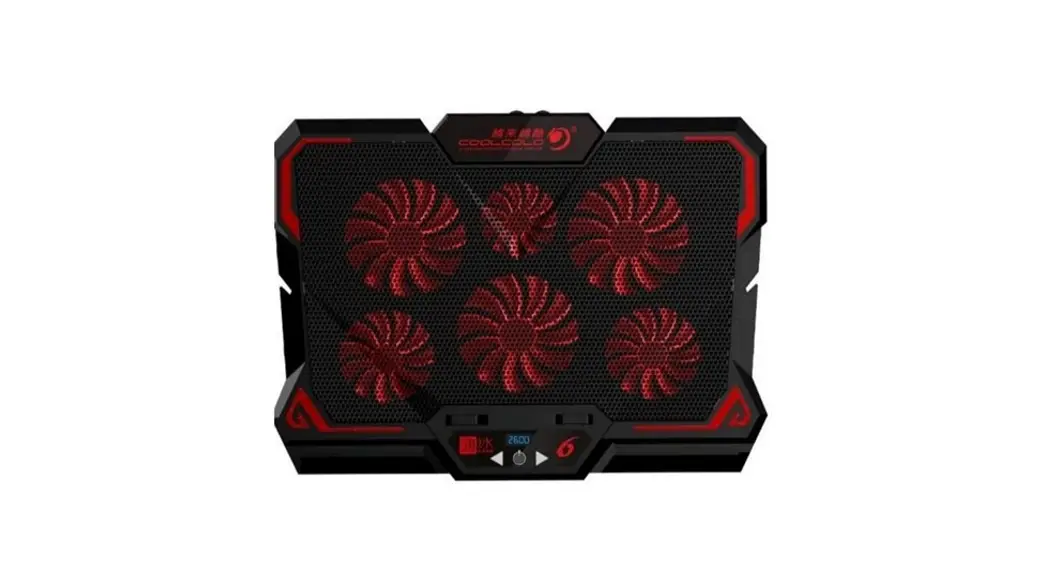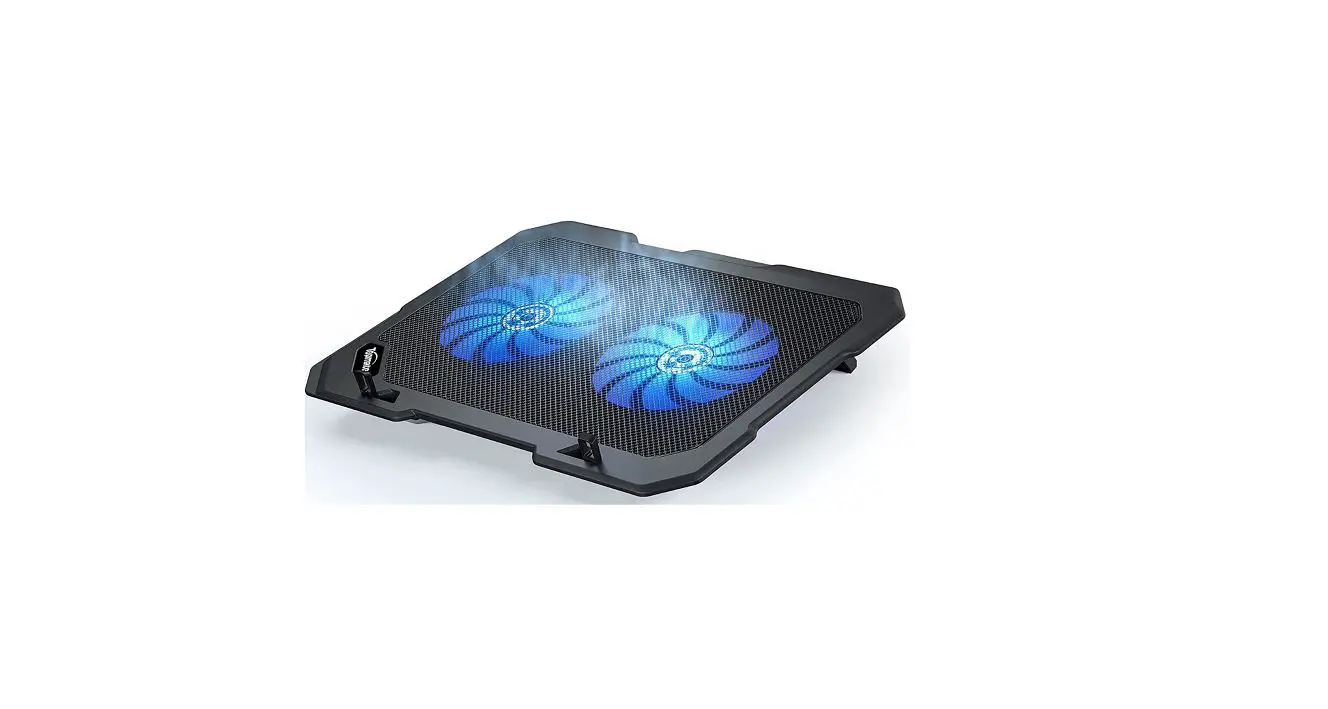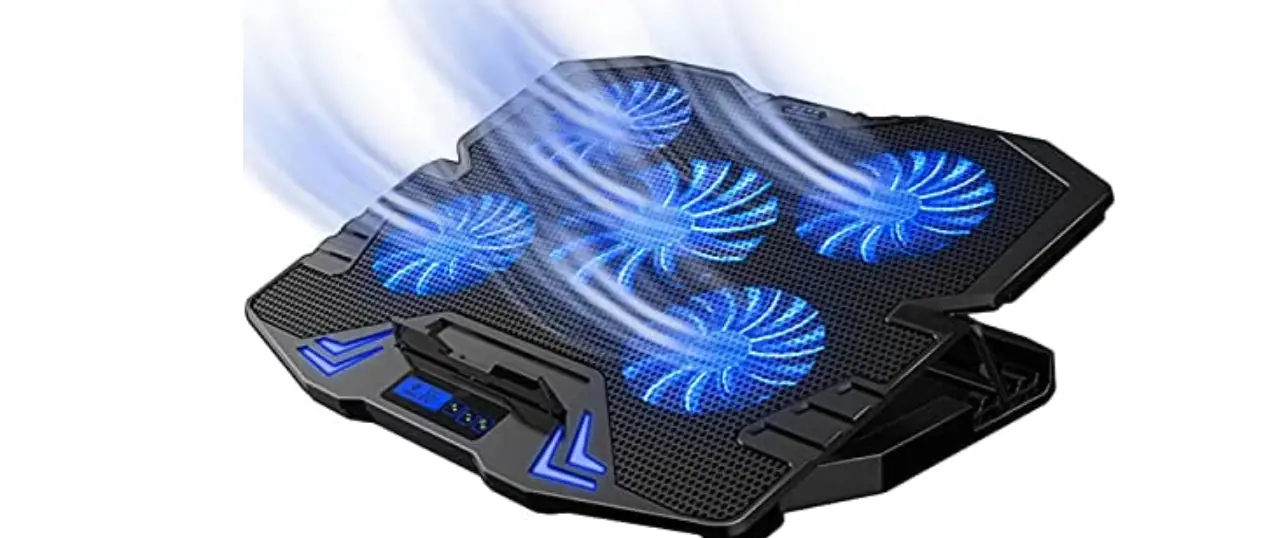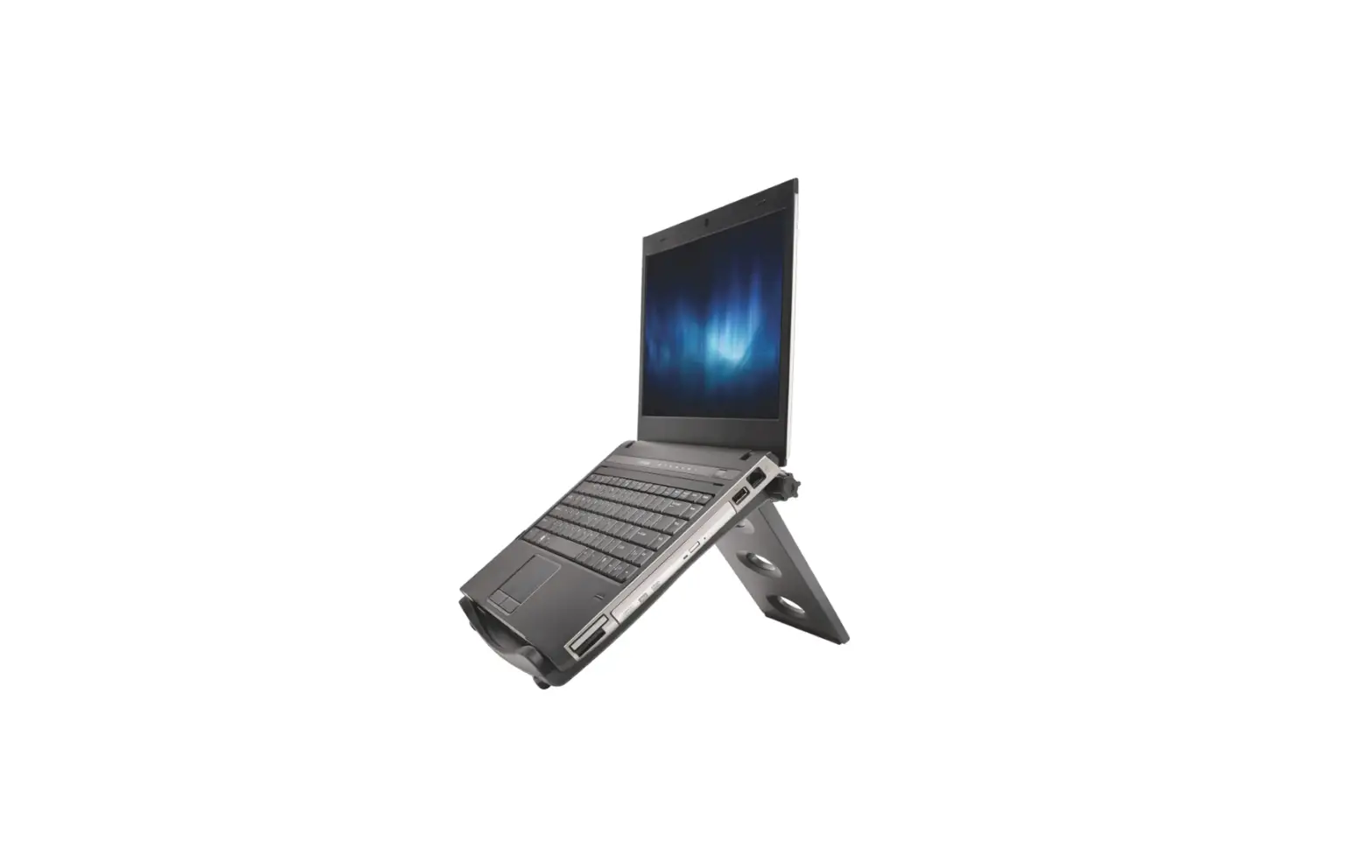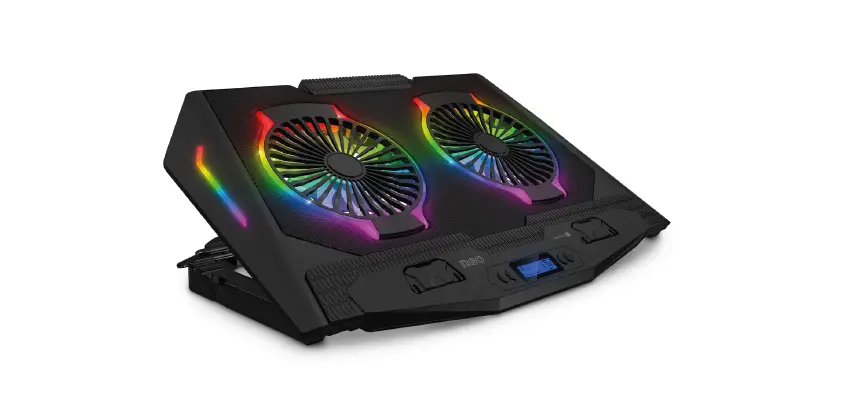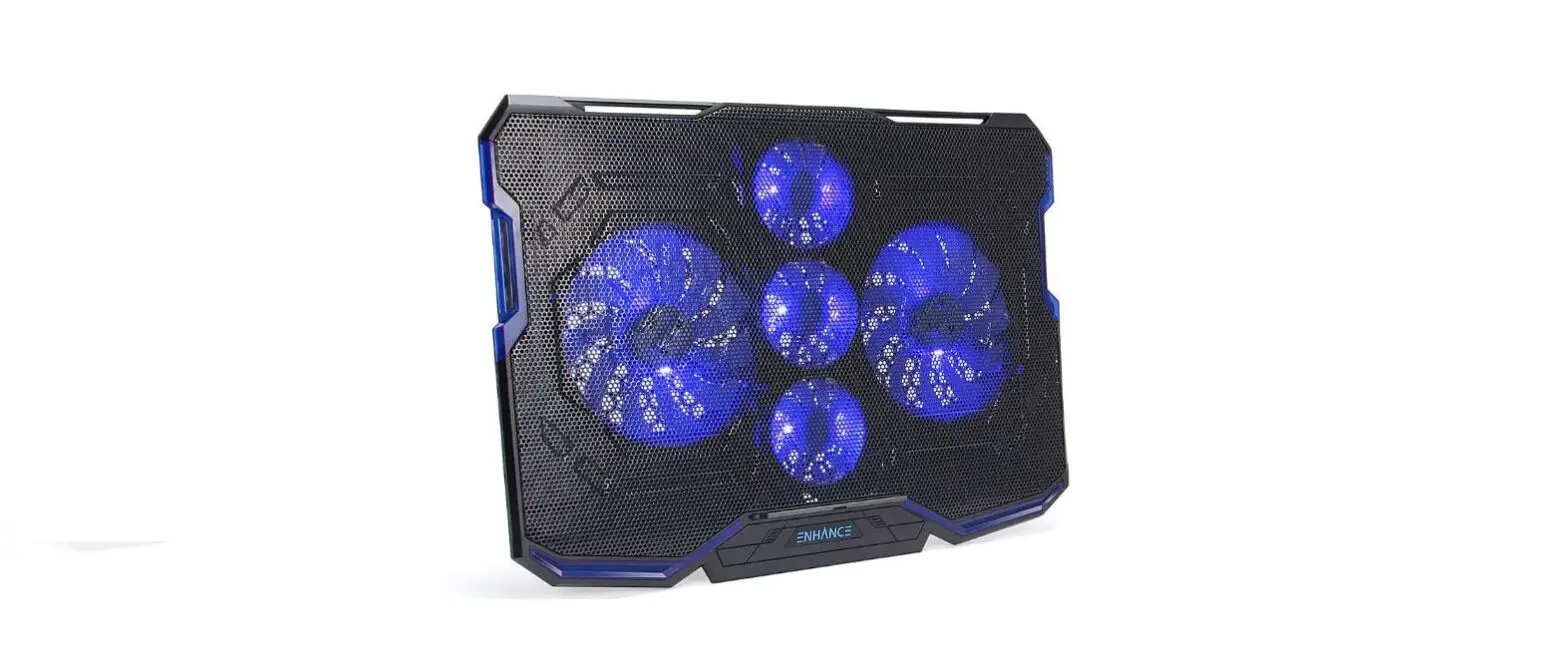
SBOX Cooling Pad
INSTALLATION USER MANUAL
Models: CP-12, CP-19, CP-101
 | 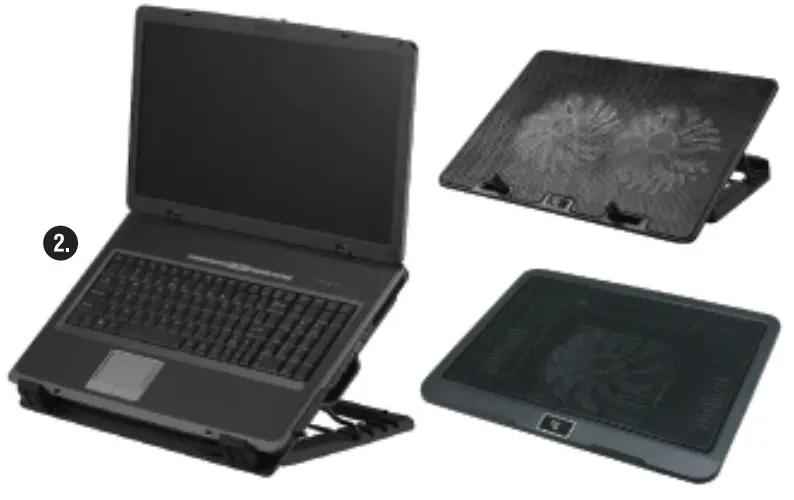 |
Notebook Cooling Pad AX
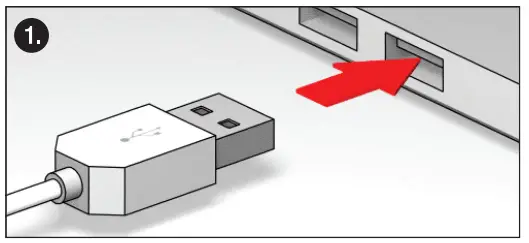
- Plug the cooling pad into a USB port on your notebook.
- Place your notebook on the pad.
* For full product specifications, go to www.s-box.biz

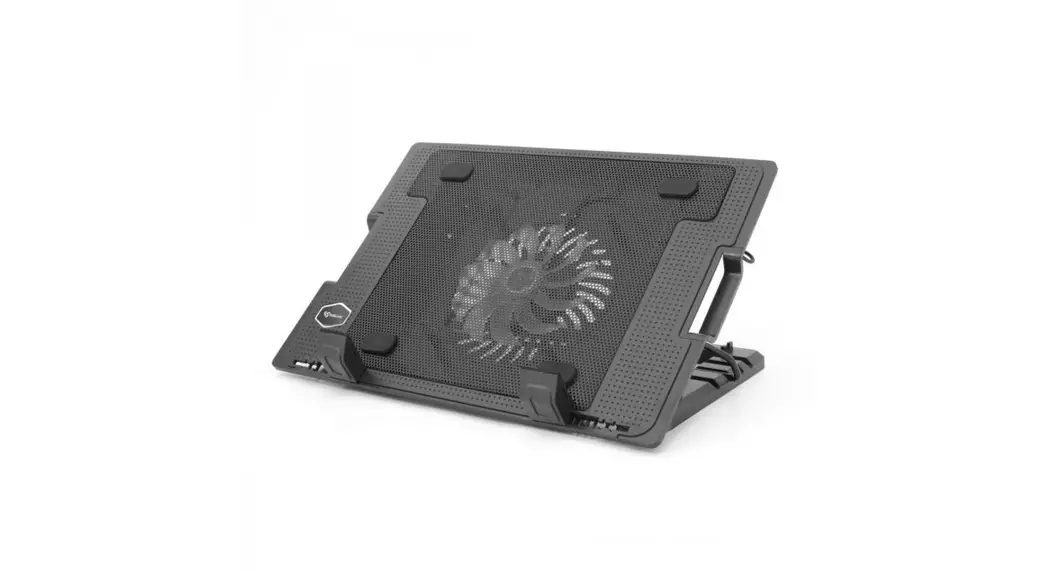
SBOX Cooling Pad
INSTALLATION USER MANUAL
Models: CP-12, CP-19, CP-101
| |
Download manual
Here you can download full pdf version of manual, it may contain additional safety instructions, warranty information, FCC rules, etc.