
EPOS SDW 5000 Series
Base Station for Wireless Headset
Quick Guide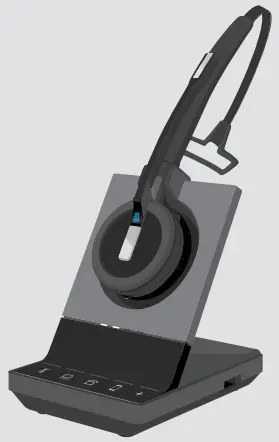
Model: SCDB1, SCDB2, SCDB3, SCDB4, SCDB5, SCDB6, SCDB7
Package contents
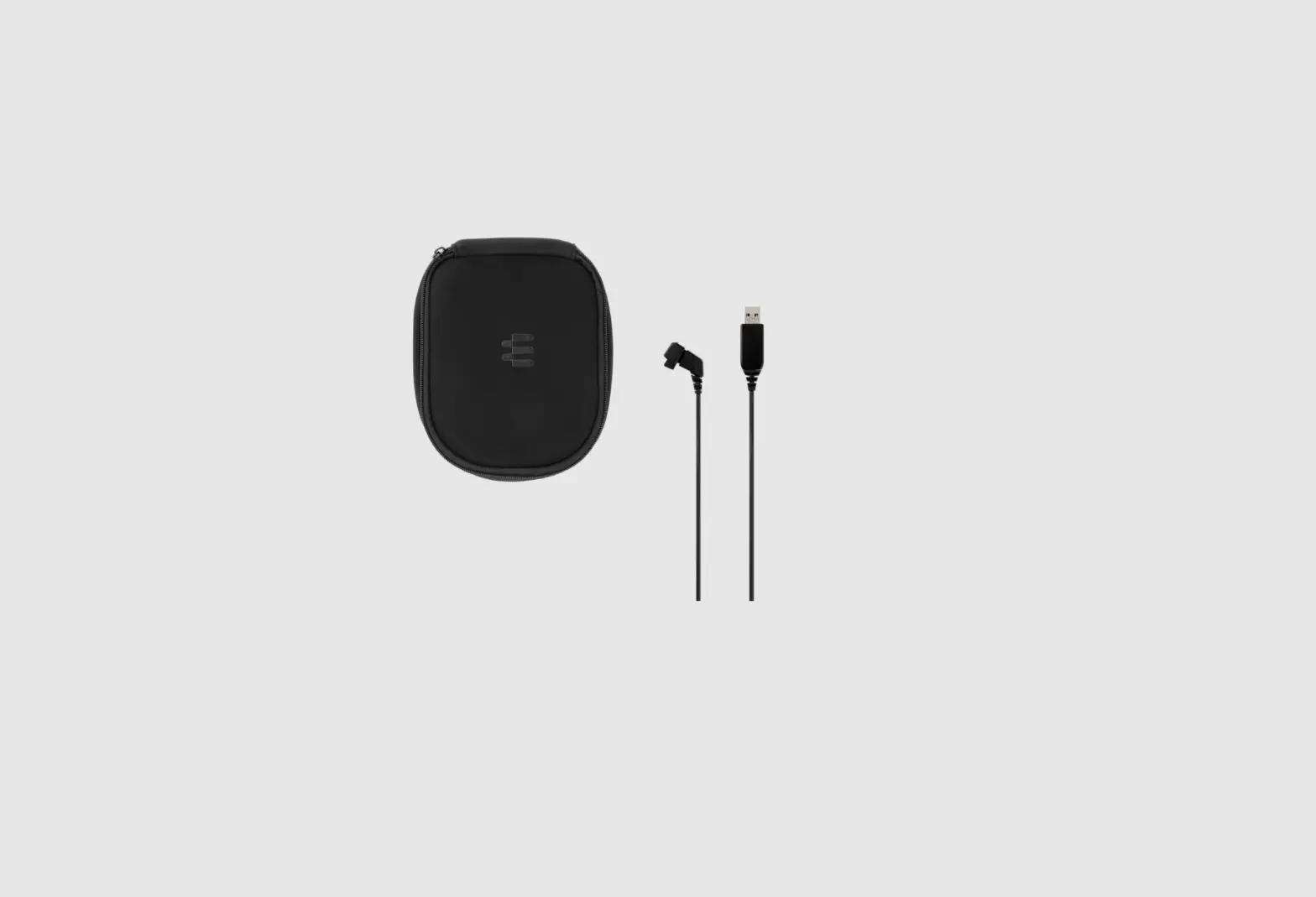
| Base station | Delivered accessories all versions | SDW 50X3 bundle | SDW 50X4 bundle | SDW 50X5 bundle | SDW 50X6 bundle | |
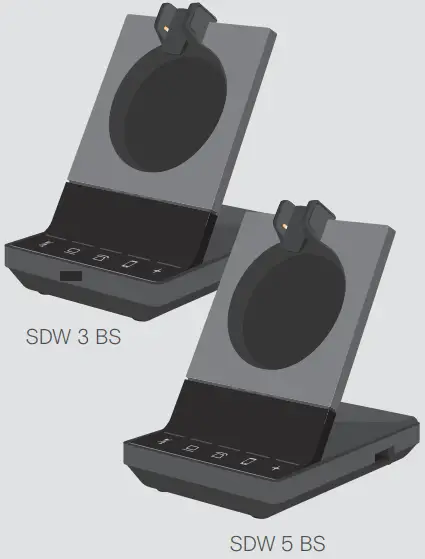 | 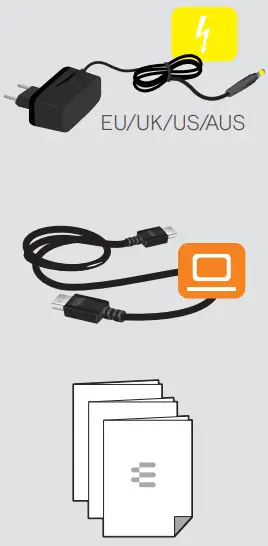 | 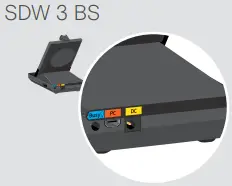 | √ | √ | ||
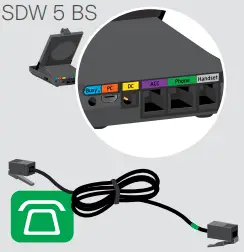 | √ | √ | ||||
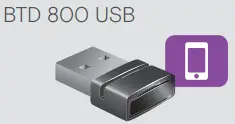 | √ | √ |
Sennheiser Communications A/S
Industriparken 27, DK-2750 Ballerup, Denmark www.eposaudio.com
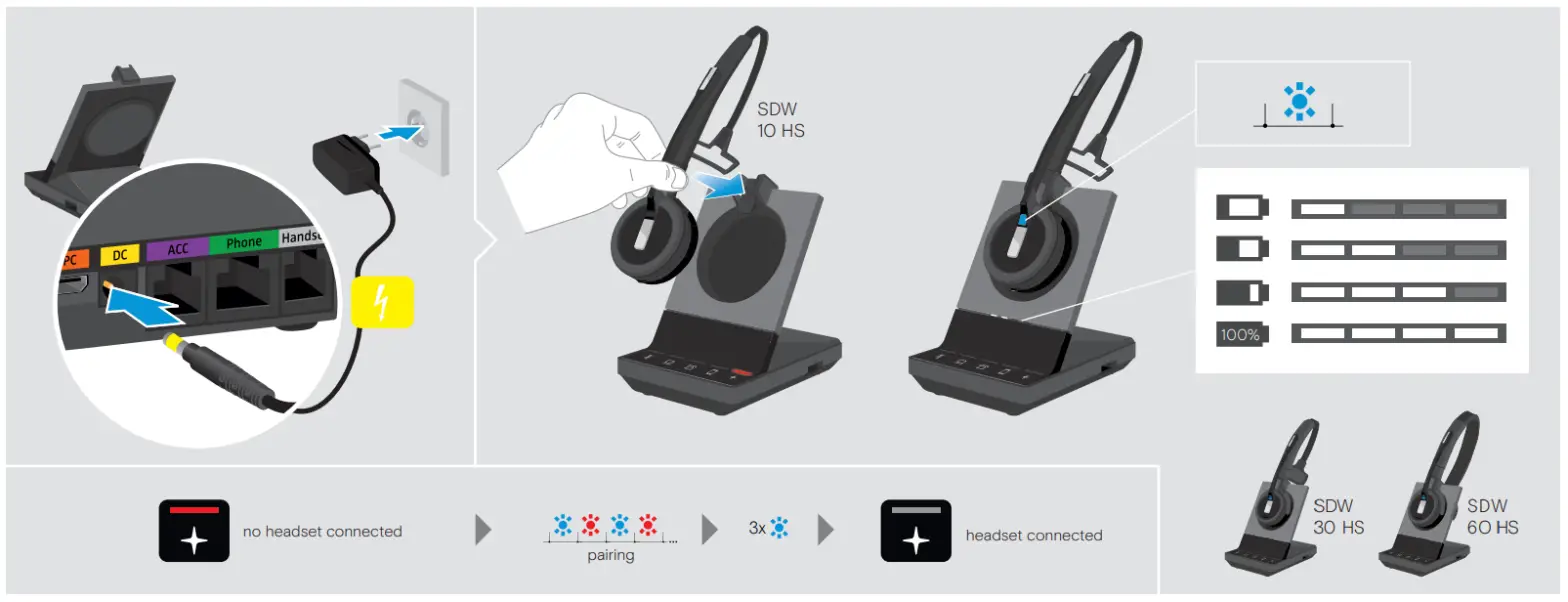
Pairing & charging the headset before the first use
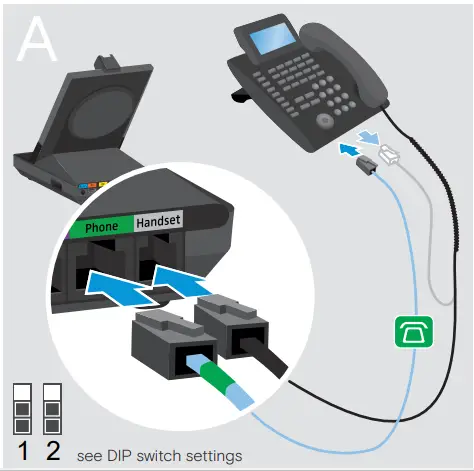
Connecting a phone without a headset socket
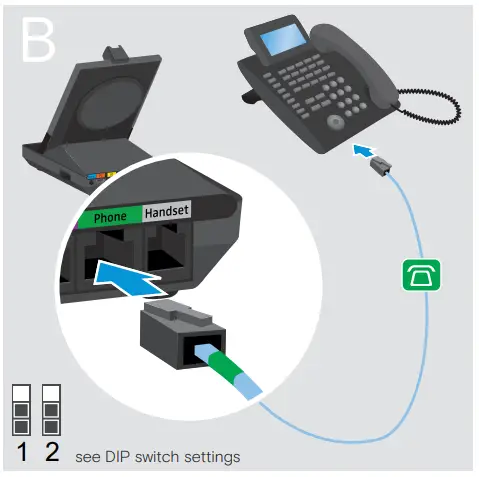
Connecting a phone with a headset socket
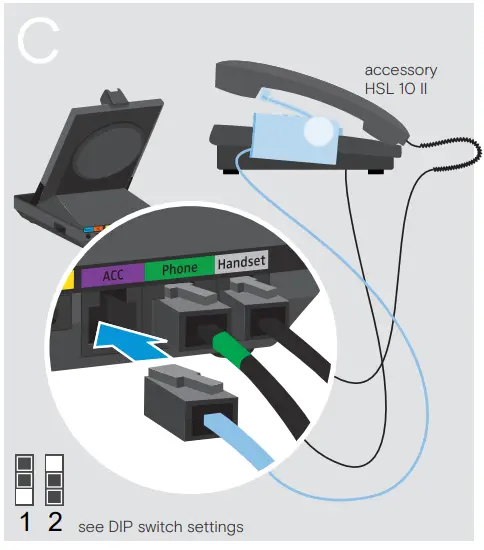
Connecting a handset lifter
Connecting an electronic hookswitch control
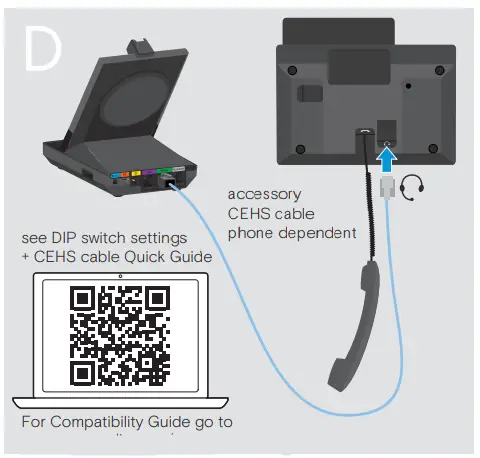
For Compatibility Guide go to www.eposaudio.com/compatibility
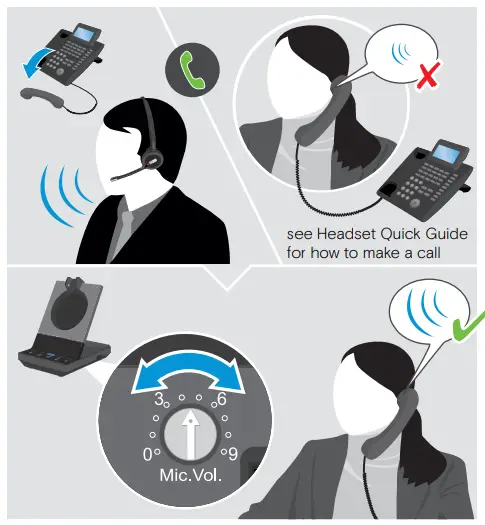
Adjusting the microphone sensitivity
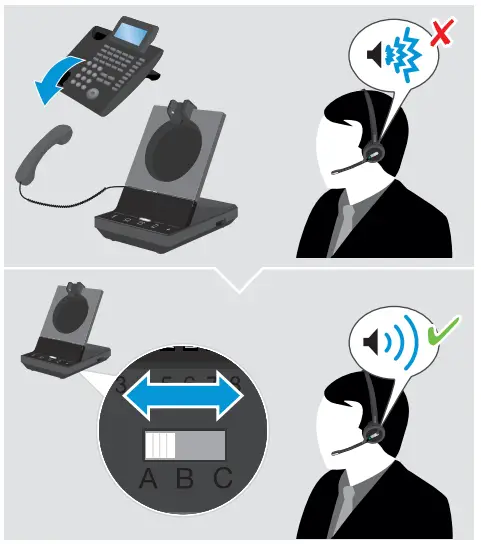
Adjusting the dial tone
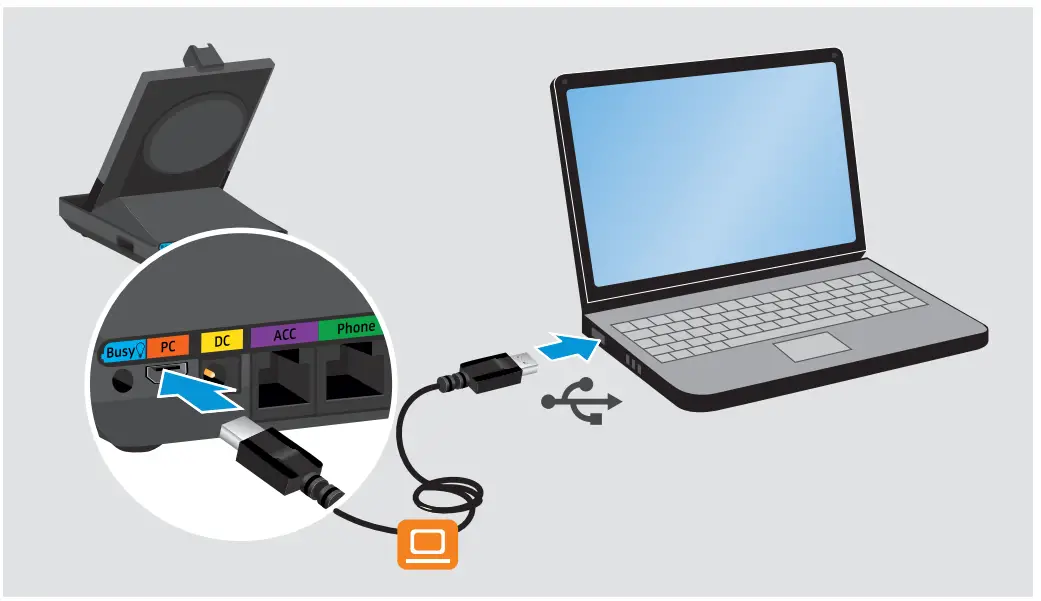
Connecting the base station to a PC
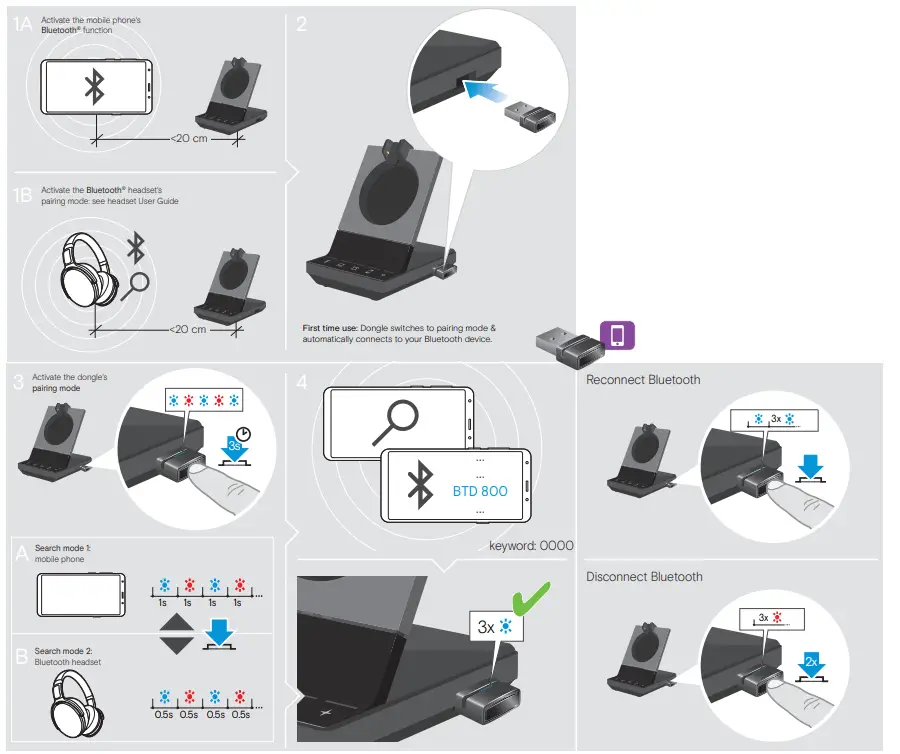
Connecting a mobile phone or Bluetooth headset
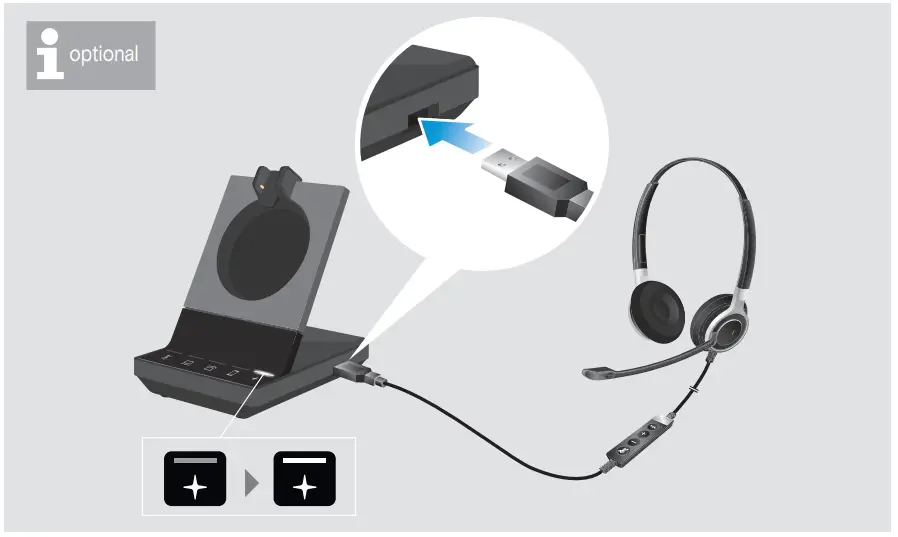
Connecting a USB headset
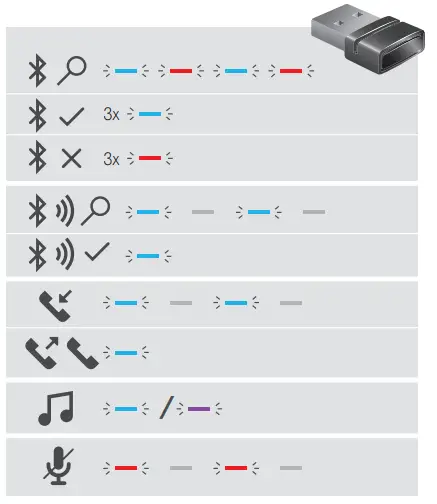
Overview of the LED indications
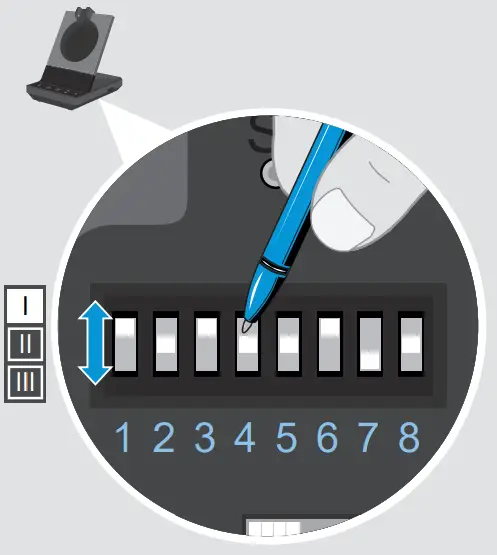
Adjusting the headset system using the DIP switches
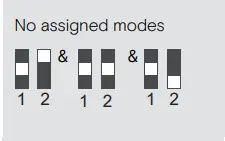
DIP 1 & 2: Desk Phone Mode BS 5 only
 DHSG mode
Call control with phones using DHSG standard
 Panasonic mode
Call control with Panasonic phonesManual mode
Manual operation of handset or handset lifterOptiPoint mode
Call control with OptiPoint phonesAuto link
Wireless link between headset and base station established automaticallyMSH mode
Call control with phones using MSH standard
DIP 3: Radio rangeLong-range
Up to 100 m indoors,Medium-Range
Up to 50 m indoors,Short-range Up to 10 m indoors; for minimal interference with other DECT devices in dense environments
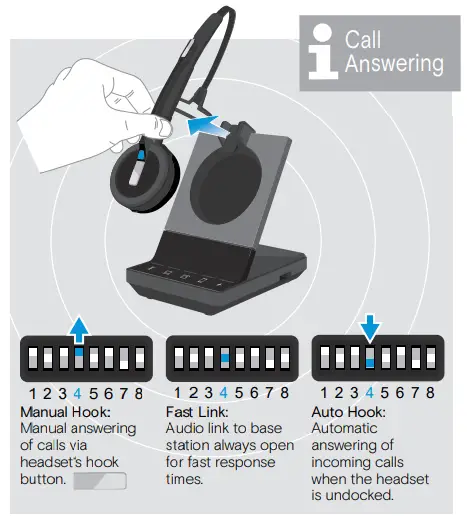
DIP 4: Call AnsweringManual Hook
Manual answering of calls via hook button on the headsetFast Link
Audio link to base station always open for fast response timesAuto Hook
Automatic answering of incoming calls when headset undocked
DIP 5: Audio QualityBest
Super Wideband calls, SDW 10 HS: Super Wideband music SDW 30 & 60 HS: Full band musicBetter
Wideband calls, SDW 10 HS: Super Wideband music SDW 30 & 60 HS: Full band musicGood
Narrowband calls, Narrowband music
DIP 6: Audio limiterOffEU/US limiter
Compliant with Directive 2003/10/ECAU limiter
Compliant with Directive AS/ACIF G616:2006
DIP 7: Ringing volumeVolume High
Volume Low
Volume Off
DIP 8: RingtoneRingtone 1
Ringtone 2
Ringtone 3
For more advanced configuration, download the EPOS Connect software on your computer: www.eposaudio.com/connect
See User Guide for more information.
Automatic link establishment
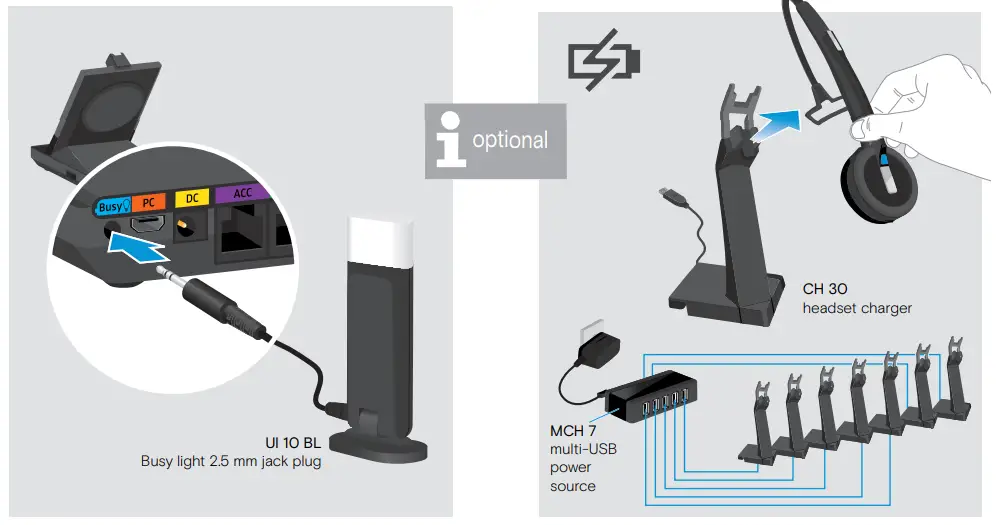
Connecting the Busy light
Charging several headsets
Detailed information
 For easy setup, configuration, and softphone call control settings download EPOS Connect on www.eposaudio.com/connect
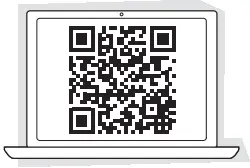 For Compatibility, guide go to www.eposaudio.com/compatibility
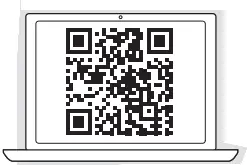 For the Instruction manual go to www.eposaudio.com/support