 Baozi Intelligent Technology-Introduction of
AP Station
AP Station Electronic Price Tag Controller
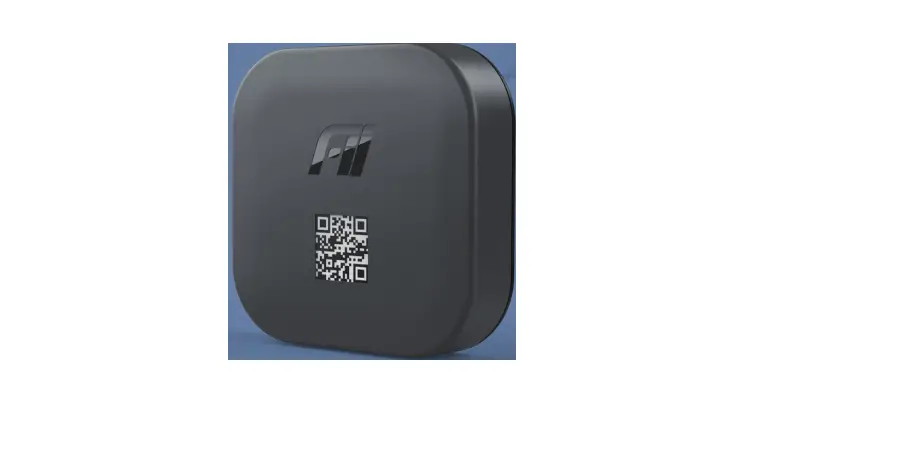
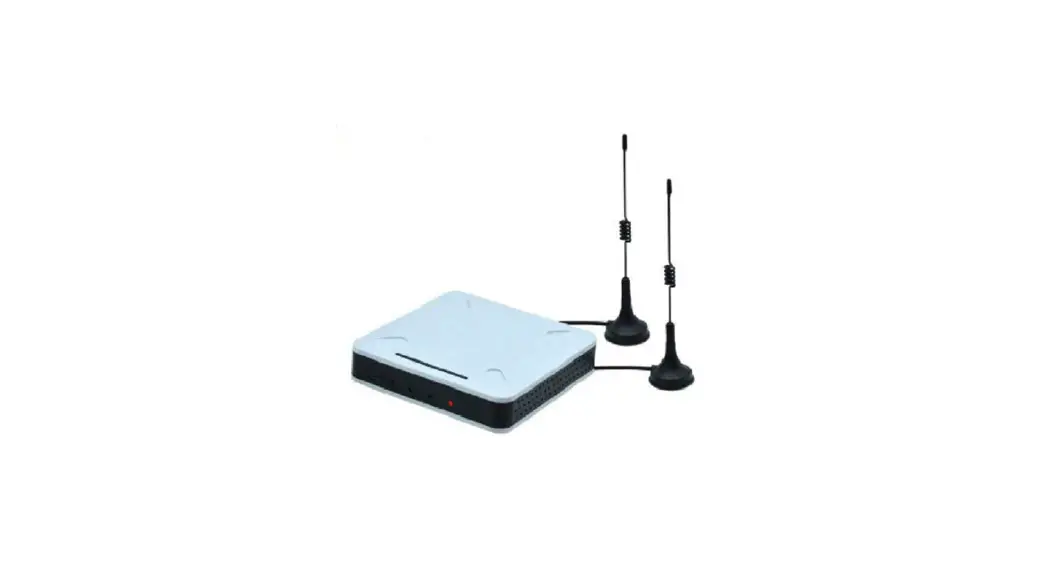
ESL Base Station (AP), also known as Electronic Price Tag Controller, is an ESL communication base station independently opened by Baozi Intelligent Technology, which works in 2.4G wireless frequency band and is responsible for data transmission and information interaction between BL-AS sytem system and ESL. Baozi Intelligent Technology ESL Base Station is the third generation base station developed by Baozi Intelligent Technology, with more stable performance and faster transmission rate.
- Forwarding uplink data: connecting with BL-AS syetem through wired network, sending data such as price changing, stock and template switching to ESL;
- Forward downlink data: ESL base station works on the 2.4G protocol specification, and forwards ESL heartbeat and other information to BL-AS syestem platform based on ESL wireless protocol standard.
Product Appearance
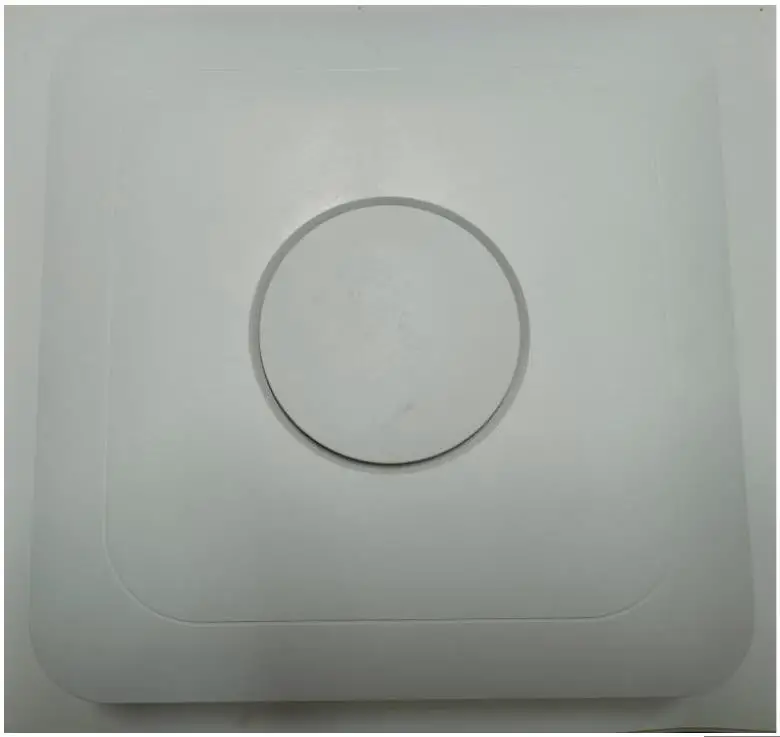
On the front panel of the ESL base station (as shown in the following figure), there are power adapter interface, Ethernet interface, reset button, system indicator lights, USB interface, COM interface and four antennas.
| Interf ace | Interface name | Function description |
| 1 | Power adapter interface | Access to 12V-1A Standard Adapter |
| 2 | Dialing Key | According to the dialing logic, dial up the code to set the number and type of the store base station |
| 3 | Ethernet interface | Standard 100m Ethernet port with cable access to the customer network and support for POE for Electricity. |
| 4 | Reset key | Restore the factory setting key, press this key for more than 5 seconds, and the configuration can be reset. Automatically loads the default settings and does not require restarting the ESL base station. |
Product Parameters
| Structural | |
| Face shell and | Abs plastic material |
| Indicator | Green LED |
| Appearanc | |
| Length (mm) | 190 |
| Width (mm) | 190 |
| Height (mm) | 40 |
| Weight | |
| Integral Tape | Yes |
| Net product weight (G) | 510g |
| ESL base station configuration Power Module | |
| Input voltage | 12V DC |
| Rated current | 2A |
| Rated Power | >2W |
| Other | Overload/overvoltage/overtemperature protection |
| Main Processor Module | |
| CPU frequency | 1GHz arm processor * 2 |
| Memory | 256M FLASH + 256M RAM |
| Operating System | Linux 3.2 |
| RF module (2.4G module) | |
| Working frequency | 2.402~2.481GHz |
| Channel | GFSK |
| Modulation mode | Downlink: 250K bps Uplink: 250K bps |
| Transmission Rate | 0 ~ 20dBm adjustable |
| Transmitting Power | 1MHz |
| Antenna gain | 3dBi (optional) |
| Antenna characteristics | Two-way omnidirectional antenna |
| Ultra-high sensitivity | -97dBm at 250Kbps |
| Ethernet module | |
| Connection Rate | 100m (adaptive) |
| Self-negotiation | Support |
| Automatic Flip | Support |
| DHCP | Support |
| POE module | |
| Input voltage | IEEE 802.3af PoE standard interface |
| Output Voltage | 12V |
| Rated current | 2A |
| Maximum power | 10W |
| Standard | IEEE 802.3, pre-standard (legacy) POE compatible |
| Port | |
| Idle State Power Consumption | 12V, 250mA |
| Maximum operating power consumption | 12V, 400mA |
Baozid ESL base station supports two power supply modes of adapter and POE, and users can choose different power supply modes according to specific use environment. The difference between the two power supply methods is whether to deploy power cables to the ESL base station, and other features and functions are exactly the same.
base station installation
In actual use, the base station should be installed in a higher position to achieve better transmission effect and coverage, as shown in the figure:

- Installation location of base station
Ideal environment for base station antenna: base station not close to roof, visible distance from base station antenna to price tag(Cargo) Except for shelves, but try to keep the shelving as small as possible) keep a distance of more than 10cm - Recommended distance of the base station It is recommended to install according to the covering radius of 15 meters
- ESL base station installation For ESL base station must be installed horizontally
Startup and Configuration
- Building Configuration Environment
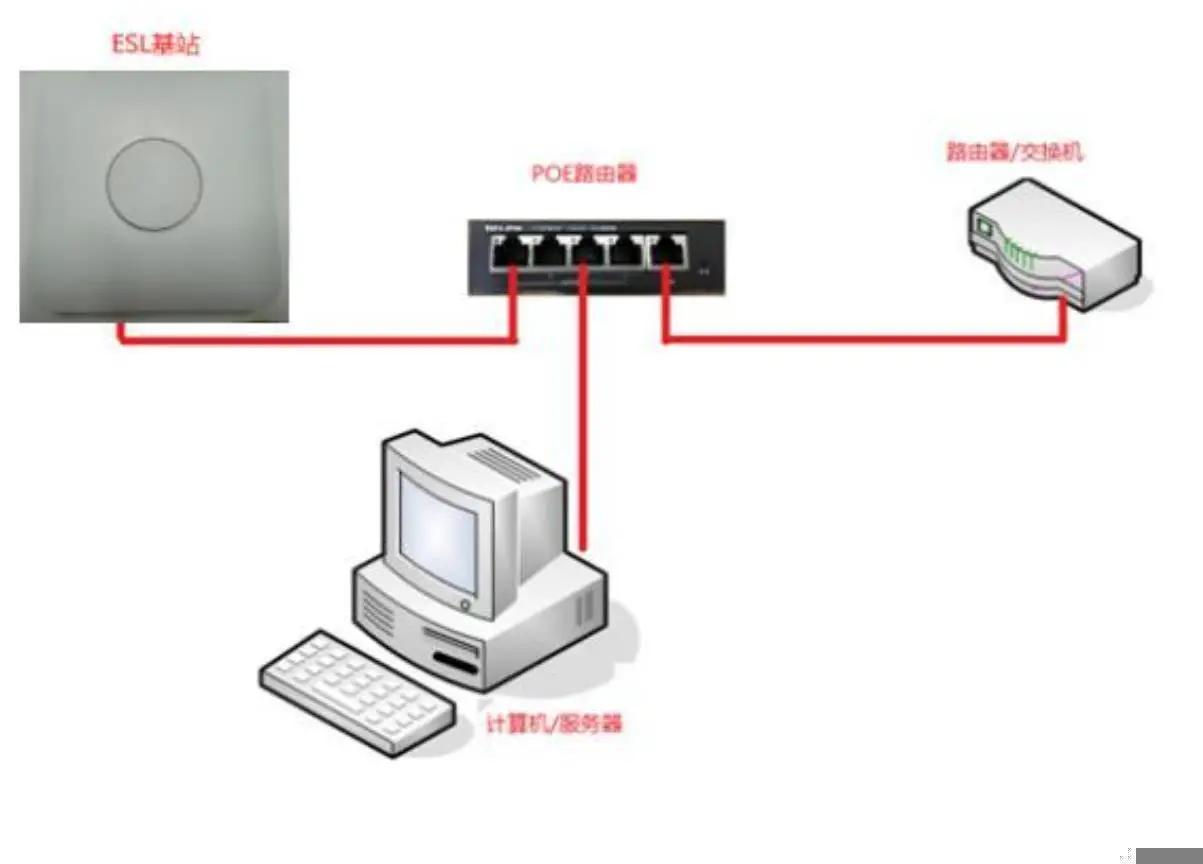
Connecting the configuration terminal (PC) to the router with an Ethernet cable;
The router leads a network cable to the WAN port of the POE router;
Connecting the Ethernet port of the ESL base station with the LAN port of the POE router;
Powering up the router and the ESL base station;
Acquiring the IP address allocated by the ESL base station from the POE router end;
The configuration of communication parameters of ESL base station is completed by software on PC. (ESL Base Station Configuration Network Diagram)
 - ESL Base Station Configuration
The default mode of ESL base station is DHCP mode. After the base station is connected to the router, it will be assigned an IP address. You can view the IP address obtained by the ESL base station through the configuration page of the POE router side. It is recommended that the IP address of the base station be set to a fixed IP address. - ESL Base Station Pre-Power Check Perform the following checks on the ESL base station prior to power-up:
① Is the power cord connected correctly?
② Whether the voltage and current of the power supply are consistent with the requirements of the ESL controller
③ Is the Ethernet cable connected correctly - Power-on start
After the ESL base station is powered on, the system is automatically started after 3 seconds, and during the starting process, when the ESL base station RF module
The indicator light is on, the indicator light display is always on, and the system starts normally at this time.
Base station characteristics
- Easy maintenance of base station
Newly installed base station: The actual operation of the store is not required. The headquarters or branch company will hand over the configuration of the base station to the store, and bind the MAC address of the new base station to the newly assigned store, and then use it after power-on.
Replace the base station: replace the MAC address of the new base station with the MAC address of the old base station, replace the new base station, and then power on. Replacement of base stations does not require manual participation of door stores. - Base station automatic routing
Electronic price tags move from one base station to another base station coverage, through the system routing strategy to relocate to the electronic price tag,
to achieve automatic routing. - Redundancy backup function The base station stores the data of each communication locally, and automatically initiates retransmission after the communication fails. The base station can also restore the previous price tag update record after unexpected power loss and restart
FCC Warning:
This equipment has been tested and found to comply with the limits for a Class B digital device, pursuant to part 15 of the FCC Rules. These limits are designed to provide reasonable protection against harmful interference in a residential installation. This equipment generates, uses and can radiate radio frequency energy and, if not installed and used in accordance with the instructions, may cause harmful interference to radio communications. However, there is no guarantee that interference will not occur in a particular installation. If this equipment does cause harmful interference to radio or television reception, which can be determined by turning the equipment off and on, the user is encouraged to try to correct the interference by one or more of the following measures:
- Reorient or relocate the receiving antenna.
- Increase the separation between the equipment and receiver.
- Connect the equipment into an outlet on a circuit different from that to which the receiver is connected.
- Consult the dealer or an experienced radio/TV technician for help.
Caution: Any changes or modifications to this device not explicitly approved by manufacturer could void your authority to operate this equipment.
This device complies with part 15 of the FCC Rules. Operation is subject to the following two conditions: (1)This device may not cause harmful interference, and (2) this device must accept any interference received, including interference that may cause undesired operation.
This equipment complies with FCC radiation exposure limits set forth for an uncontrolled environment.
This equipment should be installed and operated with minimum distance 0cm between the radiator and your body.
ISED Statement
This device complies with Industry Canada license‐exempt RSS standard(s). Operation is subject to the following two conditions: (1) This device may not cause interference, a nd (2) This device must accept any interference, including interference that may cause undesired operation of the device.
The digital apparatus complies with Canadian CAN ICES‐3 (B)/NMB‐3(B).
This device meets the exemption from the routine evaluation limits in section 2.5 of RSS 102 and compliance with RSS 102 RF exposure, users can obtain Canadian information on RF exposure and compliance.
This equipment complies with Canada radiation exposure limits set forth for an uncontrolled environment.
This equipment should be installed and operated with minimum distance 0cm between the radiator & your body.