Contents hide
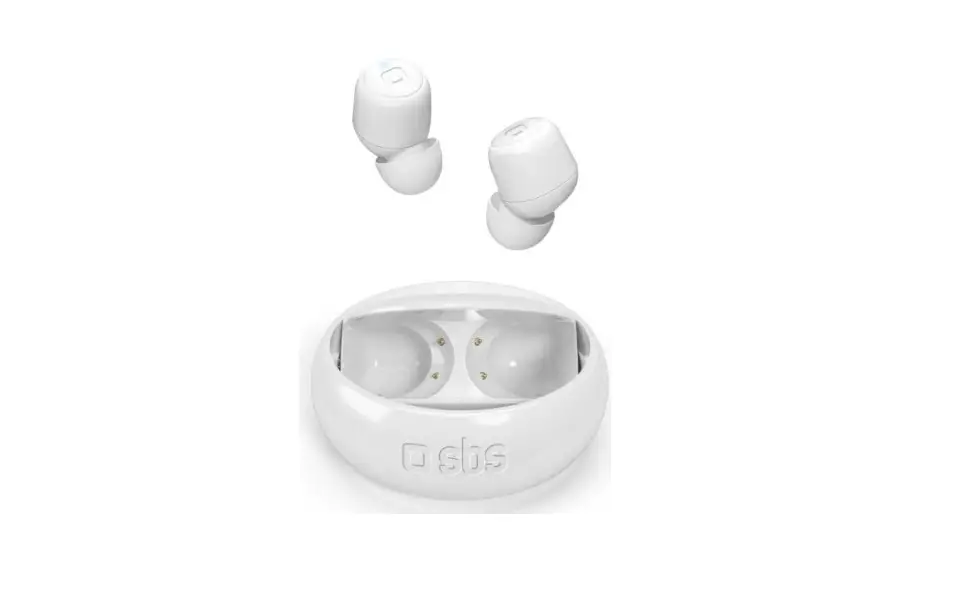
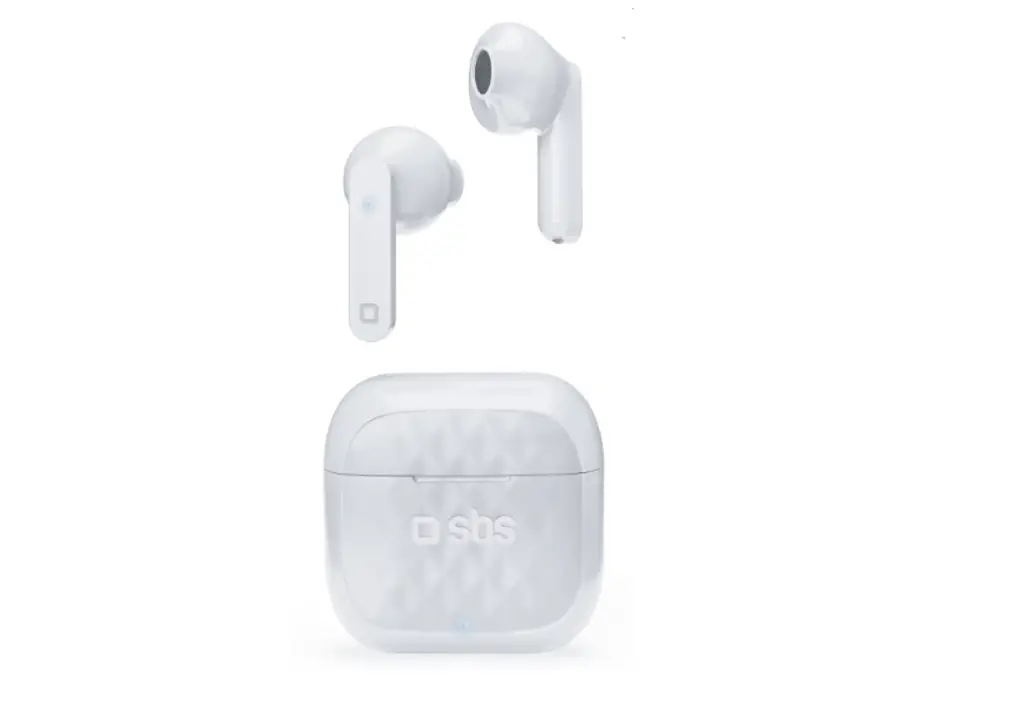
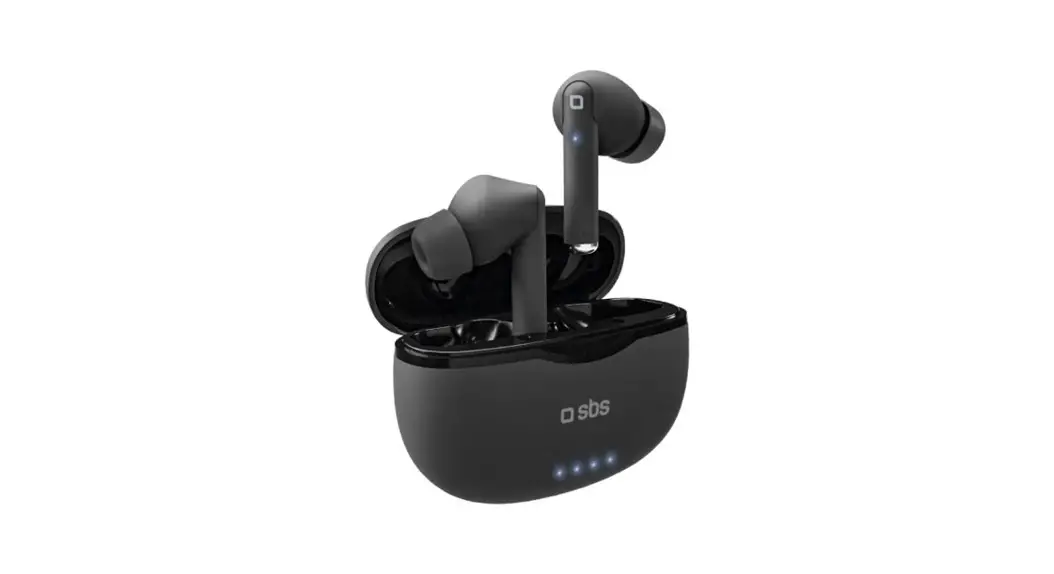
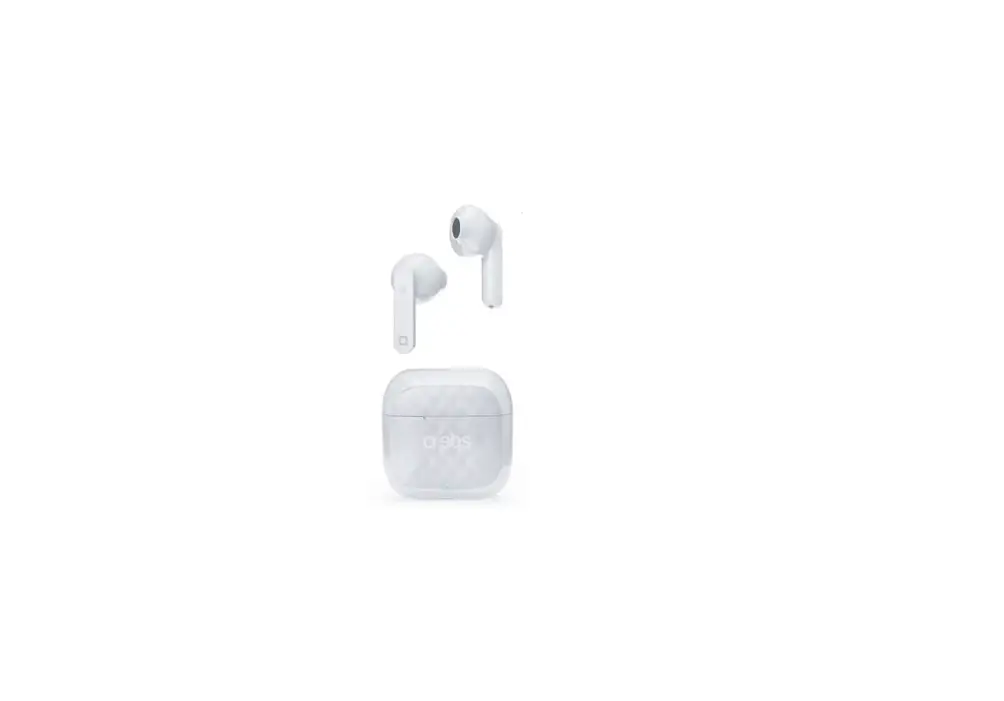
sbs TEEARTWSANCBTW Twin Ice ANC Wireless Earbud Headphones User Manual

Twin Ice ANC
Wireless Earbud Headphones\
SPECIFICATION
Sensivity: 110dB
Impedance: 32Ω
Wireless: V 5.0
Working Range:10m
Frequency Range:
20Hz-20kHz
Microphone
Music & Phone Calls
Charging Box: 250mAh
Charge Time: 1.2 hour
Work Time: 3.5 hours (max volume)
Standby Time: 120 hours
USER MANUAL
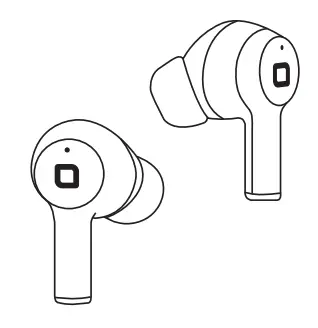
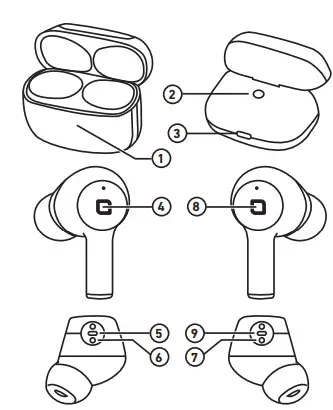
Quick guide.
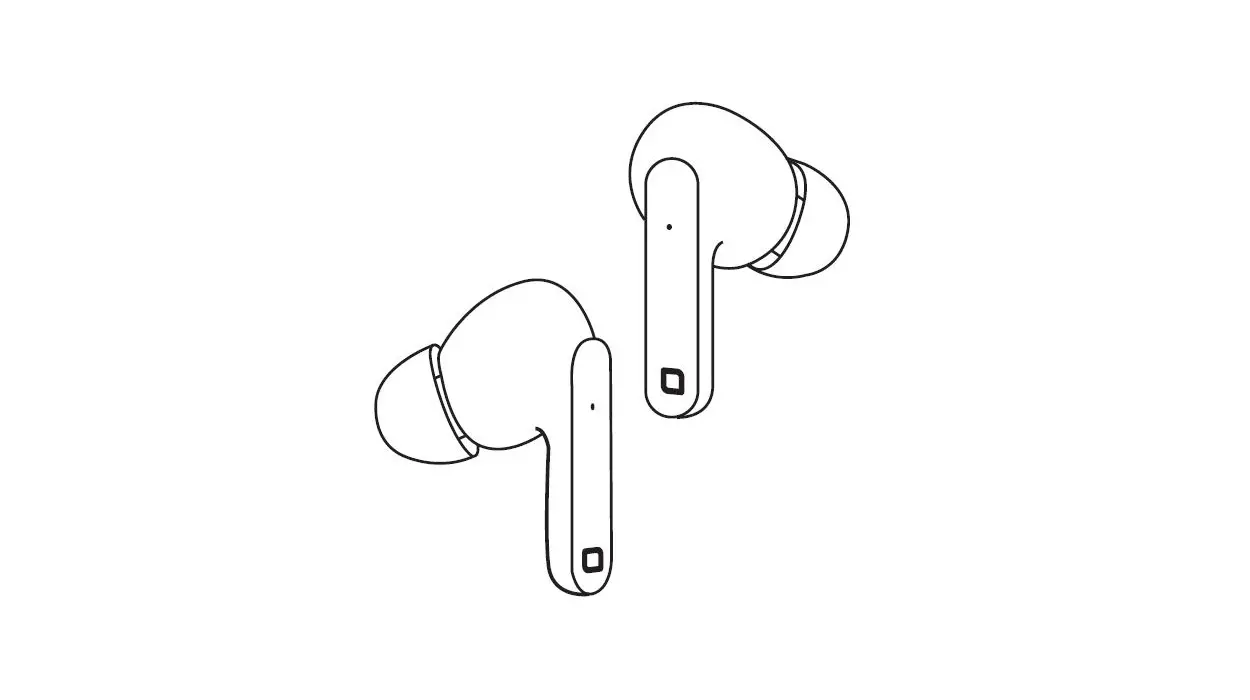
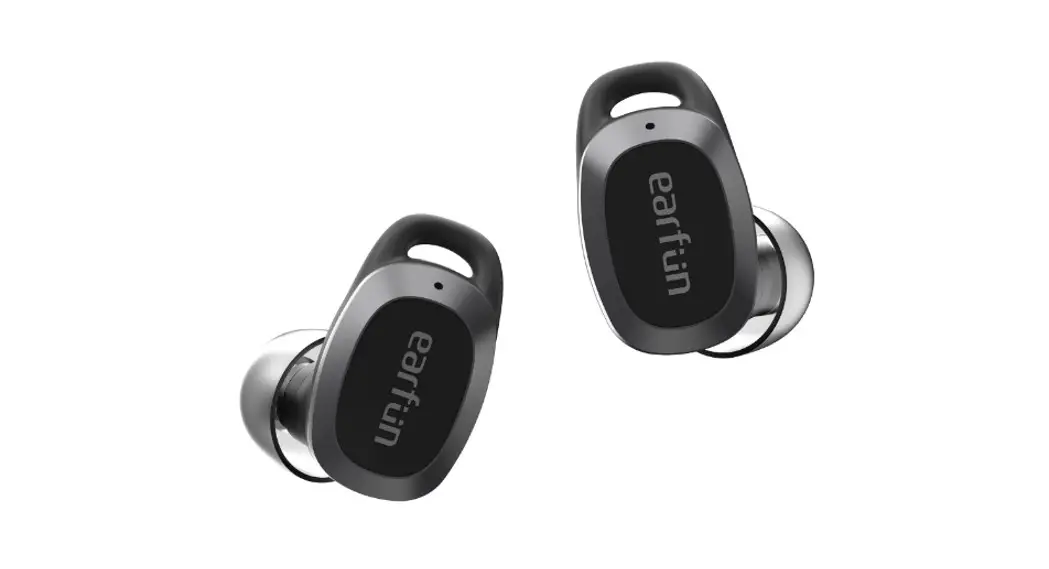
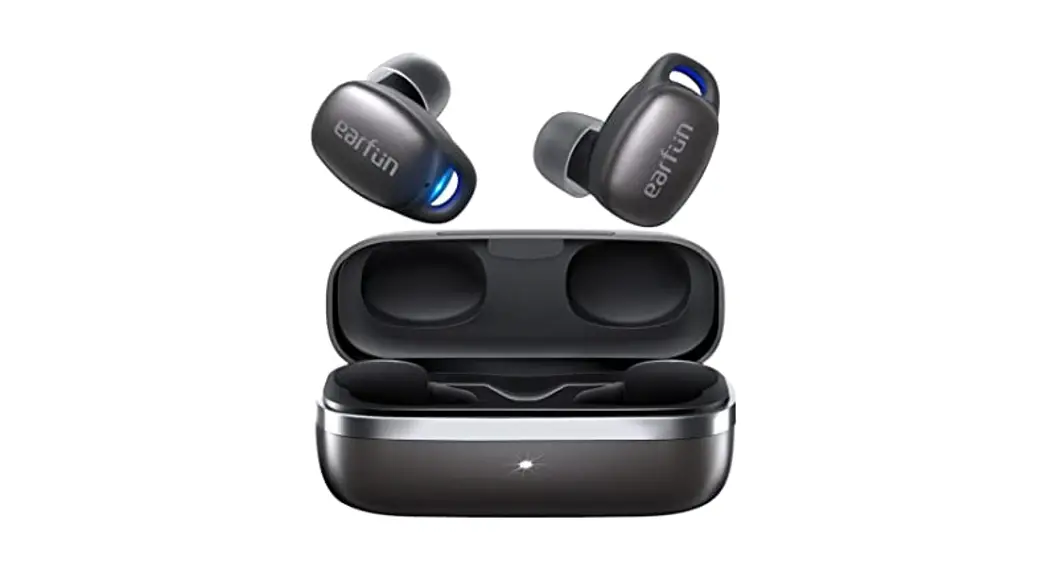
- Charging indicator
- Charging case button
- Type-C connector
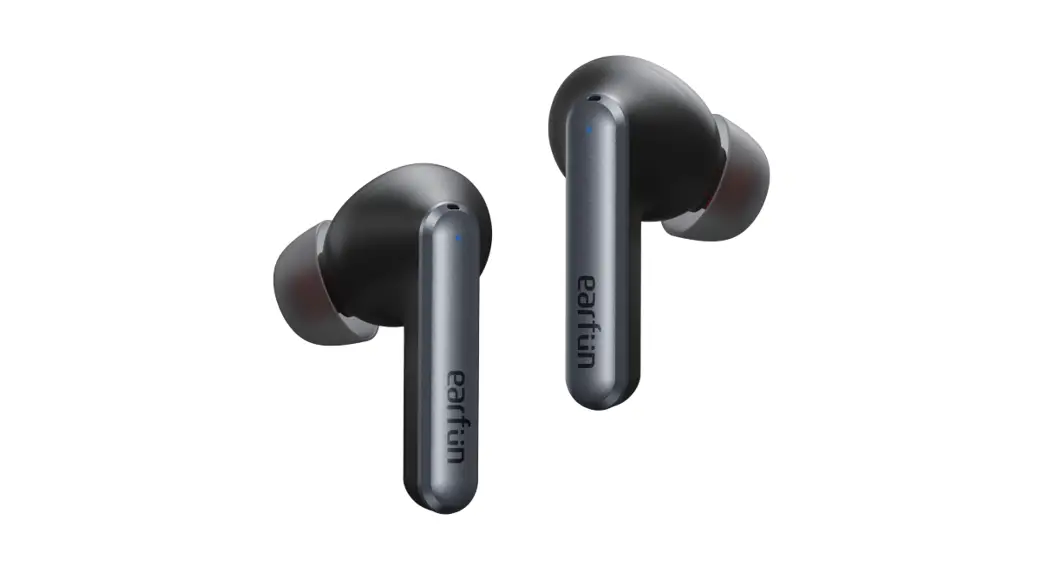
- Touch button
Activation – pairing
- ANC (Active Noise Canc) microphone
- Charging pin
- Charging pin
- Touch button
- ANC (Active Noise Canc) microphone
Recharge the headset completely before pairing. Take the earphones out of the charging box, they will activate and pair with each other automatically. Only then activate the Bluetooth® on your phone and select SBS TWS ICE from the found devices list.
Active Noise Cancellation
Activation: when the headset is in stand-by mode, tap the left earpiece three times repeatedly. “Transparent” mode: touch the left earphone three times repeatedly. Please note: the feature is only supported by iPhone and not Android devices.
Functions summary:
| Funzione | Azione | Tasto |
| Answer or hang up | Rapid double tap | RIGHT / LEFT |
| Reject an incoming call | Press and hold for around 2 sec | RIGHT / LEFT |
| Play or pause music | Rapid double tap | RIGHT / LEFT |
| Voice assistant | Triple touch (only with SIRI) | RIGHT / LEFT |
| Next track | Press and hold for around 2 sec | Right |
| Previous track | Press and hold for around 2 sec | Left |
| Turn up the volume | Short touch | Right |
| Lower volume | Short touch | Left |
LED:
| Action | Earphones | Charging box |
| Recharging | Off | Flashing white LED |
| Recharge completed | Off | White LED on |
 SBS store: Hi-Tech accessories for smartphones, tablets, PC | SBS