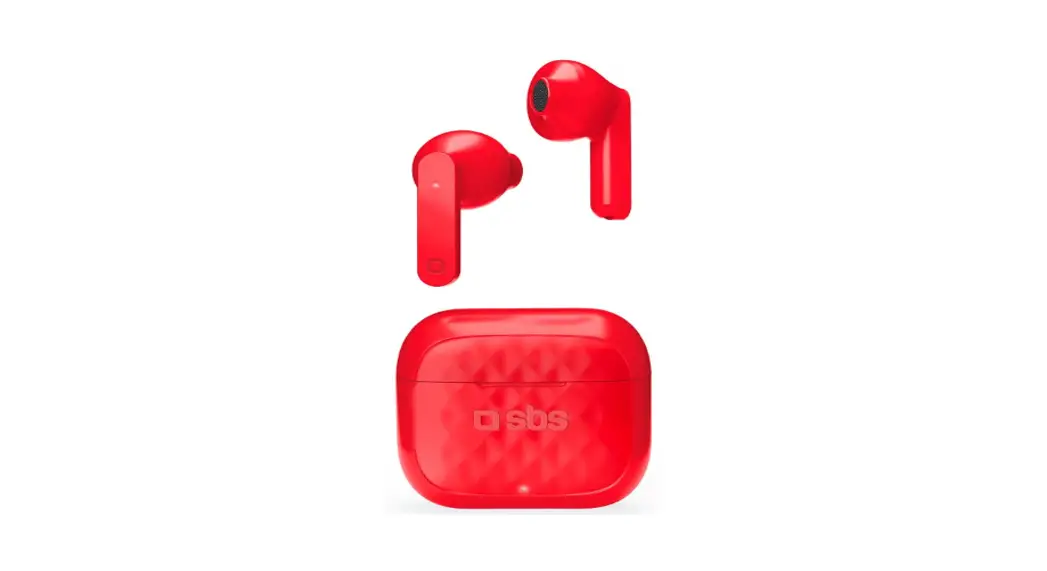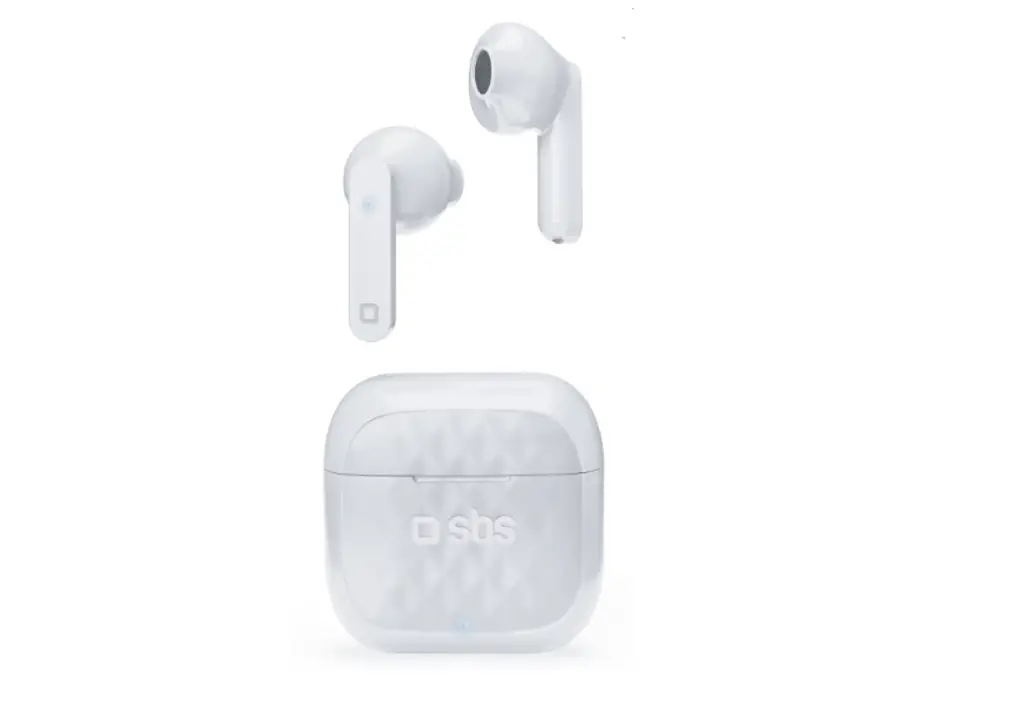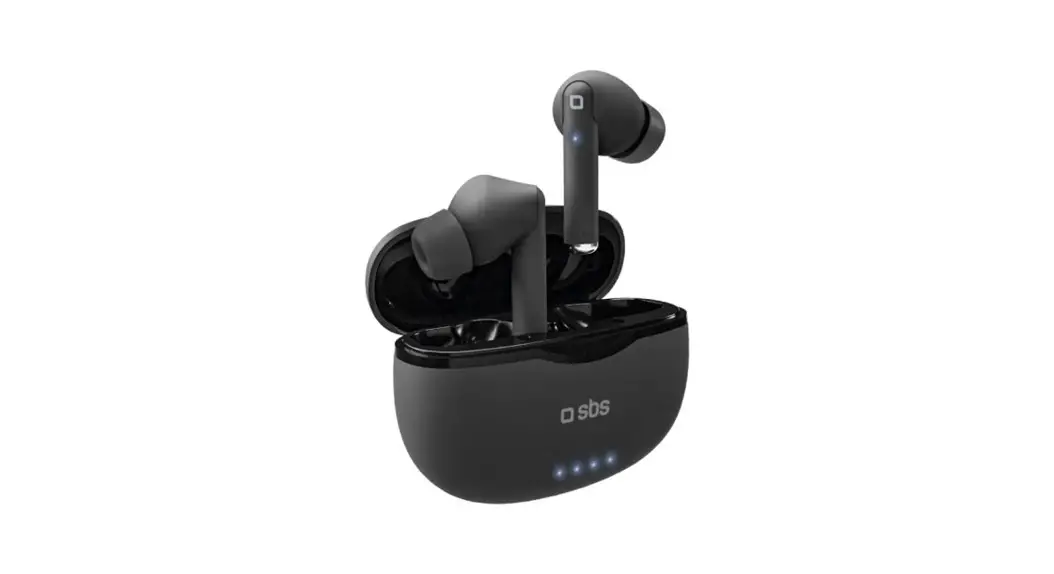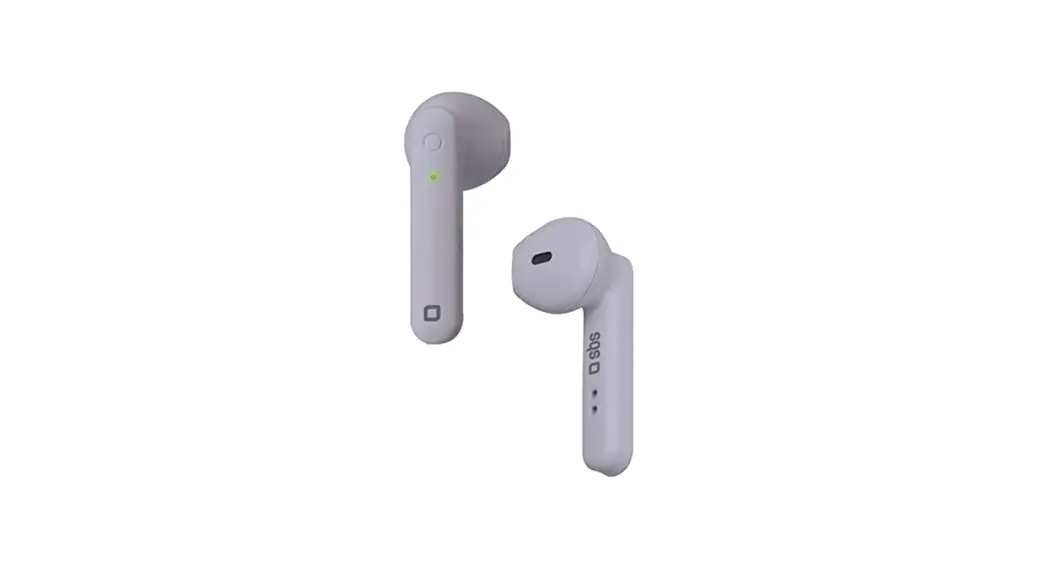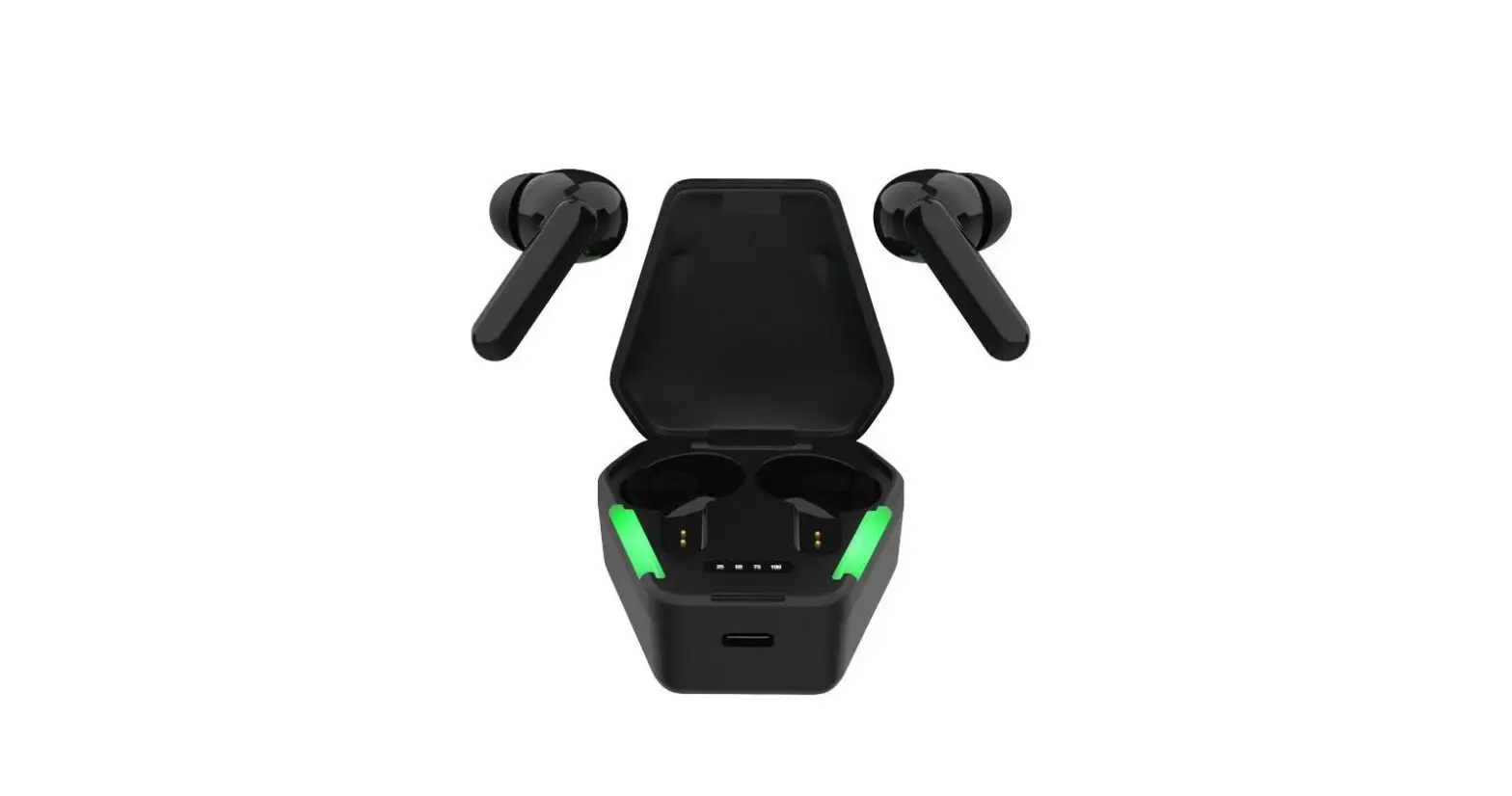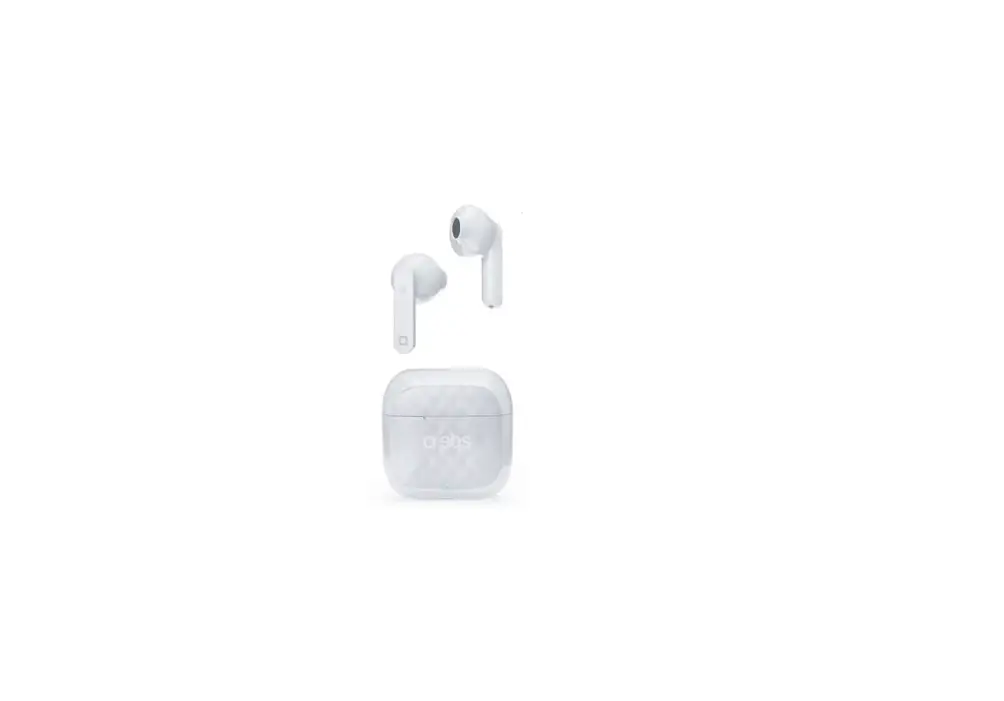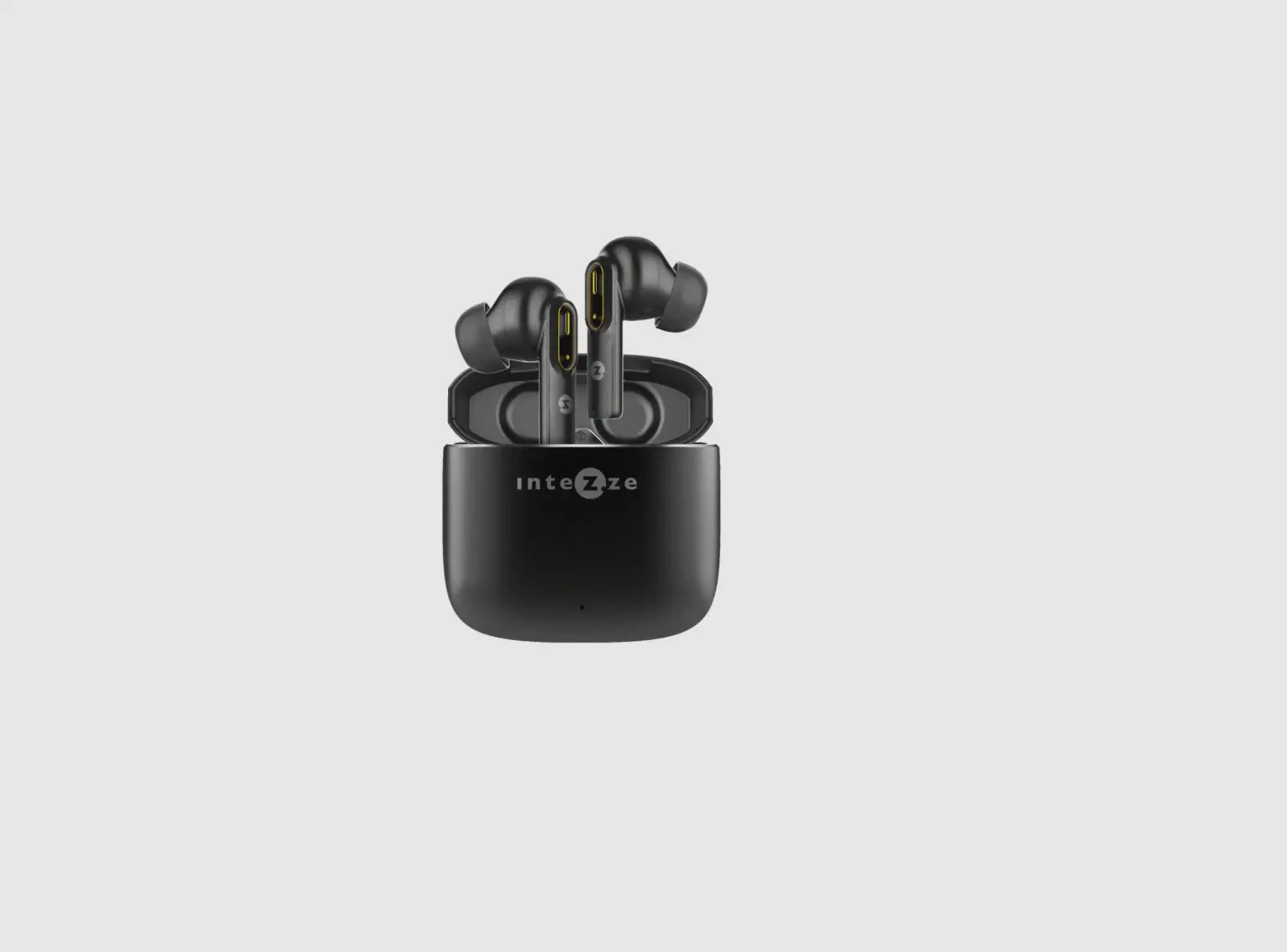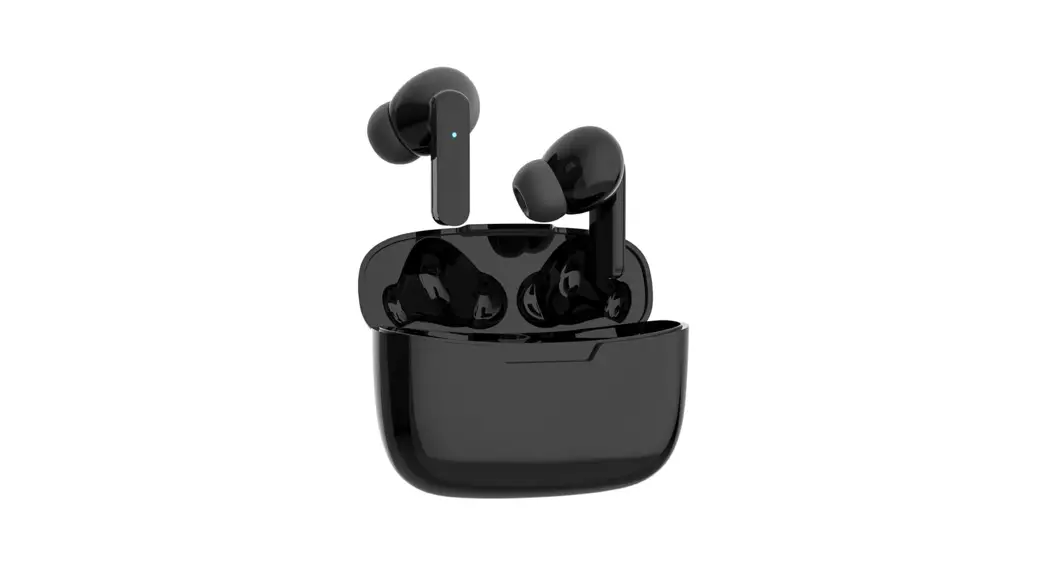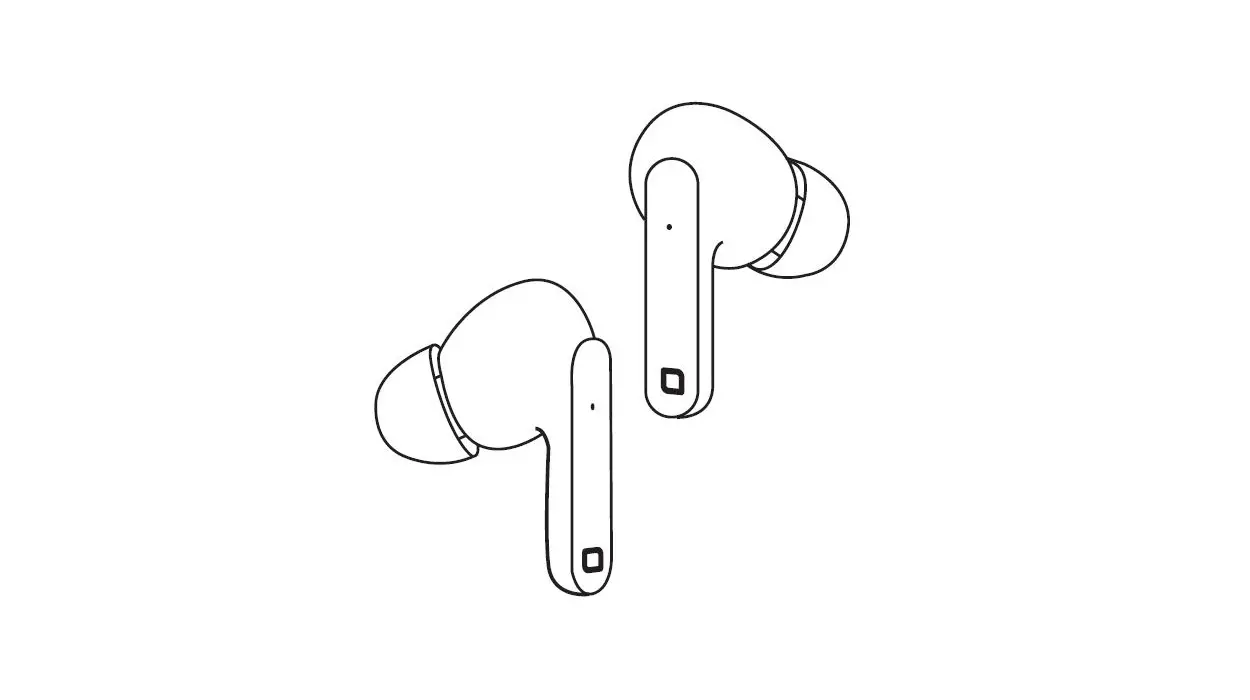

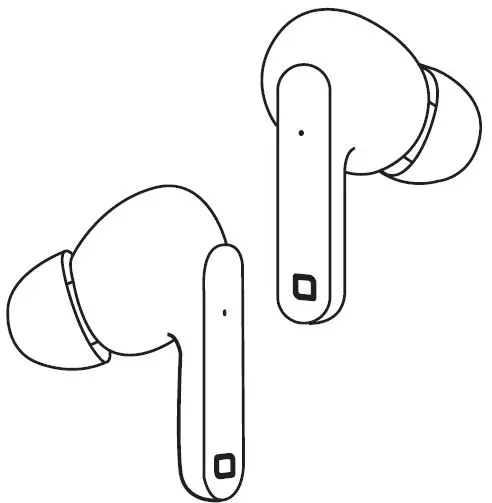
sbs TWS Urban Pro Wireless Earbud Headphones
For other information please contact us at
[email protected].
OVERVIEW
SPECIFICATION
- Sensitivity: 110dB
- Impedance: 32Ω
- Wireless: V 5.0
- Working Range: 10m
- Frequency Range: 20Hz-20KHz
- Battery of the earbuds: 30mAh
- Box Battery: 300mAh
- Charge Port: Type-C
- Play Time : 4 hours
- Standby Time: 150 hours
- Charging Time: 1.2 hours
- Standby Time: 100 hours
Charging the earbuds
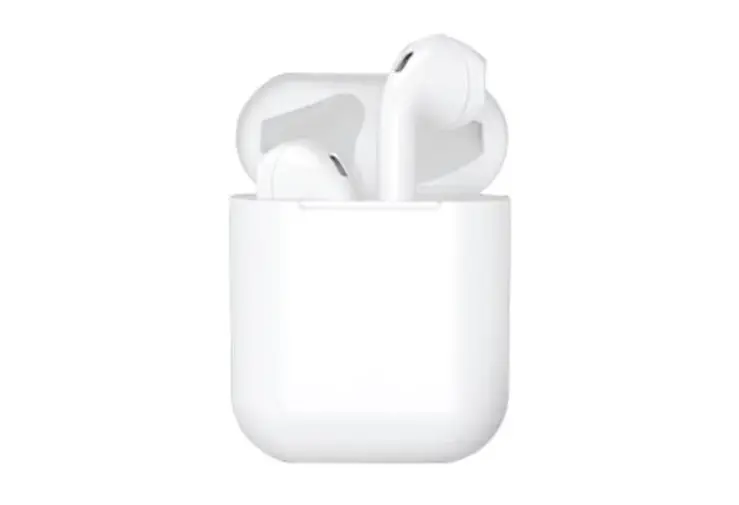
Insert the earbuds into the charging case, the LED will light up. When charging is complete, it will turn off.
Charging the case
Charging via cable
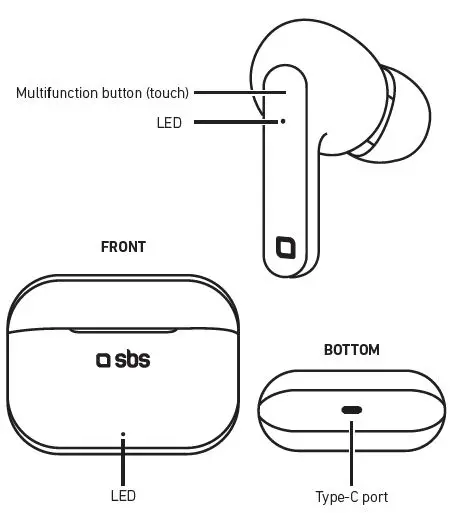
Plug the Type C connector of the supplied cable into the Type C port on the case and the other end into a USB port.
The LED on the case will flash and remain steady when charging is complete.
Charging via wireless base
Place the case on a 5W wireless charging base, the LED on the case will flash and remain steady when charging is complete. Both the earbuds and the base will charge simultaneously
Turning on the earbuds
Take the earbuds out of the charging case, they will automatically turn on and pair with each other.
Or press both MLF buttons on the earbuds for 5 seconds, Turning off the earbuds
When you put the TWS earphones into the case, they will turn off automatically.
Alternatively, press the MLF button on one of the earbuds for 5 seconds.
Pairing with devices
- Take the earbuds out of the charging case: they will turn on and pair with each other automatically
- Turn on Bluetooth on the device and search for “SBS URBAN PRO” in thelist of available devices, then select it.
- After the first pairing with the device (if Bluetooth is turned on), the earbuds will automatically pair every time they are taken out of the case.
| Action | Command | Key |
| Play/pause music | 1 tap | Left / right |
| Voice assistant | 3 taps | Left / right |
| Previous track | 2 seconds | Left |
| Next track | 2 seconds | Right |
| Answer a call | 1 tap | Left / right |
| End a call | 1 tap | Left / right |
| Reject a call | 2 seconds | Left / right |
| Recall last number | 2 taps | Left / right |
SBS spa – Via Circonvallazione s/n 28010 Miasino (No) – Italy
sbsmobile.com
 SBS store: Hi-Tech accessories for smartphones, tablets, PC | SBS