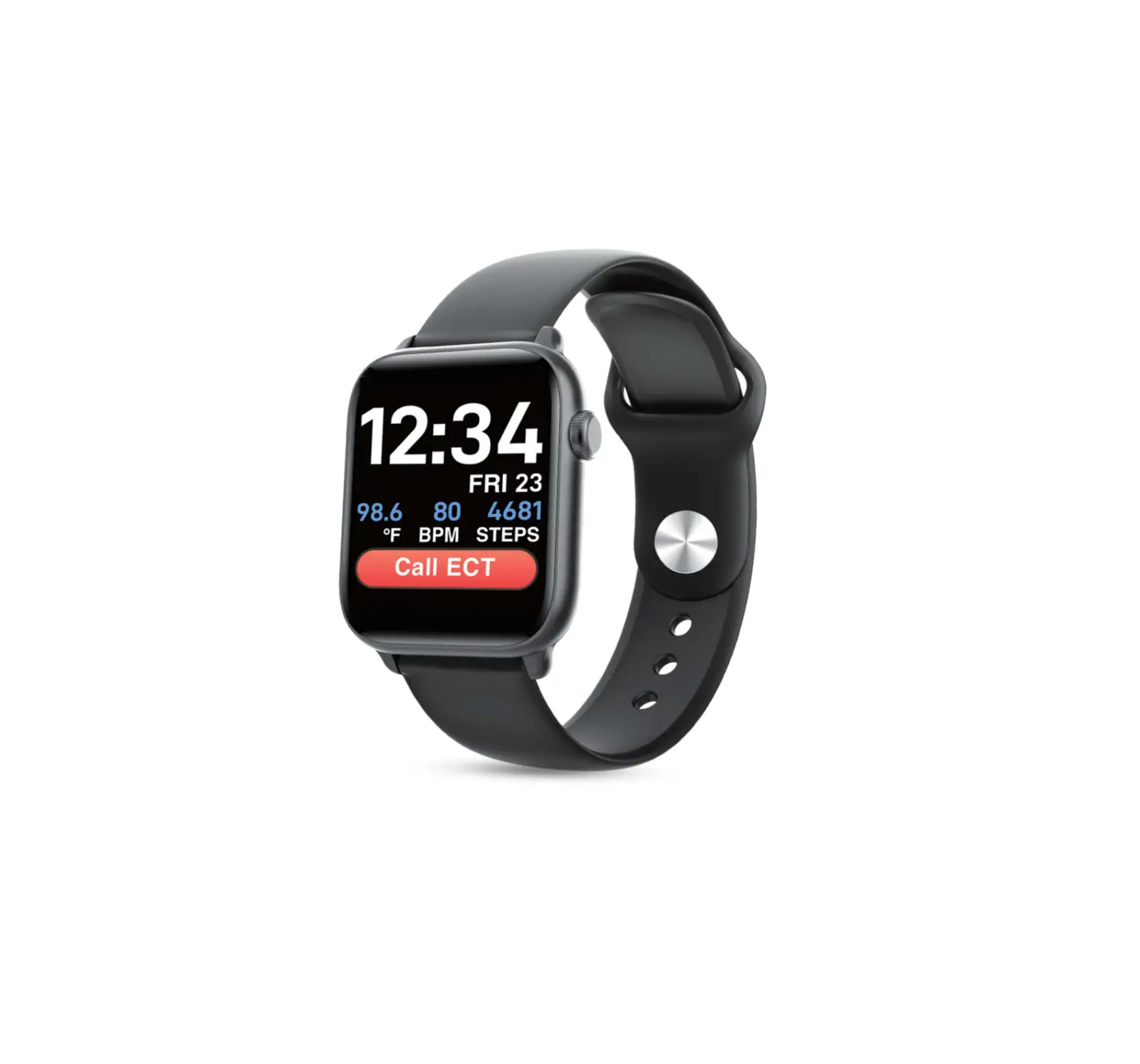
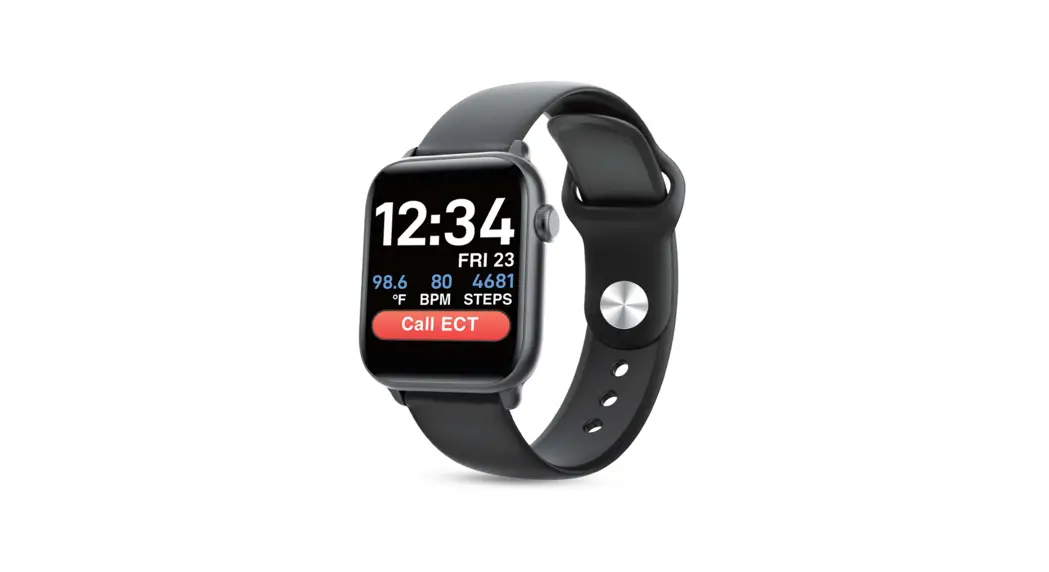
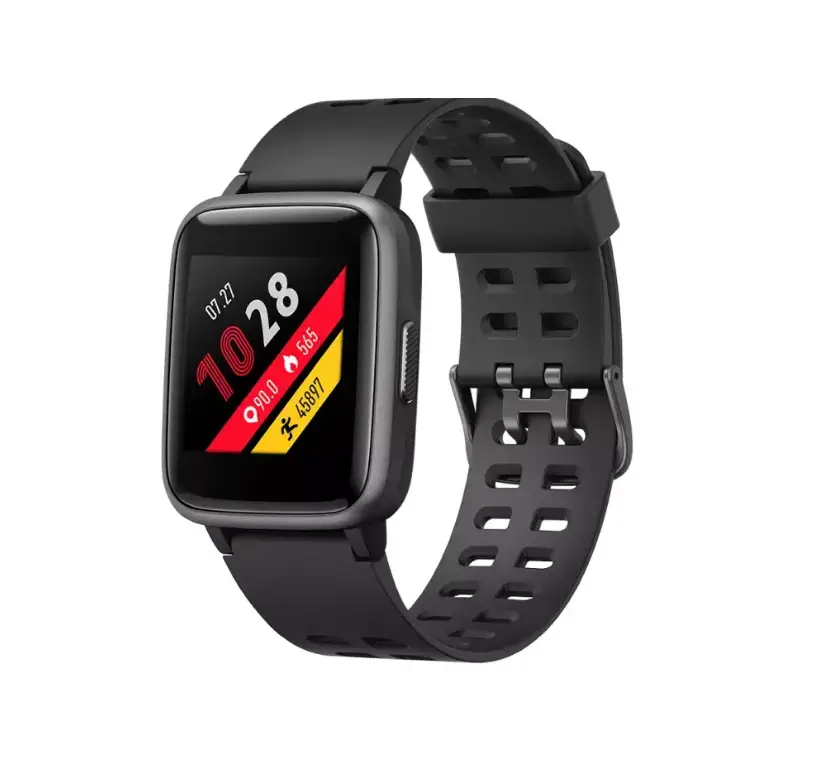
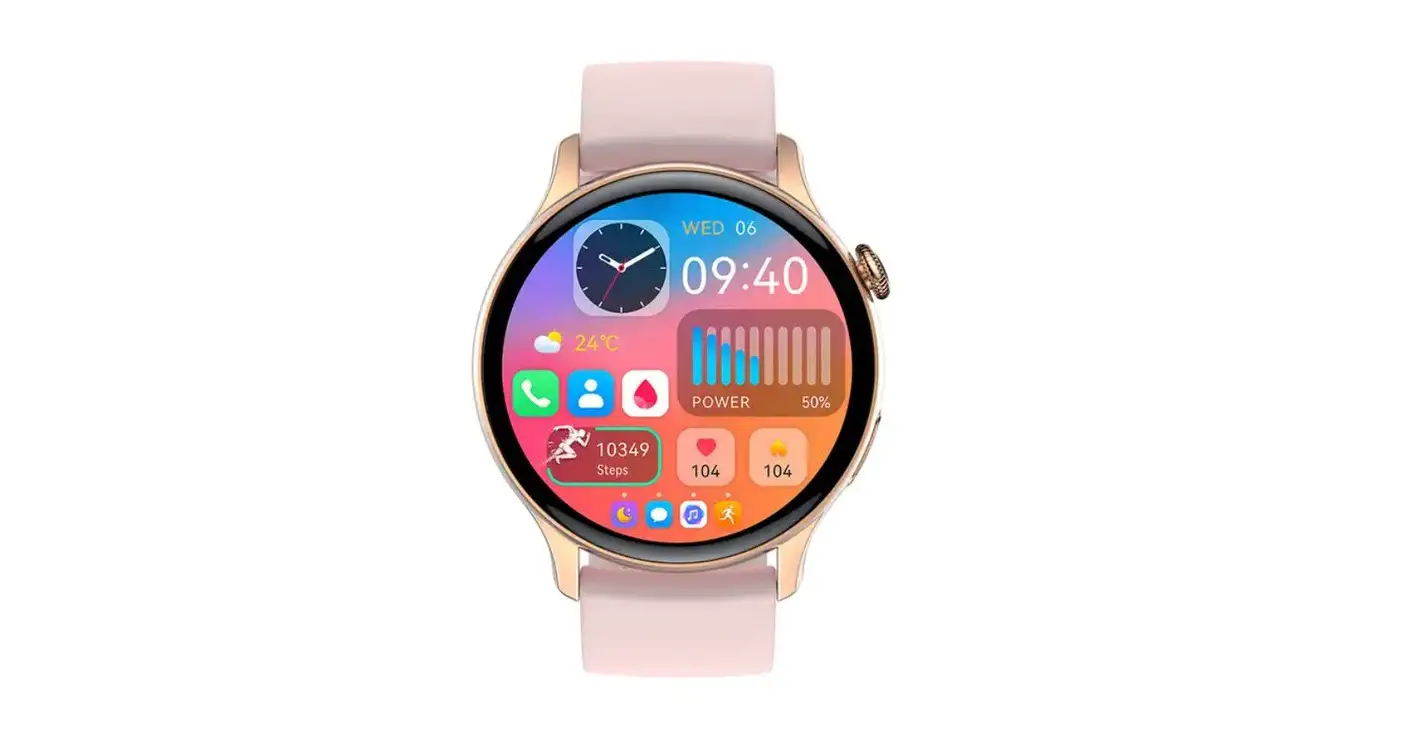
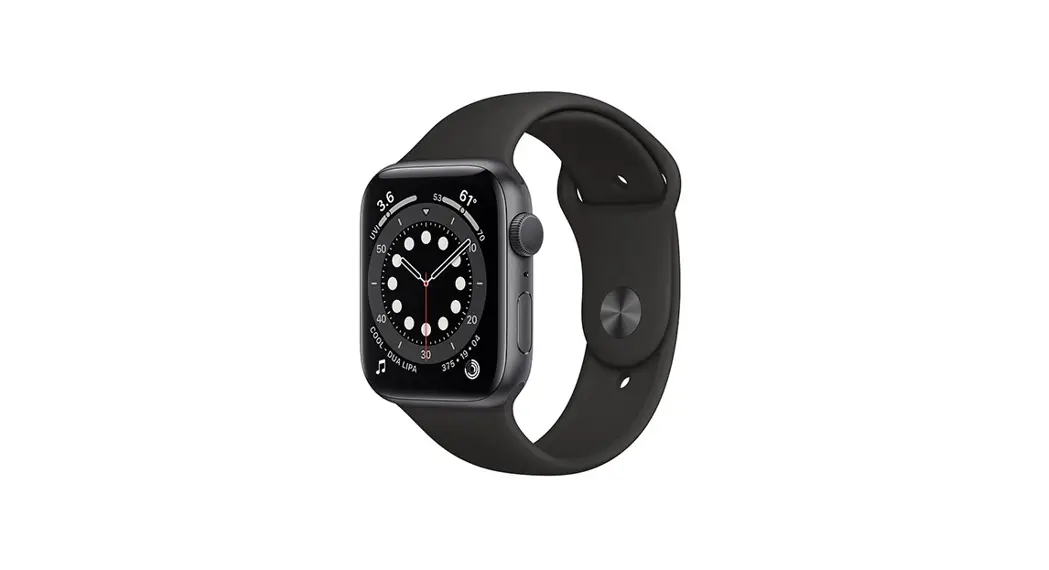
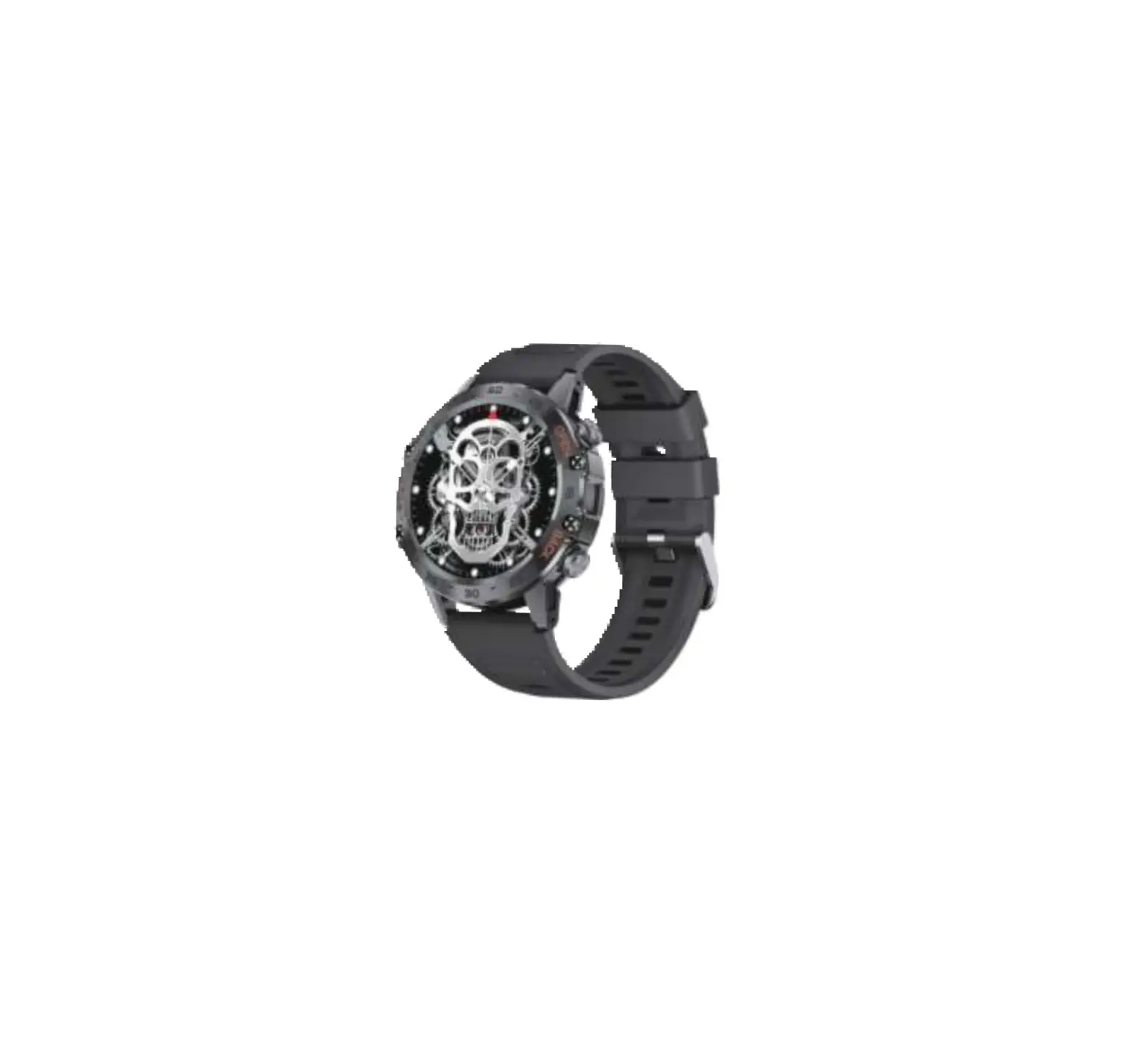
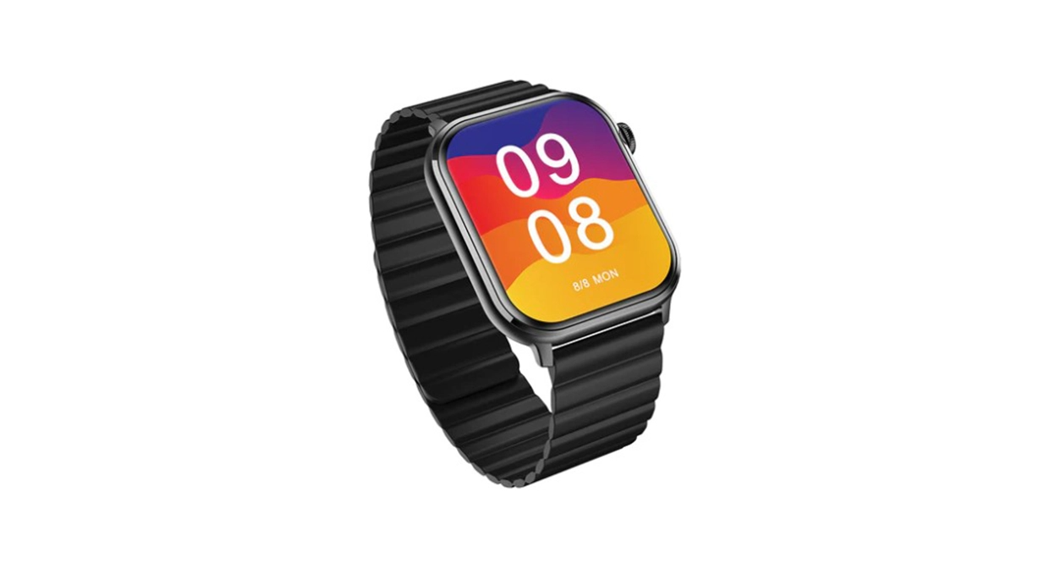
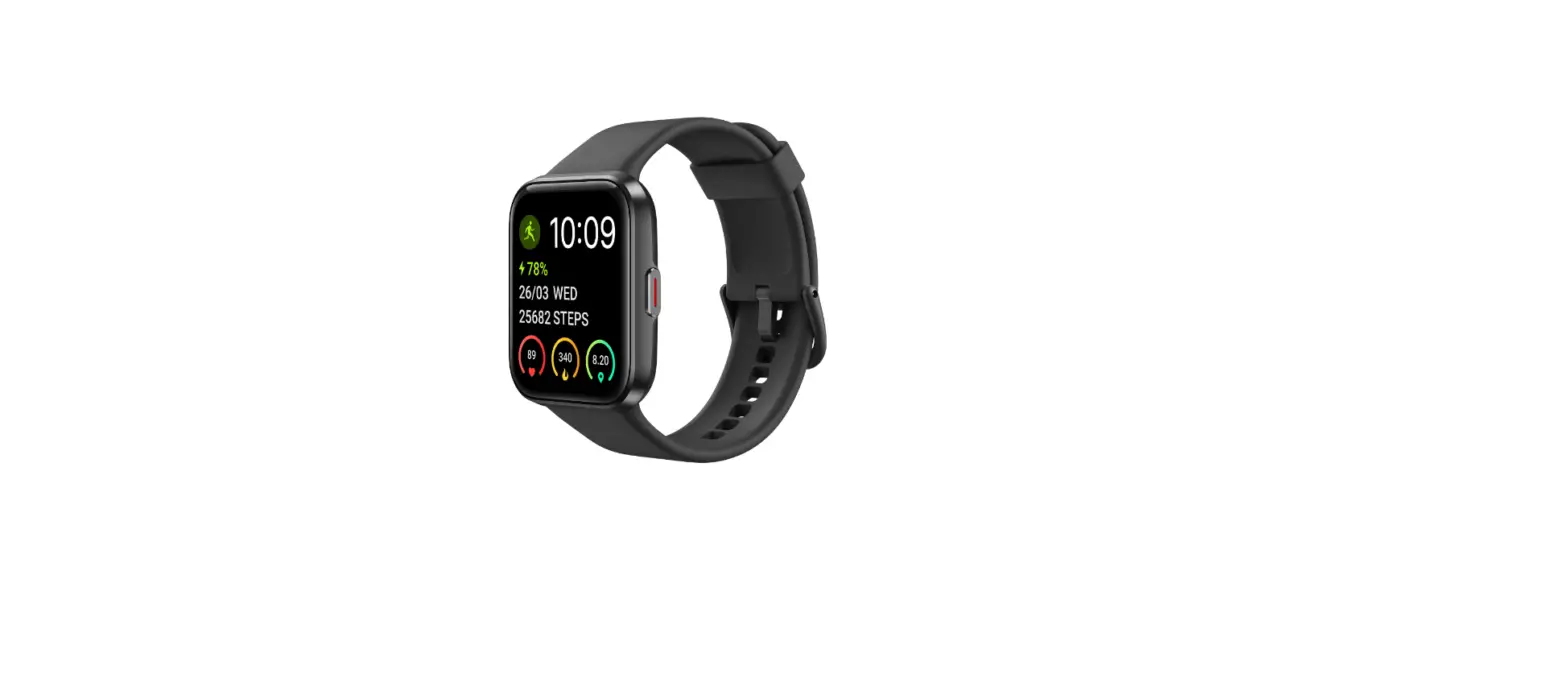
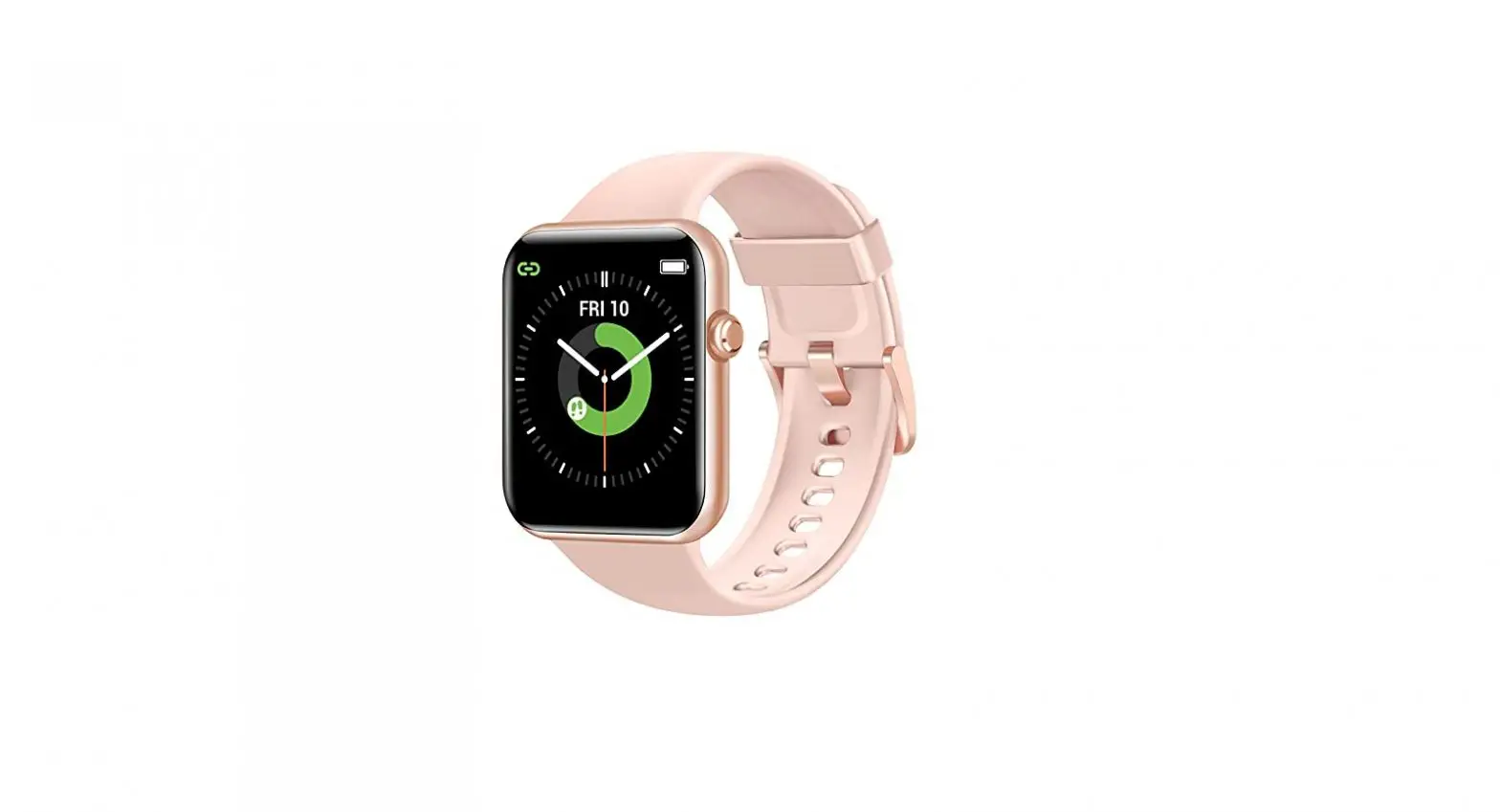
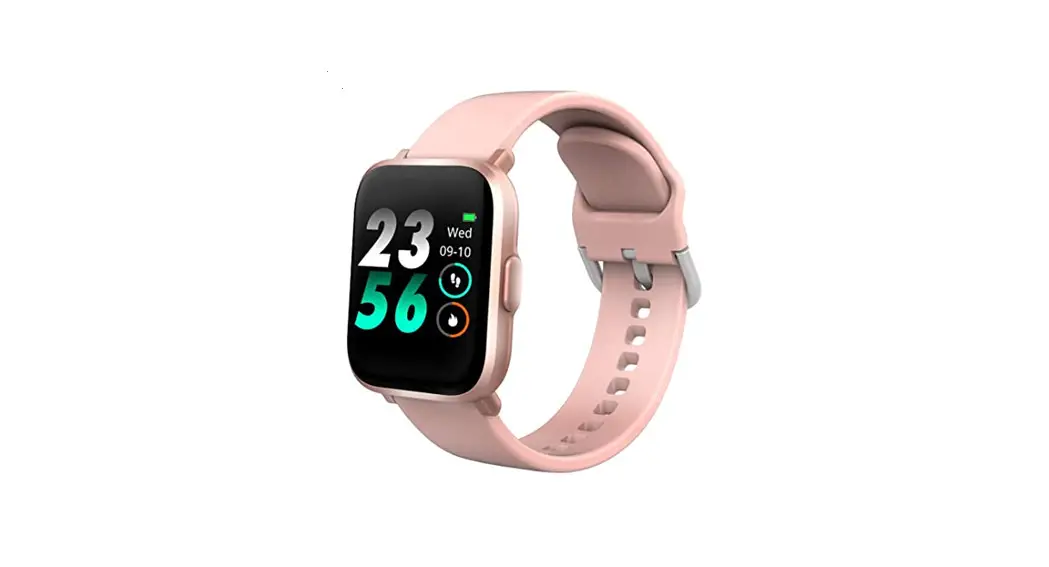
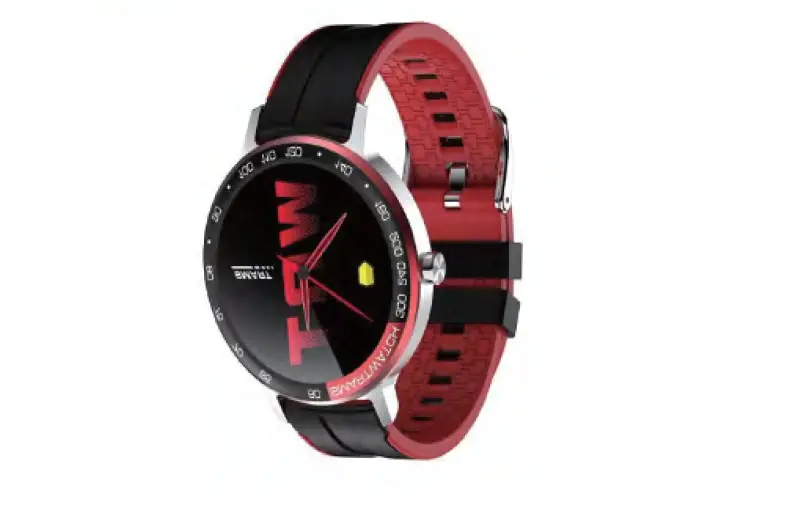
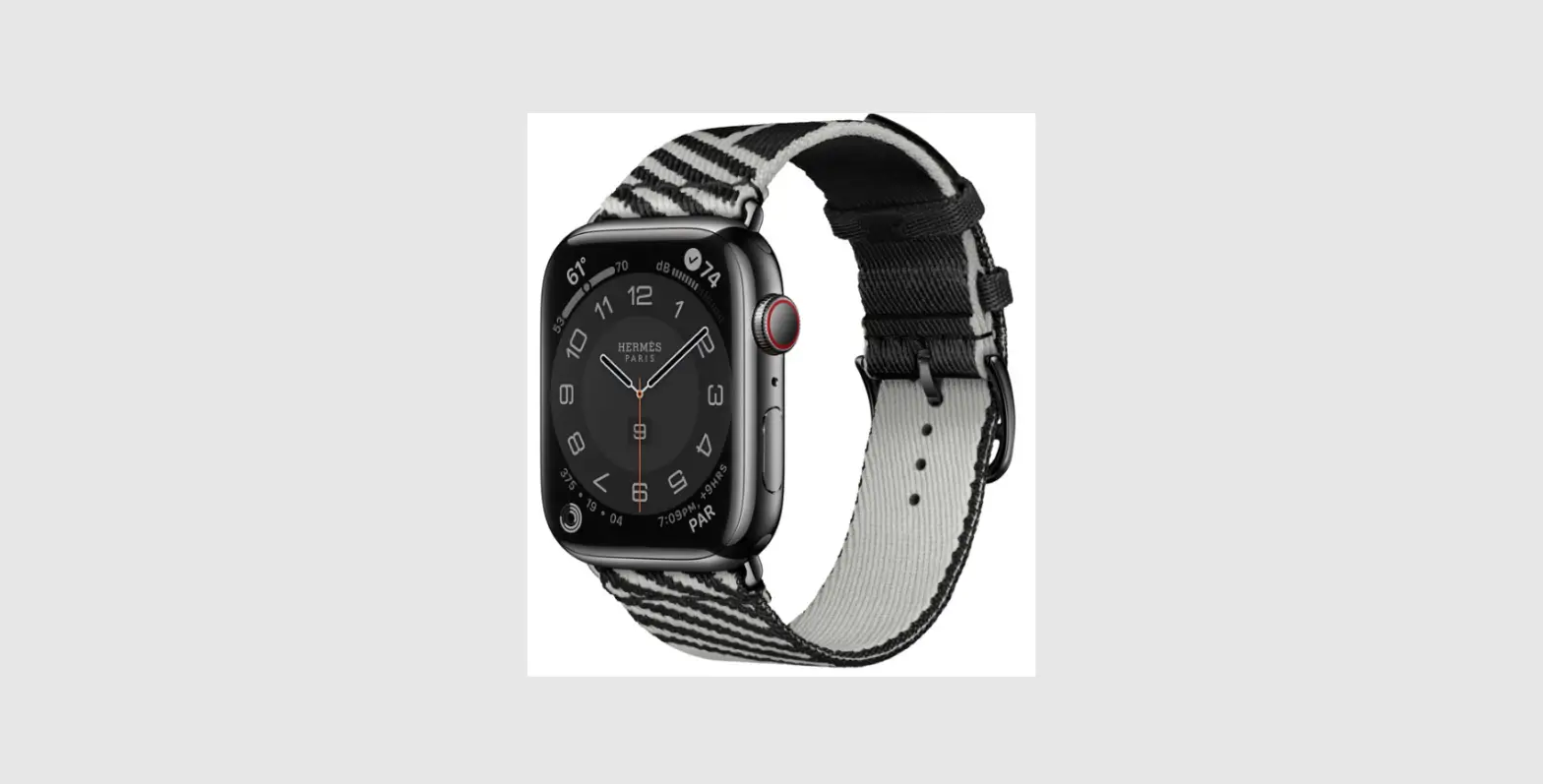
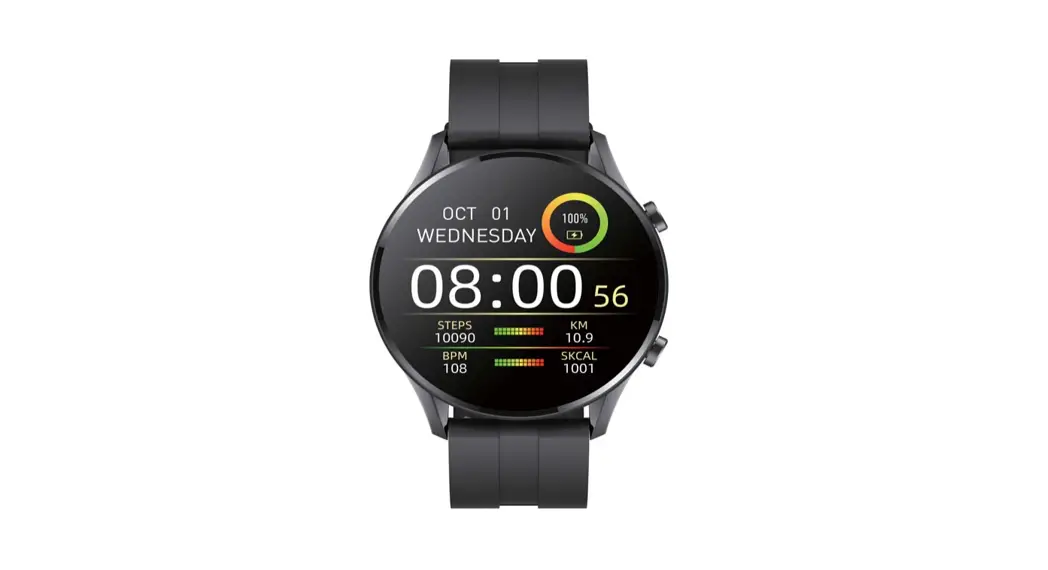
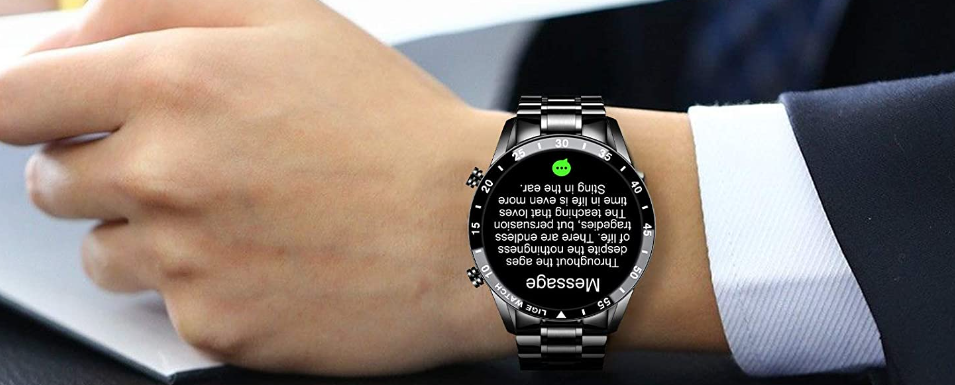
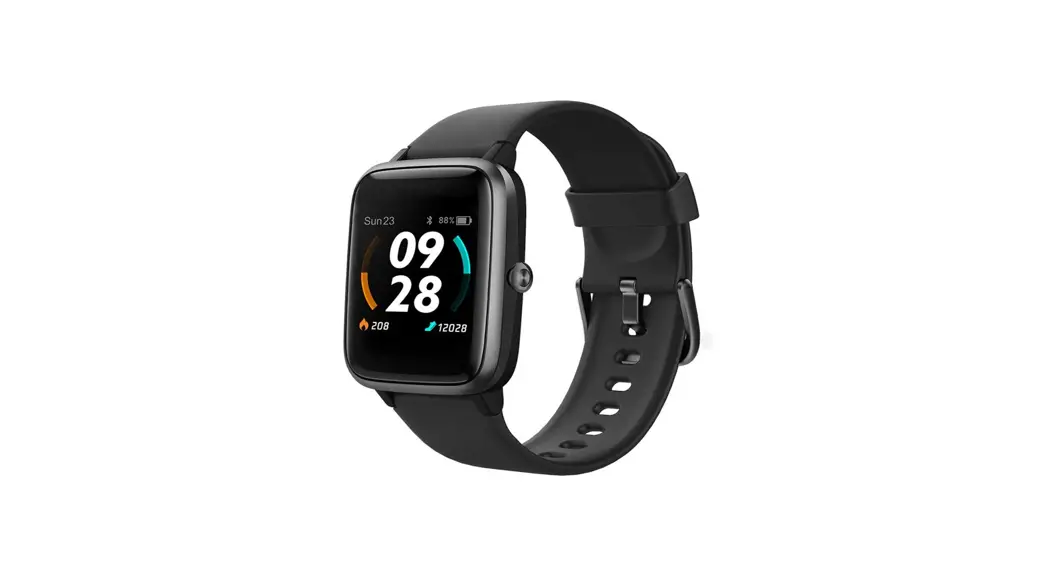
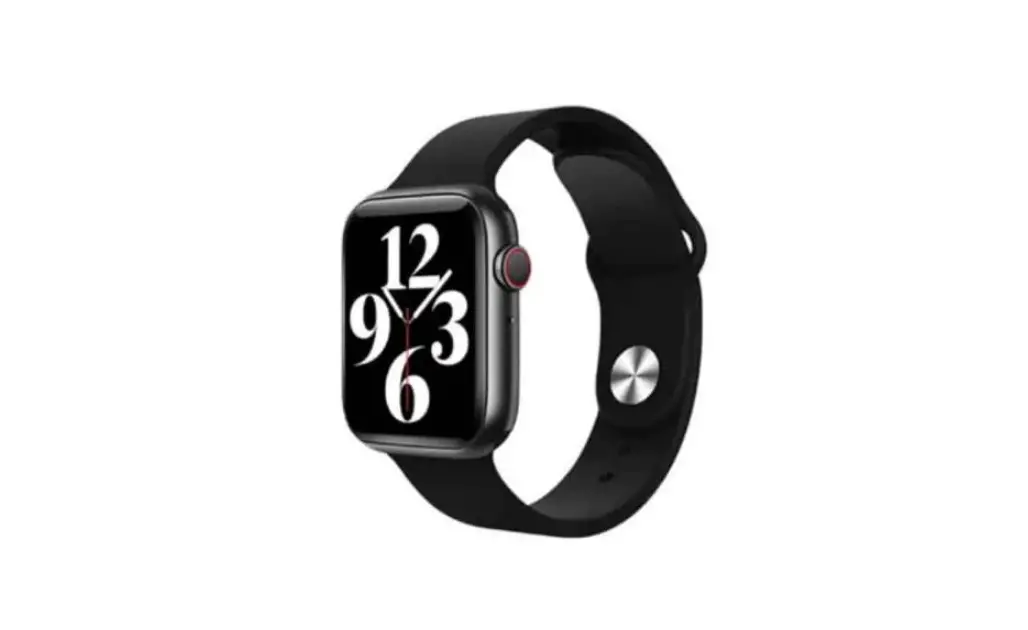
CoCo BT2 Smart Watch
CoCo BT2 Smart Watch
Product Information:
The CoCo BT2 Smart Watch is a wearable device that offers
various features and functionalities. It can be worn on the wrist,
about half an inch or a finger width from the wrist bone. The
device should be adjusted to a comfortable position for optimal
usage.
Product Usage Instructions:
- How to wear:
Please wear the device correctly on your wrist, about half an
inch or a finger width from your wrist bone, and adjust it to a
comfortable position. When monitoring your heart rate, wear your
device more snugly.Note: Refer to the manual for visual references on how
to wear the device. - How to download & connect to CoCo App:
- Press and hold the Rotary button on the CoCo BT2 Smart Watch to
turn it on. - Scroll down from the wallpaper and go to Settings -> About
-> Download QR Code. - Scan the QR code displayed on the watch to download and install
the CoCo App on your smartphone. - Alternatively, you can scan the provided QR code to directly
download and install the CoCo App. - Open the CoCo App on your phone and sign up for a CoCo ID.
- Log in and click on Settings (the Settings button is located at
the lower right of the initial app display). - On the Add Device page, select CoCo BT2 and click the Connect
button.
- Press and hold the Rotary button on the CoCo BT2 Smart Watch to
- How to connect to BT call feature:
- For Android phones and iOS phones (iOS 13.0 or above), after
CoCo BT2 is connected to CoCo App, a ‘PAIR’ reminder pop-up will
appear. - For other phones, after CoCo BT2 is connected to the CoCo App,
manually go to settings, search for the audio Bluetooth name ‘CoCo
BT2 (ID-xxxx)’, and click to pair the audio Bluetooth ‘CoCo BT2
(ID-xxxx)’
- For Android phones and iOS phones (iOS 13.0 or above), after
- Operating Instructions:
- Shortcut settings interface:
- Swipe down from the main screen to go to the shortcut settings
page.
- Swipe down from the main screen to go to the shortcut settings
- Message notification:
- Swipe up from the main screen to check received messages.
- To open menus:
- Swipe right to enter the themed list interface. There are three
menu styles available (list, nine-square grid, and honeycomb) in
the Settings -> Theme menu.
- Swipe right to enter the themed list interface. There are three
- To open the status shortcut interface:
- Swipe left from the main screen.
- To change the watch face:
- Press and hold on the main screen for 3 seconds to select the
watch display style. - Swipe left and right to switch between watch display
styles.
- Press and hold on the main screen for 3 seconds to select the
- To power on/off the CoCo BT2:
- Press and hold the Rotary button for 3 seconds on the watch
face interface. - A confirmation screen will appear to confirm the power down
action.
- Press and hold the Rotary button for 3 seconds on the watch
- During operation:
- Press the Rotary button to return to the previous page.
- On the main page, press the side button to turn the screen
on/off.
- Rotary button function:
- Rotate the button by sliding up and down to switch the list
theme on the main screen. - On other pages, rotate the button to scroll through the
menu. - On the honeycomb theme page, rotate the button to zoom in or
out.
- Rotate the button by sliding up and down to switch the list
- Ect call:
- Hold the side button to trigger an ECT call.
- Sports list:
- On the main page, press the side button to access the sports
list.
- On the main page, press the side button to access the sports
- Shortcut settings interface:
- Function of Activities:
The CoCo BT2 Smart Watch supports 100+ sports modes, including
walking, outdoor running, cycling, skipping, badminton, and more.
Detailed information analysis and data records can be viewed in the
CoCo App on your smartphone.
CoCo BT2 Smart Watch User ManualEN
CoCo BT2 Smart Watch User Manual
01 How to wear
Please refer to this manual before using the product. V1.0
Please wear the device correctly on your wrist, about half an inch or a finger width from your wrist bone, and adjust it to a comfortable position. The following pictures are for reference. Tip: When monitoring your heart rate, wear your device more snugly.
02 How to download & connect to “CoCo” App 02.1 Press and hold the Rotary button to turn on your CoCo BT2, then scroll down from the wallpaper and go to Settings -> About -> Download QR Code”. Scan the QR code displayed on the watch to download and install the “CoCo” App on your smartphone. Alternatively, you can scan the QR code below to download and install the “CoCo” App.
02.2 Open the “CoCo” App on your phone, and sign up for a CoCo ID.
Then, log in and click on “Settings”. (The Settings button is at the lower right of the initial app display shwon below.)
On the “Add Device” page, select “CoCo BT2” and click the “Connect” button.
The connection screen will look as follows, and when finished, should return to the first screen with the connected device displayed.
02.3 How to connect to BT call feature 1. For Android phones and iOS phones (iOS 13.0 or above), after CoCo BT2 is connected to “CoCo” App, a ‘PAIR’ reminder pop-up will appear. 2. For other phones, after CoCo BT2 is connected to the “CoCo” App, you need to manually go to settings, search for the audio Bluetooth name ‘CoCo BT2 (ID-xxxx)’, and click to pair the audio Bluetooth ‘CoCo BT2 (ID-xxxx)’.
Tips 1). For a better experience, please always make sure to upgrade the “CoCo” App to the newest version. 2). Make sure your phone’s system version is Android 5.0 or IOS 9.0 or above. 3). When connecting for the first time with iPhone, a “Pair” request will pop up. Only click “Pair” and enable the feature in the notification menu to have incoming calls and instant messages pushed. 4). When connecting for the first time with Android, a “Permissions” request will pop up. Please follow the instructions and allow all permissions to ensure all functions work properly. 5). To connect successfully, please turn on your phone’s Bluetooth, GPS, and WiFi. 6). If your CoCo BT2 cannot be searched or connected to the “CoCo” App, please turn off or reset your CoCo BT2 and try again.
03 Operating Instructions
1. Shortcut settings interface: Swipe down from the main screen (below left) to go to the shortcut settings page (right)
b. Message notificationSwipe up from the main screen to check your received messages.
c. To open menus, swipe right to enter the themed list interface. There are three menu styles available. You can switch between these styles (list, nine-square grid, and honeycomb) in the Settings->Theme menu.
d. To open the status shortcut interface: swipe left from the main screen.
e. For quick access to changing the watch face, press and hold on the main screen for 3 seconds to select the watch display style. Swipe left and right to switch between watch display styles.
f. To power on/off the CoCo BT2, press and hold the Rotary button for 3 seconds on the watch face interface. The following screen will appear to confirm that you wish to power down the watch:
g. During operation, press the Rotary button to return to the previous page. When on the main page, you can press the side button to turn the screen on/off.
h. Rotary button function: You can rotate the button by sliding up and down to switch the list theme on the main screen. On other pages, rotate the button to scroll through the menu. On the honeycomb theme page, rotate the button to zoom in or out.
f. Hold the side button to trigger an ECT call. On the main page, press the side button to access the sports list.
04 Function of Activities
TrainingSupport 100+ sports modes: walking, outdoor running, cycling, skipping, badminton, etc. More detailed information analysis and data records can be viewed in the “CoCo” App on your smartphone.
Status: Record the number of steps, distance, and calories for the day. More detailed analysis and records can be viewed in the “CoCo” App on your smartphone.
Call ECT (Emergency Care Team): You can add ECT members in the “CoCo” App on your smartphone.
Phone: Keypad: You can input a phone number to make a phone call. Call logs: Logs synced from your phone Contacts: Contacts synced from your phone BT Switch: Bluetooth switch for Phone call and
Media Control.
Measure your heart rate: CoCo BT2 can record and display your heart rate throughout the day. It offers real-time heart rate monitoring, and the “CoCo” App records your average heart rate over every 10 minutes. During an ECT call, the heart rate is displayed in real-time (note that this value is for reference only and cannot be used as a medical diagnosis).
Sleep monitor: Record and display the total duration of deep sleep and light sleep. CoCo BT2 can record and display the total duration of your deep sleep and light sleep throughout the night. This feature allows you to track your sleep patterns and improve your sleep quality over time.
Blood oxygen monitor: Measures your blood oxygen levels and monitors and saves data every ten minutes. (Please note that the values are for reference only and can not be used for medical purposes).
Weather: Shows the weather forecast for the current day, and the next 4 days The weather forecast information is updated from the “CoCo” App on your smartphone.
Music control: After connecting to the “CoCo” App, the CoCo BT2 can be used to control music playback from your smartphone, including play/pause, previous song/next song, and volume.
Information reminder: the Coco BT2 can synchronize notifications from your smartphone, and display the last eight messages. (Enable notifications in the “CoCo” App on your smartphone to support this feature.)
Alarm clock: You can sync the alarm clock settings with the “CoCo” App. turn on or off the alarm clock setting, and set up to 8 alarm times.
Emotions: Test your current mood. The “CoCo” App can record and display your emotional state 24 hours a day. (The results are for reference only and should not be used for medical diagnosis.)
Pressure: 24 hours Monitor pressure conditions, record data and display scientific analysis charts, and automatic monitoring can be turned on in “CoCo” App. (The display is for reference only and should not be used for medical diagnosis.)
Respiration Rate: Measures the rate of breaths per minute. (The display is for reference only and should not be used for medical diagnosis.)
Breathing training: You can set the rhythm and duration of the breathing exercises, and then follow the prompts to complete the training.
Games: Example games include, Numbers Klotski
AI voice assistant: Press the AI voice function button and say the wake-up words to activate the CoCo voice assistant.
Other functions: Stopwatch/ Timer /Find phone / Flashlight.
Setting: Dial/ Theme/ Bright/ Screen time/ Sounds/ IPS/ Reset/ Info/ QR Code/ Password (Not all settings shown.)
05 Emergency Help Press the side button for 3 seconds to trigger calling ECT (Emergency Care Team), or click the “Call ECT” icon from BT2 main screen.
*: The ECT team has to be preconfigured in “CoCo” App.
06 Fall Detection
When a fall is detected by your CoCo BT2, it goes into ECT 20 seconds countdown. At the countdown period, you can click “call now” to start ECT immediately or at the end of the countdown, an ECT call will be sent to your care team automatically.
By default, fall detection is disabled. You can enable it in the “CoCo” App on your smart phone.
07 Other functions
Find watch, 12/24h time system, sedentary reminder, low battery reminder, incoming call reminder, online dial/custom dial, unit setting, turning the wrist to brighten the screen, female menstrual period reminder, goal achievement reminder.
08 Charging
Attach the charging cable to the CoCo BT2 charging port, ensuring that the metal pins are fully connected. Please use a USB adapter with a 5V output and at least 0.5A current rating or higher. Note: If the CoCo BT2 cannot be powered on after being idle for a long time, clean the charging metal pins to improve the connection.
09 FCC Statement
This device complies with Part 15 of the FCC Rules. Operation is subject to the following two conditions: (1) This device may not cause harmful interference, and (2) This device must accept any interference received, including interference that may cause undesired operation.
10 Warranty
1. CoCo BT2 comes with a one-year warranty for defects, while the battery and charging cable have a warranty period of six months.
2. The following reasons are not covered under the free warranty service:
1) Any attempt to assemble or disassemble the CoCo BT2 by yourself.
2) Damage caused by drops
3) All damages caused by human error or any third-party faults, as well as inappropriate use (such as water damage, external force causing breakage, or scratches during use).
Please contact the authorized dealers directly for warranty services.
FCC STATEMENT :
This device complies with Part 15 of the FCC Rules. Operation is subject to the following two conditions: This device may not cause harmful interference, and This device must accept any interference received, including interference that may cause undesired operation. Warning: Changes or modifications not expressly approved by the party responsible for compliance could void the user’s authority to operate the equipment.
NOTE: This equipment has been tested and found to comply with the limits for a Class B digital device, pursuant to Part 15 of the FCC Rules. These limits are designed to provide reasonable protection against harmful interference in a residential installation. This equipment generates uses and can radiate radio frequency energy and, if not installed and used in accordance with the instructions, may cause harmful interference to radio communications. However, there is no guarantee that interference will not occur in a particular installation. If this equipment does cause harmful interference to radio or television reception, which can be determined by turning the equipment off and on, the user is encouraged to try to correct the interference by one or more of the following measures: Reorient or relocate the receiving antenna. Increase the separation between the equipment and receiver. Connect the equipment into an outlet on a circuit different from that to which the receiver is connected. Consult the dealer or an experienced radio/TV technician for help.
RF warning statement: The device has been evaluated to meet general RF exposure requirement. The device can be used in portable exposure condition without restriction.
Client Info Product Type Client Name
Warranty certificate
CoCo BT2
Vendor Contact Info
Vendor’s Contact
Purchase Date
Product IMEI Code
(stamp)
Client’s Address
Warranty Record
Date
Problems
Diagnosis
More Info