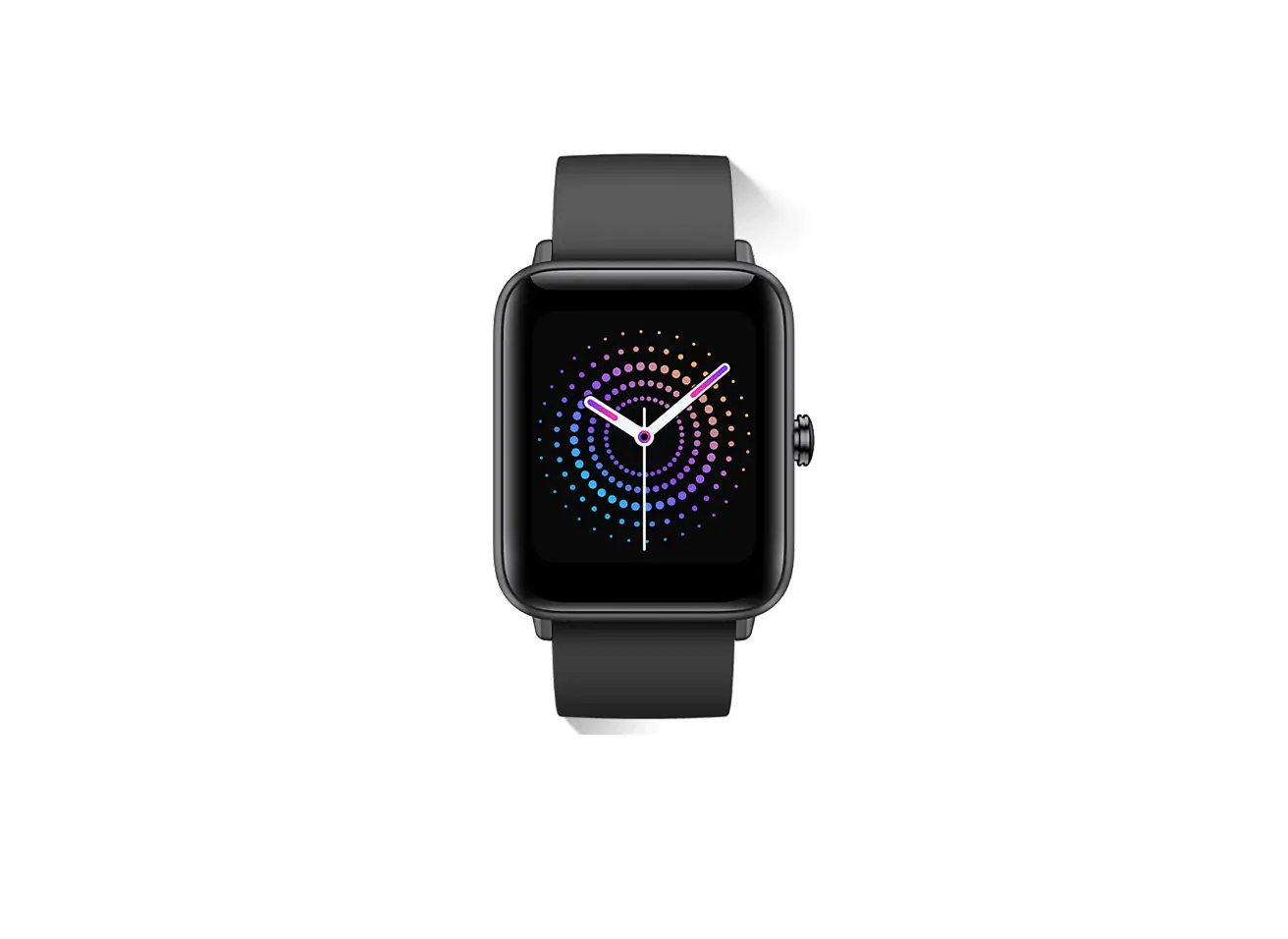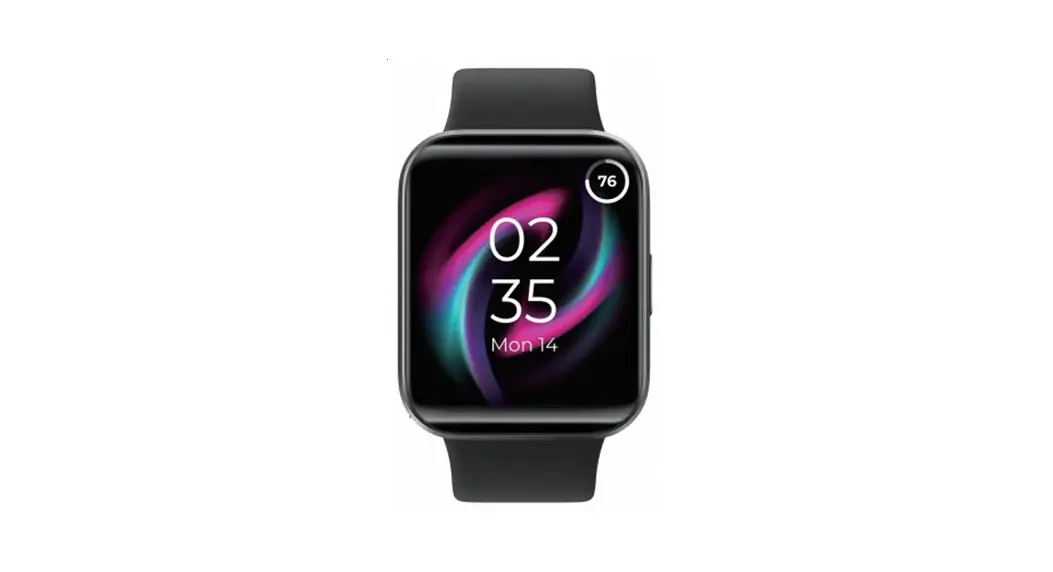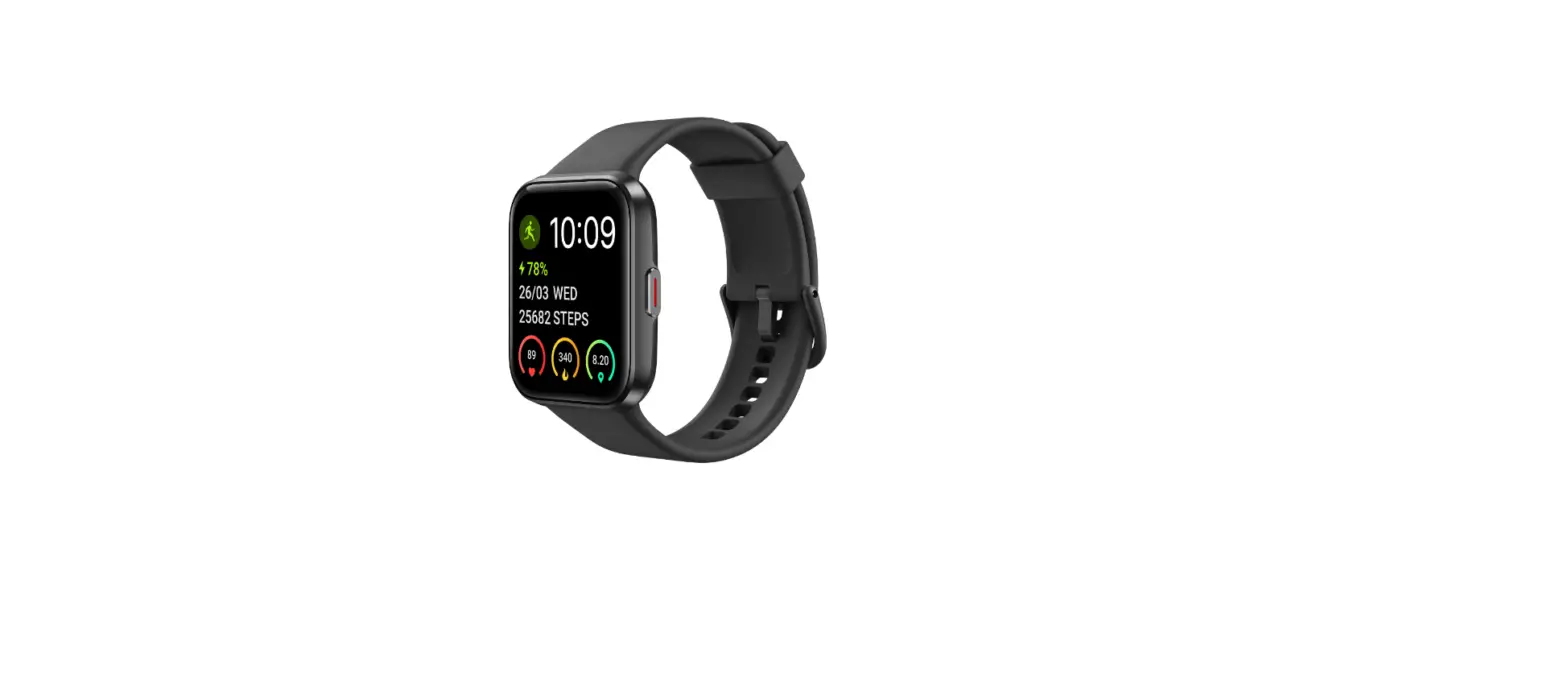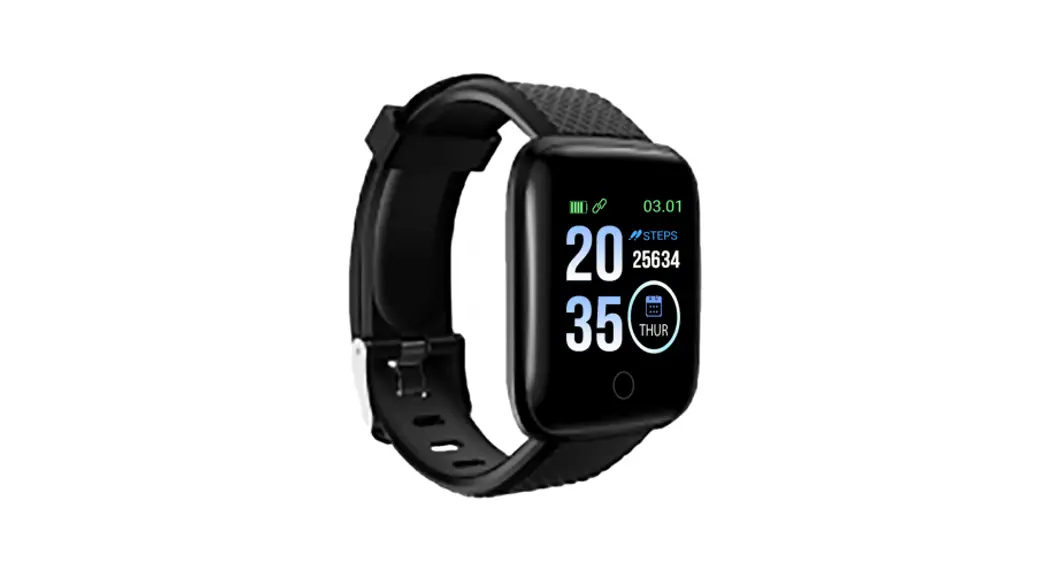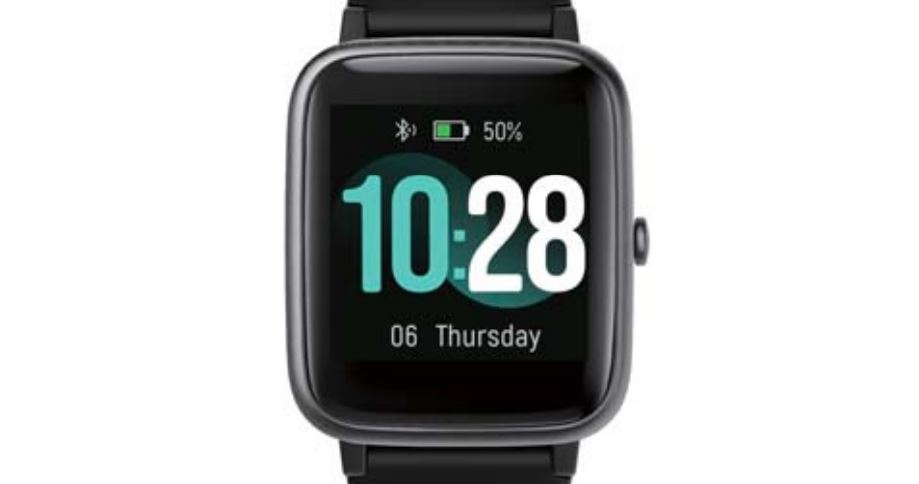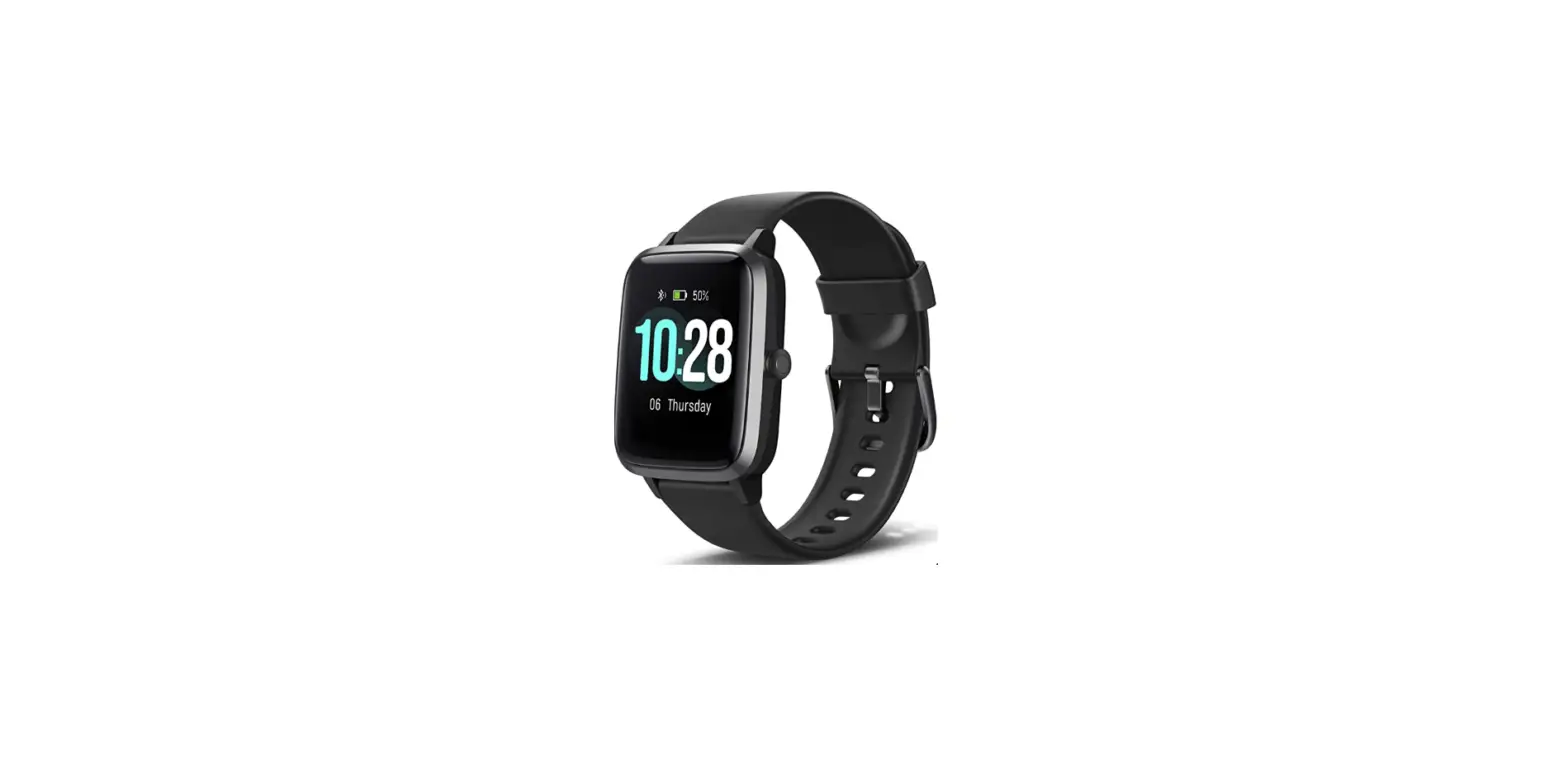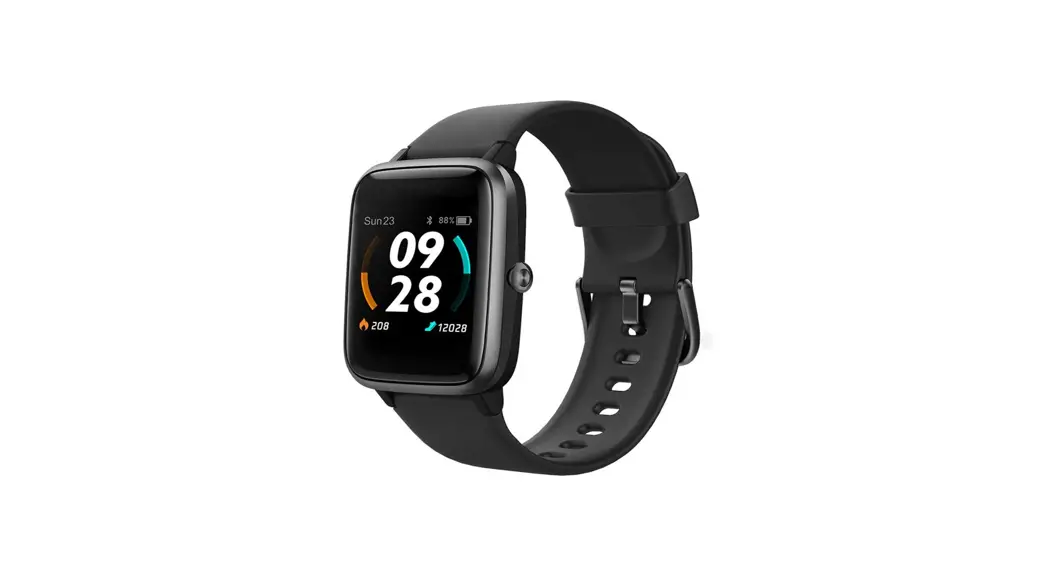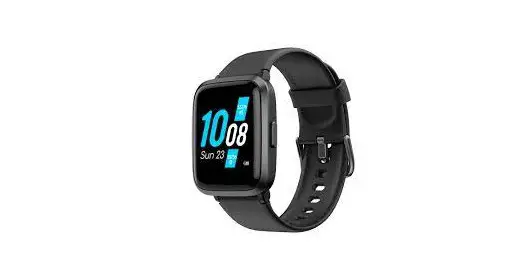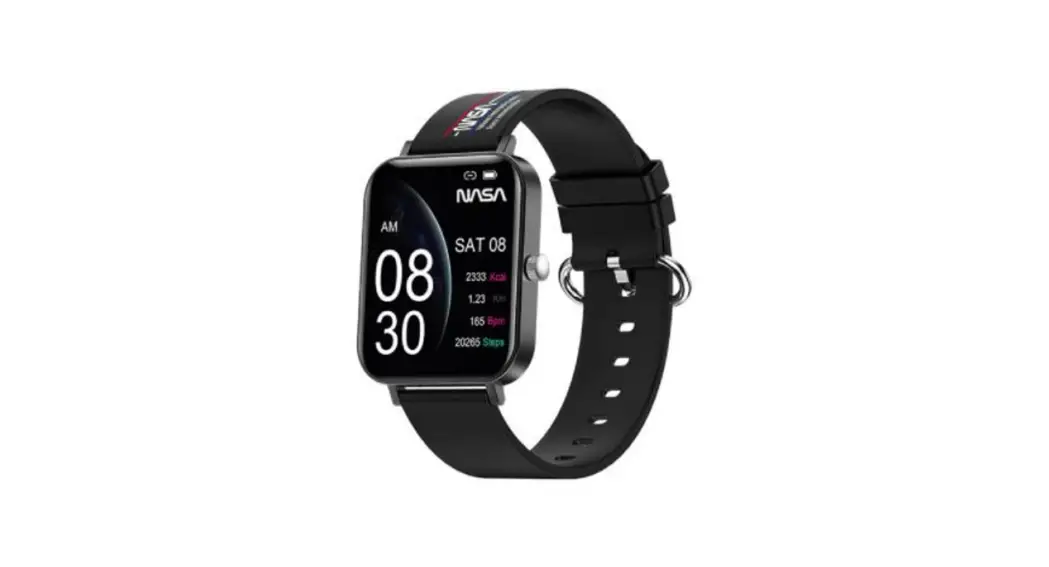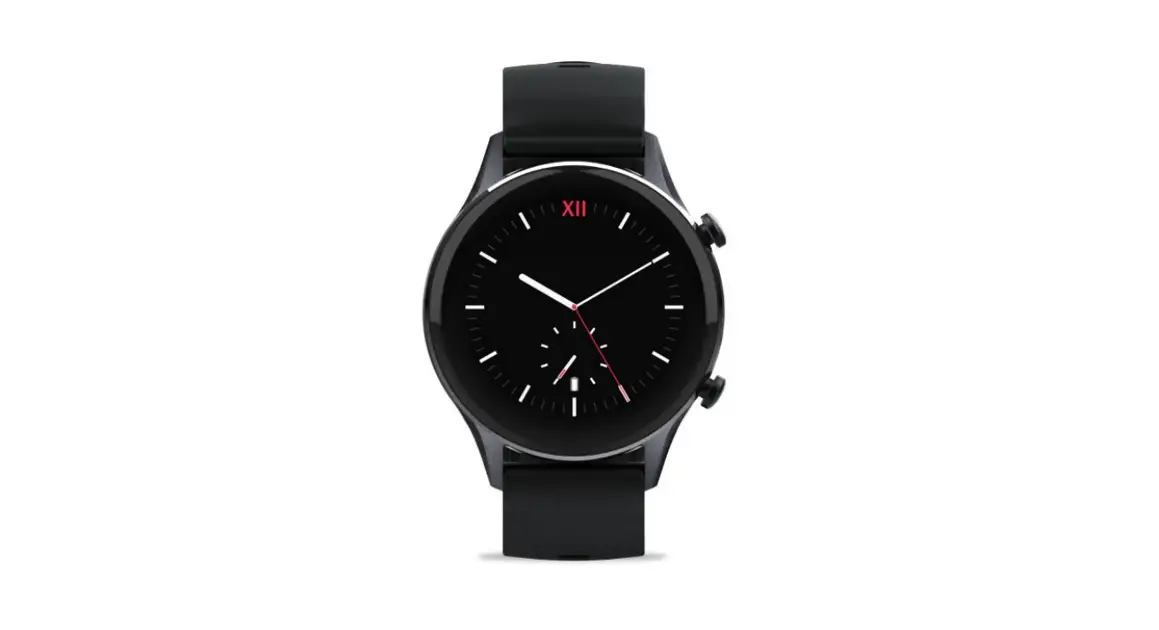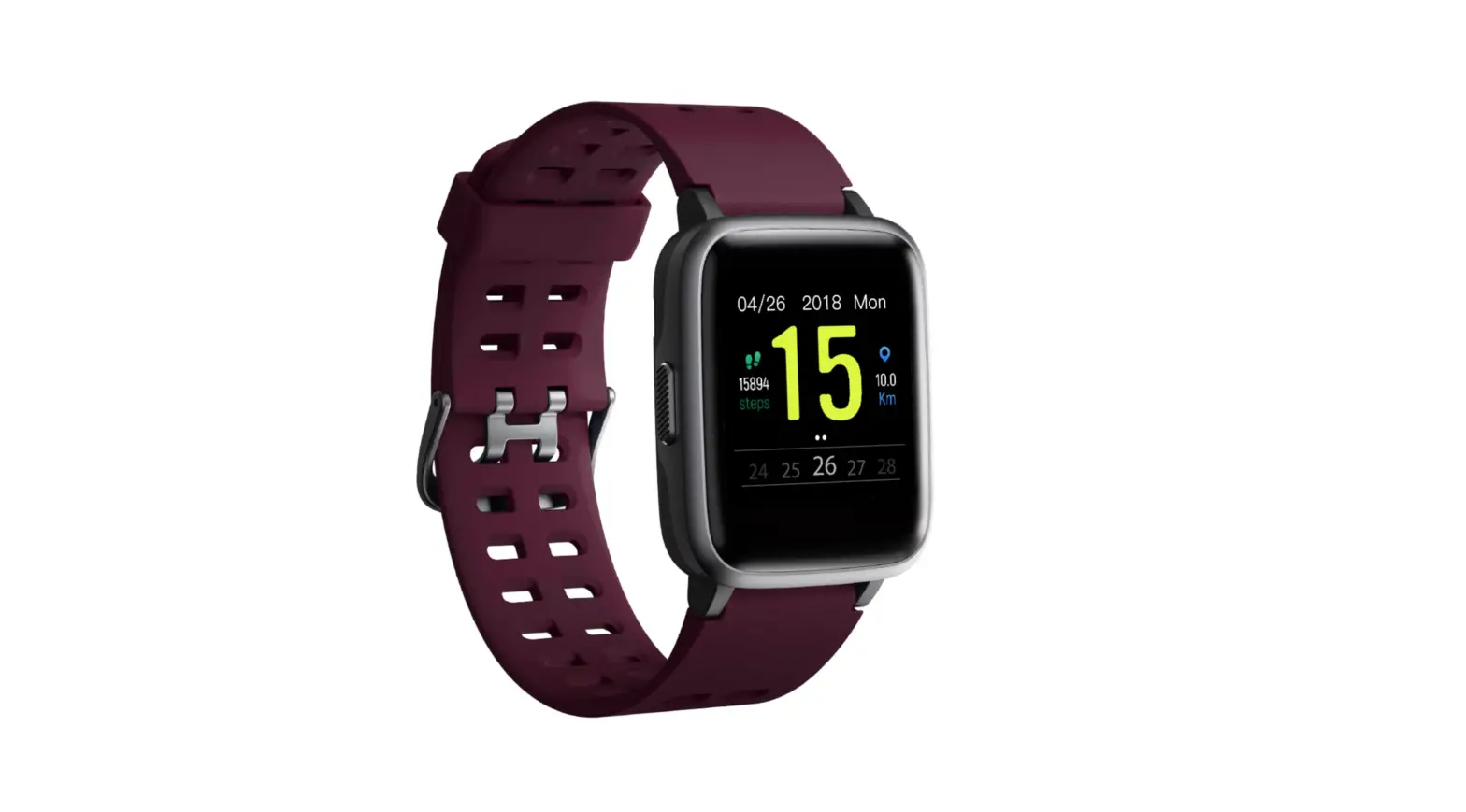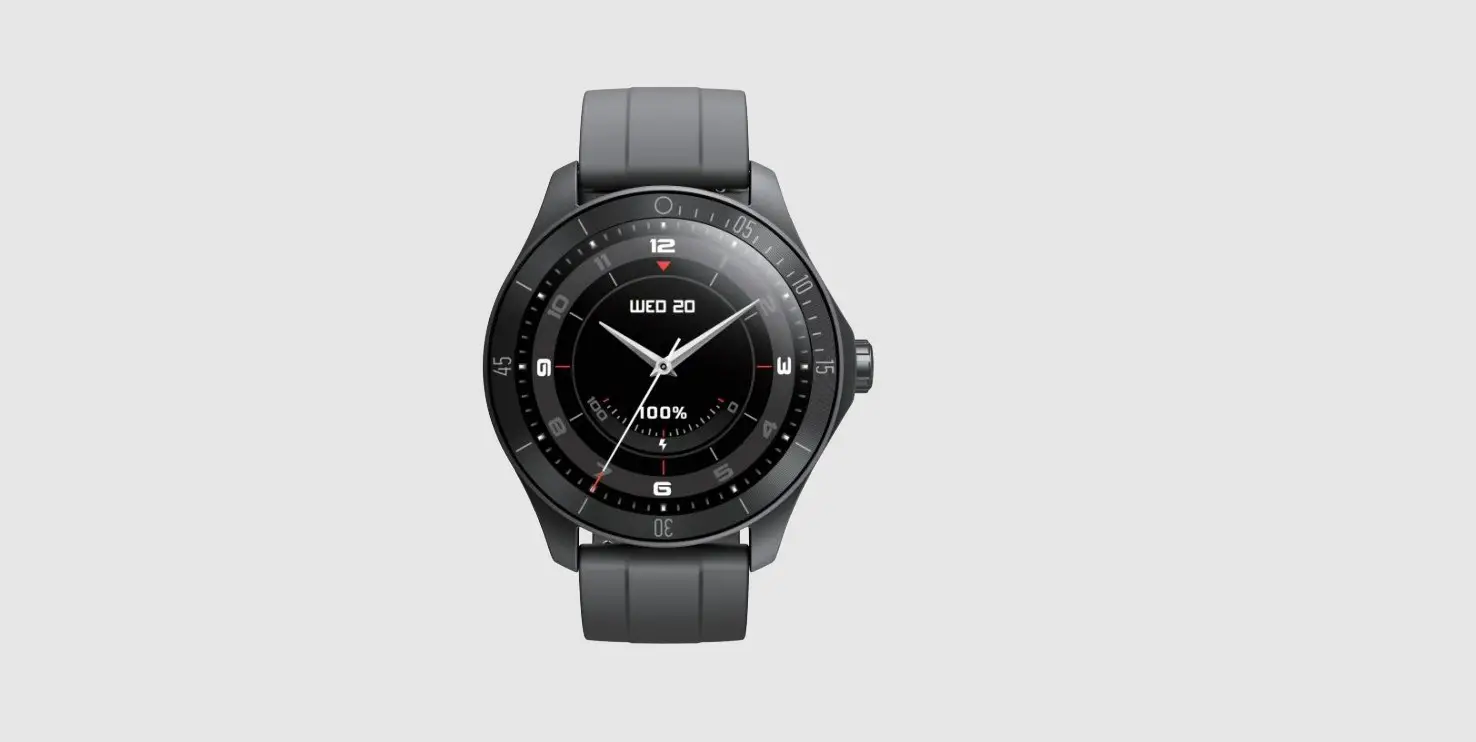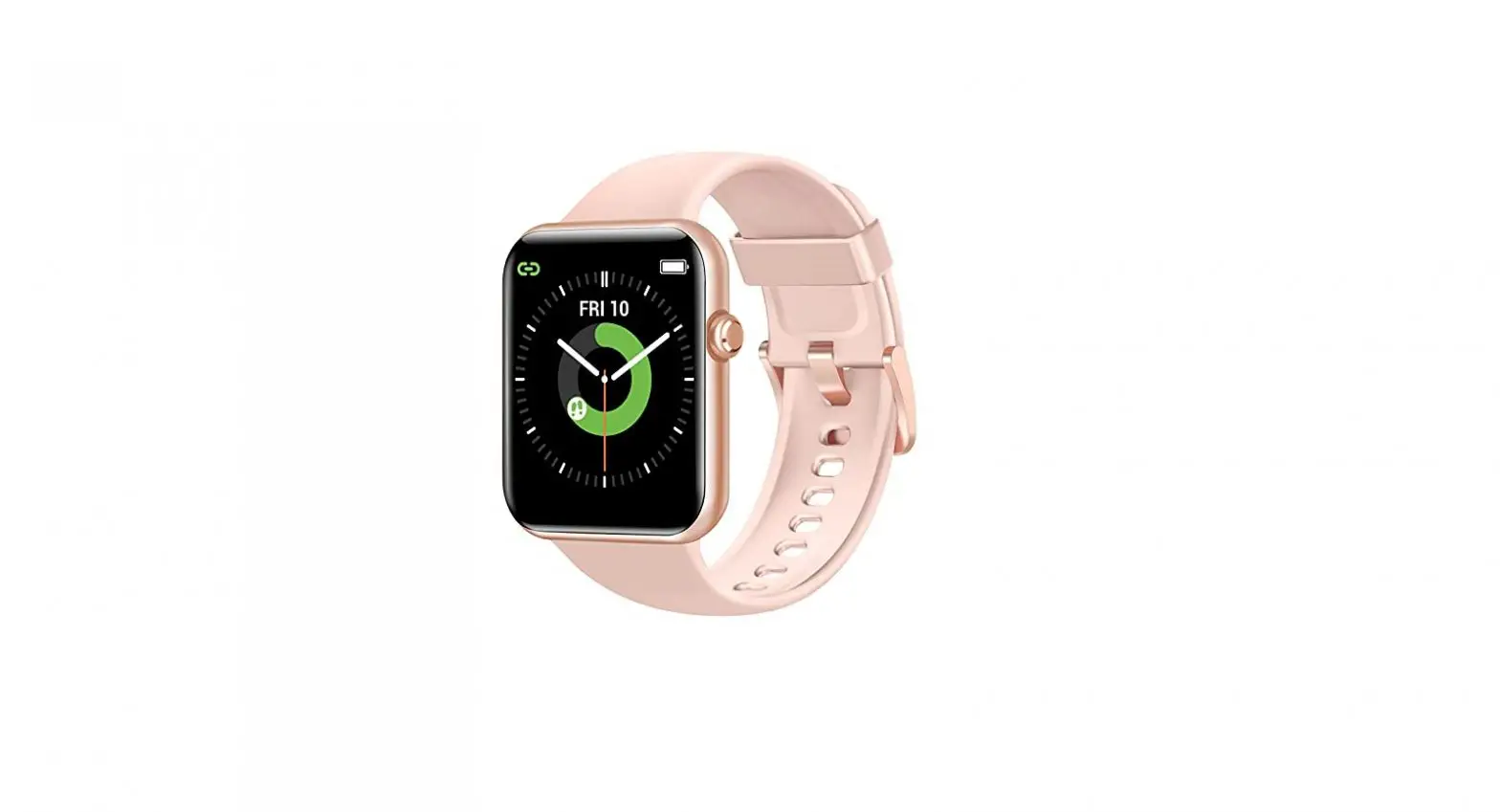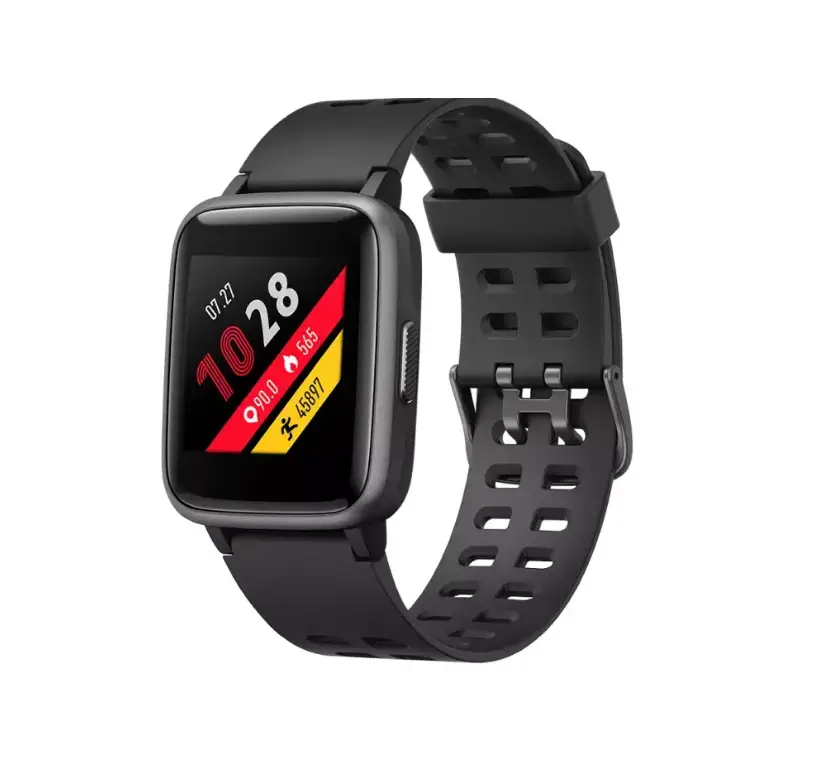

iDO ID208 BT Smart Watch
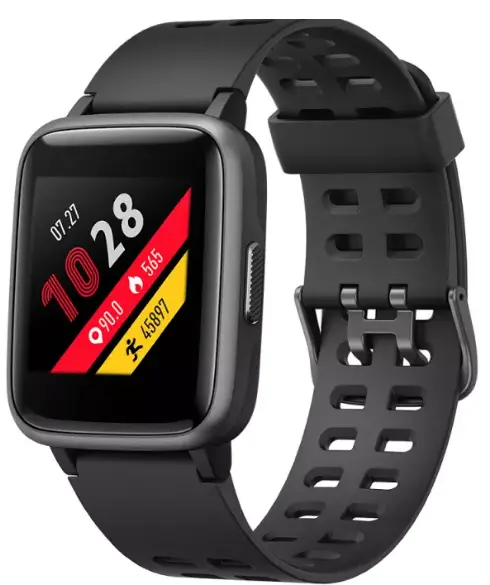
Product Overview
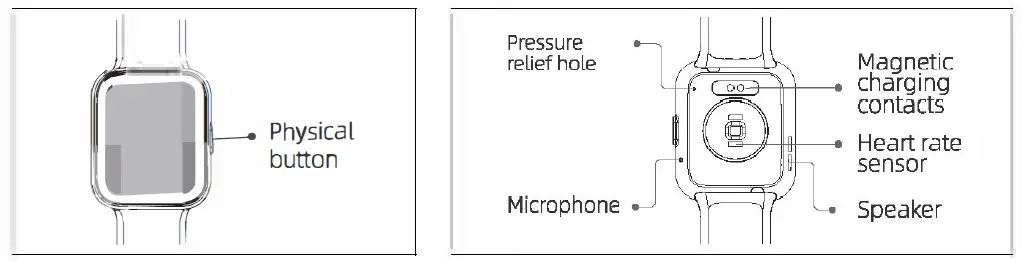
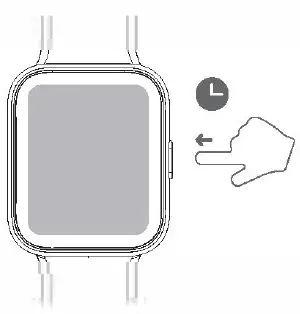
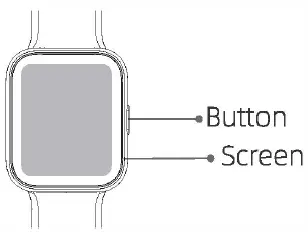
Short press
- To return.
- To wake the screen when it is off.
Long press
- To turn on the watch.
- For Ss while charging to reset apps. (Data will not be cleared)
turning on/off
Turning on
Whilst the watch is off, it automatically turns on when you put it on charge.
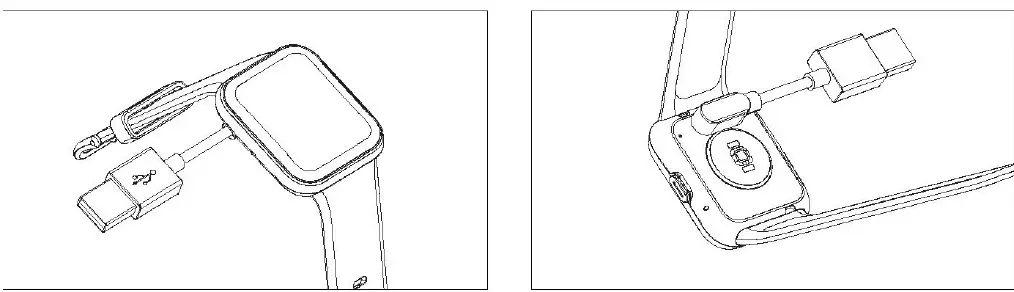
Note: Charge the watch to activate it before first use. The original power adapter must be used for charging. Long press the button to turn on the watch.
Turning off
To turn off the watch: go to Settings -> Turning off menu.
App downloads and pairing
App downloads
Download and install the “VeryFit” app on the App Store, Google Play or by scanning the QR code below
Pairing
Turn on VeryFit app -> Activate Bluetooth connection on your phone -> Search on the app for the device to pair with (or scan the QR code on the device)-> Finish binding on the app (or on the device).
Screen operation
Swipe up/down
- To toggle through menu.
- To view long text/details.
Swipe left/right
To toggle through menu.
Tap the screen
- To enter the menu.
- To operate according to the prompts.
Tap and hold on the screen
To switch between watch faces.
Features
ID208 BT has features such as SATM water resistance, ultra-long battery life, full-screen touch control, low latency, 14 workout modes and multiple cloud watch faces. It supports heart rate monitoring and stress detection throughout the day, blood oxygen detection and sleep monitoring, etc. For operating instructions and FAQs on these features, please turn on the app and go to “User Guide” section.
Care and maintenance
Three suggestions for use and maintenance:
- Keep the product clean
- Keep the product dry;
- Do notwear the product too tight;
- Do not use household cleansers when cleaning the product. Use soap-free cleansers instead.
- For stubborn stains, it is recommended to remove by scrubbing with alcohol.
Waterproof: Not suitable for use while diving, swimming in the sea, or in a sauna. Suitable for use in swimming pools, showers (cold water) and shallows.
Safety instructions
- Do not place the product and its accessories at extreme temperatures, otherwise it rnay cause hazards such as product failure, fire or explosion.
- Protect the product from strong impacts or jolts, so as notto damage the product and its accessories, thus avoiding product failures.
- Do not disassemble or modify the product and its accessories by yourself. Contact us for after-sales service when the product fails.
FCC
This device complies with Part 15 of the FCC Rules.Operation is subject to the following two conditions:
- this device may not cause harmful interference, and
- this device must accept any interference received, including
interference that may cause undesired operation. Changes or modifications not expressly approved by the party responsible for compliance could avoid the user’s authority to operate the equipment.
This equipment has been tested and found to comply with the limits for a Class B digital device, pursuant to Part 15 of the FCC Rules. These limits are designed to provide reasonable protection against harmful interference in a residential installation. This equipment generates, uses and can radiate rdio frequency energy and, if not installed and used in accordance with the instructions, may cause harmful interference to radio communications. However, there is no guarantee that interference will not occur in a particular installation. If this equipment does cause harmful interference to radio or television reception, which can be determined by turning tihe equipment off and on, tihe user is encouraged to try to correct the interference by one or more of tihe following measures:
- Reorient or relocate the receiving antenna.
- Increase the separation between the equipment and receiver.
- Connect the equipment into an outlet on a circuit different from that to which the receiver is connected.
- Consult the dealer or an experienced radio/TV technician for help.
The device has been evaluated to meet general RF exposure statement. The device can be used in portable exposure condition without restriction – Risk of explosion if the battery is replaced by an incorrect type;
- disposal of a battery into fire or a hot oven, or mechanically crushing or cutting of a battery, that can result in an explosion;
- leaving a battery in an extremely high temperature surrounding environment that can result in an explosion or the leakage of flammable liquid or gas;
- a battery subjected to the extremely low air pressure that may result in an explosion or the leakage of flammable liquid or gas.
FAQS
With Samsung’s Bluetooth and LTE smart watches, it’s never been easier to talk while you walk. You can create new messages, or view incoming messages and send replies using the preinstalled Messages app, without even taking out your Galaxy phone.
This feature allows you to receive/reject calls with ease without taking the phone out of your pockets, in other words, Bluetooth calling smartwatches are a great companion for people who don’t like to frequently use their phones for small tasks.
If your phone is in Airplane mode, you won’t be able to make calls from your watch. Try disconnecting Bluetooth on your phone so the watch doesn’t know your phone is in Airplane mode
On your watch: Swipe up from the main home screen. Tap the Bluetooth call icon to turn it on. On your phone: Go to Settings. Turn on the Bluetooth search and pair ColorFit Ultra Buzz to use the watch to make calls.
You can reply to a text message from the notification card or your messaging history. On your watch, scroll down to the notification that you want to reply to. Speak the message that you want to send. On some watches, you can also type, send an emoji or scroll down for pre-written messages.
If your watch is within Bluetooth range of your phone, you can choose to make your call from either your watch’s number or your phone’s number.
Most smartwatches allow you to make and receive calls using your smartphone. However, some smartwatches come with integrated eSIM support, allowing you to make calls without even needing your smartphone around.
Install the “Wear OS by Google Smartwatch” app on your phone, available on the Google Play Store. On your watch, turn on Bluetooth. Open the Wear OS app on your phone and follow the initial setup.
If the watch battery is at 0%, the smartwatch should take about 3-4 hours to fully charge. Awake Labs recommends that your Samsung watch be charged every night so that the battery is at 100% at the beginning of each day. Remember to turn the watch off before you charge it.
Connect the charger to a power source using the supplied USB cable. Line up the gold pins on the charging cord with the gold contacts on the back of the watch. The watch and charging cord are magnetized and should connect without effort.
There is a SIM card slot on the smartwatch which you’ll need to open and insert the SIM card into.
No matter what time of day it is, you won’t be charged anything extra for your UK* landline calls. This includes 0845 and 0870 numbers. You’ll also get half-price pence-per-minute rates to UK mobiles. Also, 1,000 free minutes to BT Mobile (excluding BT Business Mobile).
Open the Apple Watch app, tap the My Watch tab, then tap Clock. Make sure that Speak Time is on. Select Always Speak if you want Mickey Mouse or Minnie Mouse to speak the time even if your watch is in Silent Mode. You can also do this directly on your watch.
Yes. You can use your smartwatch even if your smartphone is switched off.