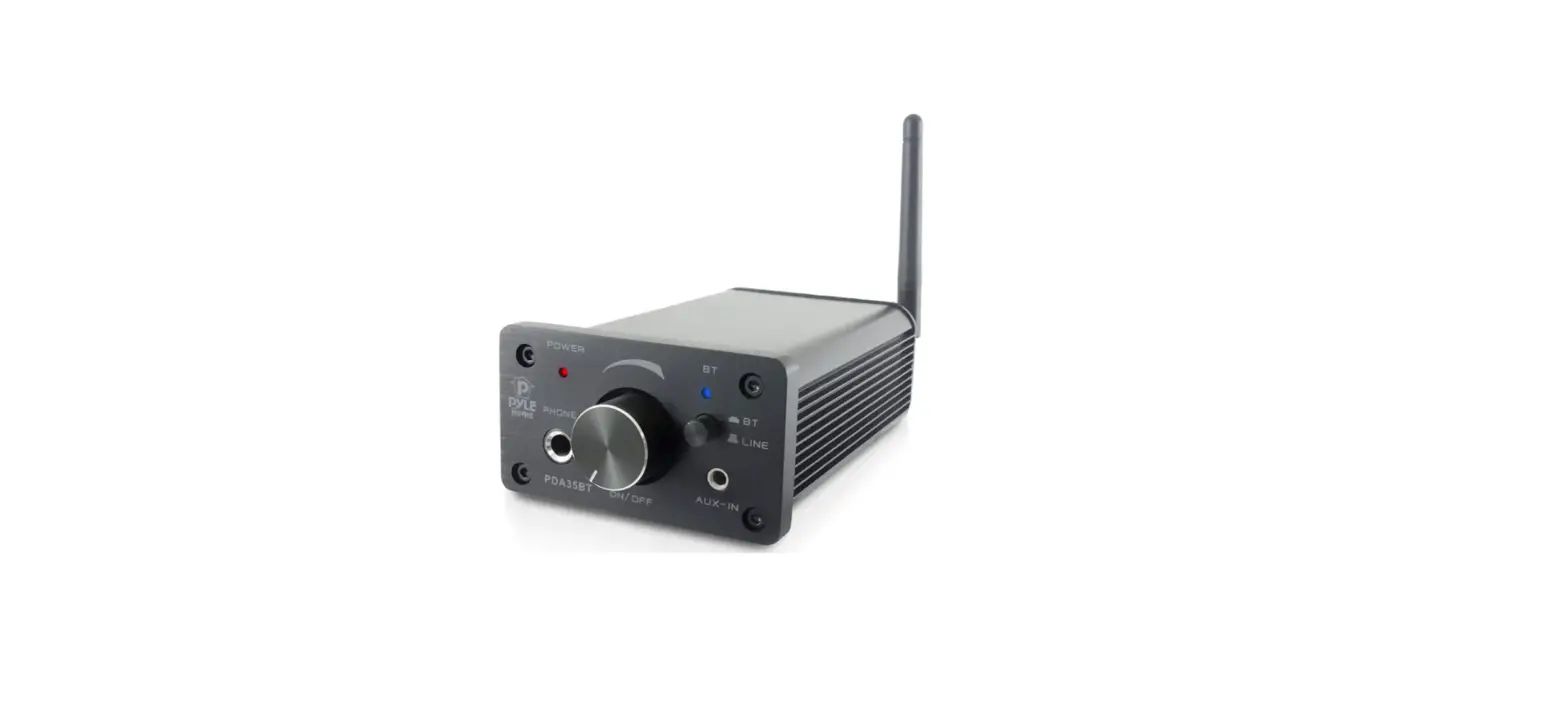
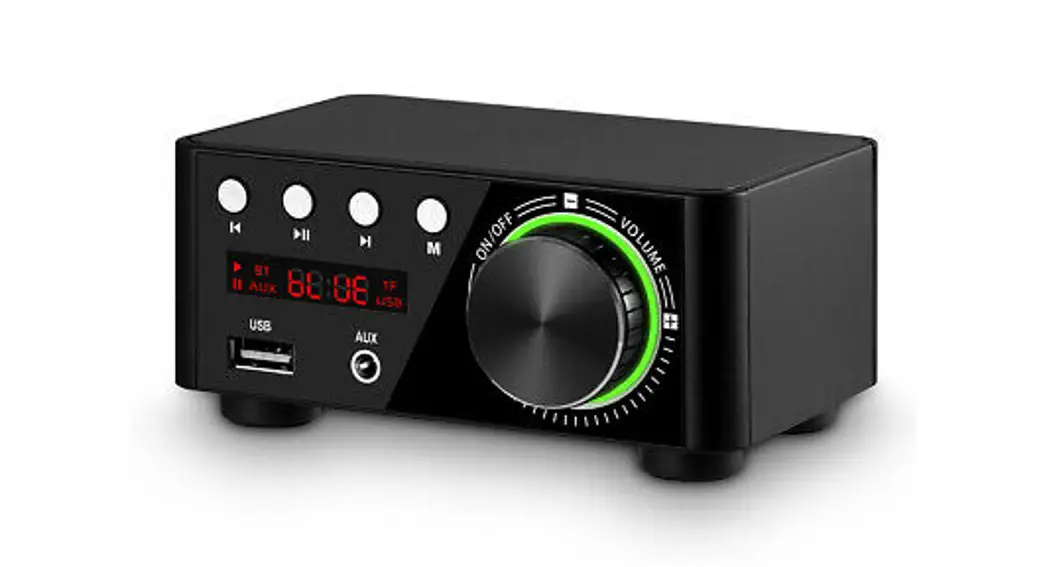
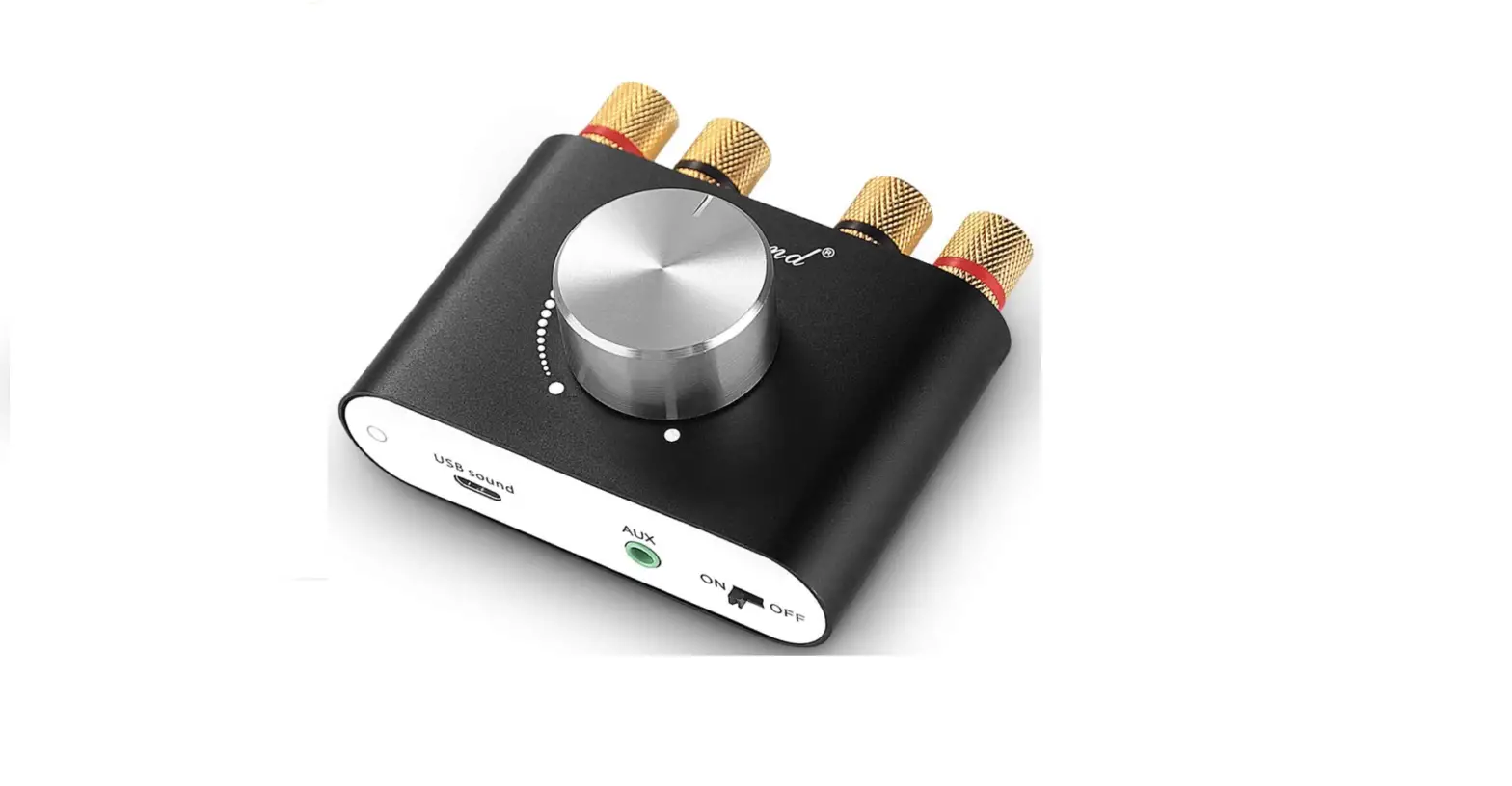
MINI40II Bluetooth Power Amplifier
Bluetooth Power Amplifier MINI40II User Manual
Specification
| Rated Power | Freq. Resp. | Distortion | SNR | Matched Impedance | LINE IN Sensitivity | LINE IN Impedance | BT Transmission | BT Standard | Power Supply | Net Weight | Gross Weight | Product Dimension | Package Dimension |
|---|---|---|---|---|---|---|---|---|---|---|---|---|---|
| INSERT RATED POWER VALUE HERE | INSERT FREQUENCY RESPONSE VALUE HERE | INSERT DISTORTION VALUE HERE | INSERT SNR VALUE HERE | INSERT MATCHED IMPEDANCE VALUE HERE | INSERT LINE IN SENSITIVITY VALUE HERE | INSERT LINE IN IMPEDANCE VALUE HERE | INSERT BT TRANSMISSION VALUE HERE | INSERT BT STANDARD VALUE HERE | INSERT POWER SUPPLY VALUE HERE | INSERT NET WEIGHT VALUE HERE | INSERT GROSS WEIGHT VALUE HERE | INSERT PRODUCT DIMENSION VALUE HERE | INSERT PACKAGE DIMENSION VALUE HERE |
Operating Instructions
Instructions on Bluetooth Connection
- Turn on the Bluetooth (BT) on your phone or iPad, with a
transmission distance of 10m. - The Bluetooth name of the device is “DABA”, and the password is
“8888”. - When your phone or iPad has searched for the Bluetooth name,
please click and connect to it. - The product has two push ways:
- When line push is selected, electronic devices such as phones
and iPads can be connected. The Bluetooth (BT) LED will flash in
red. - When Bluetooth push is selected, the Bluetooth (BT) LED will be
red.
- When line push is selected, electronic devices such as phones
Bluetooth Power Amplifier MINI40II User Manual
Specification
Rated Power Freq. Resp. Distortion SNR Matched Impedance LINE IN Sensitivity LINE IN Impedance BT Transmission BT Standard Power Supply Net Weight Gross Weight Product Dimension Package Dimension
2×20W/8 20Hz-20KHz 0.3 82dB 8 0dB(1V) 10K 10m BT2.1+EDR 220V/50Hz/60Hz 0.33KG 0.35KG 125mm×100mm×35mm 135mm×110mm×45mm
Operating Instructions
Instructions on Bluetooth Connection 1. Turn on the BT on your phone or iPad, with transmission distance of 10m. The Bluetooth name of the device is “DABA”, and the password is 8888. 2. When your phone or iPad has searched the Bluetooth name, please click and connect it. The product has two push ways: 1. When line push is selected, electronic devices such as phones and iPads can be connected. BT LED will flash in red. 2. When Bluetooth push is selected, the BT LED will be red.