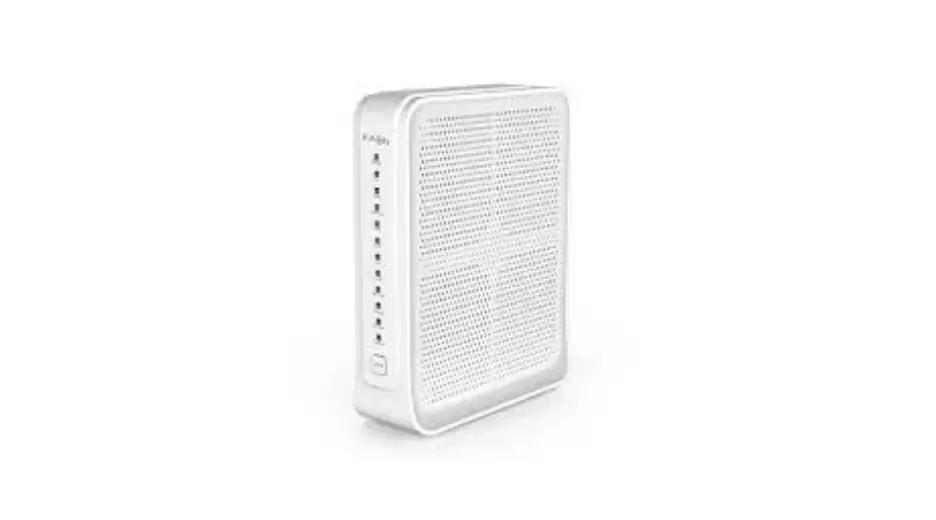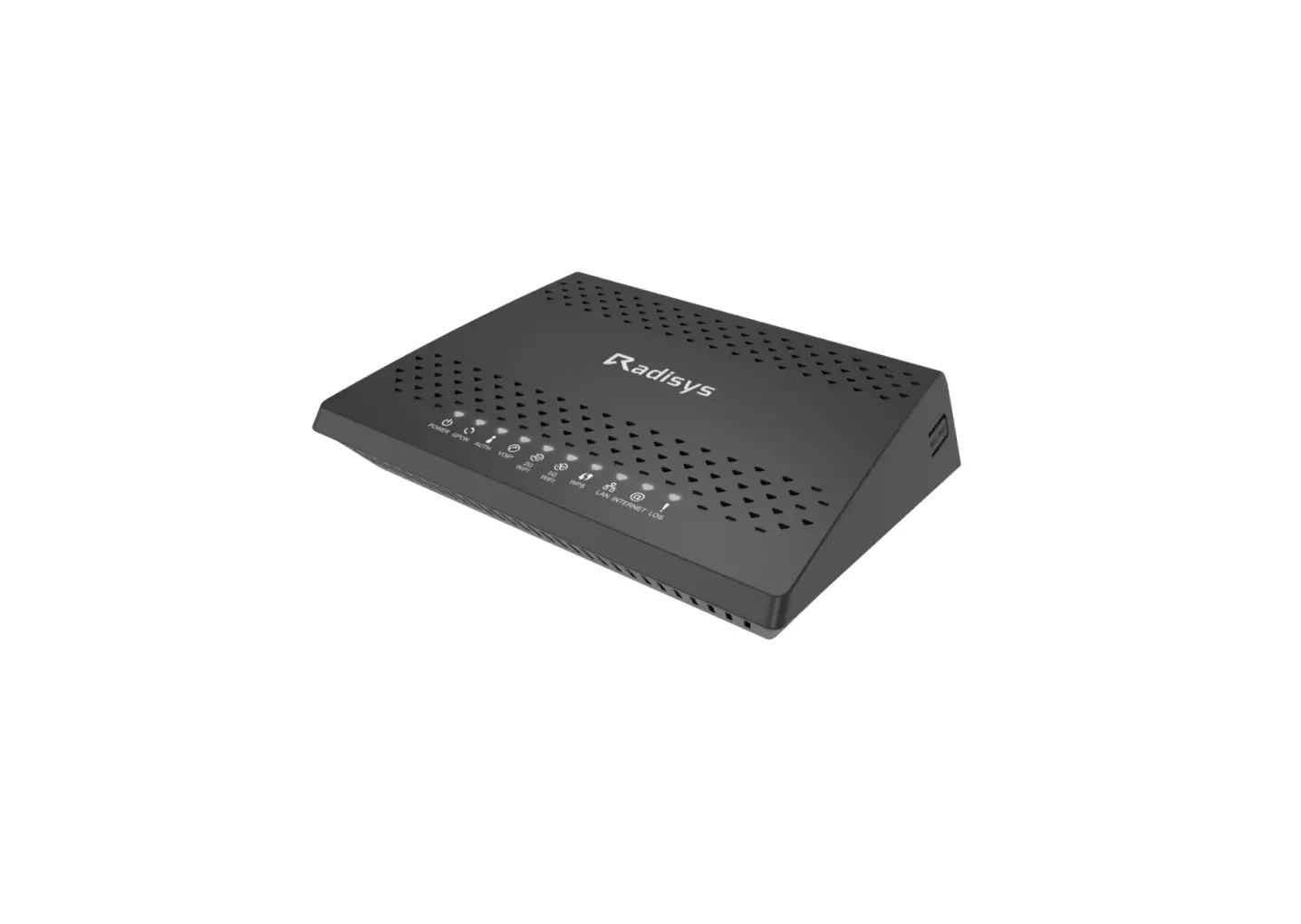

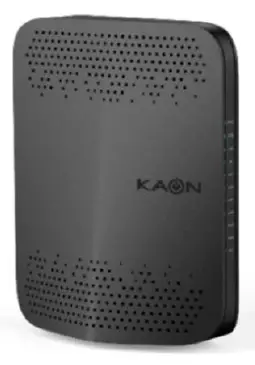
KAON PG2141 GPON Gateway
Quick installation guide
PG2141 is GPON ONT for FTTH Networks BoSAOn Board Optical Solution Smart Wi-Fi
Connect the Hardware
If your Internet connection is through an Ethernet cable from the wall instead of through a DSL/Cable modem, connect the Ethernet cable directly to the router’s Internet port, and skip Step 1,2,3 to complete the hardware connection.
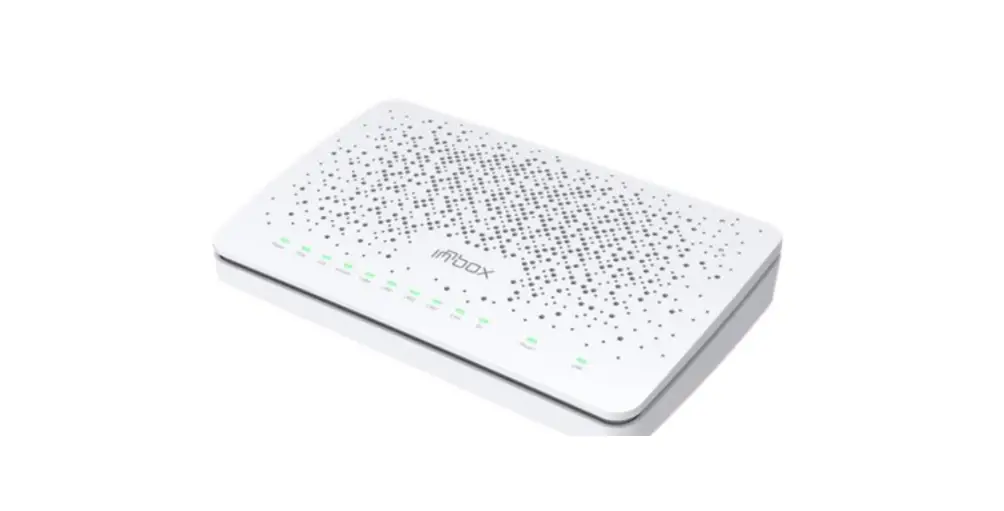
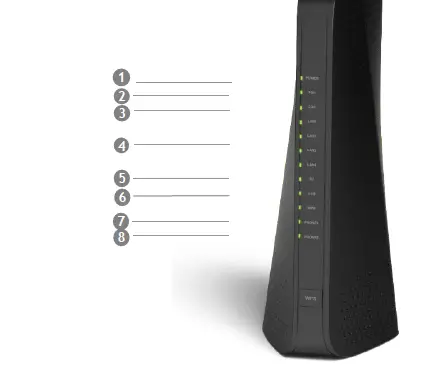
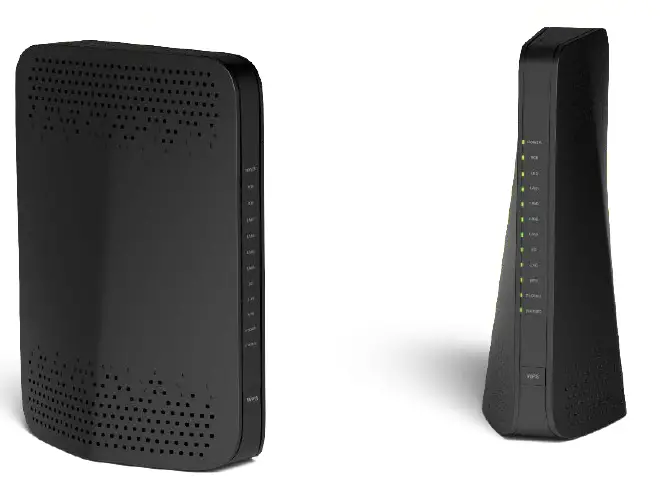
FrontPanel
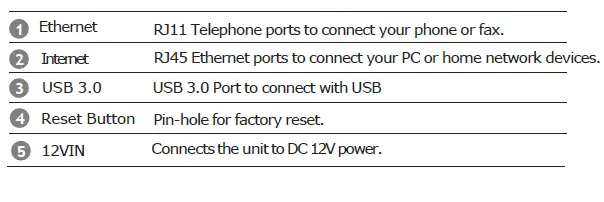
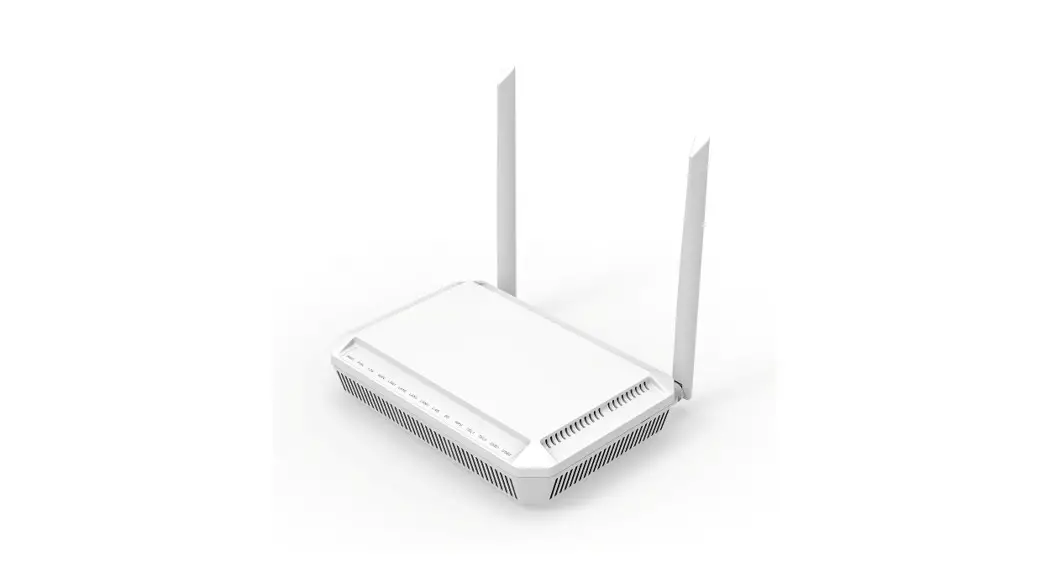
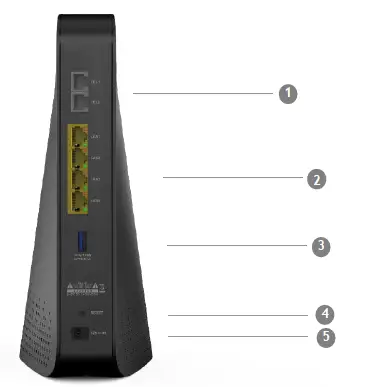
Rear Panel
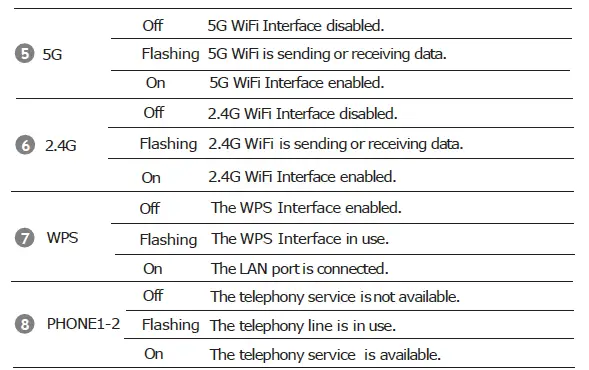
LED Status
| LED | Power up Initial | DS scan | DS locking | US ranging | Request CM IP | Request CM config | CMTS register Complete | Request MTA IP | Request MTA config | Restart Voice service | Telephone Register complete |
| Power | On | On | On | On | On | On | On | On | On | On | On |
| DS | Blinking | Blinking | On | On | On | On | On | On | On | On | On |
| US | Blinking | Off | Off | Blinking | On | On | On | On | On | On | On |
| ONLINE | Blinking | Off | Off | Off | Off | Blinking | On | On | On | On | On |
| 2.4G/5G | Off | On/Off | On/Off | On/Off | On/Off | On/Off | On/Off | On/Off | On/Off | On/Off | On/Off |
| ETH1~4 | Off | On/Off | On/Off | On/Off | On/Off | On/Off | On/Off | On/Off | On/Off | On/Off | On/Off |
| TEL1~2 | Off | Off | Off | Off | Off | Off | Off | Blinking | Blinking | Blinking | On |
Connecting and Installing devices
Before installation, please check with your service provider to ensure that the cable broadband is active.
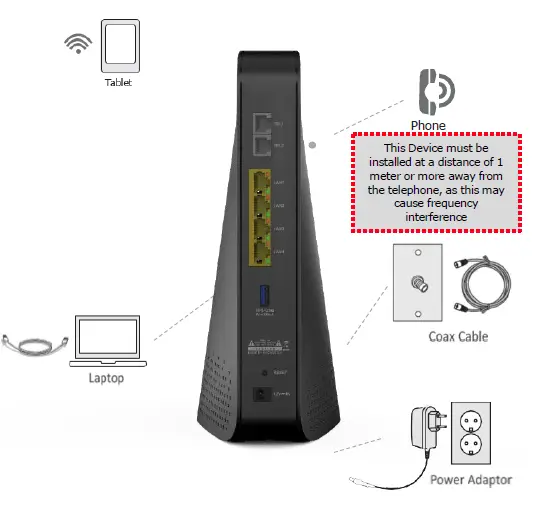
Instruction for Connecting Modem –PC
- Make sure the following:
- YourCableModemispoweredON.ThepowerLEDwillbeturnedON.
- YourPCisturned-onandconnectedtoCableModemusinganEthernetcable.
- Connecttightlythecoaxialcabletothecableoutlet.
- After Online LED is ON, Cable Modem becomes online.
- Configure your PC to obtain an IP address from a DHCP server.
- From your PC, start your web browser application like Chrome, InternetExplorer, etc.
- Type avalidURLsuchas“www.kaonmedia.com”and<Enter>. The website should be open if connected correctly.
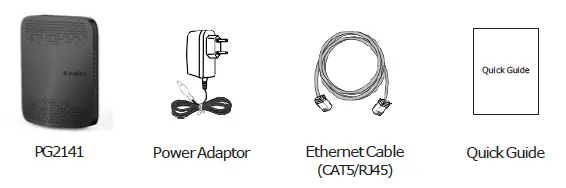
Package Content
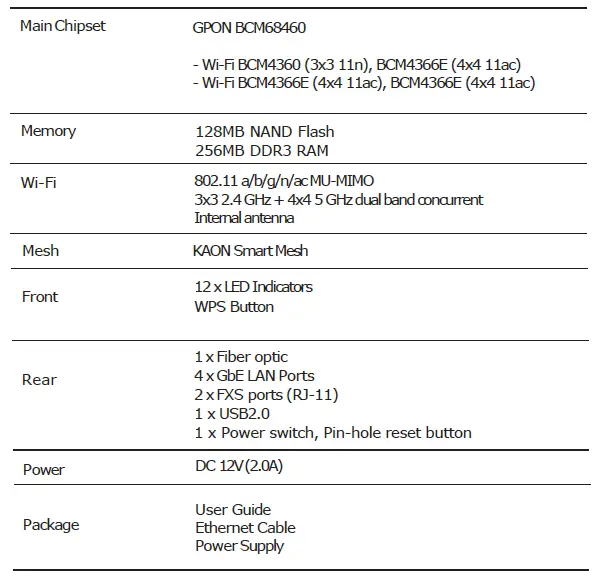
Specification
Exterior Design
 KAONMEDIA