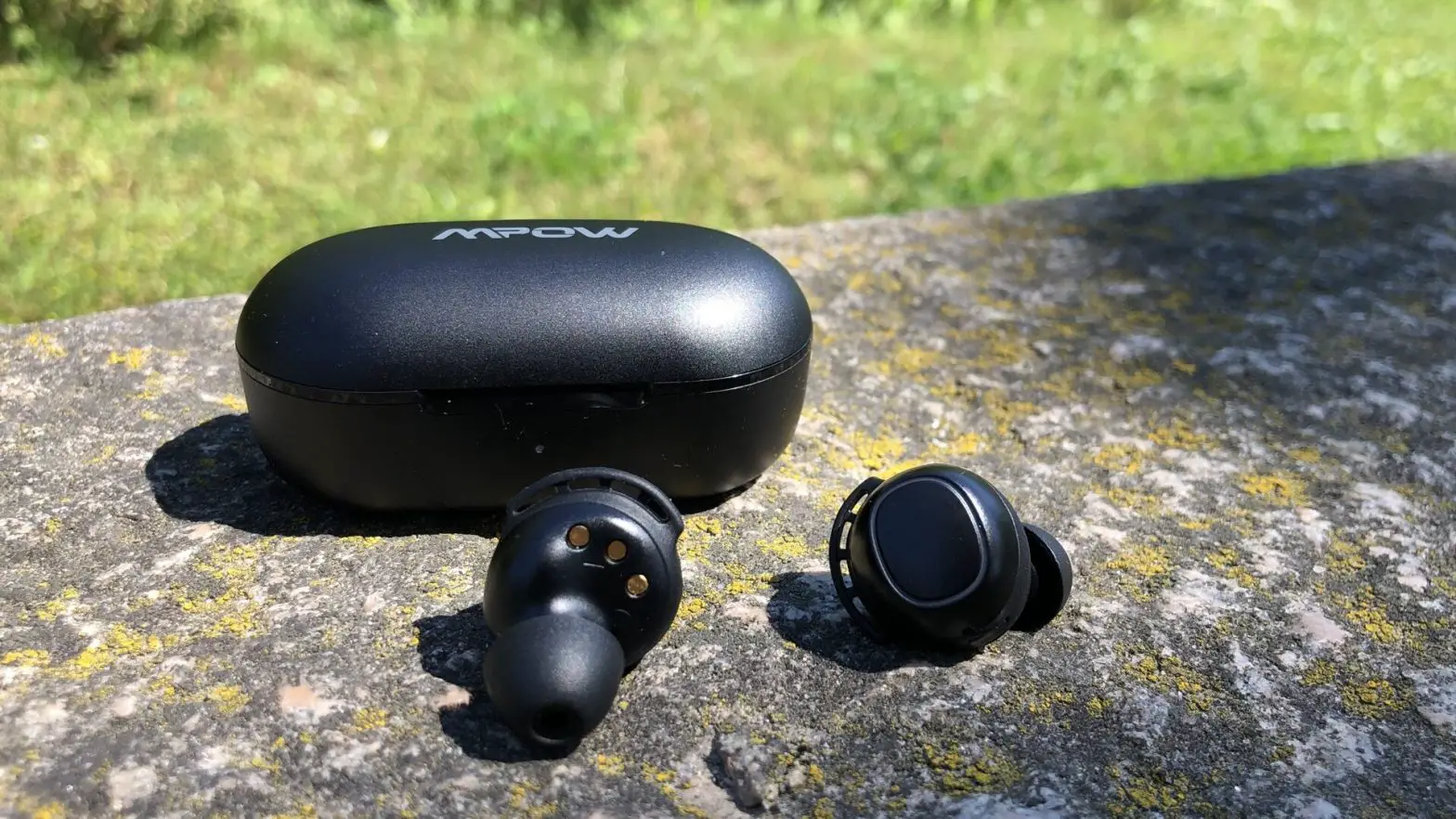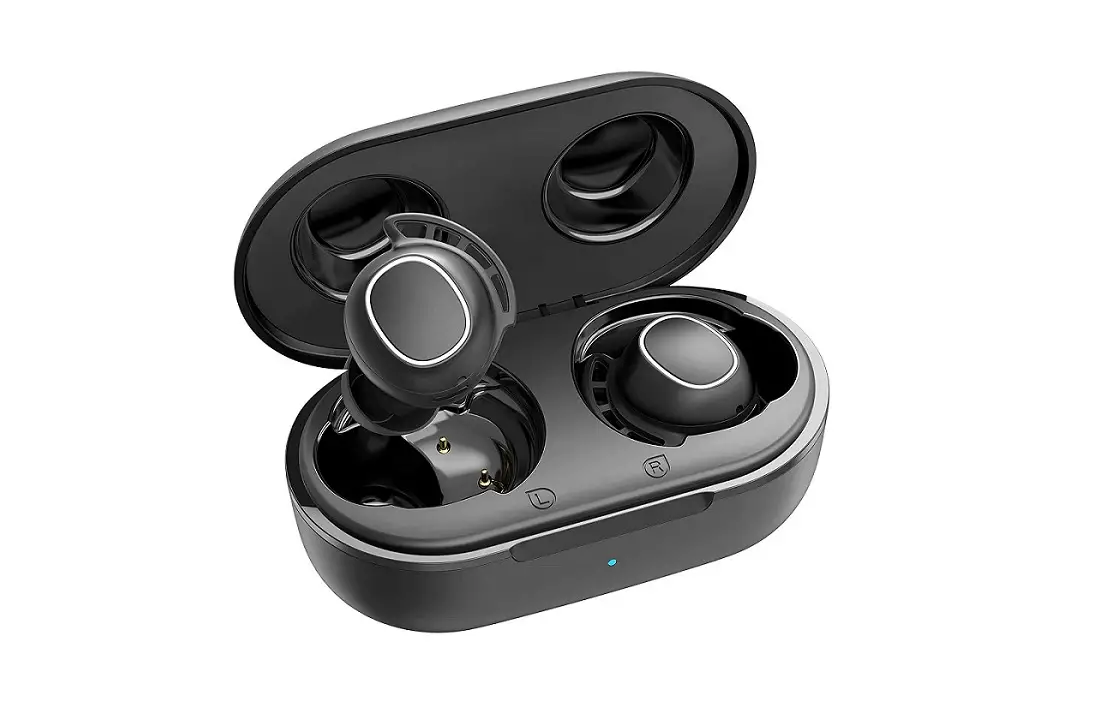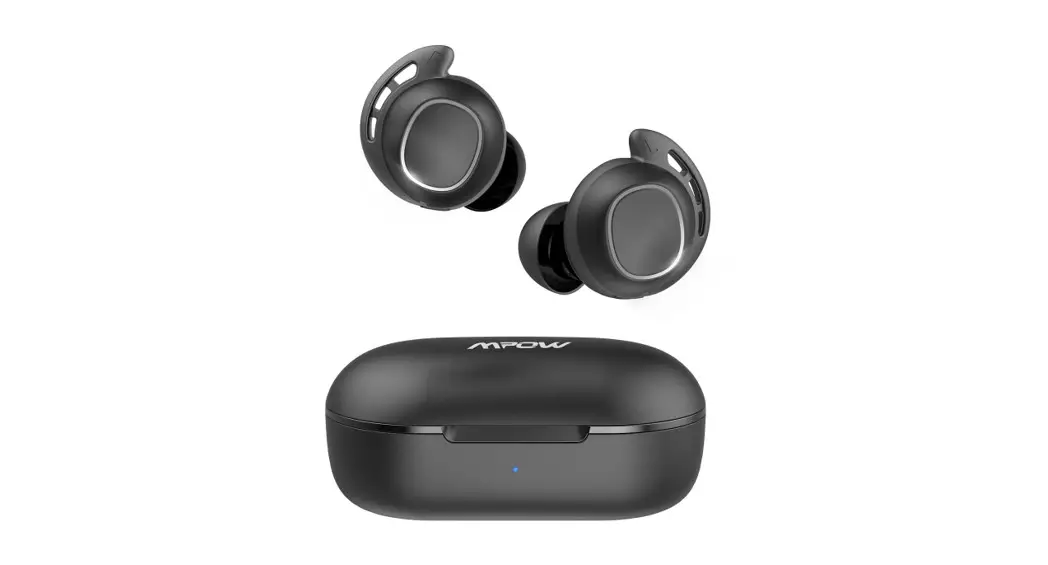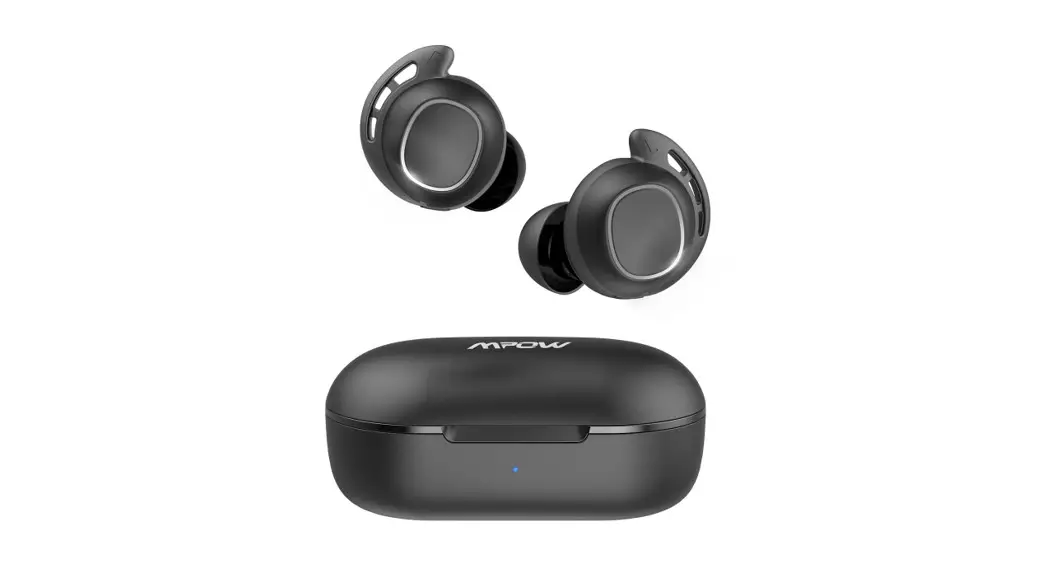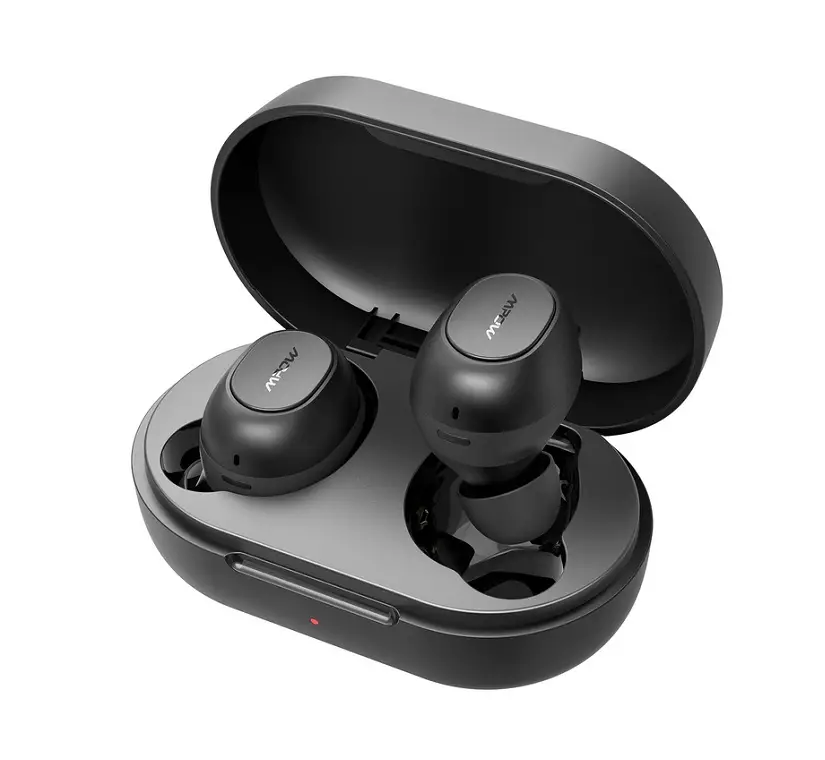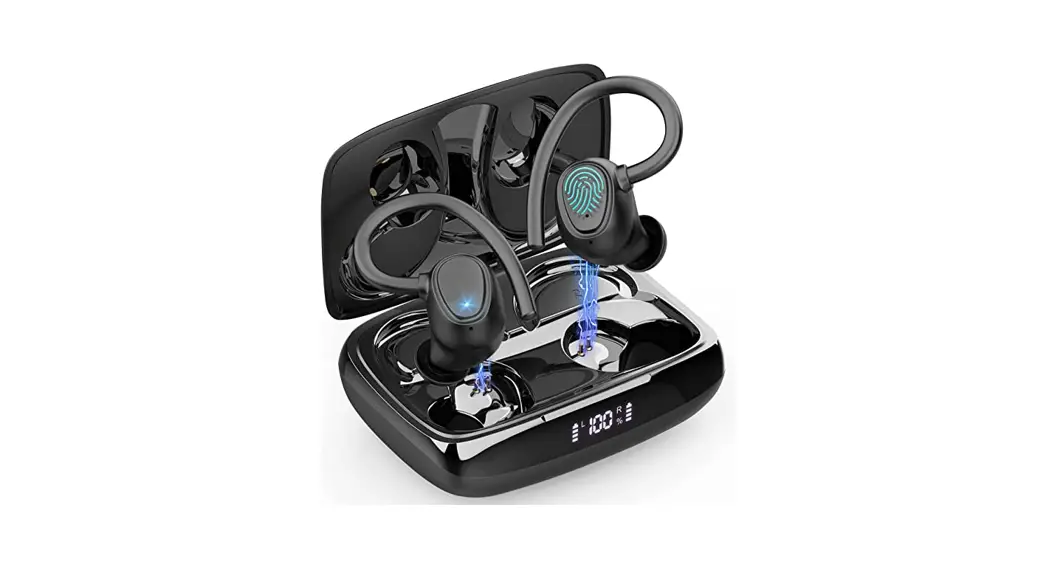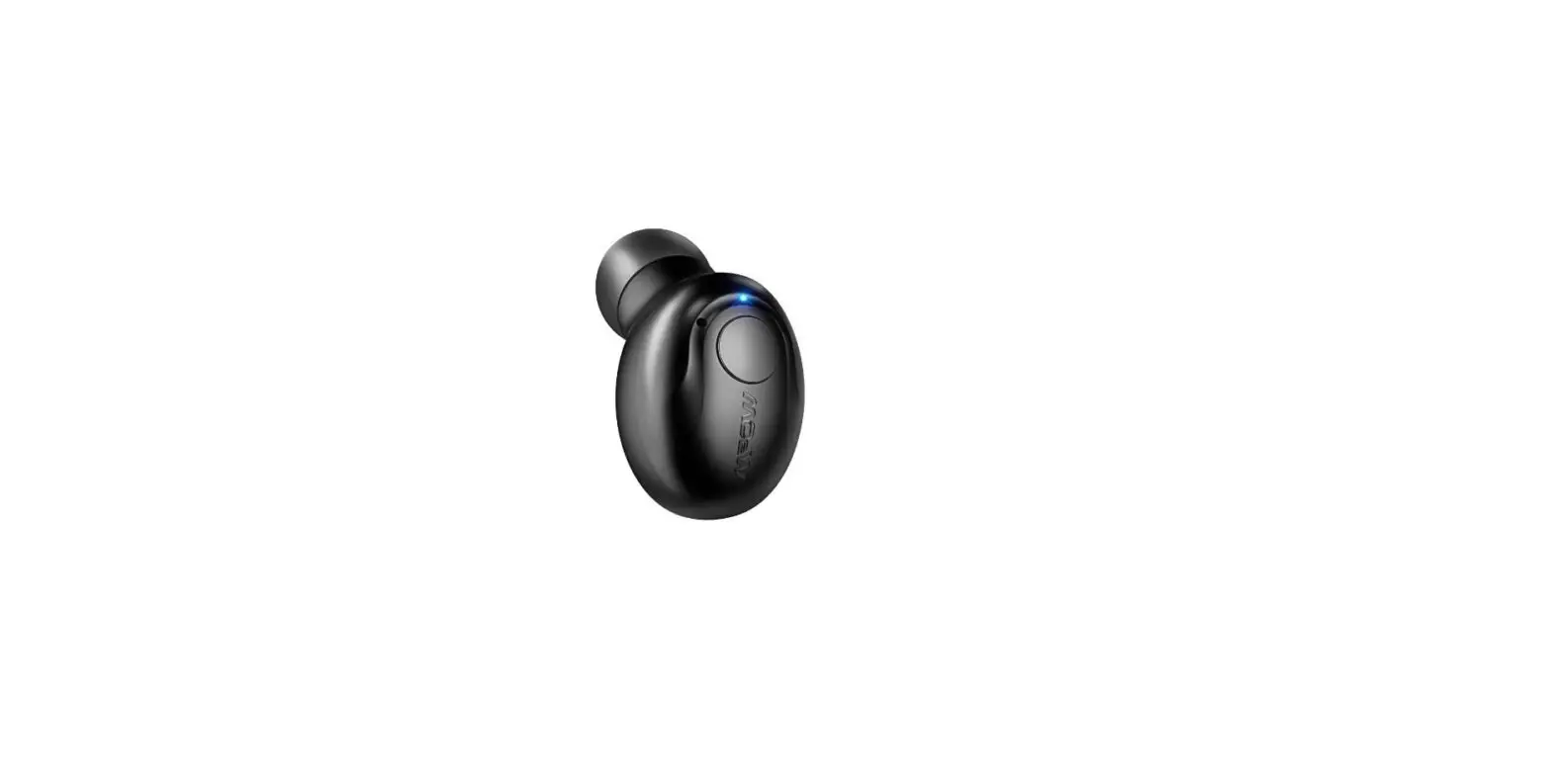

Mpow Mini Wireless Earbuds User Guide

Mpow Mini Wireless Earbuds User Guide

MPOW logo

DREAM EXPLORE INSPIRE

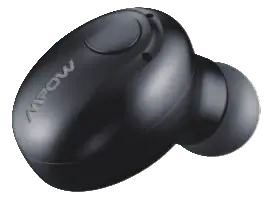
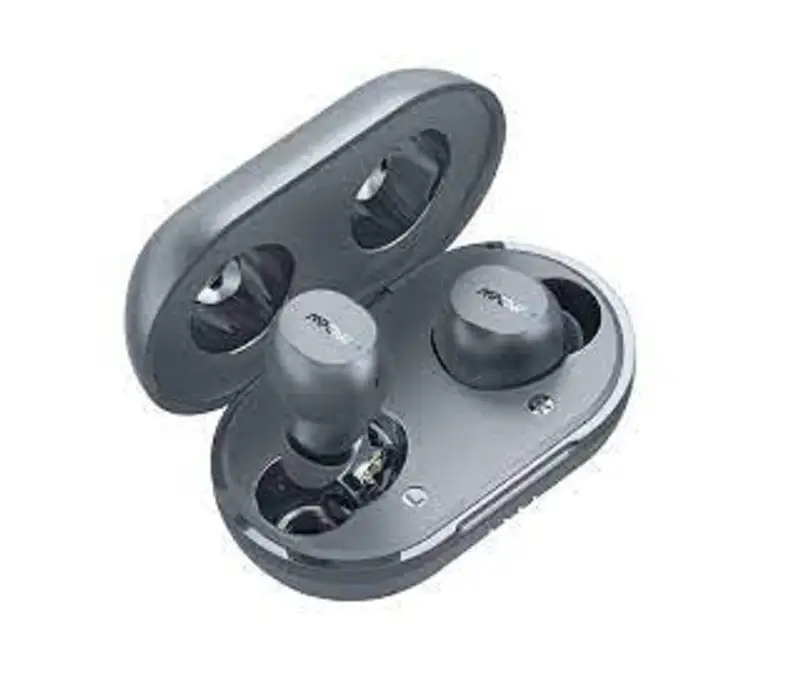
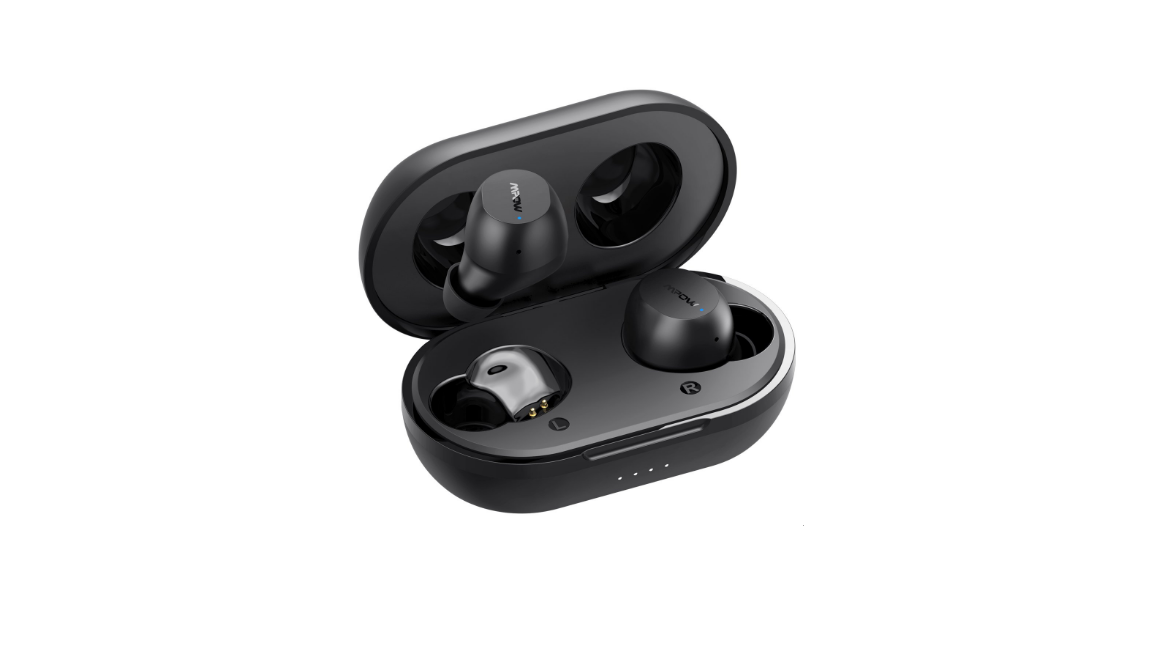
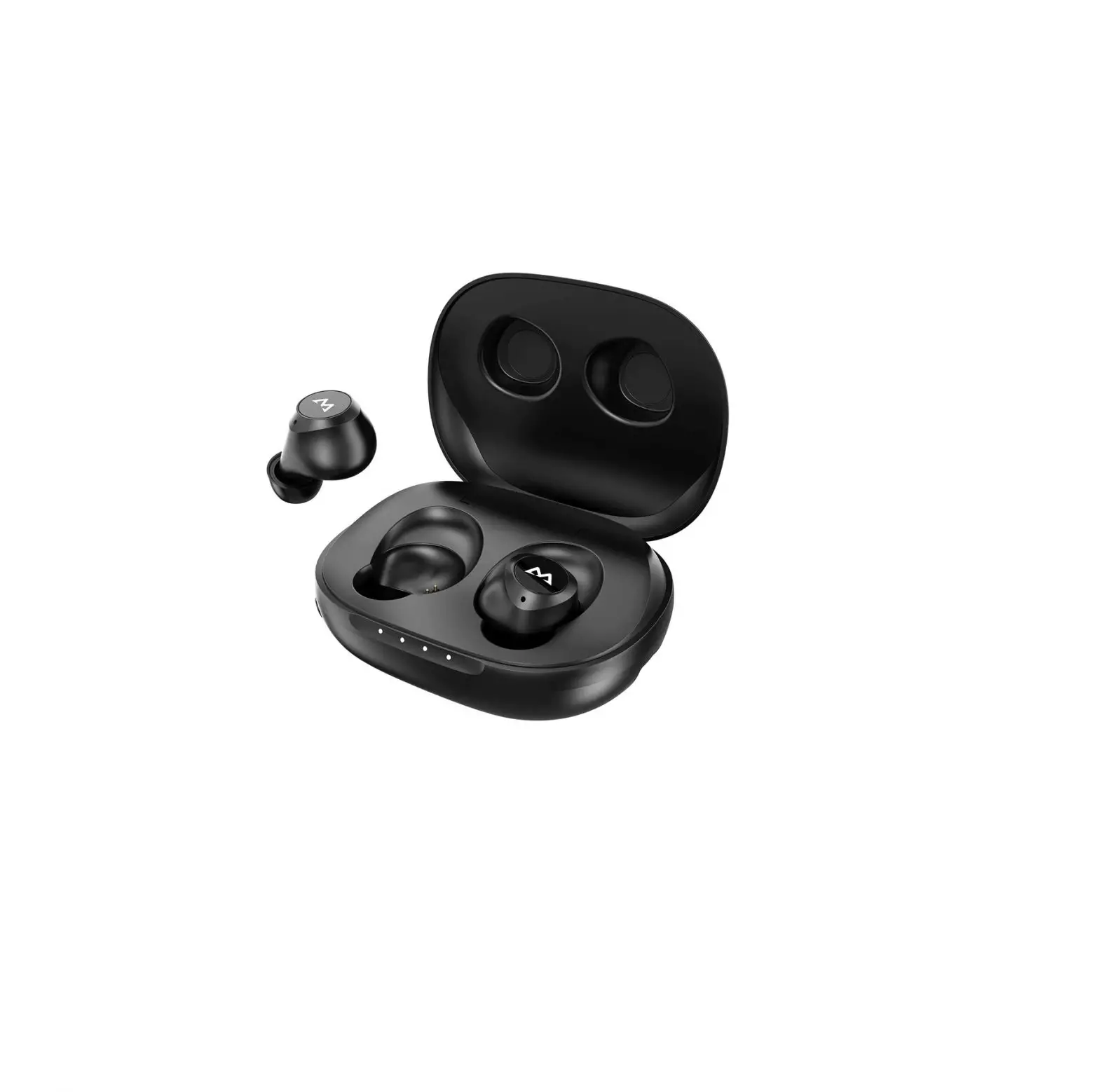
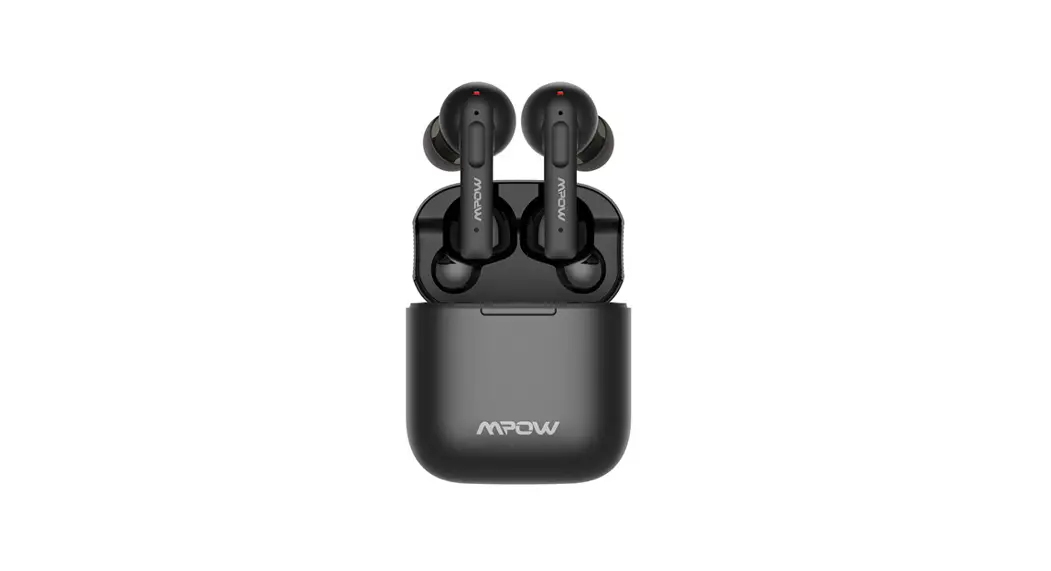
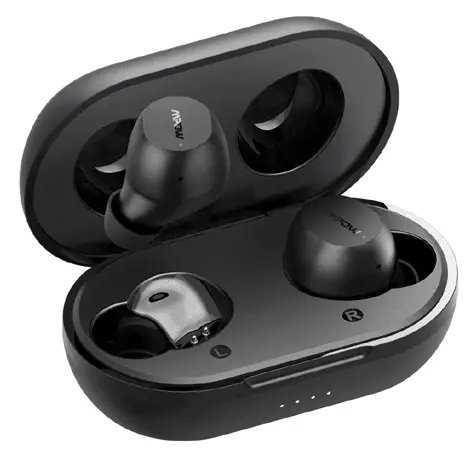
MPOW Mini Wireless Earbuds

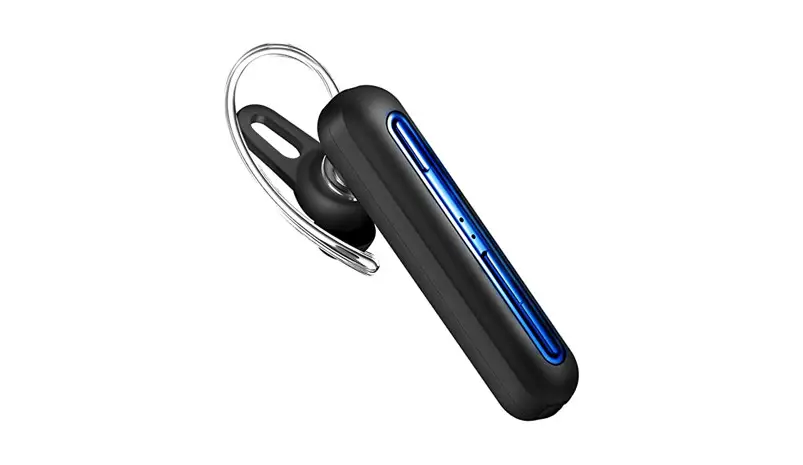
MPOW EM16
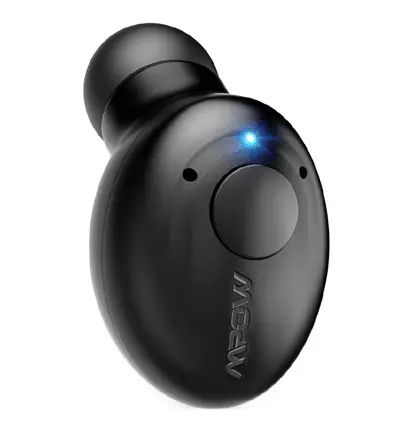
MINI WIRELESS HEADSET

MPOW AUDIO WIRELESS

PairPair

Mode 1: Auto

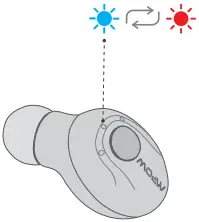
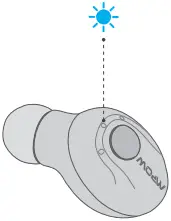
Red and Blue lights start flashing alternately
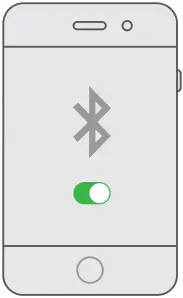
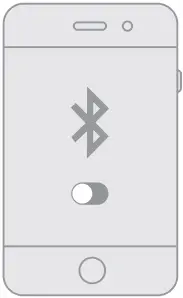
Pair - Mode 1 - 1arrow ZPair - Mode 1 - 2arrow ZPair - Mode 1 - 3arrow Z

Dual-point Connection 1a      arrow Z

Blue light start flashing slowly 

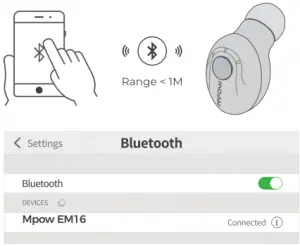
Pair - Mode 1 - 5arrow Z           Pair - Mode 1 - 6Connected

Mode 2: Manual

Red and Blue lights start flashing alternately

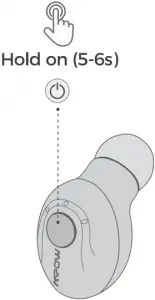
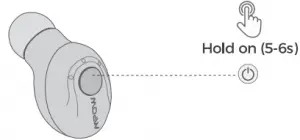
Pair - Mode 1 - 1arrow ZHold on 5-6sarrow ZPair - Mode 1 - 3arrow Z

Dual-point Connection 1a      arrow Z

Blue light start flashing slowly 

Pair - Mode 1 - 5arrow Z           Pair - Mode 1 - 6Connected

Play Play

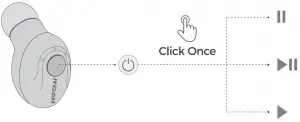
Play 2

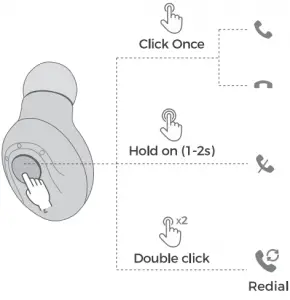
Call Call

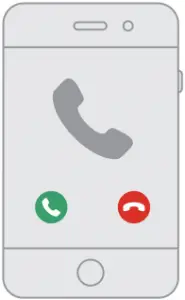
Call Function 1  arrow ZCall Function 2

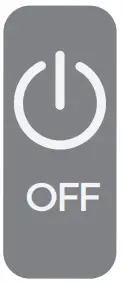
On Off ON / OFF

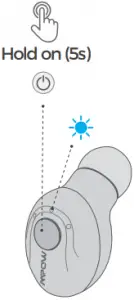
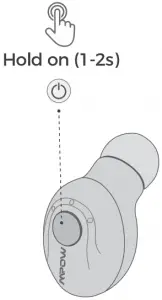
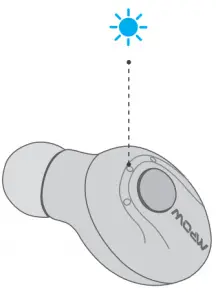
On Function 1  Hold on 1-2sarrow Z    On Function 3

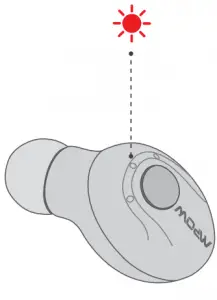
Off Function 1Hold on 5-6sarrow ZOff Function 3

Charge Charge

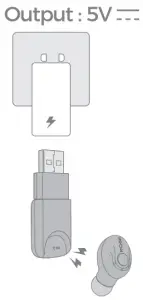
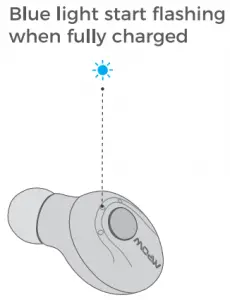
Caution S  Please keep the charging port dry before charging
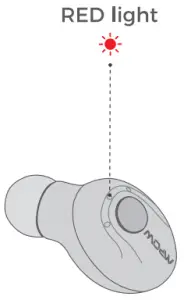
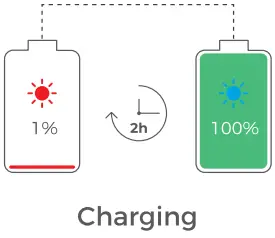
 Charge Function 1Charge Function 2arrow ZCharge Function 3arrow ZCharge Function 4

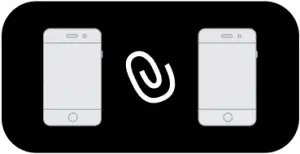
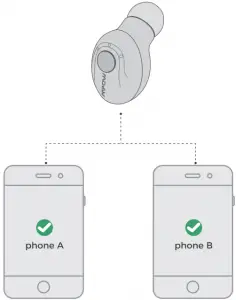
Dual-point Connection Dual-point Connection

(1) Phone A

Dual-point Connection 1a      arrow Z

Phone A Connected     Phone A Bluetooth turned off
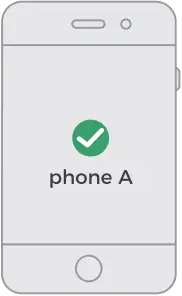
Dual-point Connection 1b      arrow Z      Dual-point Connection 1carrow Z

Power off the headset

Dual-point Connection 1d    Dual-point Connection 1e

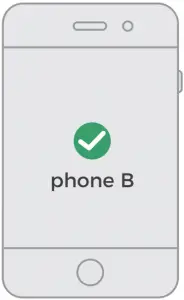
(2) Phone B                                          Phone B Connected

Dual-point Connection 1a      arrow ZDual-point Connection 2b

(3) Turn on Phone A Bluetooth and EM16 will connect automatically

Dual-point Connection 1a

(4)

Dual-point Connection 4

MPOW logo 2

www.xmpow.com | [email protected]
MPOW TECHNOLOGY CO., LTD
Copyright © MPOW Inc. All rights reserved.

References

Documents / Resouces

Download manual
Here you can download full pdf version of manual, it may contain additional safety instructions, warranty information, FCC rules, etc.


Related Manuals