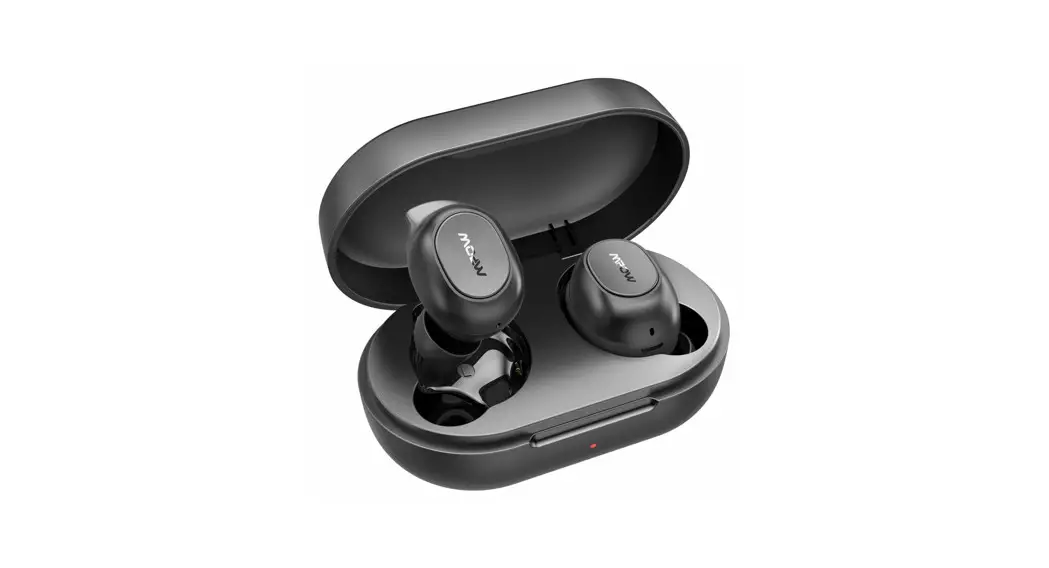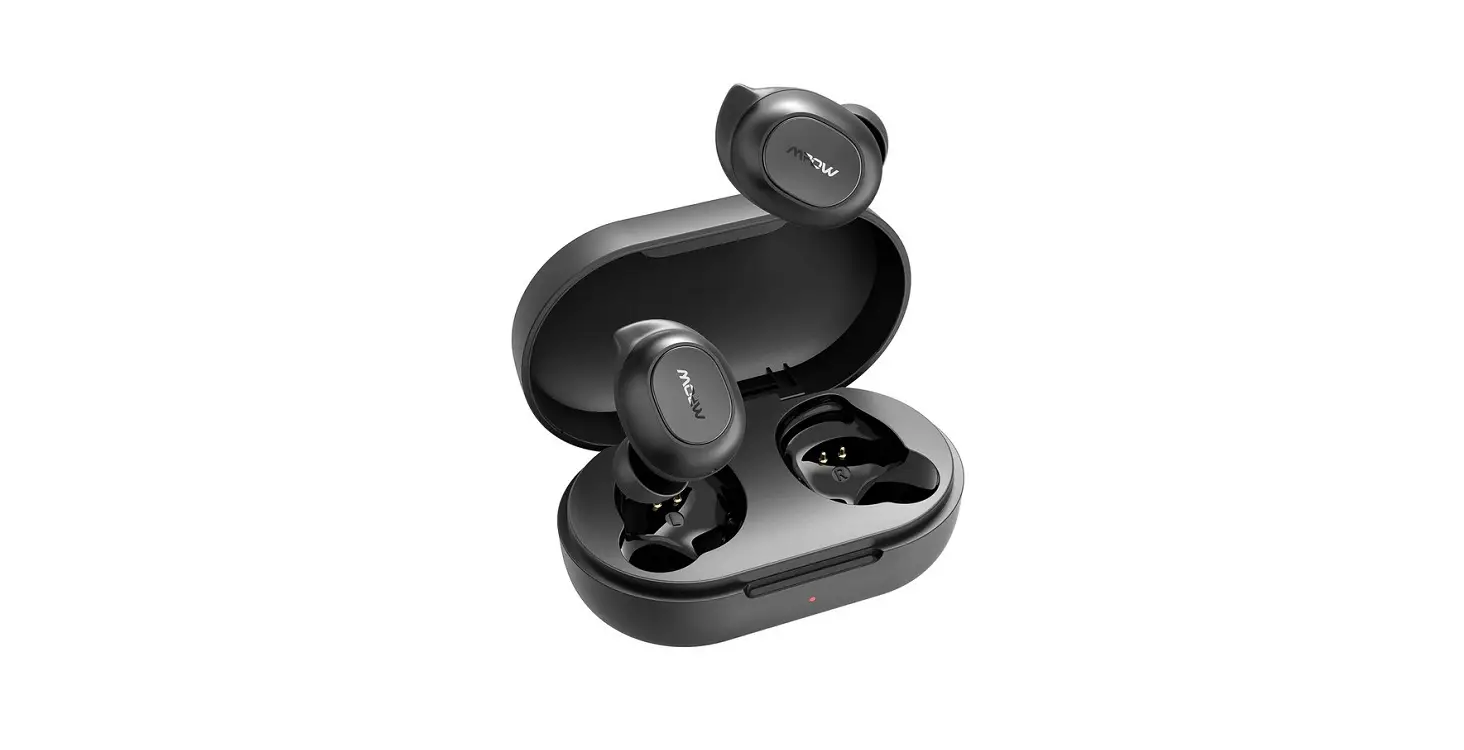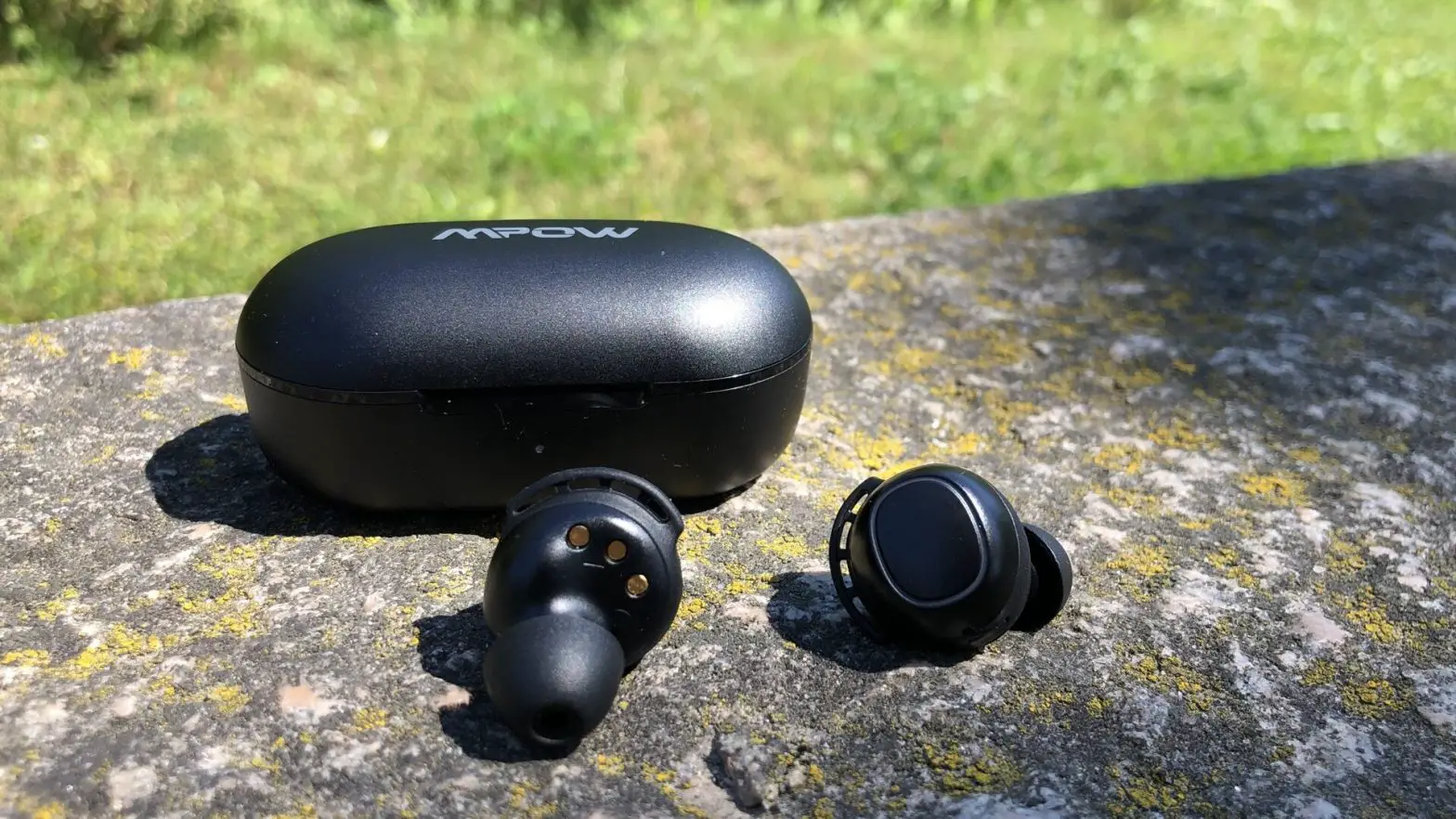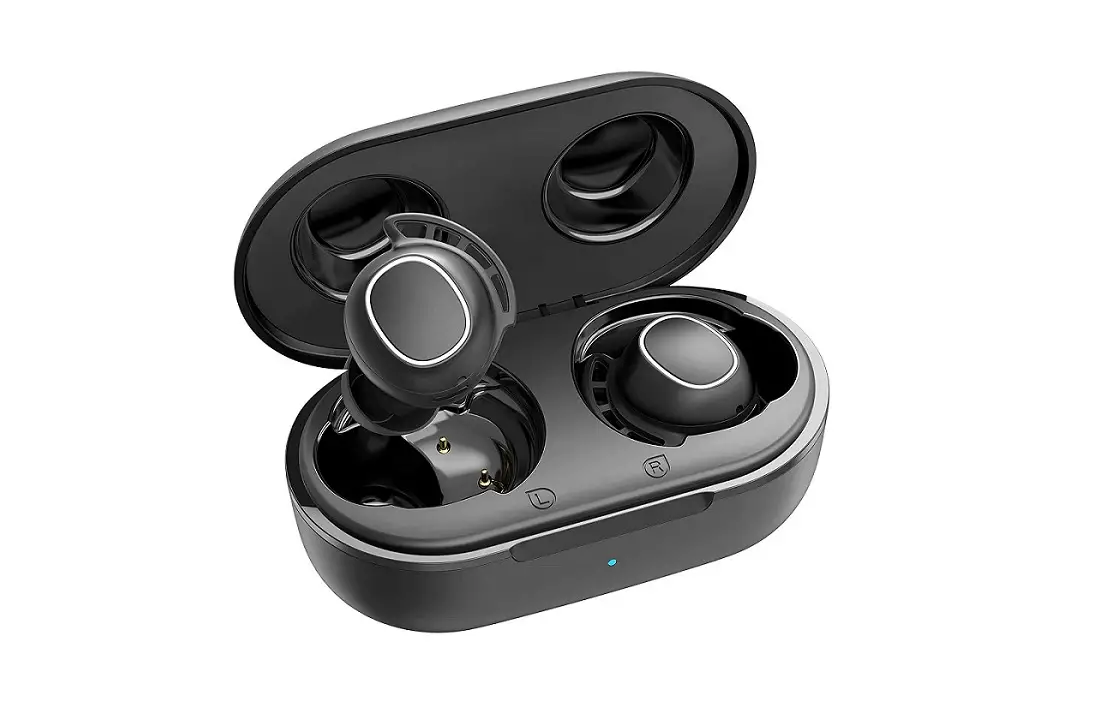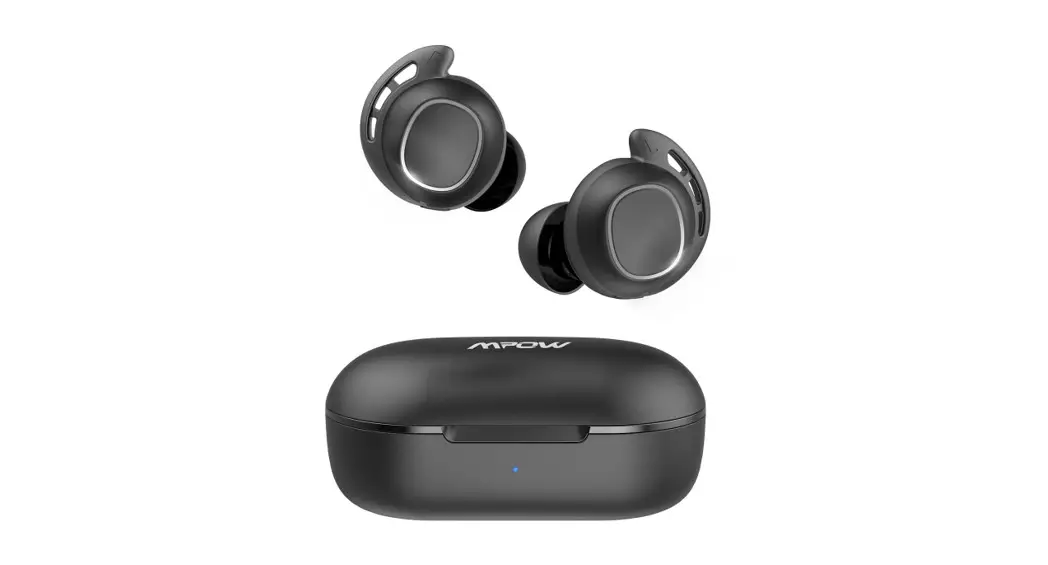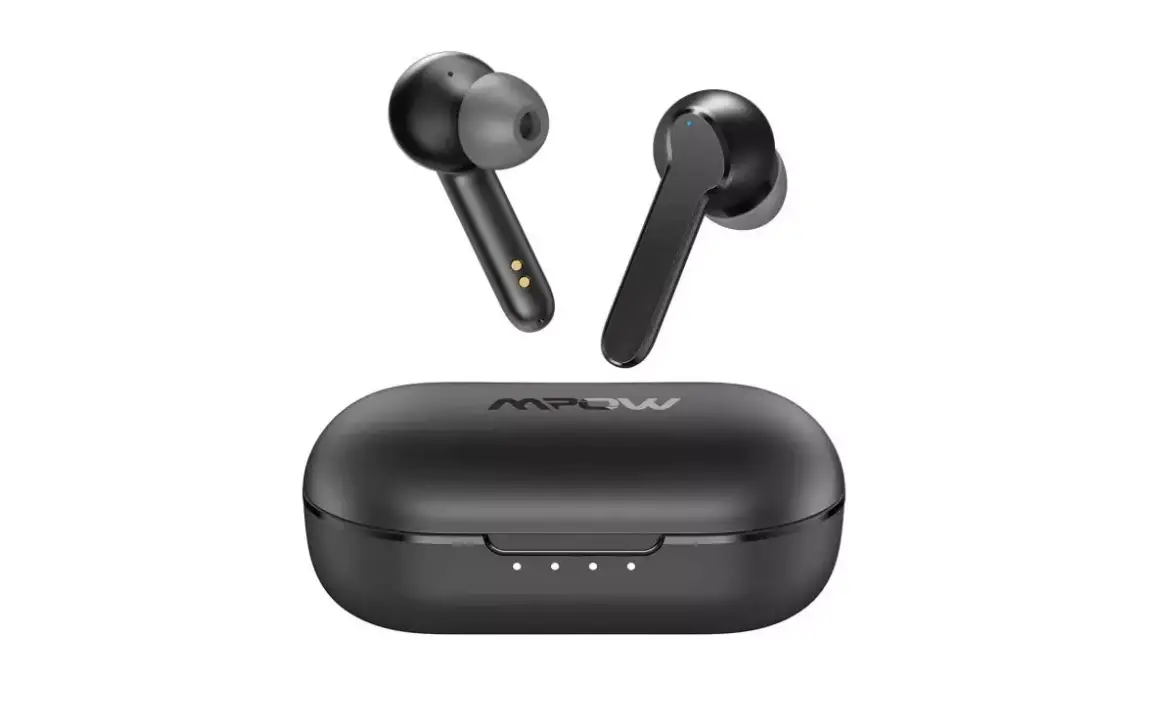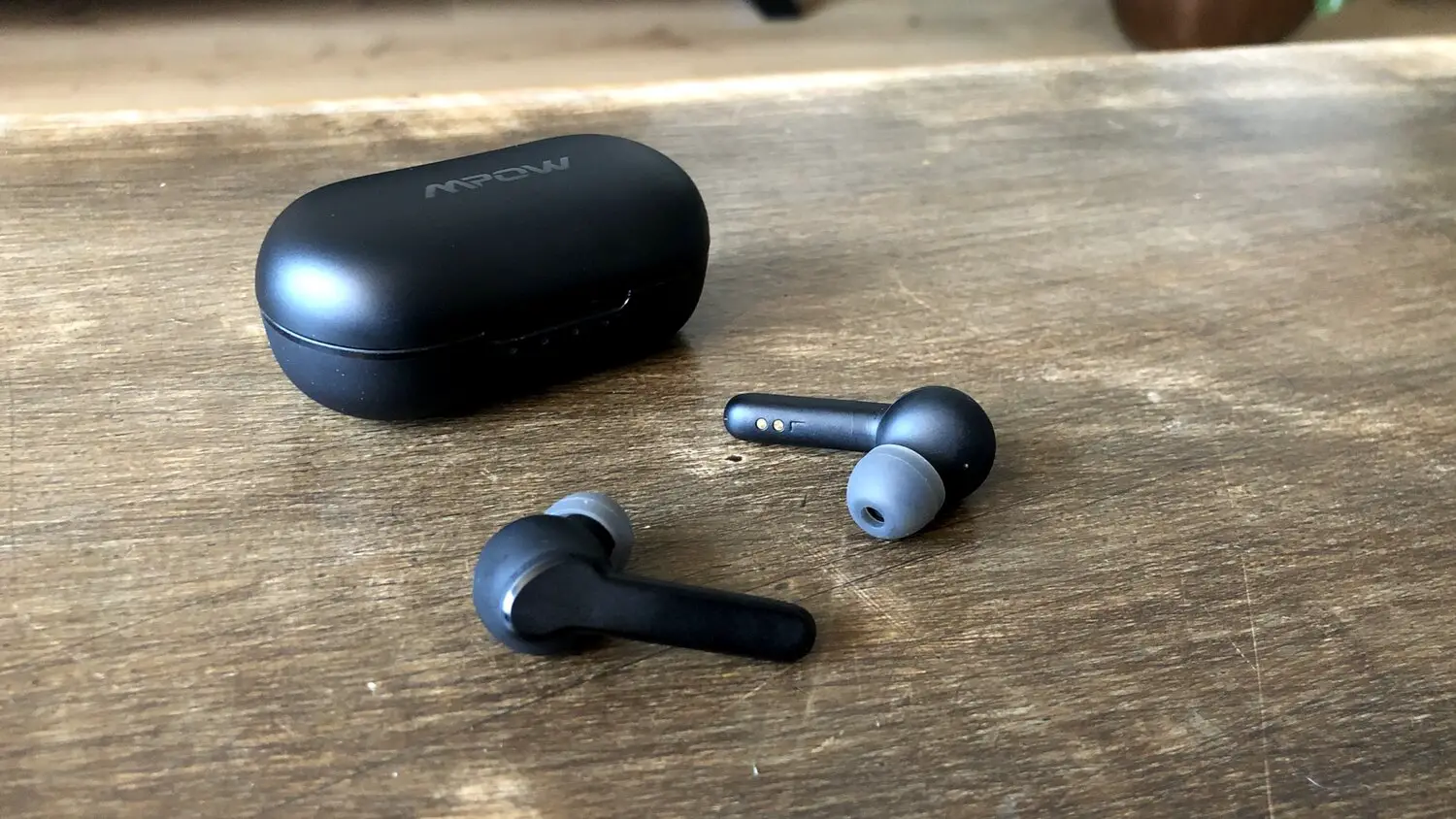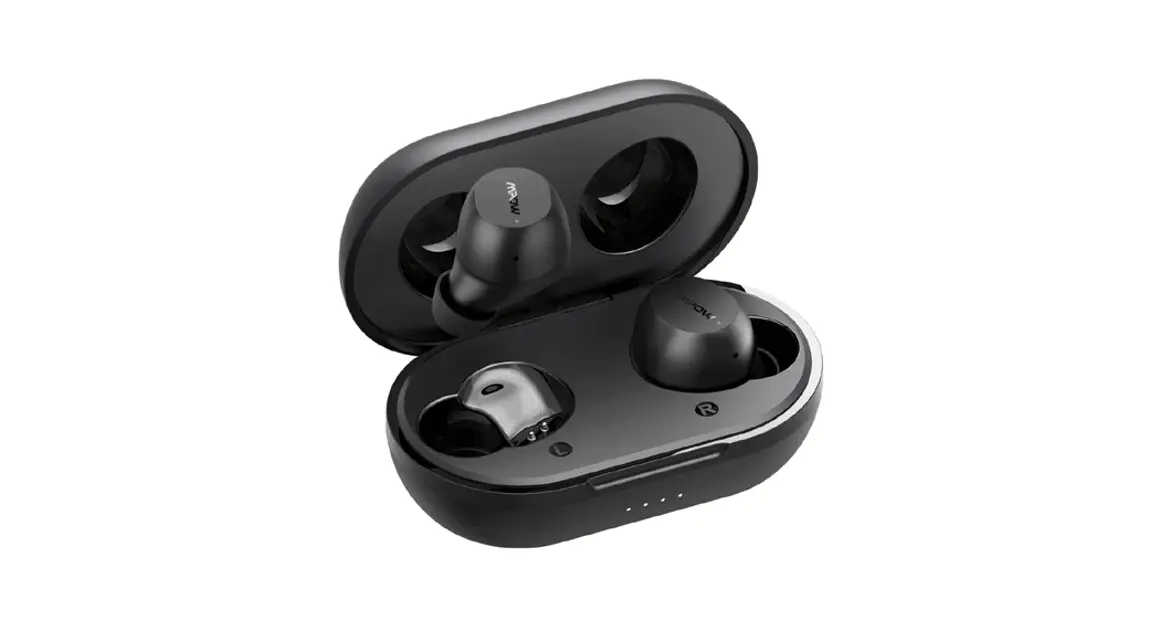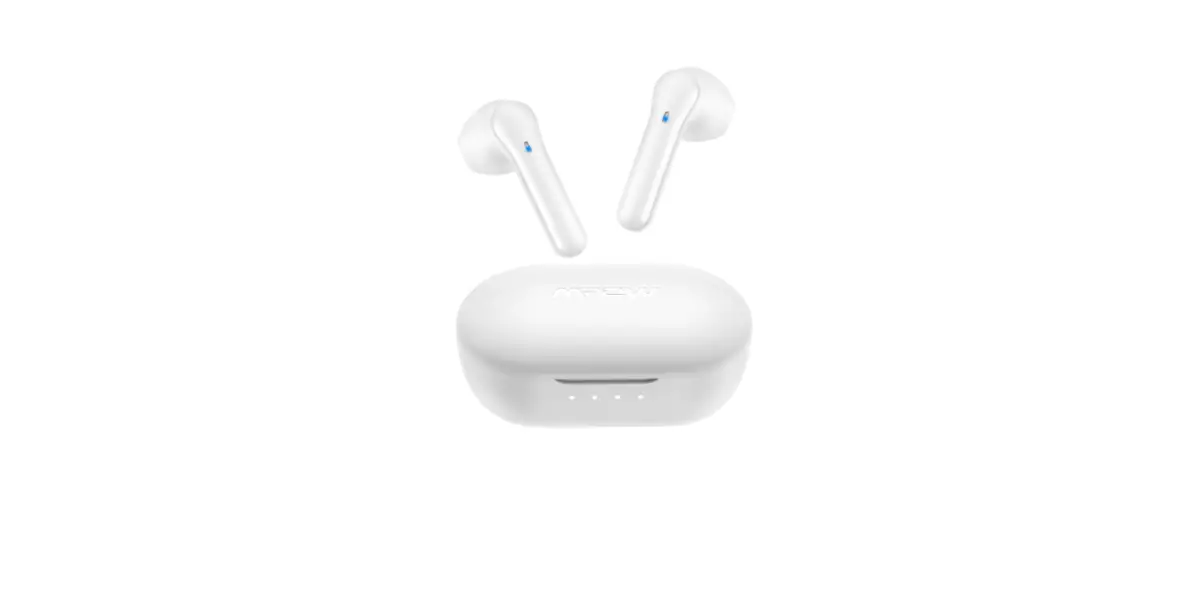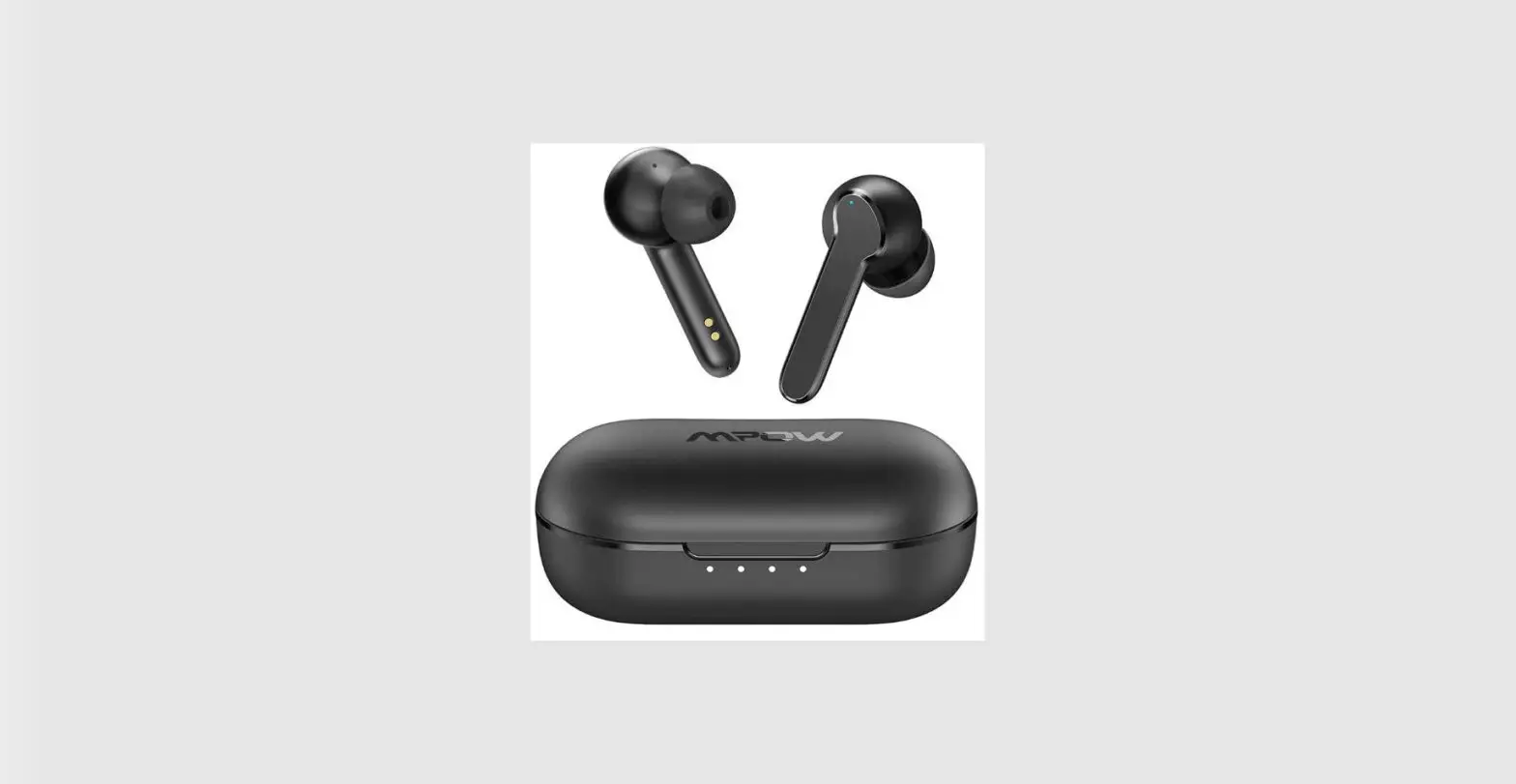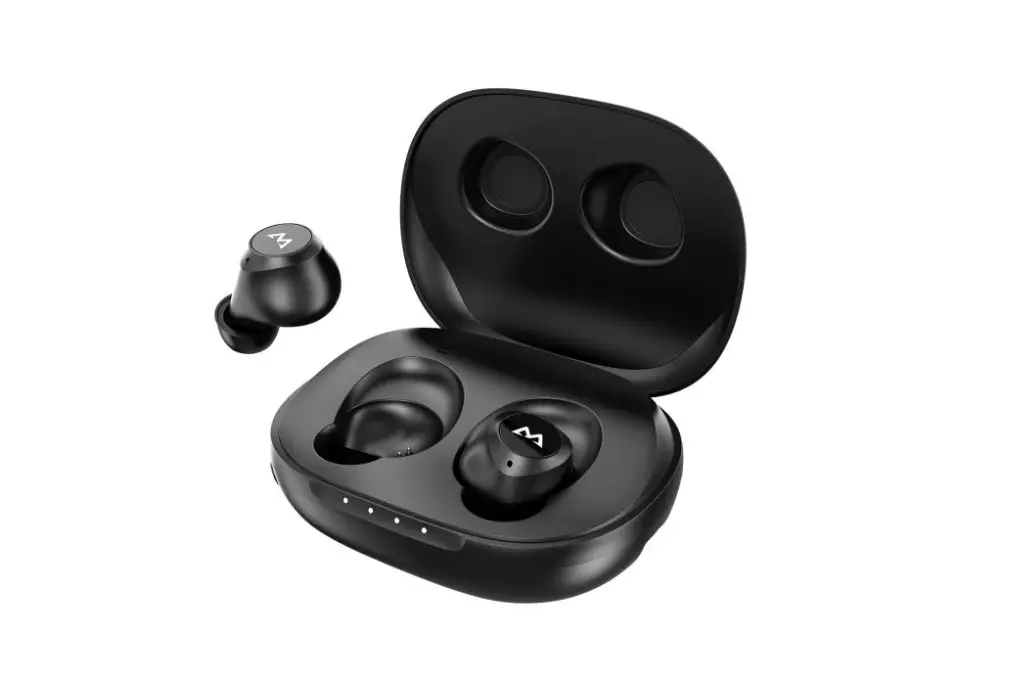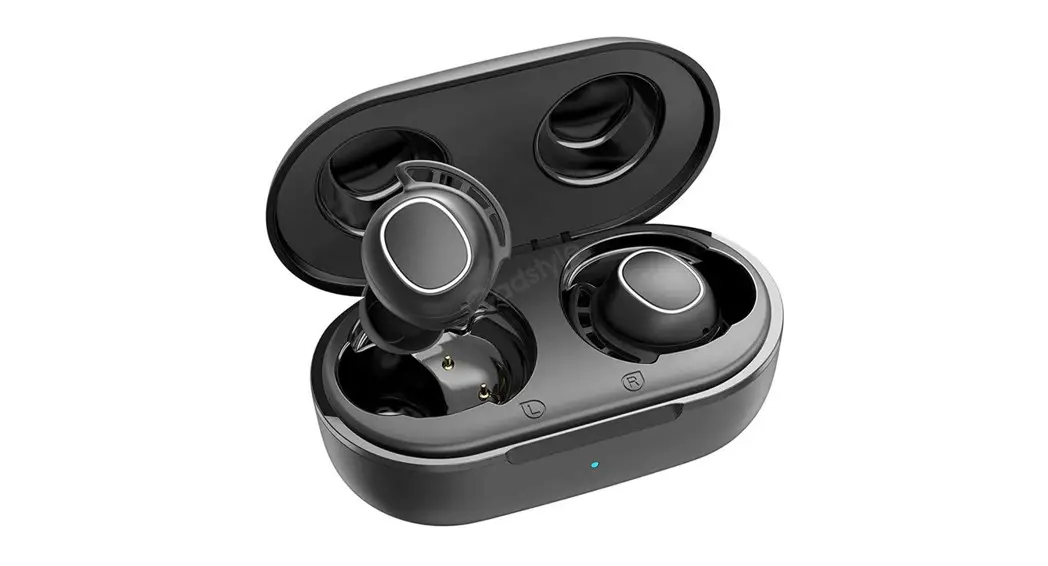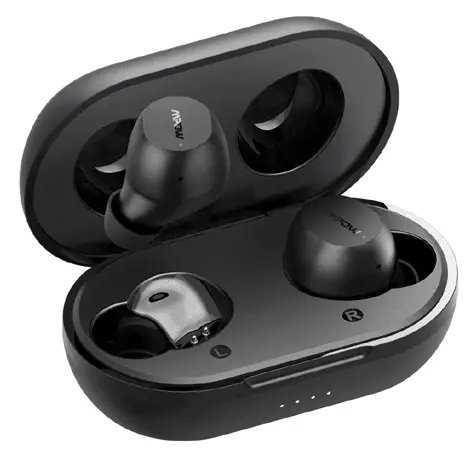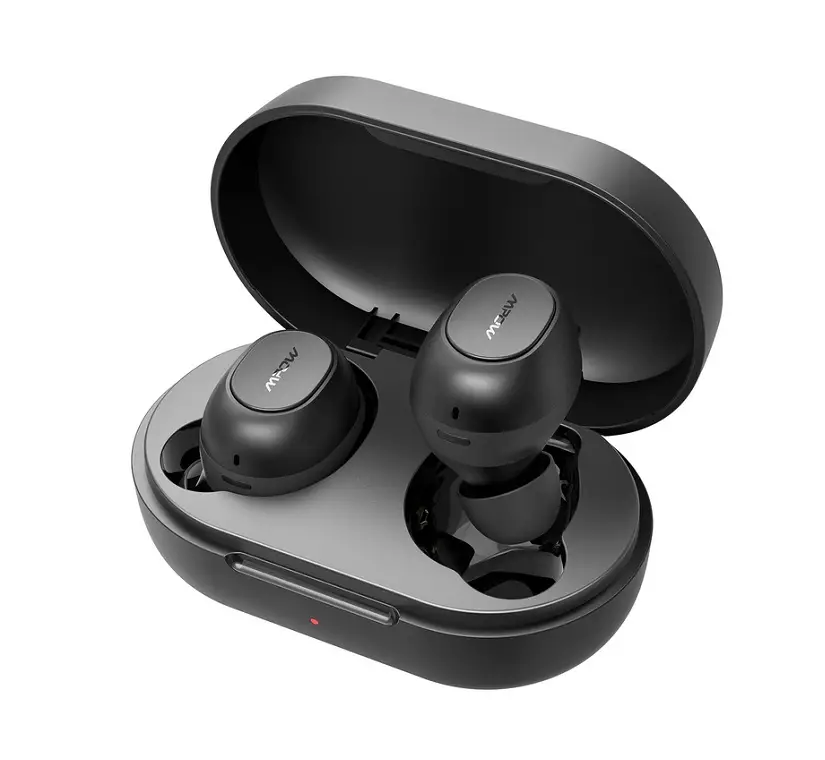

MPOW MPBH510AB MDots True Wireless Earbuds
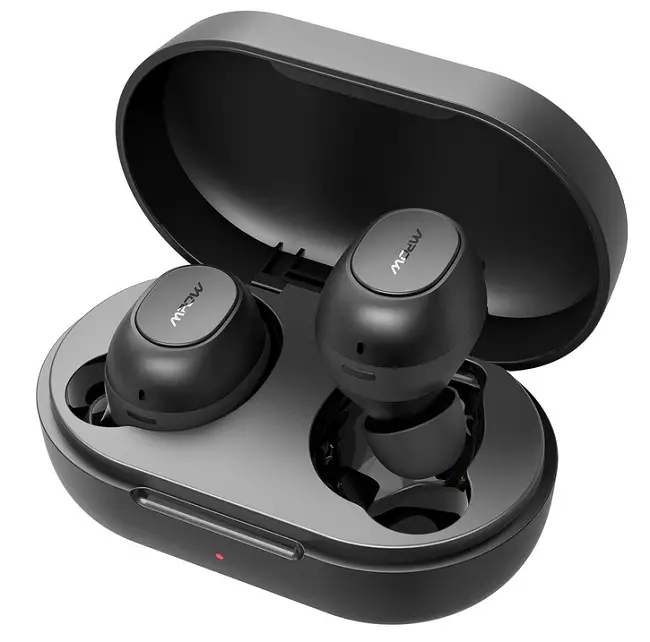
AUTO PAIRING SETUP
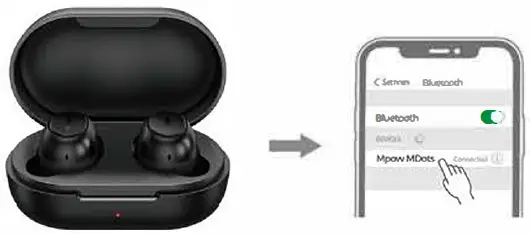
Open the charging case. both earbuds will power on and enter pairing mode in which the LED light flashes white twice per second Search Bluetooth name·
Mpow MDots” and select it in your mobile phone
RESET
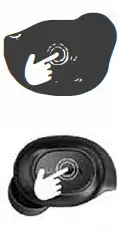
- Step1. Take out both earbuds from the charging case
- Step2 . Tum off both earbuds t:,,, keeping pressing them for Sseconds
- Step3. Press and hold both earbuds for 10 seconds to clear t he paired information
- Step4. The LED will flash red and white alternately 3 times.
- Steps. Reset successfully.
- Step6. Put both earbuds into the charging case to re-enter Into pairing mode.
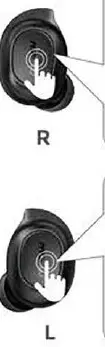
Right Earbud:
- Volume up: keep clicking it volume will be up increasingly
- Next track; double click
- Play or pause: click once
- Ans-Ner or end a call: click once
- Reject a call. keep clicking for 2 seconds
- activate Siri or Google Assistant triple-click
Left Earbud:
- Volumeckmn keep clicking it \Olumewill beclcJNndecreasirgly
- Previous track double click
- Play or pause: click once
- Ans-Ner or end a call: click once
- Reject a call: keep clicking for 2 seconds
- Activate Siri or Google Assistant triple-click
O&A
Ql:
The left earbud is lost so I buy a new single left one. how to pair?
Answer.
- Put the new single earbud into the charging case to charge for a while.
- Take out both earbuds from the charging case.
- Tum off both earbuds t:,,, keeping pressing them for S seconds.
- Press and hold both earbuds for 1 O seconds to delete the paired information.
- The LED will flash red and white alternately 3 times.
- Put both earbuds into the charging case to re-enter into pairing mode.
How to know the remaining battery of charging case?
3 colors indicate different battery levels

Why doesn’t the music stop when I put the earbuds into the charging case
The earbuds automatically tum on and re-connect with your device when you open the charging case. So. it is only when you put back the earbuds and close the case that the music stops playing automatically. If the music is still playing when you close the case. maybe the earbuds are not placed property and they are not in the state of charging. you just need to put them back again and close the case