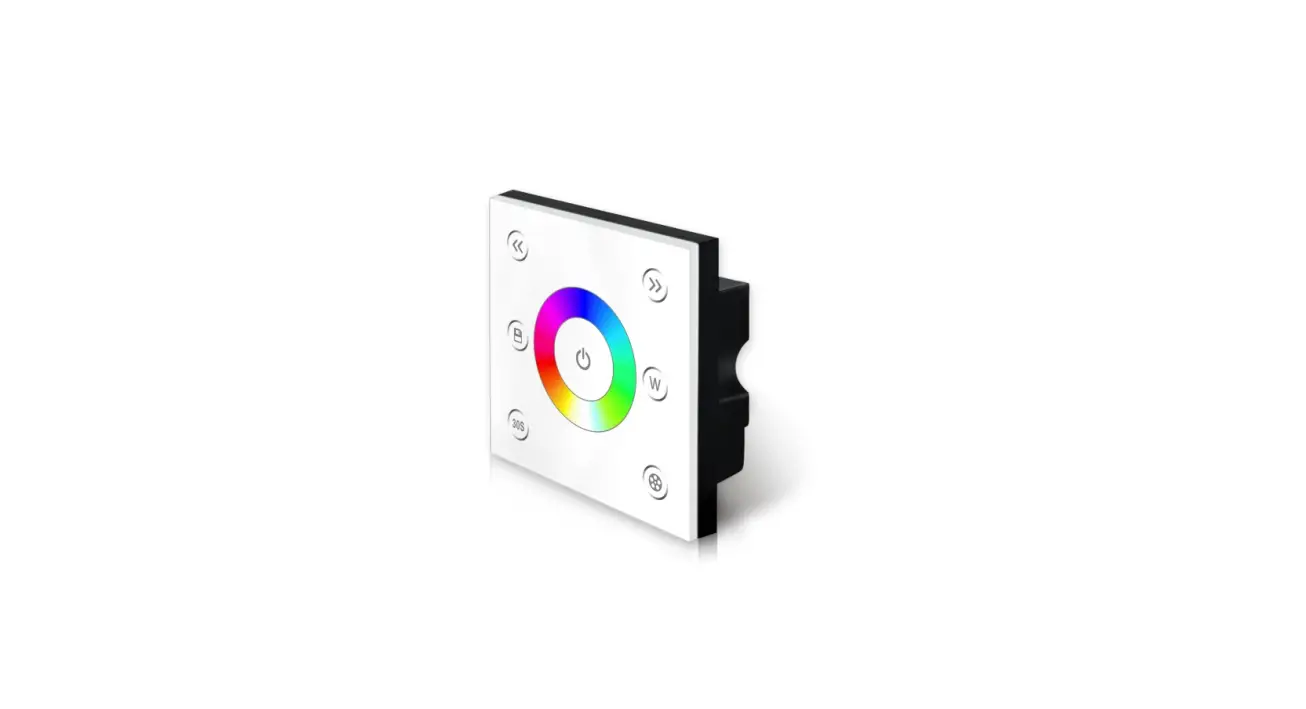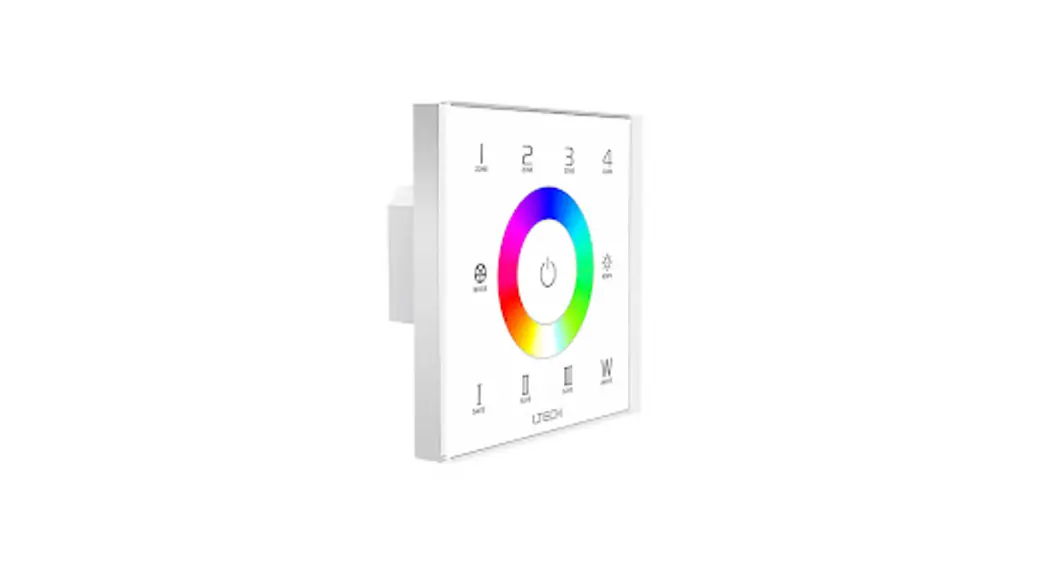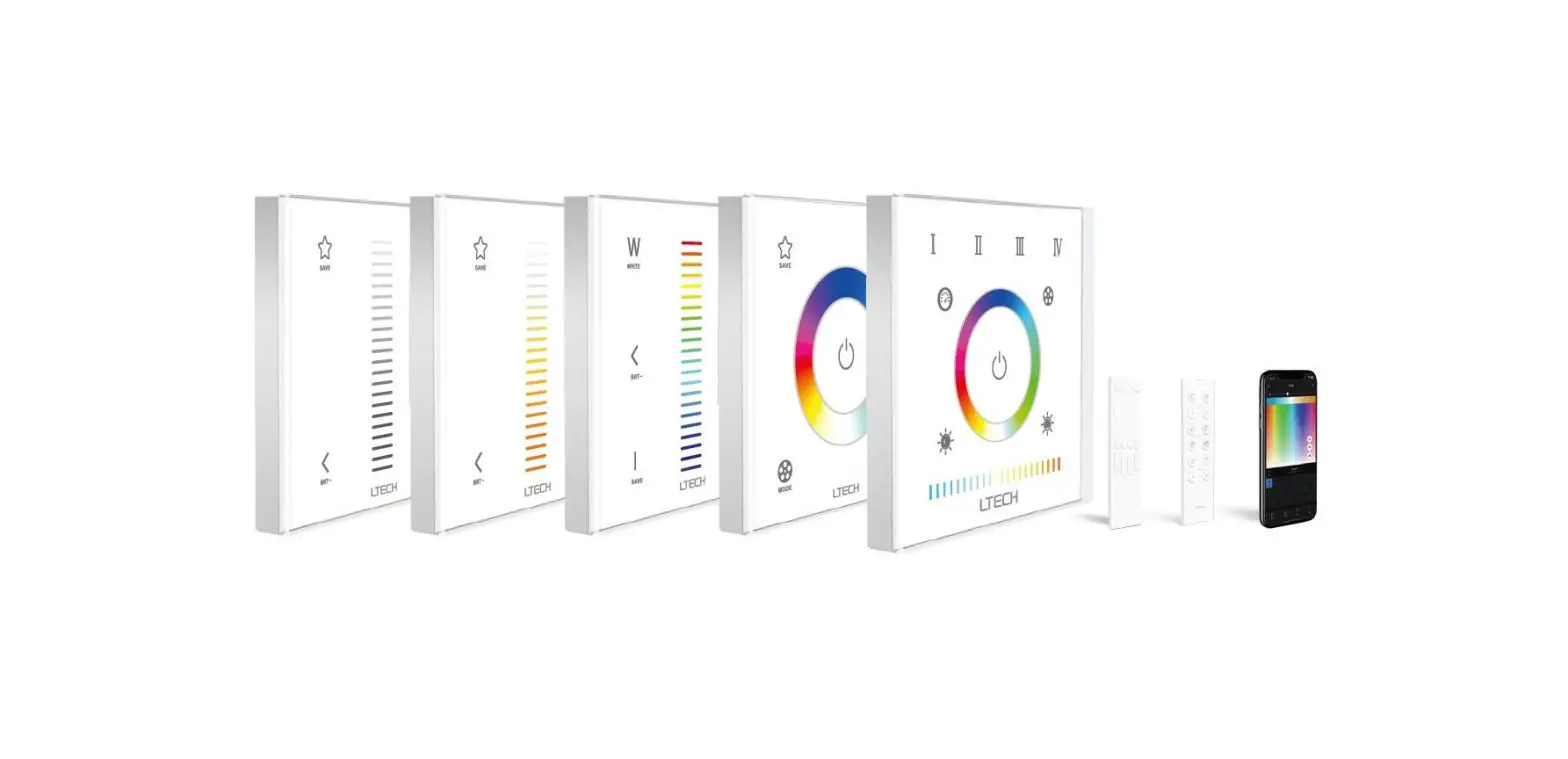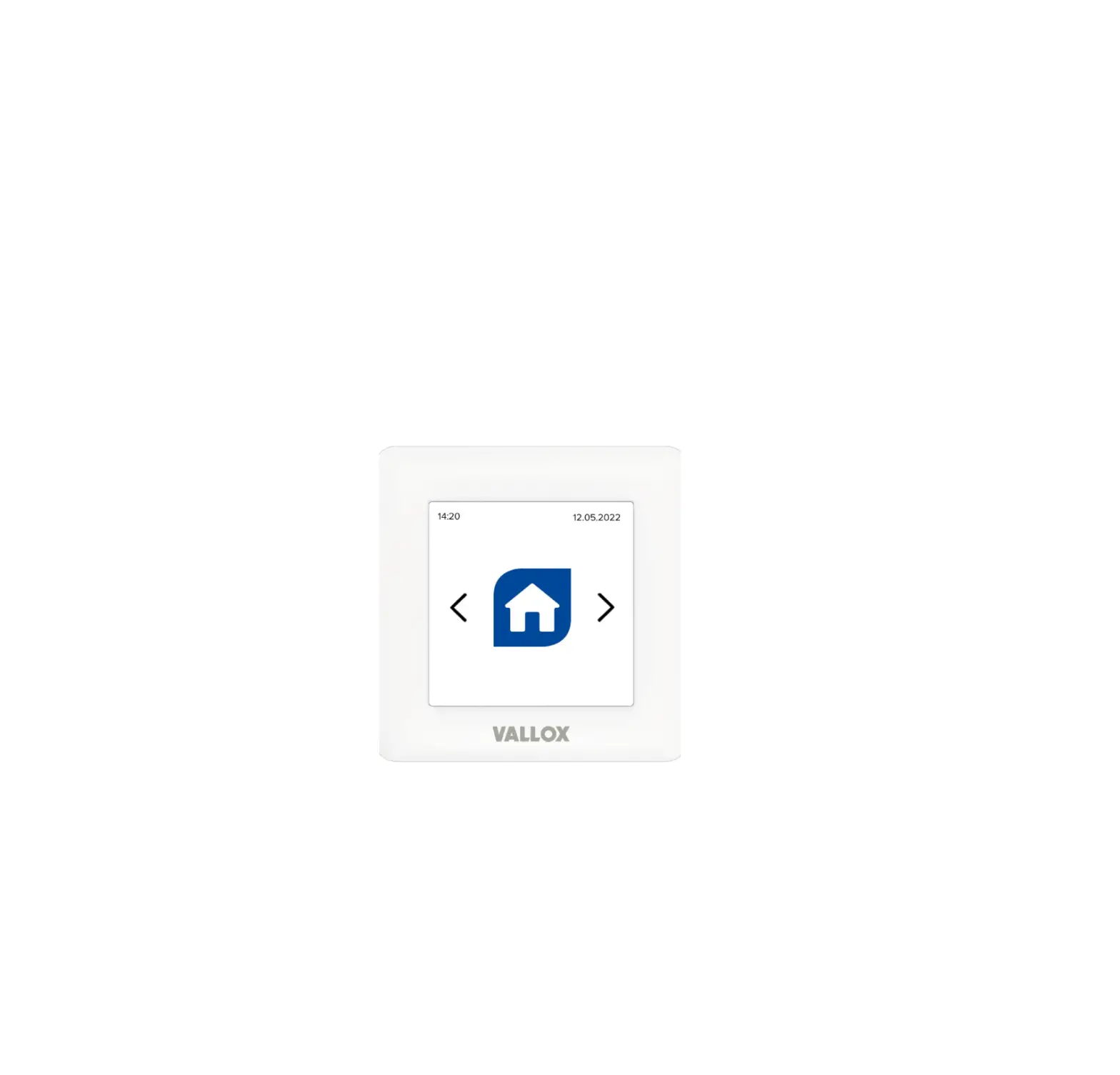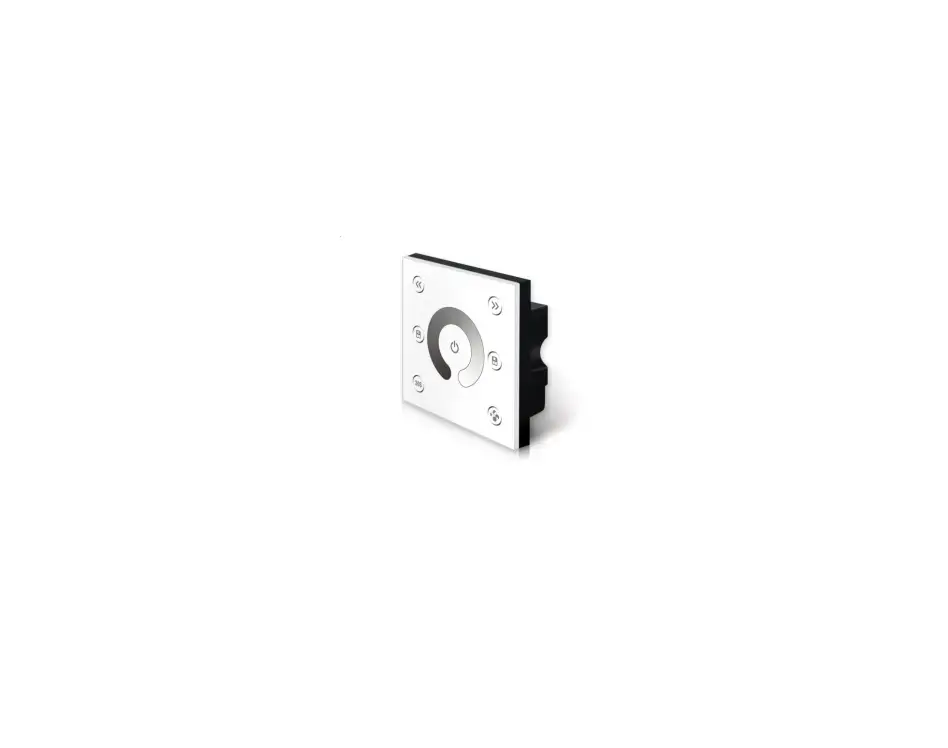
PILOTdrive-1 MKII Touch Panel User Guide

Technical Specs:
- Input Voltage: DC12V-24V
- Load Current: 4A×4CH Max 16A
- Grey Scale Level: 4096×4
- Dimming Range: 5%-100%
- Max Output Power: 192W/384W(12V/24V)
- Working Temperature: -20°C~55°C
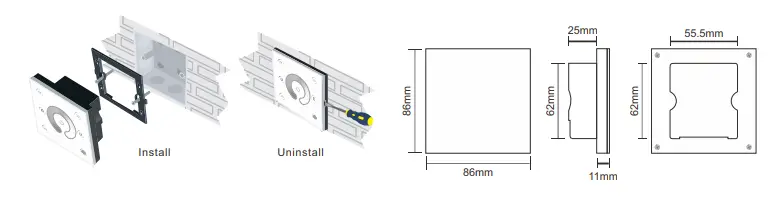
- Dimensions: L86×W86×H36(mm)
- Weight(N.W): 190g
Installation:
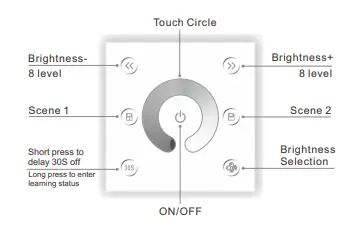
Key Functions:
Long press to turn on/off the buzzer.
※ Short press to call scene,long press to save scene.
※ Hold the , keys for 2 second,the controller will restore
defult and restart automaticallly.
Green Block:
Wiring Diagram:
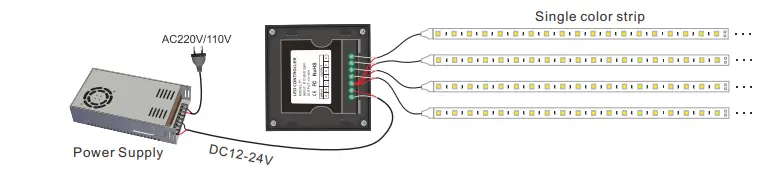
Kindly Reminde:
Power Source Selection:
Power source must be DC constant voltage type of power supply. Due to the efficient output in some power
supplies are only 80% of total, so please select at least 20% higher output power supply than the consumption of LED lights.
Read More About This Manual & Download PDF: