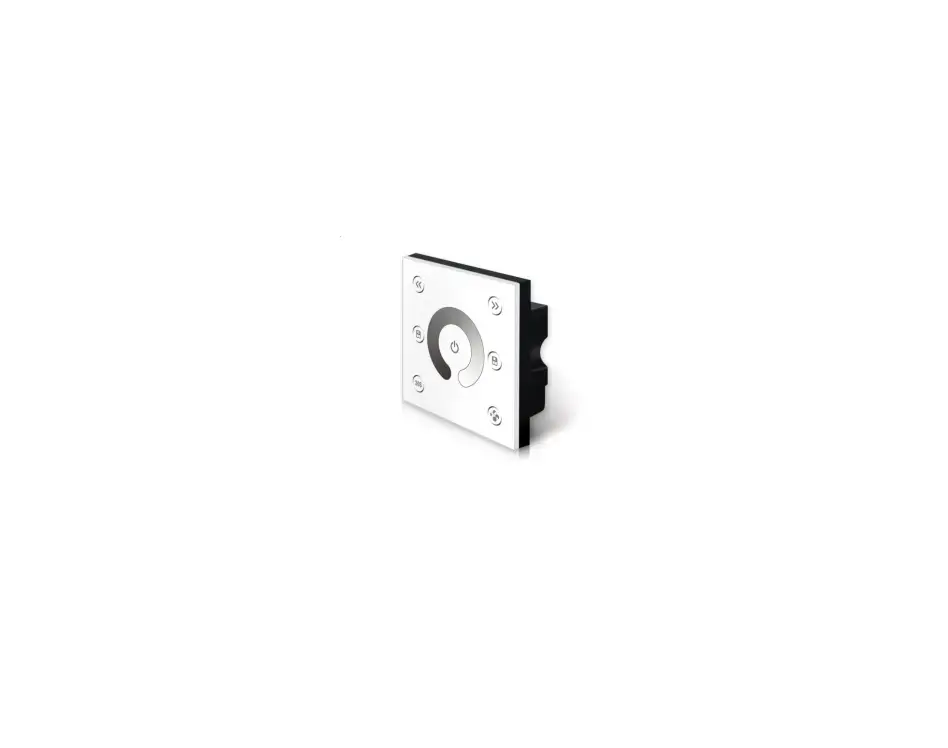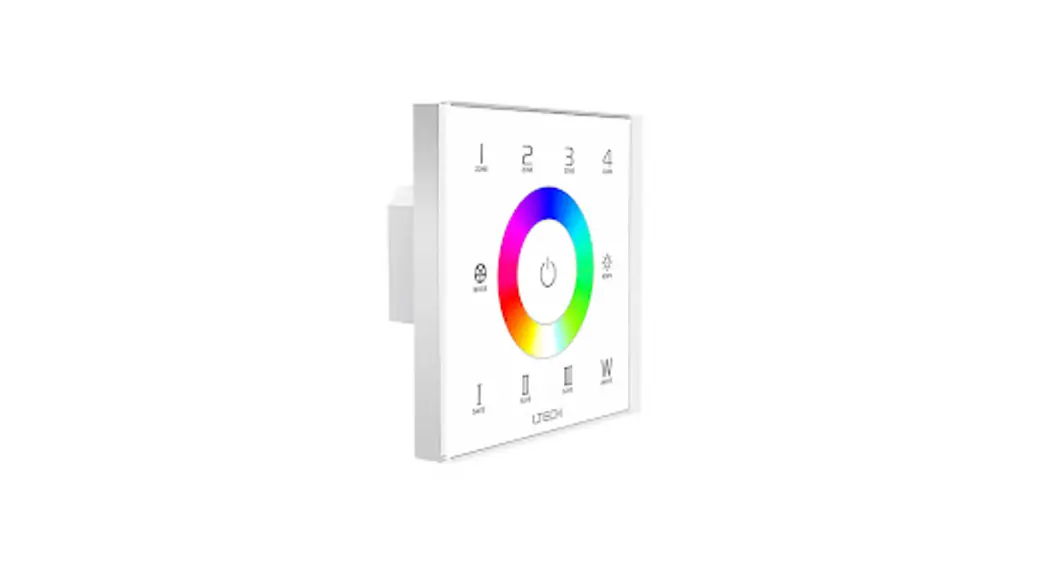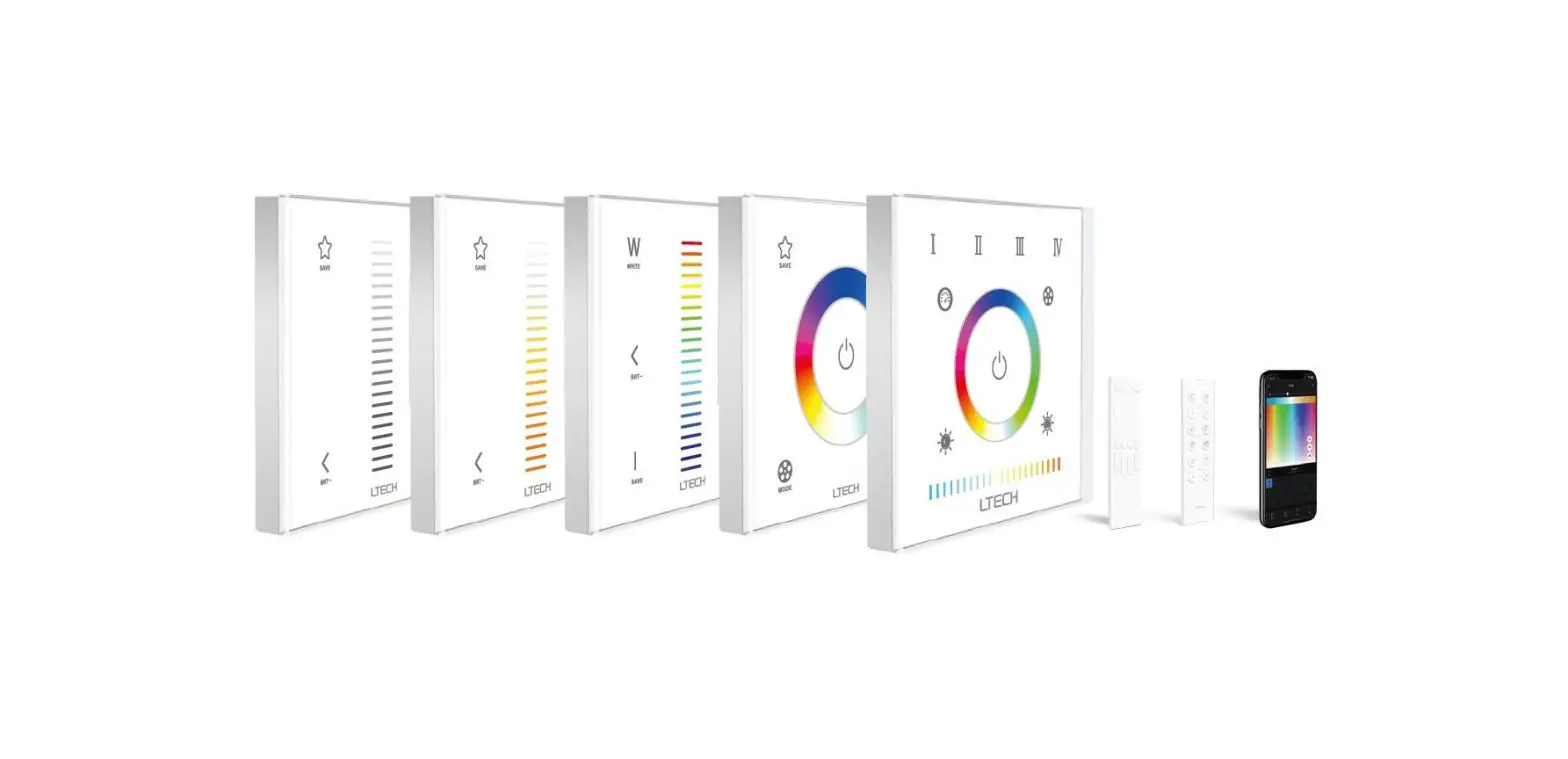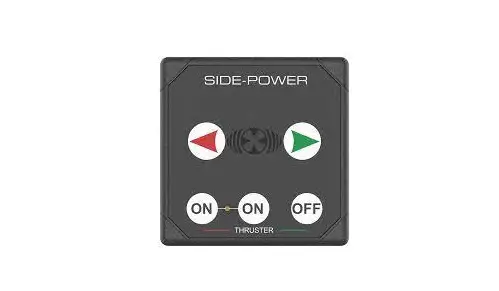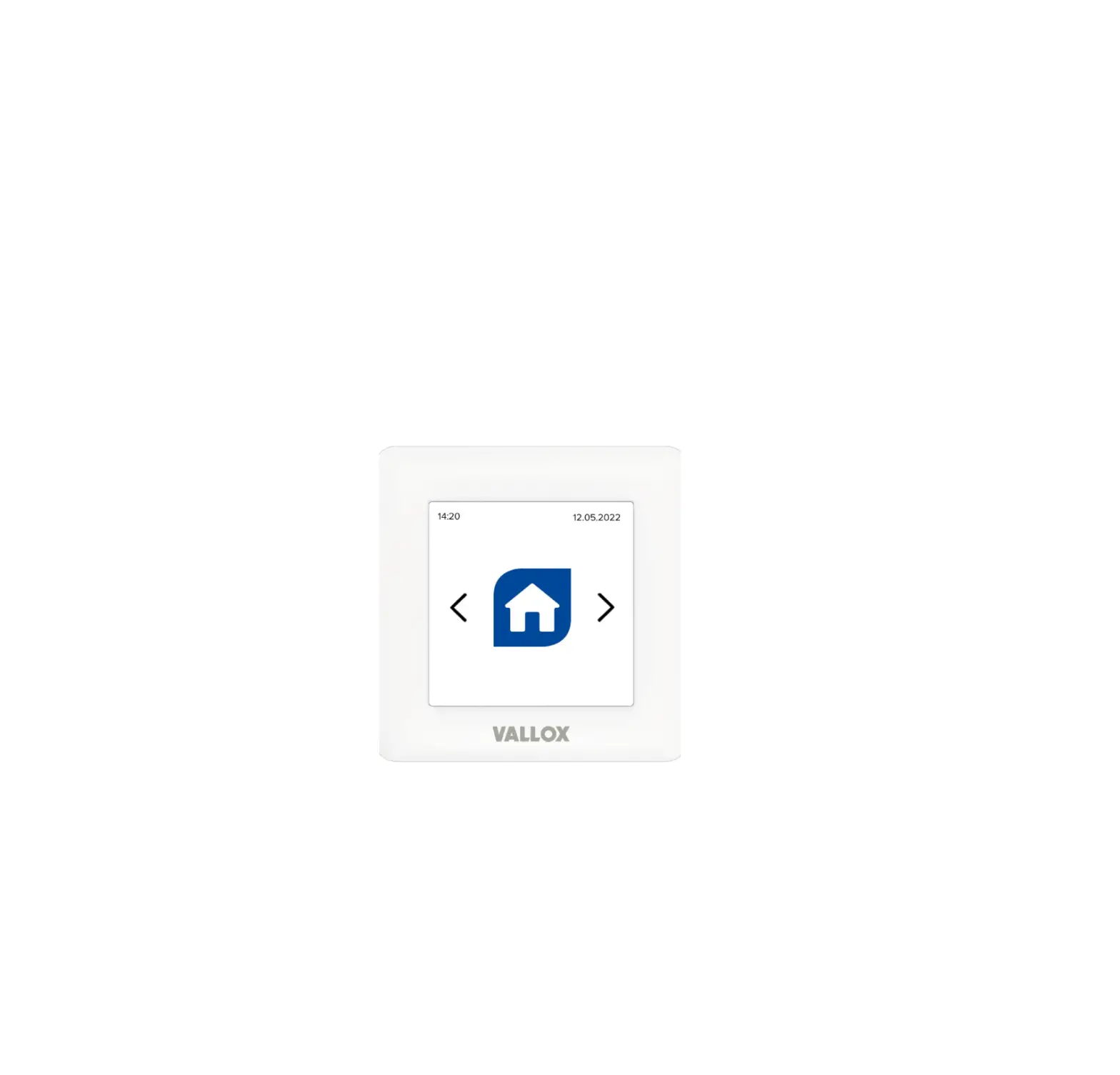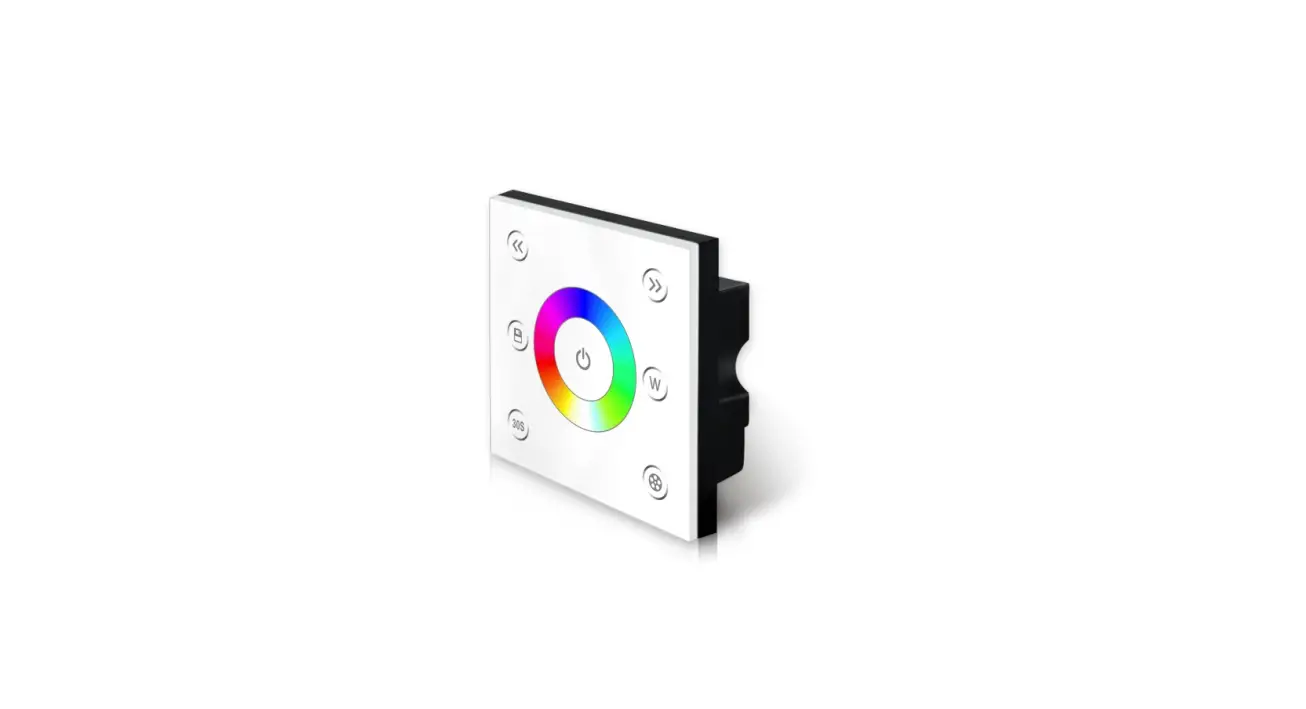

Contest PILOTdrive-4 MKII Touch Panel
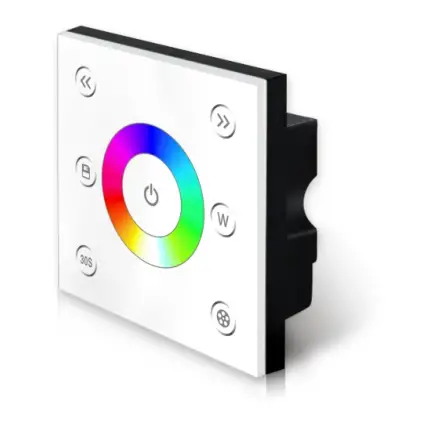
Technical Specs
- Input Voltage: DC12V-24V
- Load Current: 4A×4CH Max 16A
- Grey Scale Level: 4096×4
- Max Output Power: 192W/384W(12V/24V)
- Working Temperature: -20°C~55°C
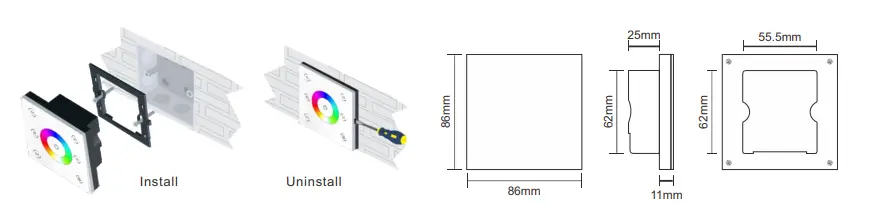
- Dimensions: L86×W86×H36(mm)
- Weight(N.W): 190g
Installation
Key Functions
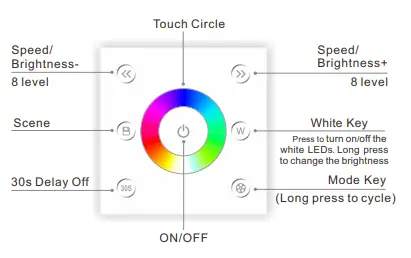
- Long press
 to turn on/off the buzzer.
 - Short press
 to call scene, long press to save scene.
 - Hold the
 keys for 2 second, the controller will restore defult and restart automatically.
 - Short press key under static to adjustable brightness; short press key under dynamic to adjustable speed, long press the brightness.
- RGBW MODE:
NO. MODE NO. MODE 1 RGB CHANGE 2 COLOR CHANGE 3 WHITE FLASH 4 RGB FADE 5 COLOR FADE 6 RG FADE 7 RB FADE 8 GB FADE 9 WHITE FADE 10 ALL MODE CYCLE



Green Block
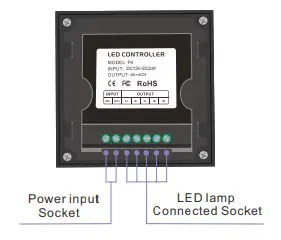
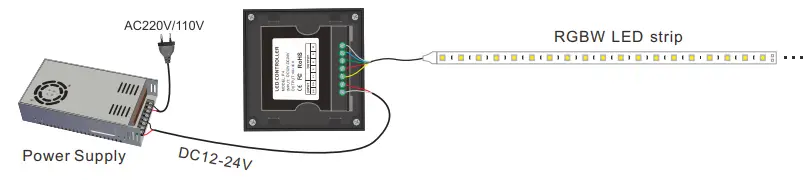
Wiring Diagram