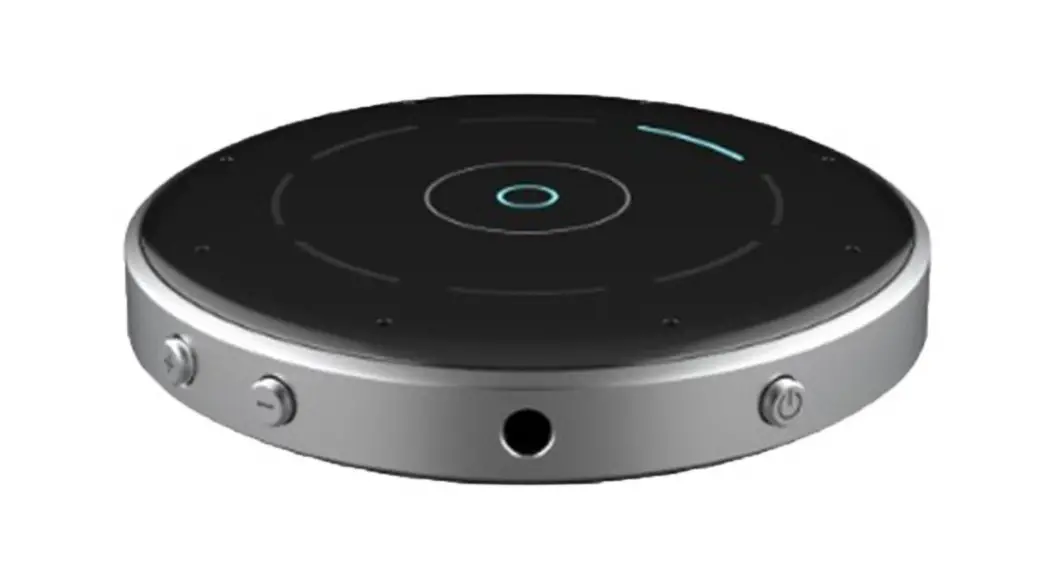
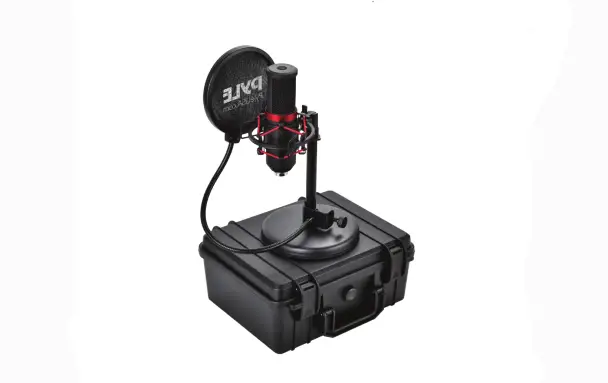
X50 Studio Table Microphone
Product Information
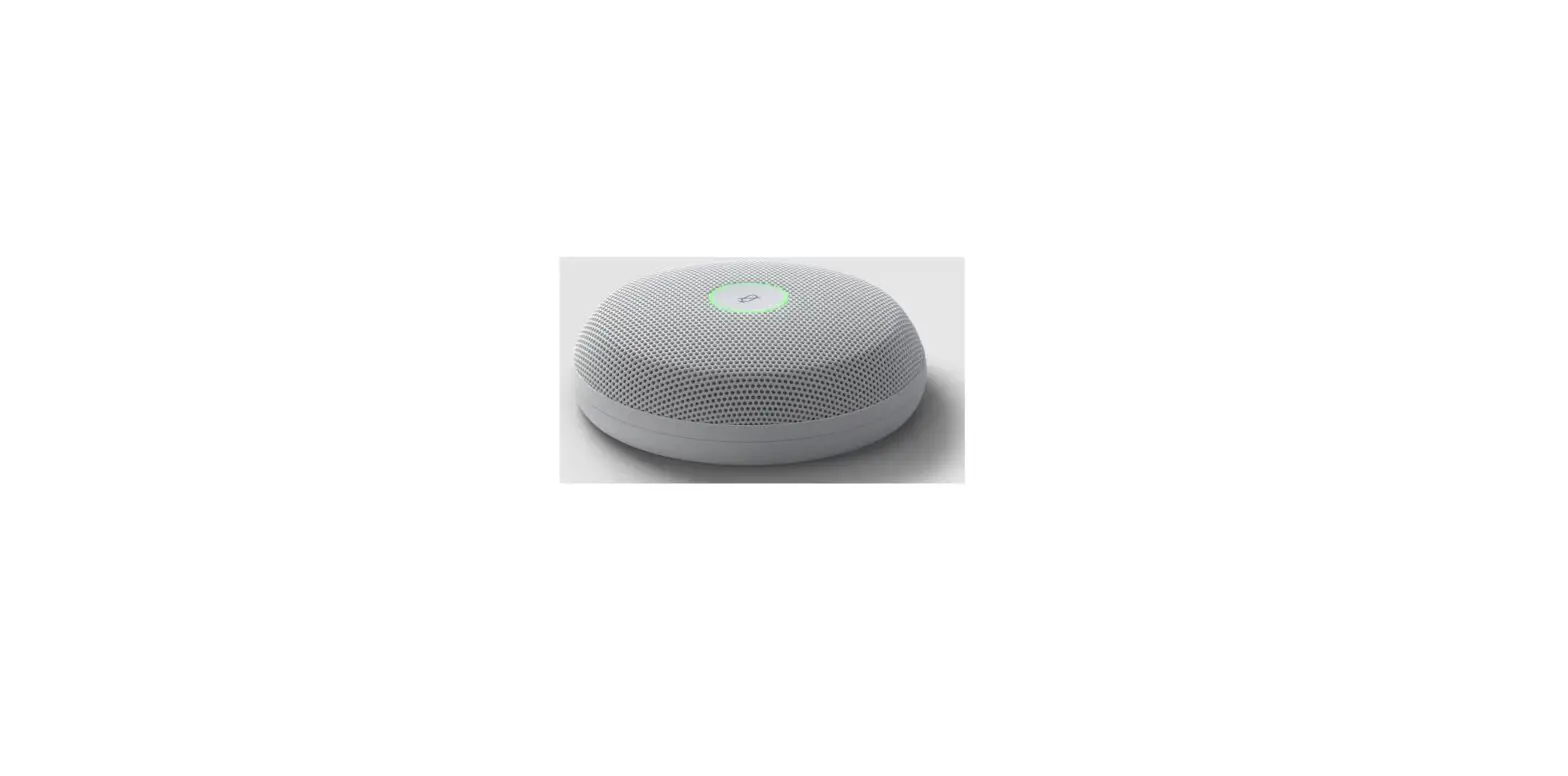
The Poly Studio Table Microphone is designed for use with the
following Poly Studio products: Poly Studio X50, Poly Studio X52,
Poly Studio X70, and Poly Studio USB. It is a high-quality
microphone that enhances audio performance during video
conferencing and other audio applications.
For more information and support, visit the following links:
Product Usage Instructions
- Ensure that your Poly Studio Table Microphone is connected to
the compatible Poly Studio device. - Place the microphone on a stable surface within reach of the
participants. - Adjust the microphone’s position and angle to capture optimal
audio quality. - Make sure the microphone is not obstructed by any objects or
obstructions that could affect sound pickup. - Once the microphone is properly positioned, it is ready to use.
The Poly Studio device will automatically detect and utilize the
microphone for audio input during video conferencing or other audio
applications. - If you encounter any issues or need assistance, refer to the
provided support links or contact Poly support for further
guidance.
QUICK START
POLY STUDIO TABLE MICROPHONE
FOR POLY STUDIO X50, POLY STUDIO X52, POLY STUDIO X70, POLY STUDIO USB
poly.com/support/studio-x52/mic
poly.com/lens
www.poly.com/support/studio-x52
© 2023 Poly. All trademarks are the property of their respective owners. 1725-88011-001C 02.23
 Studio X52 | Poly, formerly Plantronics & Polycom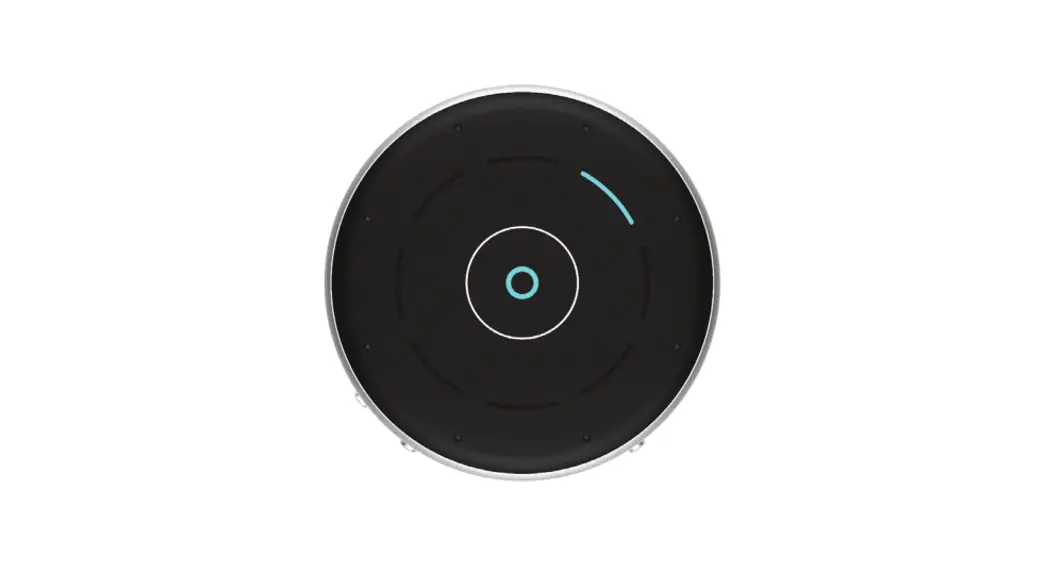
![Yamaha Cs-700 Extension Microphone [xm-cs-700] User Manual](https://static-data1.manualsee.com/1/img/165/57374/2021/02/Yamaha-CS-700-Extension-Microphone-XM-CS-700-User-Manual.jpg "Yamaha Cs-700 Extension Microphone [xm-cs-700] User Manual")