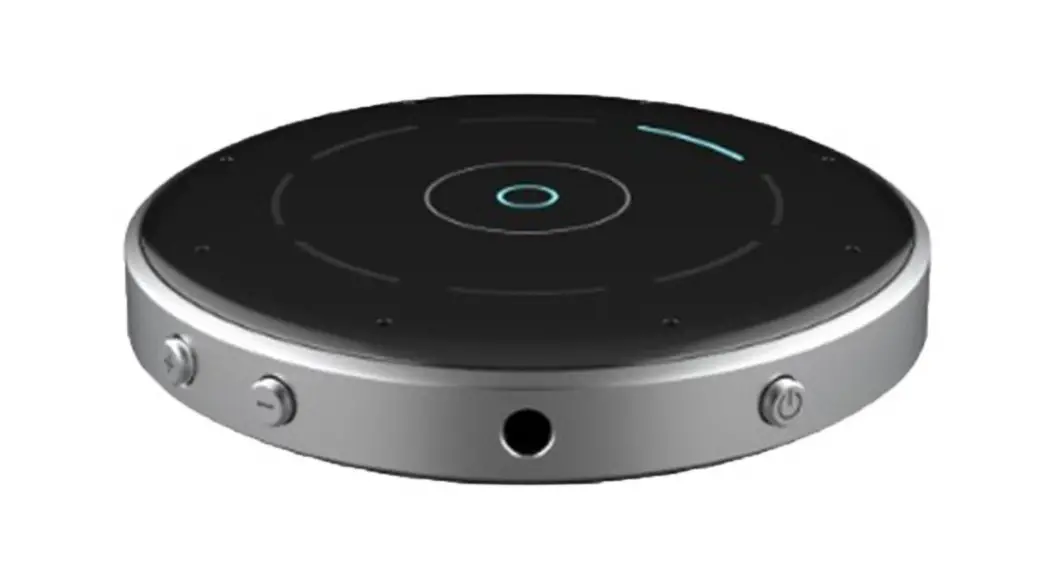

Table Microphone
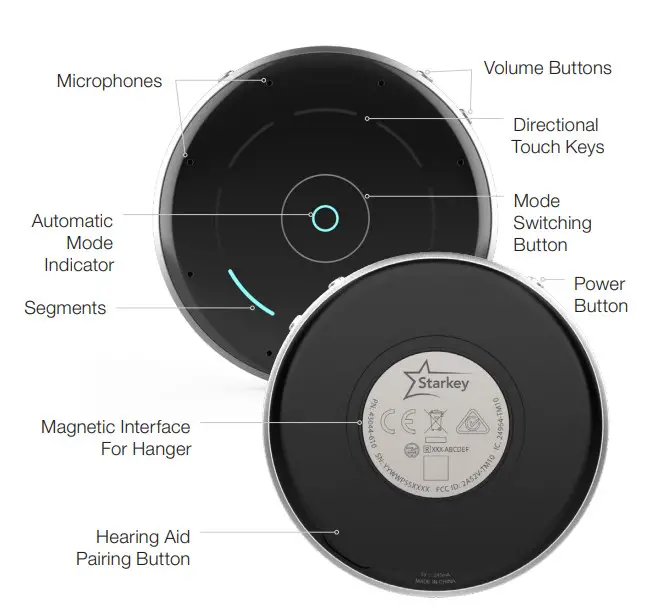
Pairing
The Table Microphone must be paired to interact with compatible 2.4 GHz hearing aids on the Thrive platform. Pairing occurs once, then your hearing aids and Table Microphones will automatically recognize each other.
- Power off your smart device or other accessories that were previously paired with your hearing aids.
- Power off, then power on your hearing aids to place in pairing mode.
- Place your hearing aids within six inches of the Table Microphone.
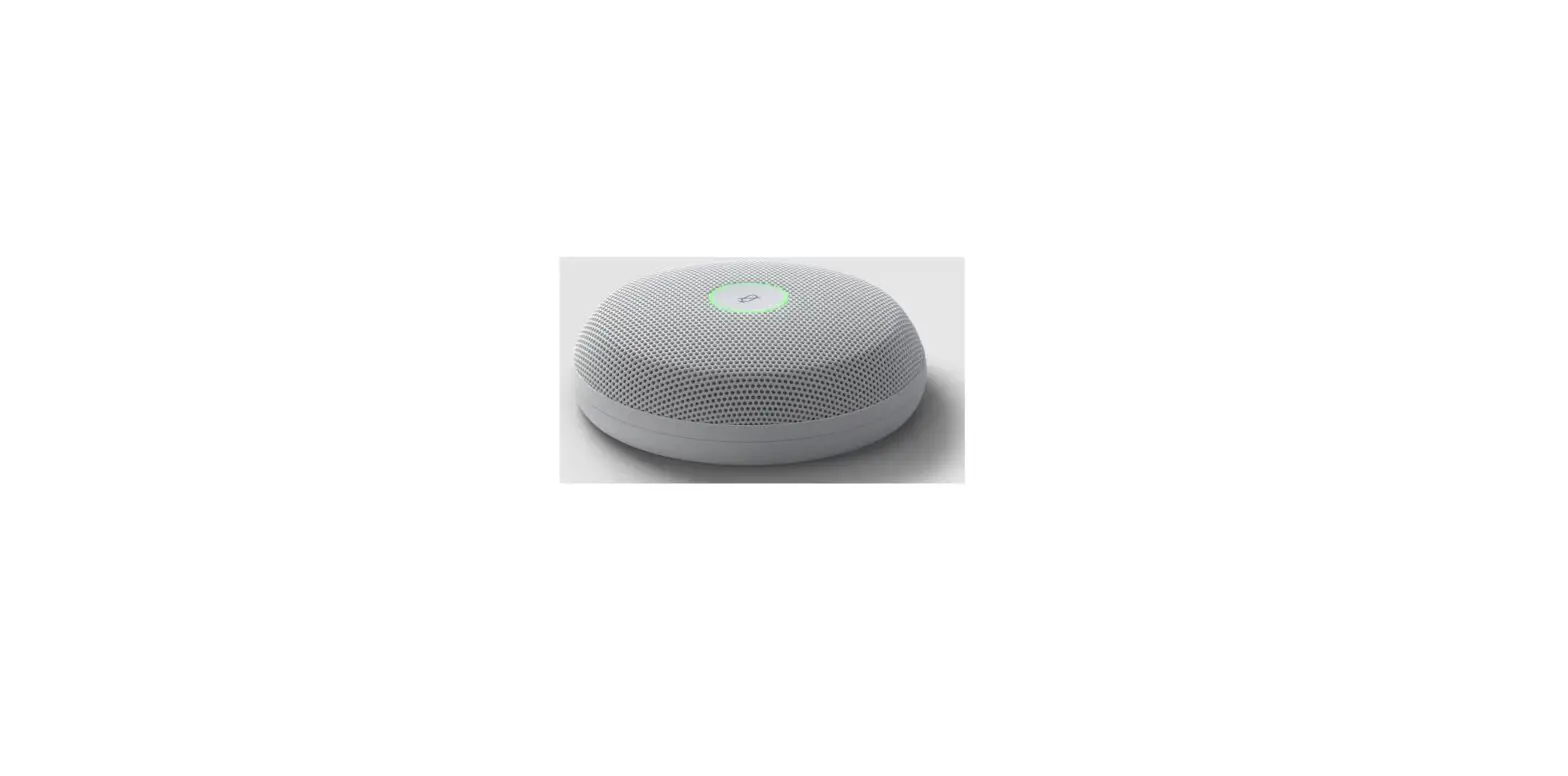
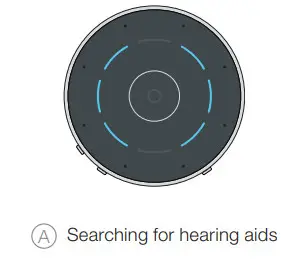
- Place the Table Microphone in pairing mode by pressing the Hearing Aid Pairing button on the bottom of the device for two seconds. The blinking blue brackets on the top of the device indicate the Table Microphone is in pairing mode A.
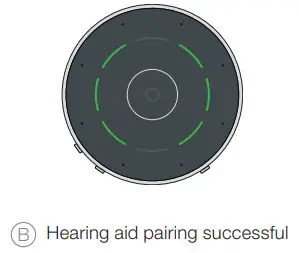
- A green bracket indicates pairing is successful B.
One bracket is for the left hearing aid, and one bracket is for the right hearing aid.
 |  |
How it Works
The Table Microphone is designed to improve listening in noise by focusing on the primary speaker in a multiple-speaker environment such as a meeting. The Table Microphone also functions as a body-worn remote microphone, or as a TV streamer.
- Audio streaming will begin automatically when the Table Microphone is powered on. Audio streaming will stop when the Table Microphone is powered off.
- To adjust the stream volume, press the + or – buttons on the Table Microphone. The white top segment blinks when the volume is increased and the white bottom segment blinks when the volume is decreased.
- The Table Microphone operating range is up to 30 feet (10 meters).
- The Table Microphone can stream for up to 12 hours on a single, full charge.
- The Table Microphone reaches a full charge in about two hours.
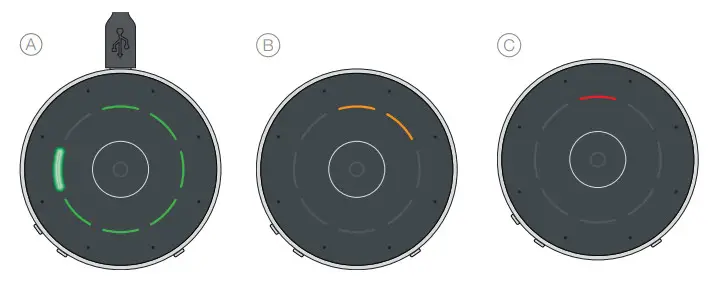
- Battery Status Indicators:
A. Green segments indicate battery charge level. Each segment represents one hour. The blinking green segment indicates the current level.
B. Orange segments indicate less than two hours of battery life.
C. A Red segment indicates less than one hour of battery life.
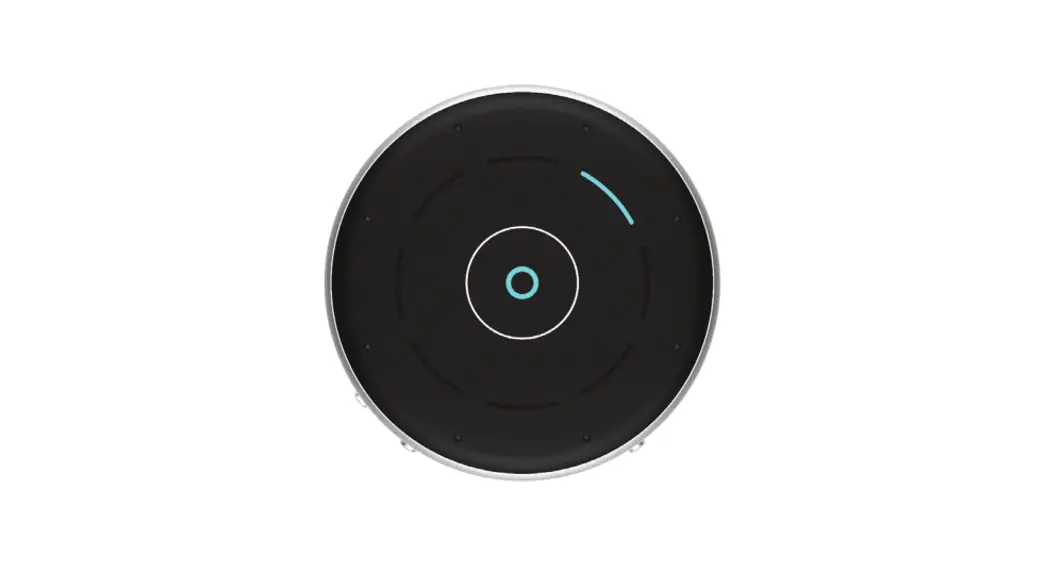
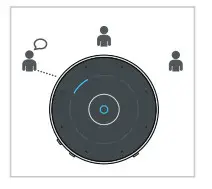
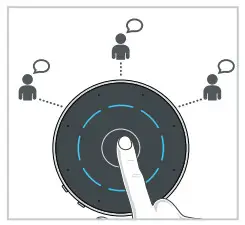
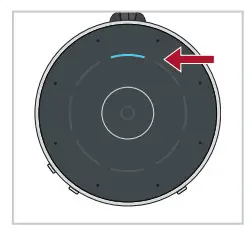
Automatic Mode: Press the Mode Switching Button (center). The O will illuminate in blue when the Automatic Mode is engaged. Table Microphone automatically follows the primary speaker. The blue segment indicates the active listening direction.
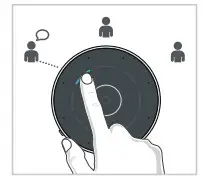
Manual Mode: Single Direction
- Tap any segment to focus in a specific direction.
- Tap another segment to focus in a different direction.
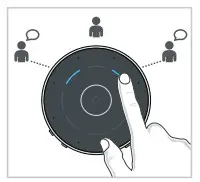
Manual Mode: Dual Direction
- Tap a second segment and hold for one second to focus in a second direction.
- Tap another segment to focus in a different direction.

Surround Mode: Designed for listening to multiple speakers in a quiet environment.
- Tap the Mode Switching Button to place the Table Microphone in Surround Mode. All blue segments indicate listening in all directions.

Remote Microphone:
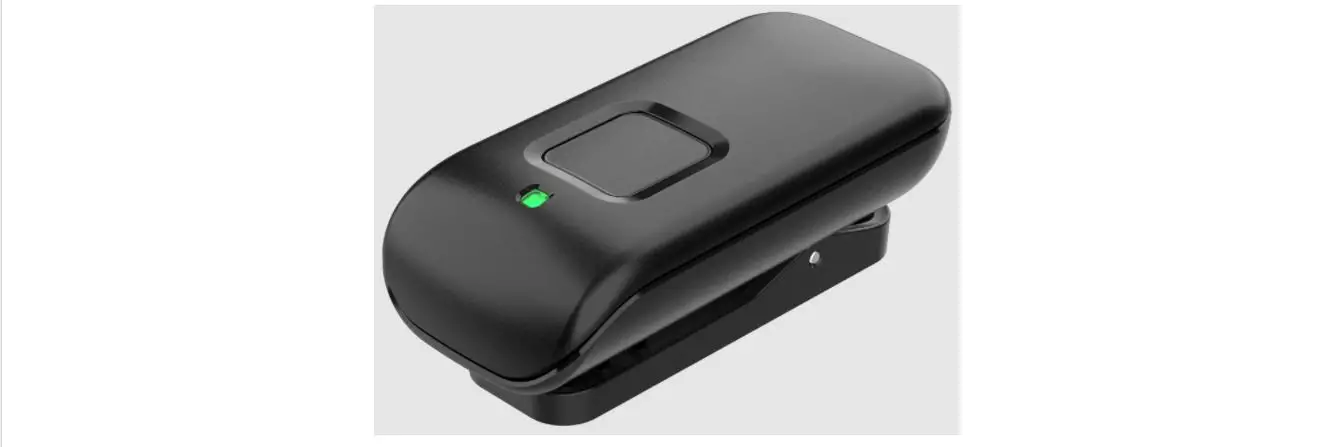
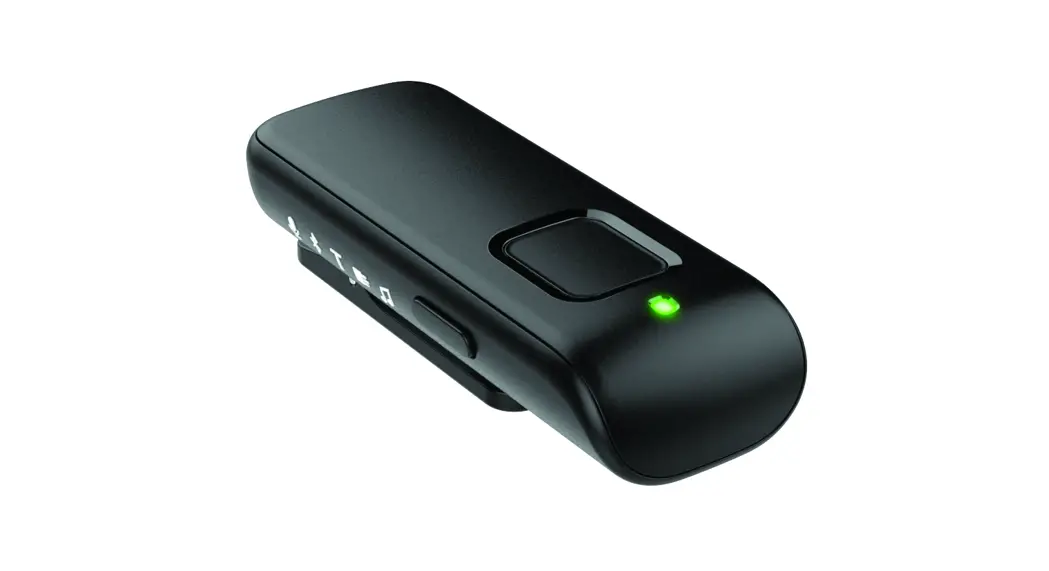
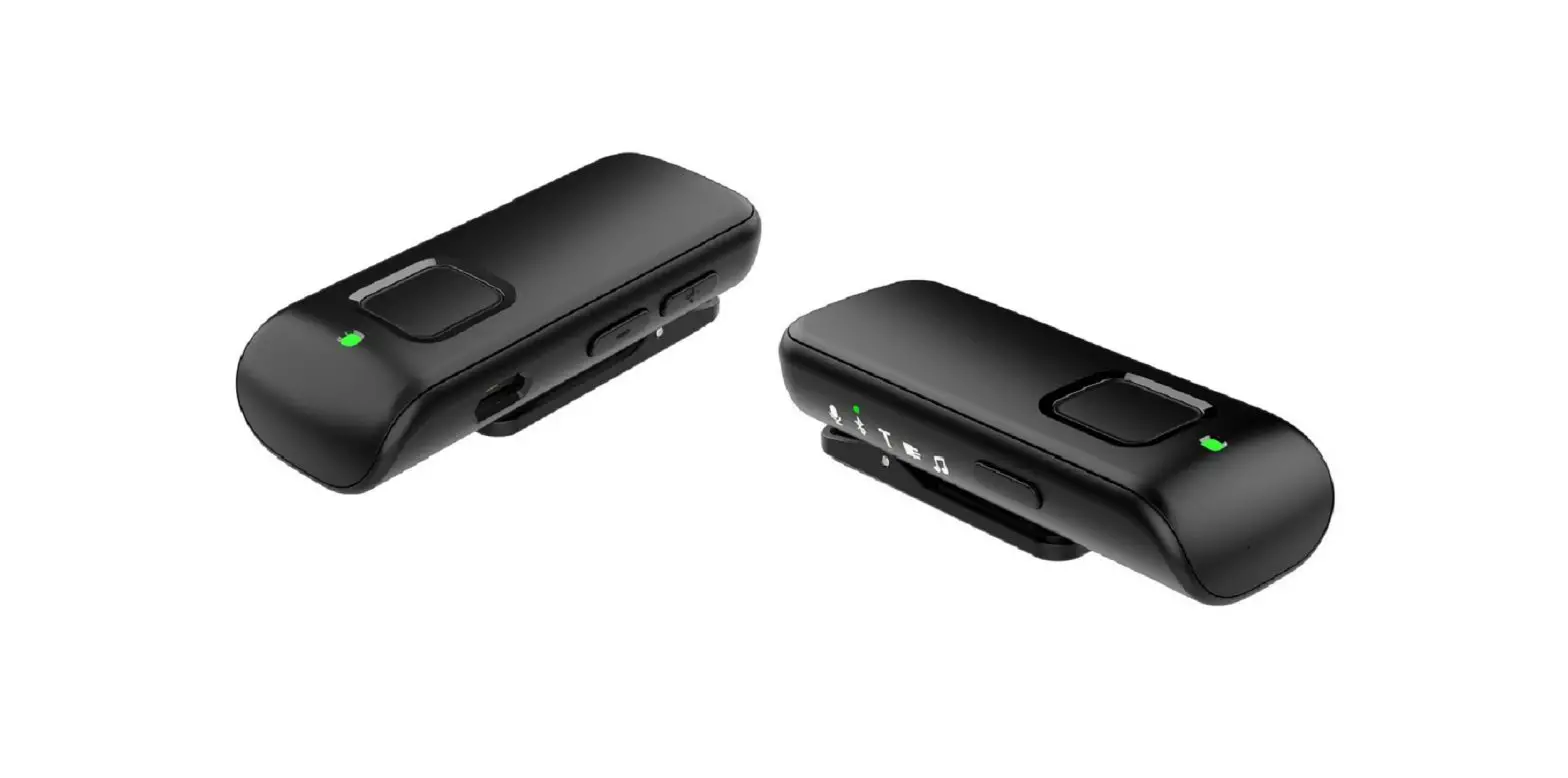
The Table Microphone can be used as a remote microphone when worn on a lanyard around the neck. The Table Microphone should be within eight inches of the speaker’s mouth.
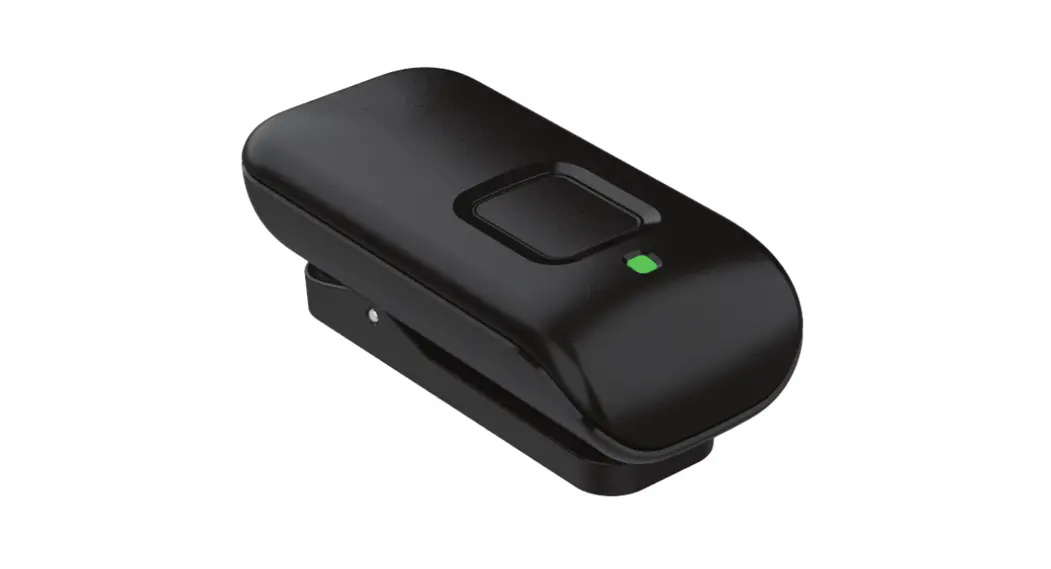
- Attach the magnetic hanger to the back of the Table Microphone. Make sure the hanger is properly secured.

TV Audio Streaming:
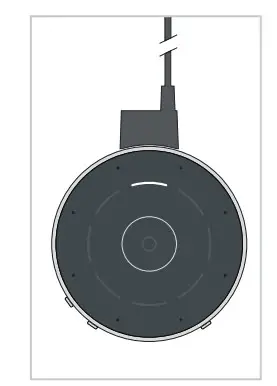
The Table Microphone can be used to stream from a TV to your hearing aids.
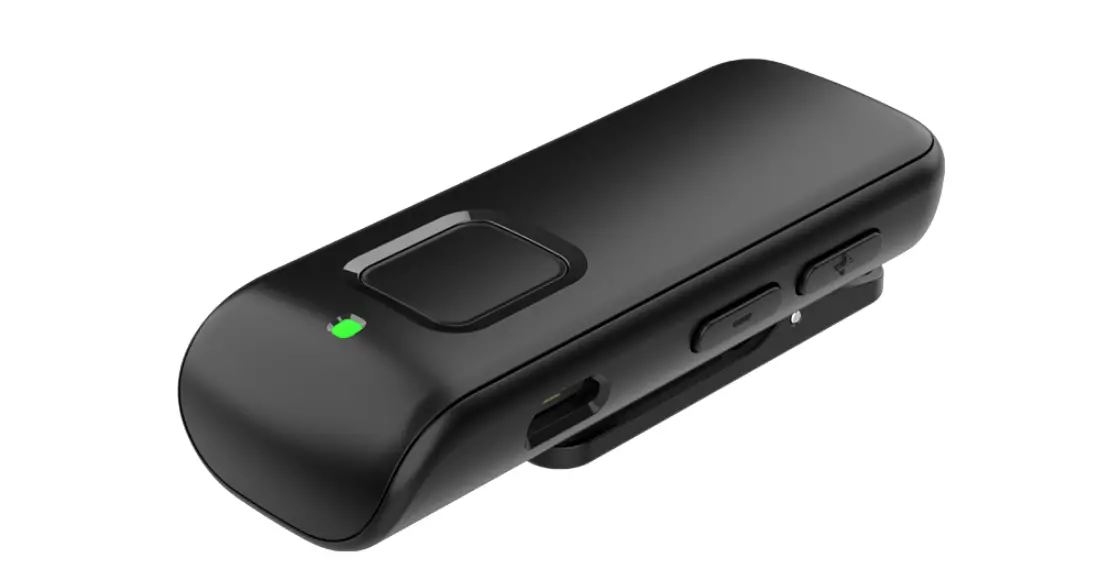
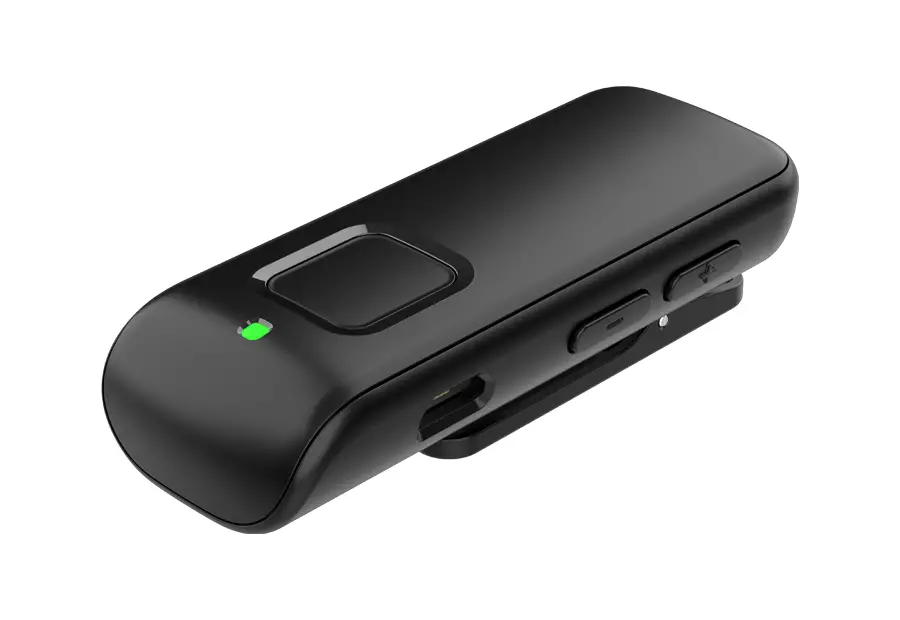
- Insert the TV streaming cable into the micro USB jack.
- Insert the 3.5 mm audio plug of the TV streaming cable into the TV’s audio jack.
Thrive and the Starkey logo are registered trademarks of Starkey Laboratories, Inc.
©2021 Starkey. All Rights Reserved. 3/21 FLYR3655-02-EE-GS