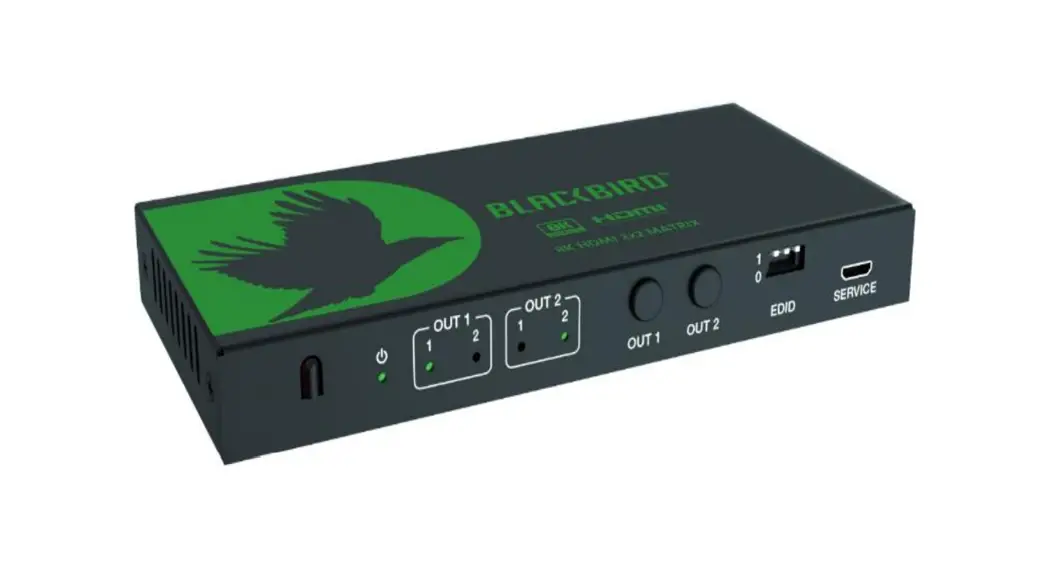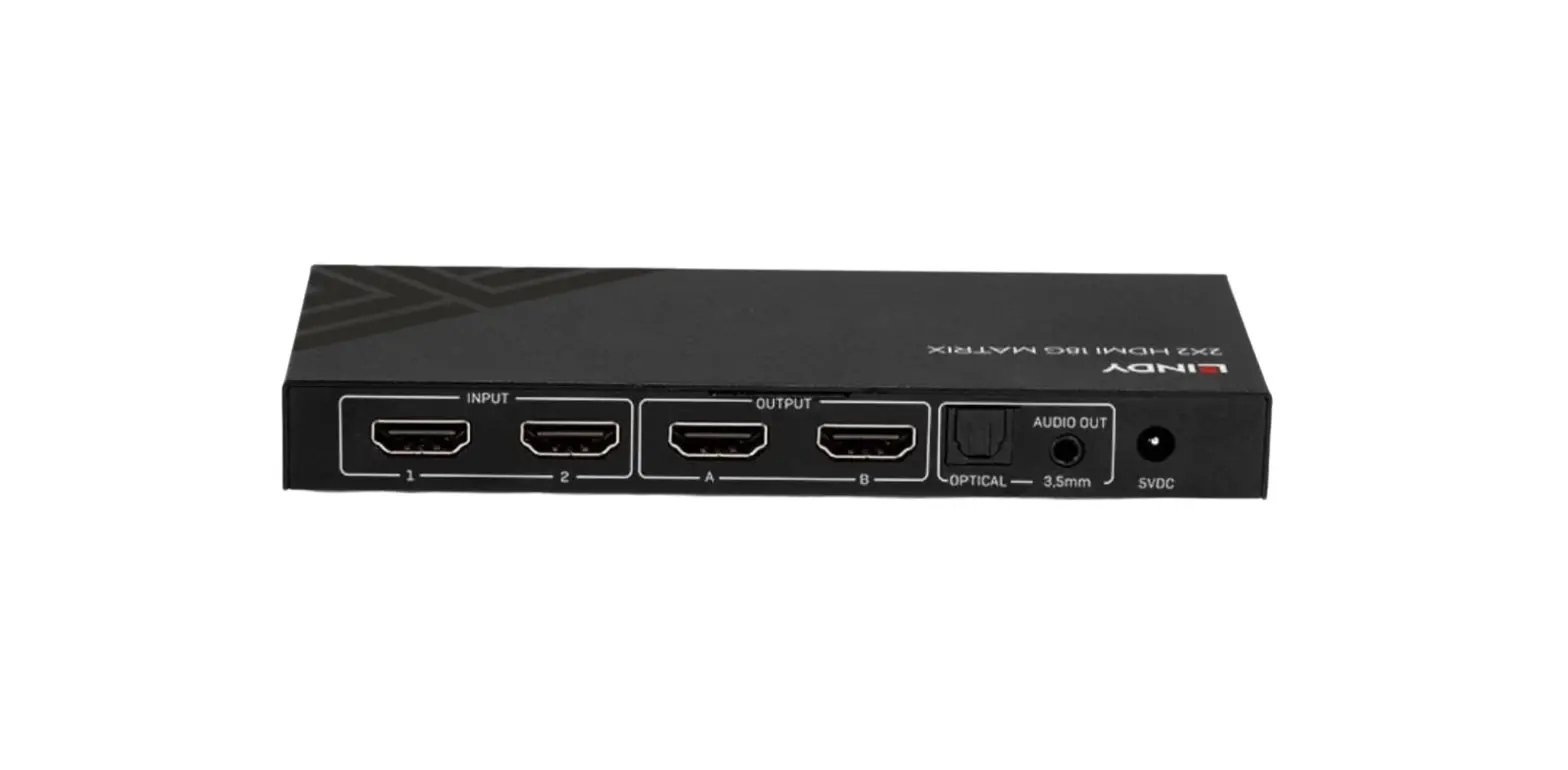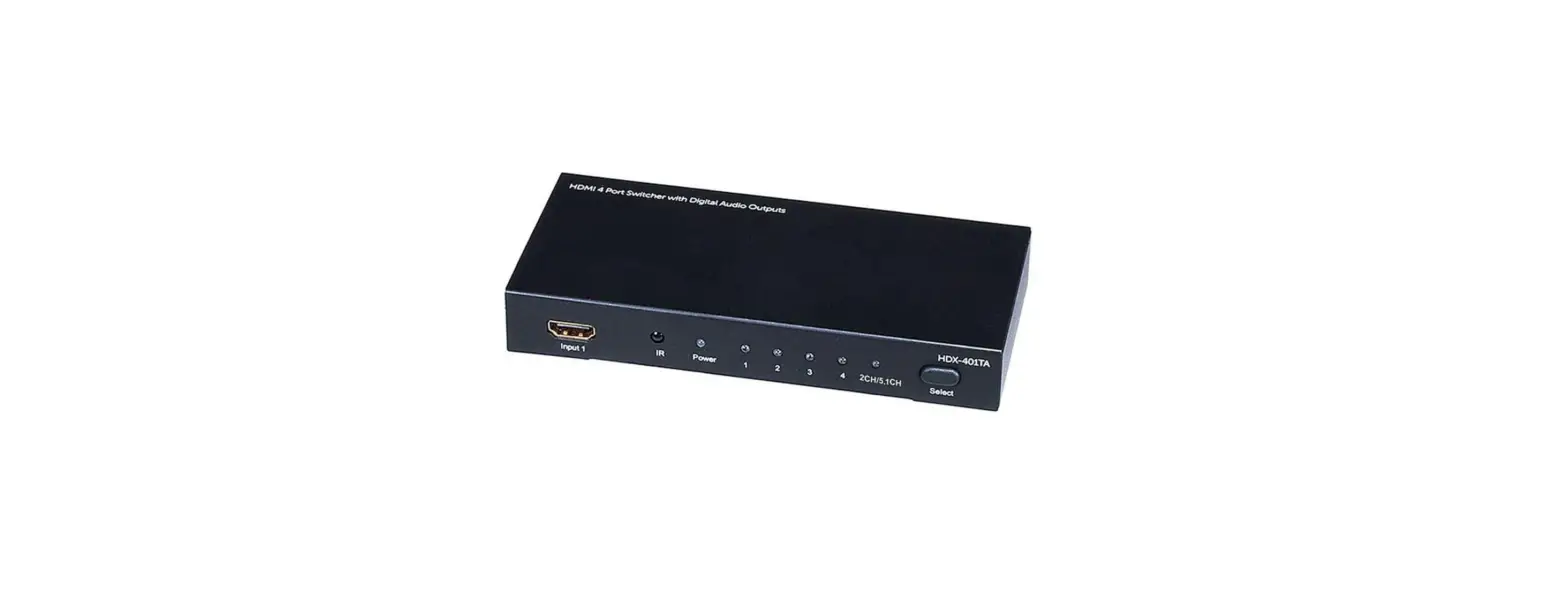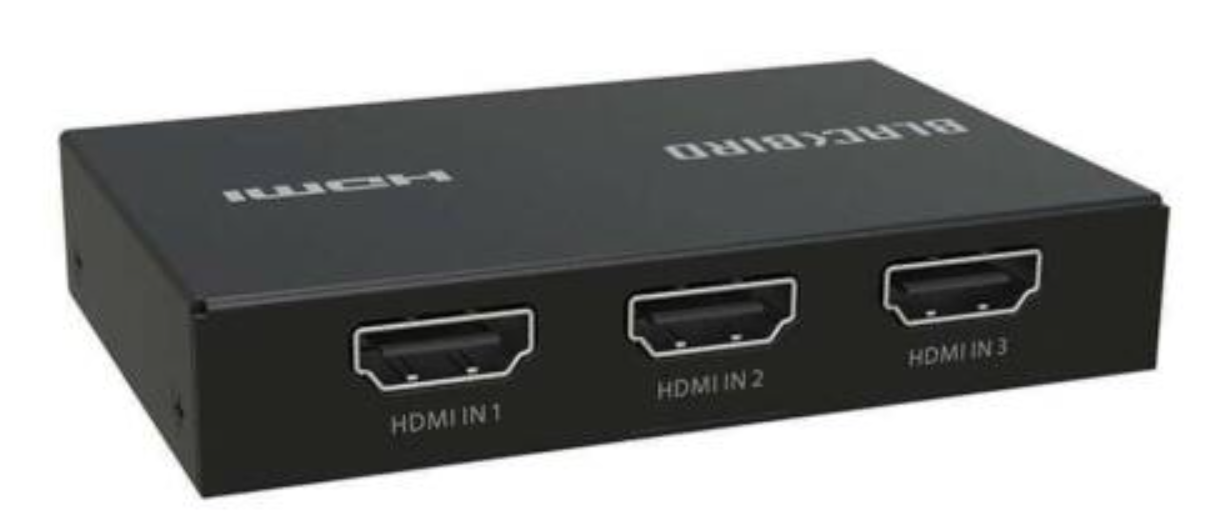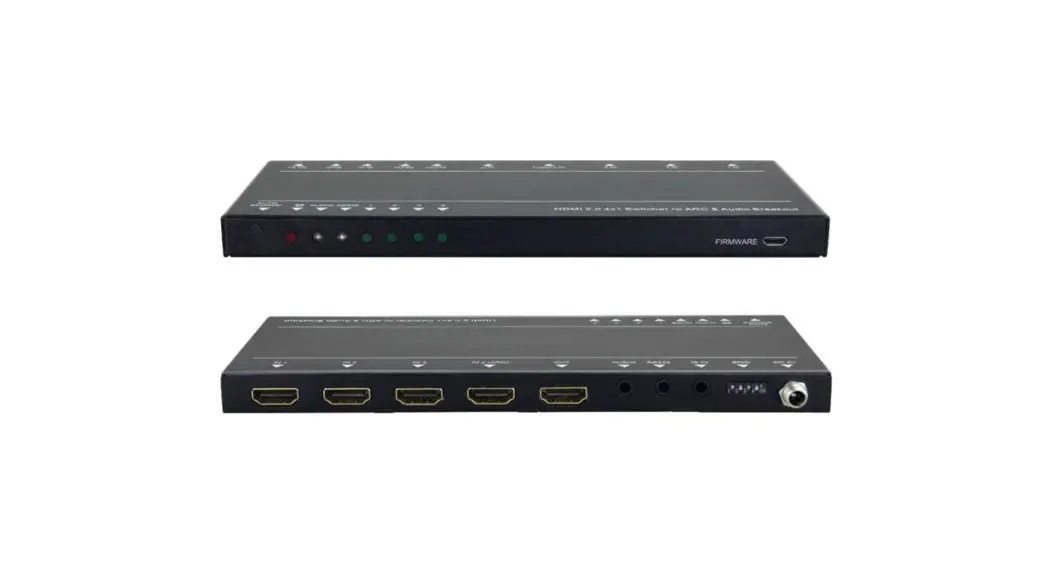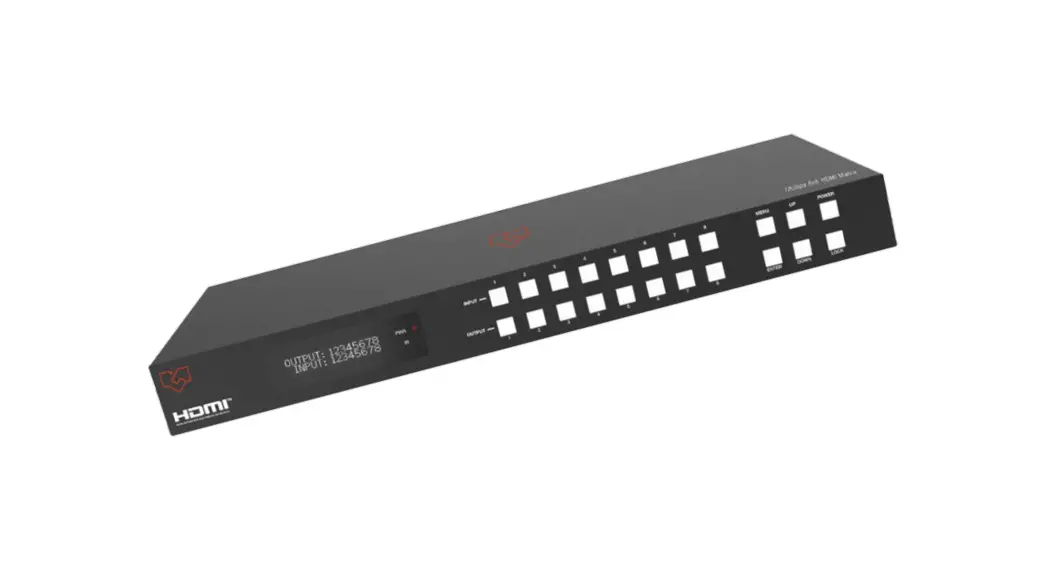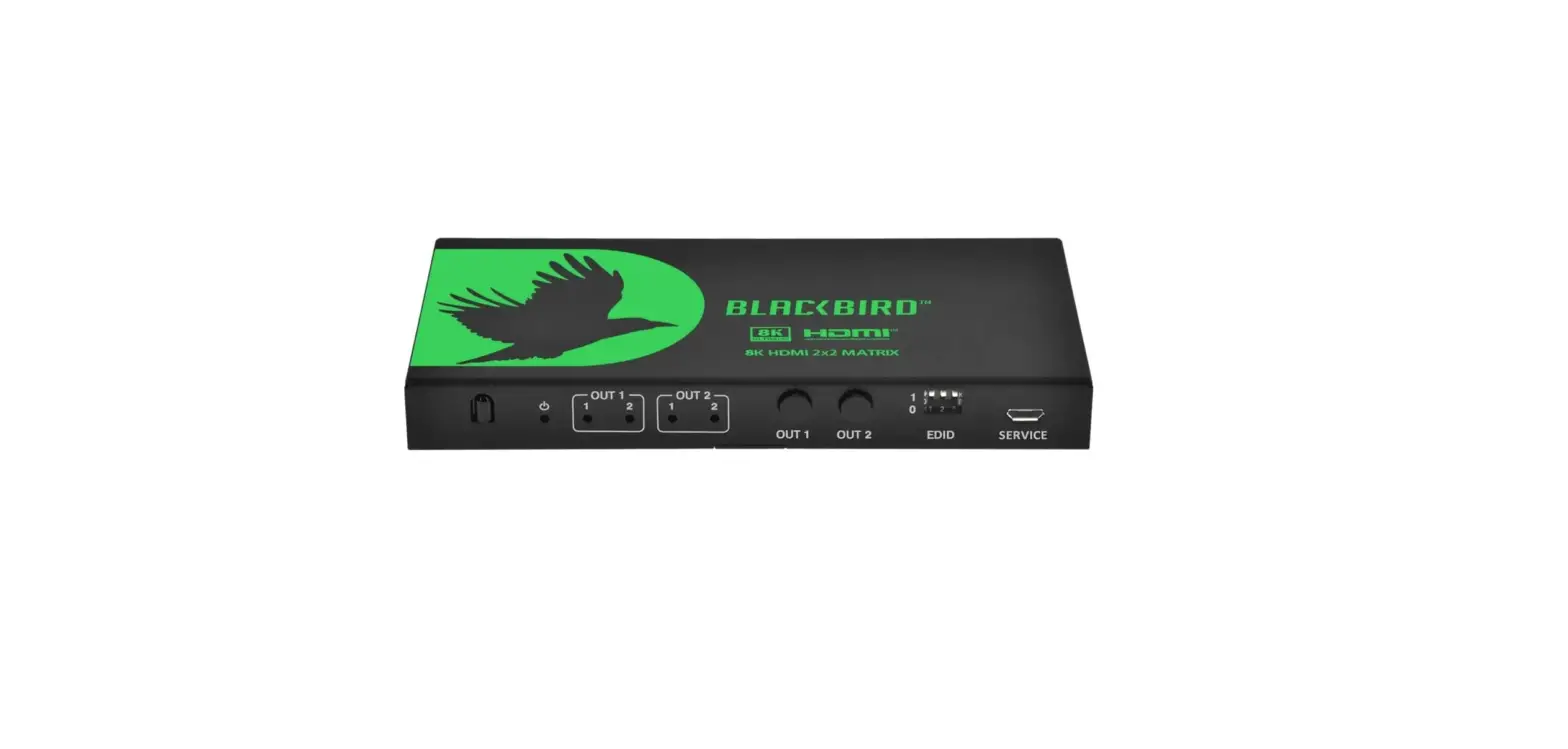
Monoprice Blackbird 44438 8K HDMI 2X2 Matrix Switcher
Thank you for purchasing this product
To ensure optimum performance and safety, read the following instructions before connecting, operating, or adjusting the product. Keep this manual for future reference.
Surge protection device recommended
This product contains sensitive electrical components that may have been damaged by electrical spikes, surges, electric shocks, lightning strikes, etc. The use of surge protection systems is highly recommended in order to protect and extend the life of your equipment.
Introduction
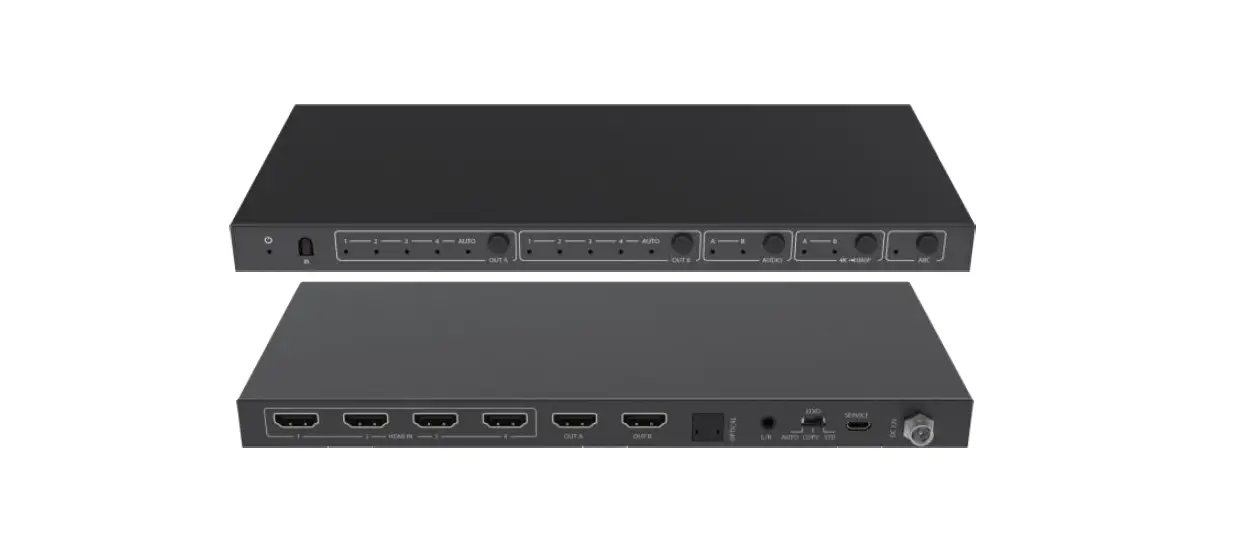
The SK HDMI 2×2 Matrix Switcher can do more than just switch any of the two HDMI input signals; it manages to simultaneously distribute it onto two displays. Video resolution is supported until up to 8K@60Hz 4:2:0. In addition, it also supports advanced EDID management and the audio de-embedding function (output found in the optical and analog ports). With the ability to be used as either a splitter or a switcher, this multi-functional product can be widely applied for various demonstrations such as video conferences, multimedia teachings, and other events that require a big screen.
Features
- HDMI 2.1 and HDCP 23 compliant
- 40Gbps video bandwidth
- Video resolution of up to 8K@60Hz 4:2:0 10bit, 8K@30Hz 4:4:4 10bit, and 4K@120Hz 4:4:4 10bit
- VRR, FVA, and ALLM
- HDR, HDR10, HDR10+, Dolby Vision, HLG pass-through
- HDMI audio formats: LPCM, Dolby Digital/Plus/EX, Dolby True HD, DTS, DTS-EX, DTS-96/24, DTS High Res, DTS-HD Master Audio, DSD
- Built-in Equalizer, Retiming, and Driver
- Advanced EDID management
- Audio de-embedding function (output through the optical and analog port)
- IR remote control and front panel button switching
- Compact design for easy and flexible installation
Package Contents
- 1 x SK HDMI 2×2 Matrix Switcher
- 1 x IR Remote
- 1 x SV /2A Multinational Power Supply
- 1 x User Manual
Operation Controls and Functions
Front Panel
Rear Panel
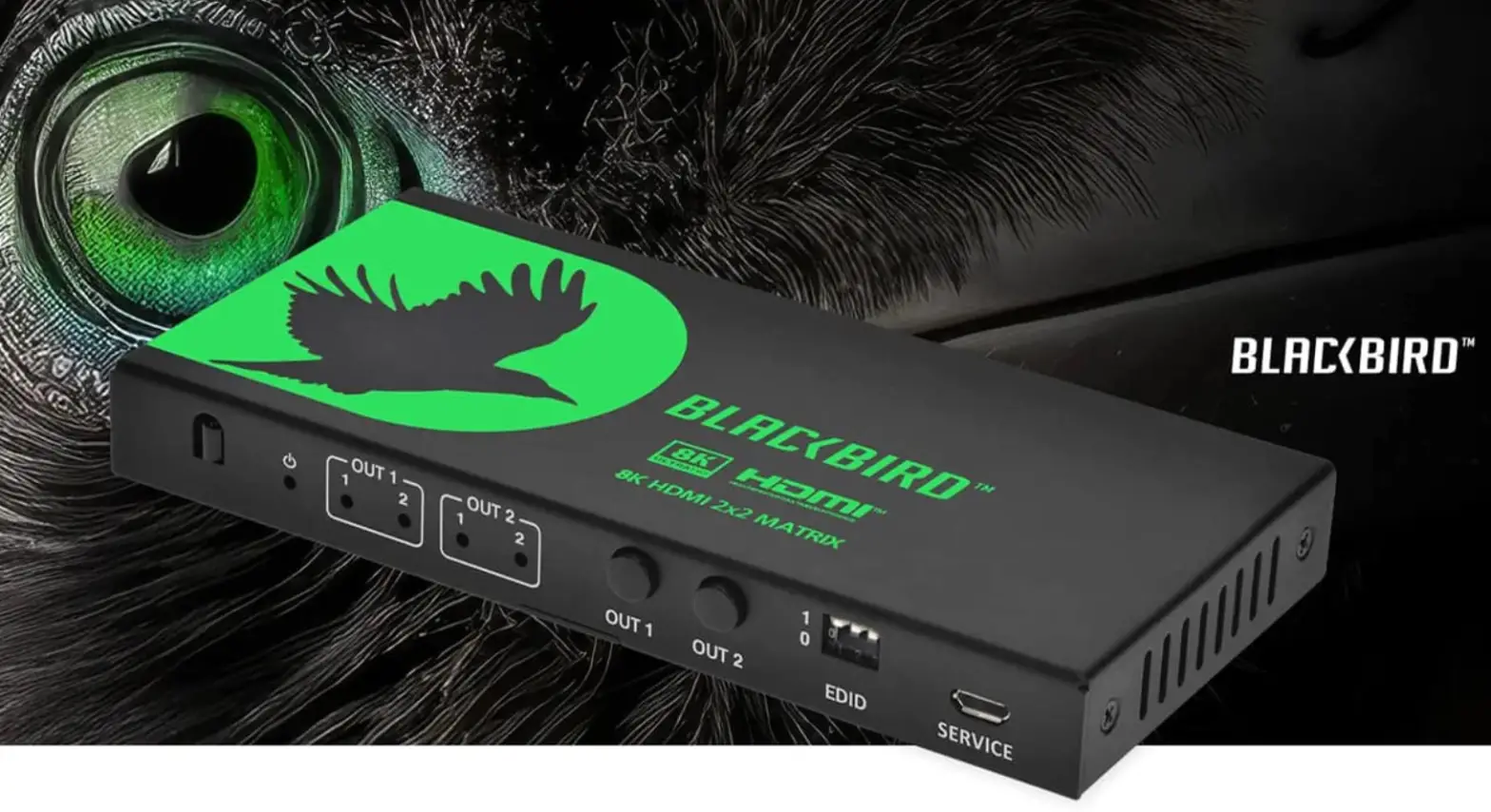
| OUT 1 LED (1-2) | When the IN 1/2 port is selected as the signal source input channel for the OUT 1 port, the corresponding green LED 1/2 will be on. |
| OUT 2 LED (1-2) | When the IN 1/2 port is selected as the signal source input channel for the OUT 2 port, the corresponding green LED 1/2 will be on. |
| OUT 1-2 button | Used to select the signal source for OUT 1/2 port. Pressing the button OUT 1/2 will allow the device to switch any of the two HDMI input signals and distribute it to the corresponding output port. |
| EDID DIP switch | Use the DIP switch to set EDID. 111 – Copy OUT1 port sink EDID (as factory default) 110 – HDMI 1080p@60Hz, Audio 2ch PCM 101 – HDMI 4K@60Hz 4:4:4, Audio 2ch PCM, HDR 100 – HDMI 4K@60Hz 4:4:4, Audio 5.1ch PCM/DTS/DOLBY, HDR 011 – HDMI 4K@60Hz 4:4:4, Audio 7.1ch PCM/DTS/DOLBY /HD, HDR 010 – HDMI BK@60Hz 4:2:0+8K@30Hz 4:4:4, 4K@120Hz 4:4:4, Audio 2ch PCM, HDR 001 – HDMI BK@60Hz 4:2:0+8K@30Hz 4:4:4, 4K@120Hz 4:4:4, Audio 5.1ch PCM/DTS/DOLBY, HDR 000 – HDMI BK@60Hz 4:2:0+8K@30Hz 4:4:4, 4K@120Hz 4:4:4, Audio 7.1ch PCM/DTS/DOLBY /HD, HDR |
| firmware update and debug port. SERVICE | |
| IN (1~2) HDMI signal input port, connecting to HDMI source devices such port s DVDs or the Playstation5 with an HDMI cable. | |
IR Remote
- Power on the product or set it to standby mode
- 1 or2 : Press the 1 or 2 buttons to select an HDMI signal source to the corresponding OUT 1 or 2 port
- Press the button to cyclically switch the HDMI signal source to the corresponding OUT 1 or 2 port
Application Example
Specifications
| Technical | |
| HDMI Compliance | HDMI 2.1 |
| HDCP Compliance | HDCP 2.3 |
| Video | 40Gbps |
| Bandwidth | |
| Video Resolution | Up to 8K@60Hz 4:2:0 10bit, 8K@30Hz 4:4:410bit, 4K@120Hz 4:4:4 10bit |
| Color Depth | 8/10/12-bit |
| Color Space | RGB, YCbCr 4:4:4 / 4:2:2. YUV 4:2:0 |
| Audio Formats | HDMI input/output: LPCM, Dolby Digital/Plus/EX, Dolby True HD, DTS, DTS-EX, DTS-96/24, DTS High Res, DTS-HD Master Audio, DSD Audio de-embedding output: Optical: LPCM 2/5.1 CH, Dolby Digital 2/5.1 CH, DTS 2/5.1 CH Analog: PCM 2.0 |
| ESD Protection | Human body model – ±BkV (Air-gap discharge) & |
| ±4kV (Contact discharge) | |
| Connection Input | 2 x HDMI IN [Type A, 19-pin female] |
| Output | 2 x HDMI OUT [Type A, 19-pin female] 1 x OPTICAL [S/PDIF] 1 x L/R [3.5mm Stereo Mini-jack] |
| Control | 1 x SERVICE [Micro USB, Update port] |
| Mechanical | |
| Housing | Metal Enclosure |
| Silkscreen Color | Black |
| Dimensions | 145mm (W) x 68mm (D) x 17mm (H) |
| Weight | 268 g |
| Power Supply | Input: AC100 – 240V 50/60Hz, Output: DC SV/2A (US standards, FCC/ETL certified) |
| Power Consumption | 6.2 W (Max) |
| Operation Temperature | 0°c – 40°C I 32°F ~ 104°F |
| Storage Temperature | -20°C – 60°C I -4°F ~ 140°F |
| Relative Humidity | 20-90% RH (non-condensing) |
CUSTOMER SERVICE
The Monoprice Customer Service department is dedicated to ensuring that your ordering, purchasing, and delivery experience is second to note. If you have any problems with your order, please give us an opportunity to make it right. You can contact a Monoprice Customer Service representative through the Live Chat link on our website www.monoprice.com or via email at [email protected]. Check the website for support times and links.
TECHNICAL SUPPORT
Monoprice™ is pleased to provide free, live, online technical support to assist you with any questions you may have about installation, setup, troubleshooting, or product recommendations. If you ever need assistance with your new product, please come online to talk to one of our friendly and knowledgeable Tech Support Associates. Technical support is available through the online chat button on our website www.monoprice.com or through email by sending a message to [email protected]. Check the website for support times and links.
To download the latest drivers, firmware, manuals, etc., go to www.monoprice.com and type 44438 into the search bar. If available, support files are linked at the bottom of the product page.
REGULATORY COMPLIANCE
Notice for FCC
This device complies with Part 15 of the FCC rules. Operation is subject to the following two conditions: {1} this device may not cause harmful interference, and {2} this device must accept any interference received, including interference that may cause undesired operation.
Modifying the equipment without Monoprice’s authorization may result in the equipment no longer complying with FCC requirements for Class B digital devices. In that event, your right to use the equipment may be limited by FCC regulations, and you may be required to correct any interference to radio or television communications at your own expense.
This equipment has been tested and found to comply with the limits for a Class B digital device, pursuant to Part 15 of the FCC Rules. These limits are designed to provide reasonable protection against harmful interference in a residential installation. This equipment generates, uses, and can radiate radio frequency energy and, if not installed and used in accordance with the instructions, may cause harmful interference to radio communications. However, there is no guarantee that interference will not occur in a particular installation. If this equipment does cause harmful interference to radio or television reception, which can be determined by turning the equipment off and on, the user is encouraged to try to correct the interference by one or more of the following measures:
- Reorient or relocate the receiving antenna.
- Increase the separation between the equipment and the receiver.
- Connect the equipment to an outlet on a circuit different from that to which the receiver is connected.
- Consult the dealer or an experienced radio/TV technician for help.
Notice for ISED Canada
This Class B digital apparatus complies with Canadian ICES-003.
The terms HOM! and HOM! High-Definition Multimedia Interface, and the HOM! Logos are trademarks or registered trademarks of HOM! Licensing LLC in the United States and other countries. Monoprice”‘ and all Monoprice logos are trademarks of Monoprice Inc.
Need Help? We’re here for you!
Contact us: www.monoprice.com/contactus
Product pictures are for reference only. Specifications described herein are subject to change without prior notification. Monoprice™ and all Monoprice logos are trademarks of Monoprice Inc. Copyright© 2022 Monoprice, Inc. All rights reserved.
Monoprice, Inc.
1 Pointe Drive, Suite 400 Brea, CA 92821 – USA www.monoprice.com
FREQUENTLY ASKED QUESTIONS
DOWNLOAD THE PDF LINK: