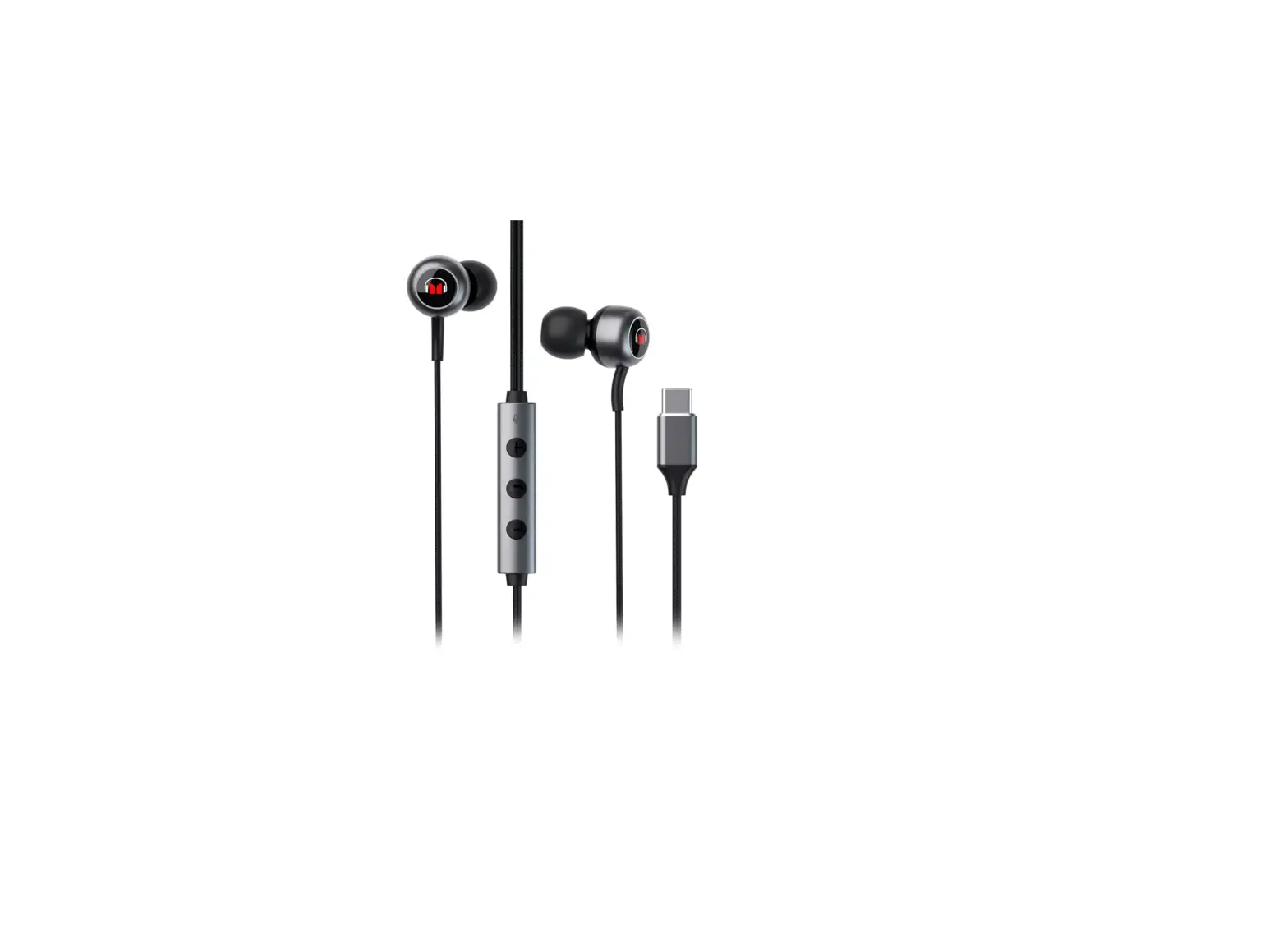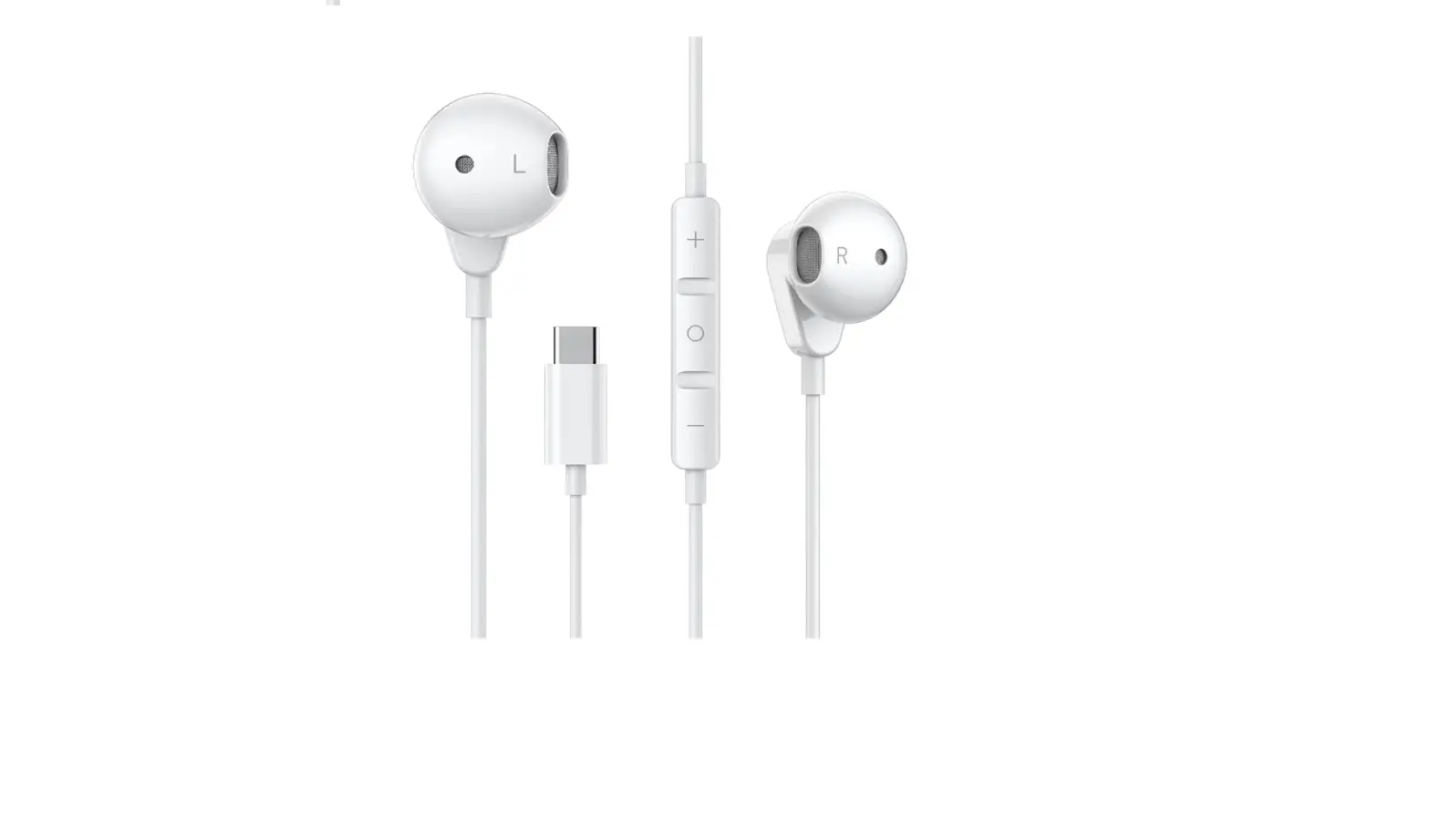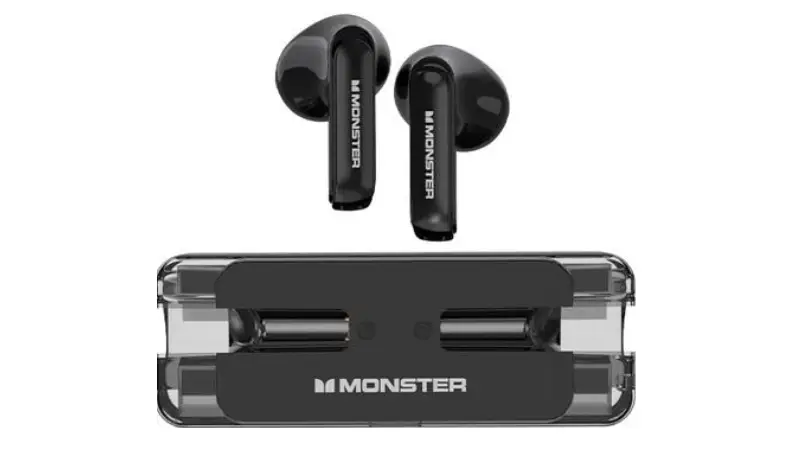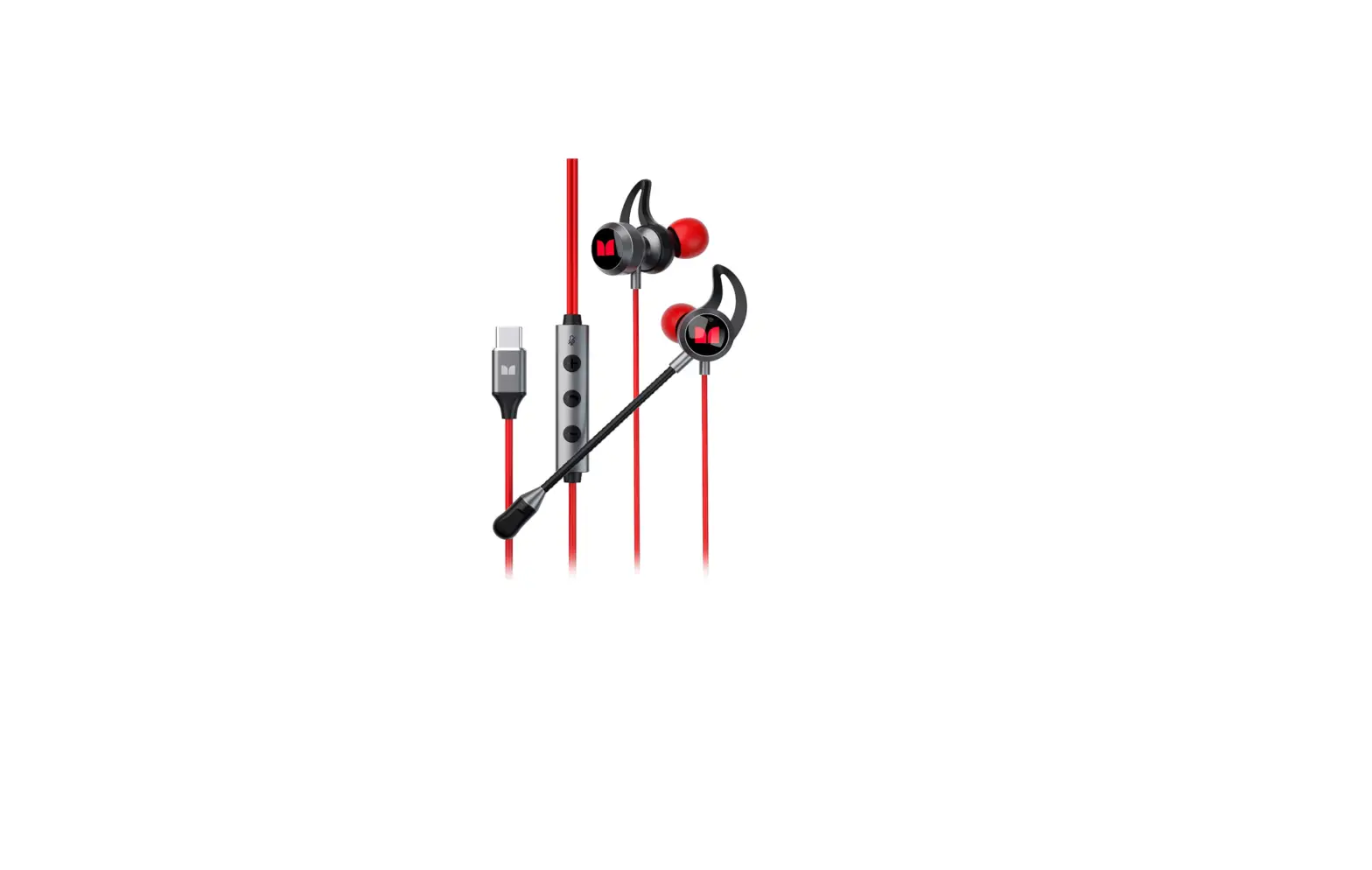

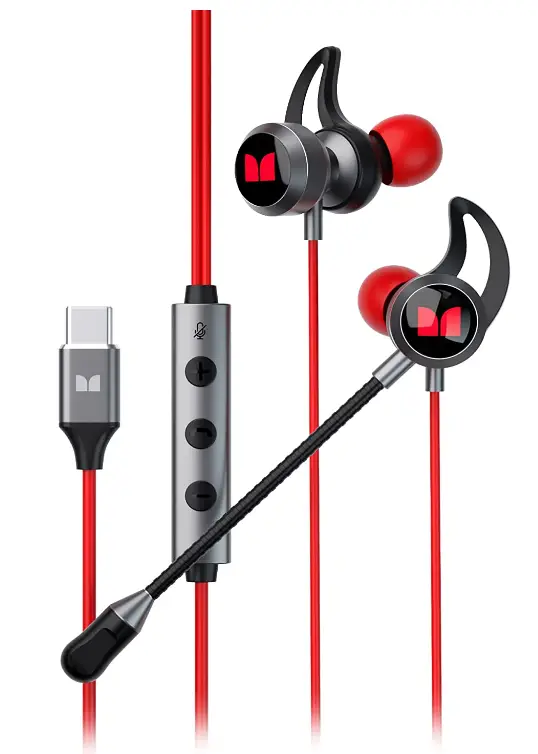
Monster SG12 USB-C Wired Headphones
Specifications
- BRAND: Monster
- MODEL NAME: Monster Wired Earbuds
- COLOR: Black
- FORM FACTOR: In Ear
- CONNECTIVITY TECHNOLOGY: Wired
- CONNECTION TYPE: USB-C
- PACKAGE DIMENSIONS:87 x 4.02 x 1.14 inches
- ITEM WEIGHT: 4 ounces
- AGE RANGE DESCRIPTION: Adult
Introduction
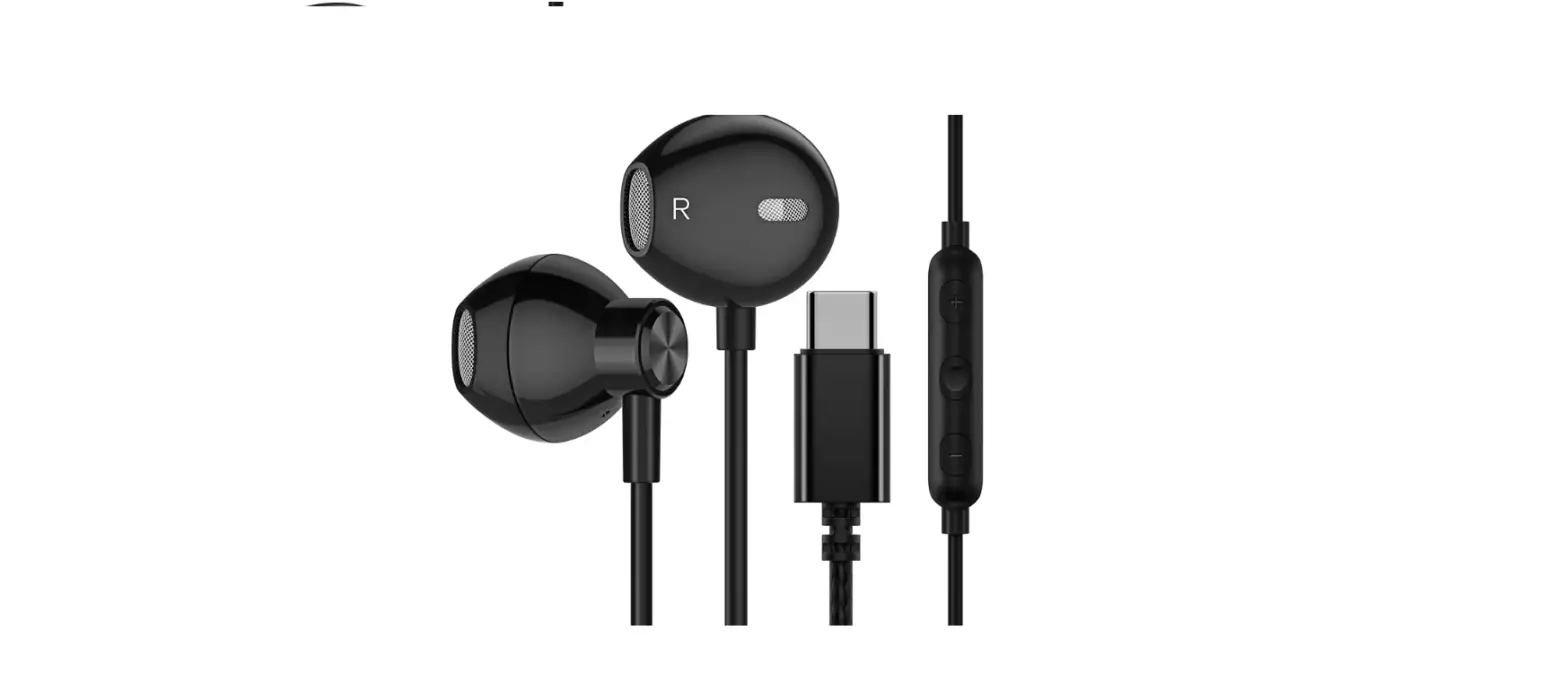
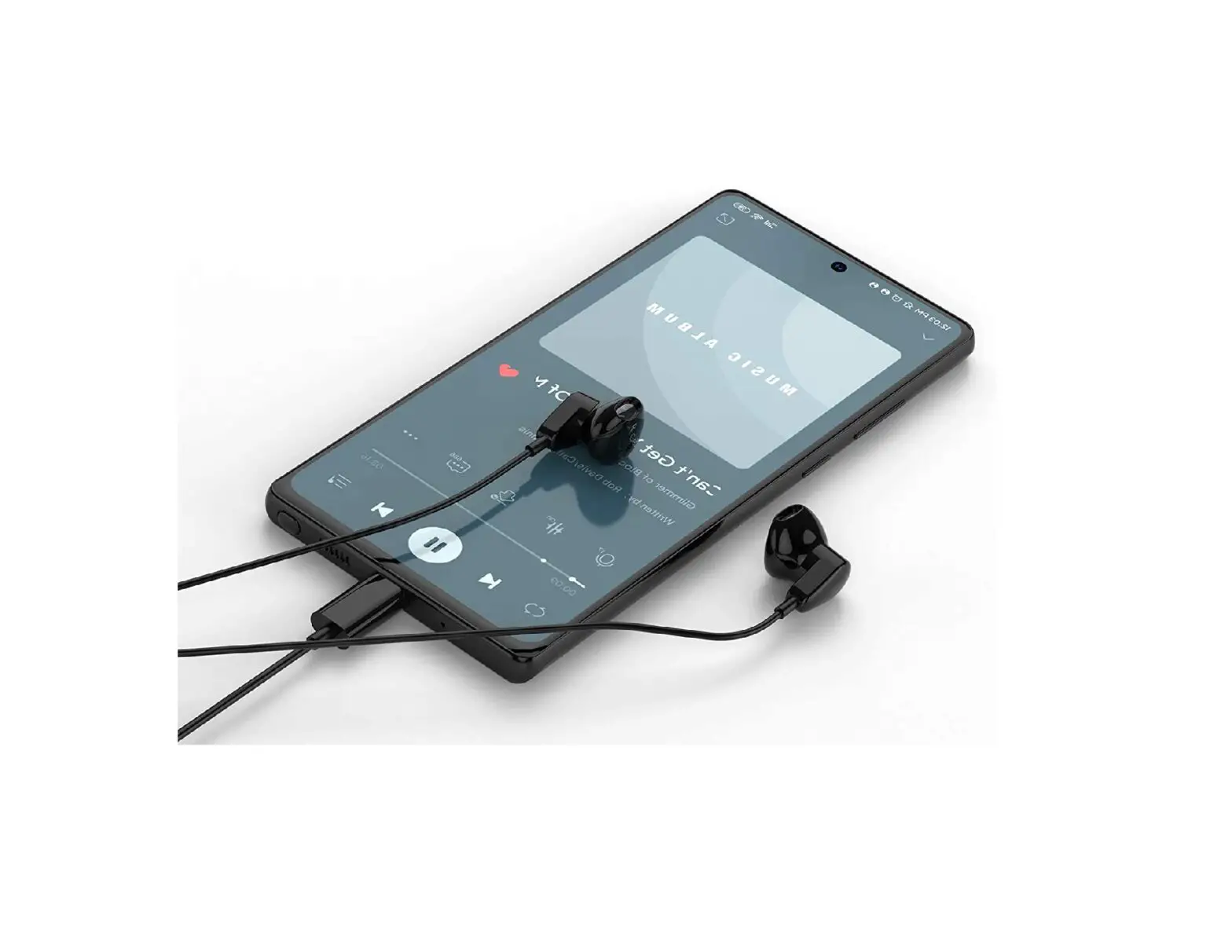
Enjoy the crystal-clear, lifelike sound of the Monster earphones. To stay one step ahead of the competition, surround sound improves the depth and caliber of audio. The remote-controlled wired headphones cord allows you to play, pause, and adjust the volume. You may give orders to your squad in a clear manner by using the connected headphones with a microphone. The majority of smartphones, tablets, and laptops with USBC ports can use the USB C headphones. Easily stay connected to the game’s action wherever you are. At the touch of a button, our switching music and theatrical modes produce an immersive audio experience. The best everyday use and noise reduction experience is our first goal; thus, we’ve provided 3 ear tips (small, medium, big) to ensure it.
ADDITIONAL EARBUD TIPS
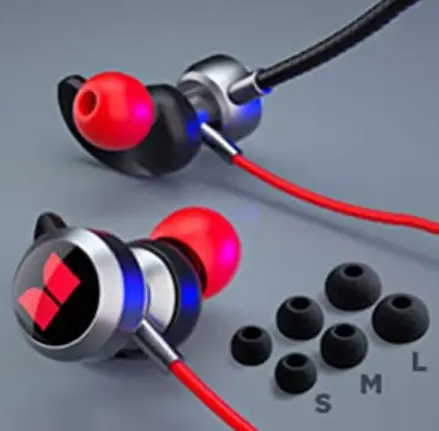
The best everyday use and noise reduction experience is our top goal; thus, we’ve included 3 ear tips (small, medium, big).
MODES
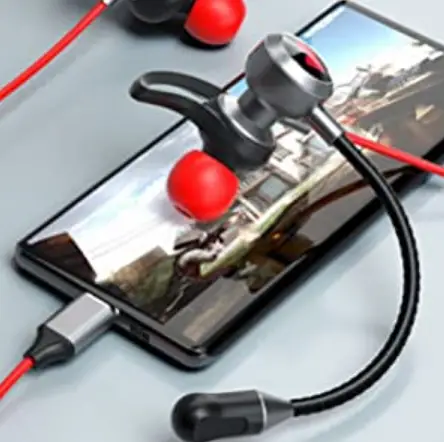
By switching between our music and theatrical modes, we can instantly create an immersive audio experience.
CONNECTION
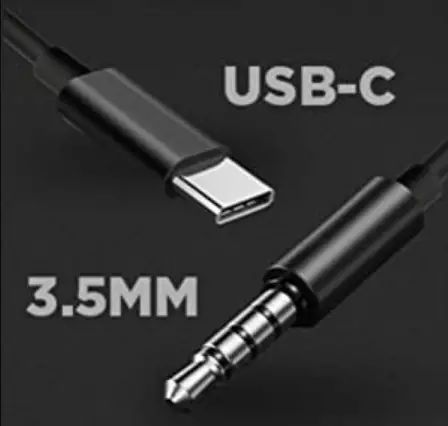
Whichever option is best for you! Most devices can be connected using either the 3.5MM or UBC-C choices.
DESIGN
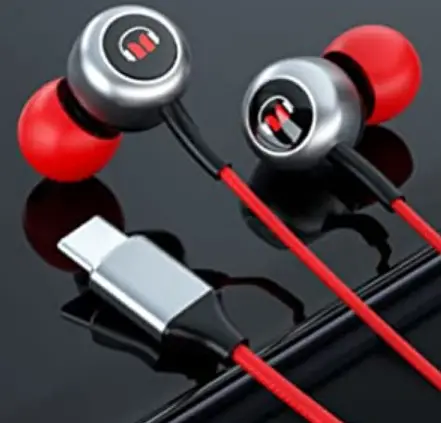
With a sleek and contemporary style that matches all of your other technological equipment, it comes in a variety of colors.
HOW TO OPERATE
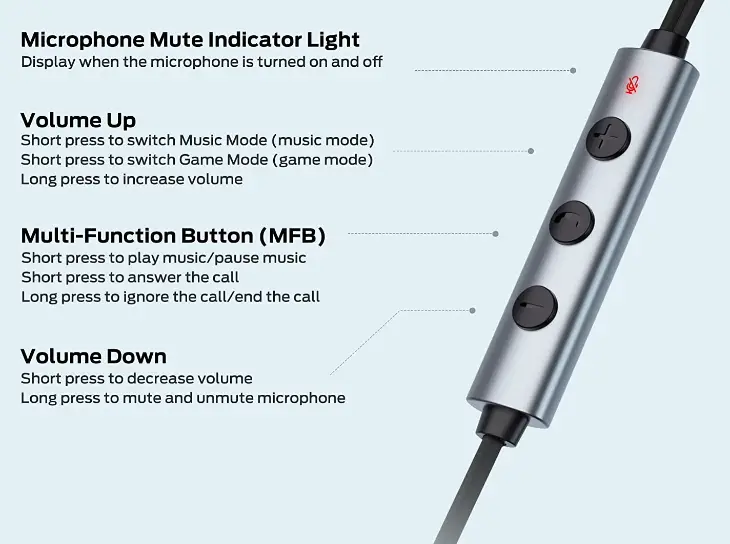
MICROPHONE MUTE INDICATOR LIGHT: Displays when the microphone is turned on and off.
VOLUME UP
- Short press to switch Music Mode (music mode)
- Short press to switch Game Mode (game mode)
- Long press to increase volume
- Short press to play music/pause music
- Short press to answer the call
- Long press to ignore the call/end the call
VOLUME DOWN
- Short press to decrease volume
- Long press to mute and unmute microphone
PHONE CONTROLS
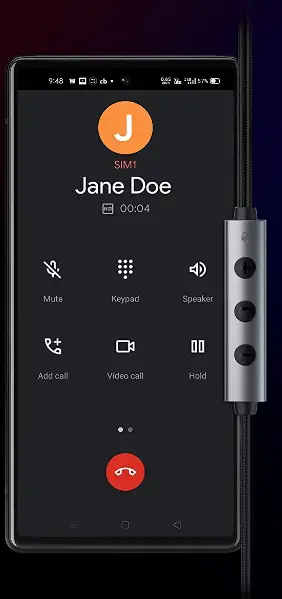
- ANSWER THE PHONE: Click the “MFB”
- REFUSE THE CALL: Press the “MFB” for 2 seconds
- END THE CALL: Press the “MFB” for 2 seconds
- VOLUME+: Click “Volume Up”
- VOLUME-: Click “Volume Down”
- STATIC MICROPHONE SWITCH: Short press “Volume Up”
- MODE SWITCH MUSIC/THEATER MODE: Short press “Volume Up”
FAQs
There is much debate over the differences between a gaming headset and earbuds. But earbuds are almost always a better choice.
You can use the USB-C port to stream external audio into your main switching device if it lacks a headphone jack or Lightning port.
The adaptability of USB-C audio is its main advantage. Although this isn’t supported by many devices, USB-C can transfer video data across DisplayPort, HDMI, and other interfaces.
Some high-quality earphones have a two- to three-year lifespan.
The best evidence from science indicates that your headphones are secure. Emitted frequencies or radiation from Bluetooth vs. corded headphones are not a concern.
The 3.5mm, 2.5mm, and 6.3mm cables are the three most popular types of headphone wires.
Pro gamers primarily use headphones and earbuds to enhance team communication. The outer headphones allow you to hear your teammates while isolating any distracting noises.
You have a better opportunity to respond to your opponent’s when you use a gaming headset. With lightning-quick responses to sounds like footsteps and gunfire, your adversaries won’t know what to expect.
Your gaming experience can be vastly enhanced by using a headset with a good microphone.
You typically can’t alter the treble with gaming headphones because they are made with that purpose in mind.
A gaming headset has a two-year lifespan. Gaming headphones begin to have problems after two years, such as audio problems, microphone problems, or wear and tear.
With headphones, certain games sound so much better. Headphones offer close, intimate detail and correct frequency response that allow you to truly experience the finer nuances of sound, as opposed to speakers’ bombast and room-filling aural grandeur.
Yes, although that necessitates a little more setup than HDMI or standard DisplayPort, and it also presupposes that the connected PCs will support it. In actuality, USB-C works flawlessly for gaming, but not always with all features activated. Typically, the power supply feature is disregarded to make sure alt mode operates consistently in 4K and with 10Gbps bandwidth.
It should simply function if you have an active type-C headset or adaptor with a built-in DAC.
The computer doesn’t need a speaker output or analogue microphone input if the headset is connected via a USB port.