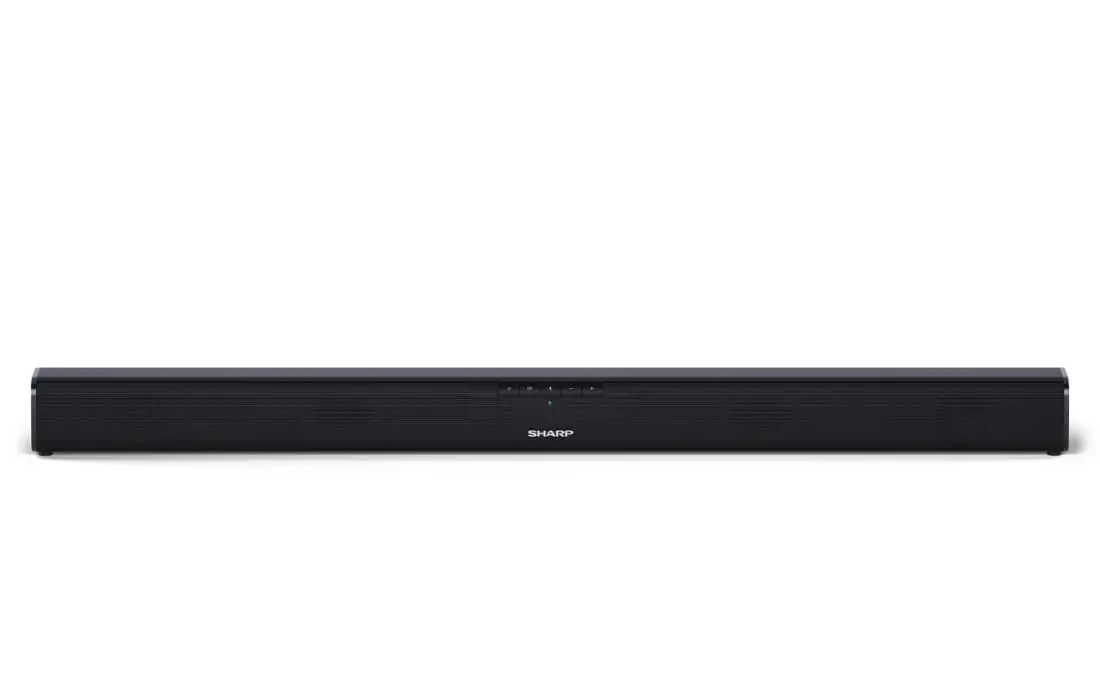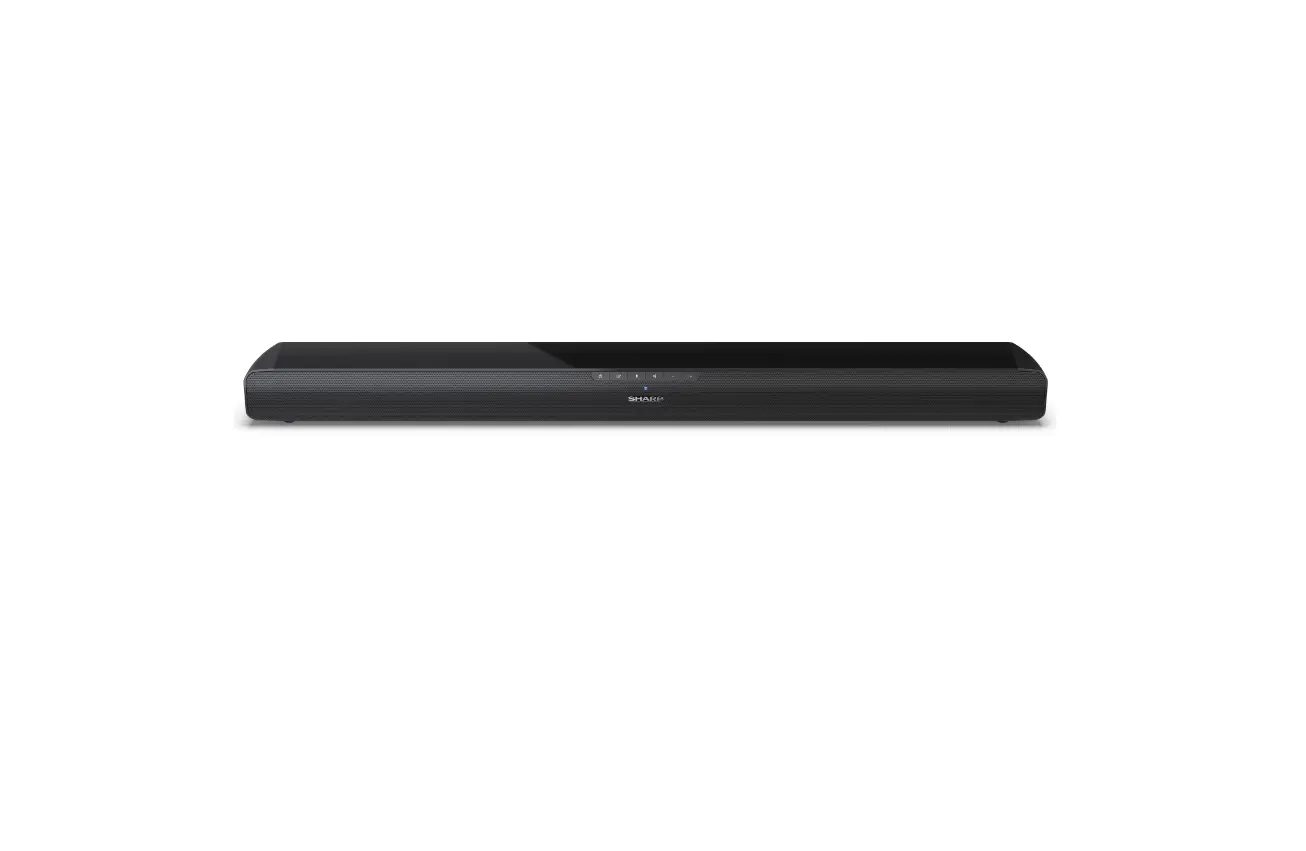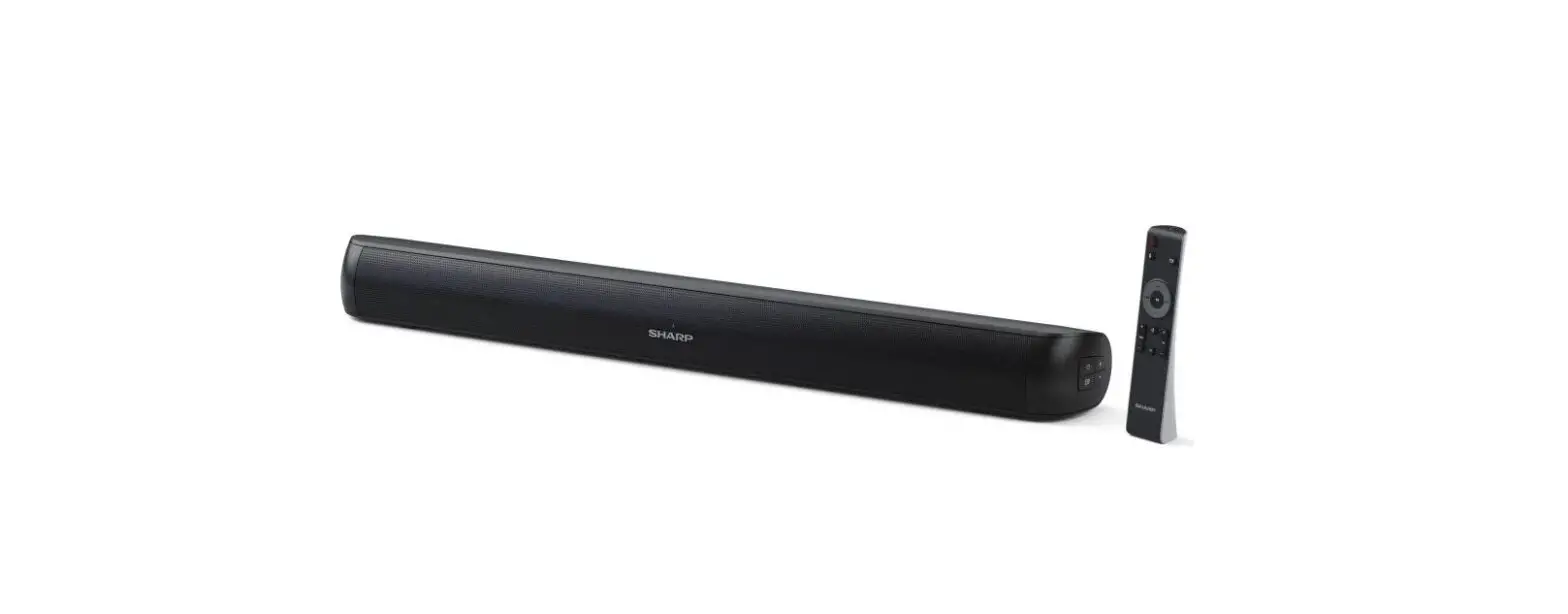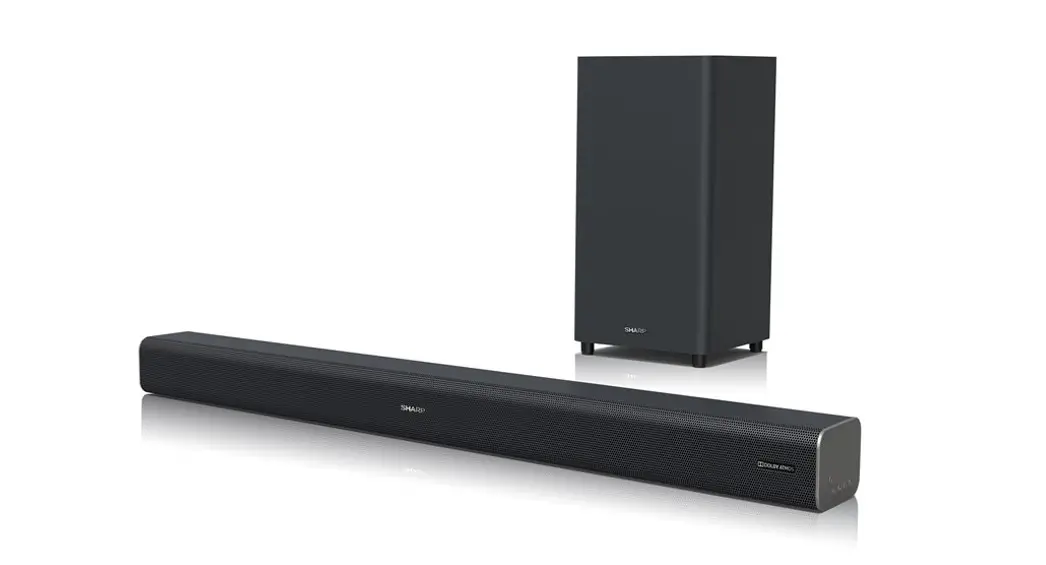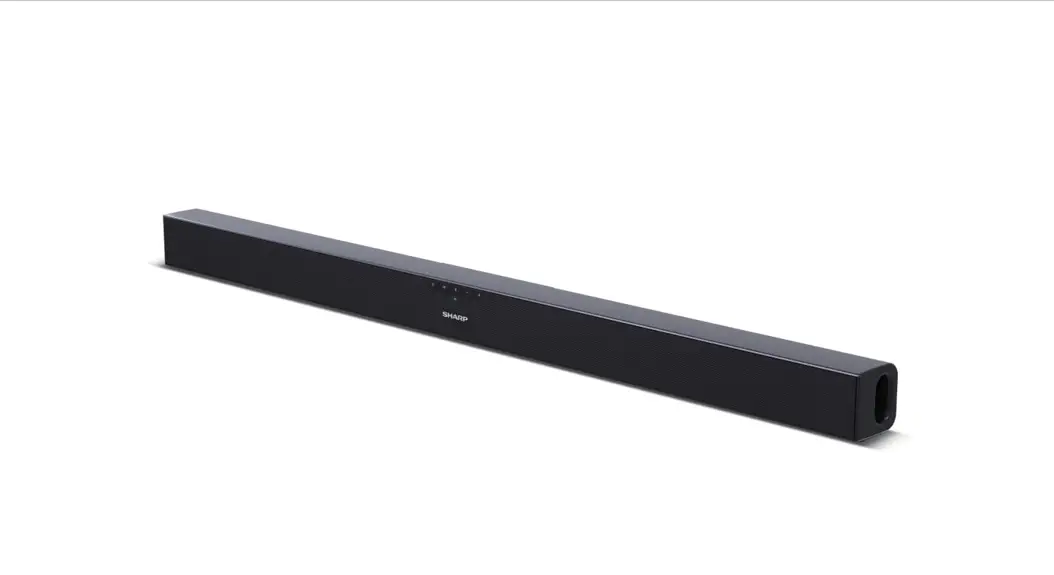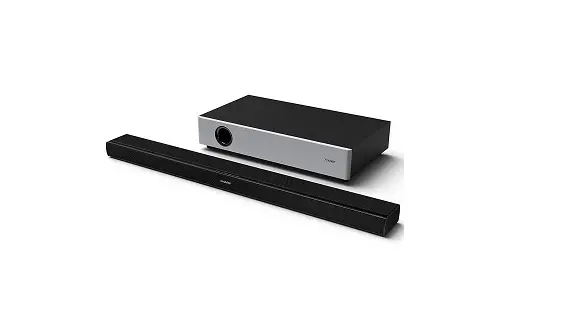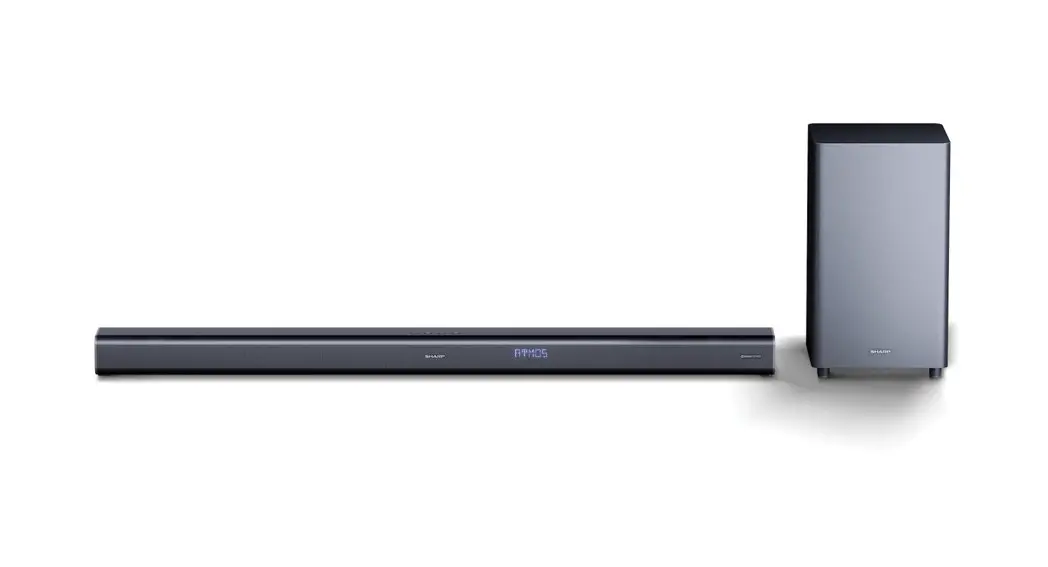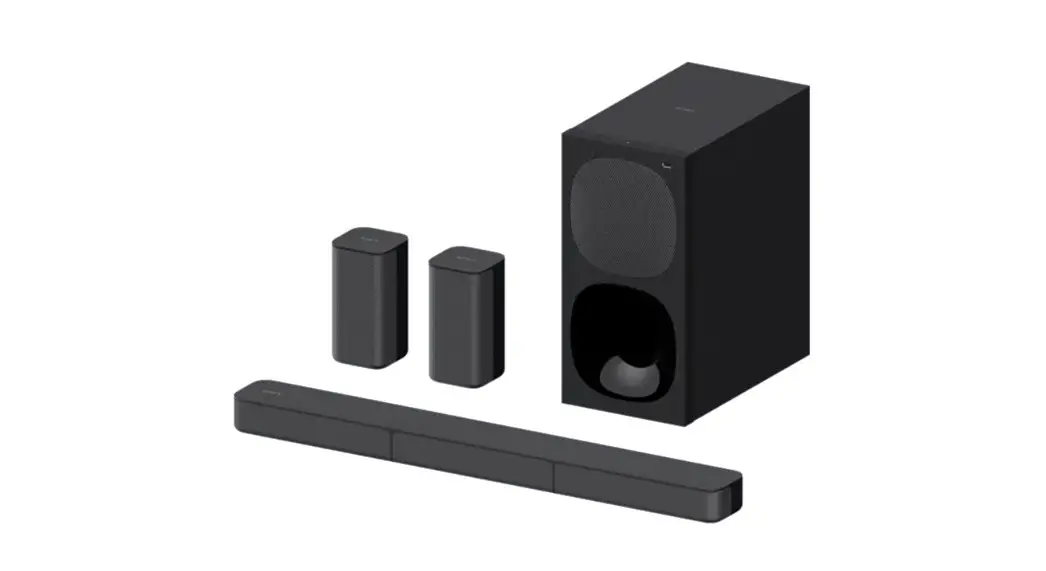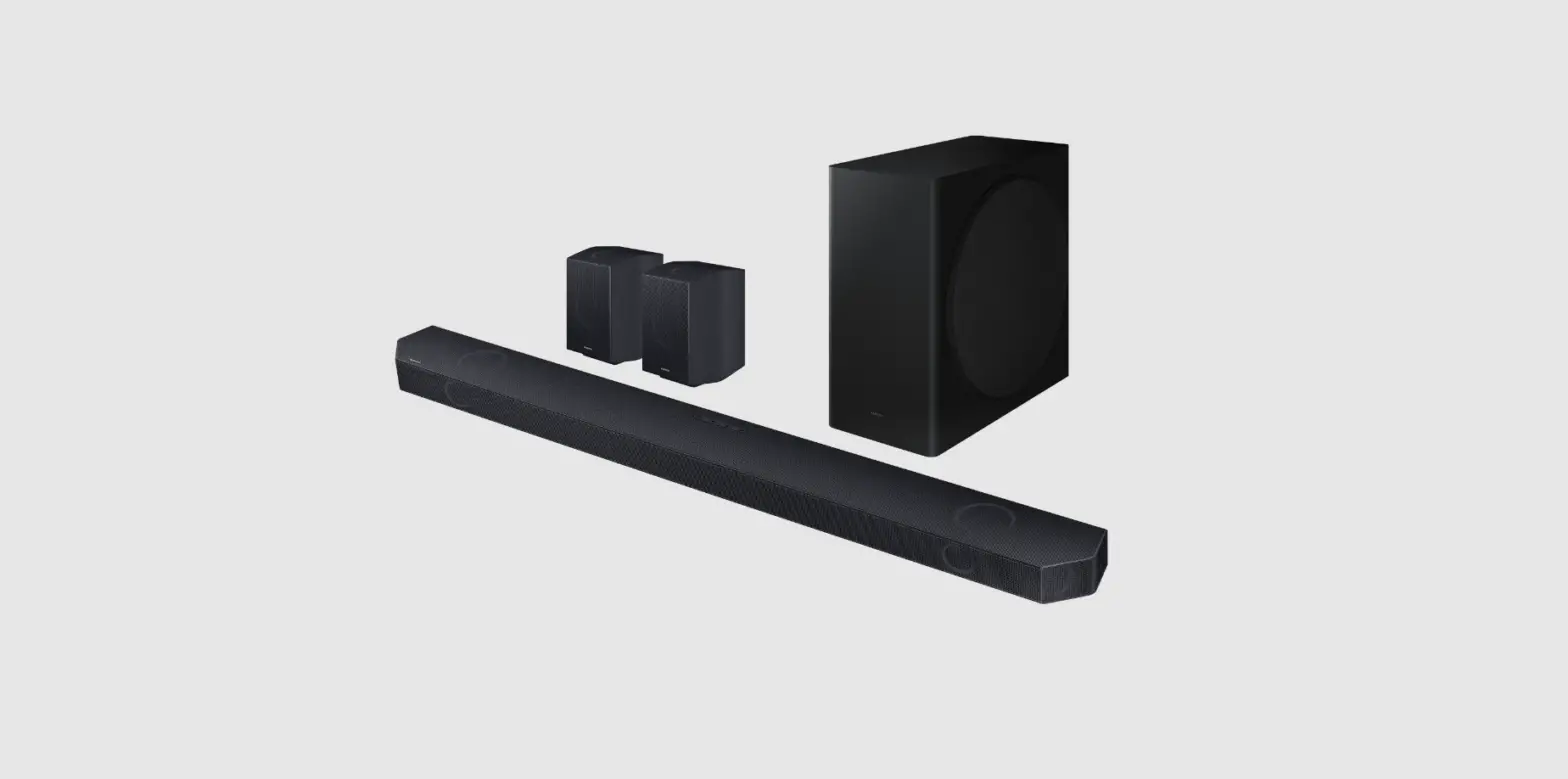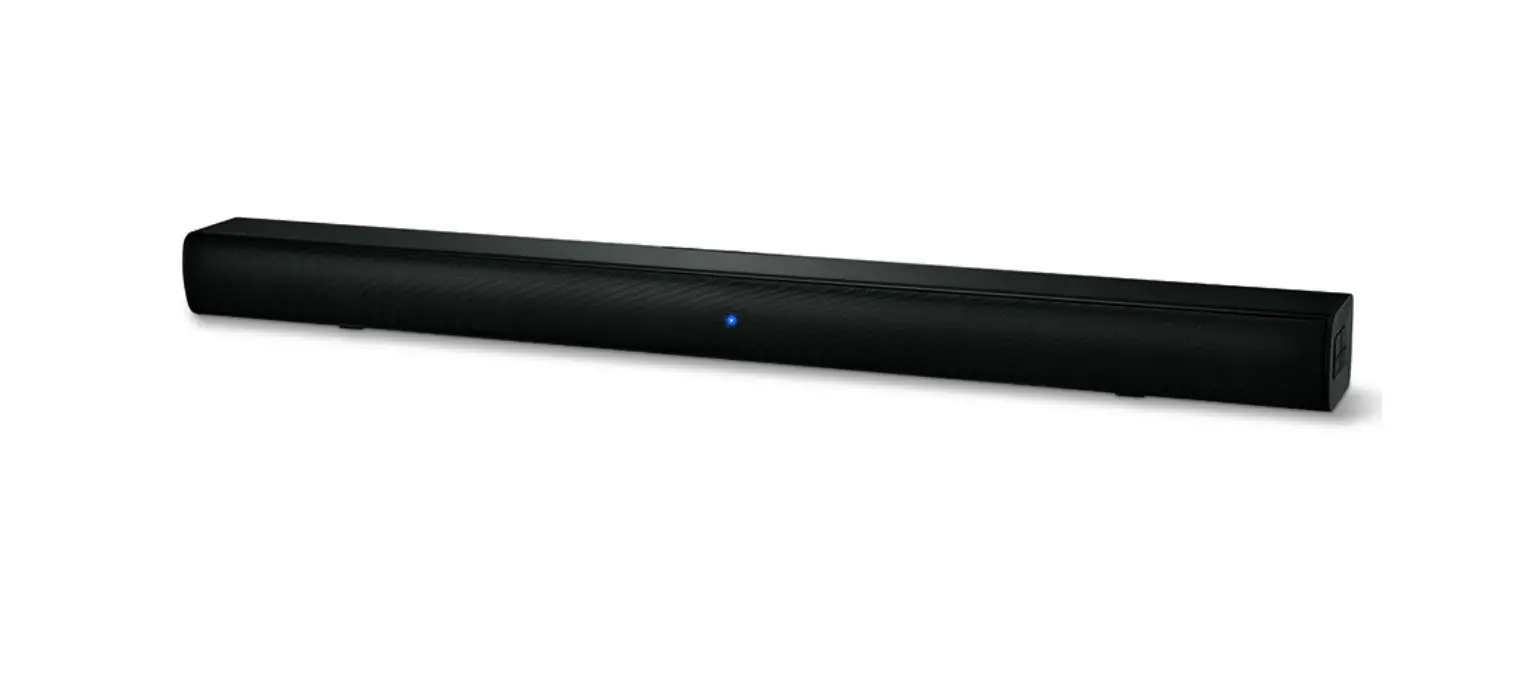

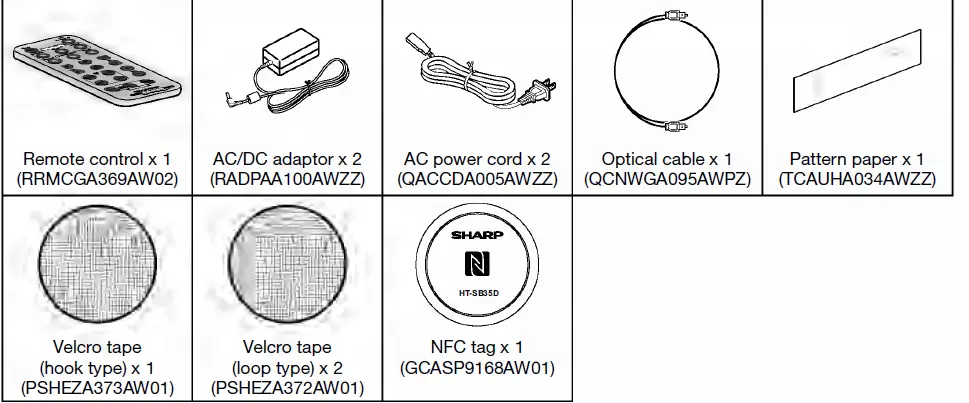
Accessories
Important Safety Instructions
- Do not install near any heat sources such as radiators, heat registers, stoves, or other apparatus (including amplifiers) that produce heat.
- Do not defeat the safety purpose of the polarized or grounding- type plug.
- A polarized plug has two blades with one wider than the other. A grounding type plug has two blades and a third grounding prong.
- The wide blade or the third prong are provided for your safety.
- If the provided plug does not fit into your outlet, consult an electrician for replacement of the obsolete outlet.
- Protect the power cord from being walked on or pinched particularly at plugs, convenience receptacles, and the point where they exit from the apparatus.
- Only use attachments/accessories specified by the manufacturer.
- Use only with the cart, stand, tripod, bracket, or table specified by the manufacturer, or sold with the apparatus.
- When a cart is used, use caution when moving the cart/apparatus combination to avoid injury from tipover.
- Unplug this apparatus during lightning storms or when unused for long periods of time.
- Refer all servicing to qualified service personnel.
- Servicing is required when the apparatus has been damaged in any way, such as power-supply cord or plug is damaged, liquid has been spilled or objects have fallen into the apparatus, the apparatus has been exposed to rain or moisture, does not operate normally, or has been dropped Replacement Parts
- When replacement parts are required, be sure the service technician has used replacement parts specified by the manufacturer or have the same characteristics as the original part. Unauthorized substitutions may result in fire, electric shock, or other hazards.
- Upon completion of any service or repairs to this product, ask the service technician to perform safety checks to determine that the product is in proper operating condition.
- Wall or ceiling mounting – When mounting the product on a wall or ceiling, be sure to install the product according to the method recommended by the manufacturer.
- Power Lines – An outside antenna system should not be located in the vicinity of overhead power lines or other electric light or power circuits, or where it can fall into such power lines or circuits. When installing an outside antenna system, extreme care should be taken to keep from touching such power lines or circuits as contact with them might be fatal.
- Protective Attachment Plug – The product is equipped with an attachment plug having overload protection.
- This is a safety feature. See Instruction Manual for replacement or resetting of protective device.
- If replacement of the plug is required, be sure the service technician has used a replacement plug specified by the manufacturer that has the same overload protection as the original plug.
- Stand – Do not place the product on an unstable cart, stand, tripod or table.
- Placing the product on an unstable base can cause the product to fall, resulting in serious personal injuries as well as damage to the product. Use only a cart, stand, tripod, bracket or table recommended by the manufacturer or sold with the product.
- When mounting the product on a wall, be sure to follow the manufacturer’s instructions.
- Use only the mounting hardware recommended by the manufacturer.
Special Notes
The Bluetooth® word mark and logos are registered trademarks owned by Bluetooth SIG, Inc. and any use of such marks by SHARP is under license. Other trademarks and trade names are those of their respective owners. The N Mark is a trademark or registered trademark of NFC Forum, Inc. in the United States and in other countries. Manufactured under license from Dolby Laboratories. Dolby and the double-D symbol are trademarks of Dolby Laboratories.
Precautions
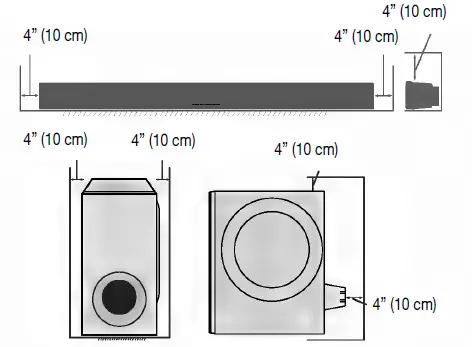
- Keep your equipment at least 4” (10 cm) of free space along the sides, top and back for proper ventilation Use the unit on a firm, level surface free from vibration.

- Keep the unit away from direct sunlight, strong magnetic fields, excessive dust, humidity and electronic/electrical equipment (home computers, facsimiles, etc.) which generate electrical noise.
- Do not place anything on top of the unit.
- Do not expose the unit to moisture, to temperatures higher than 140°F (60°C) or to extremely low temperatures.
- If the unit does not work properly, unplug and plug it in again. Then turn on the unit.
- In case of an electrical storm, unplug the unit for safety.
- Hold the AC power plug by the head when removing it from the AC outlet, as pulling the cord can damage internal wires.
Controls and indicators
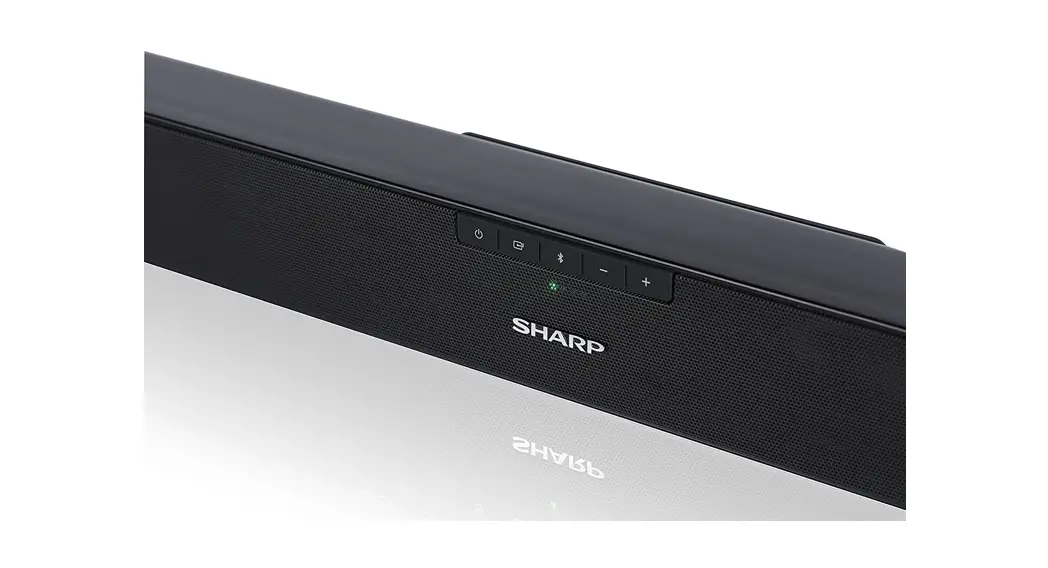
Front Panel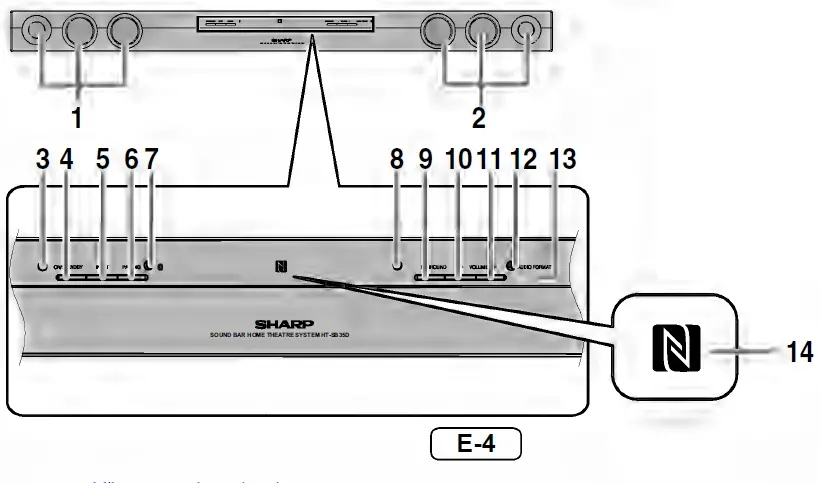
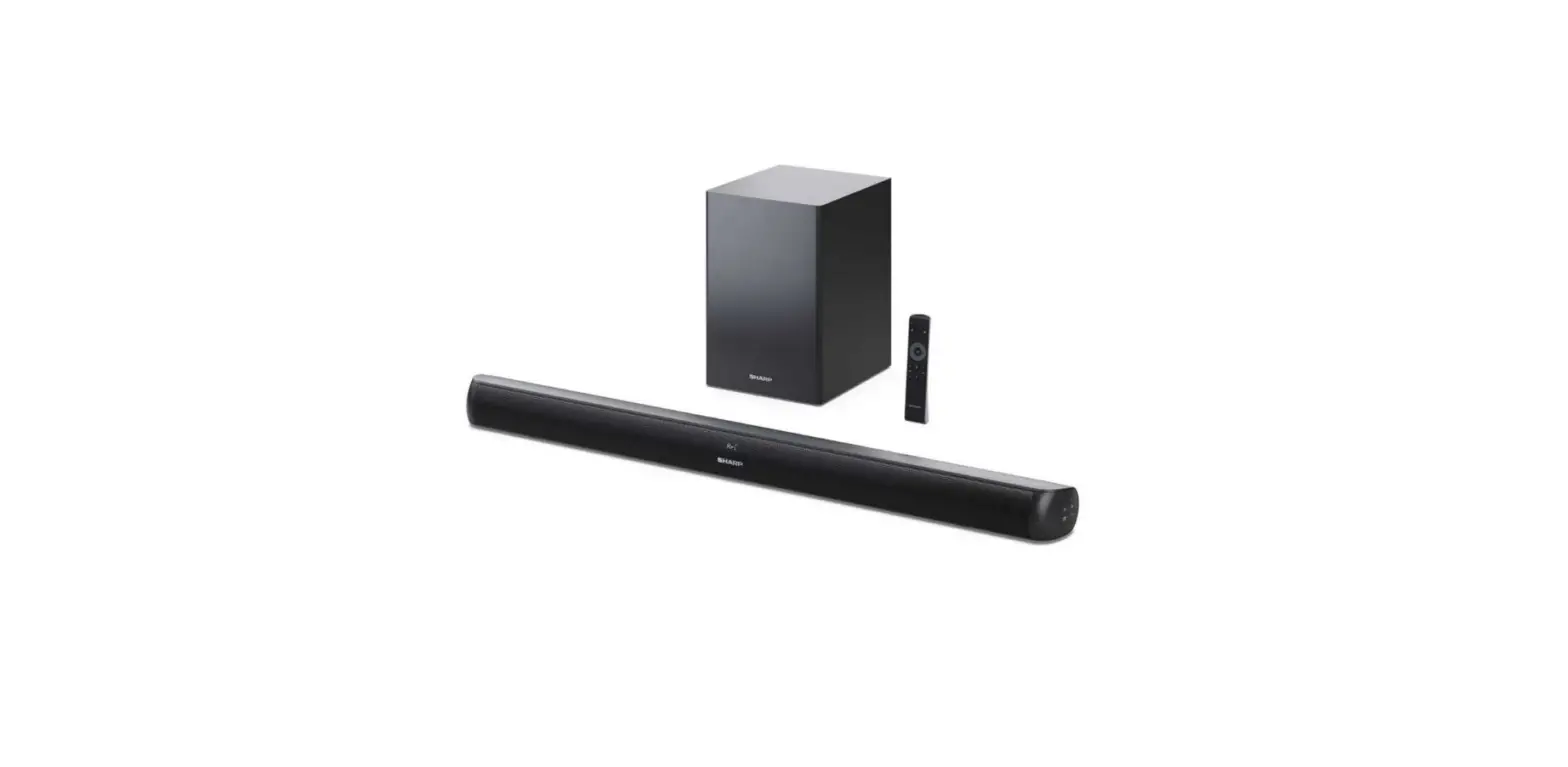
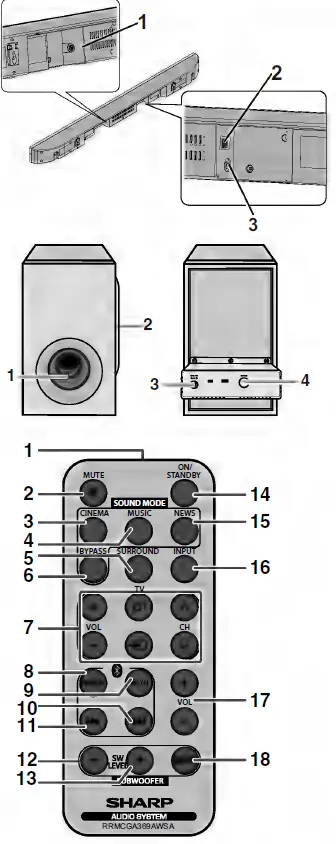
REAR PANEL/ SUBWOFFER/ REMOTE CONTROL
Falling prevention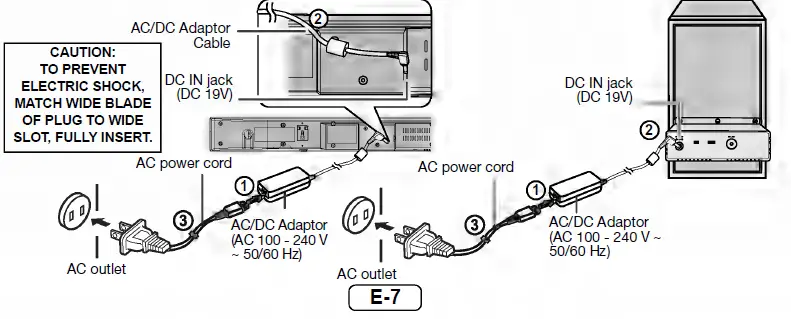
Placing the system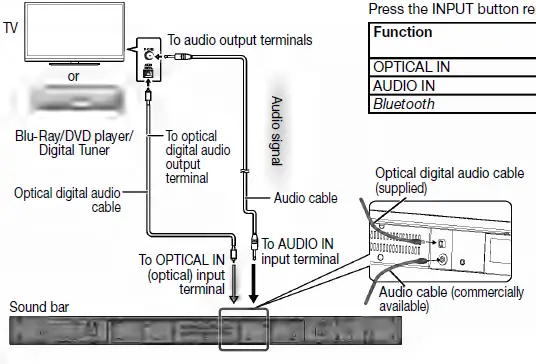
Using with the AC/DC adaptor
- Plug the AC power cord into the AC/DC adaptor.
- Plug the AC/DC adaptor cable into the DC INPUT jack on the sound bar and subwoofer.
- Plug the AC power cord into an AC outlet. The Subwoofer Pairing indicator lights up.
Connecting a TV, or DVD player, etc.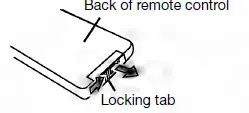
SOUND MODE
| CINEMA | (for cinema sound effect) |
| MUSIC | (for standard sound effect) |
| NEWS | (for news) |
| BYPASS | (for flat sound effect) |
Audio format
| Audio format | Audio format
indicator |
| Dolby One of the digital audio Digital systems for theatrical use.
You can also enjoy the stereophonic effect in the home theater system. Lights up when detecting Dolby Digital signal. | Blue |
| PCM This is a general term for (Pulse Code digitally encoded audio Modulation) signals on a CD or DVD.
This sound bar lets you enjoy playback of digital signals from sources such as CD or DVD. | Violet |
Remote control
Battery installation
- While pushing the locking tab toward the center of the remote control, slide out the battery holder
- Remove the old battery from the battery holder, insert the new battery and then slide the battery holder back into the remote control.
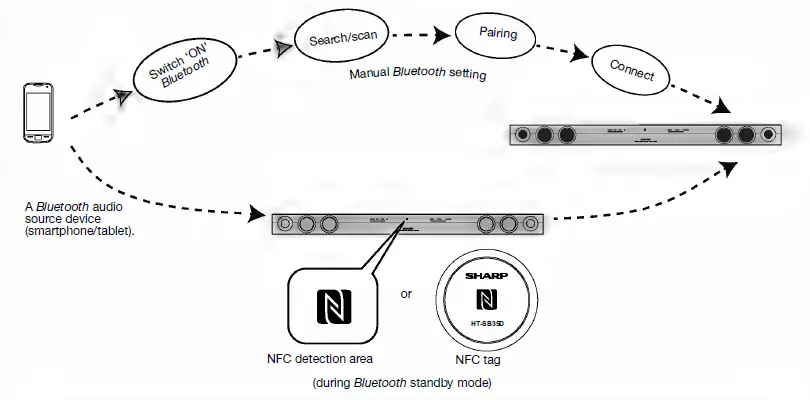
Bluetooth one touch connection via NFC
Troubleshooting
| Symptom | Possible cause |
| No sound is heard. | ● Is the input signal (selection) set properly?
● Is the volume level set to minimum? ● Is muting activated? ● Are the connections made correctly? |
| Noise is heard during playback. | ● Move the sound bar away from any computers or mobile phones. |
| Sound is distorted. | ● TV output sound is distorted. Reduce the TV volume or sound bar volume. |
| When a button is pressed, the sound bar does not respond. | ● Set this sound bar to the standby mode and then turn it back on.
● If the sound bar still malfunctions, reset it. (Refer to “Factory reset, clearing all setting”.) |
| The power is not turned on. | ● Is the sound bar unplugged? (Refer to page 7.)
● The protection circuit may be activated. Unplug and plug in the power cord again after 5 minutes or more. |
| No sound is heard at subwoofer. | ● Is the AC for subwoofer plugged in?
● The subwoofer is not connected with the sound bar. ● Is the sound bar in mute? ● If the subwoofer still malfunctions, reconnect it to the sound bar. (Refer page 9.) |
| Symptom | Possible cause |
| The remote control does not operate properly. | ● Is the battery polarity correct?
● Is the battery dead? ● Is the distance or angle incorrect? ● Are there any obstructions in front of the sound bar? ● Is there a strong light shining on the remote sensor? ● Is the remote control for another equipment used simultaneously? |
| The sound bar cannot be turned on with the remote control. | ● Is the AC power cord of the sound bar plugged in?
● Is the battery inserted? ● Has the plastic shield at the remote control battery holder been removed? |
Maintenance
- Periodically wipe the cabinet with a soft cloth.
- Do not use chemicals for cleaning (gasoline, paint thinner, etc.). It may damage the cabinet finish.
- Do not apply oil to the inside of each component. It may cause malfunctions.
Specifications
Symptom Possible cause The remote control does not operate properly. Is the battery polarity correct? Is the battery dead? Is the distance or angle incorrect? Are there any obstructions in front of the sound bar? Is there a strong light shining on the remote sensor? Is the remote control for another equipment used simultaneously? The sound bar cannot be turned on with the remote control. Is the AC power cord of the sound bar plugged in? Is the battery inserted? Has the plastic shield at the remote control battery holder been removed?
| Power source | DC IN 19V 3.42A: AC/DC
adaptor (AC 100 – 240V ~ 50/60Hz) |
| Power consumption | 10 W |
| Maximum output power | RMS: Total 60 Watts
30 Watts per channel into 6 ohms at 1 kHz, 10% total harmonic distortion FTC: Minimum 23 watts per channel into 6 ohms at 100 Hz to 20 kHz, 1% total harmonic distortion |
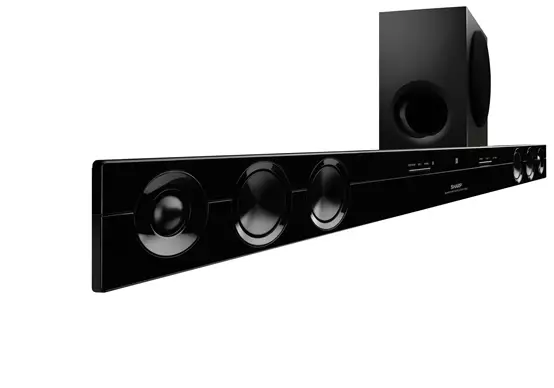
| Speaker | 2-way Speaker System 2-1/4” (5.7cm) Woofer 1” (2.5cm) Soft Dome |
| Input terminals | Analog input (AUDIO IN): Stereo mini jack Ø 3.5mm 500mV / 47kohms
Optical digital input (OPTICAL): Square type x 1 |
| Bluetooth
Frequency Band | 2.400GHz – 2.480GHz |
| Compatible
Bluetooth Profile | A2DP (Advanced Audio Distribution Profile), AVRCP (Audio/ Video Remote Control Profile) Bluetooth 2.1 +EDR |
| Dimensions | Width: 37” (940mm) Height: 2-7/8” (73mm) Depth: 3-1/4” (83mm) |
| Weight | 5.1 lbs. (2.3 kg) |
| Power source | DC IN 19V 3.42A: AC/DC
adaptor (AC 100 – 240V ~ 50/60Hz) |
| Power consumption | 10 W |
| Output power | RMS: Total 60 Watts
30 Watts per channel into 6 ohms at 1 kHz, 10% total harmonic distortion FTC: Minimum 23 watts per channel into 6 ohms at 100 Hz to 20 kHz, 1% total harmonic distortion |
| Speaker | 5-1/8”(13 cm) Woofer |
| Dimensions | Width: 7-3/8” (188 mm) Height: 11-1/8” (282 mm) Depth: 11-3/4” (299 mm) |
| Weight | Weight: 6.4 lbs. (2.9 kg) |
WARRANTY
CONSUMER LIMITED WARRANTY
SHARP ELECTRONICS CORPORATION warrants to the first consumer purchaser that this Sharp brand product (the “Product”), when ship in its original container, will be free from defective workmanship and materials, and agrees that it will, at its option, either repair the defect or replace the defective Product or part thereof with a new or remanufactured equivalent at no charge to the purchaser for parts or labor for the period(s) set forth below. This warranty does not apply to any appearance items of the Product nor to the additional excluded item(s) set forth below nor to any Product the exterior of which has been damaged or defaced, which has been subjected to improper voltage or other misuse, abnormal service or handling, or which has been altered or modified in design or construction. In order to enforce the rights under this limited warranty, the purchaser should follow the steps set forth below and provide proof of purchase to the servicer. The limited warranty described herein is in addition to whatever implied warranties may be granted to purchasers by law. ALL IMPLIED WARRANTIES INCLUDING THE WARRANTIES OF MERCHANTABILITY AND FITNESS FOR USE ARE LIMITED TO THE PERIOD(S) FROM THE DATE OF PURCHASE SET FORTH BELOW. Some states do not allow limitations on how long an implied warranty lasts, so the above limitation may not apply to you. Neither the sales personnel of the seller nor any other person is authorized to make any warranties other than those described herein, or to extend the duration of any warranties beyond the time period described herein on behalf of Sharp. The warranties described herein shall be the sole and exclusive warranties granted by Sharp and shall be the sole and exclusive remedy available to the purchaser. Correction of defects, in the manner and for the period of time described herein, shall constitute complete fulfillment of all liabilities and responsibilities of Sharp to the purchaser with respect to the Product, and shall constitute full satisfaction of all claims, whether based on contract, negligence, strict liability or otherwise. In no event shall Sharp be liable, or in any way responsible, for any damages or defects in the Product which were caused by repairs or attempted repairs performed by anyone other than an authorized servicer. Nor shall Sharp be liable or in any way responsible for any incidental or consequential economic or property damage. Some states do not allow the exclusion of incidental or consequential damages, so the above exclusion may not apply to you. THIS LIMITED WARRANTY IS VALID ONLY IN THE FIFTY (50) UNITED STATES, THE DISTRICT OF COLUMBIA AND PUERTO RICO.
FCC
This equipment has been tested and found to comply with the limits for a Class B digital device, pursuant to Part 15 of the FCC Rules. These limits are designed to provide reasonable protection against harmful interference in a residential installation. This equipment generates, uses, and can radiate radio frequency energy and, if not installed and used in accordance with the instructions, may cause harmful interference to radio communications. However, there is no guarantee that interference will not occur in a particular installation. If this equipment does cause harmful interference to radio or television reception, which can be determined by turning the equipment off and on, the user is encouraged to try to correct the interference by one or more of the following measures:
- Reorient or relocate the receiving antenna.
- Increase the separation between the equipment and receiver.
- Connect the equipment into an outlet on a circuit different from that to which the receiver is connected.
- Consult the dealer or an experienced radio/TV technician for help.
FAQS
does the soundbar turn on with the tv?
No it does not. You will need to turn it on in the conventional manner.
does the comcast remote work to adjust the volume on this system
Can Alexa control this soundbar volume
Will volume ajust with the sharpe or direct tv remote?
Volume adjusts from the Sharp and the TV remote independently. That is, if you want to adjust the Sharp, you have to use the Sharp remote.
What are the inputs? All I see is bluetooth.
There is an optical in and a small headset jack.
does this come with its own remote?
yes it come with a small remote that’s easy to loose
Does this have the option for satelite speakers?
The one woffer is wireless , if that’s what you mean by satellite,the sound bar has wires
Does this have arc hdmi output?
No it does not.
Does the directv remote work to adjust the volume on this system?
It doesn’t work on my AT&T Uverse
What is channel on soundbar?
You can think of channels as the place emitting audio on a soundbar. A “2.1” system, for example, has two speakers and a dedicated subwoofer. A 5.1 system has five speakers (a center, left, right, plus two surrounds) and a subwoofer
What is the best channel for a soundbar?
Most experts recommend purchasing no less than a 3.1 channel soundbar. For many, this is a cost-effective solution to mimicking an almost complete home theater sound system. Small to medium-sized home theaters or entertainment centers will benefit from the use of a 3.1 channel soundbar.
What is the difference between 2.1 channel and 5.1 channel sound bar?
2.1 soundbar includes two speakers, usually a left and right channel and a subwoofer. A 5.1 soundbar includes five speakers, usually front left, front right, front center, surround left, surround right, and a subwoofer.
Is a soundbar better than TV sound?
It seems, in most cases, the answer to that question is a resounding yes. Are soundbars better than TV speakers? A high-quality soundbar will always exceed a high-quality television in terms of audio performance. Poor-quality soundbars may sound worse than TV speakers
Are soundbars as good as speakers?
Speaker sets offer better audio quality than soundbars. This is partly because of their size. But it’s also because by placing speakers throughout a room, you can achieve genuine surround sound. Speaker sets are ideal for providing an immersive experience while watching movies or playing games.
Is a soundbar just as good as surround sound?
The choice between a soundbar and surround sound system may come down to your living arrangements. If you have a small apartment, the compact design of soundbars make them the go-to choice. However, if you have the space, surround sound setups will almost always provide a better listening experience.
Is it worth getting a 5.1 soundbar?
Just by looking at the numbers, a 5.1 soundbar is expected to offer much more in return than a 2.1. The additional center channel for dialogue clarity and the two rear speakers can provide a richer listening experience with or without added technology.