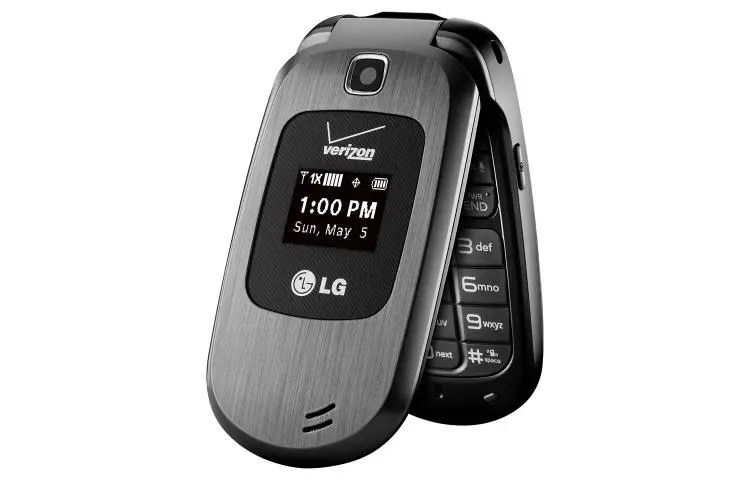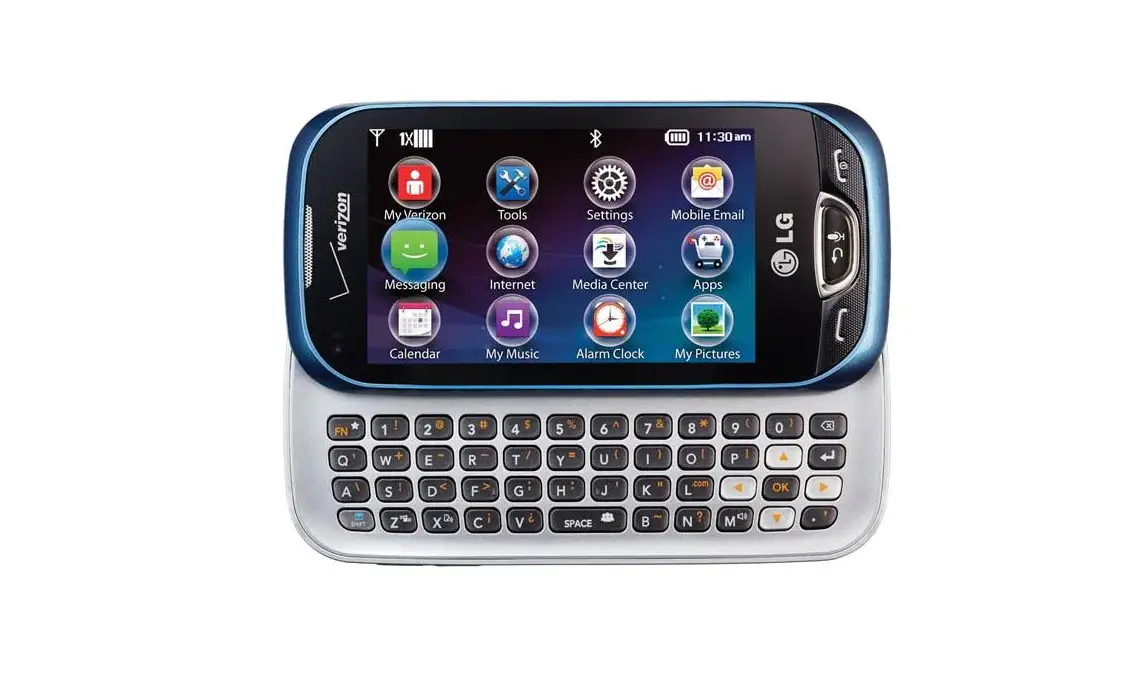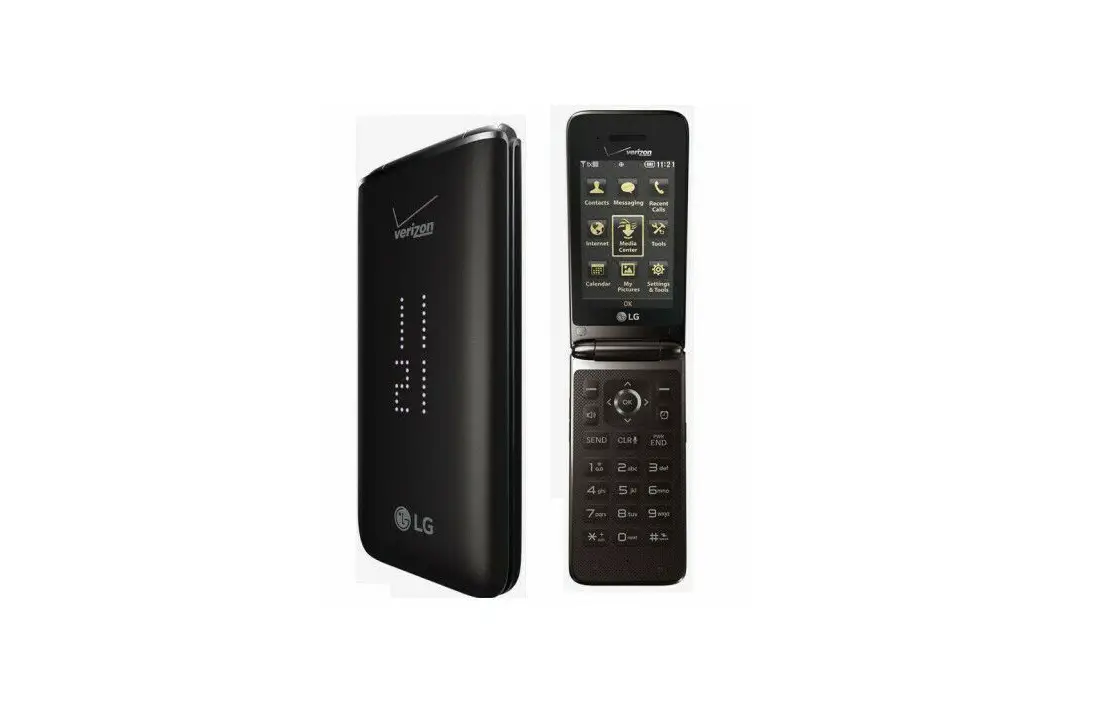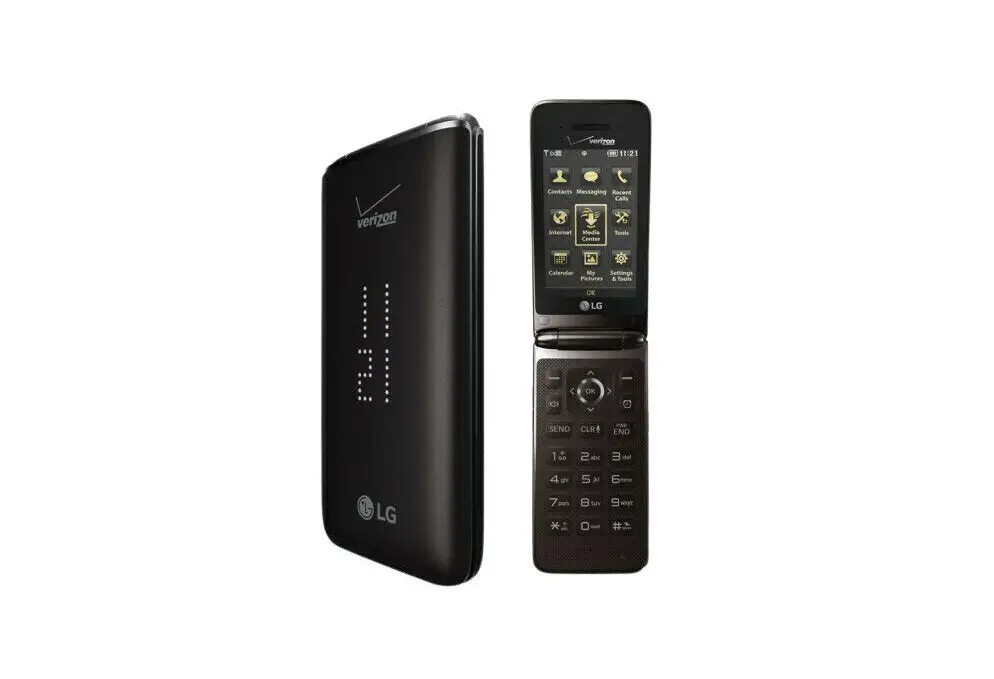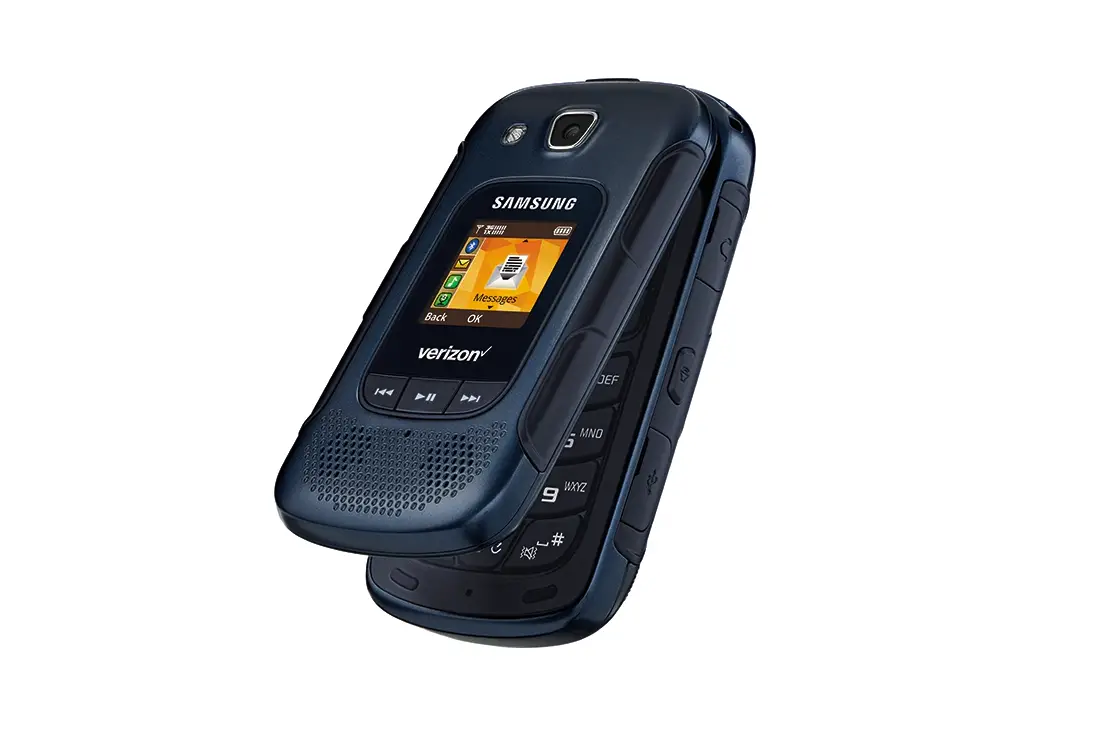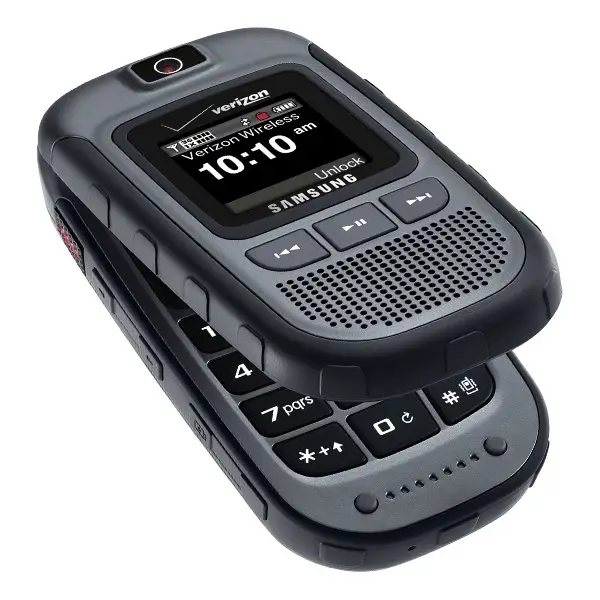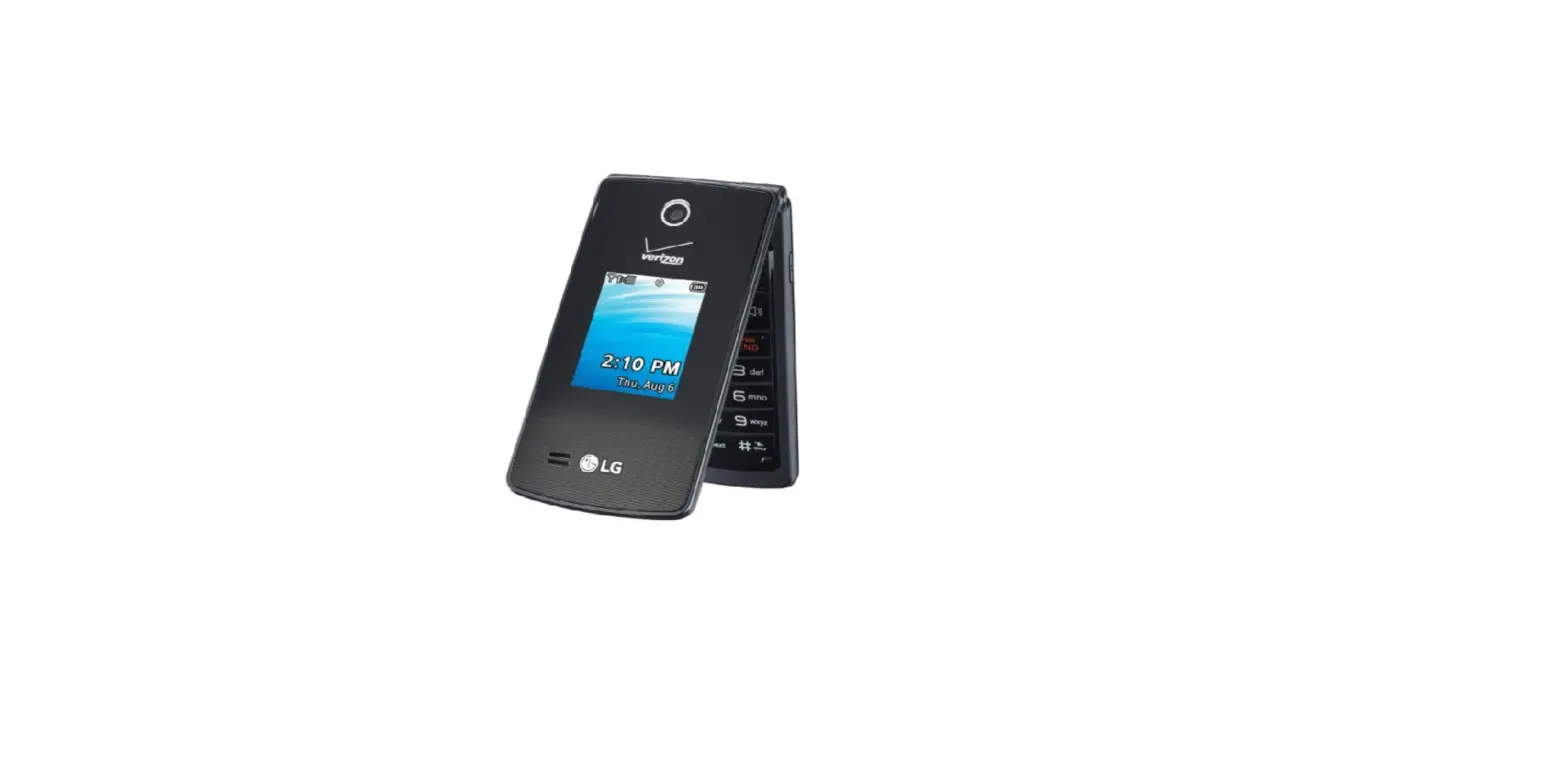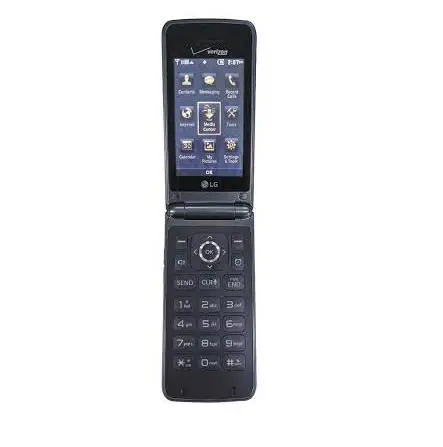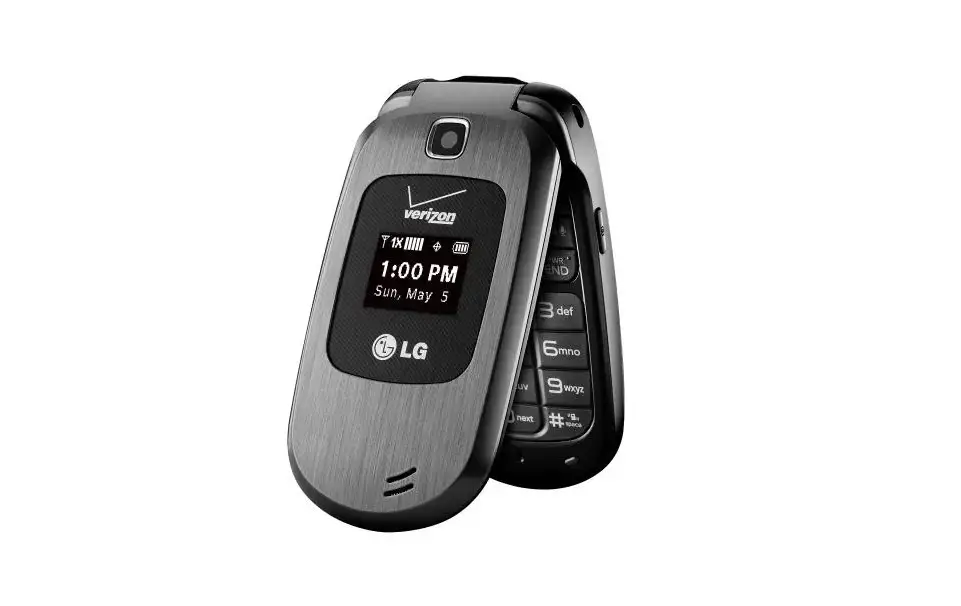
LG Revere® / LG Revere® 2 / LG Revere® 3 – Bluetooth® Discovery Mode
 Notes:
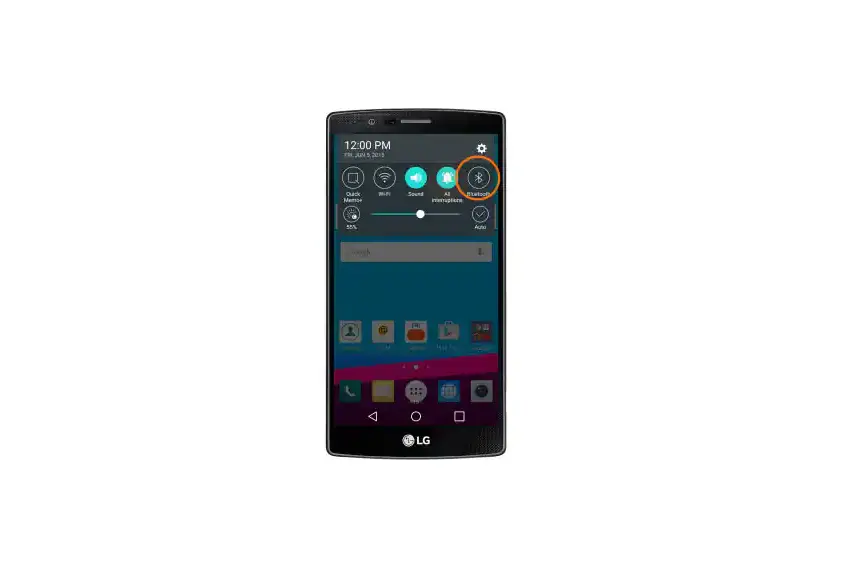
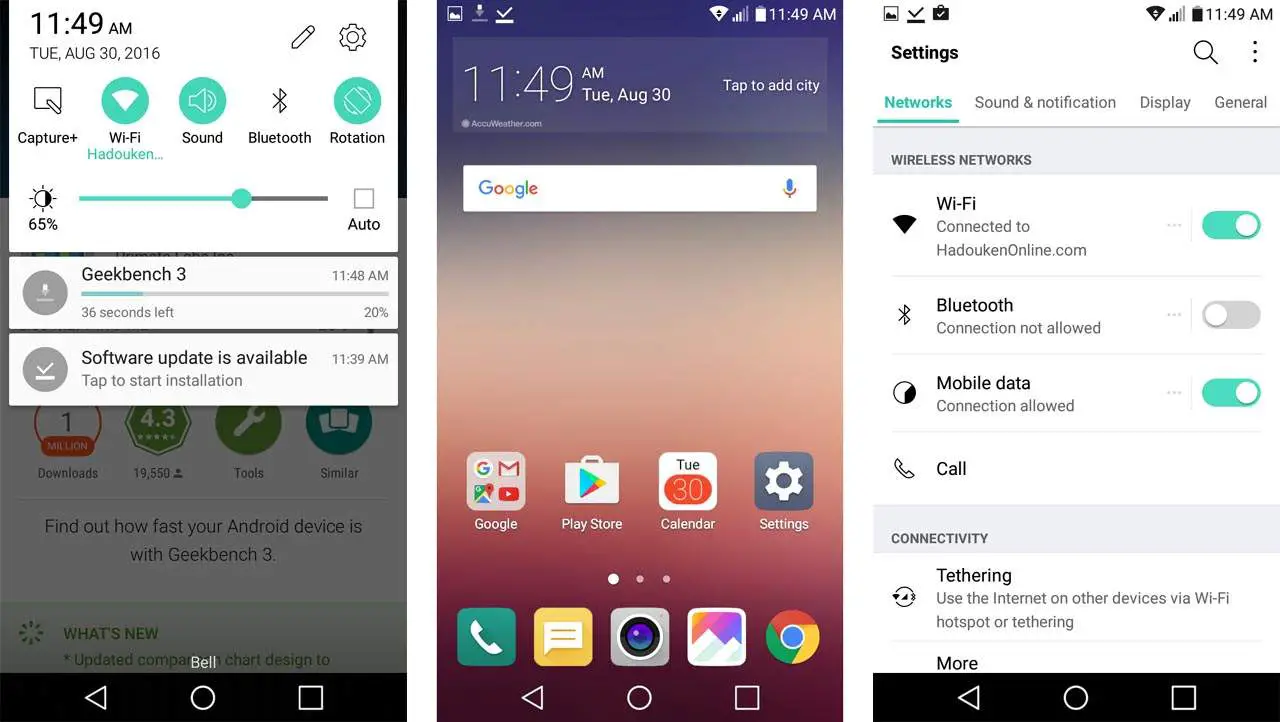
- To make the device discoverable, Bluetooth must be turned on.
- The VN150 has a 3-minute time limit for Discovery Mode. If the device is not discovered within the allotted time, repeat the steps below.
- From the main screen, press OK to choose MENU.
- Select Settings & Tools then press OK.
- Select Bluetooth Menu then press OK.
- Press the right soft key to choose Options.
- Select Discovery Mode then press OK.
- Select an option then press OK:
- On
- Off