Sonim XP5 – Turn Bluetooth On / Off
- From the main screen, press the Apps button
 .
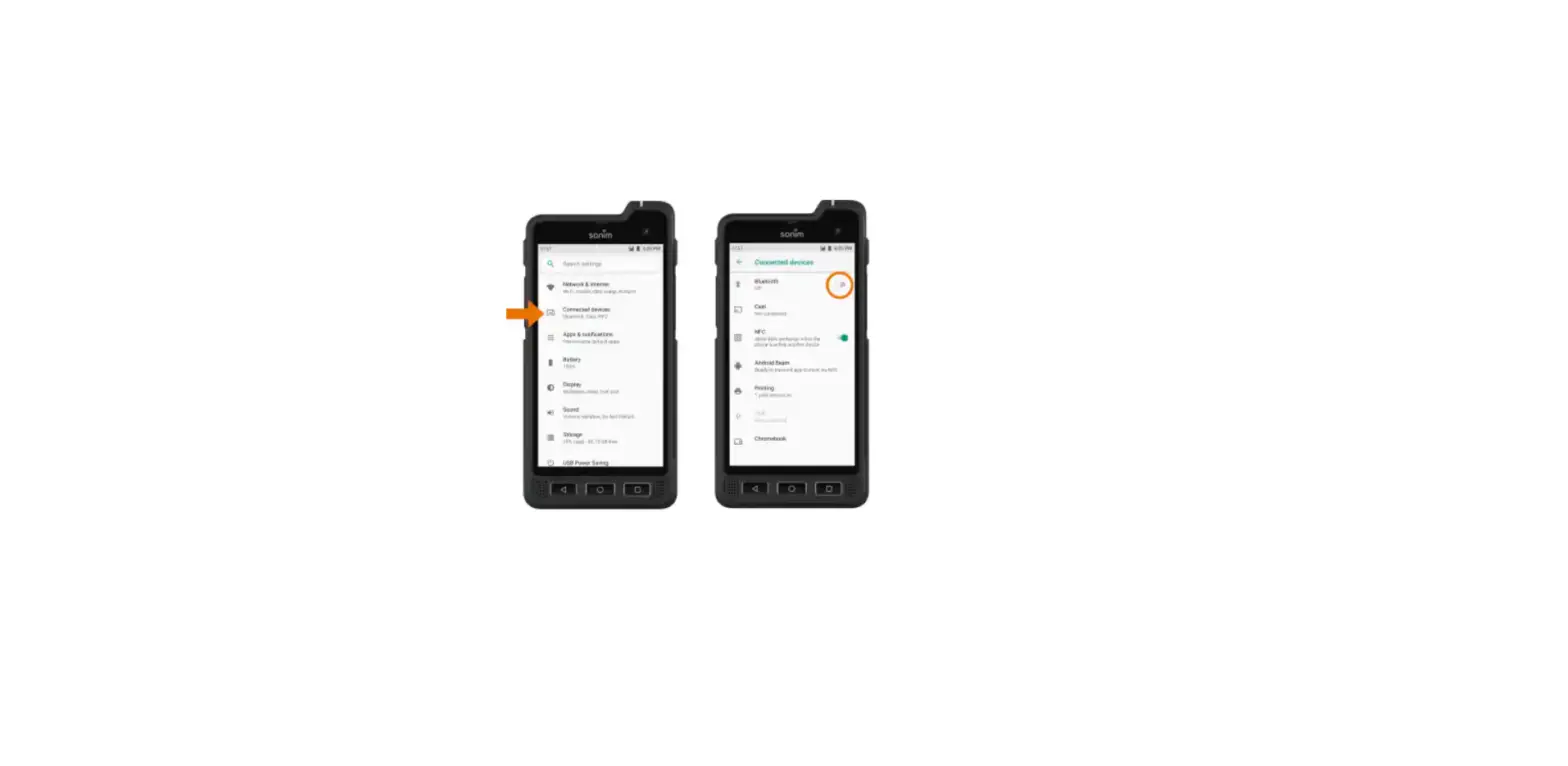
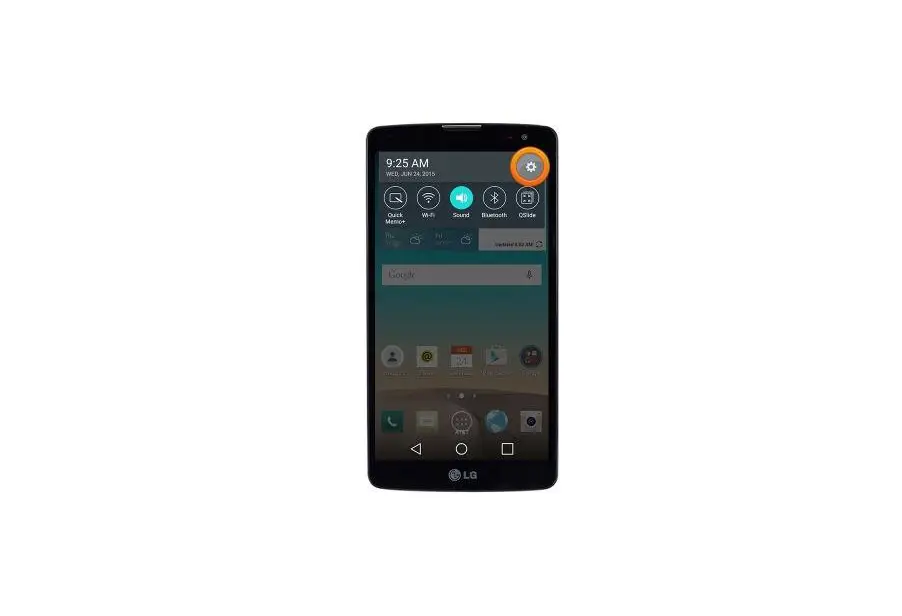
. - Select Settings.
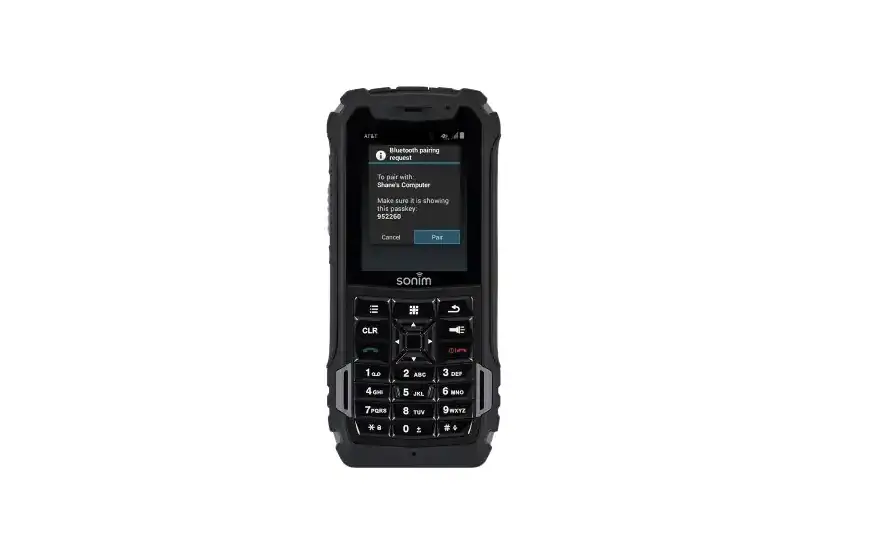
 Utilize the 5-way navigation pad to highlight and the center button to select.
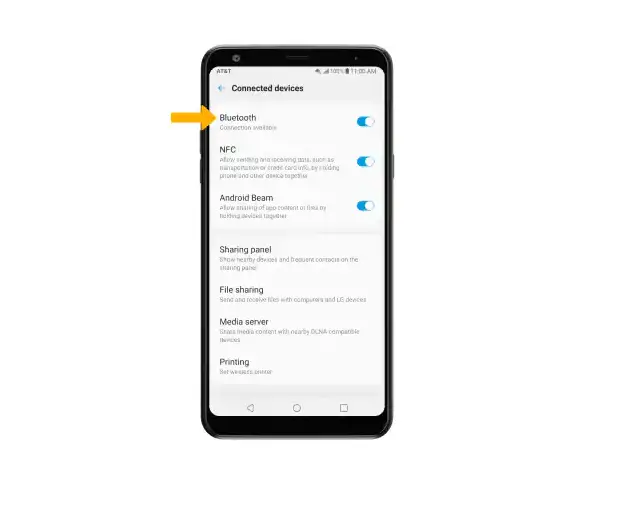
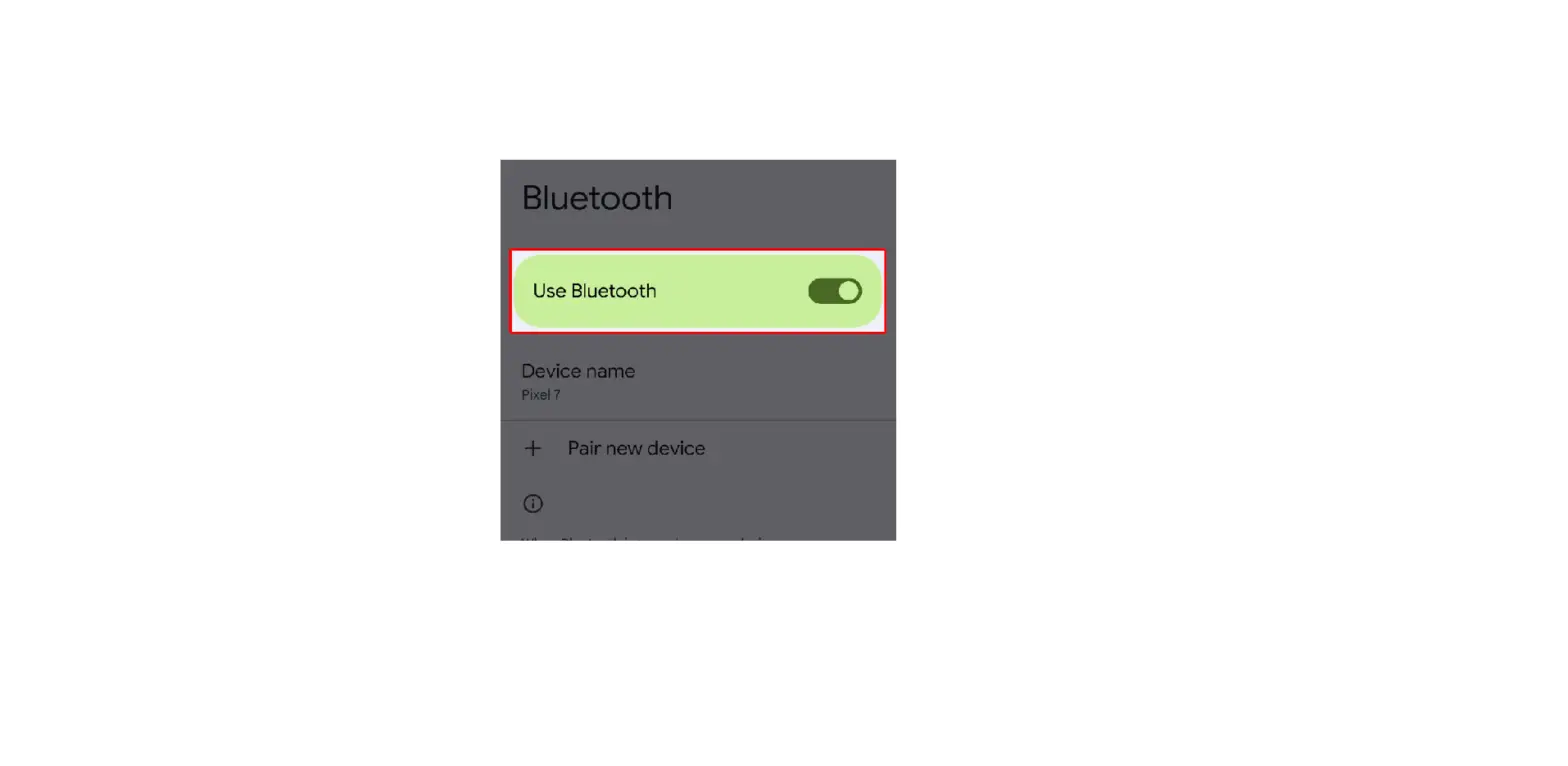
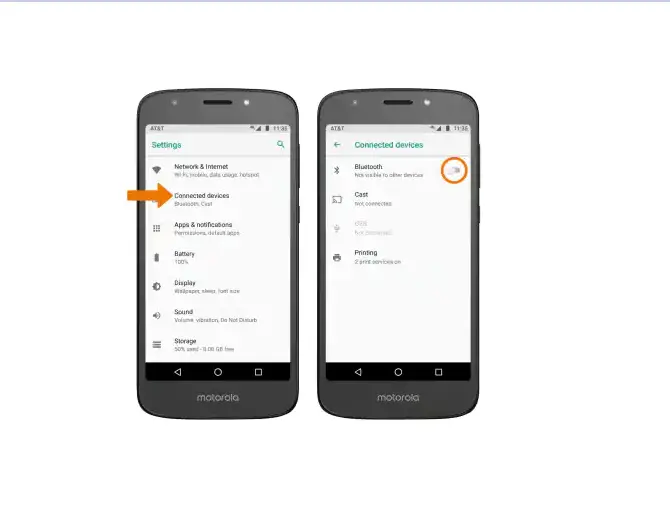
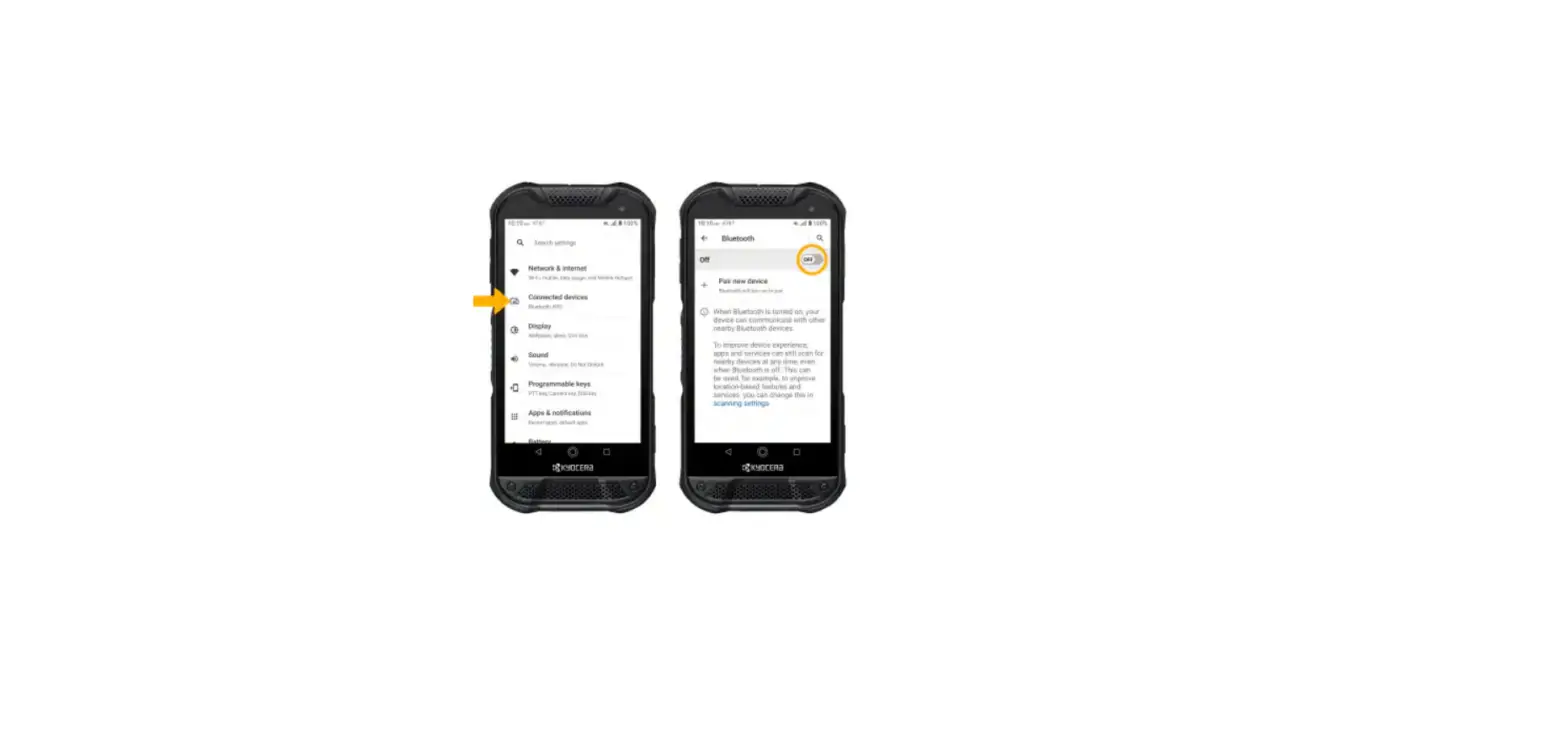
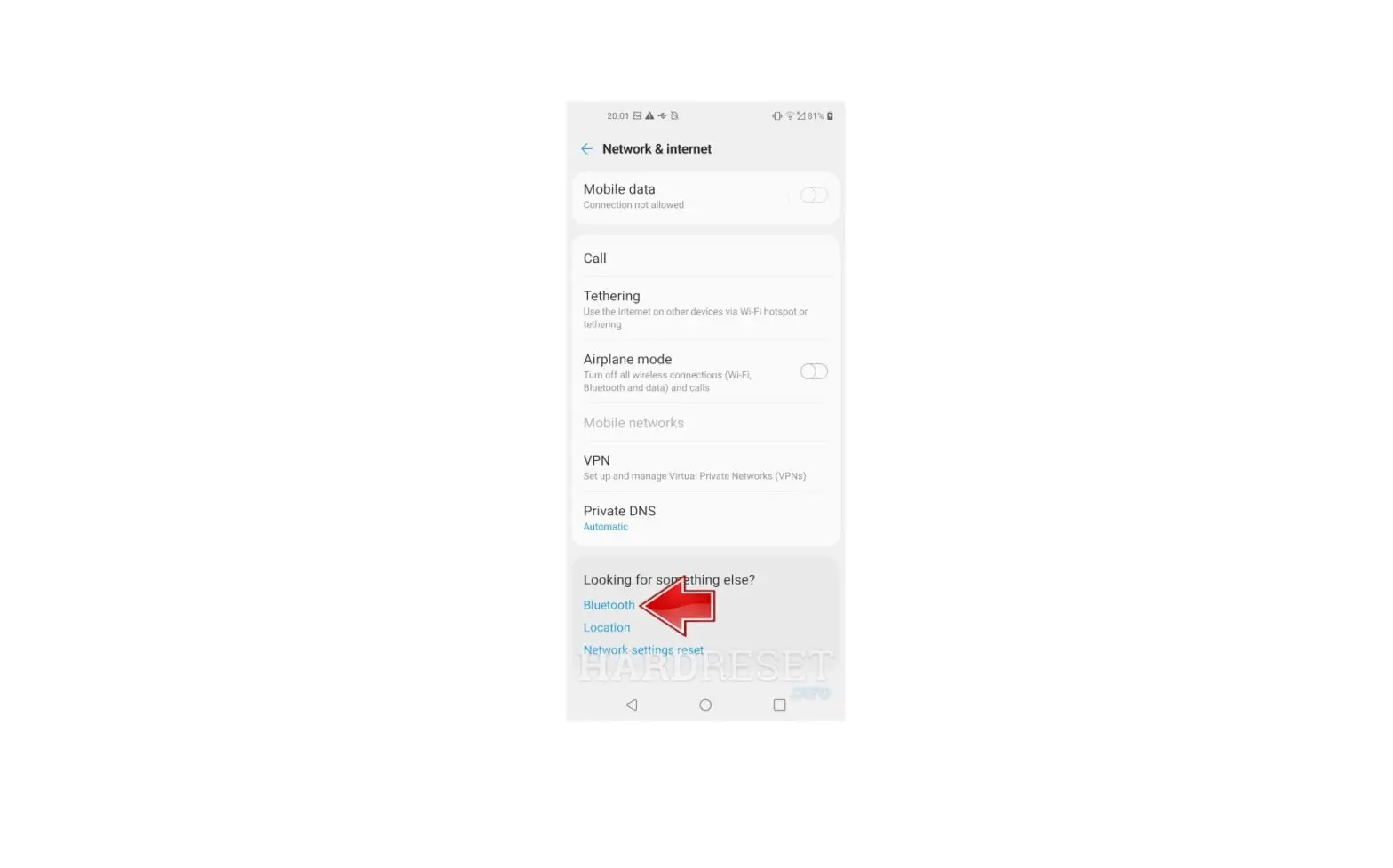
 - From the Wireless & networks screen, select Bluetooth.
- Press the Center button on the 5-way navigation pad to turn On
 or Off
  . While Bluetooth® is enabled, your device is visible to nearby devices.
 .
. Utilize the 5-way navigation pad to highlight and the center button to select.
 or Off
  .
.