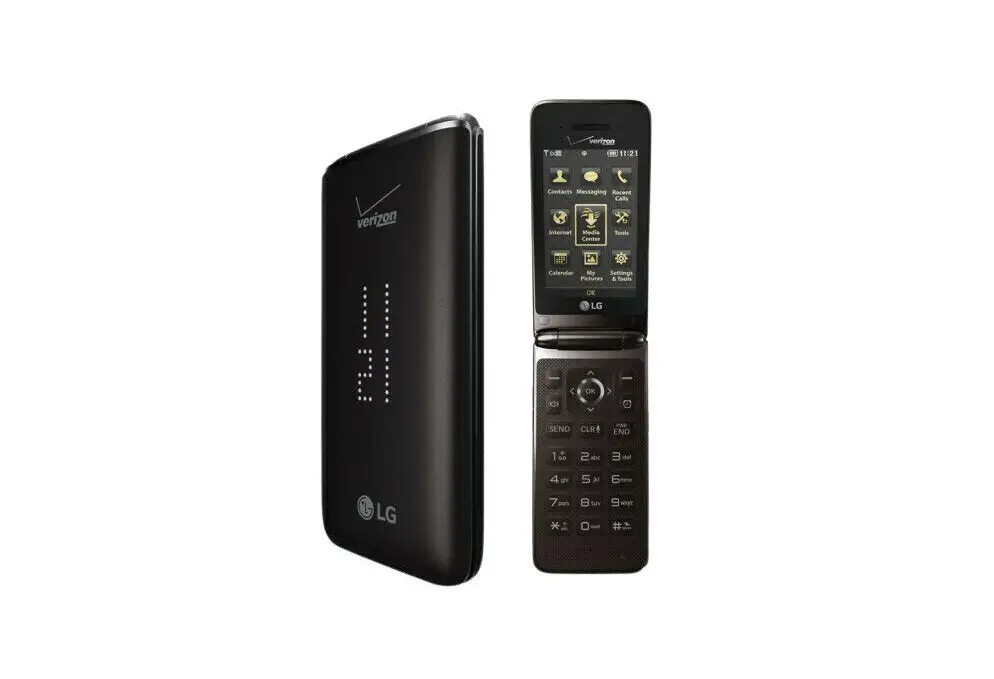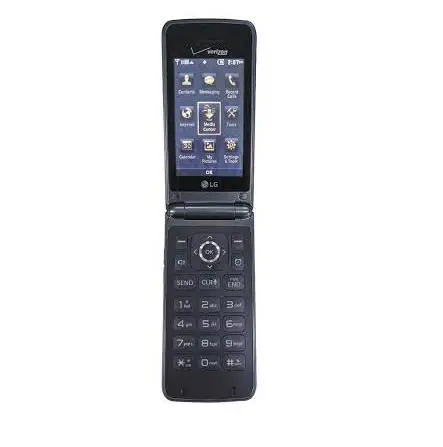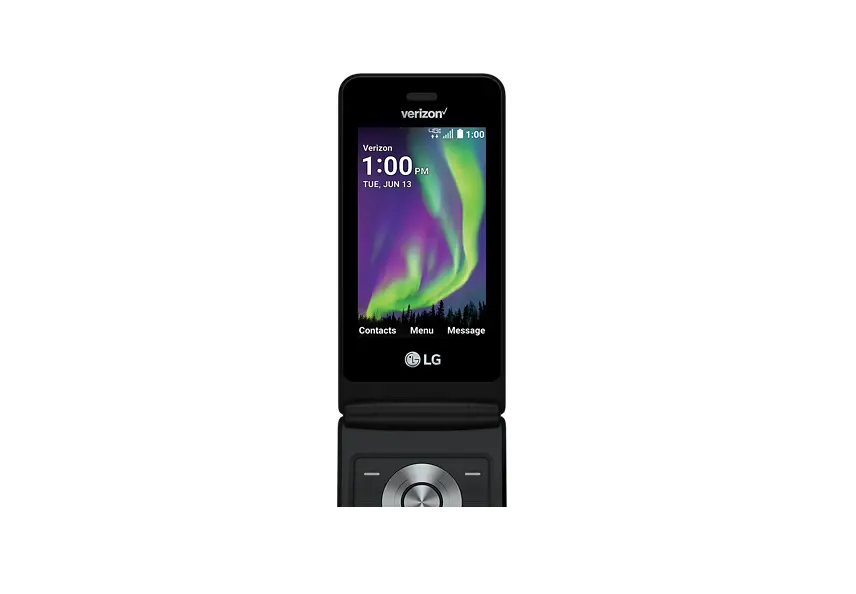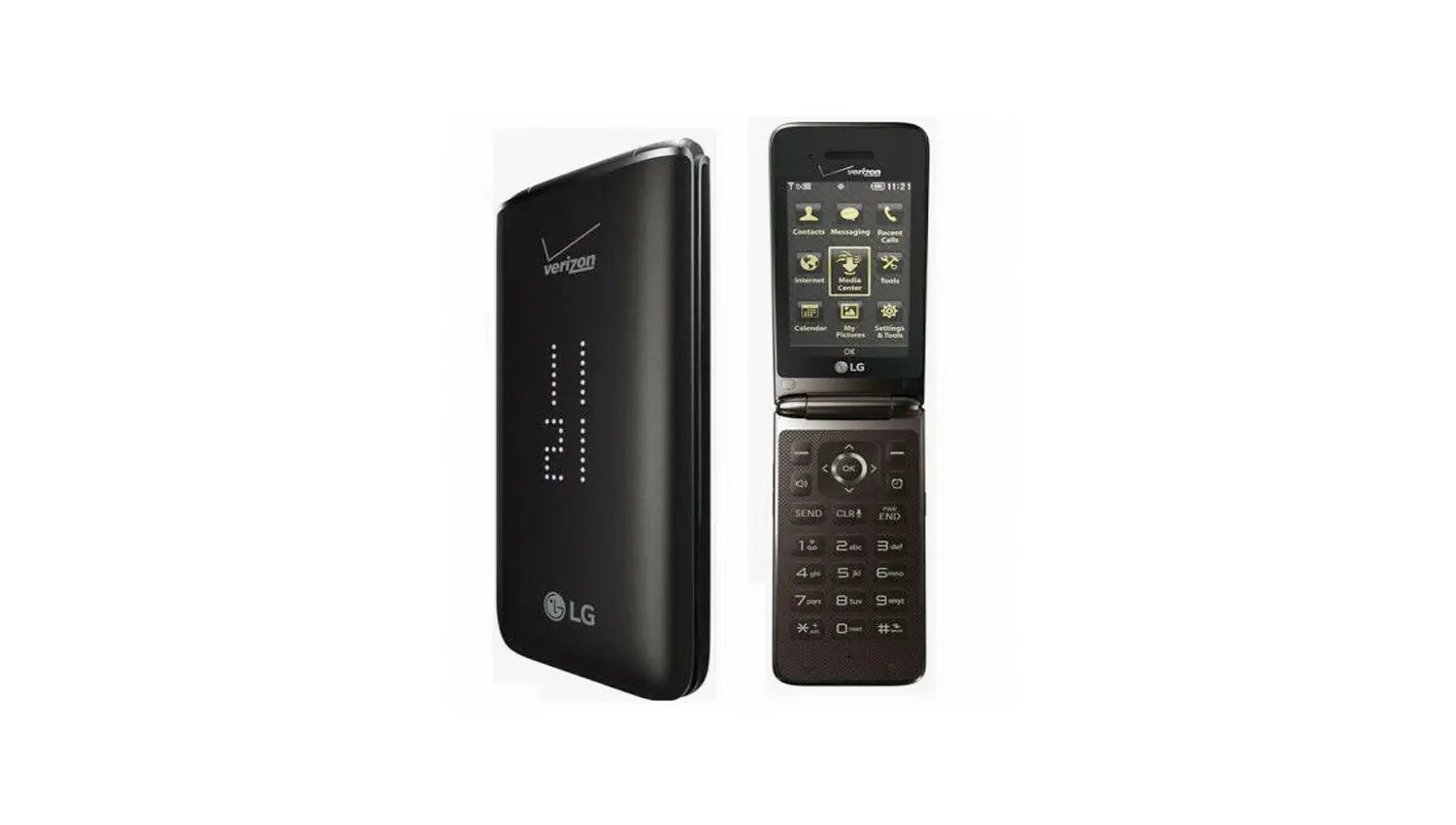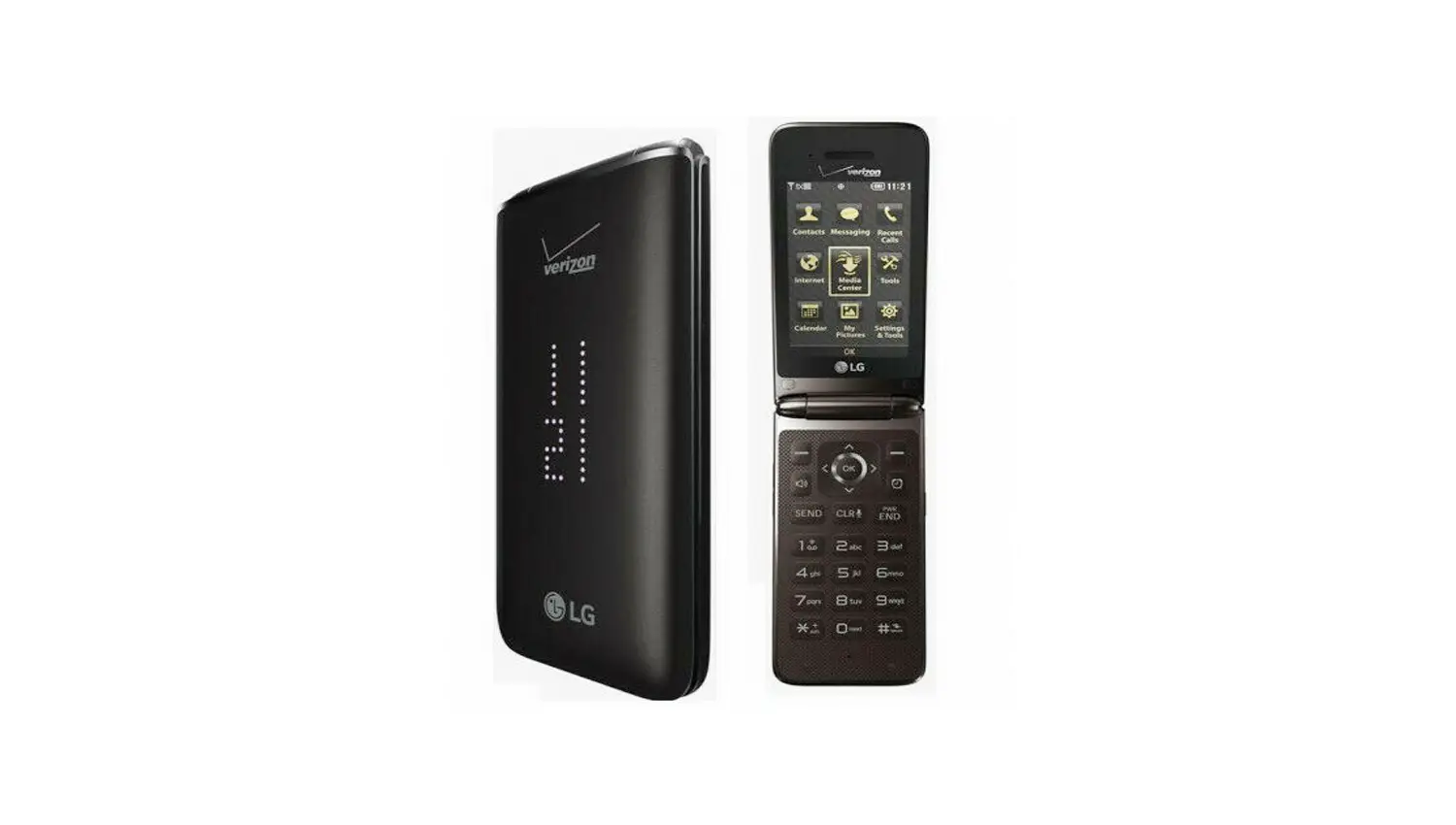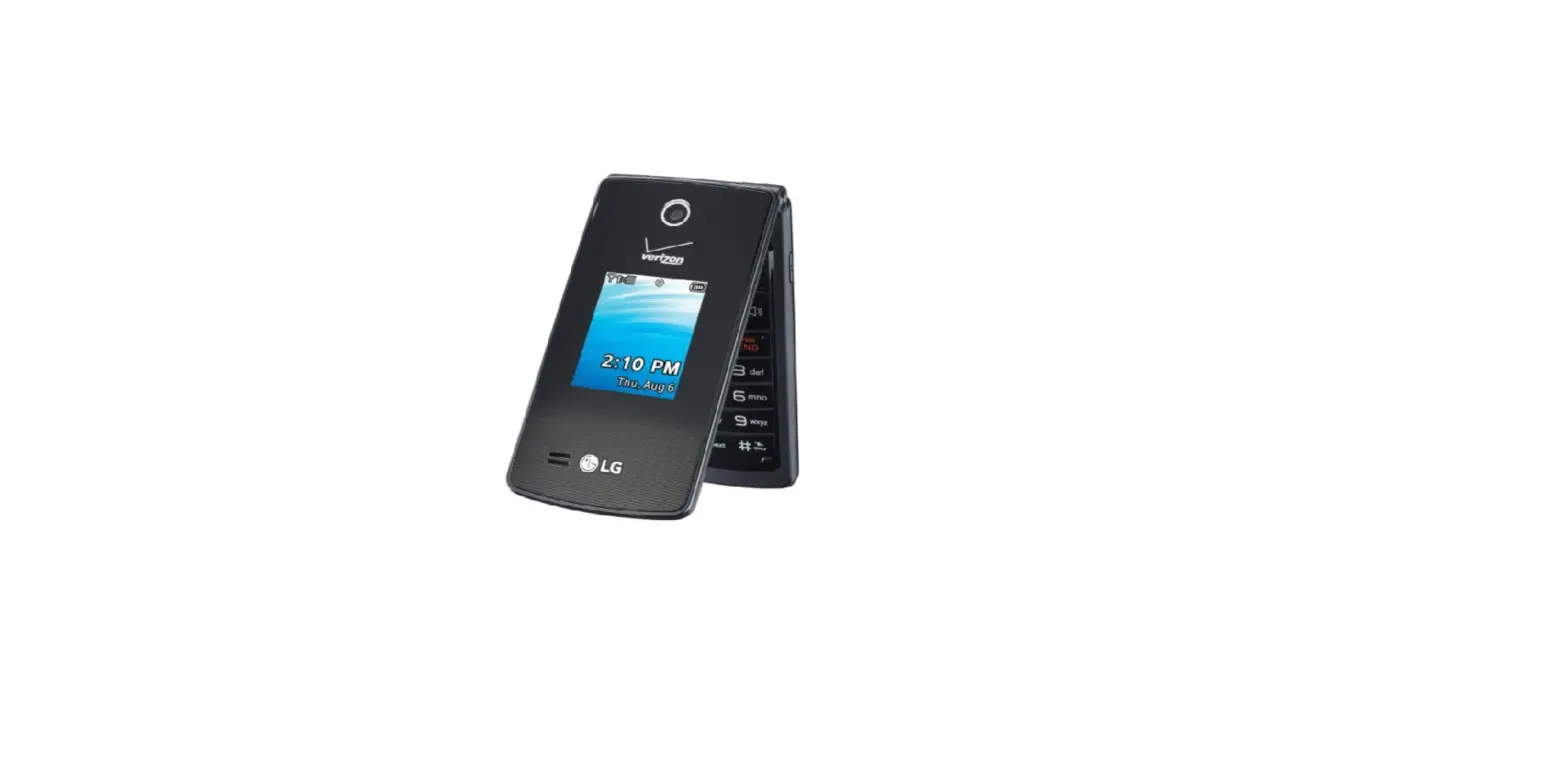
Bluetooth® Discovery Mode – LG Exalt® II
 To make the device discoverable, Bluetooth must be turned on.
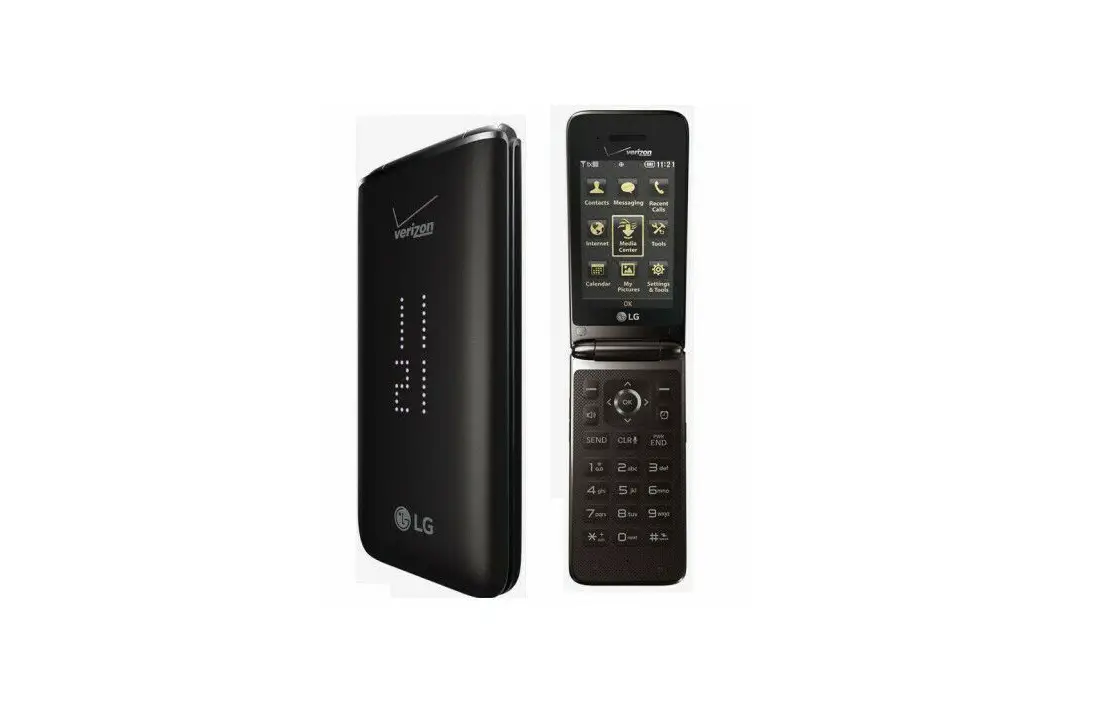
- From the main screen, select Menu.
 Utilize the 5-way navigation pad to highlight and the OK button to select.
 - Select Settings & Tools.
- Select Bluetooth Menu.
- Press the right soft key to choose Options.
- Select Discovery Mode.
- Select a setting then select SET:
- On: Bluetooth discovery mode enabled for 1 minute.
- Off: Bluetooth discovery mode disabled.
 Utilize the 5-way navigation pad to highlight and the OK button to select.