
Sensata IWTTU Series Industrial Wireless Temperature Transmitter
Whilst every effort has been taken to ensure the accuracy of this document, we accept no responsibility for damage, injury, loss, or expense resulting from errors or omissions, and reserve the right of amendment without notice.
Information for users
This equipment has been tested and found to comply with the limits for a Class B device, pursuant to part 15 of the FCC Rules. These limits are designed to provide reasonable protection against harmful interference in a residential installation. This equipment generates uses and can radiate radio frequency energy, and if not installed and used in accordance with the instructions, may cause harmful interference to radio communications. However, there is no guarantee that interference will not occur in a particular installation. If this equipment does cause harmful interference to radio or television reception, which can be determined by turning the equipment off and on, the user is encouraged to try to correct the interference by one or more of the following measures:
- Reorient or relocate the receiving antenna
- Increase the separation between the equipment and the receiver
- Connect the equipment to an outlet on a circuit different from that which the receiver is connected
- Consult the dealer or an experienced radio/TV technician for help
Caution: To satisfy FCC RF Exposure requirements for mobile and base station transmission devices, a separation distance of 20 cm or more should be maintained between the antenna of this device and persons during operation. To ensure compliance operation at closer than this distance is not recommended. The antenna used for this transmitter must not be co-located or operating in conjunction with any other antenna or transmitter. No other antenna may be used with this equipment other than the antenna supplied with this equipment.
INTRODUCTION
Safety Information
This manual contains information that must be observed in the interest of your safety and to avoid damage to assets. Please read this manual before installing and commissioning the device and keep the manual in an accessible location for all users.
Contains FCC ID: W70MRF24J40MDME
Caution: To satisfy FCC RF Exposure requirements for mobile and base station transmission devices, a separation distance of 20 cm or more should be maintained between the antenna of this device and persons during operation. To ensure compliance operation closer than this distance is not recommended. The antenna used for this transmitter must not be co-located or operating in conjunction with any other antenna or transmitter. No other antenna may be used with this equipment other than the PCB antenna supplied with this equipment.
Please see the Certifications section for more information on RF Exposure Compliance
Hardware Features
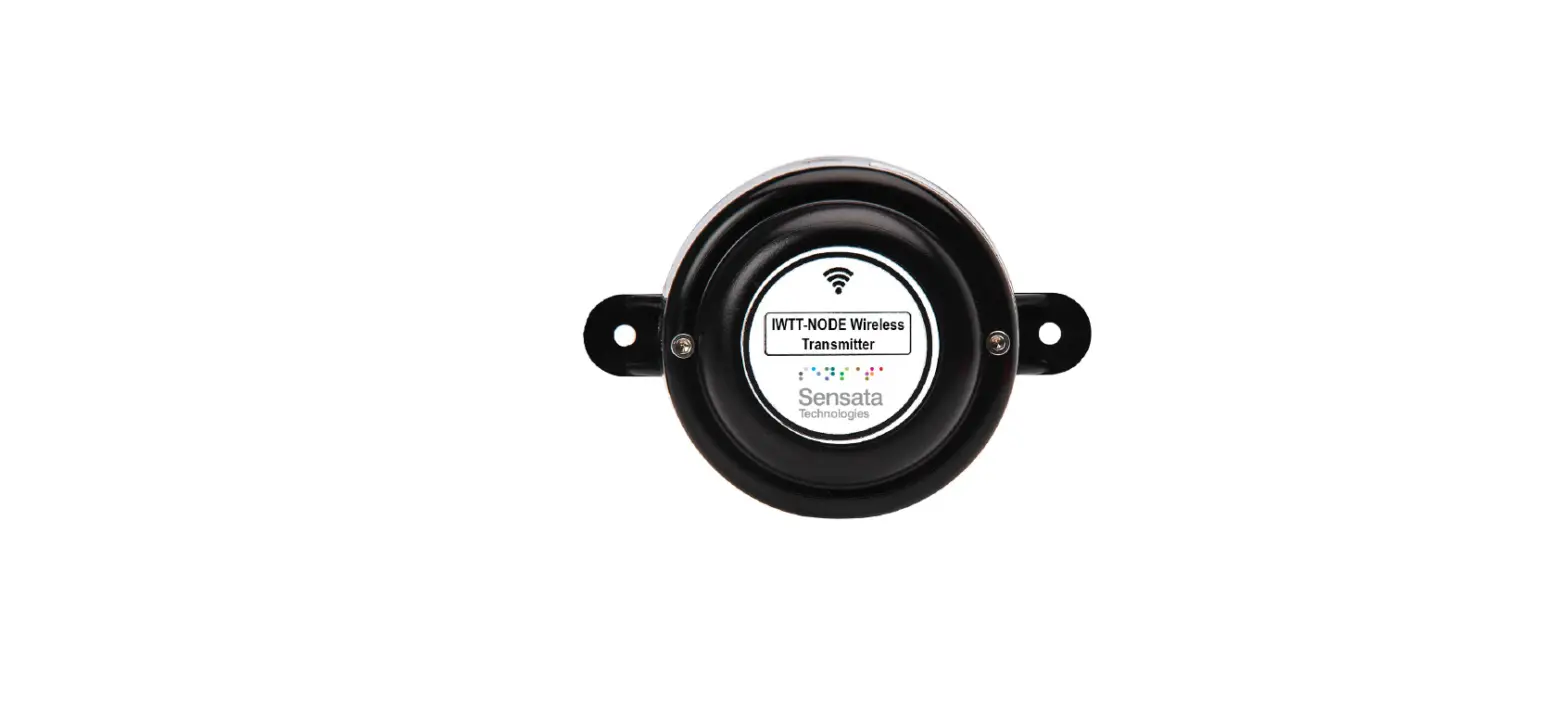
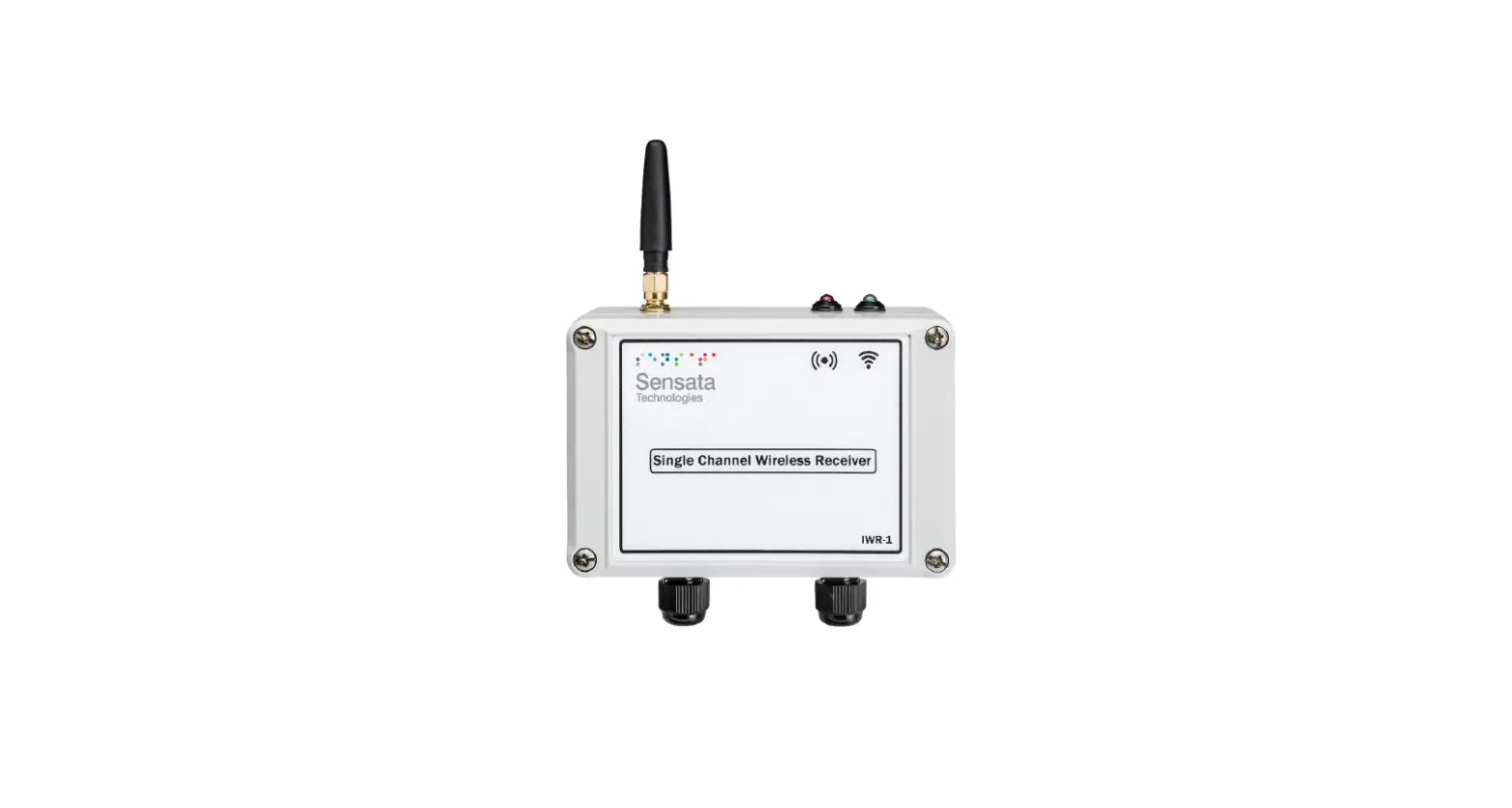
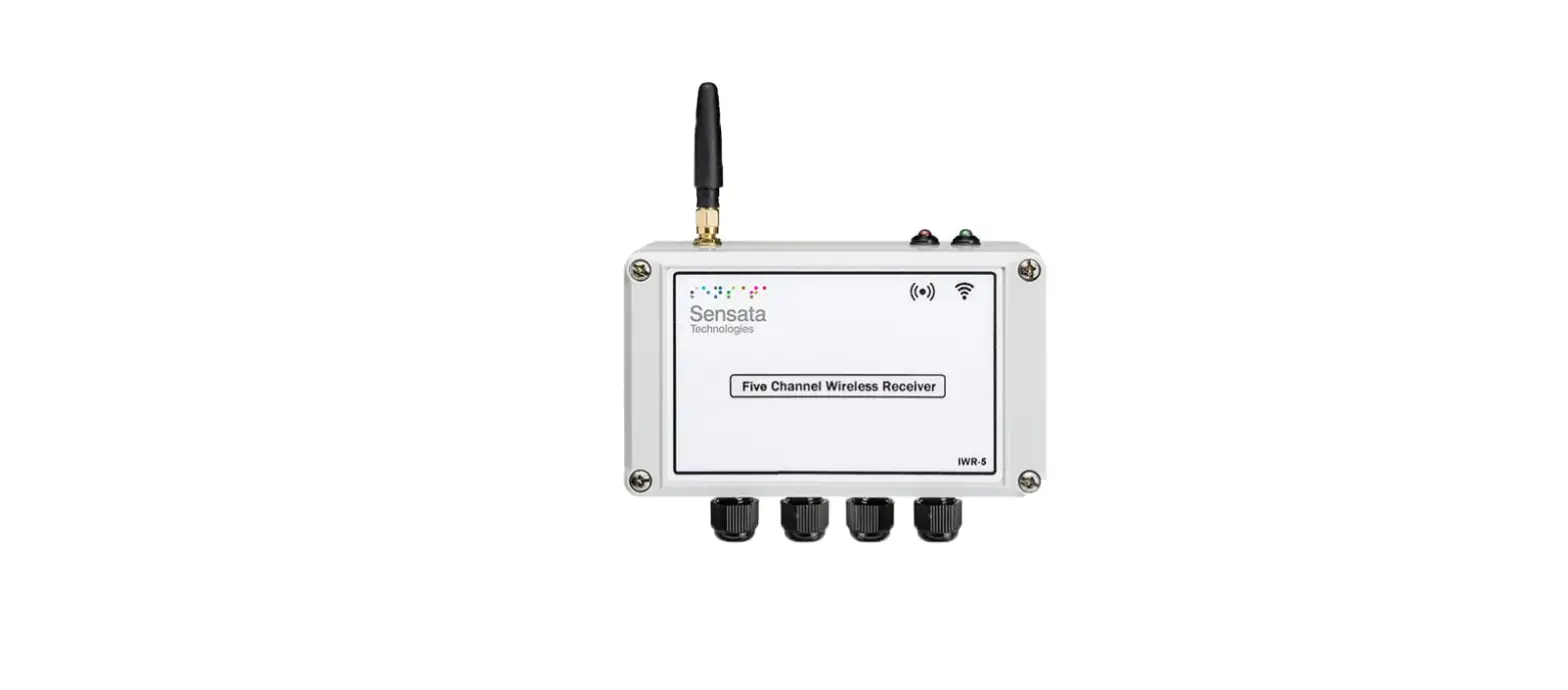
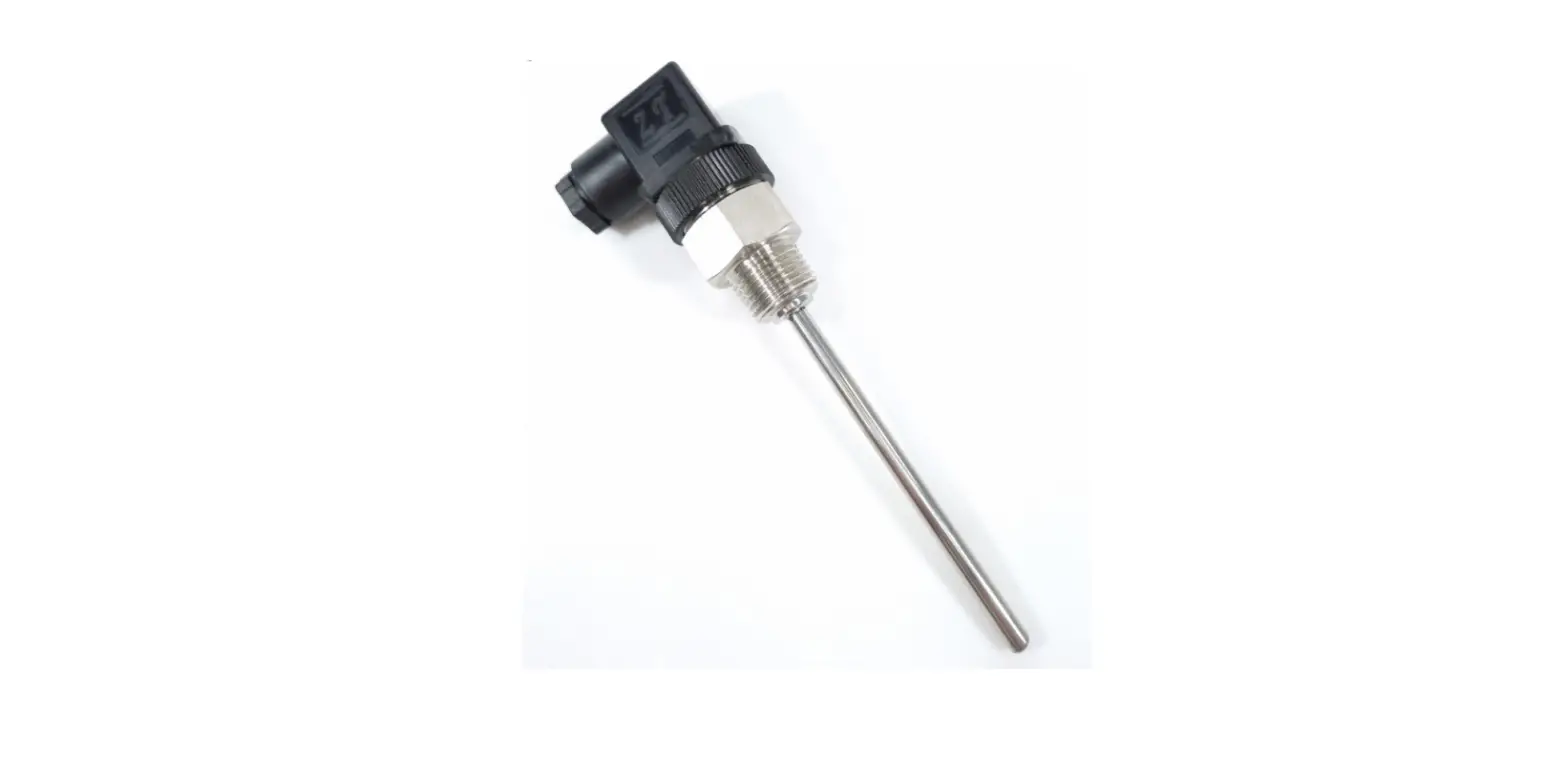
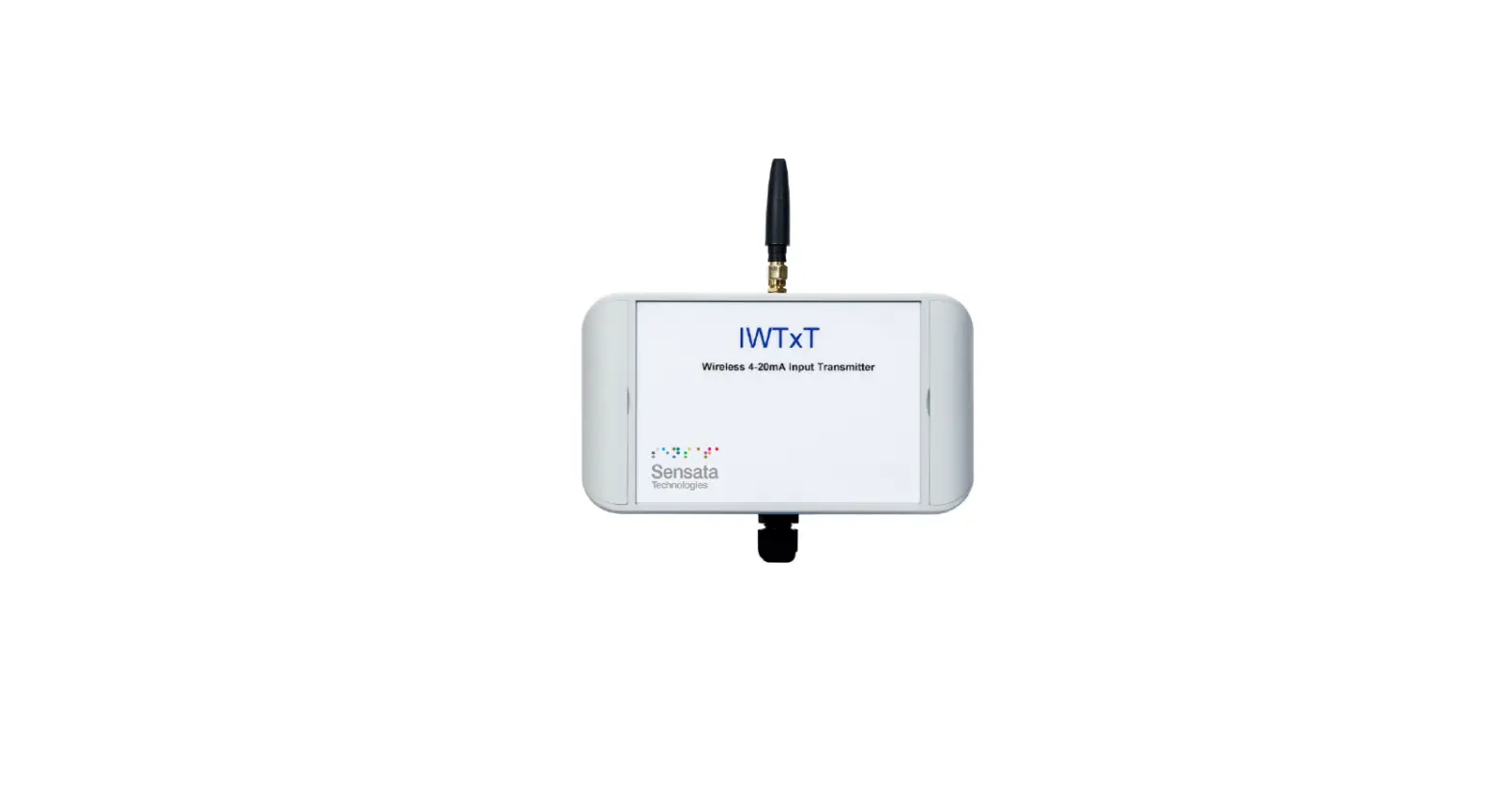
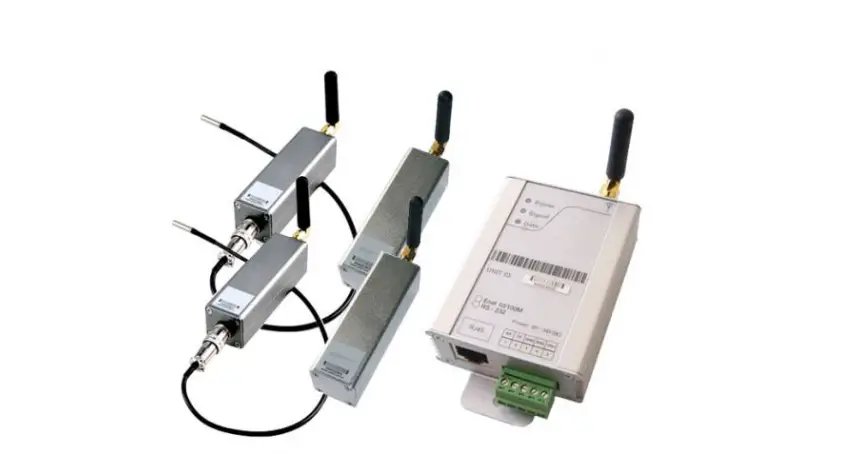
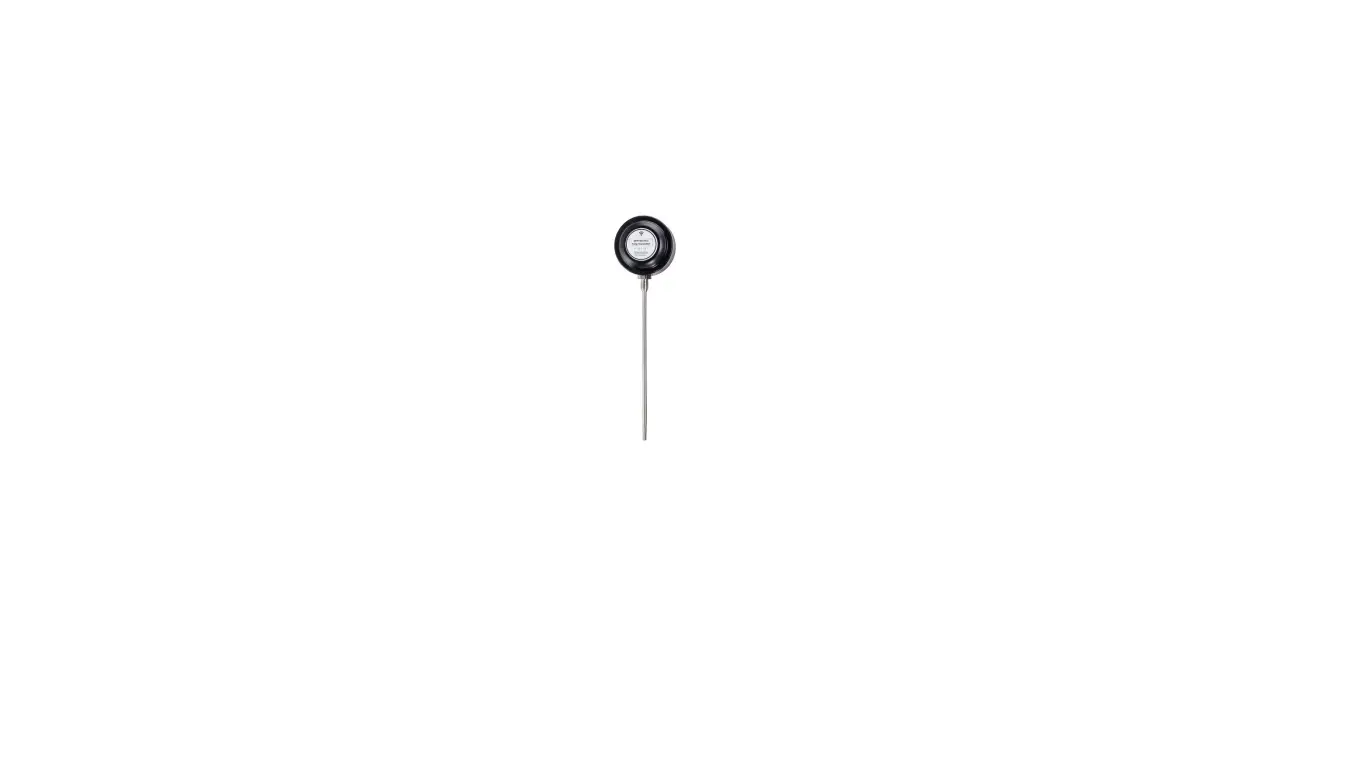
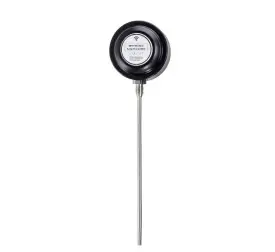
The IWTT range of Wireless Temperature Transmitters has been designed to measure the temperature of the medium connected and transmit the value to one of the IWR range of receivers where the value can be outputted as either a 4-20 mA or 1-5 V dc signal. The IWR-1 has a single output and the IWR-5 has five outputs, each of which can be linked to an IWTT transmitter. The IWTT temperature transmitter works on the license-free 2.4 GHz band. Ranges of up to 500 m are possible using the standard transmitter and receiver unit with the optional 3dBi antenna giving a range of up to 750 m. The transmitter is powered by a 3.6 V lithium cell and care must be taken to insert the battery in the correct polarity.
UNPACKING
The instrument should be carefully inspected for signs of damage that may have occurred in transit. In the unlikely case that damage has been sustained, DO NOT use the instrument, but please retain all packaging for our inspection and contact your supplier immediately.
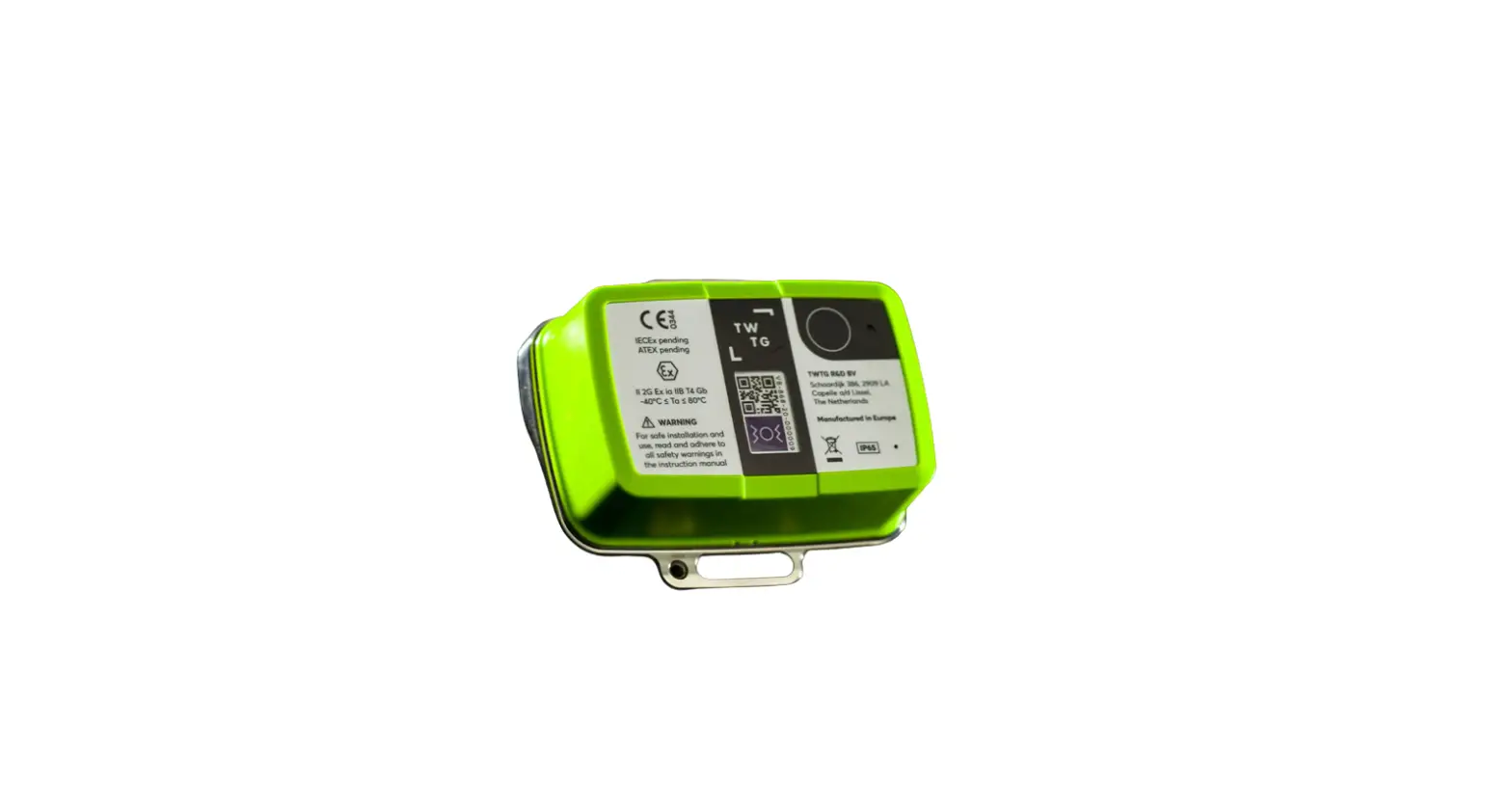
PRODUCT IDENTIFICATION LABEL
The unit delivered should be carefully inspected to ensure it is suitable for the application required. Detailed information on the product is included in the identification label and the user manual. Please ensure, that the temperature range of the IWTT is suitable for the intended application and that the IWTT unit will not be subjected to temperatures and/or temperatures greater than those specified in this manual.
INSTALLING/CHANGING THE BATTERY
A Lithium 3.6 V battery is included inside the IWTT transmitter. The battery may be changed at any time, but the correct polarity must be observed at all times! After the battery has been changed, the unit should be switched on using the SW3 push button and then SW1 should be pushed for 5 s. This is to ensure the battery life count is reset correctly when a new battery is installed. The internal LED will flash 5 times to indicate this procedure has been carried out successfully. The battery life is determined by the rate the transmitter sends the Temperature value to the receiver, this update rate can be selected using Dip Switch 1 and the default value is 10s. Please dispose of all batteries as specified by the legislator according to the Closed Substance Cycle and Waste Management Act or country regulations.
WARNING
MAKE SURE THE CORRECT BATTERY POLARITY IS OBSERVED!
WARNING
INCORRECT BATTERIES MAY DAMAGE THE UNIT USE ONLY 3.6V LITHIUM C CELL BATTERIES
SETTING UP THE IWTT WIRELESS TEMPERATURE
TRANSMITTER
The IWTT instrument is shipped in a default configuration which allows the unit to connect with any default IWR receiver unit and transmit the measured temperature every 10s simply by switching the unit on using SW3 on the internal circuit board. If a different update rate is required, or a different network frequency channel is required these parameters can be selected using DIP Switch 1 as detailed below: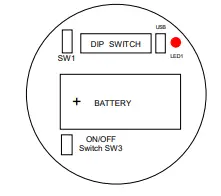
Switches 1, 2, 3 & 4 select the RF Network the IWTT will transmit on. The default network for both the IWTT transmitter and IWR receiver is
network 1.
| RF NETWORK | 1 | 2 | 3 | 4 |
| 1 | 0 | 0 | 0 | 0 |
| 2 | 0 | 0 | 0 | 1 |
| 3 | 0 | 0 | 1 | 0 |
| 4 | 0 | 0 | 1 | 1 |
| 5 | 0 | 1 | 0 | 0 |
| 6 | 0 | 1 | 0 | 1 |
| 7 | 0 | 1 | 1 | 0 |
| 8 | 0 | 1 | 1 | 1 |
| 9 | 1 | 0 | 0 | 0 |
| 10 | 1 | 0 | 0 | 1 |
| 11 | 1 | 0 | 1 | 0 |
| 12 | 1 | 0 | 1 | 1 |
| 13 | 1 | 1 | 0 | 0 |
| 14 | 1 | 1 | 0 | 1 |
| 15 | 1 | 1 | 1 | 0 |
| 16 | 1 | 1 | 1 | 1 |
Switches 5, 6 & 7 select the Transmission rate of the unit. This effectively sets how often the temperature value is sent to the receiver.
| Transmit time | 5 | 6 | 7 |
| 10 seconds | 0 | 0 | 0 |
| 20 seconds | 0 | 0 | 1 |
| 30 seconds | 0 | 1 | 0 |
| 60 seconds | 0 | 1 | 1 |
| 120 seconds | 1 | 0 | 0 |
| 600 seconds | 1 | 0 | 1 |
| 1 second | 1 | 1 | 0 |
| 5 seconds | 1 | 1 | 1 |
Switches 8, 9, and 10 set the Channel Number of the transmitter. This is used with the 5-channel receiver unit (IWR-5) to select which Temperature transmitter is linked to which 4-20 mA or 1-5 V dc output channel.
Tx Channel Number: 8 9 10
| 1 | 0 | 0 0 |
| 2 | 0 | 0 1 |
| 3 | 0 | 1 0 |
| 4 | 0 | 1 1 |
| 5 | 1 | 0 0 |
The IWTT transmitter is now set up and ready to be used. Install the unit into the pipework as required and switch the unit ON using SW3. Pushbutton switch SW1 can be pushed to force the unit to transmit its current temperature and LED 1 will flash twice if the transmission has been received and acknowledged by an IWR receiver unit.
If the unit has transmitted successfully the 4-20 mA or 1-5 V dc output of the connected receiver unit will output a value reflecting the temperature level being measured.
TROUBLE-SHOOTING GUIDE
| Problem encountered | Possible Causes |
| LED1 doesn’t flash when pushbutton SW1 is pressed | Unit not switched on, switch on using SW3. The battery is not installed correctly. The battery needs replacing. |
| LED1 only flashes once when SW1 is pressed | IWR receiver not switched on. IWR receiver is not set up for the same RF network. IWR receiver not within range of the transmitter. If an IWR-1 receiver is used, ensure that the transmitter is set to Tx Channel 1 |
| Output from the IWR receiver isn’t equivalent to the Temperature being monitored | The IWR receiver is set up incorrectly, see the IWR user manual for further details. Check that the green external LED on the receiver is flashing when the transmitter push button is pressed as the receiver may be out of range. |
SYSTEM PART NUMBERS
| Part Number | Temperature Range | Probe Type |
| IWTTP100A | -200 – +800 PT100 | 100mm ¼” BSP |
| IWTTP150A | -200 – +800 PT100 | 150mm ¼” BSP |
| IWTTP200A | -200 – +800 PT100 | 200mm ¼” BSP |
| IWTTP250A | -200 – +800 PT100 | 250mm ¼” BSP |
| IWTTP300A | -200 – +800 PT100 | 300mm ¼” BSP |
| IWTTP400A | -200 – +800 PT100 | 400mm ¼” BSP |
| IWTTJ200A | 0- 1200 J Type t/c | 200mm ¼” BSP |
| IWTTJ300A | 0- 1200 J Type t/c | 300mm ¼” BSP |
| IWTTJ400A | 0- 1200 J Type t/c | 400mm ¼” BSP |
| IWTTK150A | 0- 1200 K Type t/c | 150mm ¼” BSP |
| IWTTK200A | 0- 1200 K Type t/c | 200mm ¼” BSP |
| IWTTK300A | 0- 1200 K Type t/c | 300mm ¼” BSP |
| IWTTK400A | 0- 1200 K Type t/c | 400mm ¼” BSP |
| IWTTUP100A | -200 – +800 PT100 | 100mm ¼” NPT |
| IWTTUP150A | -200 – +800 PT100 | 150mm ¼” NPT |
| IWTTUP200A | -200 – +800 PT100 | 200mm ¼” NPT |
| IWTTUP250A | -200 – +800 PT100 | 250mm ¼” NPT |
| IWTTUP300A | -200 – +800 PT100 | 300mm ¼” NPT |
| IWTTUP400A | -200 – +800 PT100 | 400mm ¼” NPT |
| IWTTUJ200A | 0- 1200 J Type t/c | 200mm ¼” NPT |
| IWTTUJ300A | 0- 1200 J Type t/c | 300mm ¼” NPT |
| IWTTUJ400A | 0- 1200 J Type t/c | 400mm ¼” NPT |
| IWTTUK150A | 0- 1200 K Type t/c | 150mm ¼” NPT |
| IWTTUK200A | 0- 1200 K Type t/c | 200mm ¼” NPT |
| IWTTUK300A | 0- 1200 K Type t/c | 300mm ¼” NPT |
| IWTTUK400A | 0- 1200 K Type t/c | 400mm ¼” NPT |
| Part Number | Number of Output Channels |
| IWR-1 | One |
| IWR-5 | Five |
| IANT-3 | 3 dBi Antenna |
SPECIFICATIONS
- Accuracy (non-linearity & hysteresis): <±0. 5 °C
- Setting Errors: Zero & Full Scale, <±0.5°C
- Thermal Zero Shift: <±0.04% / FS / °C
- Thermal Span Shift: <±0.02% / °C typical
- Media Temperature: 200 to +1200 °C (depending on sensor type)
- Ambient Temperature:-20 to +80 °C
- Storage Temperature: -20 to +80 °C
- Temperature Probe: Stainless Steel
- O Ring Seals: Viton
- Probe type: Mineral Insulated
- Enclosure Material: Acetal
- Weight: 310 g
- RF Transmitter: Contains FCC W70MRF24J40MDME
- Power Requirements: Lithium Ion C 3.6V Cell
- Battery Life: 5 Years (10s transmission rate)
- Dimension: 132 to 432mm x 79 x 52mm (L x W x D) (length depends on sensor ordered)
- Mounting: Any Orientation
United States FCC
This equipment has been tested and found to comply with the limits for a Class B device, pursuant to part 15 of the FCC Rules. These limits are designed to provide reasonable protection against harmful interference in a residential installation. This equipment generates, uses, and can radiate radio frequency energy, and if not installed and used in accordance with the instructions, may cause harmful interference to radio communications. However, there is no guarantee that interference will not occur in a particular installation. If this equipment does cause harmful interference to radio or television reception, which can be determined by turning the equipment off and on, the user is encouraged to try to correct the interference by one or more of the following measures:
- Reorient or relocate the receiving antenna
- Increase the separation between the equipment and the receiver
- Connect the equipment to an outlet on a circuit different from that which the receiver is connected
- Consult the dealer or an experienced radio/TV technician for help
Warning: Changes or modifications not expressly approved by Cynergy3 could void the user’s authority to operate the equipment.
RF Exposure
Contains FCC ID: W70MRF24J40MDME
In this equipment, the antenna supplied is a PCB antenna and an alternative antenna must not be used.
Caution: To satisfy FCC RF Exposure requirements for mobile and base station transmission devices, a separation distance of 20cm or more should be maintained between the antenna of this device and persons during operation. To ensure compliance operation at closer than this distance is not recommended. The antenna used for this transmitter must not be co-located or operating in conjunction with any other antenna or transmitter. No other antenna may be used with this equipment other than the PCB antenna supplied with this equipment.
Canada (IC)
This device complies with Industry Canada license-exempt RSS standard(s). Operation is subject to the following two conditions: (1) this device may not cause interference, and (2) this device must accept any interference, including interference that may cause undesired operation of the device.
Under Industry Canada regulations, this radio transmitter may only operate using an antenna of the type and maximum (or lesser) gain approved for the transmitter by Industry Canada. To reduce potential radio interference to other users, the antenna type and its gain should be so chosen that the equivalent isotropically radiated power (e.i.r.p.) is not more than that necessary for successful communication.
French
Le présent appareil est conforme aux CNR d’industrie Canada applicables aux appareils radio exempts de licence.
Europe
The MRF24J40MD/ME wireless module used in this equipment has been tested to R&TTE Directive 1995/5/EC Essential Requirements for Health and Safety (Article 3.1(a)), Electromagnetic Compatibility (EMC) Article 3.1(b)) and Radio (Article 3.2) and are summarized in the table below. A Notified Body Opinion has also been issued for this module.
| Certification | Standards | Article |
| Safety | EN60950-2006+A11+A1:2010 | (3.1(a)) |
| Health | EN50371:2002-03 | (3.1(a)) |
| EMC | EN301 489-1 V1…8.1 (2008-04_ | (3.1(b)) |
| EMC | EN301-489-17 V2.1.1(2009-05) | (3.1(b)) |
| Radio | EN 300 328 V1.7.1(2006-10) | (3.2) |
Sensata Technologies, Inc. (“Sensata”) data sheets are solely intended to assist designers (“Buyers”) who are developing systems that incorporate Sensata products (also referred to herein as “components”). Buyer understands and agrees that Buyer remains responsible for using its independent analysis, evaluation, and judgment in designing Buyer’s systems and products. Sensata data sheets have been created using standard laboratory conditions and engineering practices. Sensata has not conducted any testing other than that specifically described in the published documentation for a particular datasheet. Sensata may make corrections, enhancements, improvements, and other changes to its data sheets or components without notice.
Buyers are authorized to use Sensata data sheets with the Sensata component(s) identified in each particular datasheet. HOWEVER, NO OTHER LICENSE, EXPRESS OR IMPLIED, BY ESTOPPEL OR OTHERWISE TO ANY OTHER SENSATA INTELLECTUAL PROPERTY RIGHT, AND NO LICENSE TO ANY THIRD PARTY TECHNOLOGY OR INTELLECTUAL PROPERTY RIGHT, IS GRANTED HEREIN. SENSATA DATA SHEETS ARE PROVIDED “AS IS”. SENSATA MAKES NO WARRANTIES OR REPRESENTATIONS WITH REGARD TO THE DATA SHEETS OR USE OF THE DATA SHEETS, EXPRESS, IMPLIED, OR STATUTORY, INCLUDING ACCURACY OR COMPLETENESS. SENSATA DISCLAIMS ANY WARRANTY OF TITLE AND ANY IMPLIED WARRANTIES OF MERCHANTABILITY, FITNESS FOR A PARTICULAR PURPOSE, QUIET ENJOYMENT, QUIET POSSESSION, AND NON-INFRINGEMENT OF ANY THIRD-PARTY INTELLECTUAL PROPERTY RIGHTS WITH REGARD
TO SENSATA DATA SHEETS OR USE THEREOF.
All products are sold subject to Sensata’s terms and conditions of sale supplied at www.sensata.com SENSATA ASSUMES NO LIABILITY FOR APPLICATIONS ASSISTANCE OR THE DESIGN OF BUYERS’ PRODUCTS. BUYER ACKNOWLEDGES AND AGREES THAT IT IS SOLELY RESPONSIBLE FOR COMPLIANCE WITH ALL LEGAL, REGULATORY, AND SAFETY-RELATED REQUIREMENTS CONCERNING ITS PRODUCTS, AND ANY USE OF SENSATA COMPONENTS IN ITS APPLICATIONS, NOTWITHSTANDING ANY APPLICATIONS-RELATED INFORMATION OR SUPPORT THAT MAY BE PROVIDED BY SENSATA.
Mailing Address: Sensata Technologies, Inc., 529 Pleasant Street, Attleboro, MA 02703, USA.
- CONTACT US
- EUROPE
- +44 (0)1202 897969
- c3w_[email protected]
- Cynergy3 Components Ltd.
- 7 Cobham Road,
- Ferndown Industrial Estate,
- Wimborne, Dorset,
- BH21 7PE, United Kingdom
USA
- +1 310 561 8092 / +1 866 258 5057
- c3w_[email protected]
 Home | Cynergy3
 Sensata Technologies: Sensing is What We Do