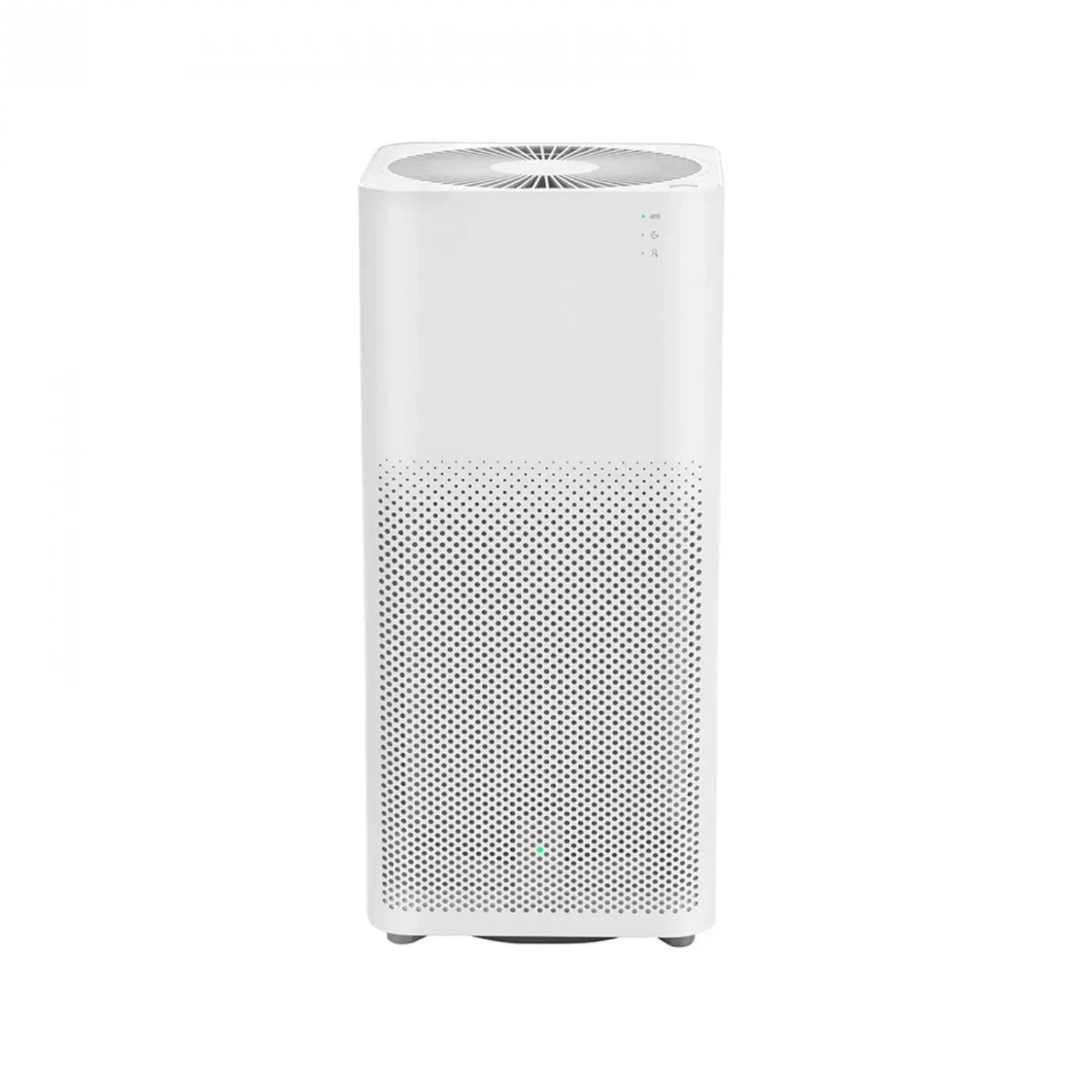
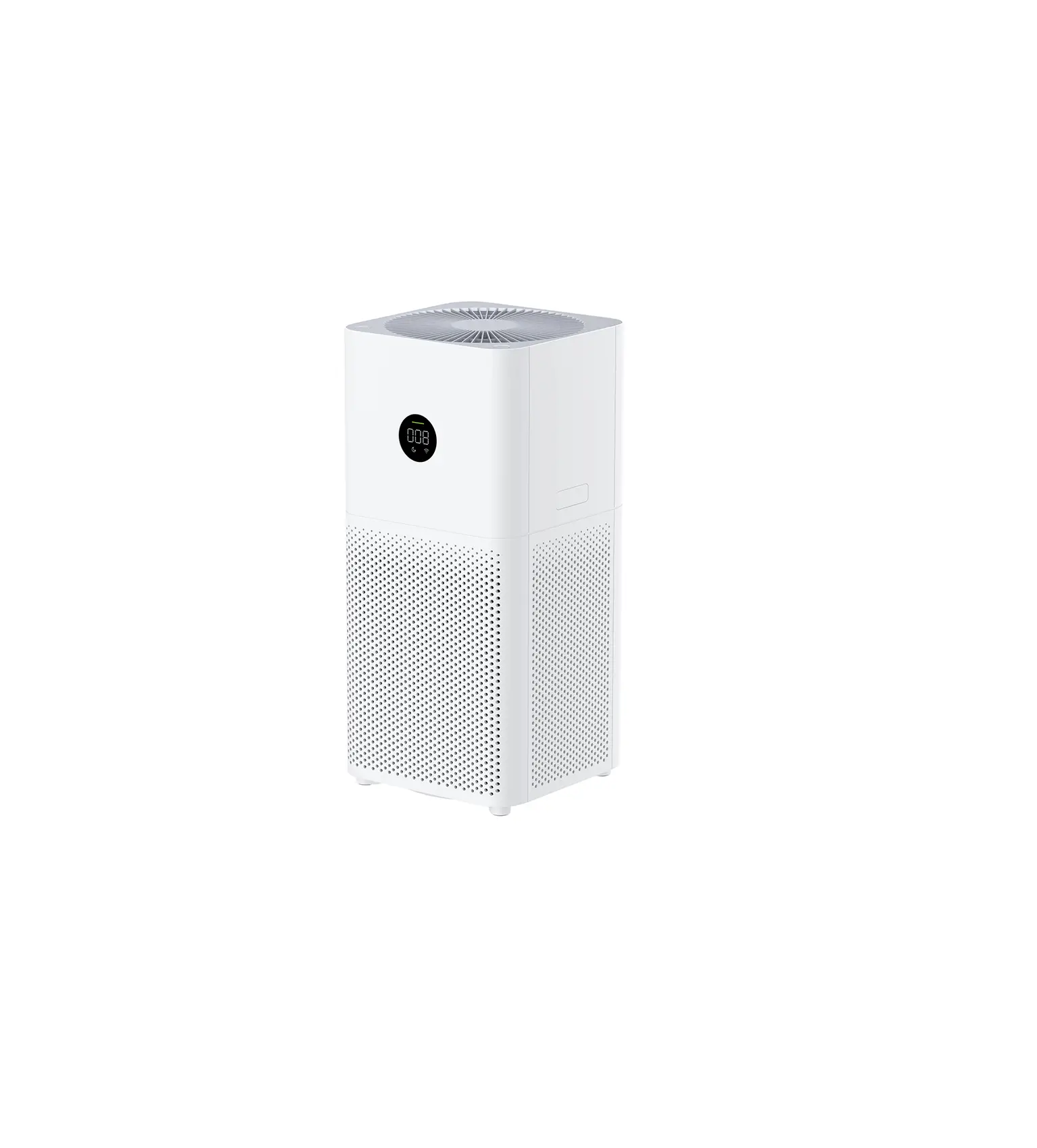
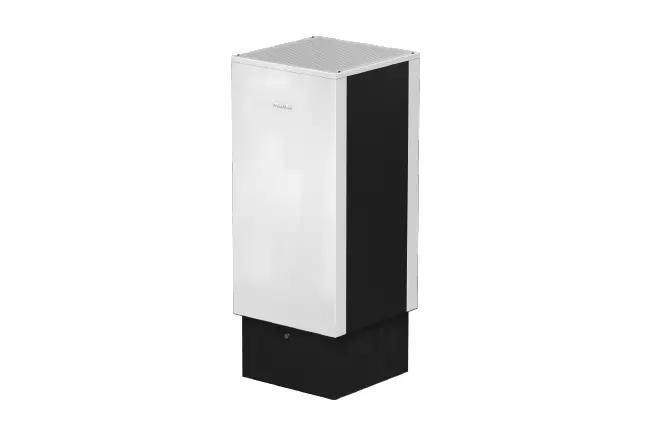
MA-04WBN IBUKI+ Air Purifiers
Product Information: IBUKI+ Air Purifier S
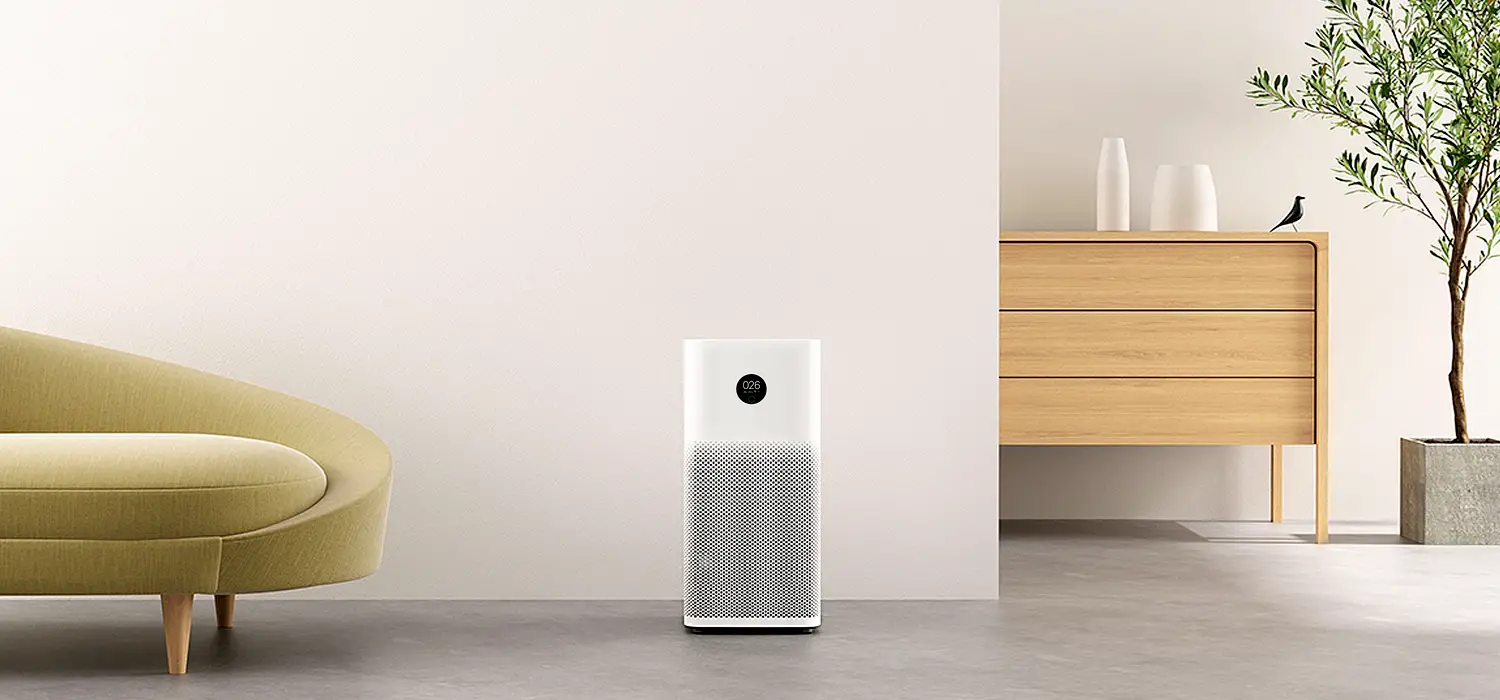
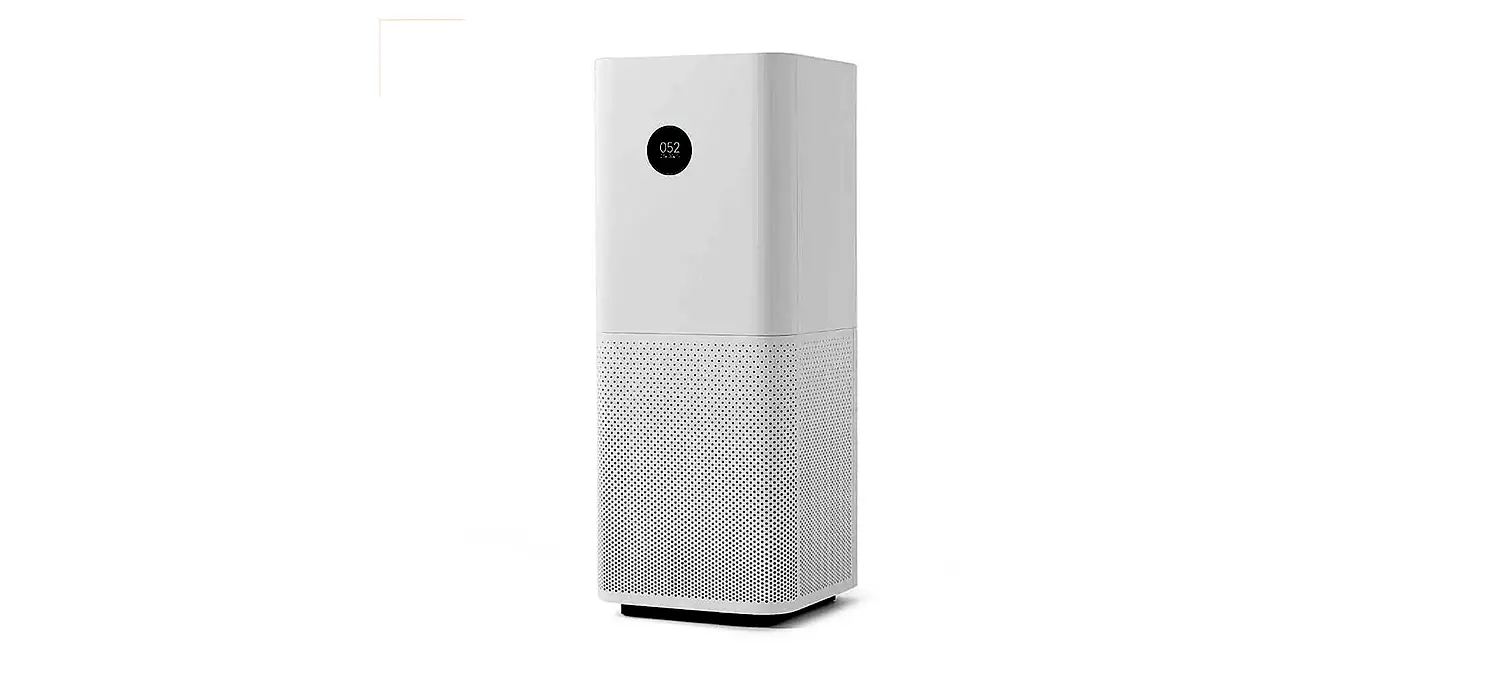
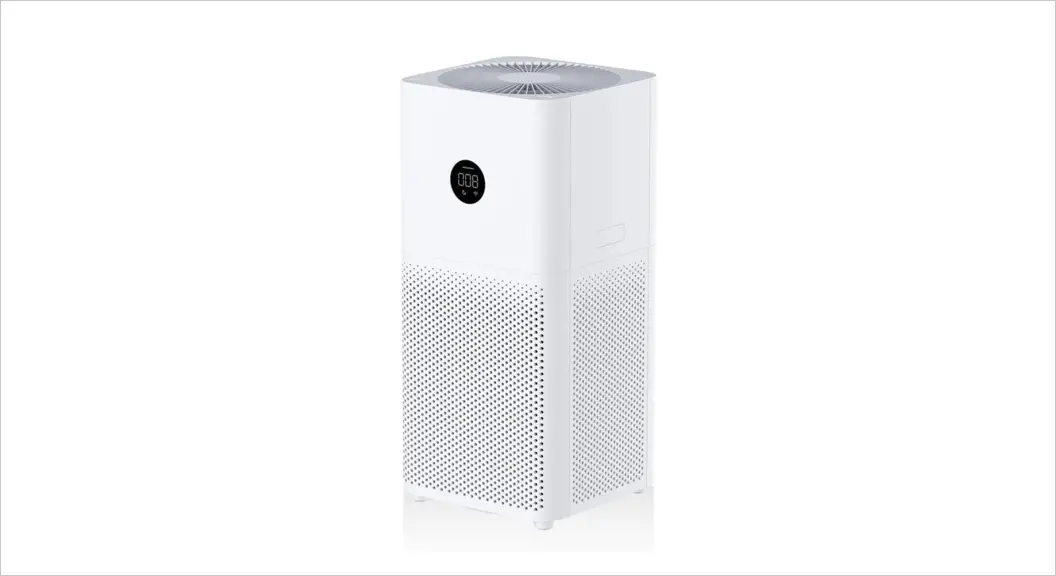
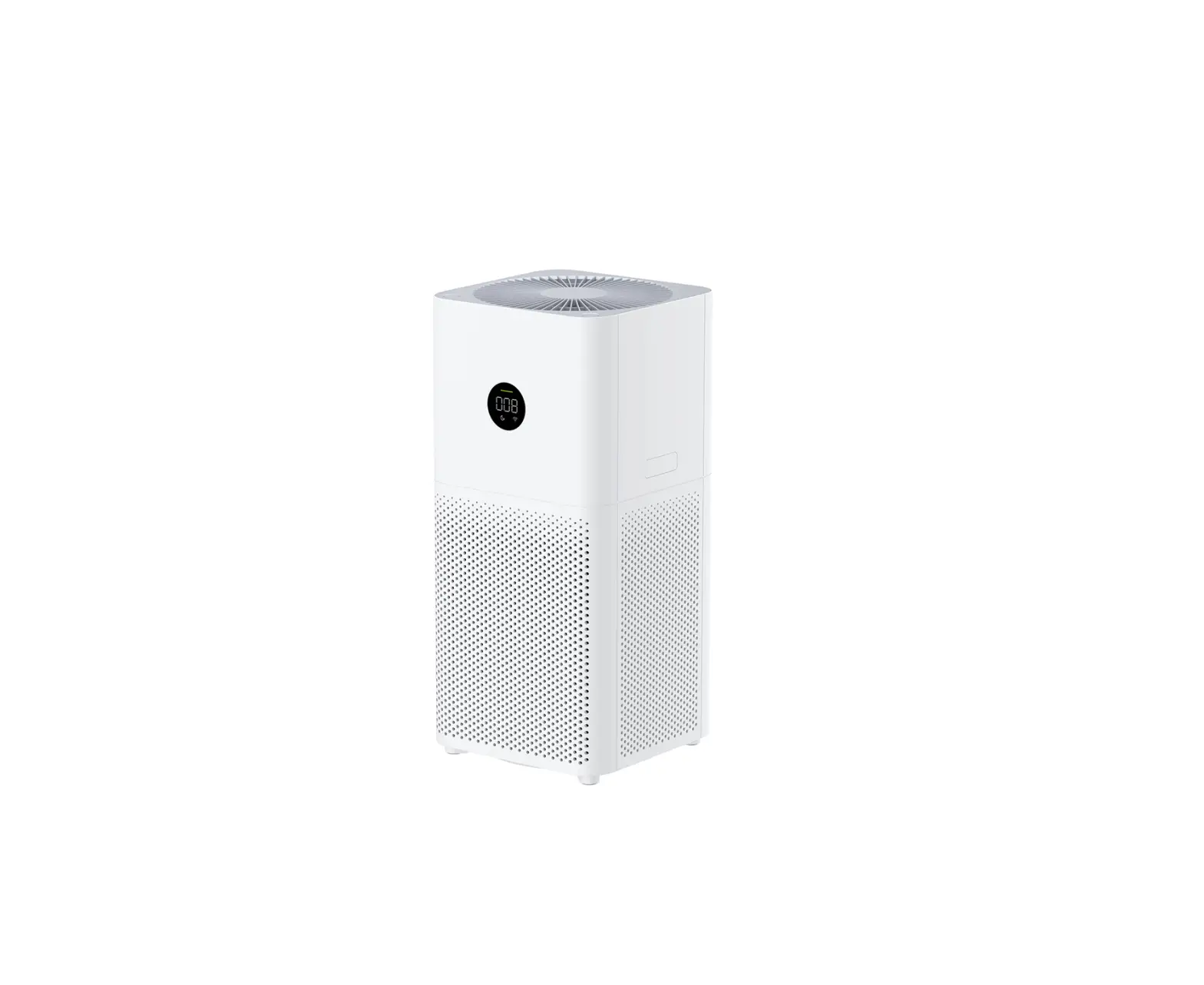
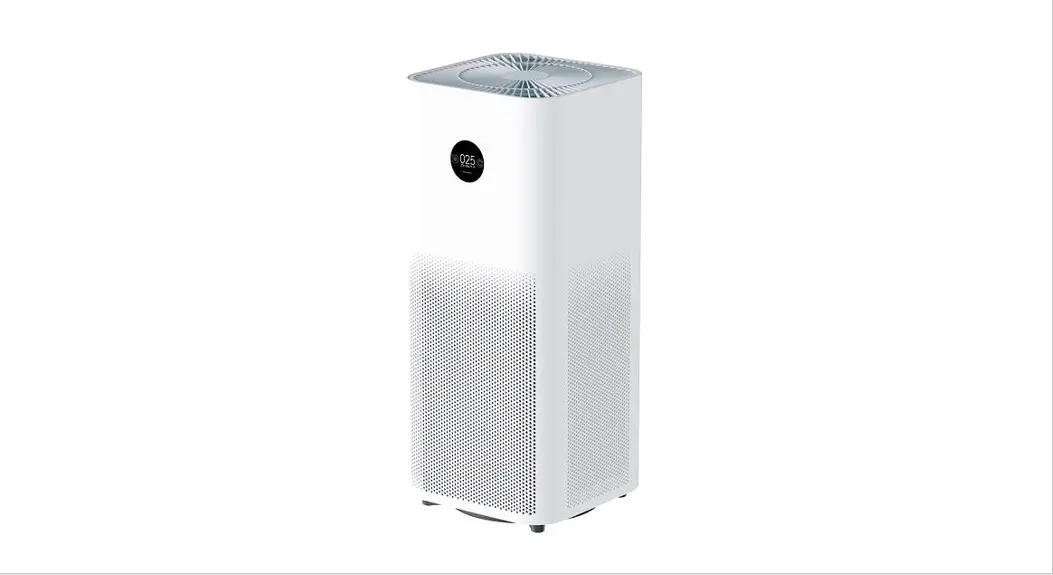
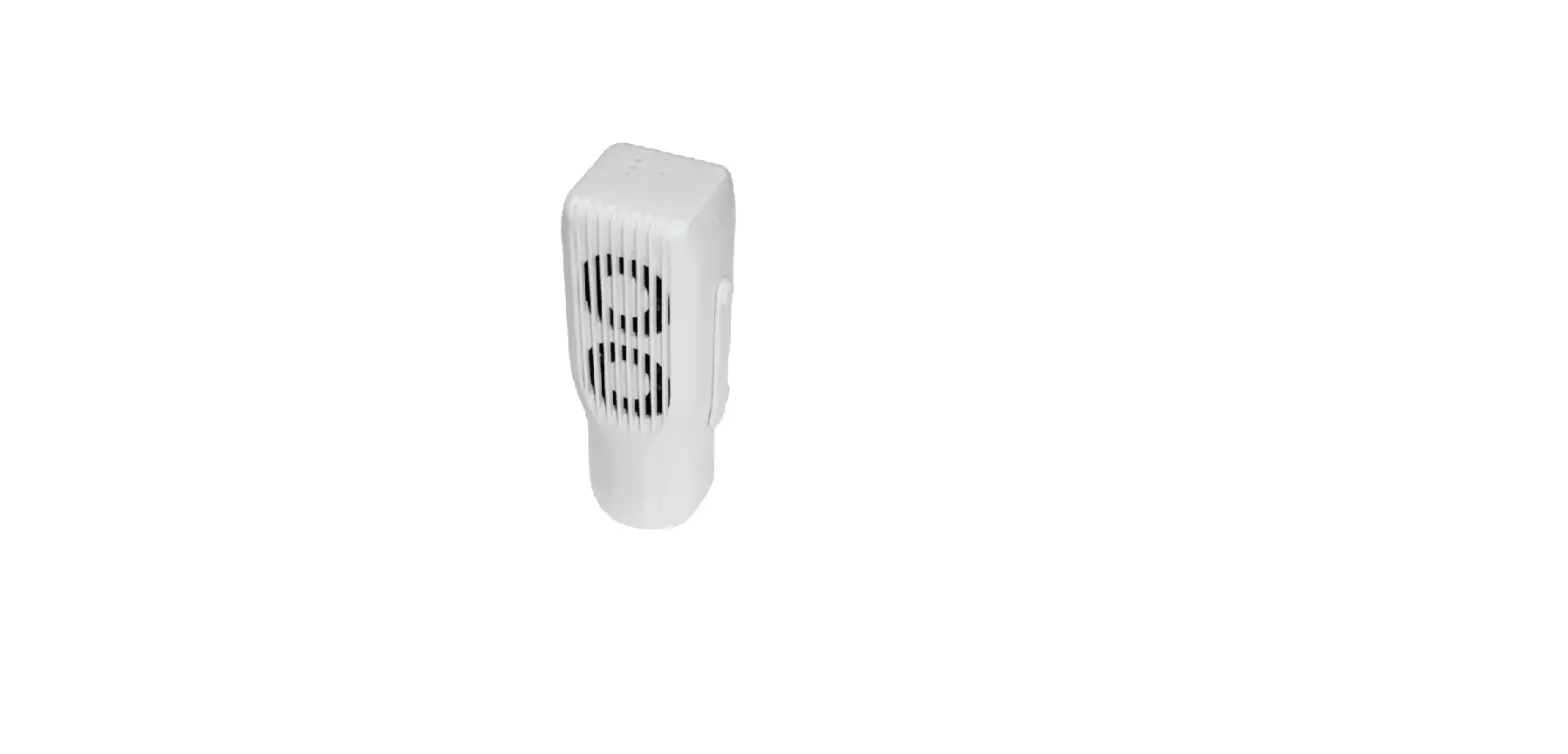
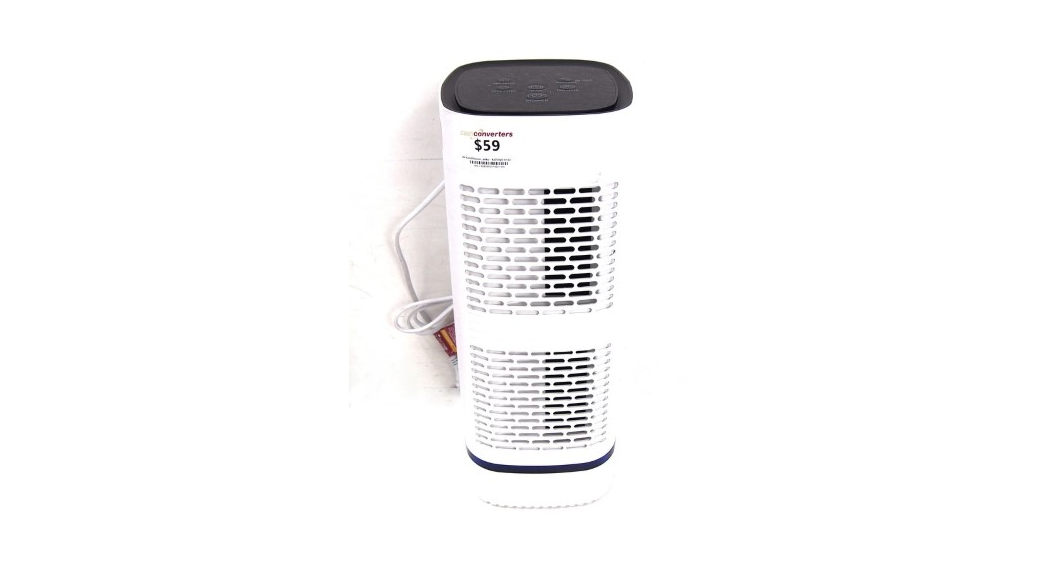
The IBUKI+ Air Purifier S is an innovative air purifier designed
to provide clean and fresh air. It features a sleek and compact
design that can fit into any room. The air purifier comes with a
control panel that allows for easy operation and monitoring of air
quality. IBUKI+ Air Purifier S is equipped with a filter that can
efficiently remove pollutants from the air, ensuring that you
breathe in clean air.
Technical Data
- Model number: MA-04WBN
- Product model: Miko IBUKI+ Air Purifier S
- Power supply: DC24V/0.65A
- Power consumption: 15.6W
- Dimensions: 210*206*312 mm/ 8.3*8.1*12.3 in
- Weight: 2.0 kgs / 4.4 lbs
Correct Disposal of the Product
The product cannot be treated as normal household waste but must
be returned to a collection point for recycling electrical and
electronic products.
Product Usage Instructions: IBUKI+ Air Purifier S
Prior to First Use
- Remove bags from unit and filter.
- Select a firm, level and flat location for the air
purifier. - Plug the power cord into a right voltage AC outlet.
- For proper air flow, locate the unit at least 1 foot from any
wall or furniture. - Make sure none of the grills are blocked.
How to Operate IBUKI+
IBUKI+ Air Purifier S comes with a control panel that allows for
easy operation and monitoring of air quality.
- Long press (3s) to turn on WIFI pairing mode.
- Low / Med / High fan speeds.
- IBUKI+ monitors environment and maintains it to a perfect air
quality. - Long press (2s) to enter sleep mode. Press any button to wake
up. - Press to lock/unlock the buttons.
- WIFI icon is on when device is connected with the app WIFI icon
is blinking when it’s in pairing mode. - Change filter, long press 3 secs to reset.
Pair IBUKI+ with Your Phone
You can operate and schedule IBUKI+, and monitor air quality on
your phone anytime anywhere by following the below steps:
- Download My Miko app and register/log in your account.
- Select add device and add Ibuki+ to your Miko app.
- Follow the instructions on the app to pair with your
phone. - Select Ibuki+ on app’s device list.
Installing & Removing Filters
In order to ensure efficient performance, it is recommended to
replace the filter every six months. To install or remove the
filter, please refer to the user manual.
How to Clean IBUKI+
To clean the air purifier, unplug it and wipe it with a soft,
damp cloth. Do not use any abrasive or chemical cleaners as they
may damage the unit.
If you have any comments, questions, or complaints, please
contact us at [email protected] or visit our website
www.shopmiko.com or call us at +1-866-201-9816.
IBUKI+ AIR PURIFIER S
User Manual
MA-04WBN
READ AND SAVE THESE INSTRUCTIONS AND WARNINGS
FAILURE TO COMPLY WITH THE WARNINGS LISTED BELOW MAY RESULT IN ELECTRIC SHOCK OR SERIOUS INJURY.
!
1Read all instructions before using appliance. 2Only use original supplied power adaptor. This product should be used only in accordance with the specifications out-
lined in this manual. Usage other than what has been specified here may result
in serious injury.
ATTENTION!
· To avoid fire or shock hazard, plug the appliance directly into the right AC electrical outlet.
· cord under rugs, near heat registers, radiator, stoves or heaters.
· The power plug must be connected in such a way as to avoid risks if the humidifier is tipped over or liquid is spilled.
· To protect against electrical hazards, DO NOT immerse in water or other liquids. Do not use near water.
· Children cannot recognize the hazards associated with the usage of electrical appliances. For this reason, always supervise children when they are near the unit.
· Always unplug the air purifier before moving it, opening the grill, changing filters, cleaning or whenever the air purifier is not in use. Be sure to pull by the plug and not the cord.
· NEVER drop or insert any object into any openings. · DO NOT run cord under carpeting.
· DO NOT cover cord with throw rugs, runners, or similar coverings. · DO NOT route cord under furniture or appliances. Arrange cord away from
· DO NOT operate any appliance with a damaged cord or plug, if motor fan
damaged in any manner. Send to Customer Service for assistance. · Use appliances only for intended household use as described in this manual.
Any other use not recommended by the manufacturer may cause fie, electric shock or injury to person. · DO NOT use outdoors. · DO NOT place anything on top of unit. · a bed or sofa, as this could cause the unit to tip over, blocking the air intake or outtake opening. · DO NOT attempt to repair or adjust any electrical or mechanical functions on this unit. Doing so will void your warranty. The inside of the unit contains no user serviceable parts. All servicing should be performed by qualified personnel only.
· WARNING: To reduce the risk of fire or electric shock, do not use this device with any solid-state speed control device.
· Use this unit only in the manner intended by the manufacturer. lf you have questions, contact the manufacturer.
· Before servicing or cleaning unit, switch power off at service panel and lock the service disconnecting means to prevent power from being switched on accidentally.
GET TO KNOW IBUKI+
Air outlet
Control Panel Handle Air Inlet
Filter Bottom cover
PRIOR TO FIRST USE
1. bags from unit and filter.
2. Select a firm, level and flat location for the air purifier. 3. Plug the power cord into a right voltage AC outlet. 4. For proper air flow, locate the unit at least 1 foot from any wall or furniture. 5. Make sure none of the grills are blocked.
HOW TO OPERATE IBUKI+
POWER FAN SPEEDS AUTO AUTO TIMER SLEEP CHILD LOCK WIFI FILTER RESET
Long press (3s) to turn on WIFI pairing mode Low / Med / High Ibuki+ monitors environment and maintains it to a perfect air quality
Long press (2s) to enter sleep mode. Press any button to wake up.
Press to lock/unlock the buttons WIFI icon is on when device is connected with the app WIFI icon is blinking when it’s in pairing mode
change filter, long press 3 secs to reset.
PAIR IBUKI+ WITH YOUR PHONE
Before Pairing · Make sure your phone is connected to WIFI and bluetooth is on during pairing. · Long press the power button for 3 seconds to turn on Ibuki+ ‘s WIFI. The WIFI icon
blinks while WIFI is on and ready for connection.
1. Download “My Miko app” and register/log in your account. 2. Select “add device” and add Ibuki+ to your Miko app. 3. Follow the instructions on the app to pair with your phone. 4. Select Ibuki+ on app’s device list. Now you can operate and schedule
Ibuki+, and monitor qir quality on your phone anytime anywhere.
INSTALLING & REMOVING FILTERS
· The FILTER icon lighting up on red indicates that it is time to replace the filter. Follow the instruction below to change filter and reset the program.
Remark: · · Combination Filter will last approximately 6 months. 1. Upside down the machine. 2. 3. Change the used filter to new filter. 4. Reattach the base to the unit. 5. Reset the filter timer by filter reset button.
HOW TO CLEAN IBUKI+
· The machine should be cleaned at least once every month by a clean, dry, · · More frequent cleaning may be required depending on environmental
conditions. NOTE: · Do NOT stick any foreign objects or your fingers inside of the unit. · Do NOT use gasoline, benzine, thinner, harsh cleaners, etc. on and/or in · the unit while cleaning as they will damage the product. · NEVER use alcohol or other solvents.
TECHNICAL DATA
Model number: MA-04WBN Product model: Miko IBUKI+ Air Purifier S Power supply: DC24V/0.65A Power consumption: 15.6W Dimensions: 210*206*312 mm/ 8.3*8.1*12.3 in Weight: 2.0 kgs / 4.4 lbs
CORRECT DISPOSAL OF THIS PRODUCT
Waste Electrical and Electronic Equipment Directive 2012/19/EU- WEEE. The symbol on the product or its packaging indicates that this product cannot be treated as normal household waste but must be returned to a collection point for recycling electrical and electronic products.
For all comments, questions or complaints reach out to us: [email protected] www.shopmiko.com +1-866-201-9816
 Miko Foot Massager | Air Purifier | Humidifier