Product Information
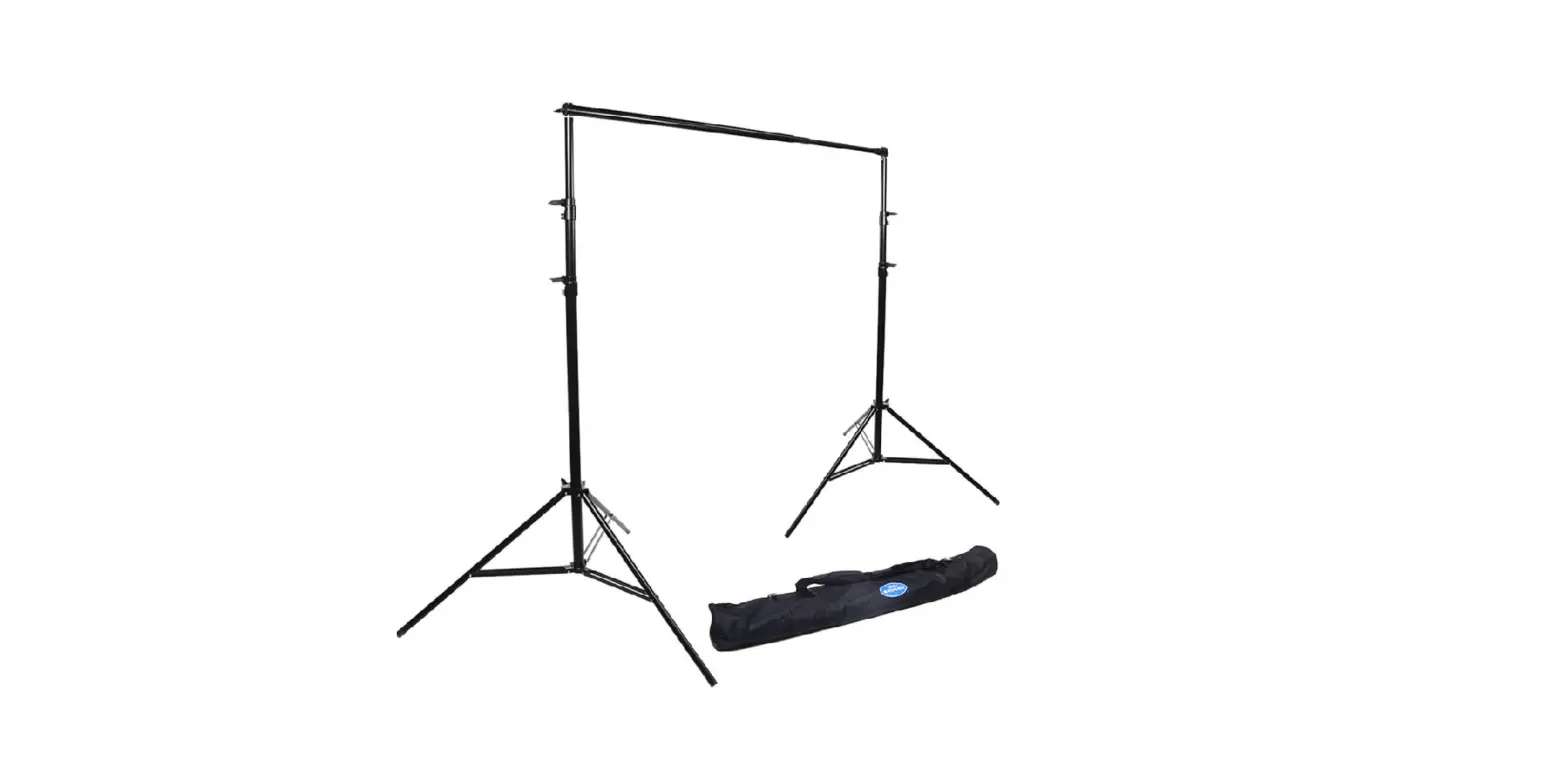
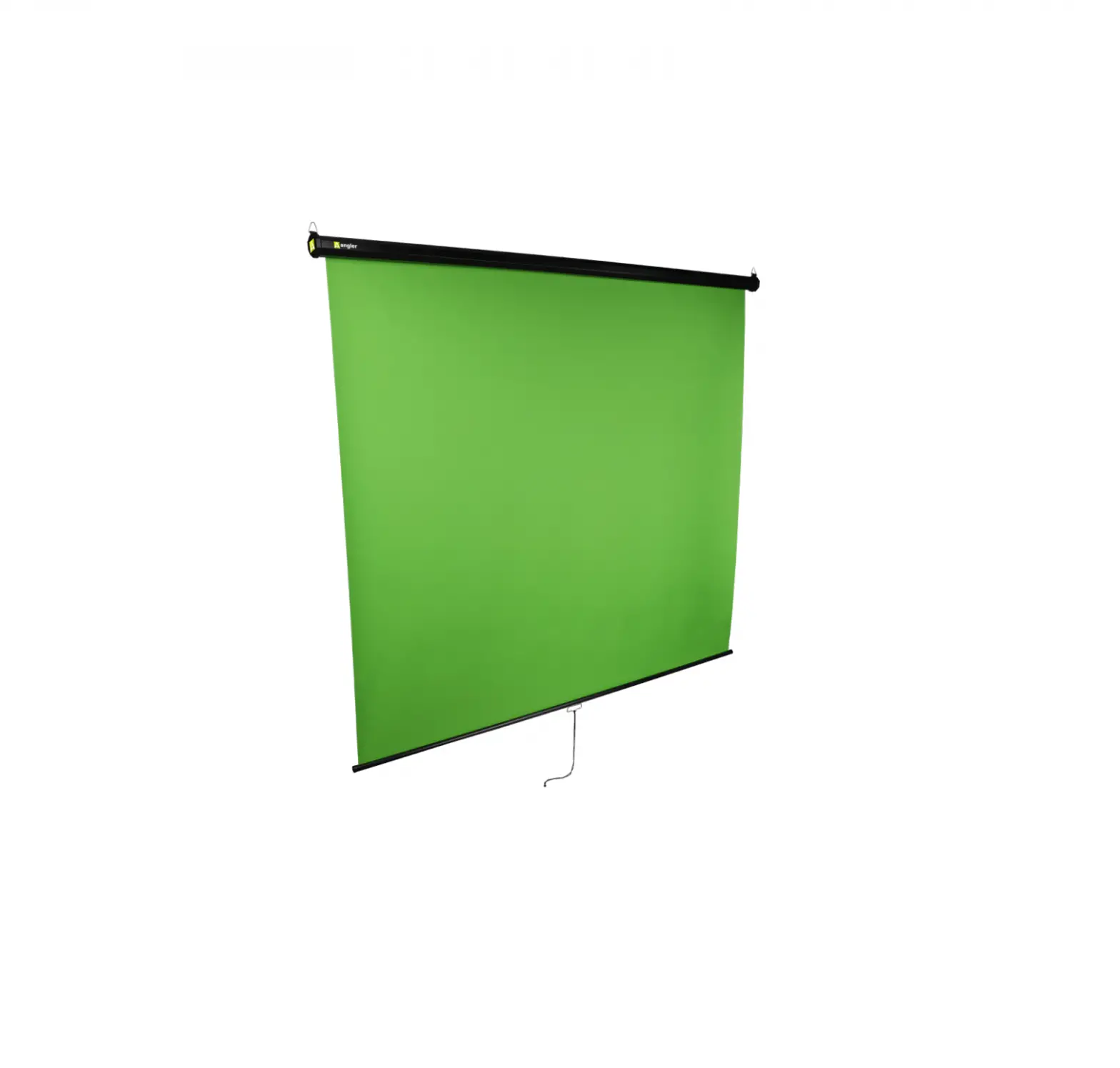
The PortaScreen Background Banner is a portable screen designed
for use in front of a wall. It is ideal for presentations,
conferences, and other events where a projection screen is needed.
The screen comes with a handle for easy transportation and can be
adjusted to the desired height.
The product is manufactured by ANGLER, a brand under the Gradus
Group. It comes with a one-year limited warranty. Please note that
the warranty does not cover damage or defects caused by misuse,
neglect, accident, alteration, abuse, improper installation or
maintenance. The warranty provider does not make any express or
implied warranties, including but not limited to any implied
warranty of merchantability or fitness for a particular
purpose.
To obtain warranty coverage, you need to contact the Angler
Customer Service Department to obtain a return merchandise
authorization (RMA) number. You will then need to return the
defective product to Angler along with the RMA number and proof of
purchase. Please note that the shipment of the defective product is
at your own risk and expense.
For more information or to arrange service, you can visit the
official website at www.anglerlights.com or contact
the Customer Service at 212-594-2353.
The product warranty is provided by the Gradus Group. You can
find more information about the Gradus Group at their website
www.gradusgroup.com.
Product Usage Instructions
- Place the screen in front of a wall, ensuring there are no
light sources behind the screen for optimal display. - Unlock and open the top of the case.
- Use the handle to raise the screen to the desired height.
Precautions
Important! Rotate feet 90° before proceeding. Keep fingers clear of the mechanism, and always use the handle when raising and lowering the screen. Clean the unit with only a soft, dry cloth. Make sure that this product is intact and that there are no missing parts. Always position the screen on a flat stable surface. Make sure the PortaScreen is properly counterbalanced when using it in windy conditions. Using sandbags on the feet to stabilize the screen and prevent tipping is strongly recommended.
Setup Instructions
Note: For the best results, use this screen in front of a wall and avoid light sources behind the screen.
1. Rotate the feet 90° to form a stable base for the PortaScreen.
2. Unlock and open the top of the case.
3. Use the handle to raise the screen to the desired height.
90°
90°
1
PortaScreen Background Banner
One-Year Limited Warranty
This Angler product is warranted to the original purchaser to be free from defects in materials and workmanship under normal consumer use for a period of one (1) year from the original purchase date or thirty (30) days after replacement, whichever occurs later. The warranty provider’s responsibility with respect to this limited warranty shall be limited solely to repair or replacement, at the provider’s discretion, of any product that fails during normal use of this product in its intended manner and in its intended environment. Inoperability of the product or part(s) shall be determined by the warranty provider. If the product has been discontinued, the warranty provider reserves the right to replace it with a model of equivalent quality and function.
This warranty does not cover damage or defect caused by misuse, neglect, accident, alteration, abuse, improper installation or maintenance. EXCEPT AS PROVIDED HEREIN, THE WARRANTY PROVIDER MAKES NEITHER ANY EXPRESS WARRANTIES NOR ANY IMPLIED WARRANTIES, INCLUDING BUT NOT LIMITED TO ANY IMPLIED WARRANTY OF MERCHANTABILITY OR FITNESS FOR A PARTICULAR PURPOSE. This warranty provides you with specific legal rights, and you may also have additional rights that vary from state to state.
To obtain warranty coverage, contact the Angler Customer Service Department to obtain a return merchandise authorization (“RMA”) number, and return the defective product to Angler along with the RMA number and proof of purchase. Shipment of the defective product is at the purchaser’s own risk and expense.
For more information or to arrange service, visit www.anglerlights.com or call Customer Service at 212-594-2353.
Product warranty provided by the Gradus Group. www.gradusgroup.com
Angler is a registered trademark of the Gradus Group. © 2021 Gradus Group LLC. All Rights Reserved.
ANGLER
A Gradus Group Brand
GG5
PortaScreen Background Banner
 Angler | Lighting Equipment & Accessories
 Gradus | Gradus Group