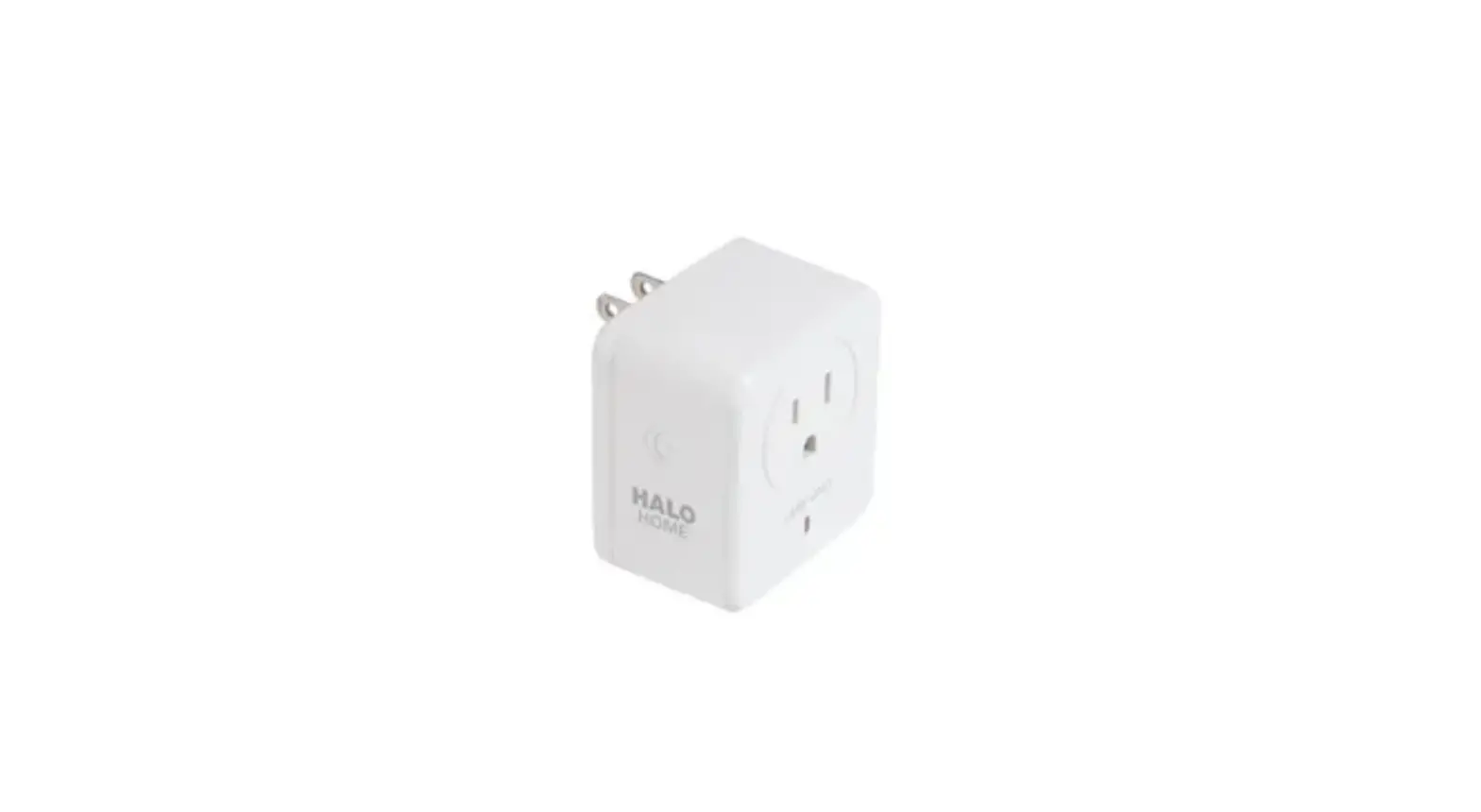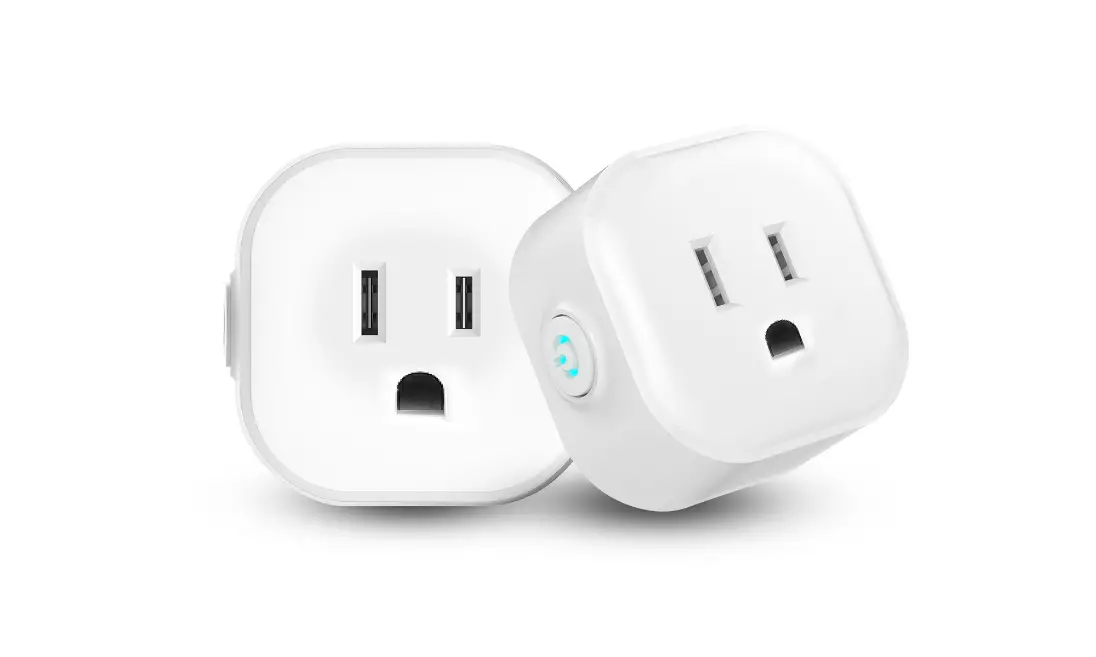
 D23LP 2-Generation Mini Plug-In Dimmer
User Guide
Getting Started Guide
 MINI PLUG-IN DIMMER 2ND GEN
 Easy Wi-Fi lighting 0control for the whole home
 Easy Wi-Fi lighting 0control for the whole home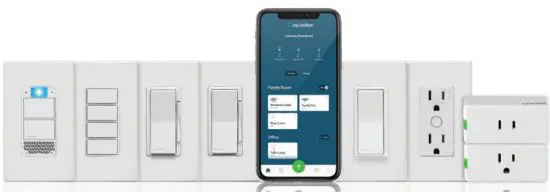
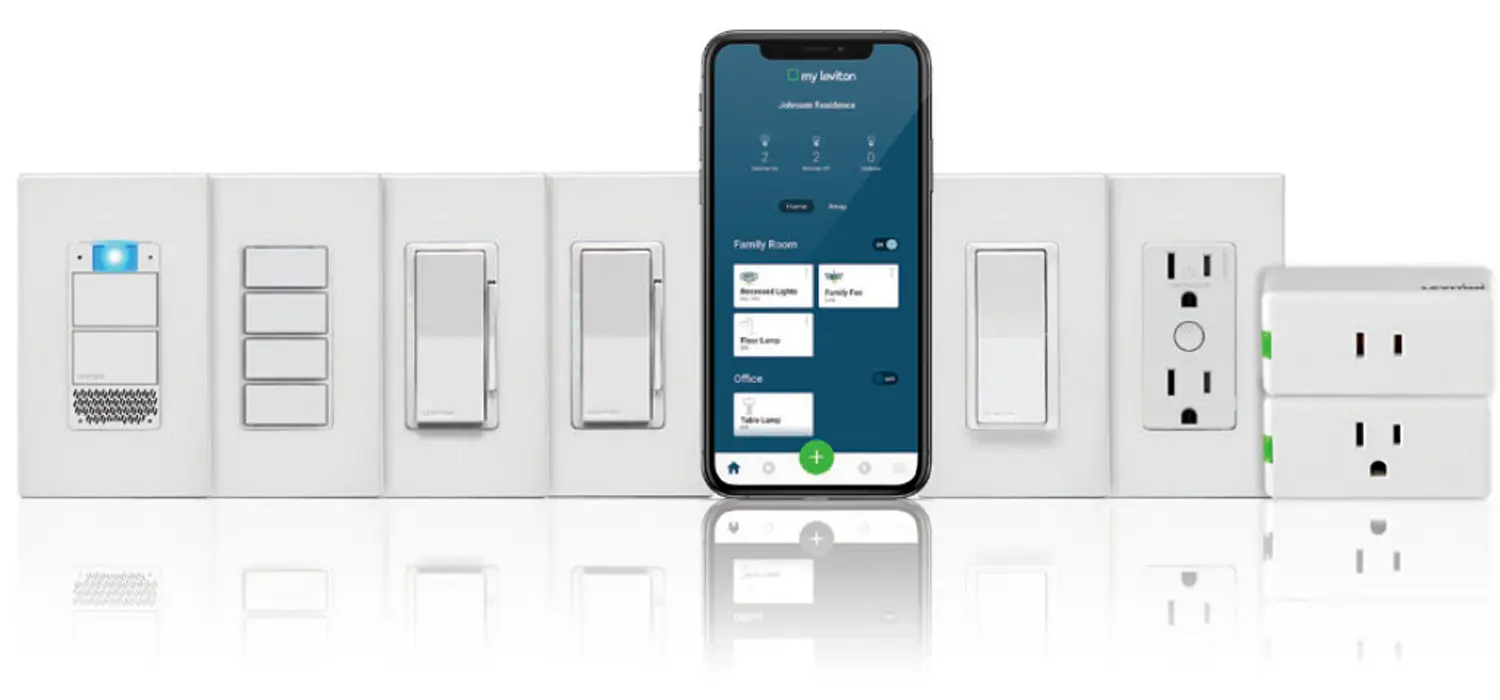
See the complete line of My Levitontm app compatible dimmers. switches, plug-ins, and controllers at leviton.com/decorasmart
 Welcome
 Welcome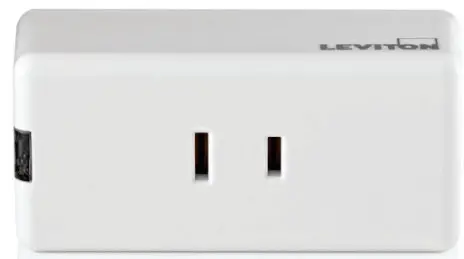
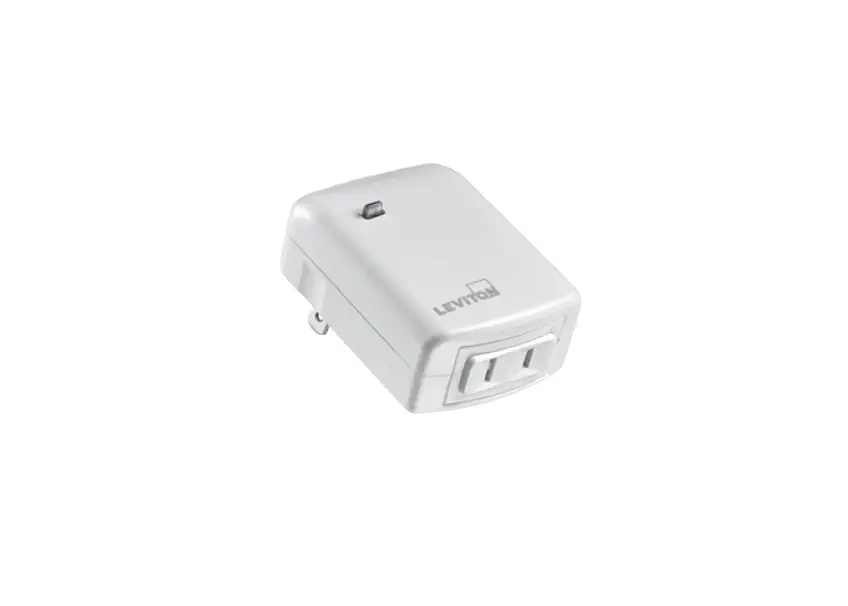
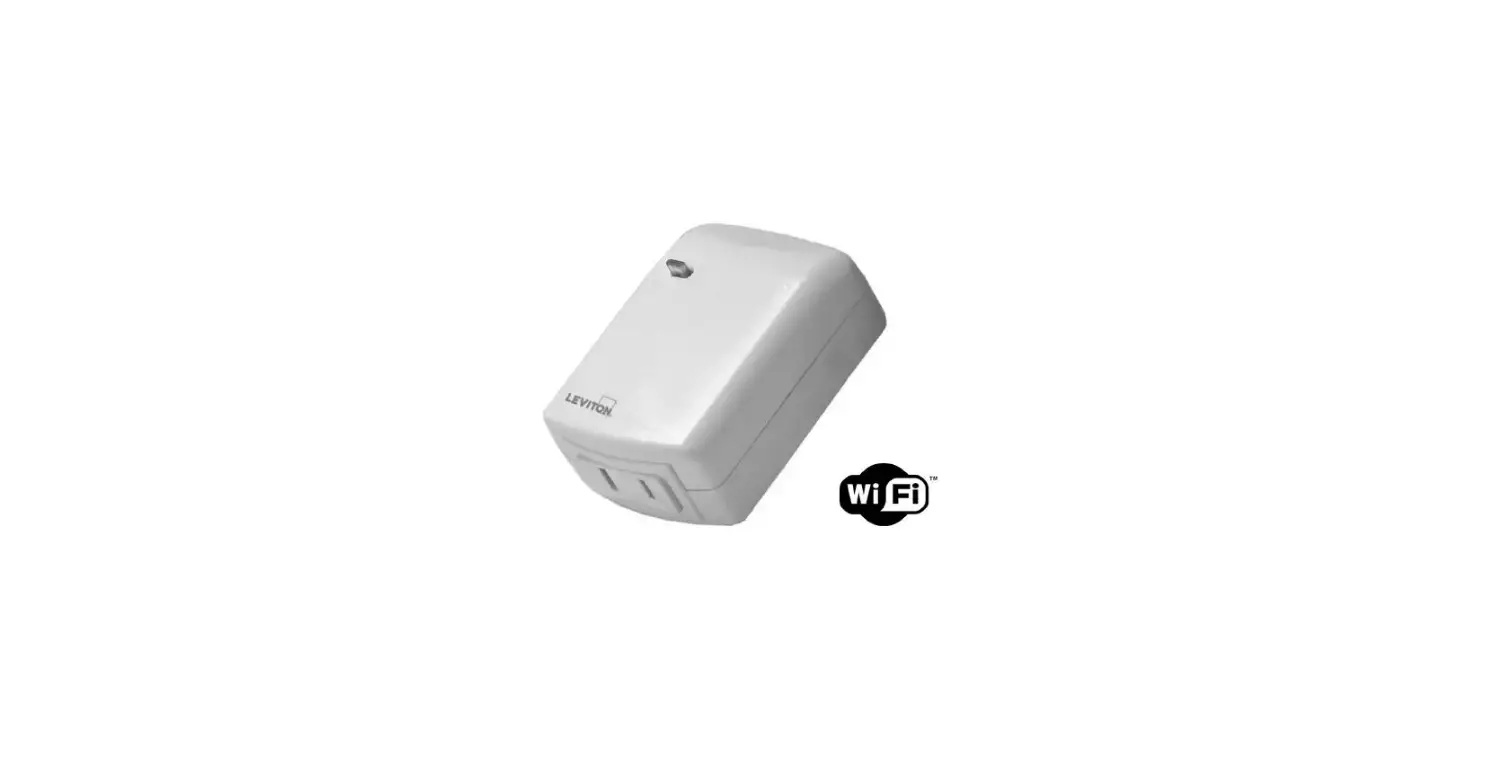
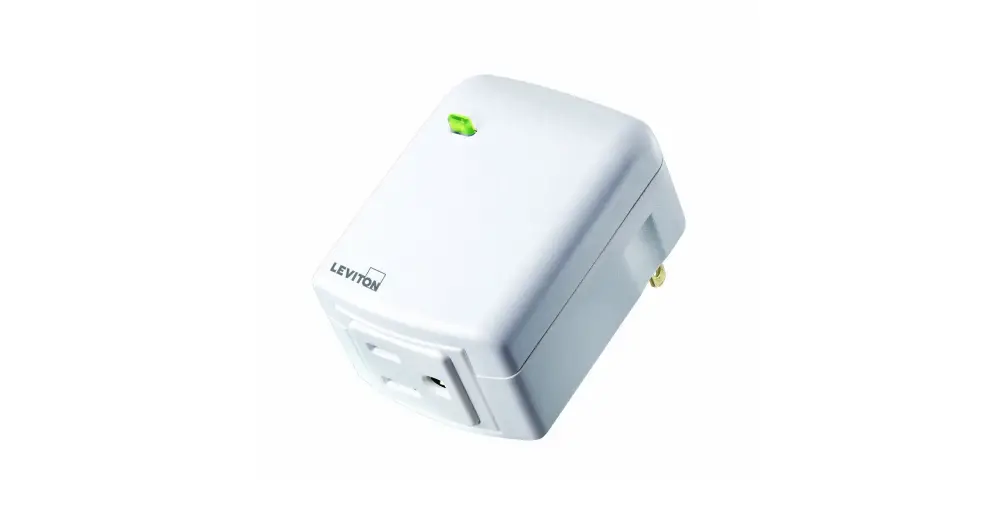
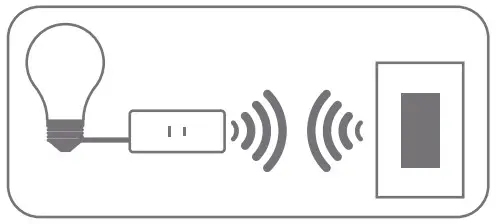
Leviton’s second-generation Decora Smart Wi-Fi Mini Plug-In Dimmer makes it easier than ever to control plug-in lamps. Use your voice with Amazon Alexa, Google Assistant, or Apple Siri—or use your smartphone or tablet for On/Off and Bright/Dim control with the My Leviton app when you are home or away.
Built-in scheduling allows you to turn devices on or off and adjust light levels at specific times. A convenient push-button provides manual control. Combine your Mini Plug-In with other Decora Smart Wi-Fi devices to create a whole-home experience with room scenes, activities, and schedules to match your lifestyle.
 We are here to help
 ONLINE
decorasmartsupport.leviton.com EMAIL
EMAIL
[email protected] CHAT
CHAT
www.leviton.com/support CALL
CALL
1-800-824-3005 (USA)
1-800-405-5320 (Canada)
Your Mini Plug-In Dimmer works with:
- Dimmable LED, dimmable CFL, and incandescent lighting.
For specific ratings see the chart below. - Additional self-service support options can be found in the My Leviton app or at leviton.com/decorasmart
| RATINGS | |
| General Use | 120VAC, 60Hz |
| LED / CFL | 100W |
| Incandescent | 300W |
| Operating Temp | 0°C – 40°C (32°F – 104°F) |
| Operating Humidity | 0 – 90% non-condensing |
| NETWORK | |
| Wi-Fi | 802.11 b/g/n networks – 2.4GHz only |
| Security | WPA, WPA2, or WPA3 security, or open |
| Bluetooth | v5.0 |
| MY LEVITON APP | |
| iOS | version 12.0 or later |
| Android | version 8.0 or later |
 Features
 Features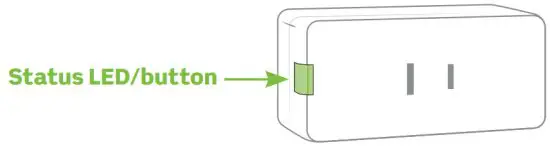
- Allows you to turn it on/off manually.
- It Shows network connectivity.
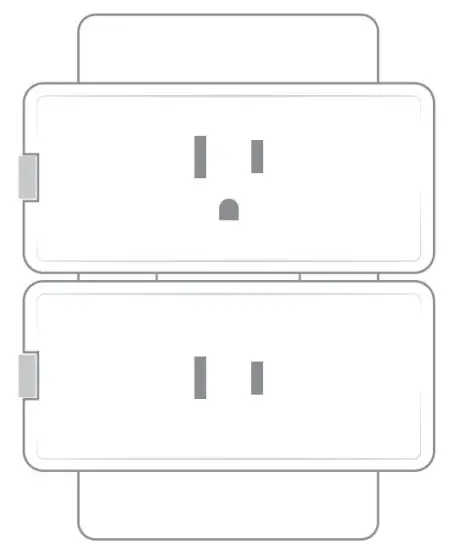
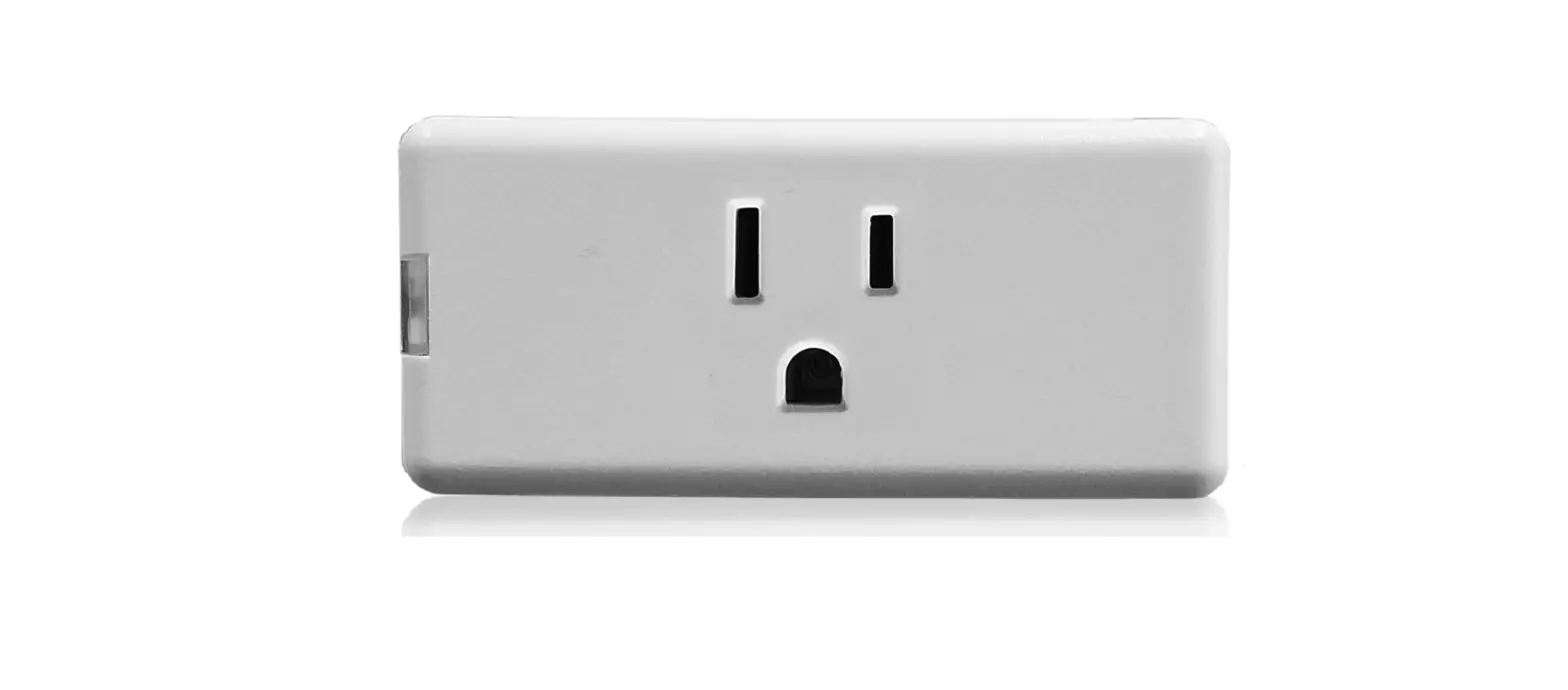
The size allows two mini plug-ins to be plugged into the same receptacle.
What you need to make it work:
 A 2.4GHz Wi-Fi network with high-speed internet.
 An iOS (12.0 or later) or Android (8.0 or later) mobile device.
NOTE: Make sure Wi-Fi and Bluetooth are enabled on your mobile device. A My Leviton cloud account (set up through the My Leviton app).
 Quick tip
 Quick tip
You can pair wireless Anywhere Dimmer or Switch Companion to your Mini Plug-In Dimmer to create additional locations for control. Learn more at Leviton.com/decorasmart or see the DAWDC or DAWSC Anywhere Companion instructions for connection directions.
 Installation
 Installation
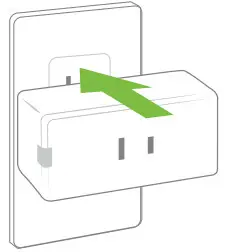
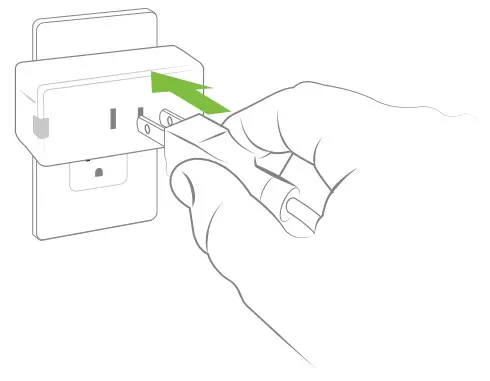
- Insert plug-in dimmer into any 120VAC receptacle.
NOTE: Your Mini Plug-In Dimmer works with GFCI and AFCI protected receptacles. Do not use in a switched outlet.
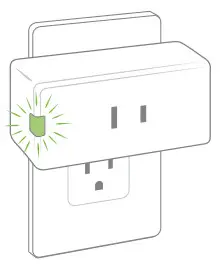
- When the device first powers up, the Status LED/button will flash GREEN to show it is ready to be configured.

- Using a smartphone or tablet, confirm a strong Wi-Fi signal is available in the area in which you are installing your plug-in.


 Get the app
 Get the app
To download the app, visit my.leviton.com and select the link or scan the below QR code for your device.
 |  |
| http://goto.leviton.com/my-leviton-ios | http://goto.leviton.com/my-leviton-android |
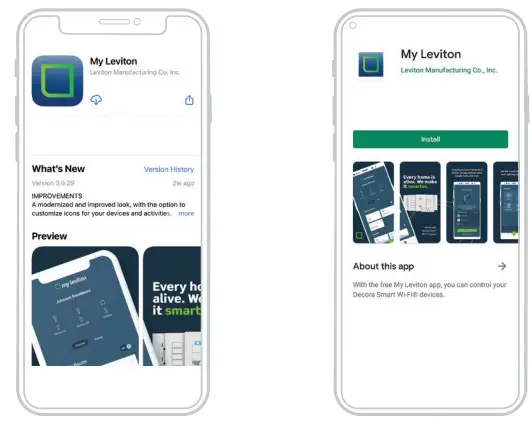
Device setup
- Decora Smart Wi-Fi 2nd Gen devices can be connected to the My Leviton service, Apple HomeKit, or both.
- For voice control with Amazon Alexa or Google Assistant, set up the device with My Leviton.
- For voice control with Siri, connect your device to Apple HomeKit. See page 12 for instructions on how to add your device to Apple HomeKit.
 Add your device to My Leviton

- Make sure the device is in setup mode (status LED should be blinking GREEN). If the status LED is not blinking green, see page 15 for instructions on how to put the device in setup mode.
- Launch the My Leviton app.
- Login or choose “Sign Up” for an Account.
- Follow the instructions on the screen.
- Once logged in tap the “+” in the bottom menu and select “Add Device”.
- Follow the app instructions to add your device and connect it to your home Wi-Fi network.
 Plugin your lamp
 Plugin your lamp
 Press to turn ON and OFF.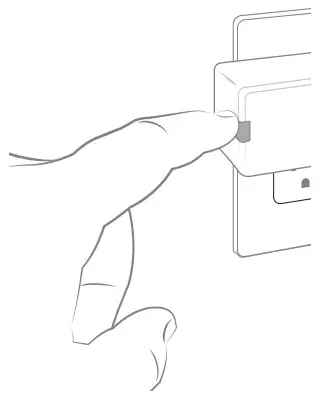
 Test My Leviton app control
 Test My Leviton app control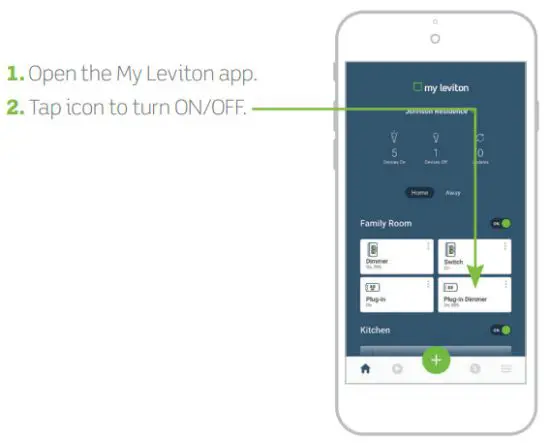
Quick tip
- The My Leviton app includes many features such as: scheduling, remote control, vacation mode, auto-shutoff, room scenes, and advanced options for bulb type, fade rates, preset light level, and minimum dim/maximum brightness.
- Additional self-service support options can be found in the My Leviton app or at leviton.com/decorasmart.
 Connect to My Leviton partners (optional)
 Connect to My Leviton partners (optional)
Visit my.leviton.com for a complete list of compatible smart home products.
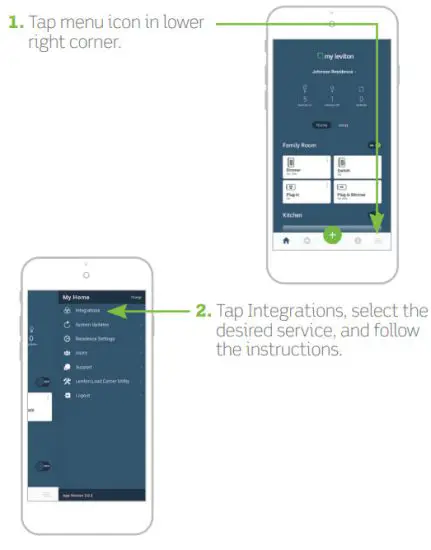
 Add your device to Apple HomeKit (optional)

NOTE: Skip step 1 if your device is already enrolled to My Leviton and on your Wi-Fi network.
- Make sure the device is in setup mode (status LED should be blinking GREEN). If the status LED is not blinking GREEN, see page 15 for instructions on how to put the device into setup mode.
- Using an iOS device, open the Apple Home app and select “Add Accessory”.
- Make sure your Decora Smart Wi-Fi Mini Plug-In Dimmer is model number D23LP. Locate and scan the HomeKit setup code on the device or on the front page of this Getting Started Guide.
- Follow the instructions in the Apple Home app.
- Once the device is set up, you will be able to voice control your Decora Smart Mini Plug-In Dimmer with Apple Siri.
What to do if…
Your Mini Plug-In Dimmer is not performing as expected:
- Make sure your plug-in is being supplied from a non-switched 120VAC, 60Hz source ONLY.
- Make sure the lamp you’re controlling is working (the local switch is ON) and check for burned-out bulbs.
- If using LED or CFL bulbs, make sure they are dimmable.
Not connected to Wi-Fi:
- If your device is set up in the My Leviton app, select your device, then select “Device Settings”. On the “Device Settings” screen select “Reconfigure Wireless”.
- Follow the prompts to reconfigure your device and update the Wi-Fi settings.
How do I clean my device?
- To clean use a damp cloth with mild soap. DO NOT use disinfecting products, including foggers, sprays, or other types of atomized cleaning agents.
If you need to reset to factory default:
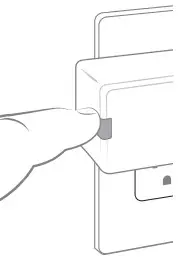
- Press and hold the button.
- After the first 7 seconds, it will turn AMBER. Continue holding.
- After 14 seconds, it will quickly flash RED/AMBER. Release the button and your plug-in device is reset.
Visit leviton.com/decorasmart or contact our technical support team for additional help.
 Status LED
 Status LED
| COLOR | ACTIVITY | STATUS |
| Green | Flashing | In setup mode and ready to be added to a Wi-Fi network. |
| Green | Slow Blink | Connecting to a Wi-Fi network on power-up. |
| Green or Off | Solid | Normal operation can be configured in a setup. |
| Amber | Slow Blink | The device is not connected to the Wi-Fi network but attempting to reconnect. |
| Green/Amber | Alternating Blink | The device is in wireless Anywhere Companion Pairing Mode. |
| Red | Blink | Wireless Anywhere Companion devices have unpaired or at the max number of paired devices. |
| Green/Red/Amber | Alternating Blink | Identify features triggered from the My Leviton app. |
Visit My.Leviton.com and select the “Support” option for additional diagnostic assistance.
Diagnostic LED
If your device is not connecting to the My Leviton app, the Status LED can be used as a diagnostic tool. Press the button for at least 2 seconds (but no more than 7 seconds)
then release. The Status LED will blink a diagnostic code for 2 seconds.
| COLOR | STATUS |
| Amber | Not connected to Wi-Fi. |
| Red | Connected to Wi-Fi but not able to connect to the My Leviton cloud. |
| Green/Amber, Alternating | Connected to Wi-Fi and My Leviton cloud but unable to set the time from the internet. |
| Green | Connected to Wi-Fi and My Leviton cloud is working properly. |
- Hold the button for 7 seconds.
- After the first 7 seconds, the status light will turn AMBER, then release.
- The Status LED will flash GREEN.
The device is now in setup mode
 Safety first
 Safety first
WARNING: TO AVOID FIRE, PERSONAL INJURY OR DEATH DO NOT USE for the control high power heating appliances such as portable heaters. There can be unexpected consequences if not used with care. For example, an empty coffee pot can be remotely turned on. If that should happen, your coffee pot could be damaged from overheating. If an electric heater is turned on by remote control while clothing is draped over it, a fire could result. This module will not control lighting that is used with electronic low-voltage and high-frequency power supply transformers, or high-pressure discharge lamps (HID lighting). This includes mercury- vapor, sodium vapor, and metal halide lamps.
WARNINGS:
- This product is to be installed and/or used in accordance with electrical codes and regulations.
- Indoor use only.
- If you are unsure about any part of these instructions, consult an electrician.
- To reduce the risk of overheating and possible damage to other equipment do not install to control a motor-operated receptacle, fluorescent lighting fixture, or a transformer supplied receptacle.
- Unplug the unit when servicing loads.
- Leviton Wi-Fi-enabled devices rely on Wi-Fi communication.
For customers looking to install a large number of devices, it is recommended to consult the wireless network’s access point specifications to determine the maximum number of supported Wi-Fi devices. In some cases, for example, large installations, it may be necessary to upgrade to newer high-performance wireless grade access points to ensure proper operation. - Save this instruction sheet. It contains important technical data along with testing and troubles. Troubleshooting information that will be useful after installation is complete.
ADDITIONAL RATINGS:
- Purpose of control: Operating Control
- Action Control Type: 1
- Pollution Degree: 2
- Impulse Voltage: 2500V
- Disconnection Type: Micro
Limited 2 Year Warranty & Exclusions
For Leviton’s limited product warranty, go to www.leviton.com. For a printed copy of the warranty, call 1-800-824-3005.
FOR CANADA ONLY
For warranty information and/or product returns, residents of Canada should contact Leviton in writing at Leviton Manufacturing of Canada ULC to the attention of the Quality Assurance Department, 165 Hymus Blvd, Pointe-Claire (Quebec), Canada H9R 1E9 or by telephone at 1 800 405-5320.
FCC COMPLIANCE STATEMENT
The enclosed device complies with Part 15 of the FCC Rules. Operation is subject to the following two conditions: (i.) This device may not cause harmful interference (ii.) This device must accept any interference received, including interference that may cause undesired operation.
Any changes or modifications not expressly approved by Leviton could void the user’s authority to operate this equipment. This equipment has been tested and found to comply with the limits for a Class B digital device, pursuant to part 15 of the FCC Rules. These limits are designed to provide reasonable protection against harmful interference in a residential installation. This equipment generates uses and can radiate radio frequency energy and, if not installed and used in accordance with the instructions, may cause harmful interference to radio communications. However, there is no guarantee that interference will not occur in a particular installation. If this equipment does cause harmful interference to radio or television reception, which can be determined by turning the equipment off and on, the user is encouraged to try to correct the interference by one or more of the following measures:
- Reorient or relocate the receiving antenna.
- Increase the separation between the equipment and receiver.
- Connect the equipment into an outlet on a circuit different from that to which the receiver is connected.
- Consult the dealer or an experienced radio/TV technician for help.
FCC CAUTION
Any changes or modifications not expressly approved by Leviton Manufacturing Co., Inc., could void the user’s authority to operate the equipment.
FCC SUPPLIER’S DECLARATION OF CONFORMITY
Model D23LP – Wi-Fi Mini Plug-In Dimmer is manufactured by Leviton Manufacturing Co., Inc. 201 N. Service Road, Melville, NY 11747.
www.leviton.com This device complies with part 15 of the FCC Rules.
Operation is subject to the following two conditions: (1) This device may not cause harmful interference, and (2) this device must accept any interference received, including interference that may cause undesired operation.
IC STATEMENT
This device complies with Industry Canada license-exempt RSS standard(s). Operation is subject to the following two conditions: (1) this device may not cause interference, and (2) this device must accept any interference, including interference that may cause undesired operation of the device.
RF EXPOSURE AND CO-LOCATION
To comply with FCC OET Bulletin 65 and ISED RF exposure limits for general population and uncontrolled exposure, this device shall be installed and operated with a minimum distance of 7.9 inches (20 cm) between the radiator and your body. Also, must not be co-located or operated in conjunction with any other antenna or transmitter
Copyright and Trademark Information
Decora and Decora Smart are the registered trademarks of Leviton Manufacturing Co., Inc., registered in the U.S., Canada, Mexico, and China.
Google and Google Play are trademarks of Google LLC. Alexa and related logos are trademarks of Amazon.com, Inc. or its affiliates.
Apple®, HomeKit®, and Siri® are trademarks of Apple Inc., registered in the U.S. and other countries. IFTTT and the Wi-Fi CERTIFIED logo are trademarks of their respective owners and any use of such marks by Leviton is under license.
Use of the Works with Apple badge means that an accessory has been designed to work specifically with the technology identified in the badge and has been certified by the developer to meet Apple performance standards. Apple is not responsible for the operation of this device or its compliance with safety and regulatory standards.
Use herein of other third-party trademarks, service marks, trade names, brand names, and/or product names are for informational purposes only, are/may be the trademarks of their respective owners; such use is not meant to imply affiliation, sponsorship, or endorsement. No part of this document may be reproduced, transmitted, or transcribed without the express written permission of Leviton Manufacturing Co., Inc.
Copyright 2021 Leviton Mfg. Co., Inc.
If you need help…ONLINE
decorasmartsupport.leviton.comCHAT
www.leviton.com/supportEMAIL
[email protected]CALL
1-800-824-3005 (USA)
1-800-405-5320 (Canada)
Leviton Manufacturing Co., Inc.
201 North Service Road, Melville, NY 11747
© 2021 Leviton Manufacturing Co., Inc. All rights reserved.
Specifications are subject to change at any time without notice.