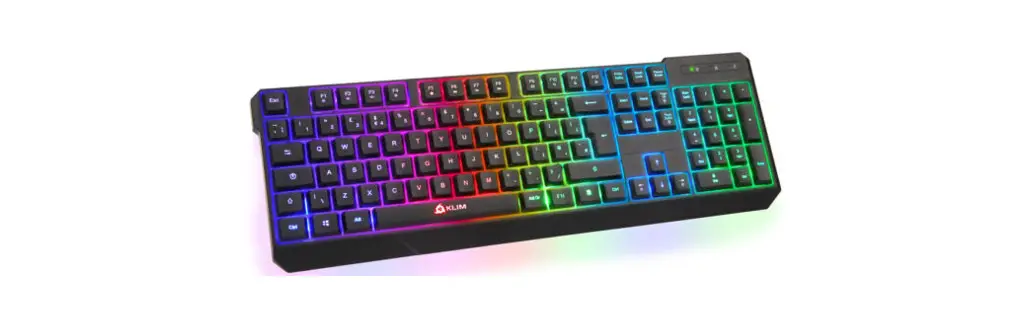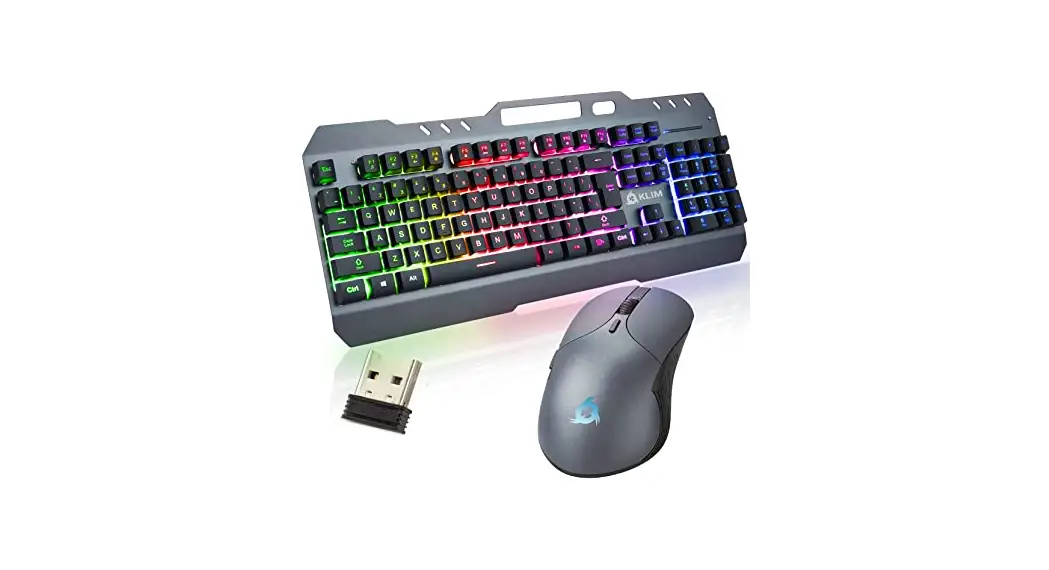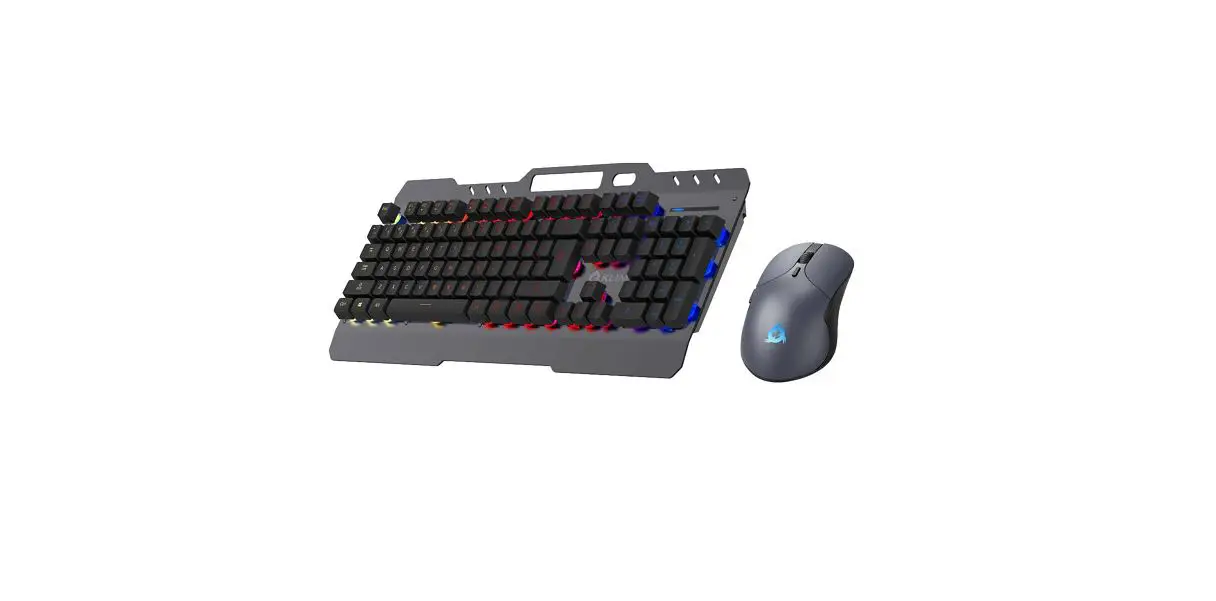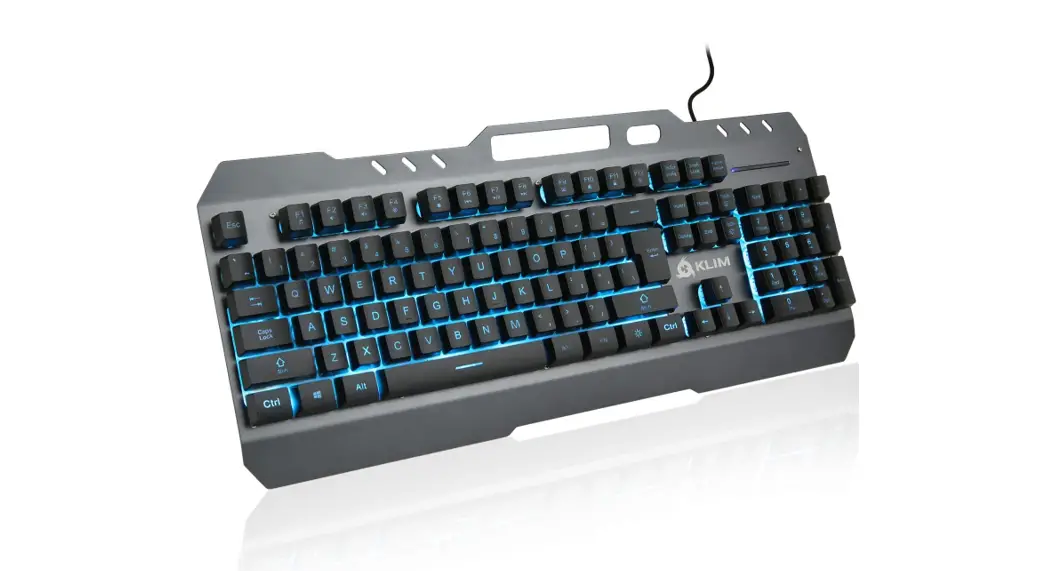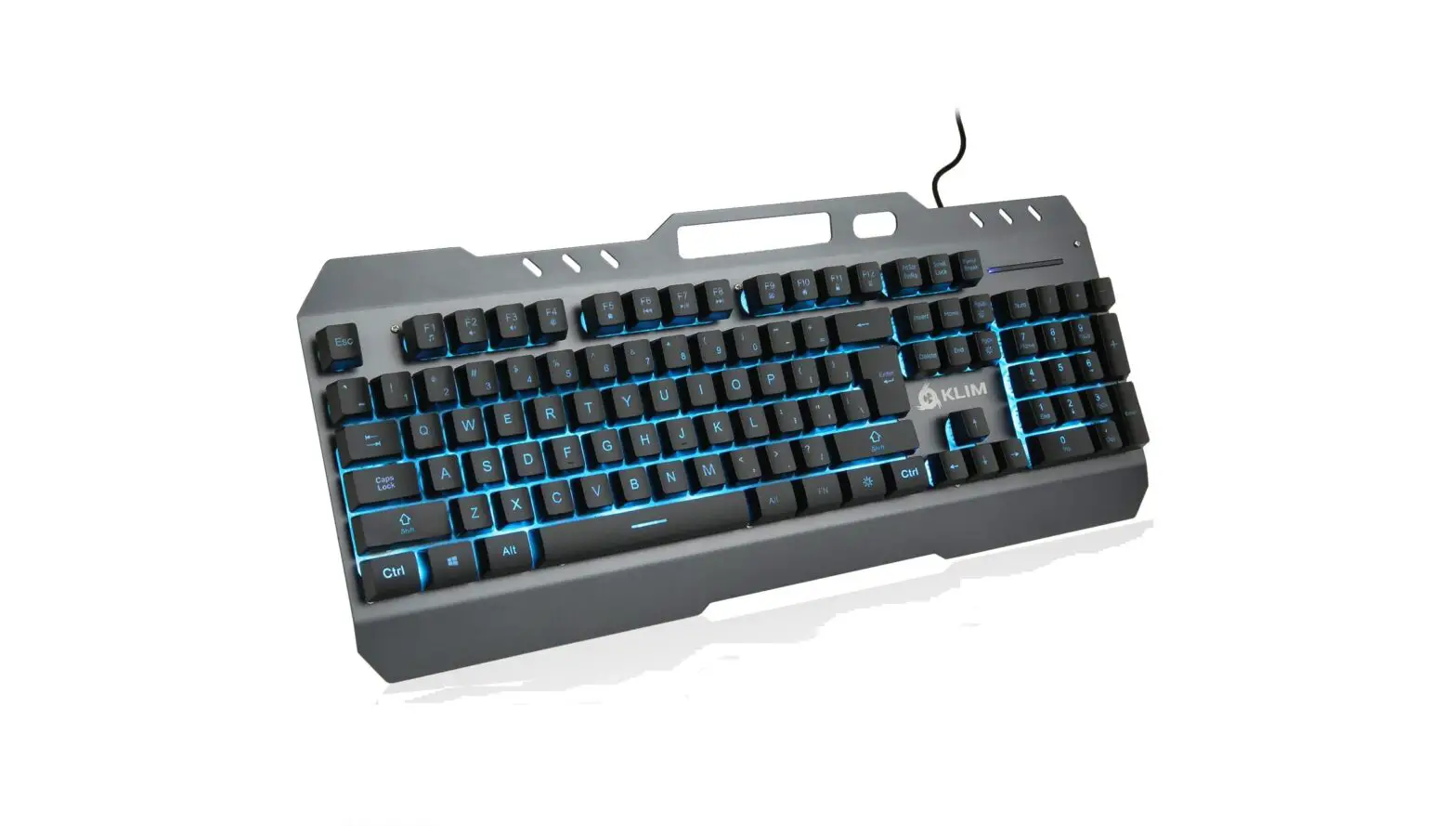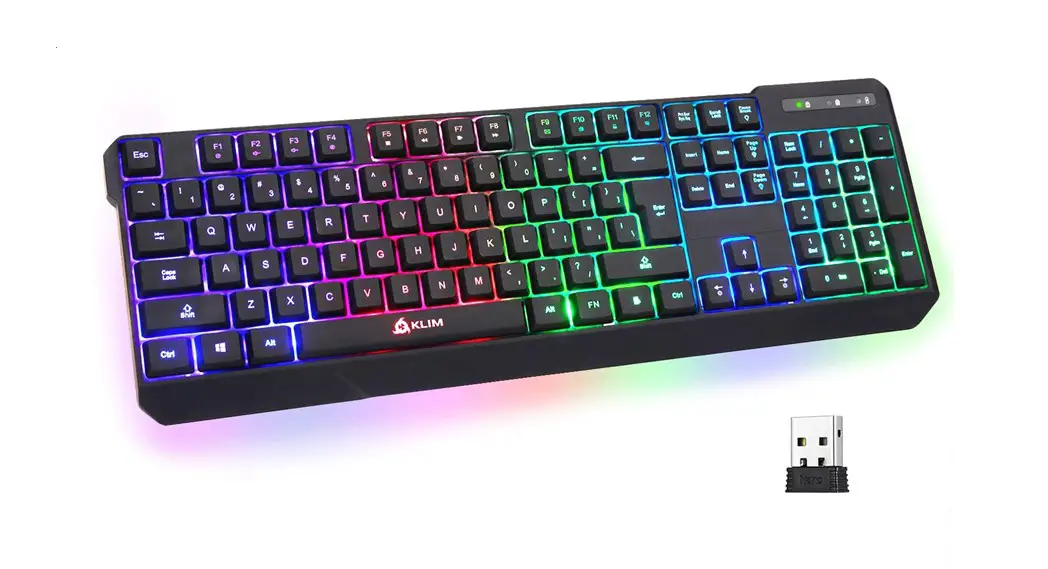

LIGHTNING WIRELESS
QUICK GUIDE
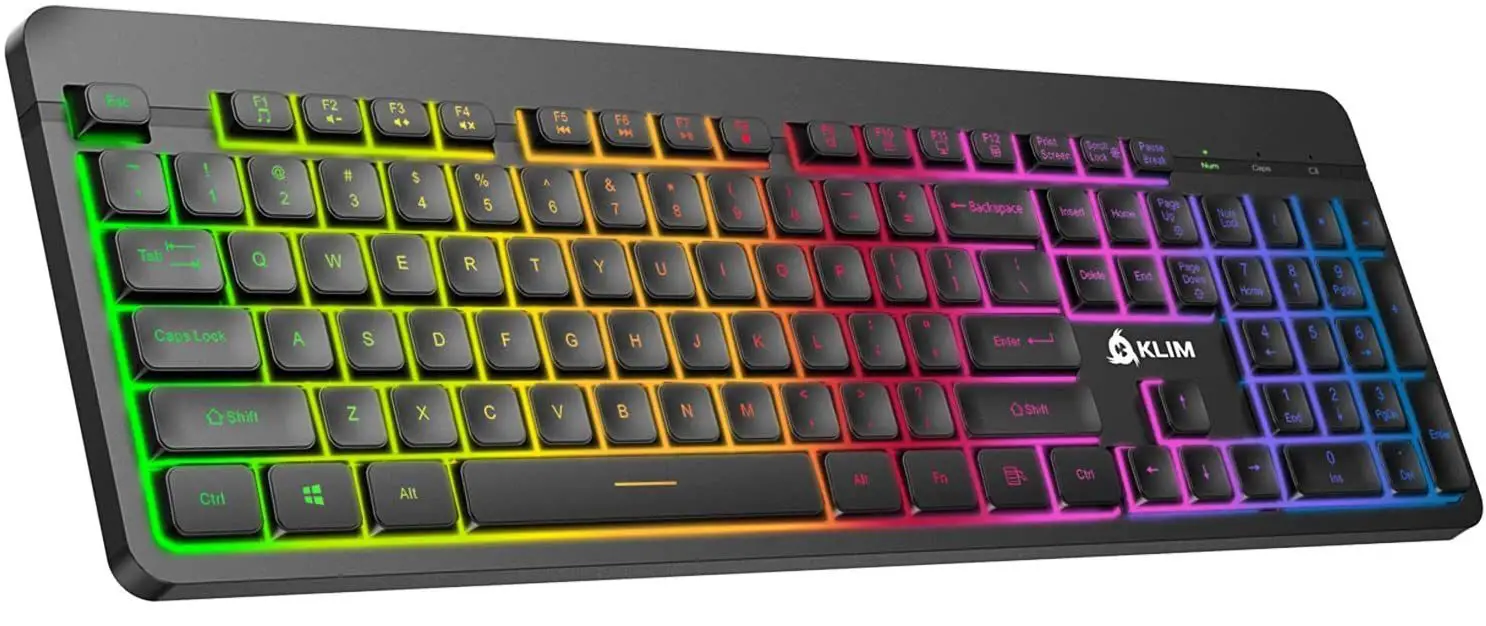

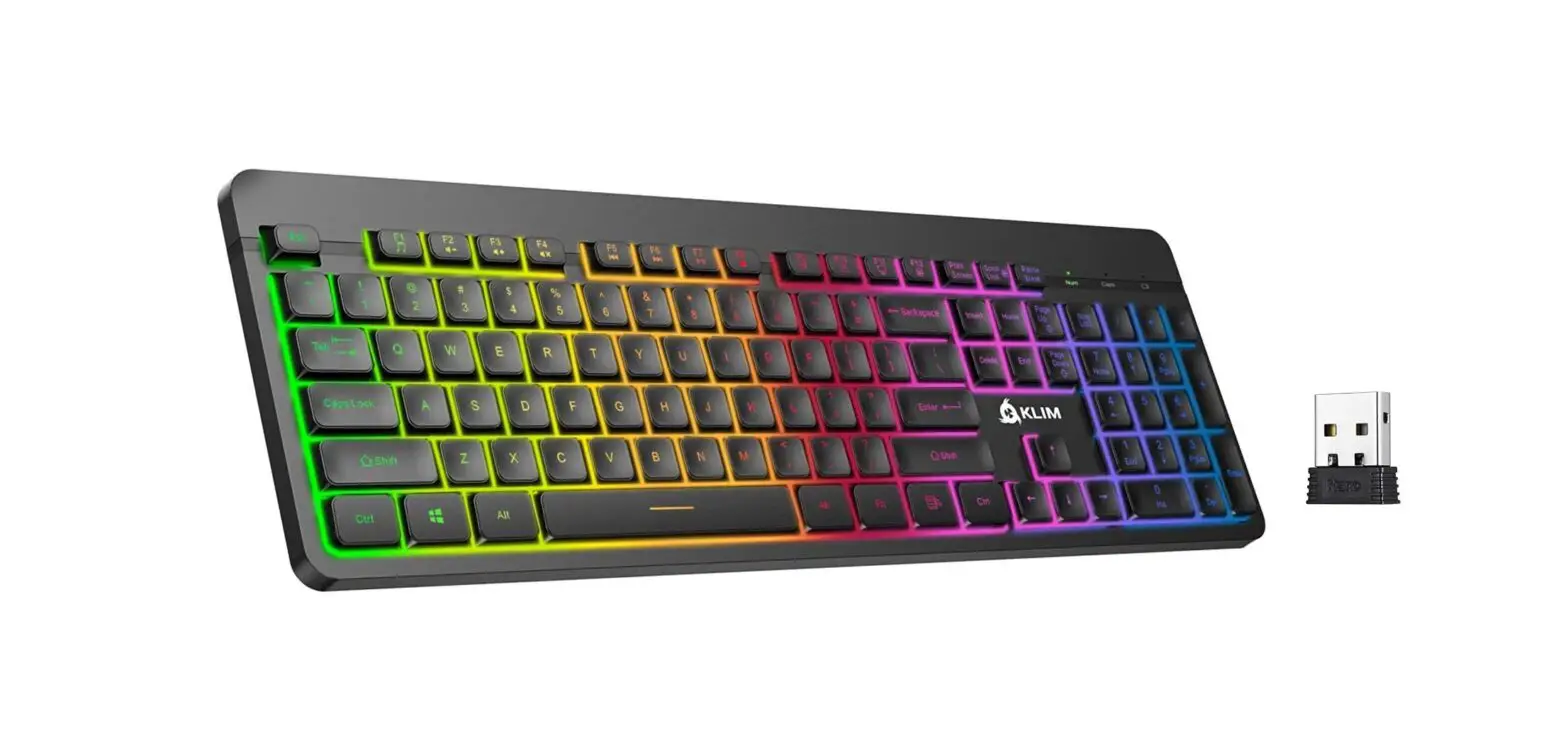
KLIM LIGHTNING WIRELESS
Special function keys
Introduction
On behalf of the entire KLIM Team, we thank you for purchasing our KLIM Lightning Wireless semi-mechanical keyboard, We hope it
meets your expectations and that you enjoy using this device.
Technical specifications
- Weight: 893 g (1.96 Ib)
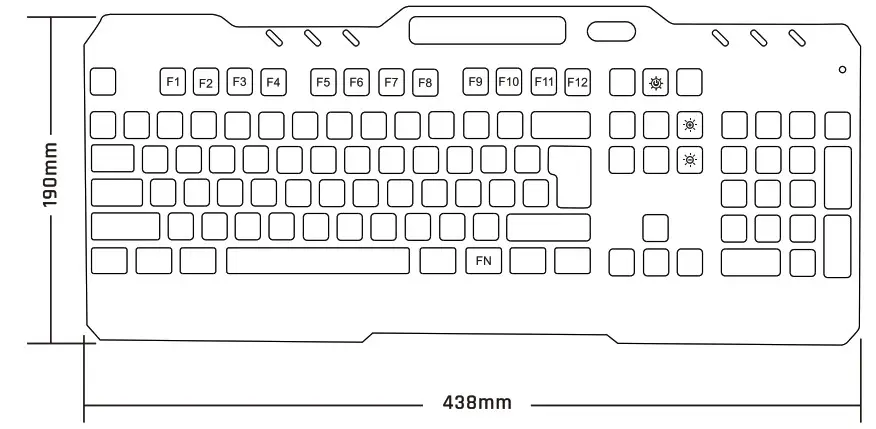
- Dimensions: 438 x 190 x 55 mm (17.2 x 7.5 x 2.2 in)
- Cable length: 1.5 m (4.9 ft)
- Battery capacity: 2000 mAh
- Input: DC 3.7 V
- Working current: 70 mA
- Charging time: 7 hours
- Wireless distance: 10 m
First use
Take the USB receiver included in the package and connect it to your computer, Slide the switch behind the keyboard (near the charging port) to the ON position.
Charging the keyboard
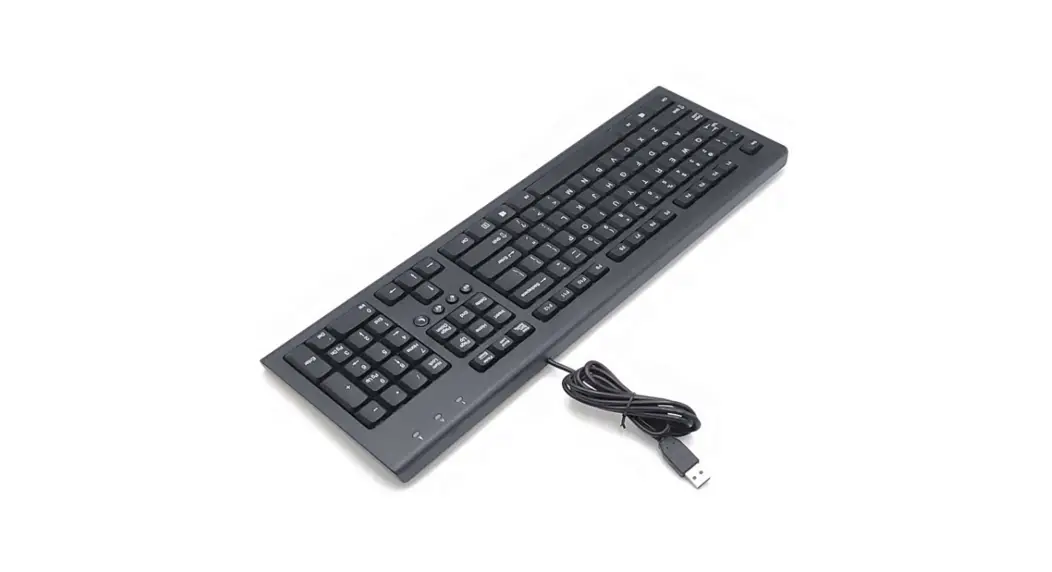
The battery indicator light at the top-right corner of the keyboard flashes when battery is low, Use the provided cable to connect the keyboard to your computer or a USB charger.
NOTE: You may use the keyboard while it charges, but the USB receiver must also be connected to your computer for it to work.
The Function Key
The KLIM Lightning WL features a Function key (FN) which can be combined with certain keys to change lighting effects or activate different functions on your computer, Lighting effects
FN +  : Turn the lights on/off
FN +  : Increase/decrease light brightness
HINT: decreasing the brightness significantly increases battery life, The keyboard lights turn off after 120 seconds without use to save
energy.
Multimedia keys
| FN + F1: Media player | FN + F7: Play/Pause |
| FN + F2: Volume – | FN + F8: Next track |
| FN + F3: Volume + | FN + F9: E-mail client |
| FN + F4: Mute sound | FN + F10: Home (browser) |
| FN + F5: Stop | FN + F11 Keyboard lock |
| FN + F6: Previous track | FN + F12: Calculator |
NOTE: Some function shortcuts are not available on MacOS,
Troubleshooting & Contact
If you ever encounter any problems with the keyboard, remember that we remain at your disposal to help you with any issues, Do not hesitate to contact us at [email protected] for additional support.
BUILT TO LAST.
BULT FOR YOU.
WWW.KLIMTECHS.COM
| Authorised EU representative Marcus Excelsior Limited Bracken Road No 51, Carlisle Offices D18CV48 Dublin, Sandyford Dublin, Ireland | Marcus Excelsior Limited 2512 Langham Place Office Tower 8 Argyle Street, Mongkok, Kowloon Hong Kong |