 INSTRUCTION MANUAL
PANELOVN
400W/600W/800W/1000W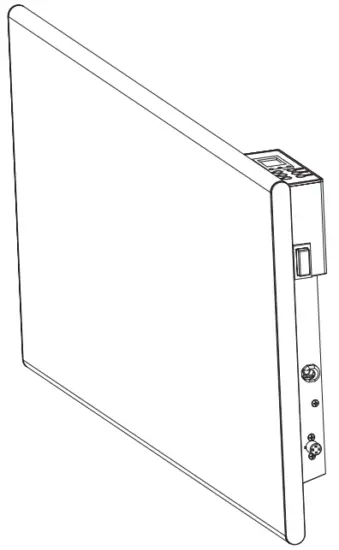
PANELOVN

220-240V~ 50-60Hz IPX4
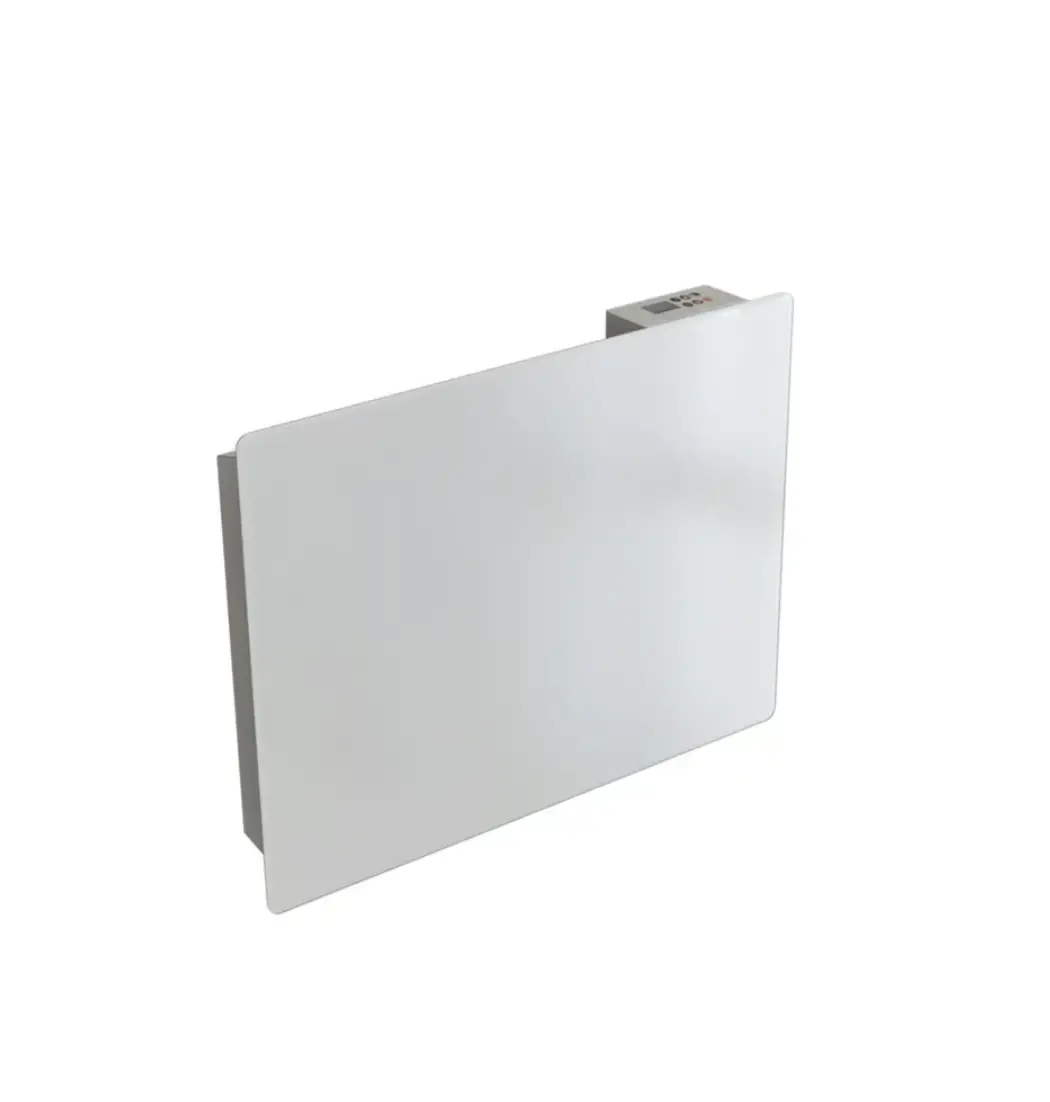
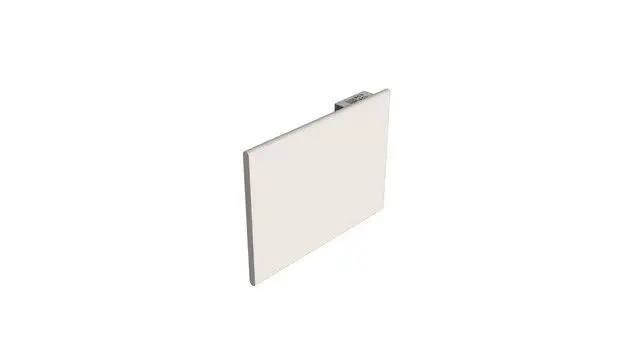
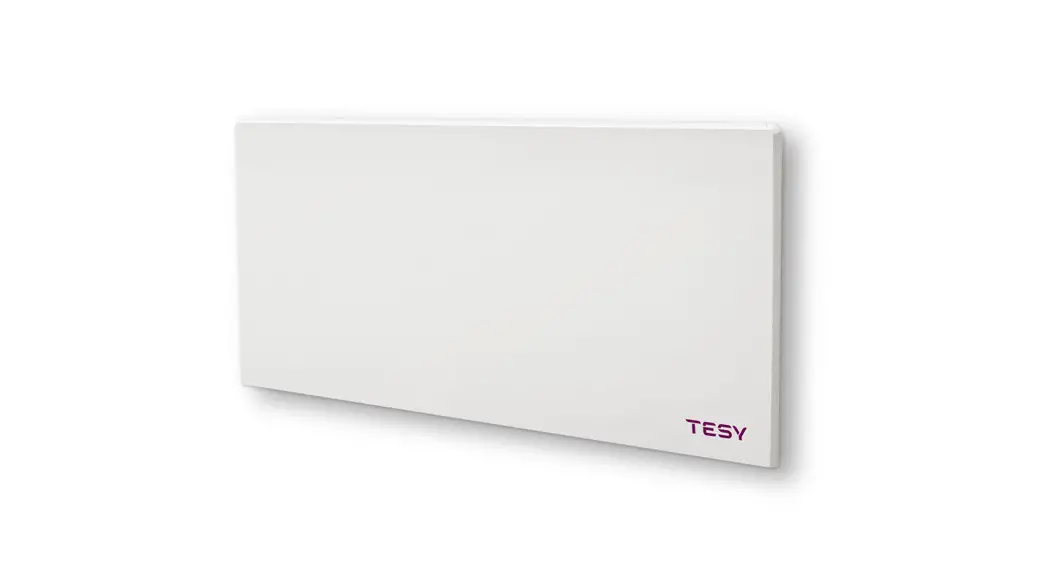
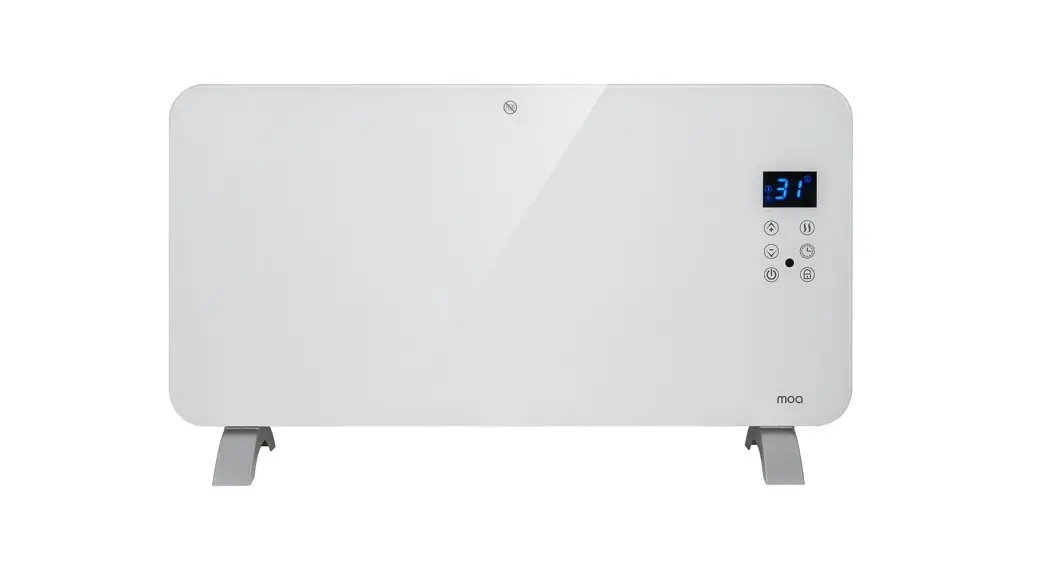
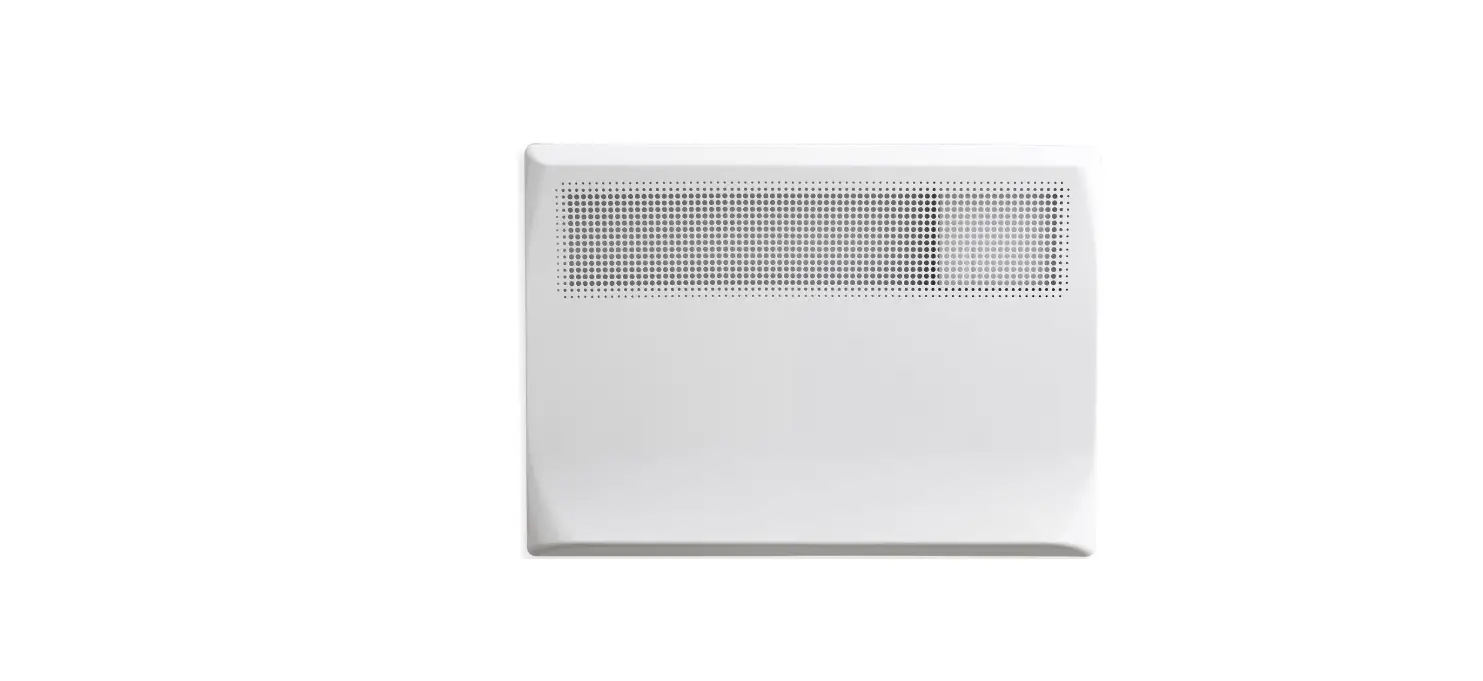
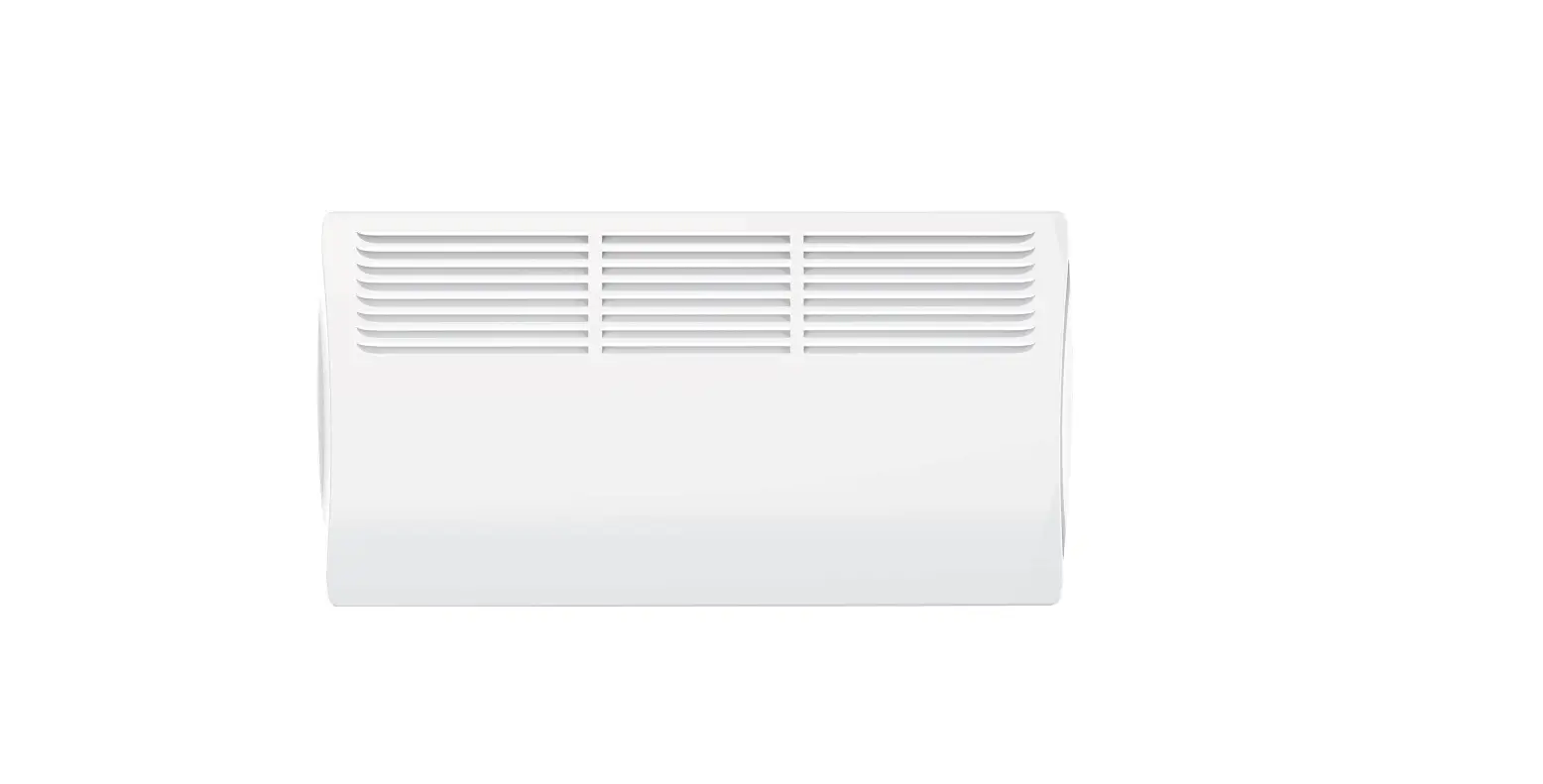
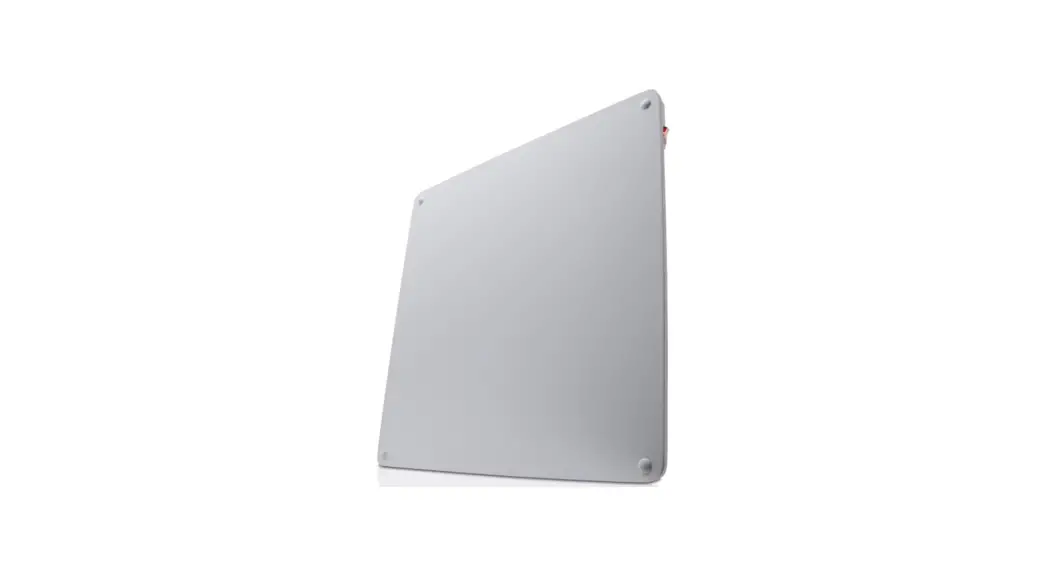
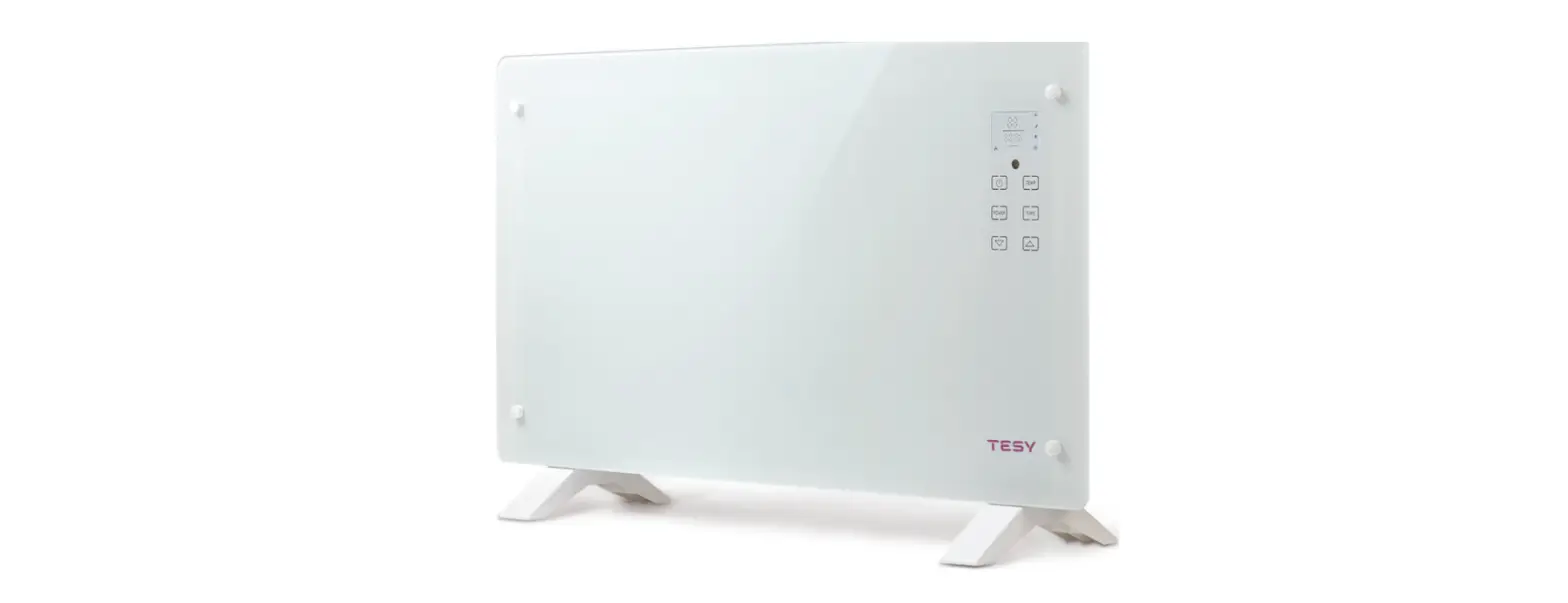
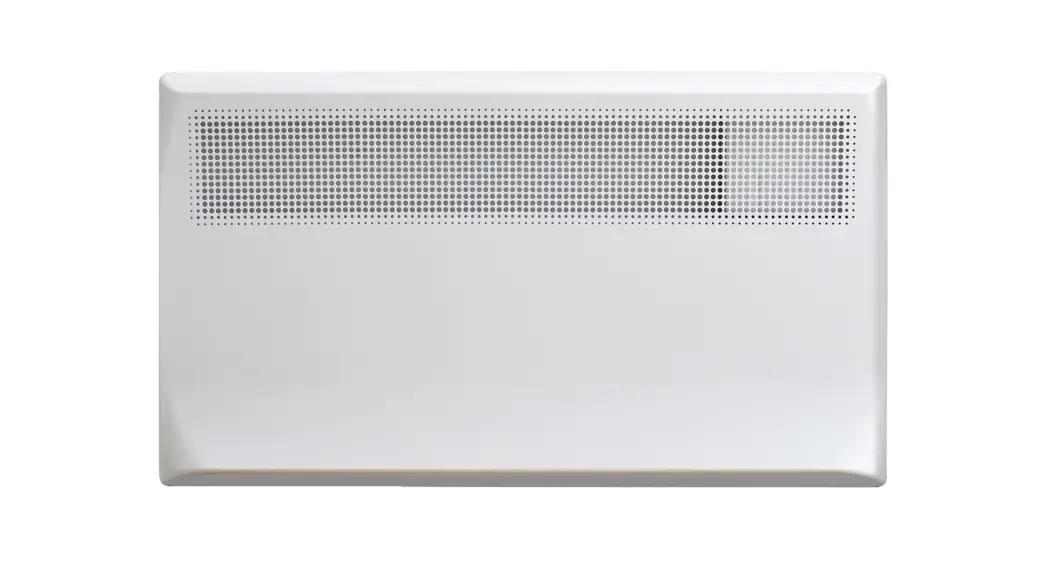
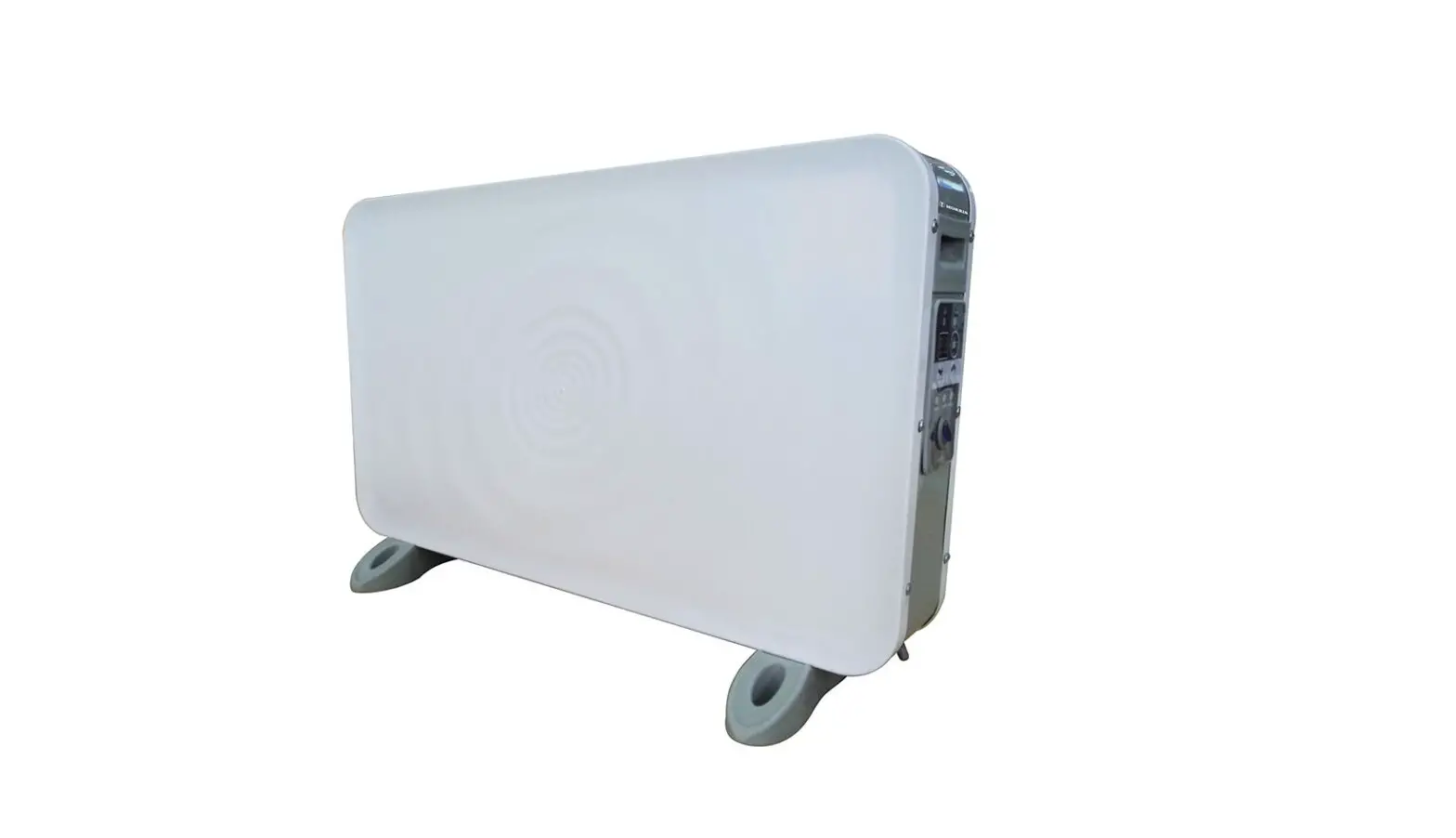
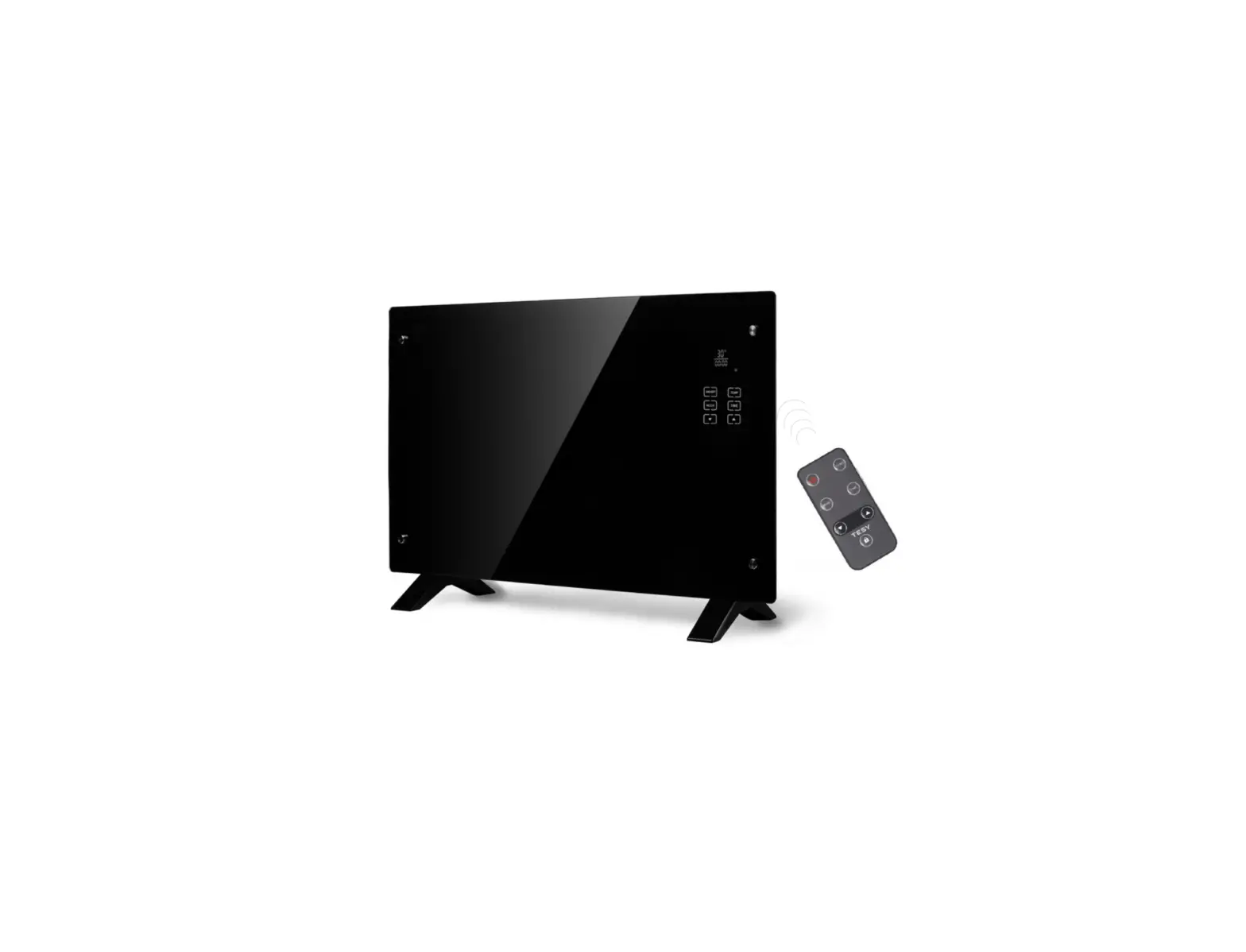
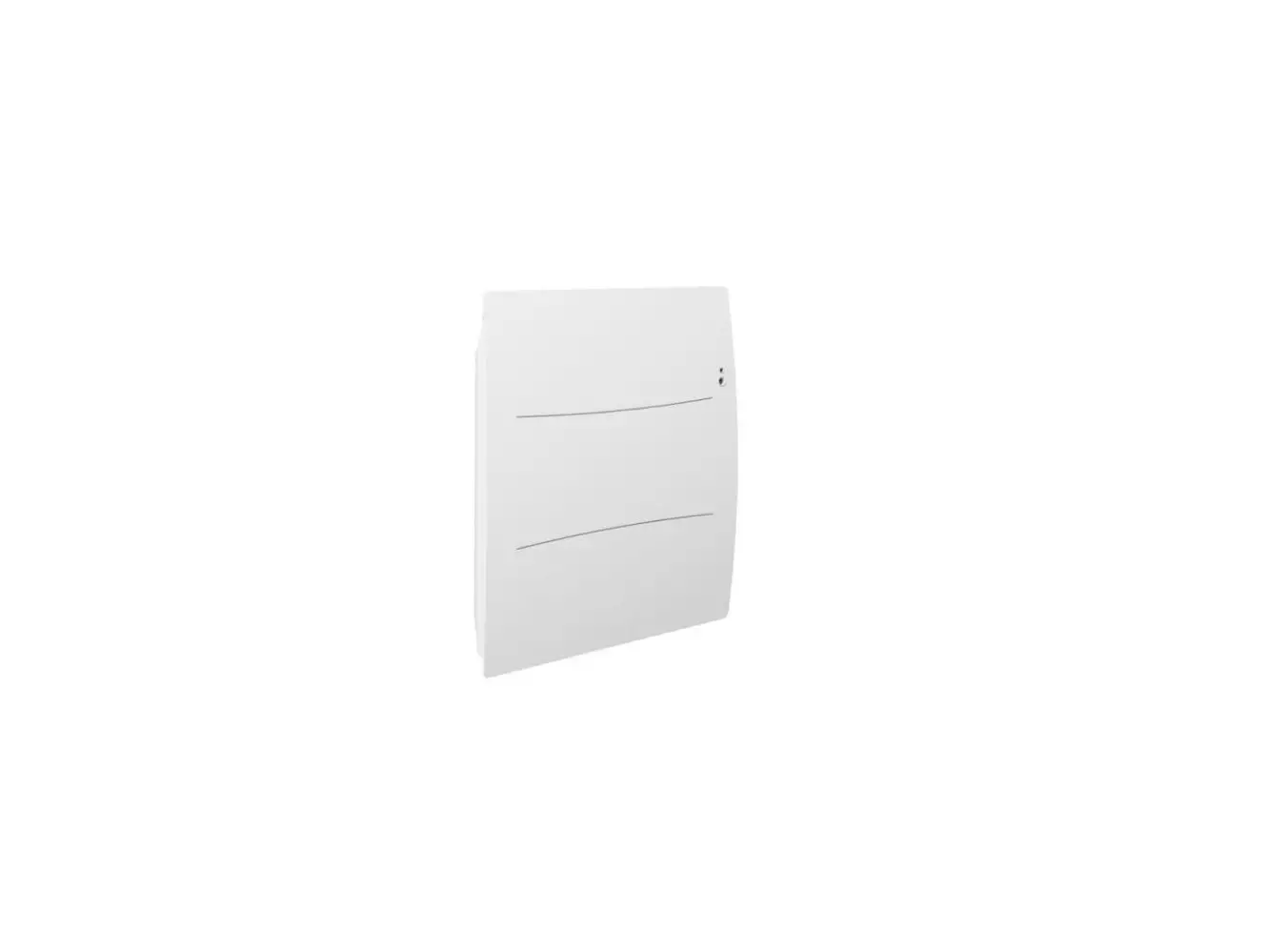
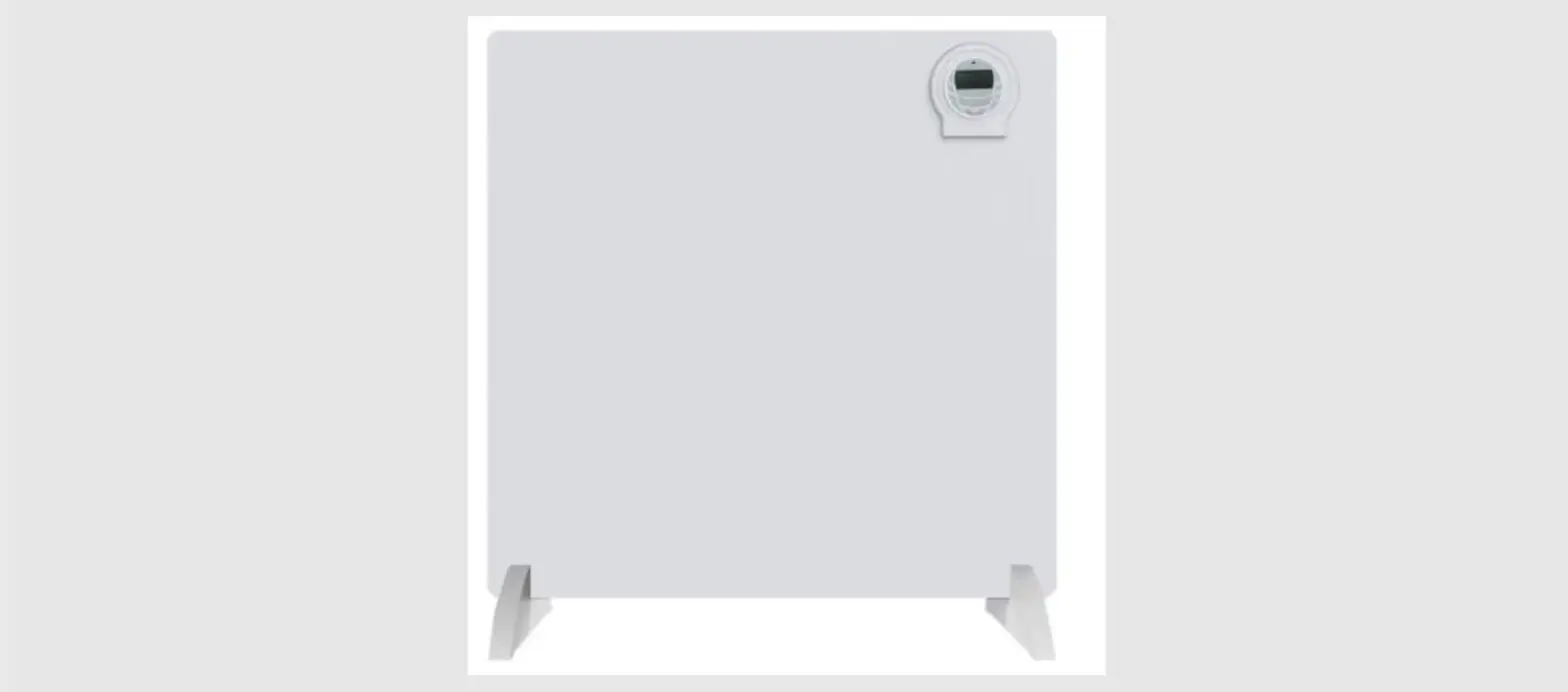
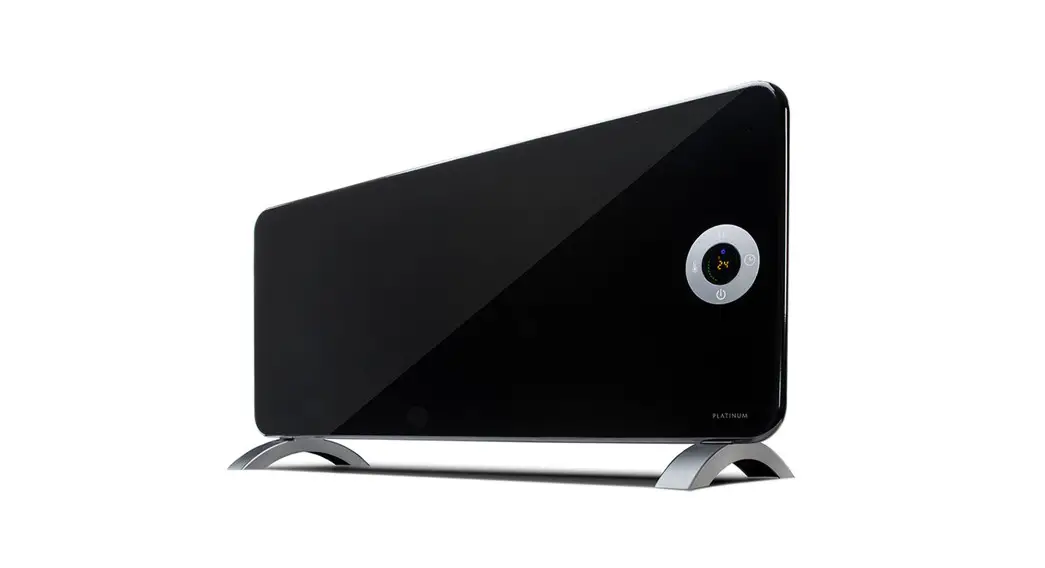
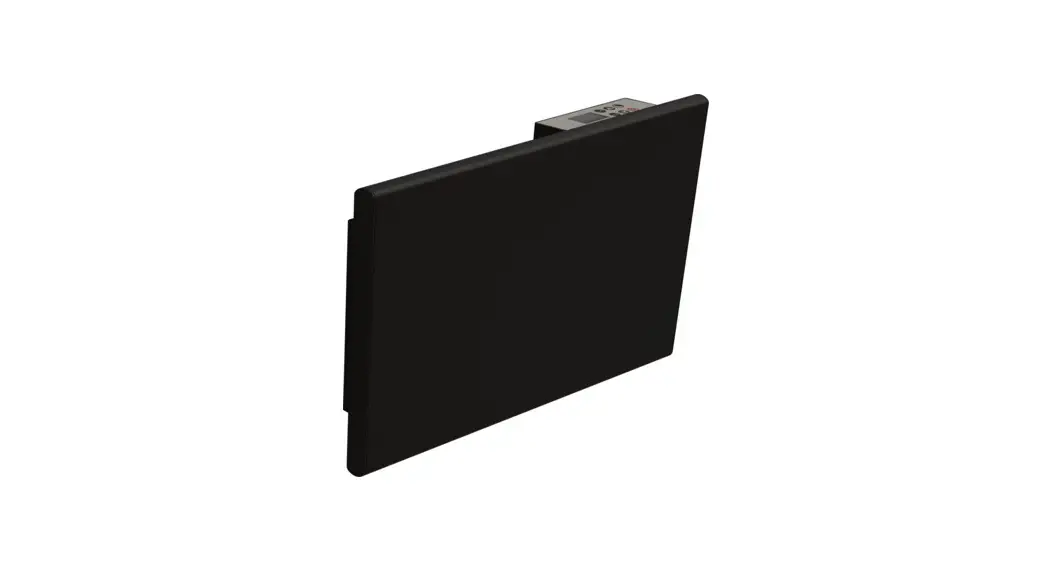
Panel heater in modern design, suitable for most environments.
Electronic thermostat with program setting. A bright LCD display is placed at the top of the heater for easy operation.
Delivered with wall bracket. Indoor use only.
| Effect: | 400W/600W/800W/1000W |
| Operating voltage: | 220-240V~50-60Hz |
| IP Rating: | IPX4 |
| Electronic LCD display and thermostat. | |
| Included 1.6 m cable and plug. | |
ASSEMBLY OF THE HEATER
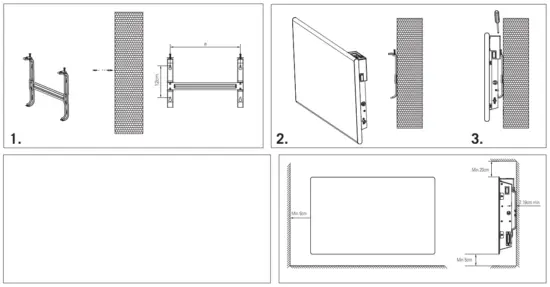
- Drill holes in the wall. Distance between holes: See the form (a).
- Attach the clips to the wall.
- Push the heater into the clips and use screws to tighten the clips.
a 400W 13cm 600W 13cm 800W 26cm 1000W 26cm 

USE WITHOUT PROGRAM
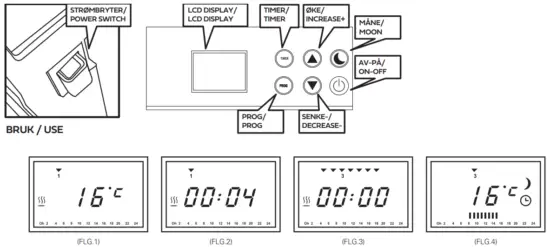
- Turn on the “POWER SWITCH”, and the display will show the temperature and day symbol (FIG. 1).
- Press “ON/OFF”, and the heater will be in standby mode. Press “ON/OFF” again to start heating, and the heating symbol
 will appear.
 - Press “+” or “-” to set the temperature you want. The temperature can be adjusted between 5°C~35°C. The factory default setting is 20°C.
 will appear.
USE WITH WEEKLY PROGRAM
- Turn on the “POWER SWITCH”, and the display will show the temperature and day symbol (FIG. 1).
- Press “ON/OFF”, and the heater will be in standby mode. Press“ON/OFF” again to start heating, and the heating symbol will appear.
- Press “PROG”, to adjust the day and clock setting (FIG.2). Press “PROG” the day symbol
 will blink, press “+” or “-“ to set the day of the week,1 is Monday -7 is Sunday. Press “PROG” again and the time will blink, press “+” or “-” to set the time of the day. Press “PROG” when finished to end the clock setting.
NOTE: If you don`t press any key during the process, the blinking will be stopped in 10seconds. The heater will work in the wrong program period. - Press “PROG” for 3 seconds under the working mode and the display will show the weekly program setting(FIG.3).
- Press “+” or “-” to choose the day you want to set the program, the day symbol will blink for the relevant day.
- Press “PROG” again and the hour will blink, press “+” or “-” to choose the hours you want to set the program,7:16 means 7 am to 4 pm. The time zone symbol will appear. (FIG4.)
- Press “PROG” again and the temperature will blink, press “+” or “-” to choose the temperature you want to set the program, 25:17 means 25°C in the program period and 17°C outside the program period.
- Press “PROG” and the day symbol will blink, to continue the rest of the days in the week you want to set the program. Press “MOON” to choose the default setting of the temperature for the hours you have not programmed, the default setting temperature is 15°C.
- Press the “TIMER” button after the program setting, the heater will directly start the weekly program working mode (FIG.4), and the clock symbol will appear on the display.
NOTE: The time setting should be done before the program setting, so the heater can work under the correct program period.
 will blink, press “+” or “-“ to set the day of the week,1 is Monday -7 is Sunday. Press “PROG” again and the time will blink, press “+” or “-” to set the time of the day. Press “PROG” when finished to end the clock setting.
| Window open remind | In case of a window is open in the room, the heater has a window opening reminder function. If the temperature drops more than 5°C within 10minutes, the window symbol on the LCD display will be blinking rapidly, press any key on the display can stop it. Then the heater will be working as in the previous program. If it is blinking continually over 10 minutes, the heater will be automatically working in Anti-frost mode ( 10°C), until someone presses any key on the display, then the heater will work as in the previous program. |
| Power cut remind | In case of a power outage, the display will start to blink indicating that a power outage has occurred. Press any key on the thermostat to stop the blinking. Note: The heater has a 24hour memory function. If the power is back within 24hour, the heater will work in the same program and time as the previous setting. |
| Child Lock | The thermostat could be locked by holding down both “+” and “-“ buttons for 3 seconds. Repeat the same procedure to unlock the thermostat again. |
| Reset the thermostat to the default setting | Press “ON/OFF” for 5 seconds, and the heater will revert to the default setting. |
| Information for first time use | The heater should be set to maximal temperature for 30 minutes to burn the element clean. Some smells may occur. |
MEASURES
 DO NOT COVER
SAFETY
Do not cover the heater surface, the heater can become very hot and must be placed at a safe distance from flammable material. Disconnect power during maintenance. If using an extension cord it must be as short as possible and be extended when the oven is on.
Information required for the electric local space heaters
| Model identifier(s):5401374/5401391 | |||||
| Item | ‘Symbol | I Value | I Unit | Item | Unit |
| Heat output | Type of heat input, for electric storage local space heaters only (select one) | ||||
| Nominal heat output | Phnom | 0.34-0.4 | kW | manual heat charge control, with integrated thermostat | No |
| Minimum heat output (indicative) | Pain | 0.34 | kW | manual heat charge control with room and/or outdoor temperature feedback | No |
| Maximum continuous heat output | Pmax,c | 0.40 | kW | electronic heat charge control with room and/or outdoor temperature feedback | No |
| Auxiliary electricity consumption | fan assisted heat output | No | |||
| At nominal heat output | elmax | N/A | kW | Type of heat output/room temperature control (select one) | |
| At minimum heat output | Elgin | N/A | kW | single-stage heat output and no room temperature control | No |
| In standby mode | USB | 0.00016 | kW | Two or more manual stages, no room temperature control | No |
| with mechanic thermostat room temperature control | No | ||||
| with electronic room temperature control | No | ||||
| electronic room temperature control plus day timer | No | ||||
| electronic room temperature control plus week timer | Yes | ||||
| Other control options (multiple selections possible) | |||||
| room temperature control, with presence detection | No | ||||
| room temperature control, with open window detection | Yes | ||||
| with distance control option | No | ||||
| with adaptive start control | No | ||||
| with working time limitation | No | ||||
| with black bulb sensor | No | ||||
Contact details
Namron AS – Nedre Kalbakkvei 88B, N-1081 Oslo – NORWAY
Information required for the electric local space heaters
| Model identifier(s):5401375 / 5401378 | |||||
| Item | ‘Symbol | I Value | I Unit | Item | Unit |
| Heat output | Type of heat input, for electric storage local space heaters only (select one) | ||||
| Nominal heat output | Phnom | 0.5-0.6 | kW | manual heat charge control, with integrated thermostat | No |
| Minimum heat output (indicative) | Pain | 0.50 | kW | manual heat charge control with room and/or outdoor temperature feedback | No |
| Maximum continuous heat output | Pmax,c | 0.60 | kW | electronic heat charge control with room and/or outdoor temperature feedback | No |
| Auxiliary electricity consumption | fan assisted heat output | No | |||
| At nominal heat output | elmax | N/A | kW | Type of heat output/room temperature control (select one) | |
| At minimum heat output | Amin | N/A | kW | single-stage heat output and no room temperature control | No |
| In standby mode | ISBN | 0.00016 | kW | Two or more manual stages, no room temperature control | No |
| with mechanic thermostat room temperature control | No | ||||
| with electronic room temperature control | No | ||||
| electronic room temperature control plus day timer | |||||
| electronic room temperature control plus week timer | Yes | ||||
| Other control options (multiple selections possible) | |||||
| room temperature control, with presence detection | No | ||||
| room temperature control, with open window detection | Yes | ||||
| with distance control option | No | ||||
| with adaptive start control | No | ||||
| with working time limitation | No | ||||
| with black bulb sensor | No | ||||
Contact details
Namron AS – Nedre Kalbakkvei 88B, N-1081 Oslo – NORWAY
Information required for the electric local space heaters
| Model identifier(s):5401 376 / 5401379 | |||||
| Item | (Symbol | I Value | I Unit | Item | I Unit |
| Heat output | Type of heat input, for electric storage local space heaters only (select one) | ||||
| Nominal heat output | Phnom | 0.67-0.8 | kW | manual heat charge control, with integrated thermostat | No |
| Minimum heat output (indicative) | Pain | 0.67 | kW | manual heat charge control with room and/or outdoor temperature feedback | No |
| Maximum continuous heat output | Pmax,c | 0.80 | kW | electronic heat charge control with room and/or outdoor temperature feedback | No |
| Auxiliary electricity consumption | fan assisted heat output | No | |||
| At nominal heat output | elmax | N/A | kW | Type of heat output/room temperature control (select one) | |
| At minimum heat output | Amin | N/A | kW | single-stage heat output and no room temperature control | No |
| In standby mode | ISBN | 0.00016 | kW | Two or more manual stages, no room temperature control | No |
| with mechanic thermostat room temperature control | No | ||||
| with electronic room temperature control | No | ||||
| electronic room temperature control plus day timer | No | ||||
| electronic room temperature control plus week timer | Yes | ||||
| Other control options (multiple selections possible) | |||||
| room temperature control, with presence detection | No | ||||
| room temperature control, with open window detection | Yes | ||||
| with distance control option | No | ||||
| with adaptive start control | No | ||||
| with working time limitation | No | ||||
| with black bulb sensor | No | ||||
Contact details
Namron AS – Nedre Kalbakkvei 88B, N-1081 Oslo – NORWAY
Information required for the electric local space heaters
| Model identifier(s):5401 377 / 5401380 | |||||
| Item | ‘Symbol | I Value | I Unit | Item | ‘ Unit |
| Heat output | Type of heat input, for electric storage local space heaters only (select one) | ||||
| Nominal heat output | Phnom | 0.85-1.0 | kW | manual heat charge control, with integrated thermostat | No |
| Minimum heat output (indicative) | Pain | 0.85 | kW | manual heat charge control with room and/or outdoor temperature feedback | No |
| Maximum continuous heat output | Pmax,c | 1.00 | kW | electronic heat charge control with room and/or outdoor temperature feedback | No |
| Auxiliary electricity consumption | fan assisted heat output | No | |||
| At nominal heat output | elmax | N/A | kW | Type of heat output/room temperature control (select one) | |
| At minimum heat output | Elgin | N/A | kW | single-stage heat output and no room temperature control | No |
| In standby mode | ISBN | 0.00016 | kW | Two or more manual stages, no room temperature control | No |
| with mechanic thermostat room temperature control | No | ||||
| with electronic room temperature control | No | ||||
| electronic room temperature control plus day timer | In | ||||
| electronic room temperature control plus week timer | Yes | ||||
| Other control options (multiple selections possible) | |||||
| room temperature control, with presence detection | No | ||||
| room temperature control, with open window detection | Yes | ||||
| with distance control option | No | ||||
| with adaptive start control | No | ||||
| with working time limitation | No | ||||
| with black bulb sensor | No | ||||
Contact details
Namron AS – Nedre Kalbakkvei 88B, N-1081 Oslo – NORWAY
Information required for the electric local space heaters