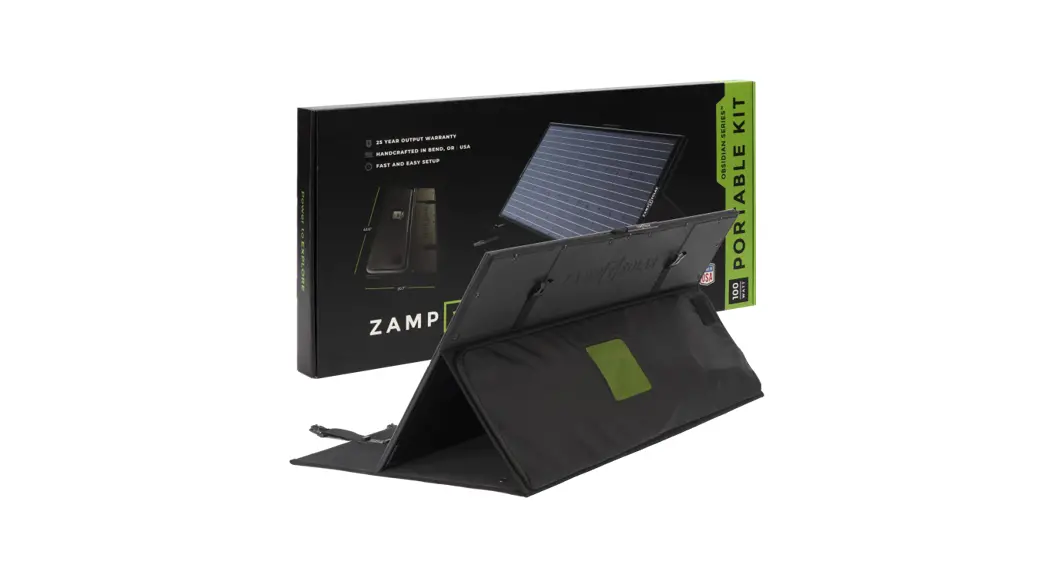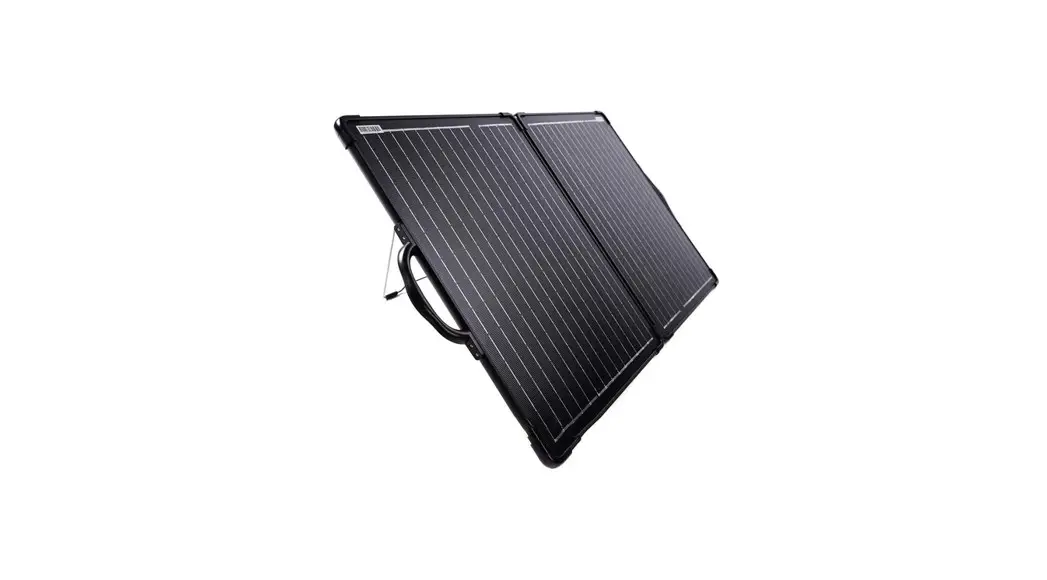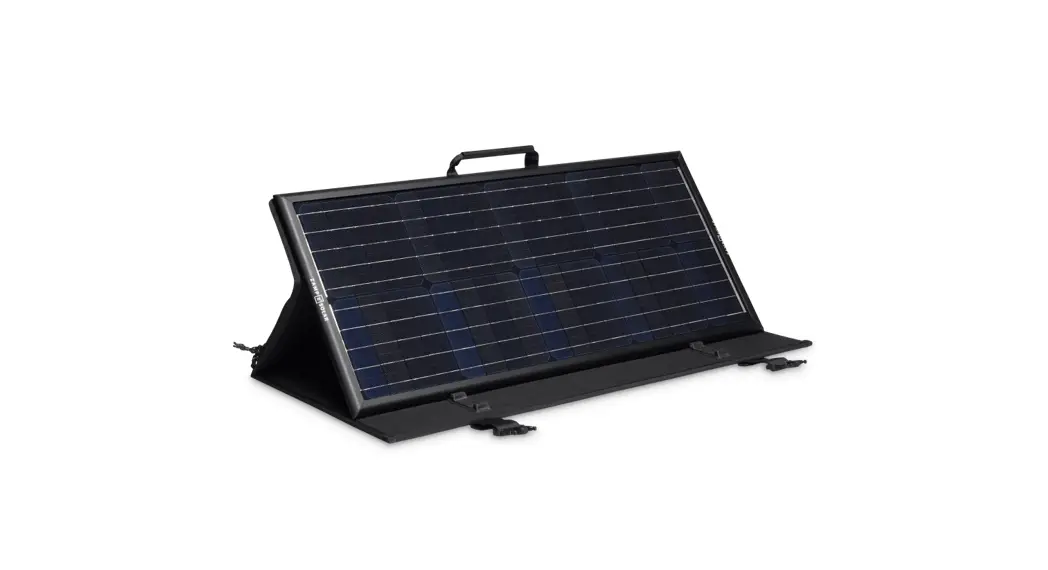
 Regulated OBSIDIAN Series Portable Solar Panel Combo Kits
User Guide
Regulated OBSIDIAN Series Portable Solar Panel Combo Kits
CONTENTS
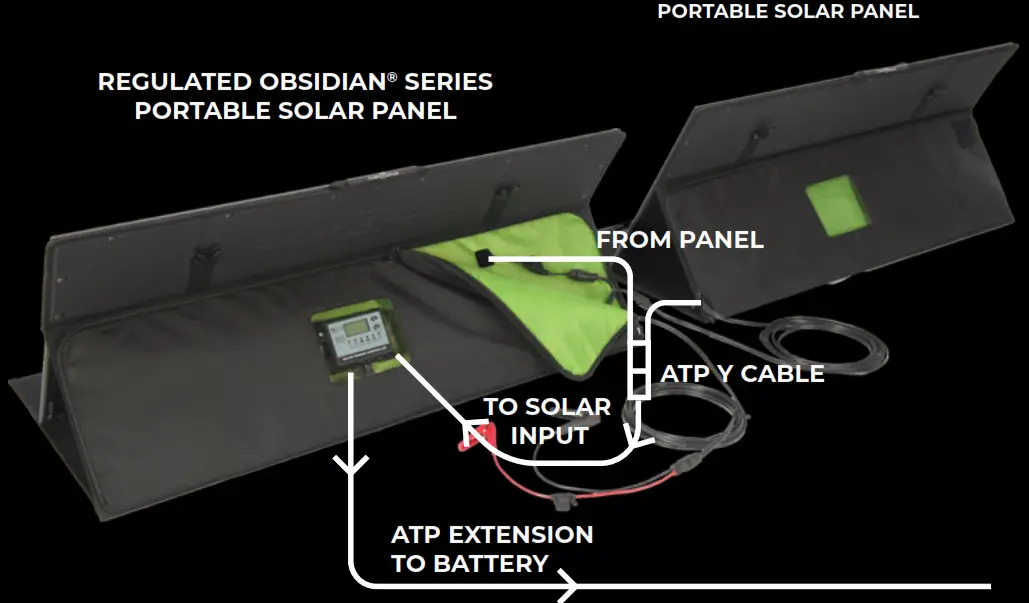
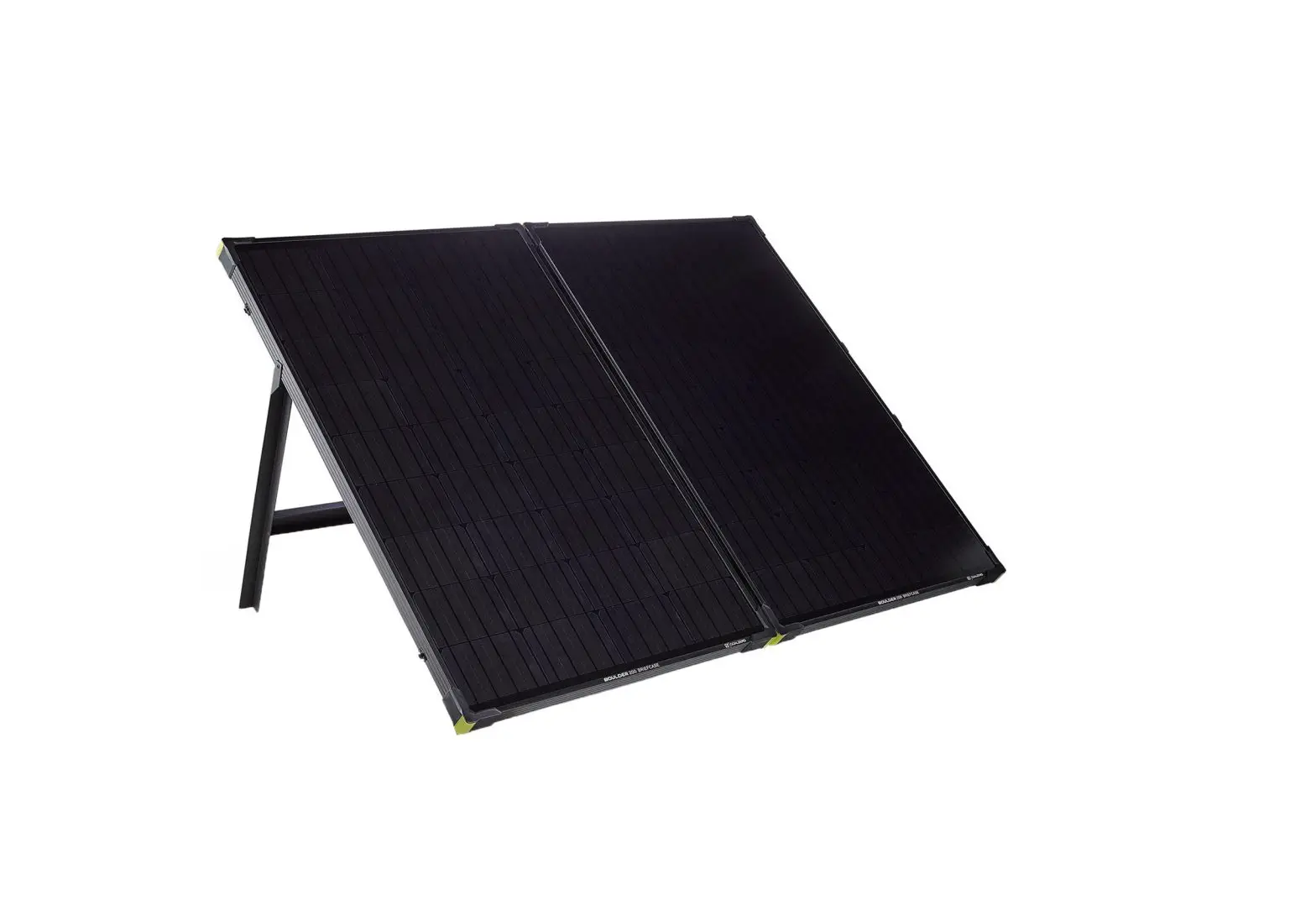
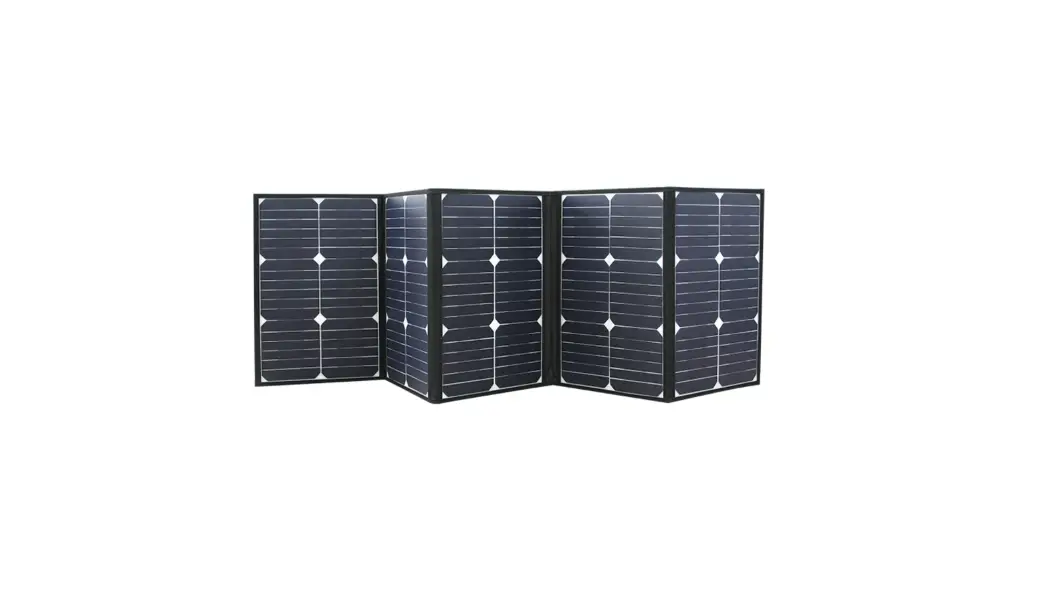
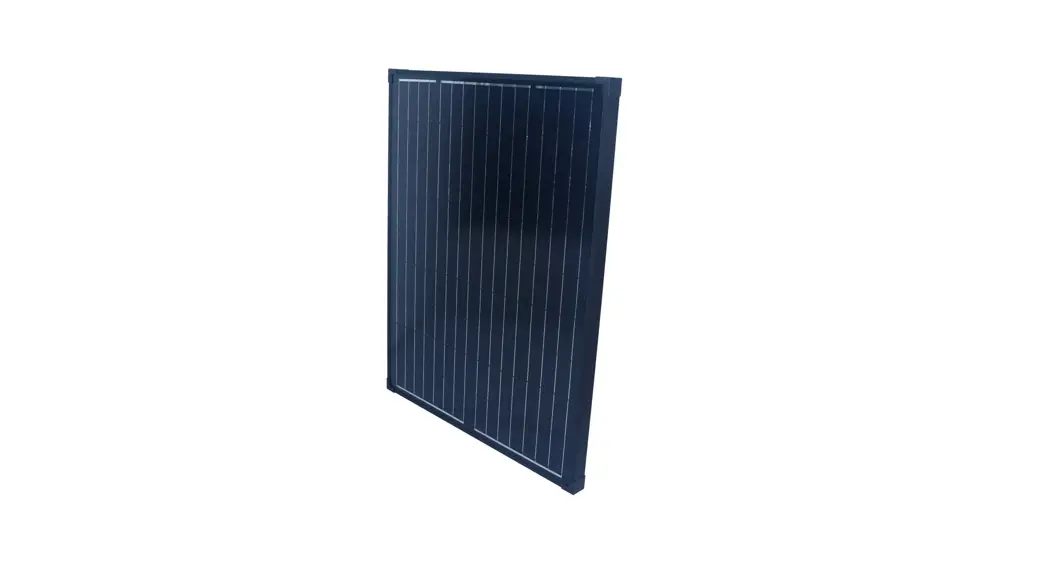
A. 1x Regulated OBSIDIAN Series Portable Solar Panel
B. 1x Unregulated OBSIDIAN Series Portable Solar Panel
C. ATP Parallel (ITC1003) Y-Cable
STEP 1: ENSURE THE SOLAR SIDEWALL PORT IS CONNECTED THROUGH AN OVERCURRENT PROTECTION DEVICE TO THE BATTERY
– If the solar sidewall port is connected to the solar input of the charge controller, DO NOT CONTINUE TO STEP 2.
Please see the instructions at the link HERE.
STEP 3: CONNECT OBSIDIAN SERIES PORTABLE SOLAR PANELS TOGETHER
- Disconnect panel from charge controller and install Y-Cable inline to charge controller.
- Plug 1 portable panel into each Y-cable receptacle.
- Using extension cable, plug into sidewall port.
- Place panels in the desired location.
- Verify charge controller is now charging batteries.
*For 24v systems, use a Series Y-Cable (ITC1004)
ZampSolar.com
(541) 728-0924