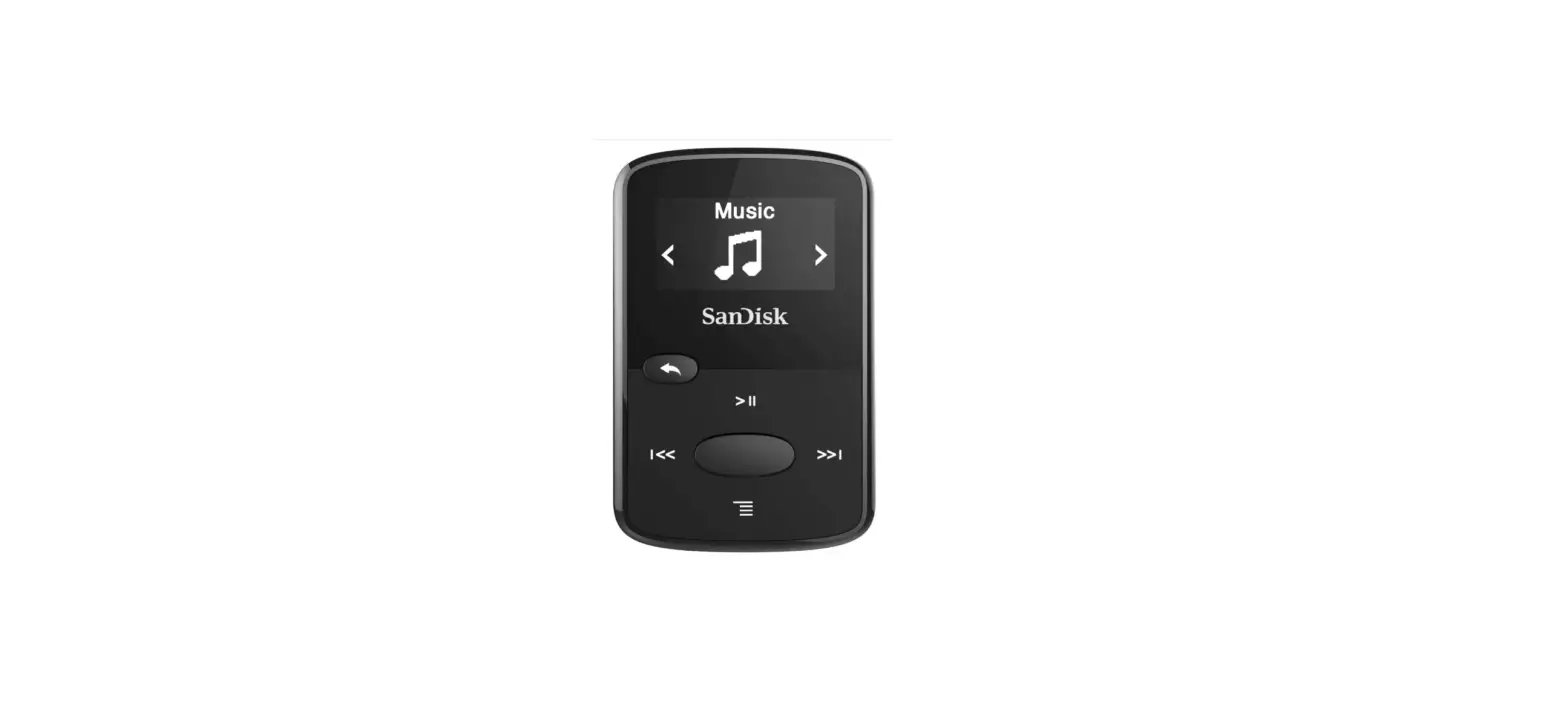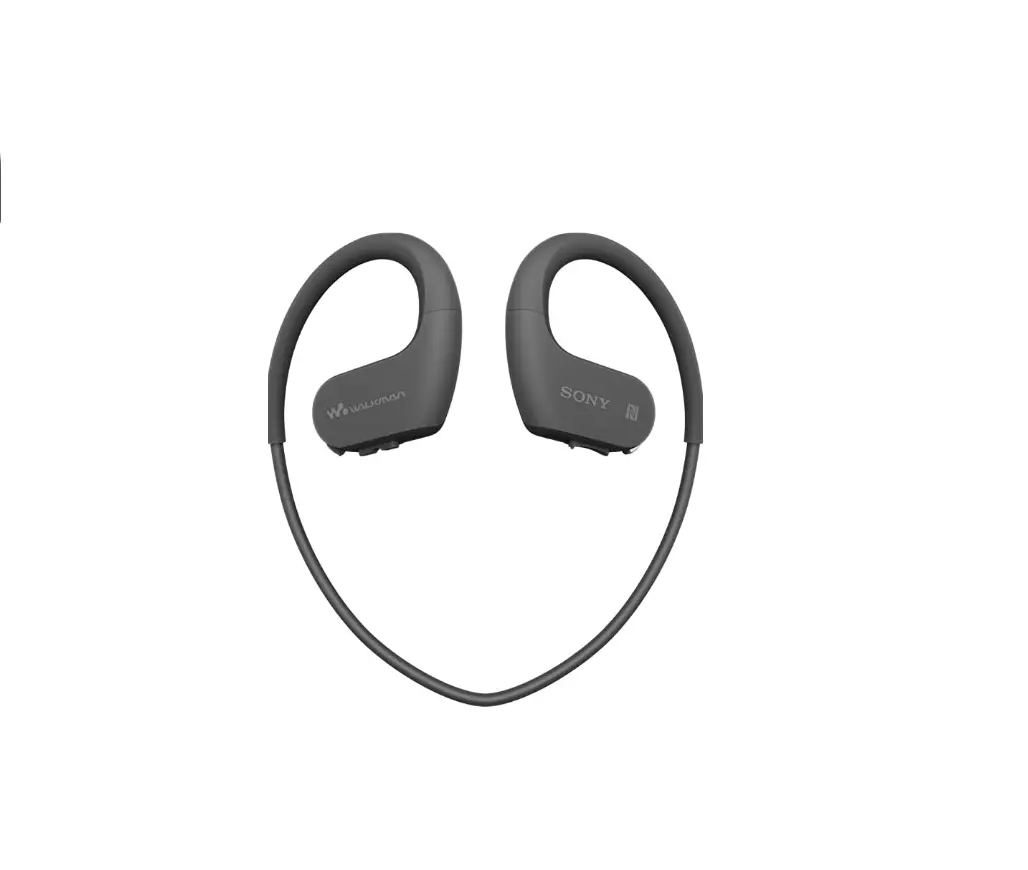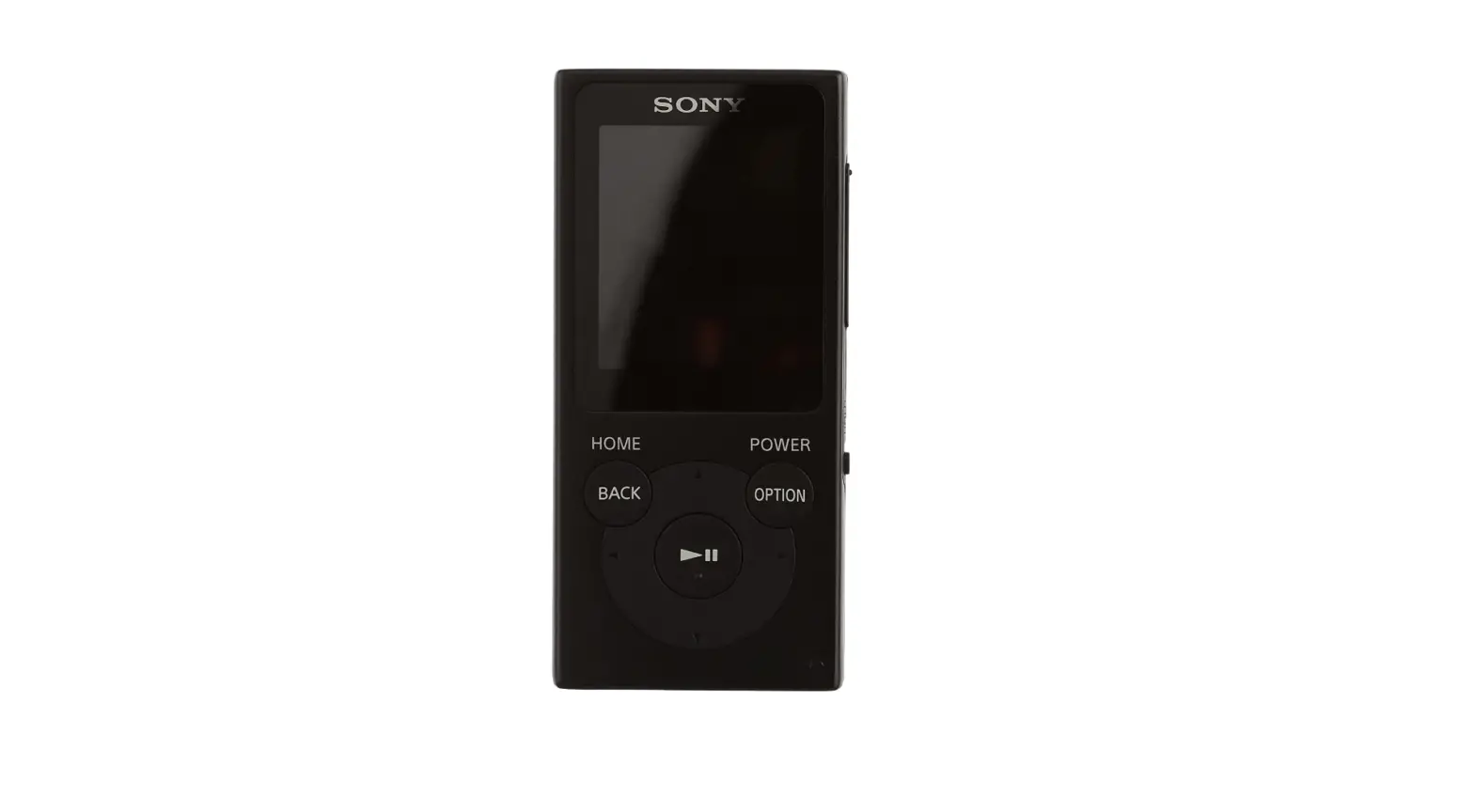
 Sony NW-E394 8-GB MP3 Player FM Radio
 Sony NW-E394 8-GB MP3 Player FM Radio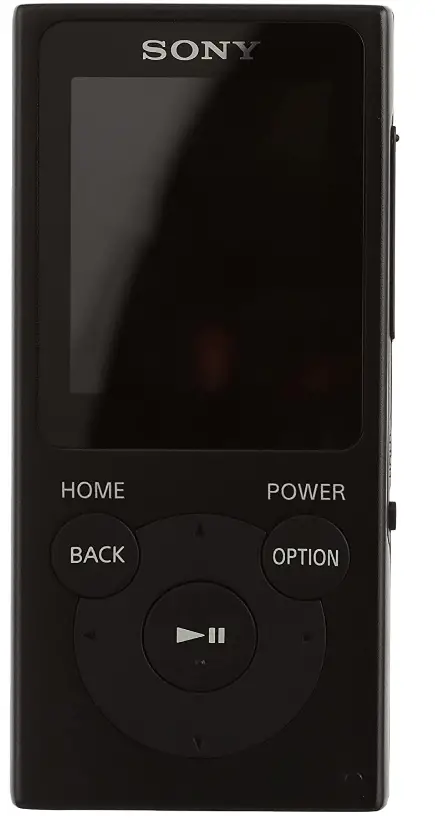
Specifications
- Product Dimensions ::1 x 4.3 x 9.2 cm; 39 Grams
- Batteries :1 Lithium Polymer batteries
- Headphone Type: In Ear
- Battery Type: Player battery rechargeable
- Inputs/Outputs :USB 2.0 ( Sony WM-PORT ) ¦ Headphones ( mini-phone stereo 3.5 mm )
- Brand: Sony
Introduction
No matter what you choose to listen to, the Walkman NW-ClearAudio E394’s + technology ensures that the sound quality is perfect. The NW-E 394 lets you enhance your music with five preset selections, a bass boost feature, and other features. While moving around, you may select between listening to your music library and your preferred radio stations thanks to the Walkman NW-E 394’s FM radio.
What’s In the Box?
- MP3 Player
- Headphones
- USB Cable
- Instruction Manual
About the manuals
- Instruction Manual (this manual)
- (Startup Guide)
The Startup Guide describes the following:
Basic operating instructions of your WALKMAN®
How to access the “Help Guide”, which contains all of the operating instructions and explanations of customer support websites, etc.
How to access useful PC applications websites on the internet
While browsing is free, you may be charged a communication fee according to your carrier contract. Depending on the country/region in which you have purchased your Walkman, some models may not be available.
Notes for using Walkman
Note for battery
To prevent battery deterioration, charge the battery at least once every six months or every year.
About volume operation (Only for countries/areas complying with European Directives)
An alarm (beep) and a warning [Check the volume level] are meant to protect your ears when you turn the volume up to a level that is harmful for your ears for the first time. You can cancel the alarm and warning by pressing any button.
Note
- You can turn up the volume after canceling the alarm and warning.
- After the initial warning, the alarm and warning repeat every 20 cumulative hours that the volume is set to a level that is harmful for your ears. When this happens, the volume is turned down automatically.
- If the volume is set to a level that is harmful for your ears and you turn off your Walkman, the volume is turned down to a level that is safe for your ears automatically.
Symptom & Remedy
Your Walkman cannot charge the battery or is not recognized on your computer.
- The USB cable (supplied) is not connected to a USB connector on your computer properly. Disconnect the USB cable, and then reconnect it.
- When you use your Walkman for the first time, or if you have not used the Walkman for a long time, it may take a few minutes to be recognized by the computer. Check that the computer recognizes the Walkman after you have connected it to the computer for about 10 minutes.
- If the approaches listed above fail to resolve the issue, turn off your computer completely and disconnect your Walkman. Then disconnect the power cable, battery, and anything else connected to the computer and discharge it for five minutes. After discharging, turn on the computer again and reconnect the Walkman.
Compliance & Information
Information on laws and trademarks
For information on laws, regulations and trademark rights, refer to “Important Information” contained in the supplied software. To read it, install the supplied software on your computer.
To install it, open [WALKMAN] in your Walkman’s system storage after connecting to your computer.
Windows user: [FOR_WINDOWS] – [Help_Guide_Installer(.exe)] Mac user: [FOR_MAC] – [Help_Guide_Installer_for_mac]
After installing the software, double-click the shortcut or the alias icon generated on your desktop.
About the in-ear headphones
The earbuds seal your ears. Therefore, be aware that there is a risk of damage to your ears or eardrums if strong pressure is applied to the earbuds or the earbuds are suddenly removed from your ears. After use, be sure to take the earbuds off your ears gently.
About the headphones
- Avoid playing the unit at so loud a volume that extended play might affect your hearing.
- At a high volume outside sounds may become inaudible. Avoid listening to the unit in situations where hearing must not be impaired, for example, while driving or cycling.
- As the headphones are of an open-air design, sounds go out through the headphones. Remember not to disturb those close to you.
Notice for customers: the following information is only applicable to equipment sold in countries applying EU directives
Manufacturer: Sony Corporation, 1-7-1 Konan Minato-ku Tokyo, 108-0075 Japan
For EU product compliance: Sony Belgium, bijkantoor van Sony Europe Limited, Da Vincilaan 7-D1, 1935 Zaventem, Belgium
To prevent possible hearing damage, do not listen at high volume levels for long periods.
Design and specifications are subject to change without notice.
Frequently Asked Questions
It does not have a built-in speaker. You either plug headphones into it, or using a mini jack lead you connect to a larger speaker.
Yes it does
Yes, Media go is the software option for both devices.
I don’t understand the question. If one doesn’t want the FM radio, one simply doesn’t switch it on. One could use it purely as an MP3 player – which is what I do.
Well, I put the player in one of my pockets when I am out walking. you could see if there are any type of holder that fits on your arm; try Amazon perhaps to find one suitable for you, sorry I can not help.
I haven’t had any problems playing my MP3 player through the car audio system, yes it does have a random shuffle feature
Just move the cursor onto the FM sign.
I don’t have this model but do have the E474 8Gb, which is the previous model. I currently have 12 audiobooks installed, with room for more. Obviously, it depends on the length of the books and the quality. I want to replace my player as the battery won’t stay charged for more than a couple of days, but then it’s nearly ten years old. I’m fairly sure that a lot of the other new MP3 players only play randomly, so if you’re thinking of another player check before you buy.
I haven’t tried an active speaker.
No built-in speaker just the standard headphone socket
You don’t actually load CDs but compressed audio files. The Sony is connected to your computer as a USB device and Amazon downloads mp3 files in a folder named after the album you purchased. You just drag that folder to a folder on the Sony and it’s loaded. iTunes is less easy as the iTunes app stores data in a database rather than a folder format.
yes, but probably only small ones. It’ll depend on the size of the book, and how much memory is left.
File transfer is the one thing that works well. You simply drag and drop as is normal.