 HL02GY Headlamp
User Manual 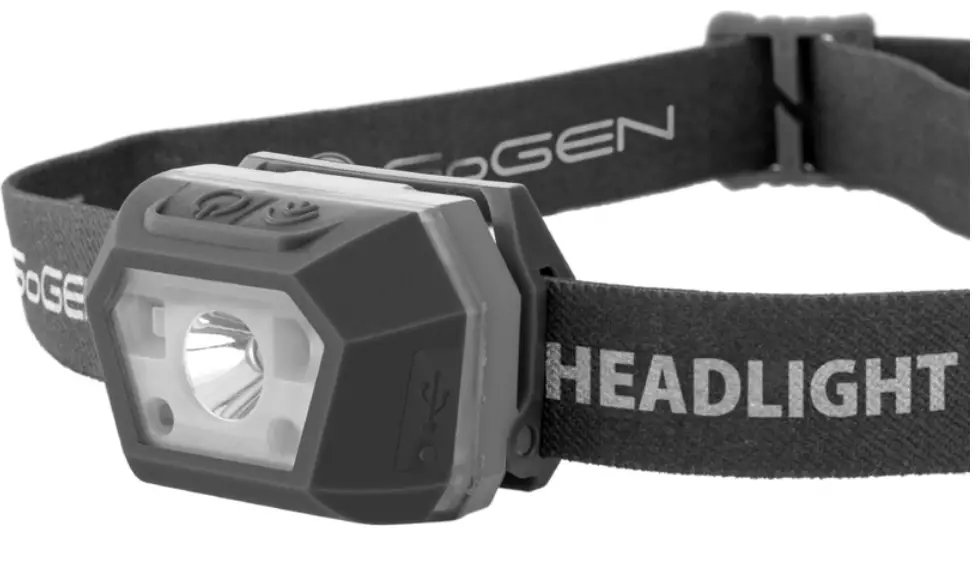
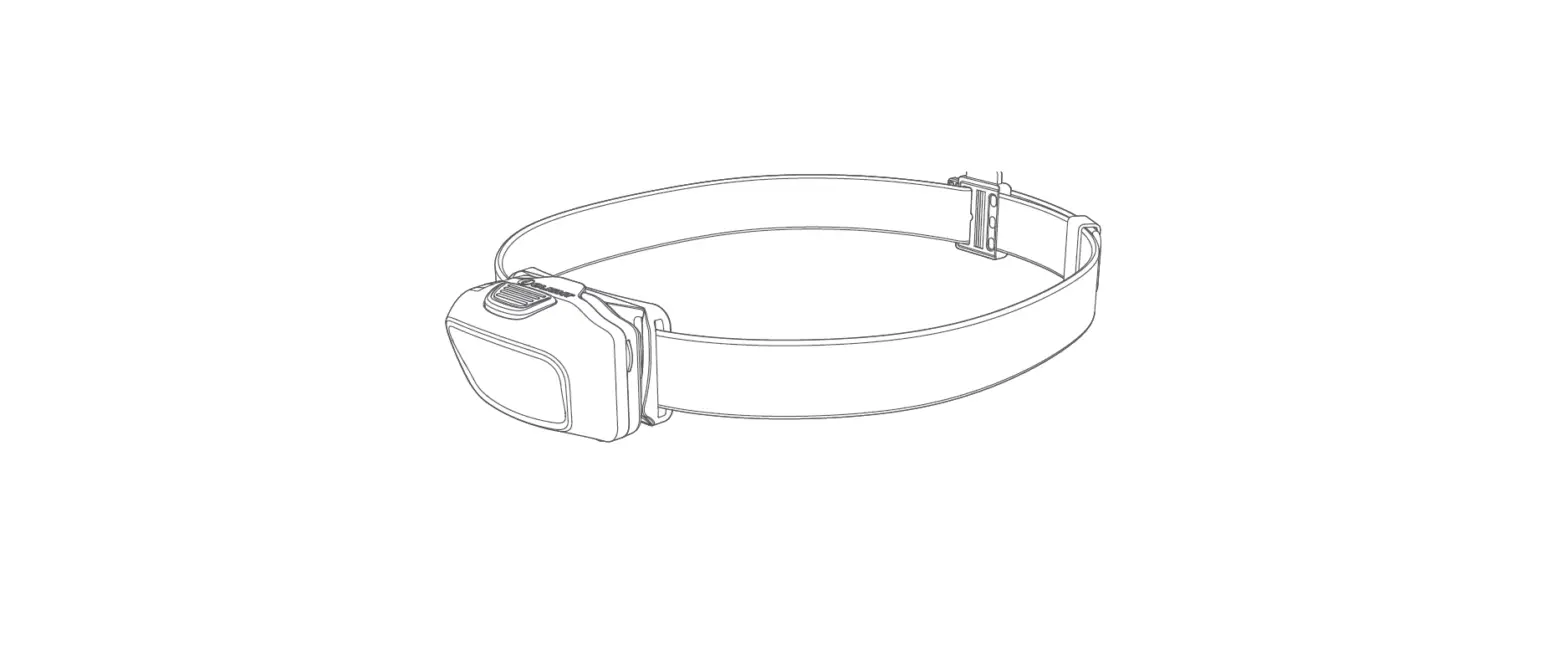
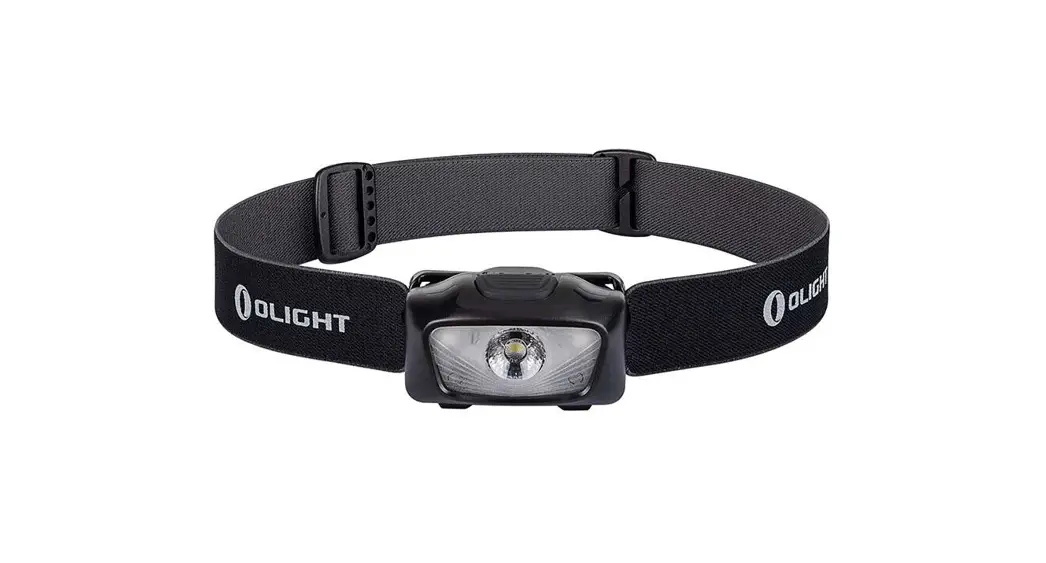
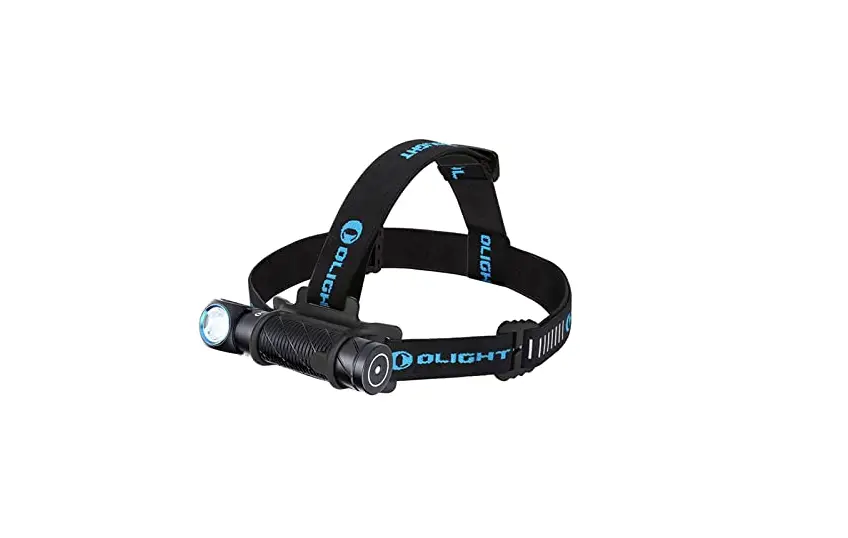
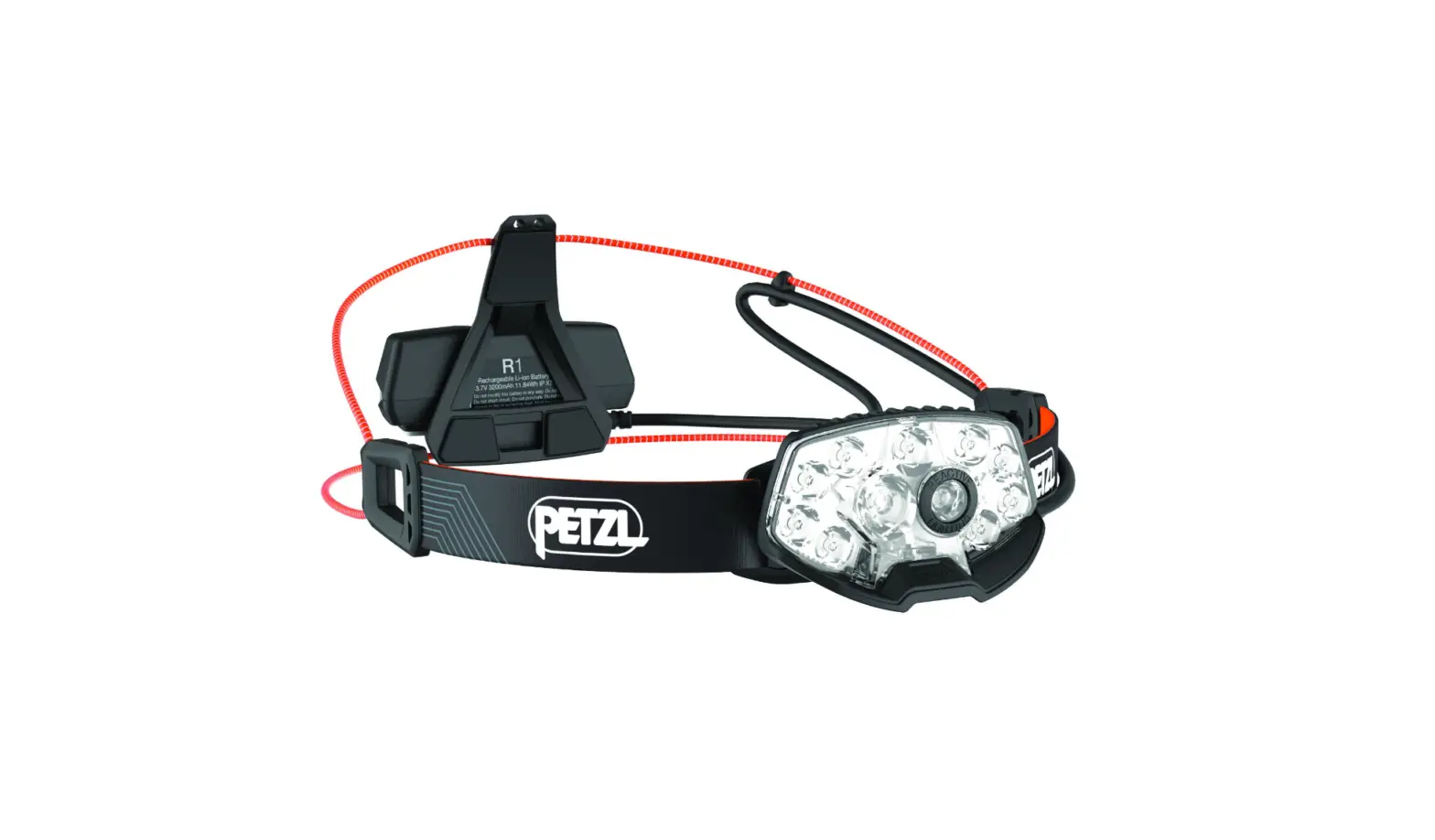
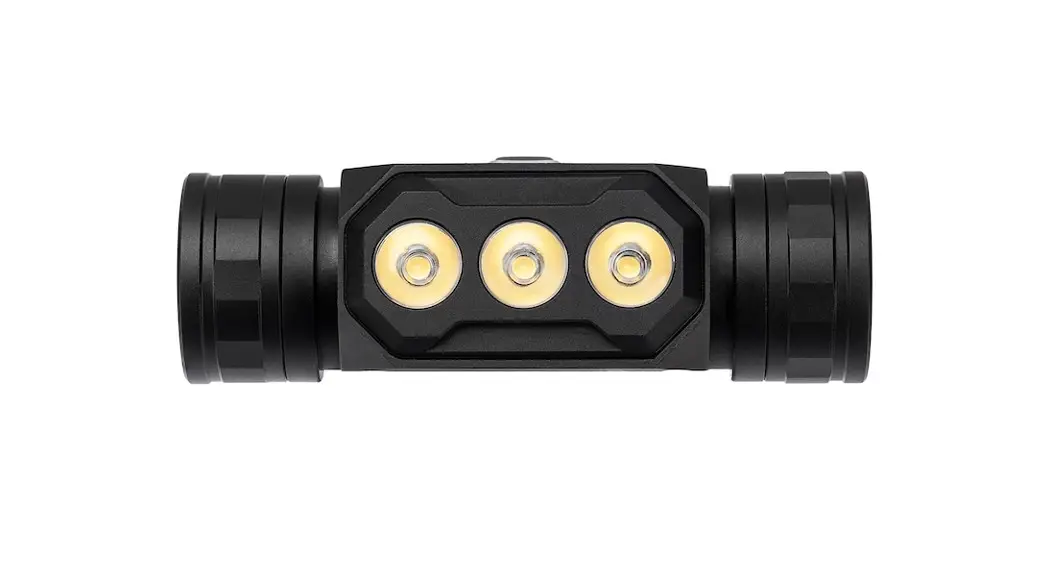
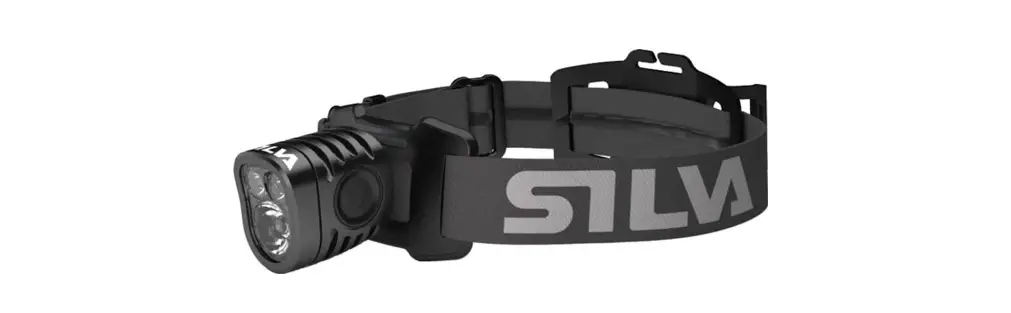
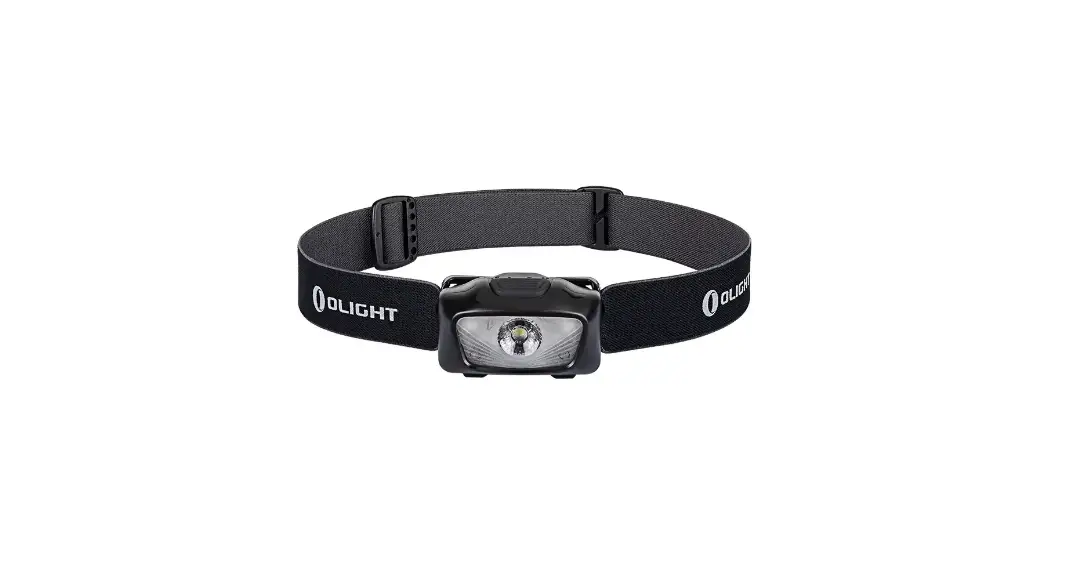
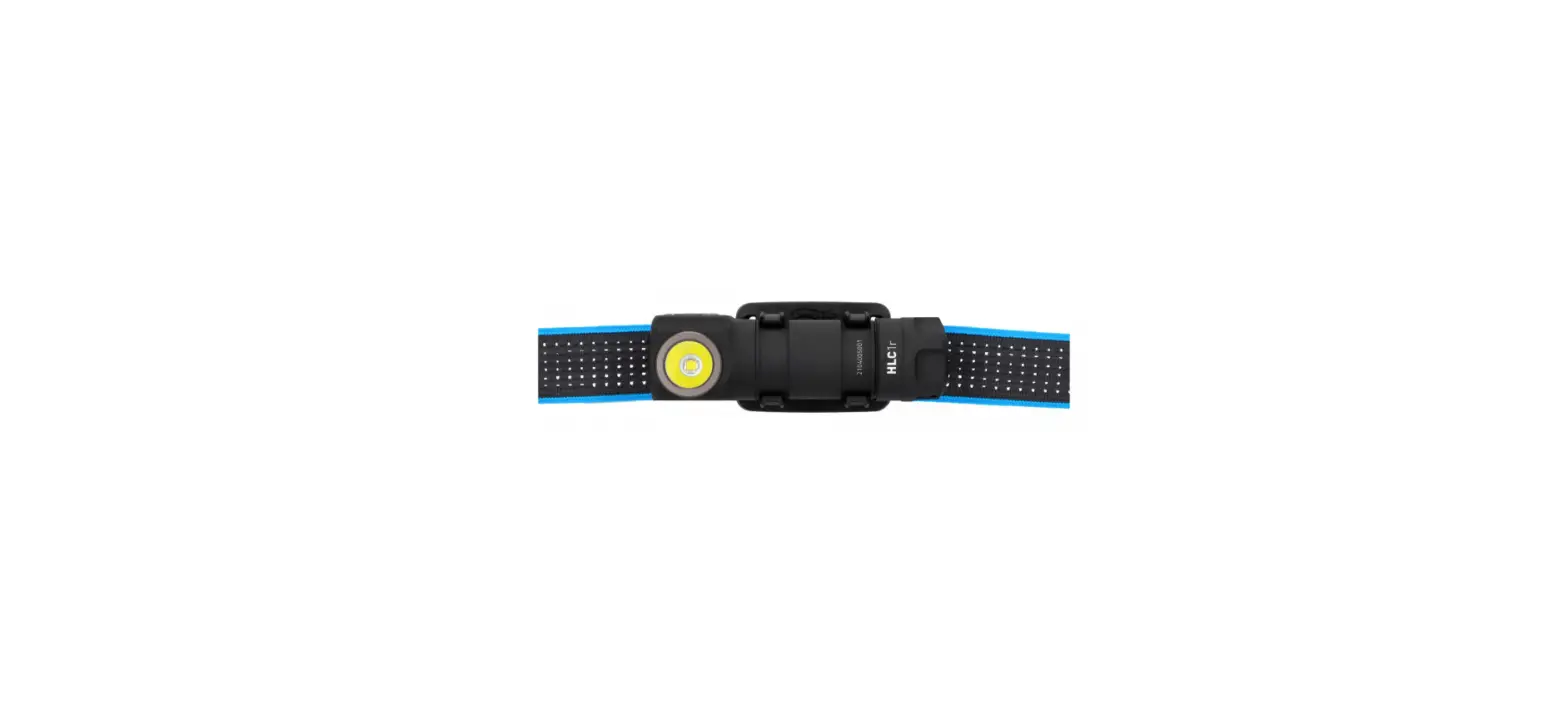
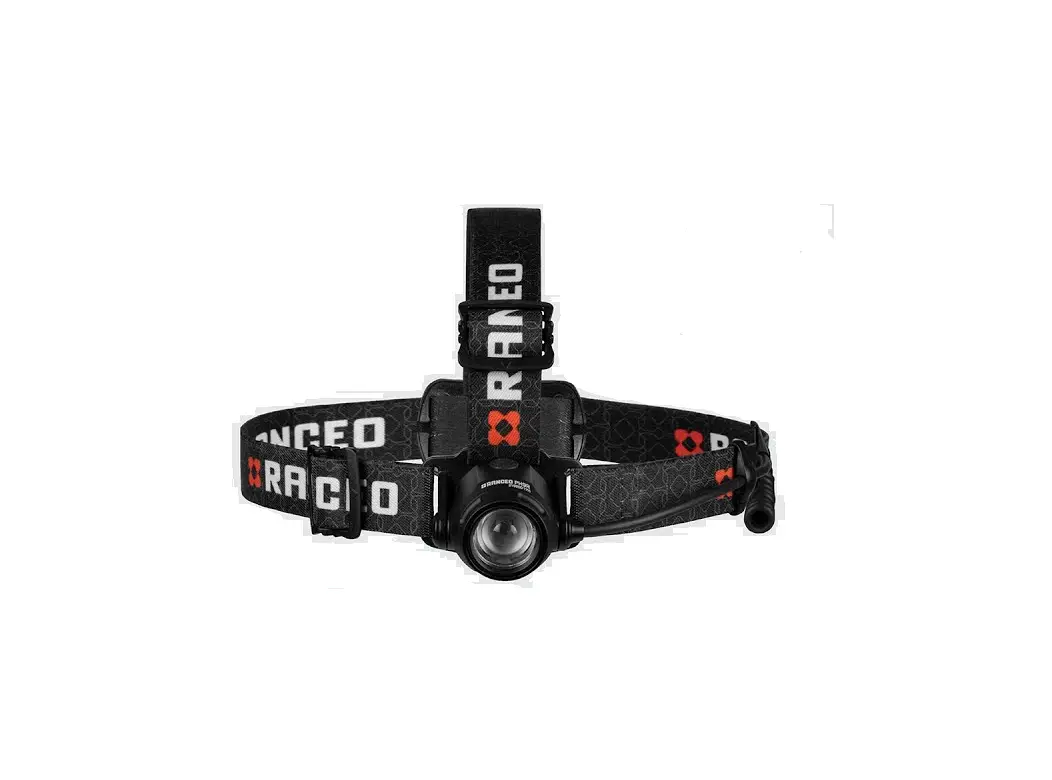
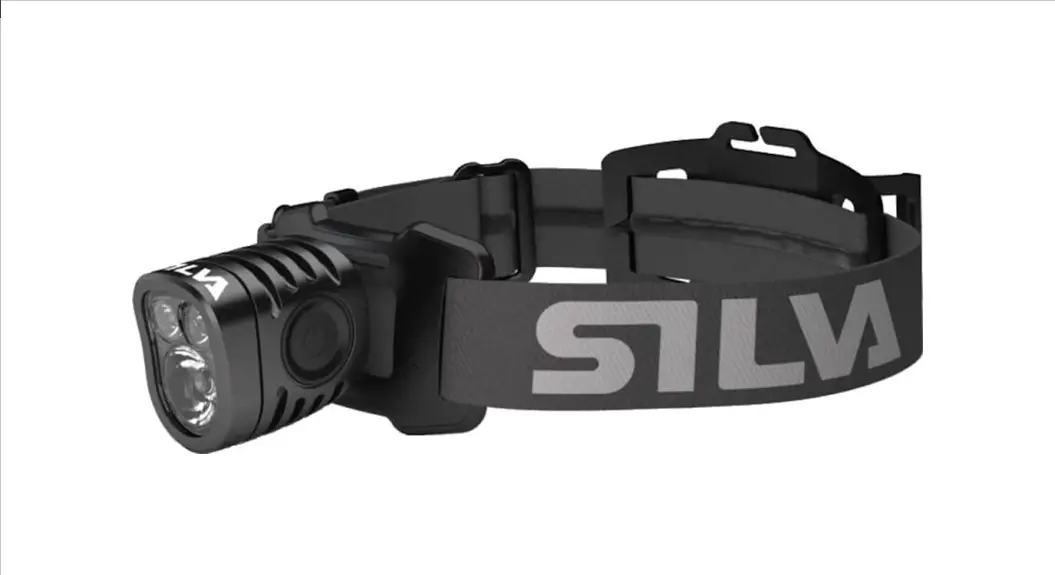
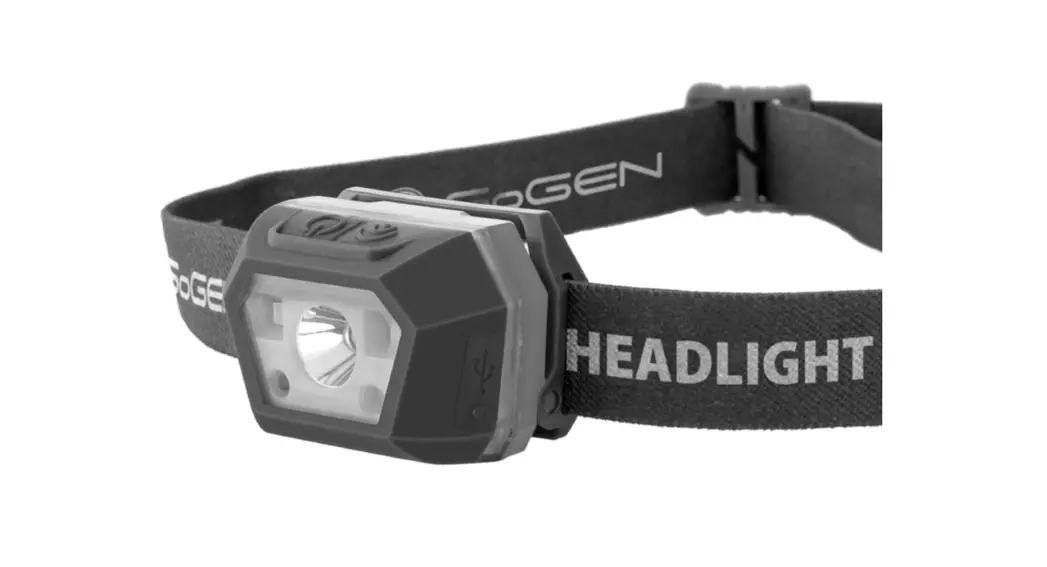
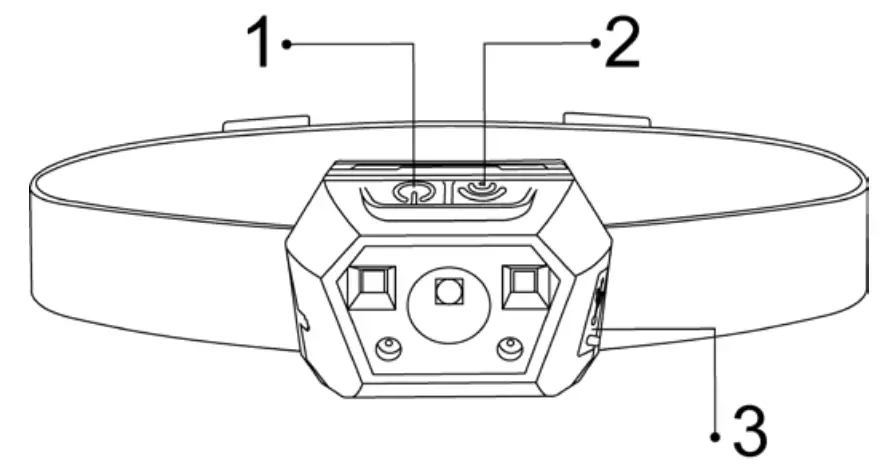
GoGEN HL02GY Headlamp parts
HL02GY Headlamp
Thank you for buying our product. Please read through these operating instructions, so you will know how to operate your equipment properly. After you finished reading the instructions manual, put it away in a safe place for future reference.
PACKAGE INCLUDE
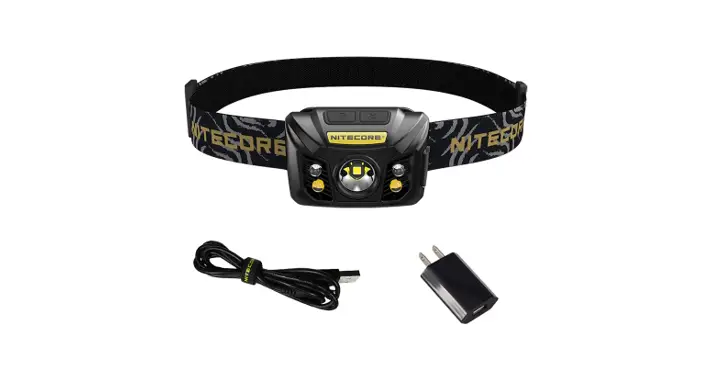
Headlamp, elastic head-strap, charging cable, manual
ATTENTION: In any case, never look directly at the LED without eye protection.
WARNING
- If the battery isn´t used for a very long time, please recharge and discharge it every 3 months to keep the battery in good condition.
- Normally, the headlight will get a little hot when it is used for a long time.
- Please recharge the battery as soon as possible when the indicator light shows low power.
- Please keep the battery away from water, moisture, drop, etc.
- To avoid any damage to the headlamp´s surface, please don´t constantly expose the headlamp to sunlight, water, chemicals, corrosive gases, or any other oxidizing environments.
- Never charge the battery unattended.
OPERATING INSTRUCTIONS
- POWER BUTTON
- SENSOR BUTTON
- CHARGING INPUT

LIGHT FUNCTION
Press the power button to turn on the light. By pressing the power button again, you will change the light mode: white light > high white light, strobe white light, red light > off in a cycle. You can power off the light in any mode by holding the power button for 2 seconds. The green LED light indicator on the right side of the headlamp is always on when the flashlight´s light is on.
SENSOR FUNCTION
Press the sensor button to turn on the sensor function. You can turn on/ off the light by waving the hand in front of the headlamp (about 5 cm of distance). The red LED light indicator on the right side of the headlamp is always on when the sensor function is on.
CHARGING
Use the Micro USB port at the headlight to charge the battery. You can use a common USB charger or power bank, laptop USB output, etc. The red indicator on the power switch lights red when the battery is charging. And it switches over to the green light when the battery is fully charged. When the battery has low power, the indicator flashes red.
MAINTENANCE
- If the headlight gets dirty clean it with a dry cloth.
- If your headlight is accidentally submerged or exposed to water, dry out any water that might have been immersed before using it again.
TECHNICAL SPECIFICATIONS
| Lumens | 350 lm |
| Batteries | 1200 mAh |
| Runtime | up to 4 hours |
| Light distance | up to 80 m |
| Weight | 43 g |
| Size | 50 x 31 x 35 mm |
| IP protection | IP55 |
WE RESERVE THE RIGHT TO CHANGE TECHNICAL SPECIFICATIONS.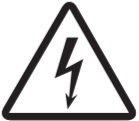 WARNING: DO NOT USE THIS PRODUCT NEAR WATER, IN WET AREAS TO AVOID FIRE OR INJURY OF ELECTRIC CURRENT. ALWAYS TURN OFF THE PRODUCT WHEN YOU DON’T USE IT OR BEFORE A REVISION. THERE AREN’T ANY PARTS IN THIS APPLIANCE THAT ARE REPARABLE BY CONSUMER. ALWAYS APPEAL TO A QUALIFIED AUTHORIZED SERVICE. THE PRODUCT IS UNDER A DANGEROUS TENSION.
 TO AVOID THE DANGER OF SUFFOCATION, KEEP THE PLASTIC BAG AWAY FROM BABIES AND CHILDREN. DO NOT USE THIS BAG IN CRIBS, BEDS, CARRIAGES OR PLAYPENS. THIS BAG IS NOT A TOY.
Disposal of old Electrical & Electronic Equipment (Applicable in the European Union and other European countries with separate collection systems)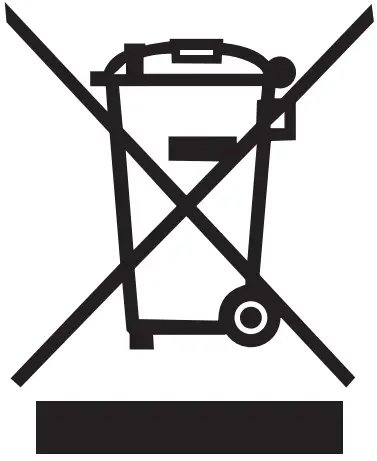 This symbol on the product or on its packaging indicates that this product shall not be treated as household waste. Instead, it shall be handed over to the applicable collection point for the recycling of electrical and electronic equipment. By ensuring this product is disposed of correctly, you will help prevent potential negative consequences for the environment and human health, which could otherwise be caused by inappropriate waste handling of this product. The recycling of materials will help to conserve natural resources. For more detailed information about recycling of this product, please contact your local Civic Office, your household waste disposal service or the shop where you purchased the product.
 Gogen.cz - Úvodní stránka | Gogen.cz
 Gogen.hu | Gogen.hu
 Gogen.pl - Strona główna | Gogen.pl
 Gogen.sk - Úvodná stránka | Gogen.sk