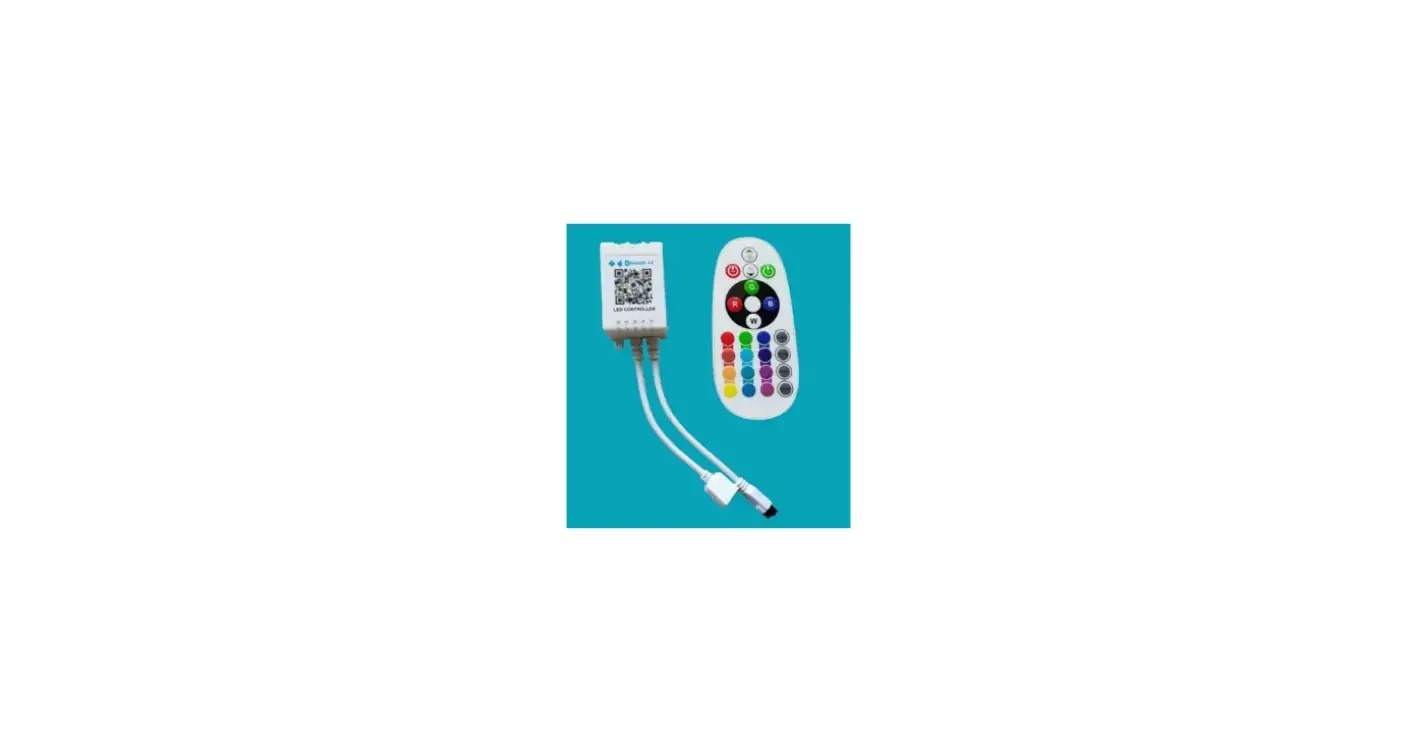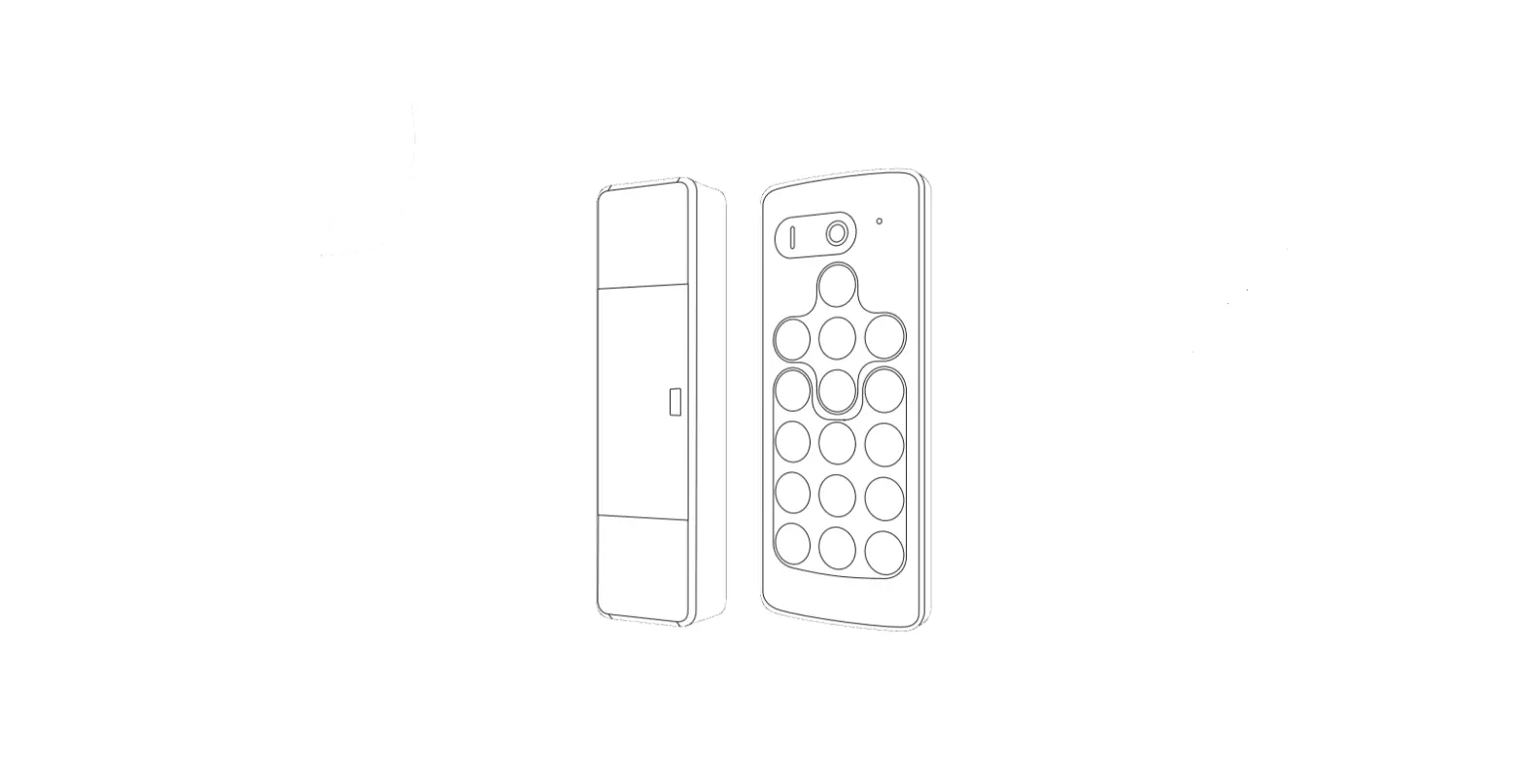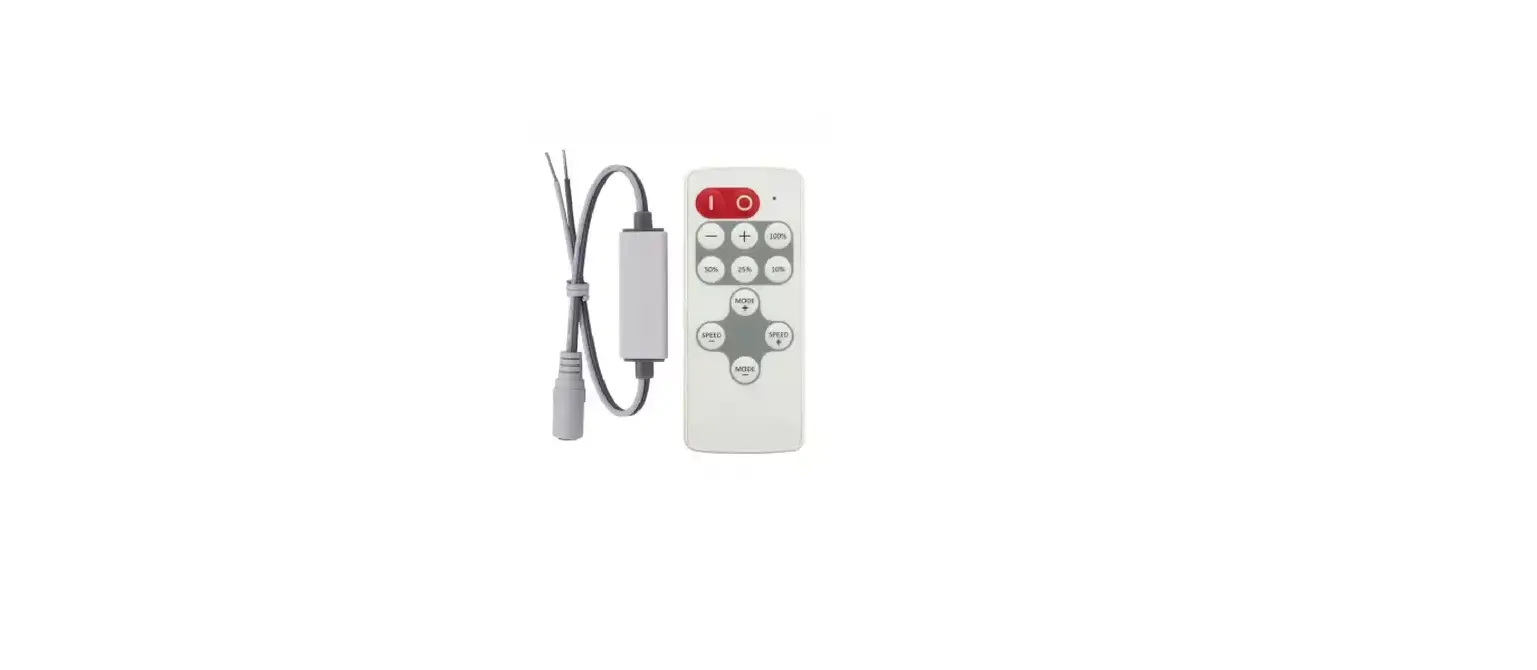

SP630E Instructions
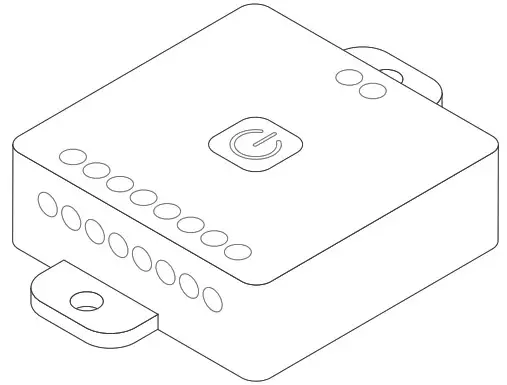
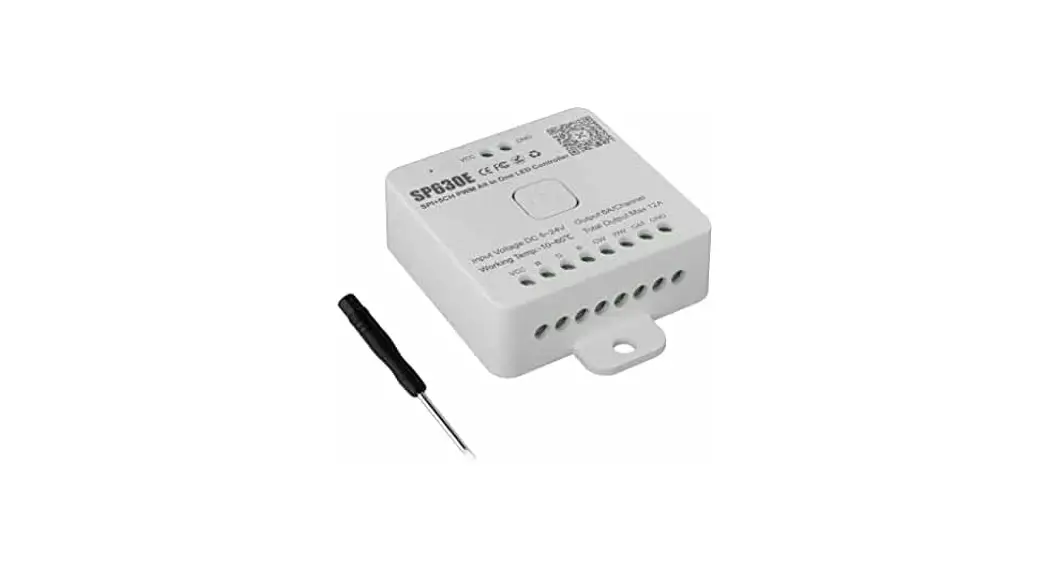
SPI+5CH PWM All ln One LED Controller

Brief:
SP630E is compatible with multiple types of LEDs.It can work with 1/2/3/4/5CH W/CCT/RGB/RGBW/RGBCCT PWM and addressable LEDs, and it can also work with addressble+PWM combined LEDs:
| NO. | Parameters | LED Type | ||
| RGB | CW | WW | ||
| 1 |  |  | | 1CH PWM Single Color |
| 2 | | | | 2CH PWM CCT |
| 3 | | | | 3CH PWM RGB |
| 4 | | | | 4CH PWM RGBW |
| 5 | | | | 5CH PWM RGBCCT |
| 6 | |  | | SPI Single Color |
| 7 | | | | SPI CCT |
| 8 | | | | SPI RGB |
| 9 | | | | SPI RGBW |
| 10 | | | | SPI RGBCCT |
| 11 | | | | SPI RGB+1CH PWM Single Color |
| 12 | | | | SPI RGB+2CH PWM CCT |
note: user can select the specific LED type on the App setting page
Features:
- High performance, low power consumption 2.4G Bluetooth microprocessor;
- Compatible with 12 kinds of type of LEDs;
- Support App control, 2.4G touch remote control and 2.4G touch 86-type control panel;
- The remote control and 86-type control panel can be set up for zone-control (can be divided into 4 zones), or unified control (ALL);
- Support to set kinds of on/off animations and the default power-on state.
- Support for modifying device name, color order correction and setting timers.
- Support 3 kinds of music capture modes: cell phone microphone, player streaming, on-board microphone.
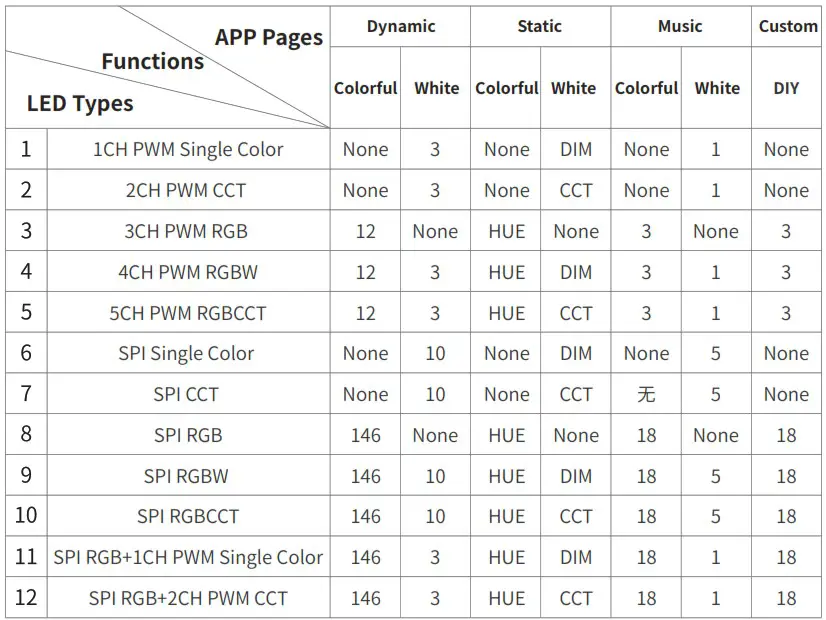
- 5 major control pages in the App: dynamic, static, music, custom and setting; select different types of LED correspond to different App page content, as follows:
APP
 https://download.ledhue.com/page/scenex/
- SP630E supports App control for iOS and Android devices.
- Apple devices require iOS 10.0 or higher, and Android devices require Android 4.4 or higher.
- You can search “BanlanX”in App Store or Google Play to find the APP, or scan the QR code to download and install.
Operations
- Open the App, click the icon in the
 top right corner of the home page to add device .
 - Please set the LED type and calibrate the color order according to the page prompts, you can also change these settings on the settings page.
- Click the
 icon in the upper right corner of the App to enter the settings page, where you can modify the name, modify the type of LED, calibrate the color order, set the timings, set the on/off effected.
 top right corner of the home page to add device .
 icon in the upper right corner of the App to enter the settings page, where you can modify the name, modify the type of LED, calibrate the color order, set the timings, set the on/off effected.
2.4G Touch Remote Control:
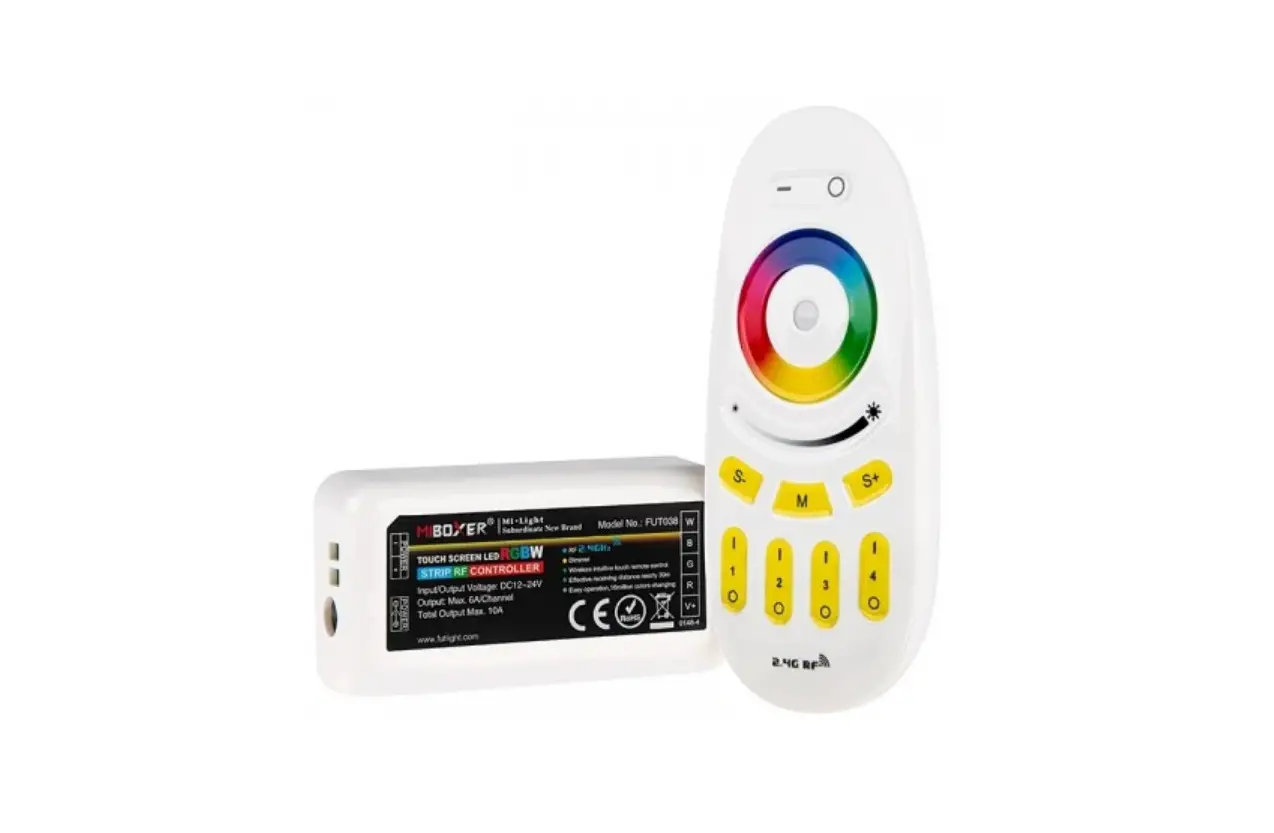
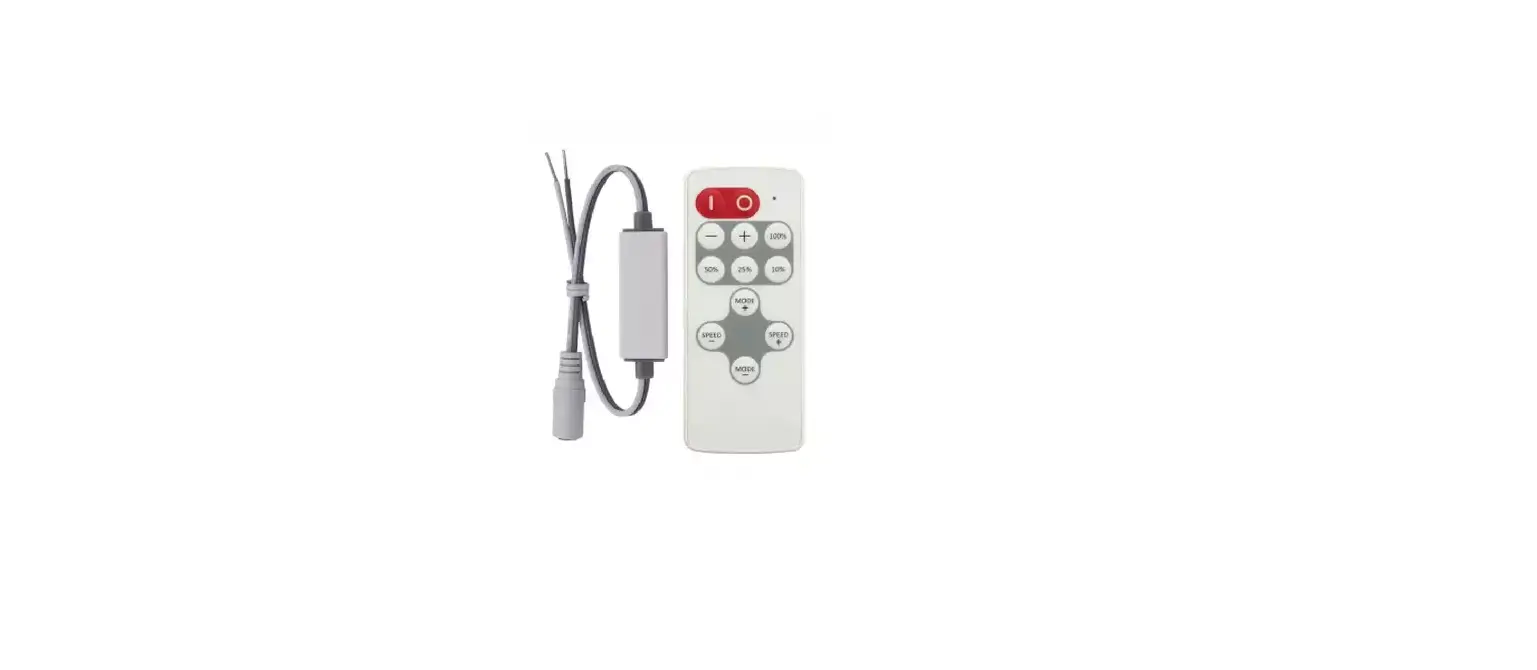
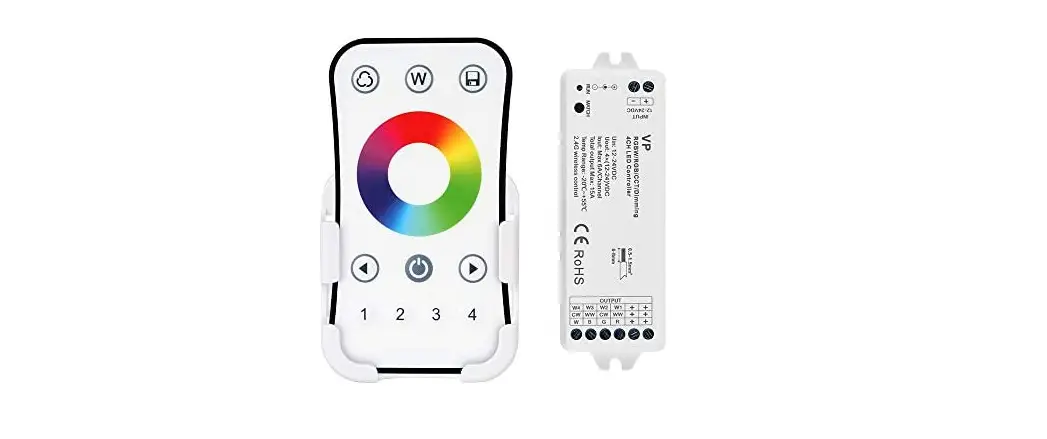
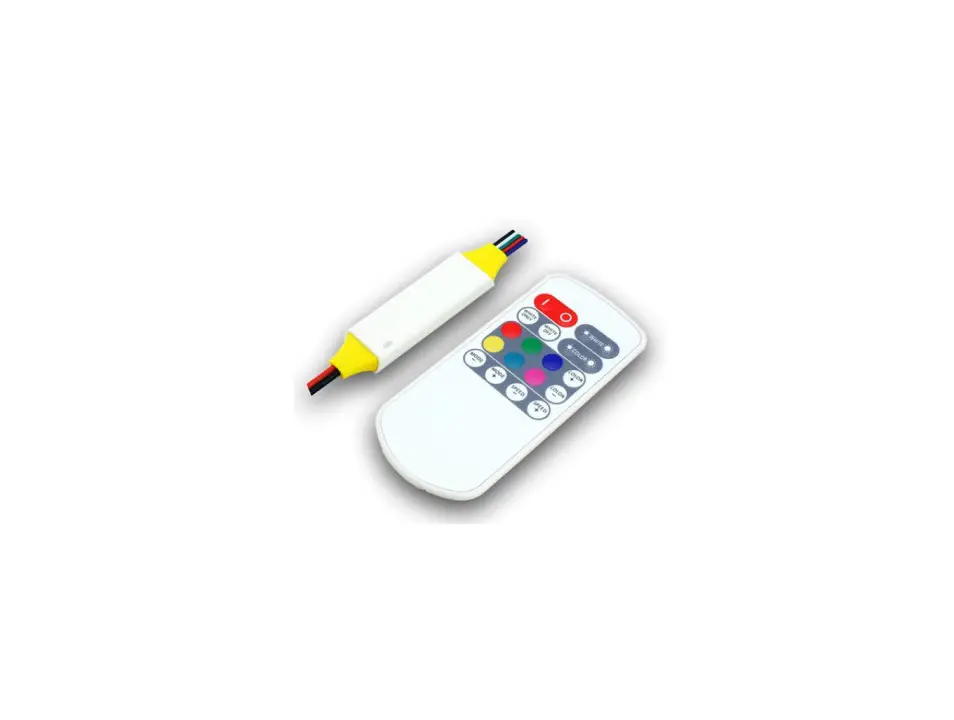
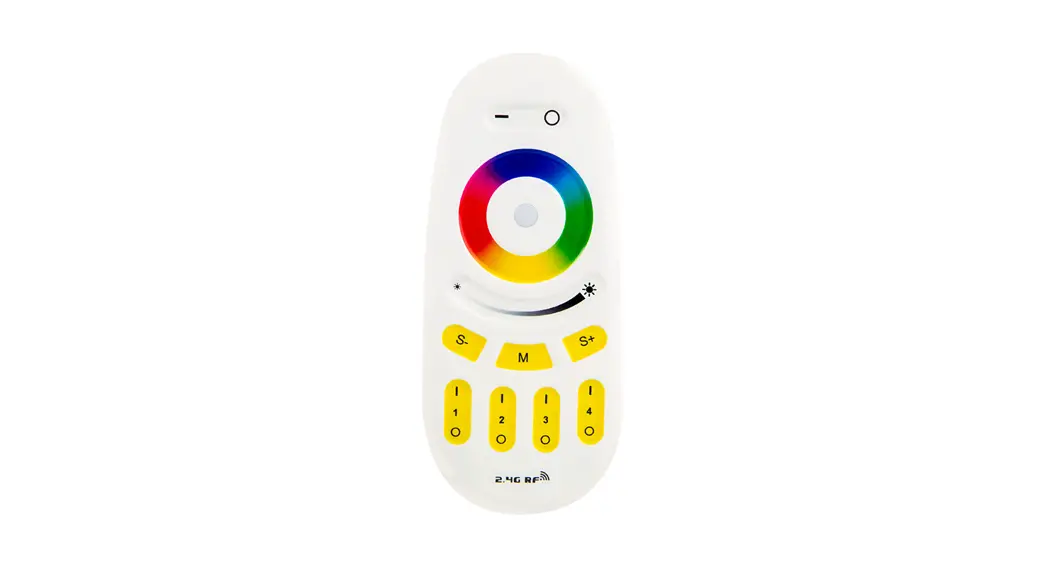
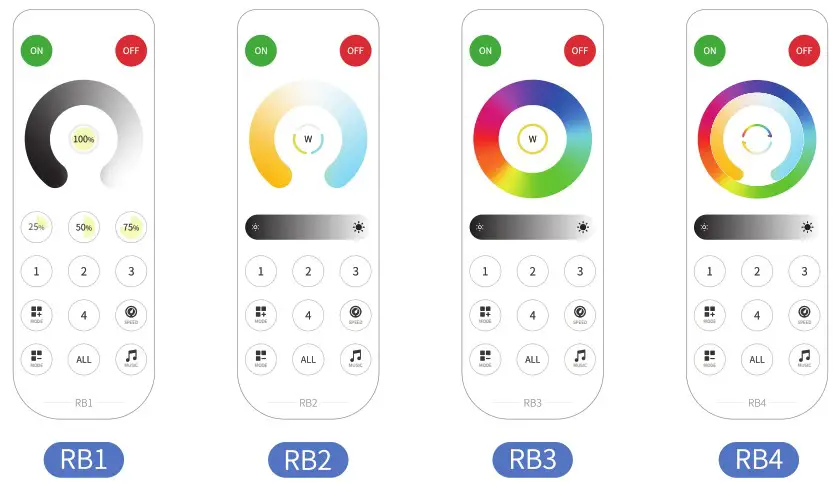
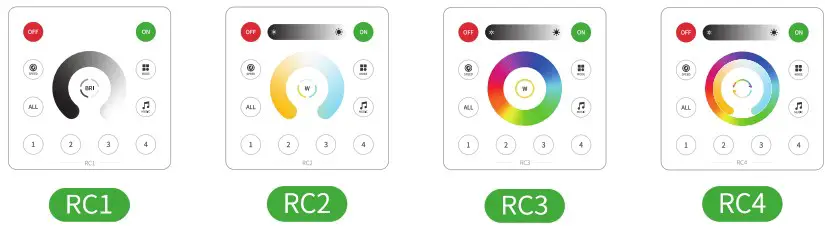
SP630E can be used with 2.4G touch remote control and 2.4G touch 86-type panel; There are 4 kinds of remote control, 4 kinds of 86-type panel; different type of LED match different remote and panel models:
| 1 CH PWM Single Color | 2 CH PWM CCT | 3 CH PWM RGB | 4 CH PWM RGBW | 5 CH PWM RGBCCT | SPI Single Color |
 |  |  | |  | |
| SPI CCT | SPI RGB | SPI RGBW | SPIRGBCCT | SPI RGB + 1CH PWM | SPI RGB +2 CH PWM CCT |
| | | | | |
Remote Models
86-Type Panel Models
Touch Functions
 |  |  |  |  |  |
| ON | OFF | Brightness Level | Warm/Nature/ Cold White | White | Color HUE/ Temperature Ring |
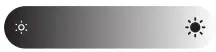 |  |  |  |  |  |
| Brightness | Brightness | Brightness Ring | Temperature Ring | Color HUE Ring | Color HUE/ Temperature Ring |
 |  |  |  |  |  |
| Speed | Mode+ | Mode- | Music effect | 1-4 Zones | All Zones |
Note:
- Within 20s after power on, long press the ON key: binding/unbinding the remote/panel;
- Within 20s after power on, long press Zone1~4/Zonal, to set the Zones;
Technical Parameters:
SP630E
| Working Voltage: DC5V-24V | Working Current :3mA-13mA |
| PWM Single Channel Maximums Output Current: 6A | PWM Total Maximum Output Current : 12A |
| Working Temp: -20°C-60°C | Dimensions: 78mm*56mm*20mm |
2.4G Remote/Panel
| Working Voltage:3V(CR2032) | Quiescent Current: 35uA |
| RF frequency: 2.4GHz | Remote Range:30M |
| Remote Dimensions: 135mm*48mm*olm | Panel DIMensions:86mm*86mm*12mm |
Wiring:
Different types of LED correspond to different output ports; The ports should match the selected LED type, and the specific port descriptions as follows:
| LED Type | Output Port | ||||||||
| VCC | R | G | B | CW | WW | DAT | GND | ||
| 1 | 1CH PWM Single Color |  | | | |||||
| 2 | 2CH PWM CCT | | | | |||||
| 3 | 3CH PWM RGB | | | | | ||||
| 4 | 4CH PWM RGBW | | | | | | |||
| 5 | 5CH PWM RGBCCT | | | | | | | ||
| 6 | SPI Single Color | | | | |||||
| 7 | SPI CCT | | | | |||||
| 8 | SPI RGB | | | | |||||
| 9 | SPI RGBW | | | | |||||
| 10 | SPI RGBCCT | | | | |||||
| 11 | SPI RGB+1CH PWM Single Color | | | | | | |||
| 12 | SPI RGB+2CH PWM CCT | | | | | | |||