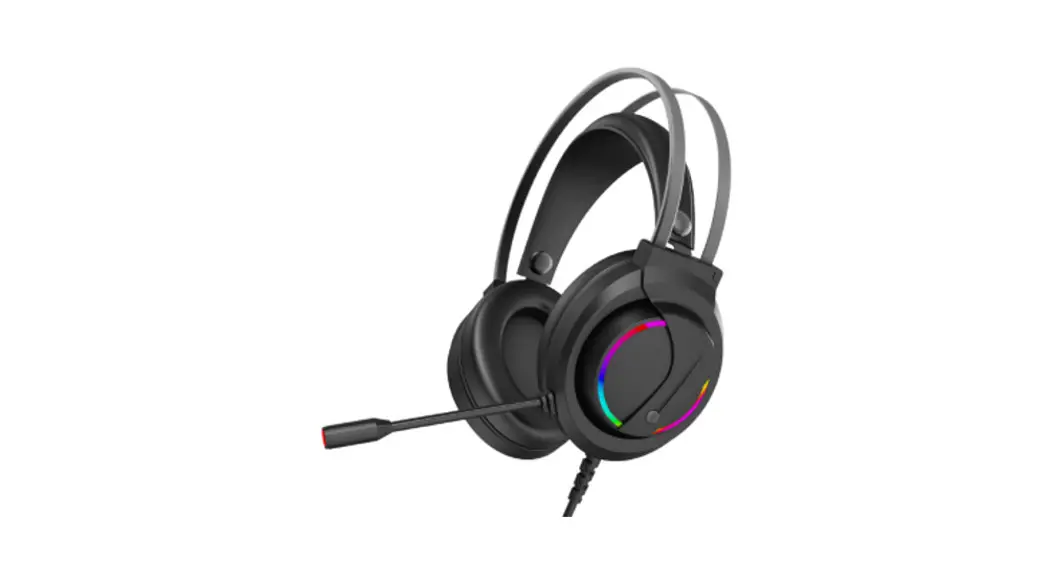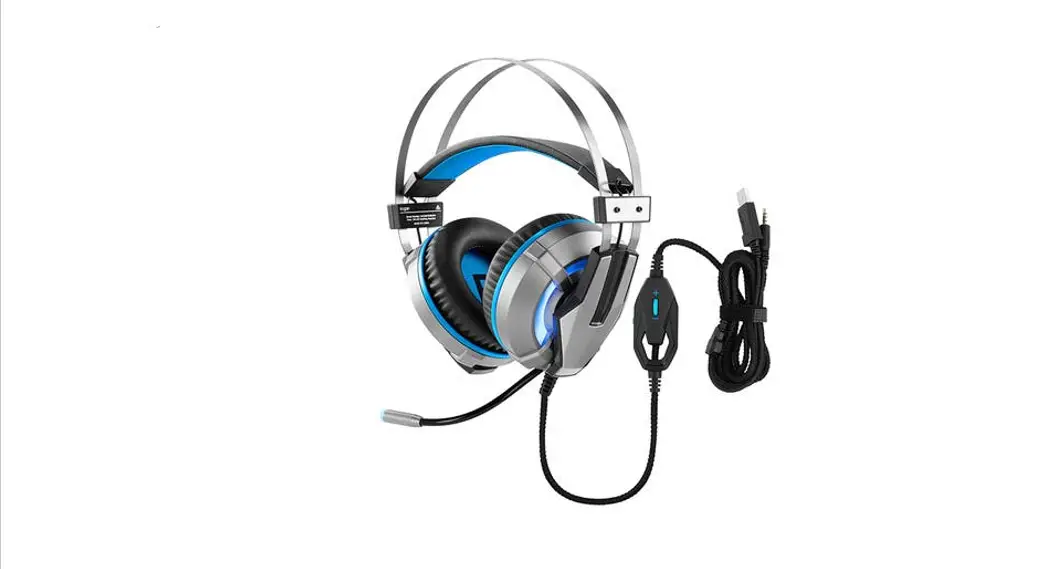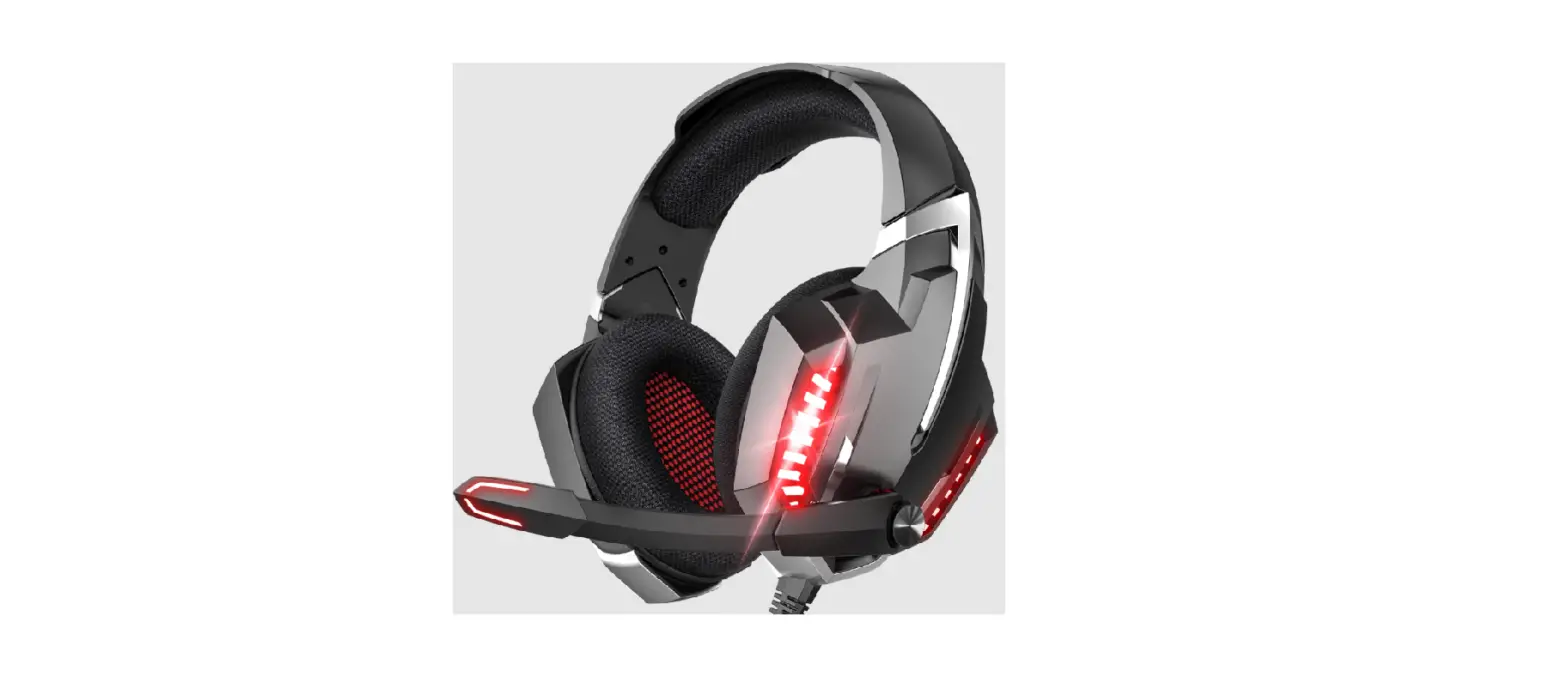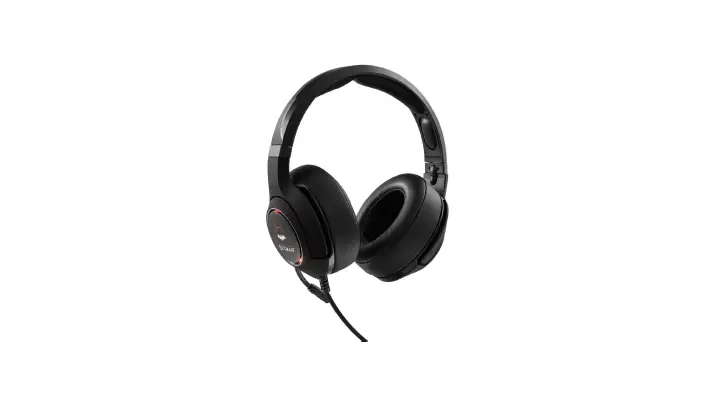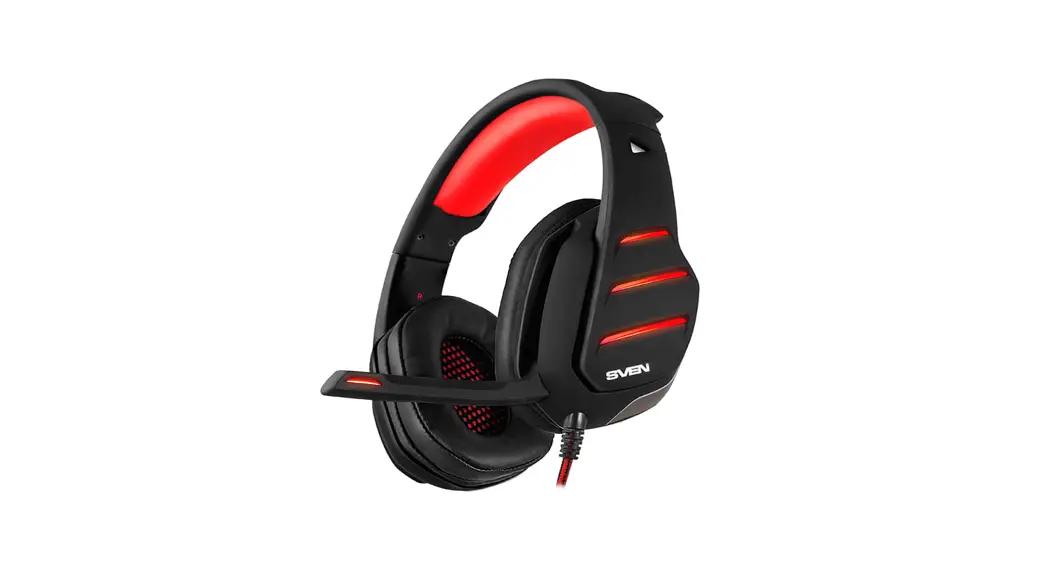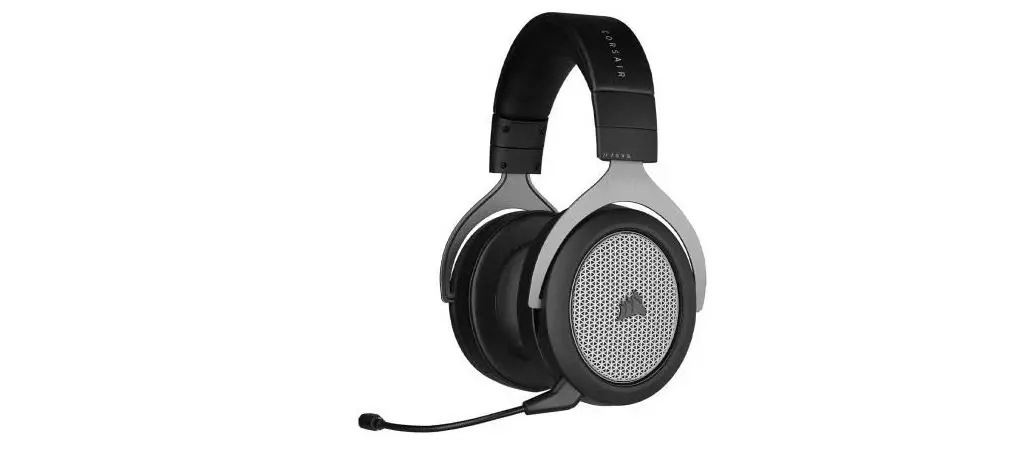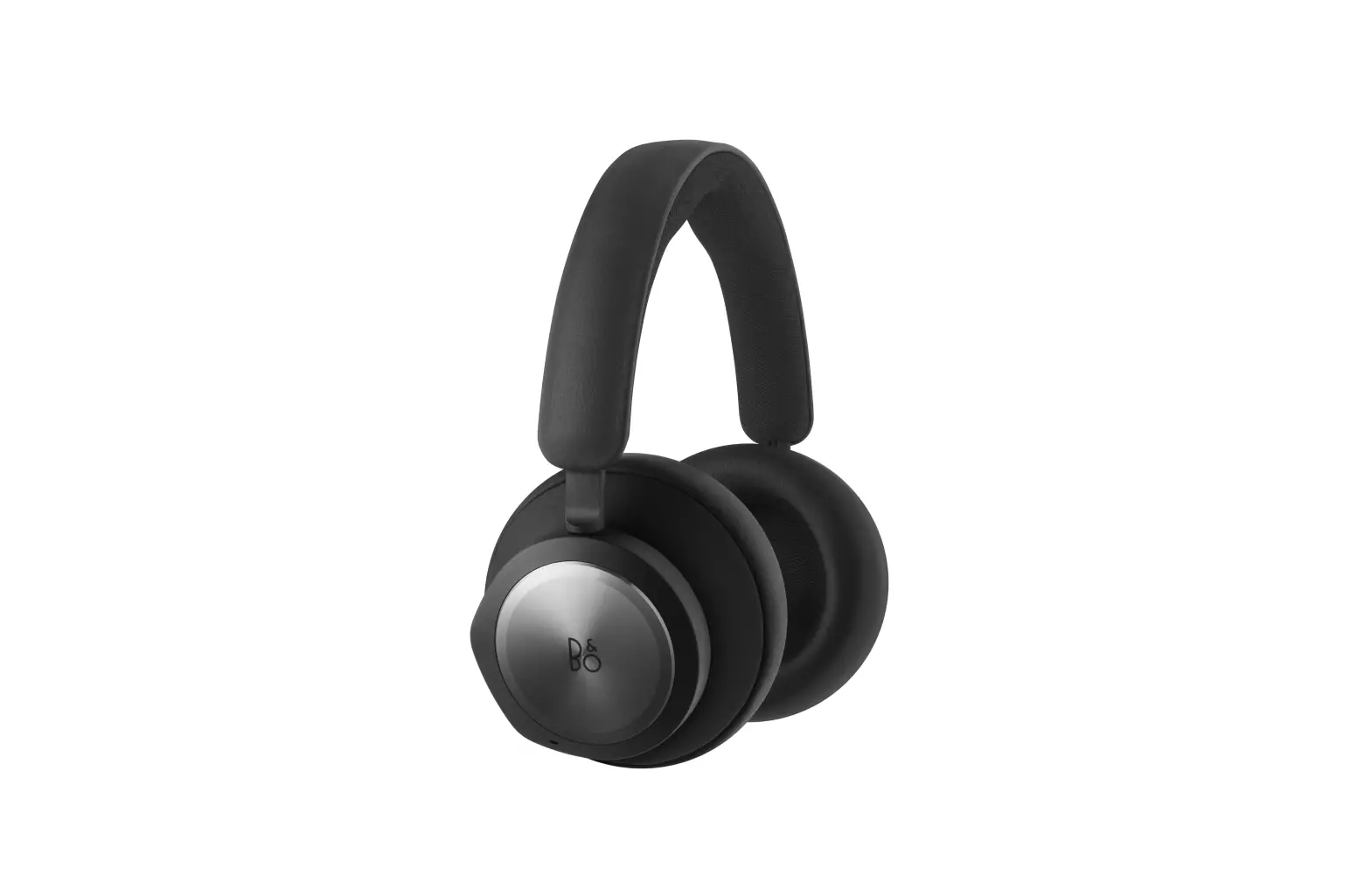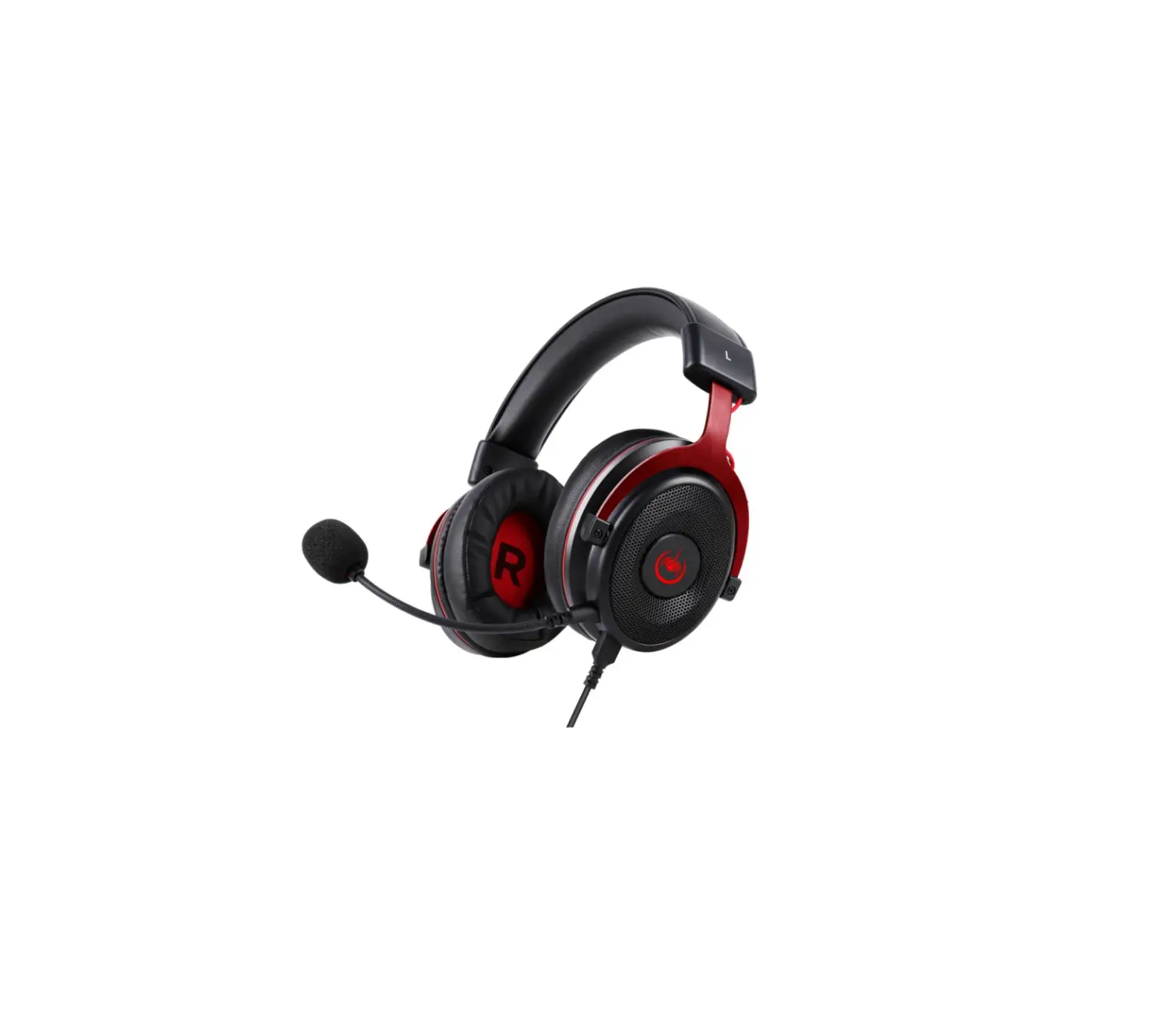
kogan KA71GAMEHPA 7.1 Gaming Headphones
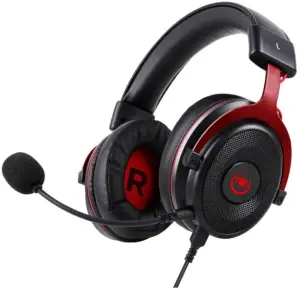
COMPONENTS
- Headphones
- Detachable Microphone
- 3.5mm Audio Cable
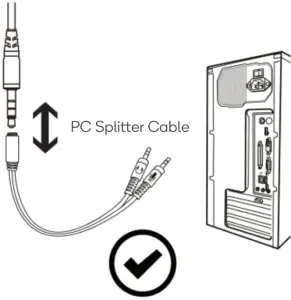
- PC Splitter Cable
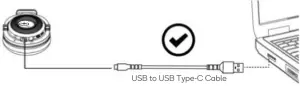
- USB to USB Type-C Cable
- User Guide
- Carry Pouch
OVERVIEW
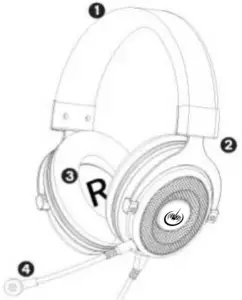
- Leatherette Headban
- Adjustable Steel Arm
- Protein Memory Foam Earmuffs
- Detachable Microphone
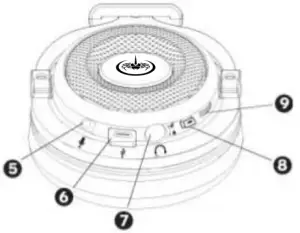
- Microphone Port
- USB Type-C Port
- 3.5mm Audio Cable Port
- Microphone Mute Switch
- Volume Contro
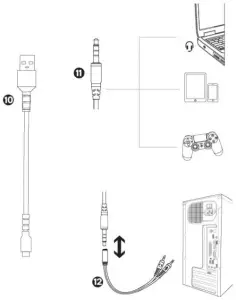
- USB to USB Type-C Cable
- 3.5mm Audio Cable
- PC Splitter Cable
ASSEMBLY
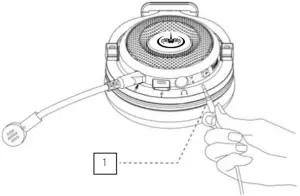
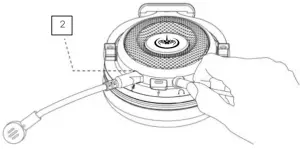
- Ensure the 3.5mm audio cable is clean and plug it into the 3.5mm audio cable port.

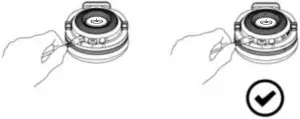
- Plug the detachable microphone into the microphone port.

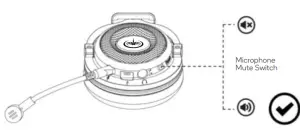
Note: If you do not plug the microphone into the correct port, it will not work. - Ensure the microphone is not muted before using the headphones. The microphone mute switch is available on the body of the headphones.

- Ensure all the wires are in the correct position when using the headphones.
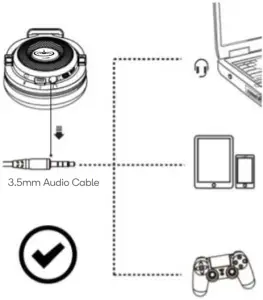
- Ensure to use 3.5mm audio cable for Mobile Devices and Gaming Controllers.

- Ensure to use PC Splitter Cable for Personal Computers.

- Ensure to use USB to USB Type-C Cable for Laptops.

- Ensure the detachable microphone is plugged into the microphone port.

OPERATION
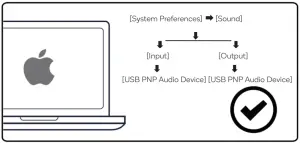
Sound Settings
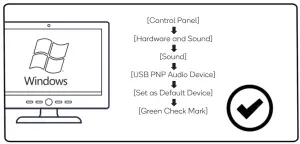
To set the headphones as your default audio device, perform the following:
- For Windows

- For IOS

7.1 Virtual Surround Sound
To hear the 7.1 virtual surround sounds, perform the following:
- Connect the headphones to the Type-C audio output of your device.

- Go to the Kogan.com to download the 7.1 Surround Drivers.
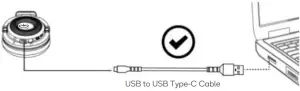
| Note: The 7.1 Surround Driver supports only the Windows operating system. |
Headphones Compatibility with PlayStation and Xbox
- Headphones are not compatible with Xbox® 360 and PS3®.
- Headphones can only be used with Xbox® One S/X and PS4®.

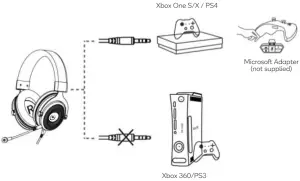
Using the Headphones with Xbox® One S/X
| Note: These headphones are not compatible with Xbox® 360. |
Earlier versions of the Xbox® One S/X controller require an adapter supplied by Microsoft. This is not included.
To use the headphones with earlier version of the Xbox® One S/X, perform the following:
- Plug the 3.5mm audio cable into the Microsoft headphone adapter (not supplied).
- Connect the adapter to the Xbox® One S/X controller.
Information for Xbox® One S/X User | |
| Current version of Xbox® One S/X Headphone Adapter not required 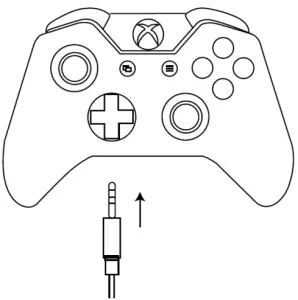 | Earlier versions of Xbox® One S/X Microsoft Headphone Adapter required 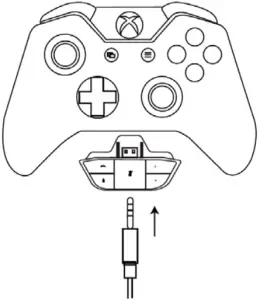 |
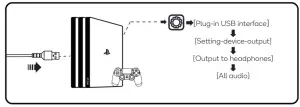
Using the Headphones with PlayStation®4
| Note: These headphones are not compatible with PS3®. |
Connect using USB to USB Type-C Cable
Connect using 3.5mm Audio Cable
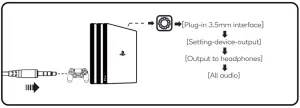
| Note: We recommend connecting the headphones to the PS4® game controller using the 3.5mm audio cable for optimal use. |
Using the Headphones with a Mobile Device (Phone or Tablet)
To use the headphones with a mobile device, plug the 3.5mm audio cable directly into the audio port on your mobile device.
TROUBLESHOOTING
| Problem | Solution |
| Cannot hear sound after connecting to a device | For smartphone: • Remove the 3.5mm audio cable and re-insert it. • Clean and re-insert the 3.5mm audio cable and test if headphones work. |
For Apple IOS:
For Windows:
| |
| Check if the headphones are plugged into the computer audio port correctly. See the Assembly section of this user guide. | |
| Microphone is not working | Ensure audio input source is the headphones’ microphone in your system settings. |
| Check whether the mute switch on the microphone is on or off. See the Assembly section of this user guide. | |
| MacBook does not have a USB connection port. | Use a USB-C to USB adapter or Lightning to USB adapter to connect your laptop with the headphones. |
| Person on the other side of the call cannot hear me | Check whether the microphone mute switch is on. If it is on, then press it again gently to switch it off. See the Assembly section of the user guide. |
| Check whether the device audio input is headphones’ microphone. See the Operation section of this user guide for specific setting methods. | |
Check whether your device is compatible with the headphones.
Also, see the Operation section of this user guide. |
SPECIFICATIONS
Headphones | |
| Interface Type | 3.5mm | 7.1 Virtual Surround Sound |
| Driver Diameter | Ø50mm |
| Sensitivity | 118 ±3dB |
| Speaker Impedance | 32Ω |
| Frequency Range | 20Hz~20Khz |
Microphone | |
| Sensitivity | 42 ±3dB |
| Size | Ø6.0 x 2.7mm |
| Microphone Impedance | 2.2KΩ |
| Supply Voltage | 3V |
| Current Consumption | Max 0.5mA |
Need more information?
We hope that this user guide has given you the assistance needed for a simple set-up.
For the most up-to-date guide for your product, as well as any additional assistance you may require, head online to help.kogan.com