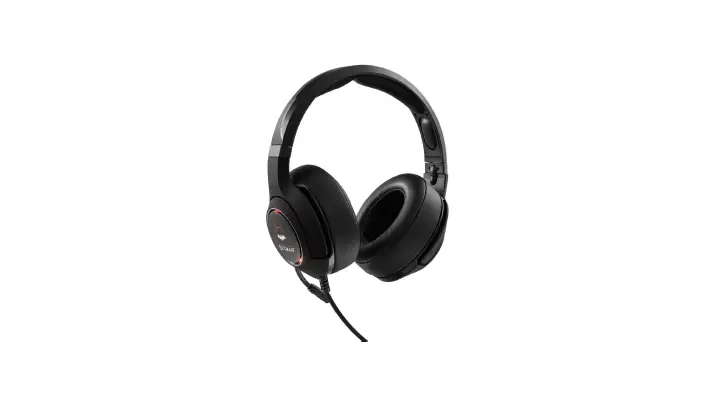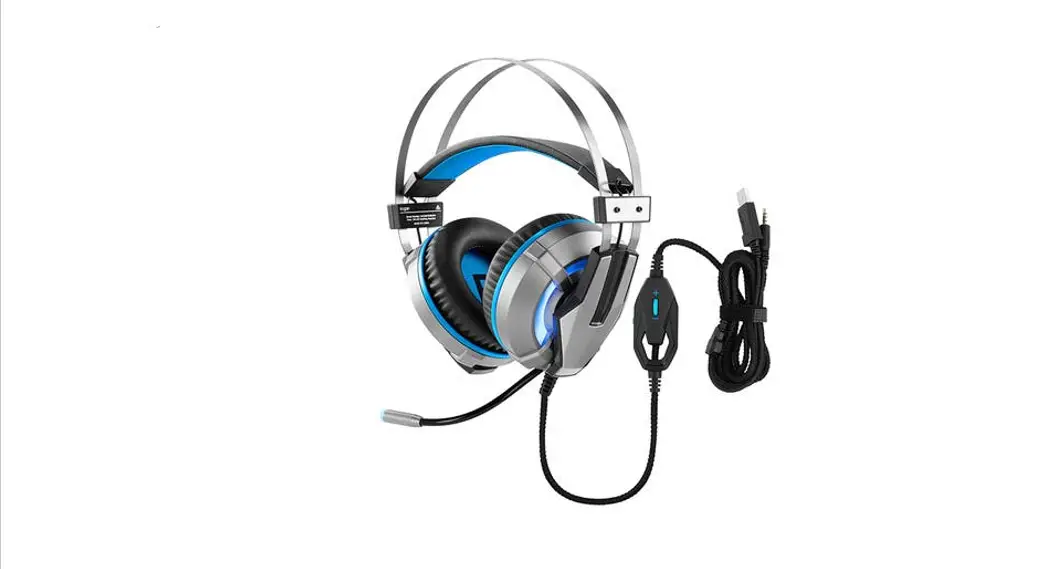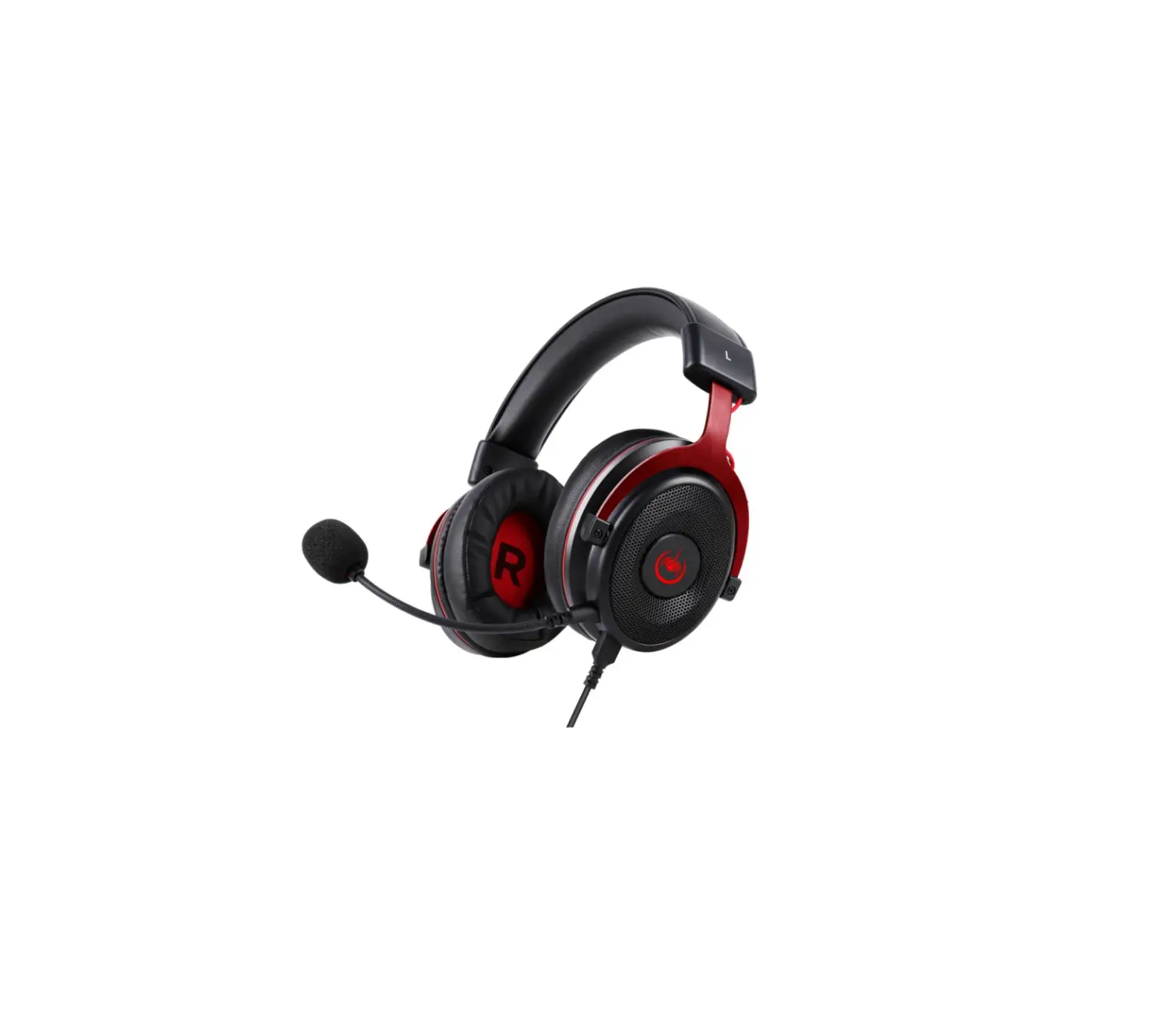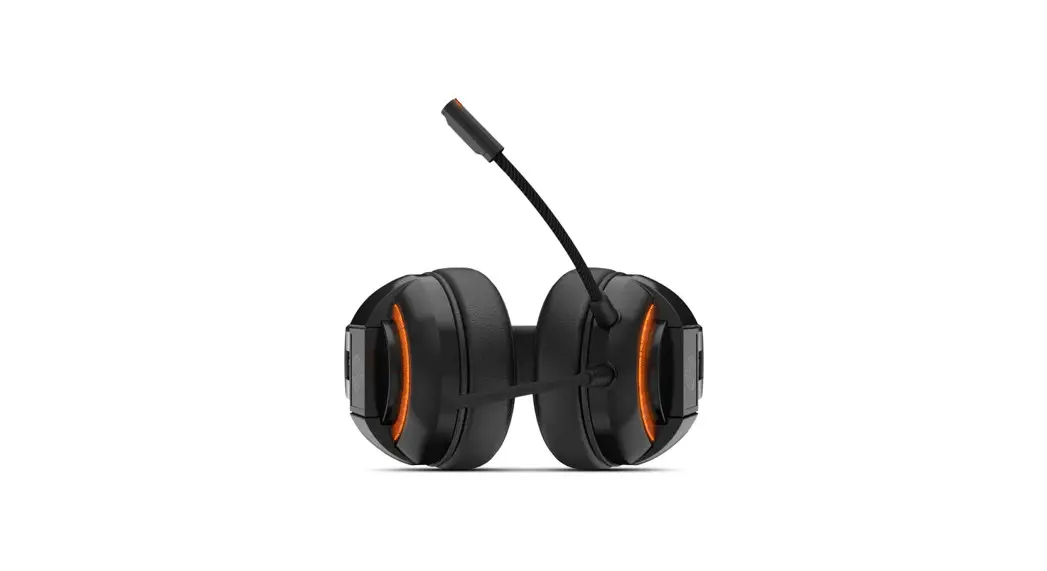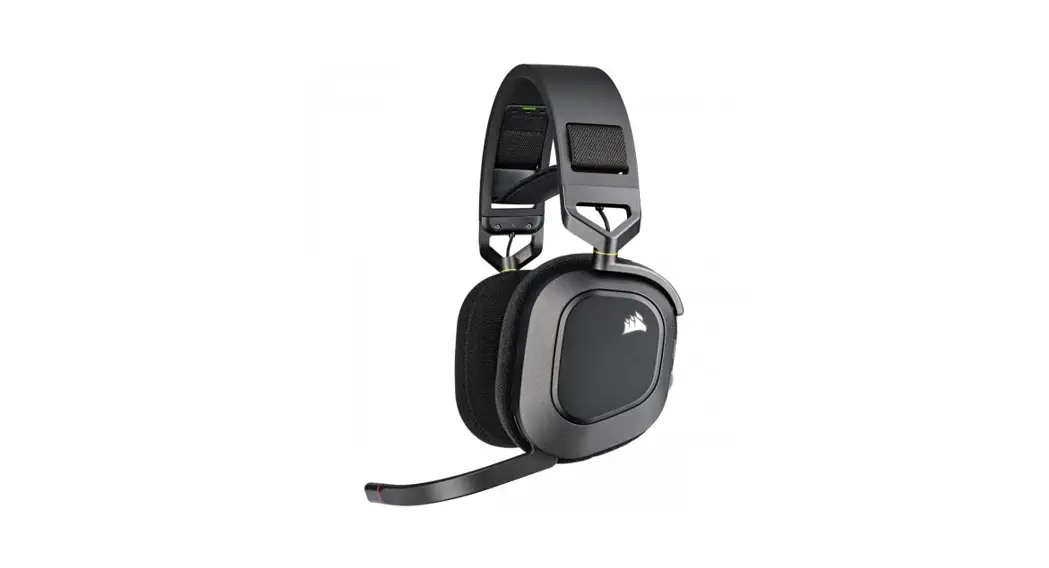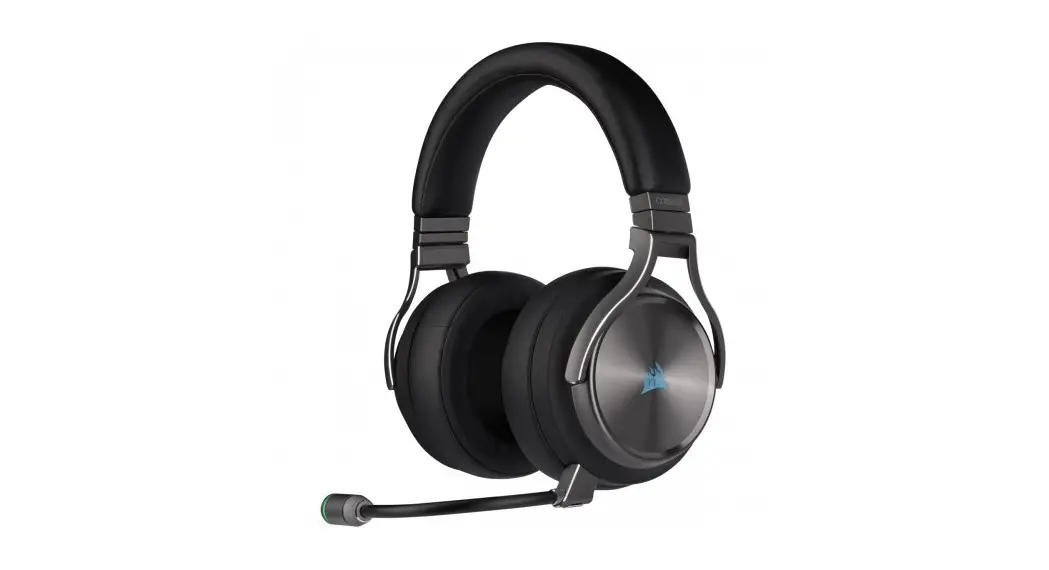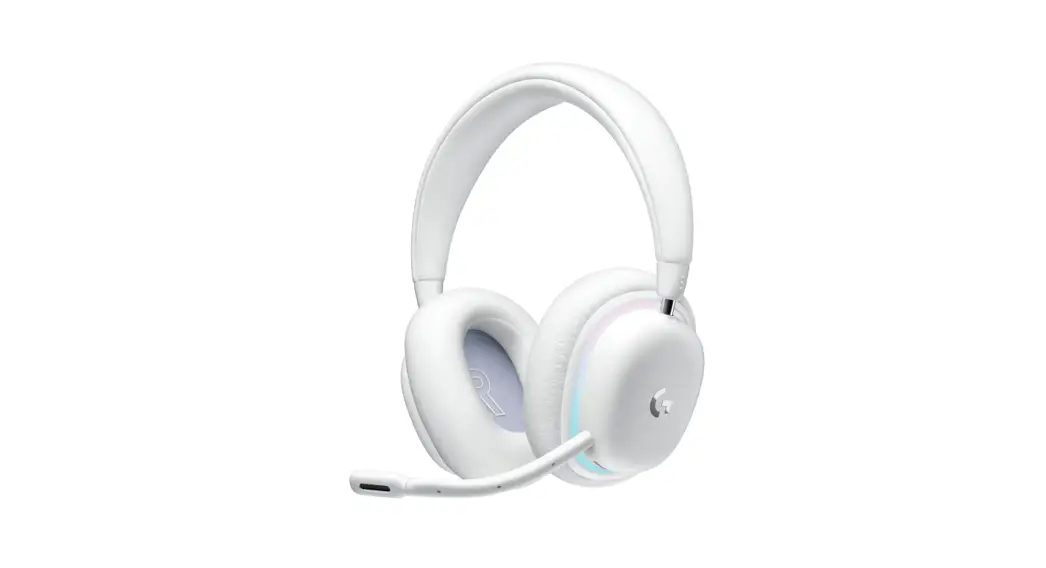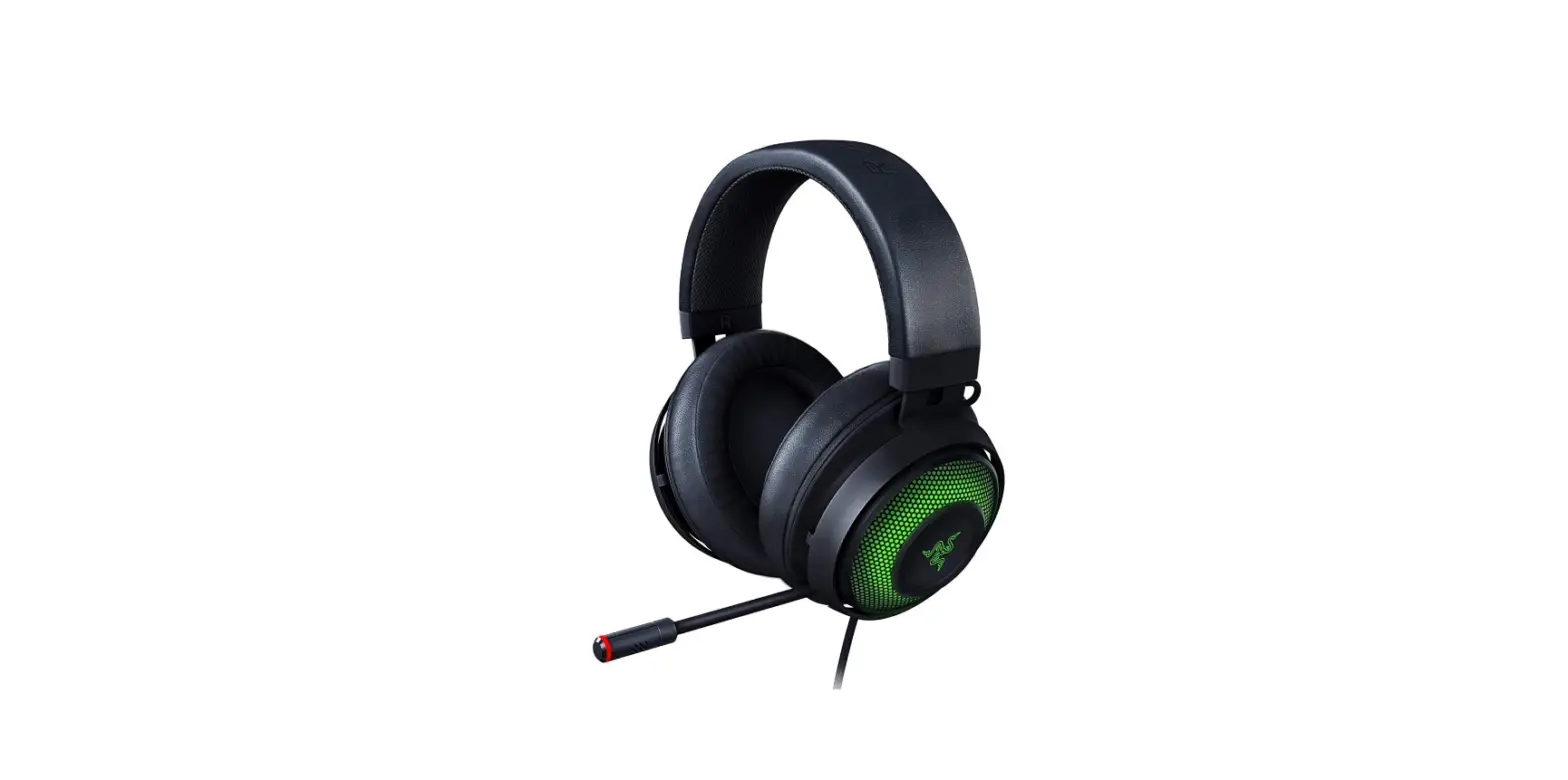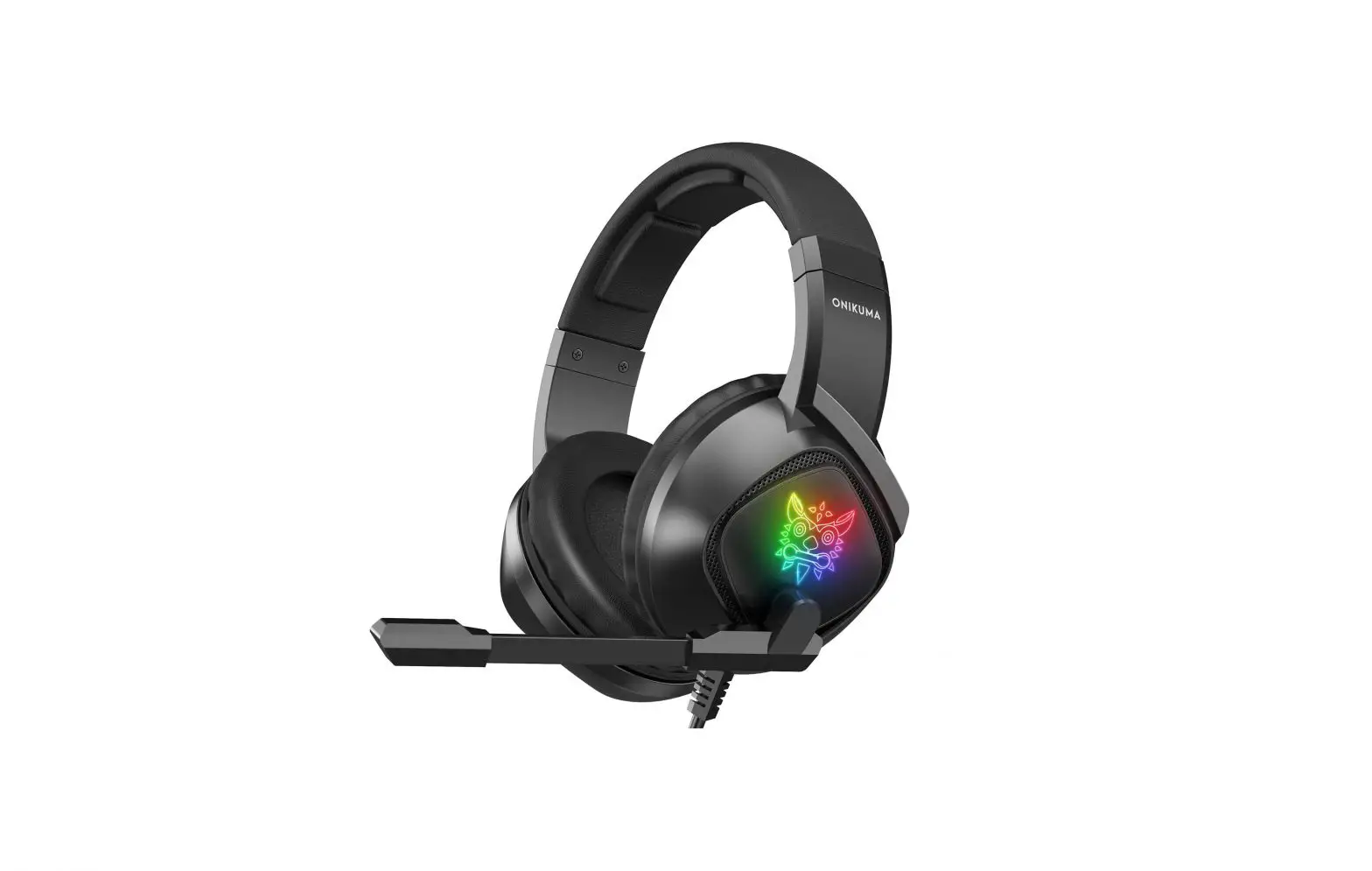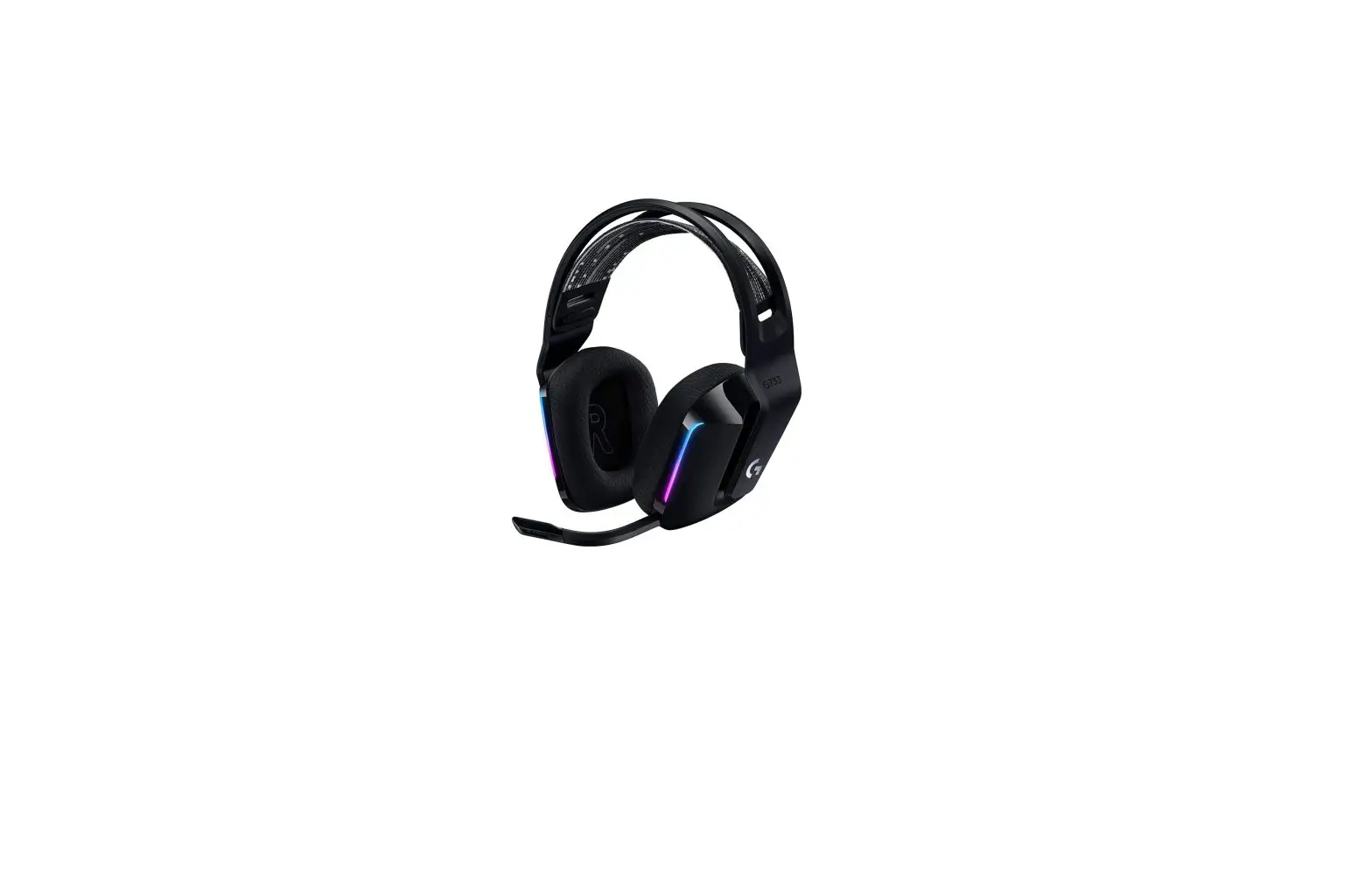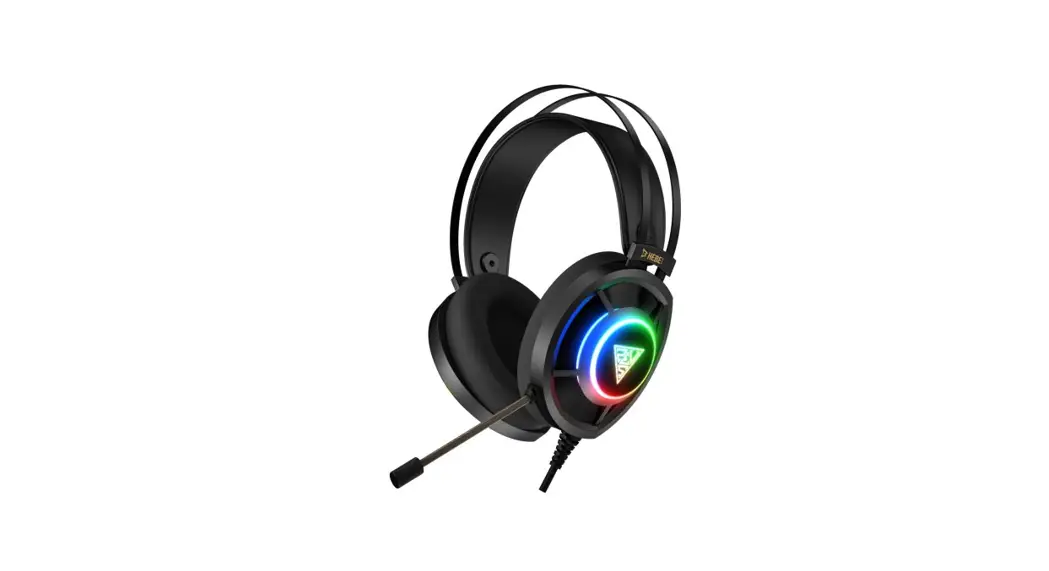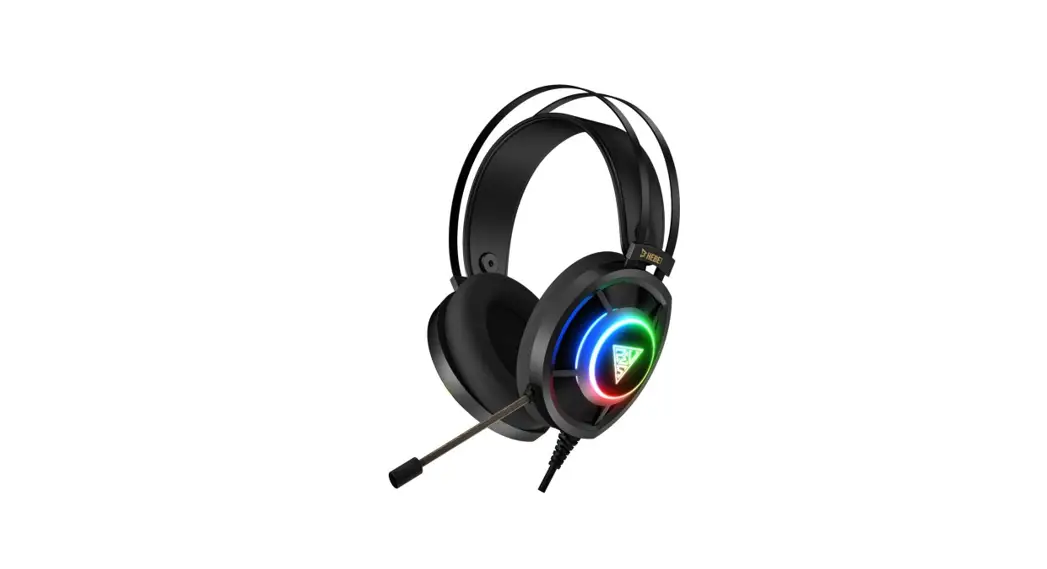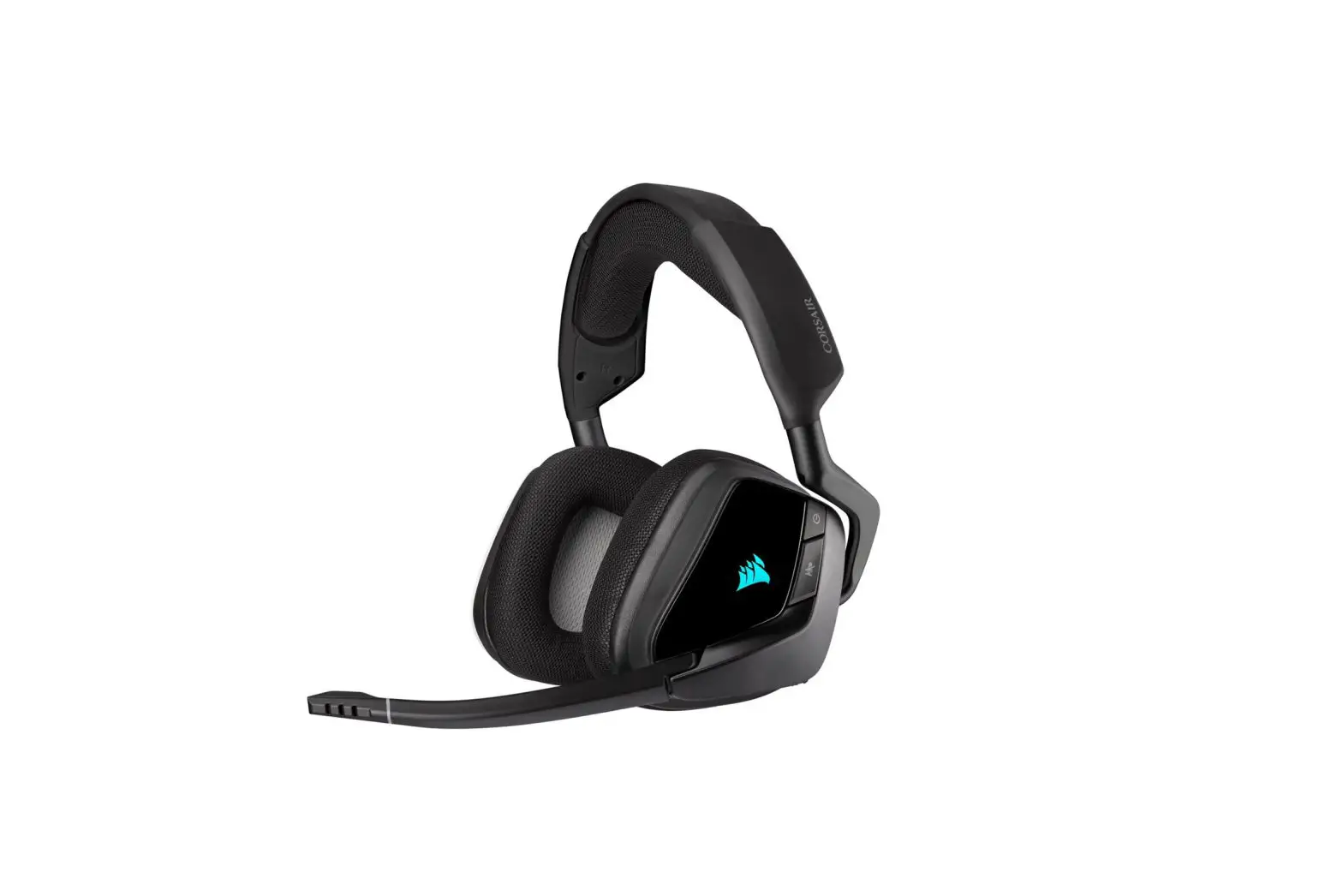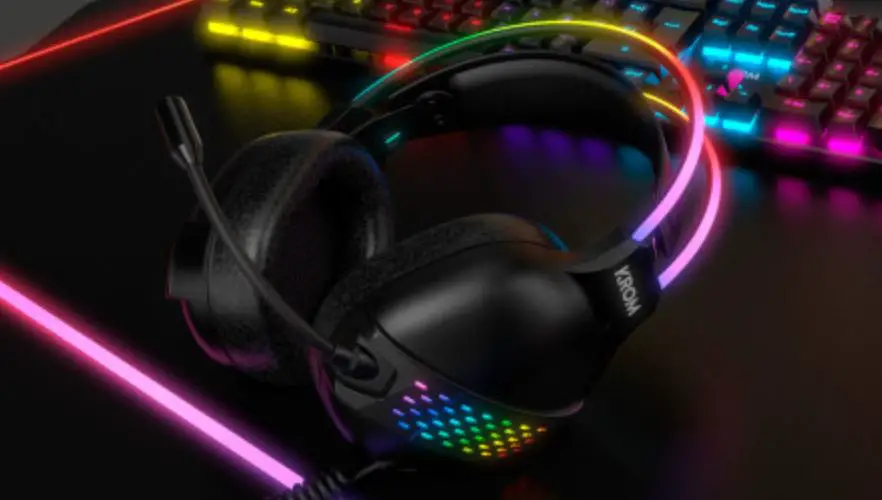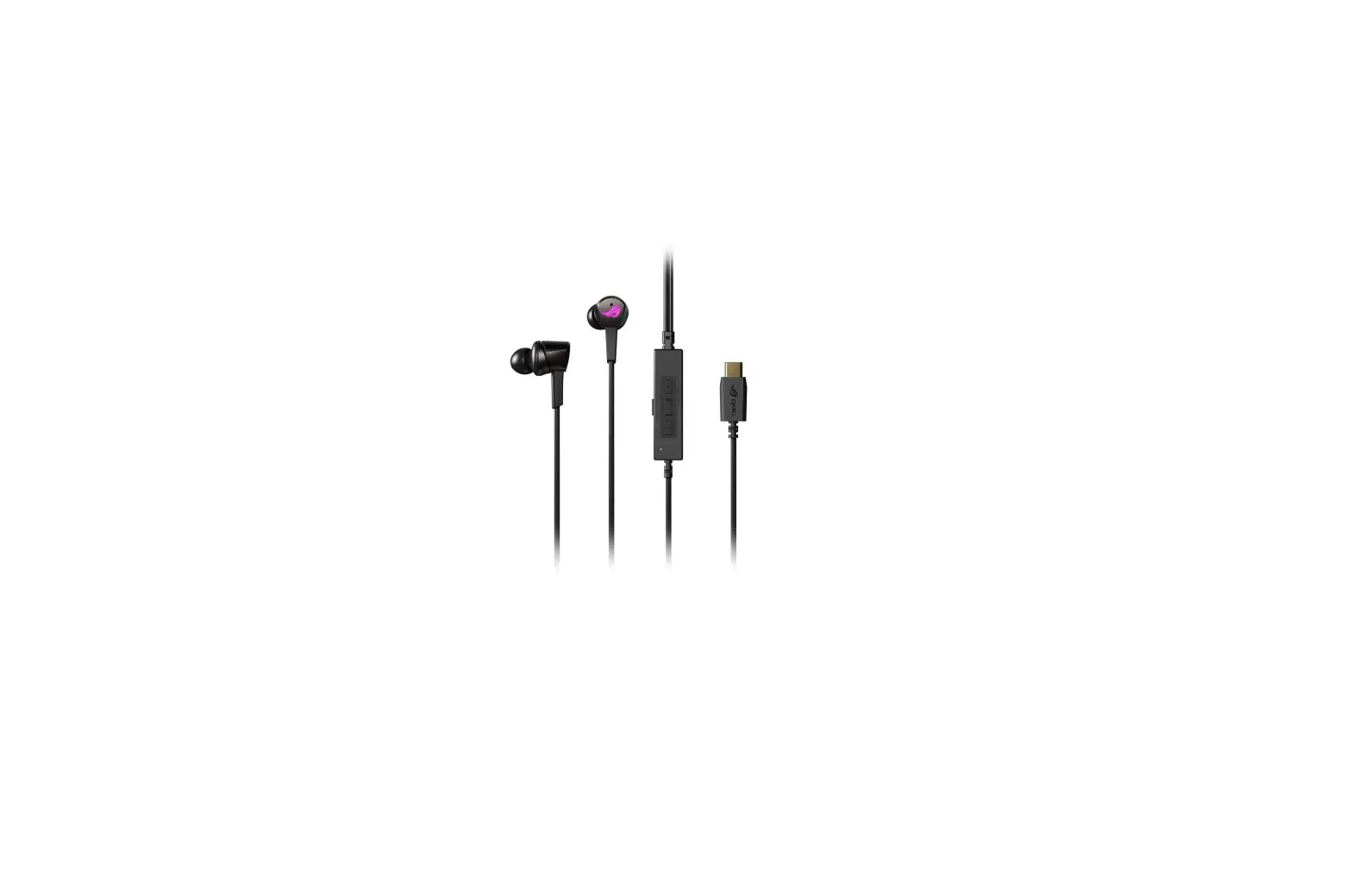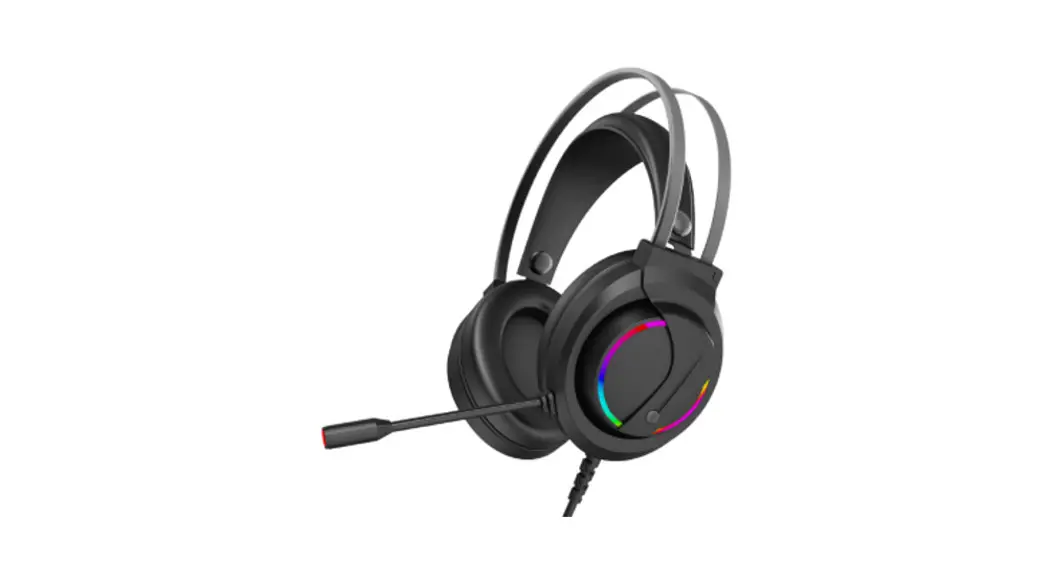

G7 RGB GAMING HEADSET
KAGMHS35G7A
User Guide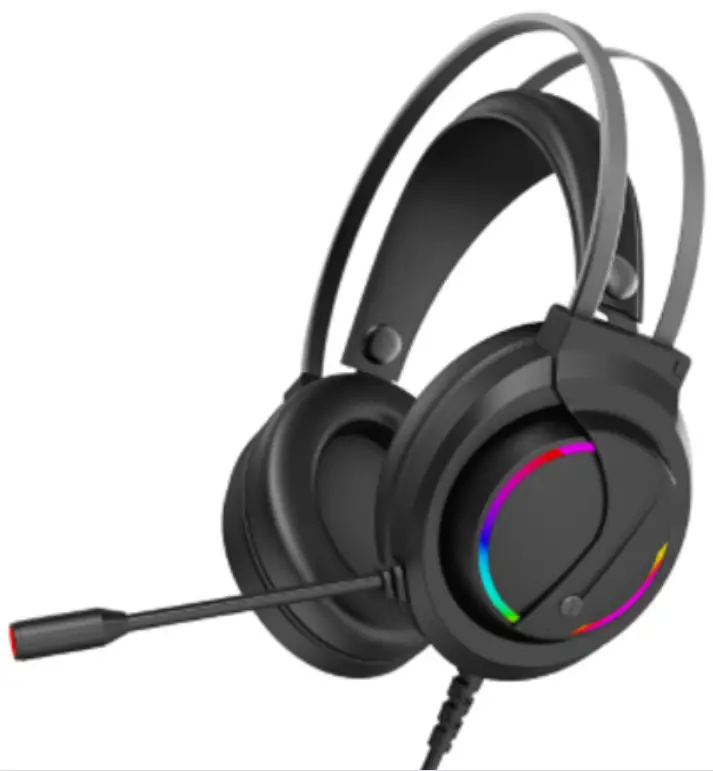
OVERVIEW
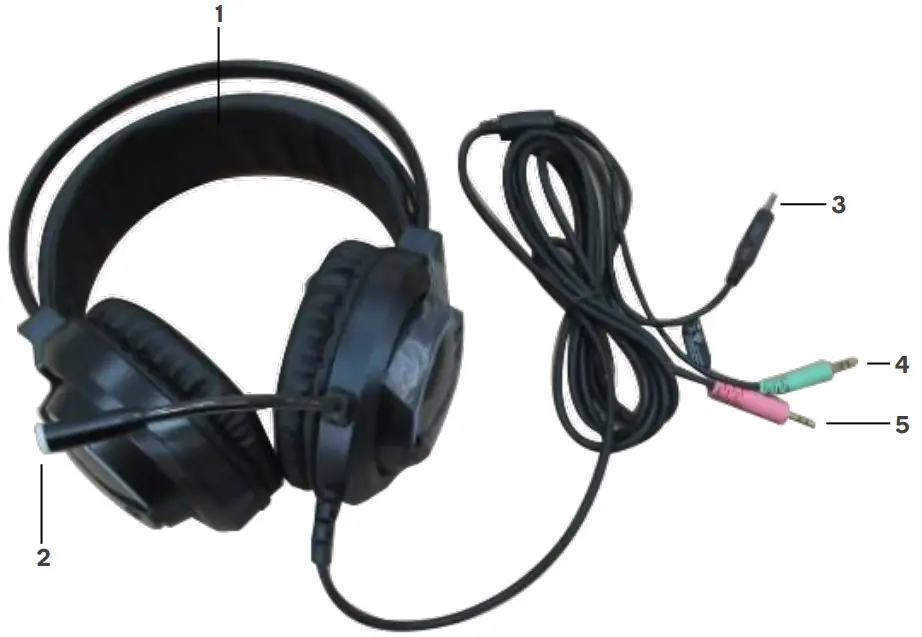
- Headband
- Microphone
- USB connector
- 3.5mm audio connector (green)
- 3.5mm microphone connector (pink)
INSTALLATION
Connecting Headset to Computer
- Plug the USB connector into your computer USB port, the headset’s RGB lights will turn on.
- Plug the 3.5mm audio connector into the green line out port on your computer.
- Plug the 3.5mm microphone connector into the pink microphone port on your computer.
- Your headset is ready for use.
SPECIFICATIONS
| Driver Unit | 2 x 50mm |
| Material | ABS & PU leather |
| LED light | RGB |
| Connectors | 1x 3.5mm audio input 1x 3.5mm microphone 1x USB (RGB lights) |
| Speaker impedance | 16Ω+/-15% |
| Speaker sensitivity | 110 ± 3db |
| Frequency response | 20-20kHz |
| Microphone sensitivity | -38 ± 3dB |
| Microphone frequency esponse | 50 – 12kHz |
| Cable length | 2m PVC cable |
| Dimension | 18.5 x 10 x 24cm |
| Weight | 305g |
| Operation temperature | -10 – 45°C |
| Operation humidity | 40 – 85% (RH) |
| Storage temperature | -10 – 45°C |
| Storage humidity | 40 – 85% (RH) |
NOTES
Need more information?
We hope that this user guide has given you the assistance needed for a simple setup. For the most up-to-date guide for your product, as well as any additional assistance you may require,
head online to help.kogan.com
kogan.com