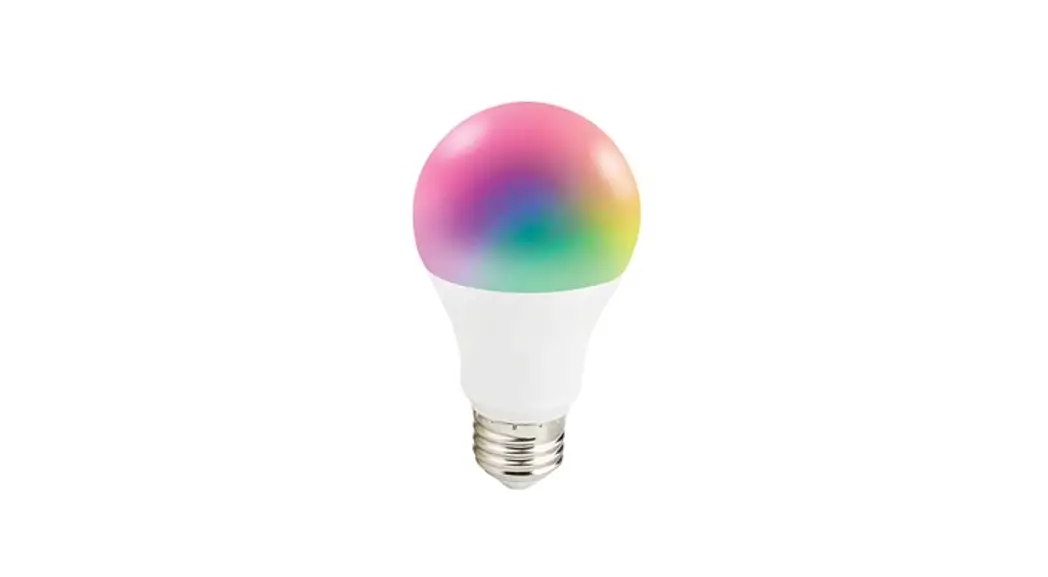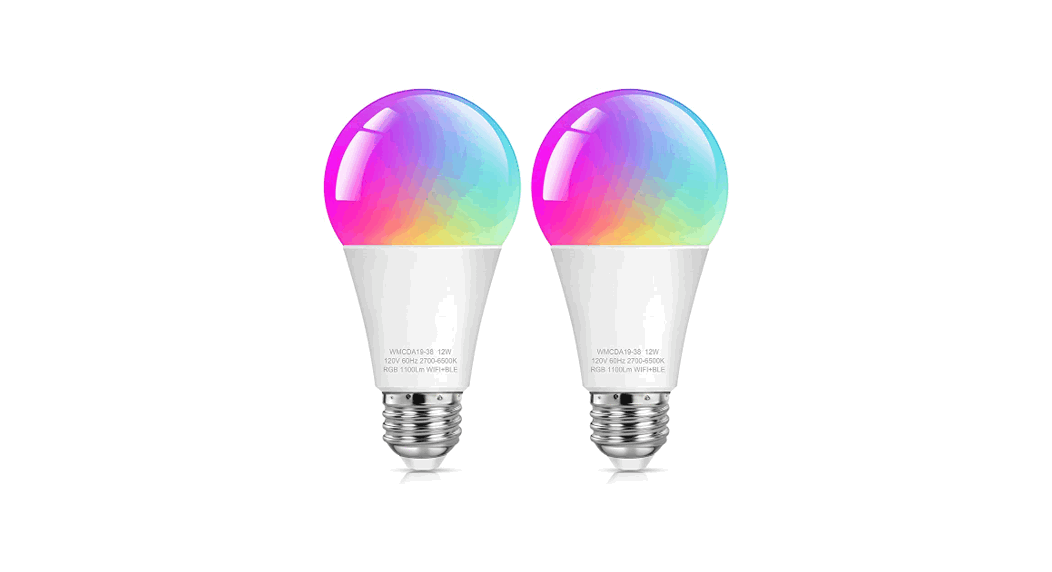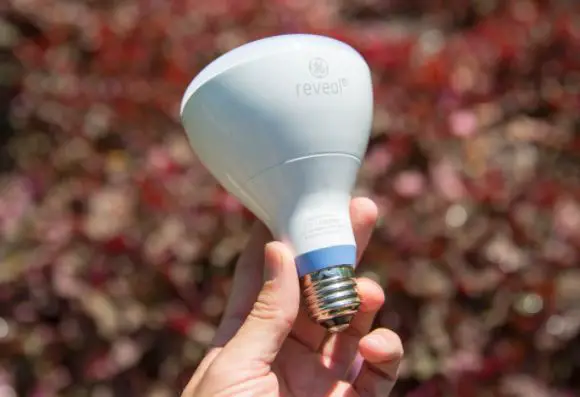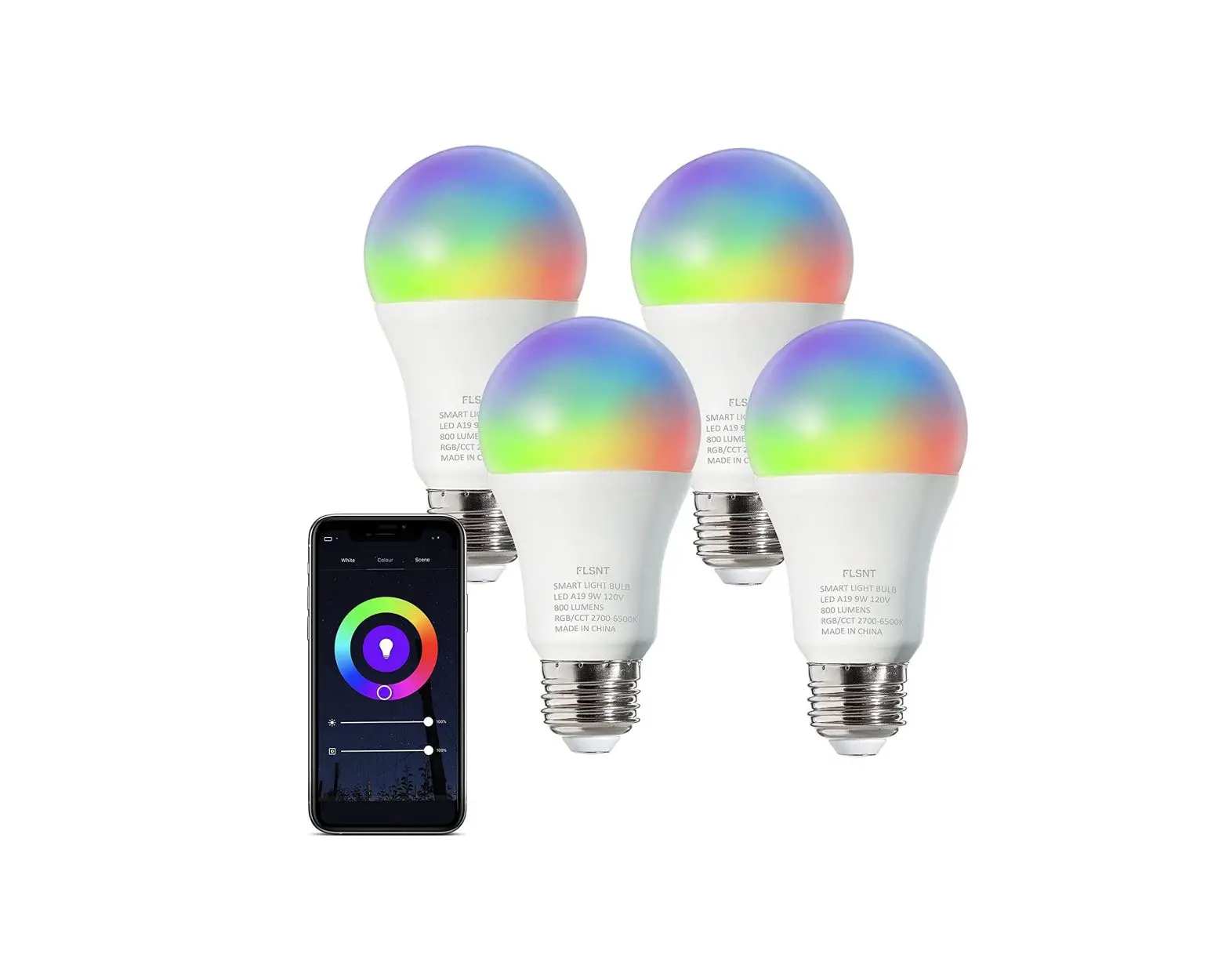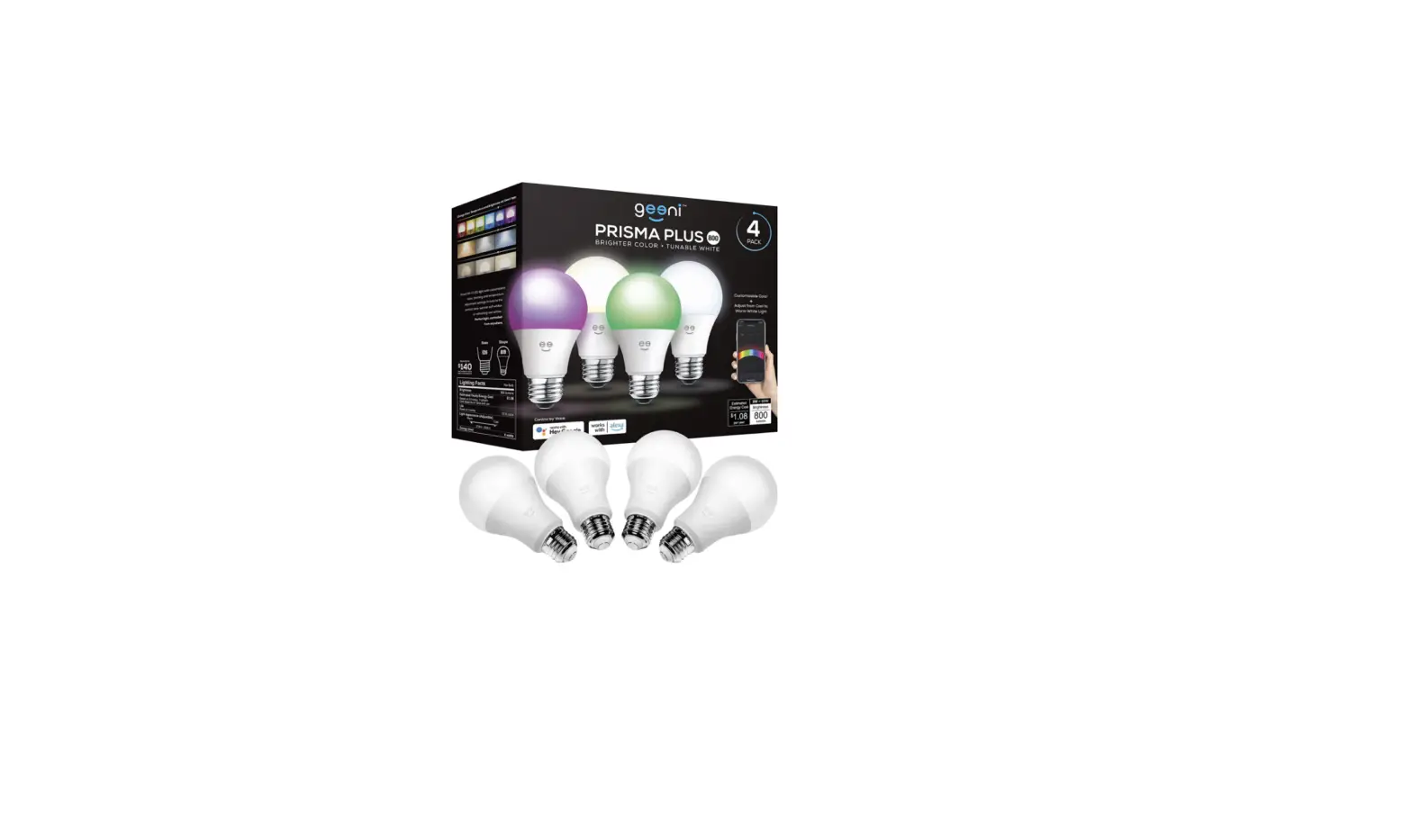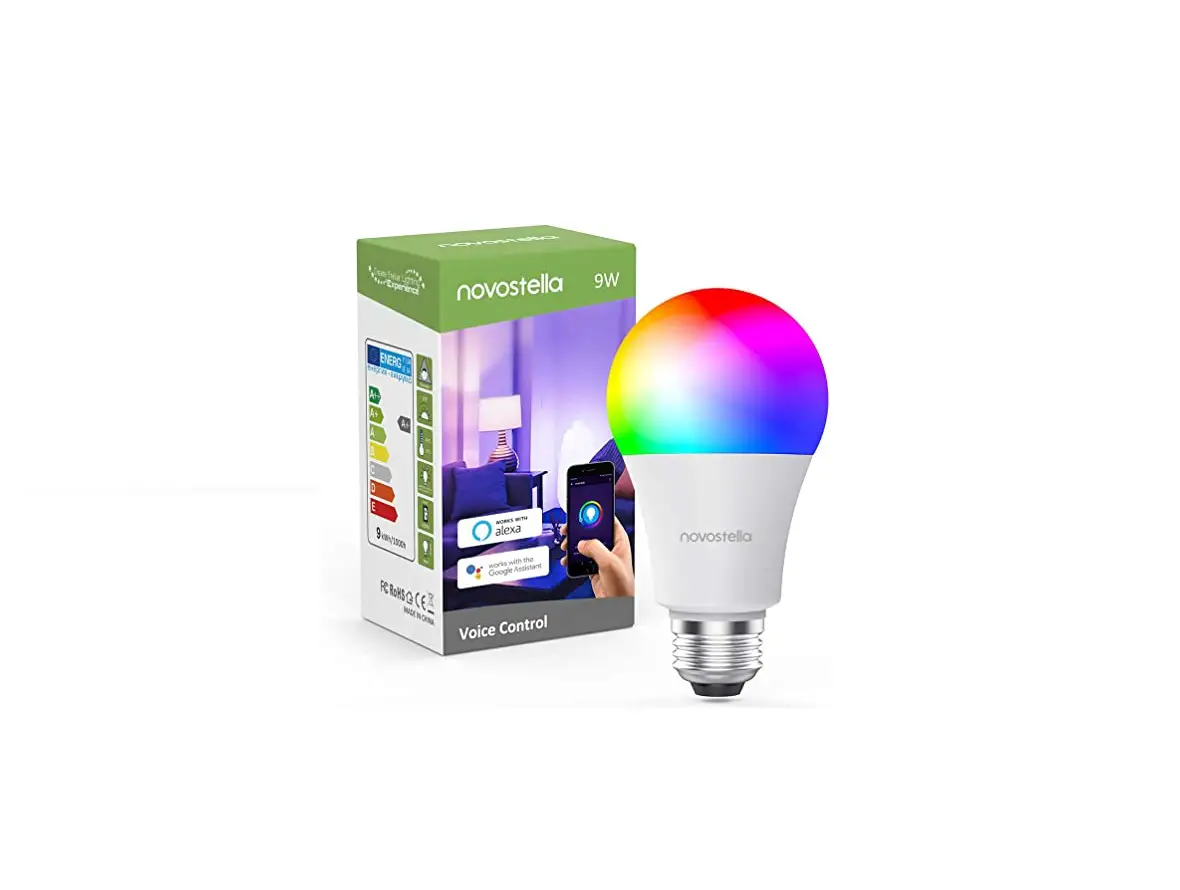

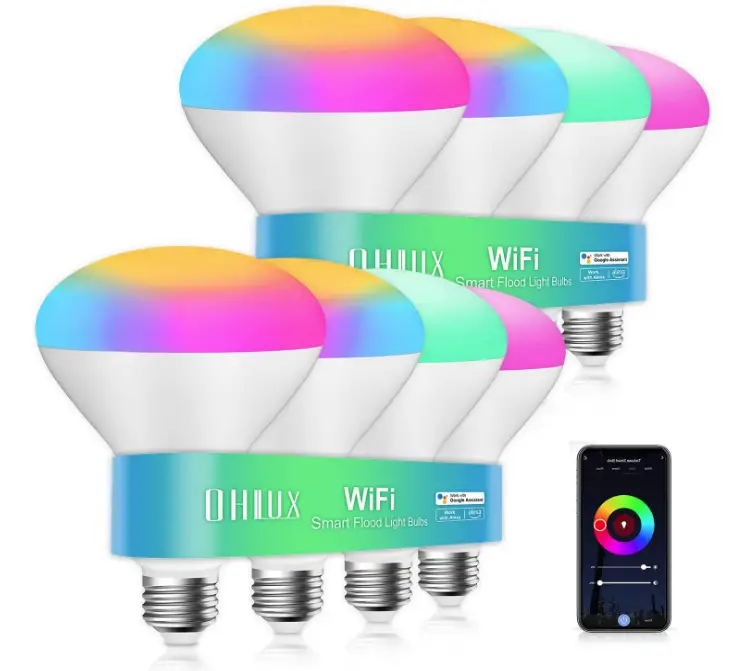
OHLUX SPQB3010 A Smart Light Bulbs
Specification
- BRAND: OHLUX
- LIGHT TYPE: LED
- WATTAGE: 10 watts
- BULB SHAPE SIZE: BR30
- BULB BASE: E26
- INCANDESCENT EQUIVALENT WATTAGE: 80 Watts
- SPECIFIC USES: Indoor
- LIGHT COLOR: MULTICOLOR
- VOLTAGE: 110 Volts (AC)
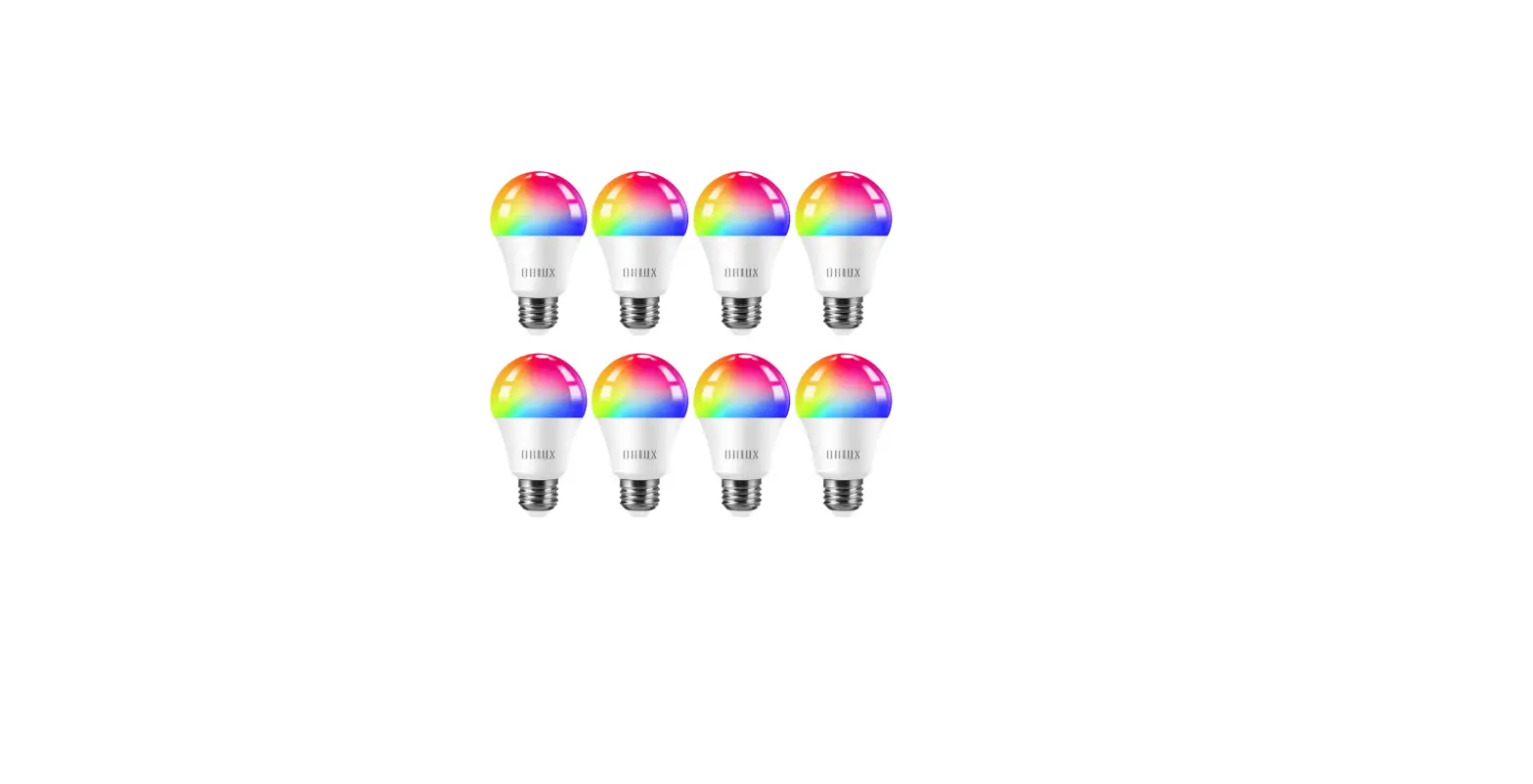
- UNIT COUNT: 8 Count
- COLOR TEMPERATURE: 2700 Kelvin
- LUMINOUS FLUX: 900 Lumen
- CONNECTIVITY TECHNOLOGY: Bluetooth, Wi-Fi
- INDOOR/OUTDOOR USAGE: Indoor
- CONTROLLER TYPE: Google Assistant, Amazon Alexa
- ITEM WEIGHT:55 pounds
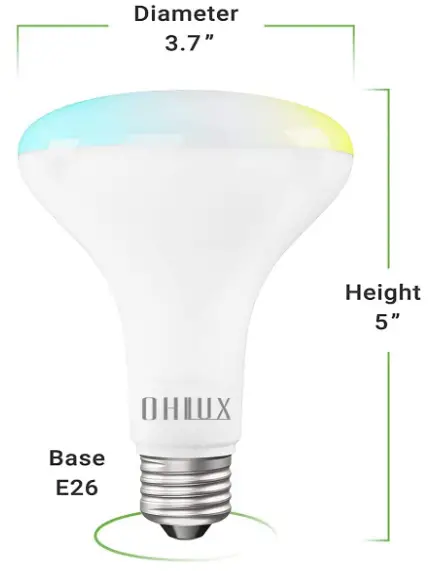
- PRODUCT DIMENSIONS: 5.1 x 3.7 x 3.7 inches
Introduction
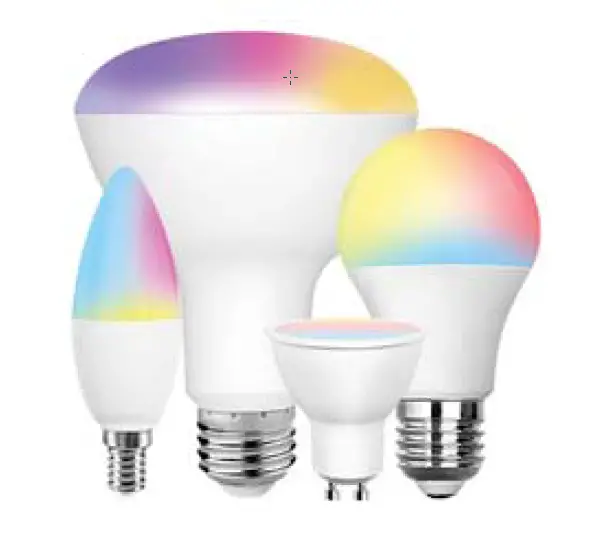
You can effortlessly control smart light bulbs with Alexa and Echo. Simple voice commands can turn on/off, modify the brightness, or change the color (no hub required). Fits recessed 5″ and 6″ cans. With a CRI of 85 or higher, BR30 produces realistic color rendering. The bedroom, kitchen, living room, and workplace are among the ideal settings. To create the ideal mood for various rooms—the kitchen, living room, and bedroom—as well as various occasions—parties, gaming, reading, and coffee time—we use 2700-kelvin soft white to 6500-kelvin daylight and 16 million colors. seamless dimming (100%–10%) to match any setting or mood. has recessed lighting to spread light over a wide area and a 110° beam angle for wall washes. Replace a 100W incandescent bulb with a 1000LM 10W LED bulb to reduce your electricity costs by 85%. Free returns for 90 days, five years of technical support, and no flicker.
PRODUCT DIMENSIONS
HOW TO CONNECT TO WIFI
- Create an account on the Smart Life App after downloading.
- From the menu in the top right corner of the home screen, choose “Add a Product.”
- OHLUX Bulb should be chosen from the device list.
- Ensure your 2.4GHz wireless network is accessible on your phone.
- After installing the bulb, switch the power on and off three times. You are now in pairing mode (the bulb will flash).
- Put in your Wi-Fi login information.
- In your settings, join the OHLUX smart bulb Wi-Fi network.
- When you return to the app, the bulb will immediately connect.
HOW TO RESET
- The light should be turned off for at least five seconds.
- Now turn on the light for eight seconds.
- Turn off the light for two seconds now.
- Repeat the procedure five more times.
FAQs
Yes, the bulbs are compatible with the Smart Life App.
All of mine work great. Hook up one at a time to a lamp, turn power on, off, on, off, on, and wait until it flashes rapidly. Then you add to the app.
1, Open the APP
2, Enter my device and click “… “in the upper right corner. More icon
3, Enter “Device info” to view the Device id
4, The Mac address is the last 12 digits of the Device id
Yes, they are controllable separately with homelife or Alexa.
This bulb work with 110-220Volts.
It’s been a couple months. I see no difference in performance from the ones I use indoors to outdoors. They’ve all had issues a few times. For no reason, one or more, indoor or outdoor, would not be connected and work properly. It was easily remedied with disconnecting power for a while, then back on. But it was enough for me to not want this brand in the future.
I don’t remember everything I clicked on when I set this up but I am guessing it does. Most apps require these kinds of permissions.
Since the light switch is always on, if the power goes off or the light flicker enough, the light it come on by itself to the light switch being on.
I haven’t done that but I’ll try that.
happens to me all the time. had smartthings working with 12 bulbs. power flicker now most bulbs won’t connect even with just Alexa app.
Yes. I use a dimmer with mine.
seems it should be 120 as most home lights are 120.
Delete it from the app and reinstall it.
Lights can be turned on and off by the app. I would say overkill. Turn them both off and will be wondering why they don’t turn on when only one or the other selected.
Try resetting them by turning the power (usually the light switch that controls the bulb(s)). You can reset them by turning the power on, wait 3 seconds, turn power off, wait 3 seconds… Repeat this 3 or 4 times until the bulbs flash. Then reconnect to Wi-Fi.