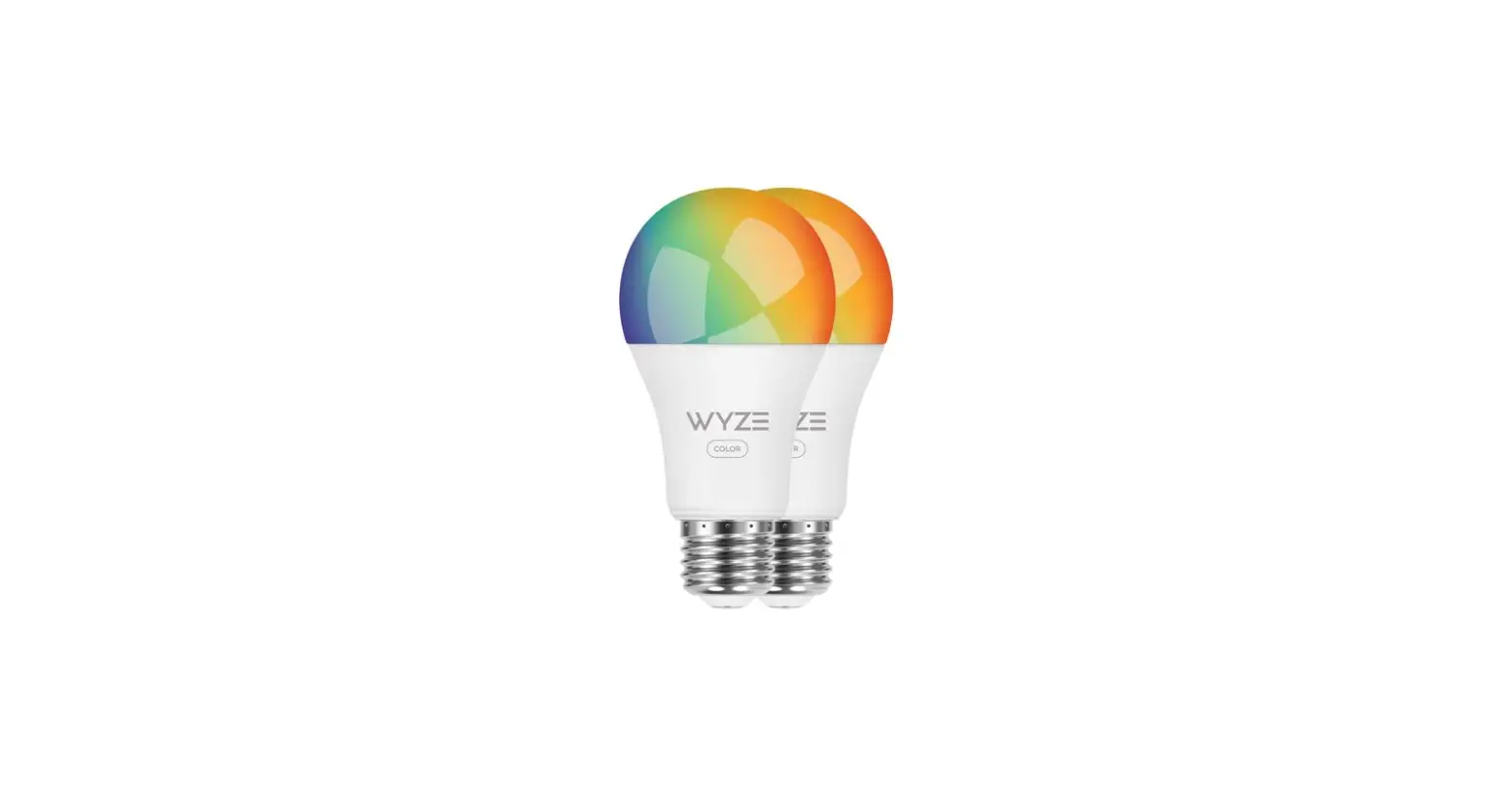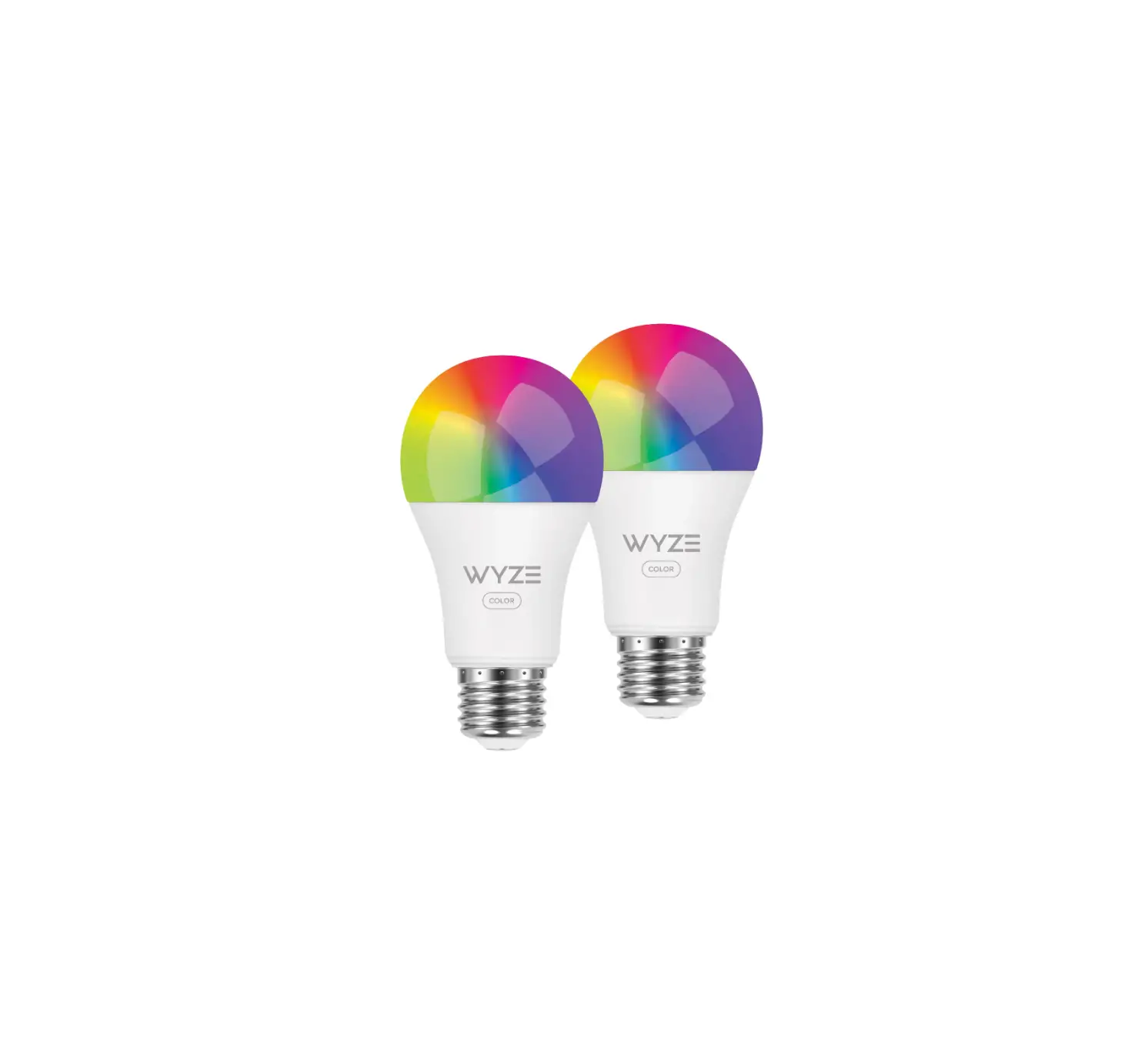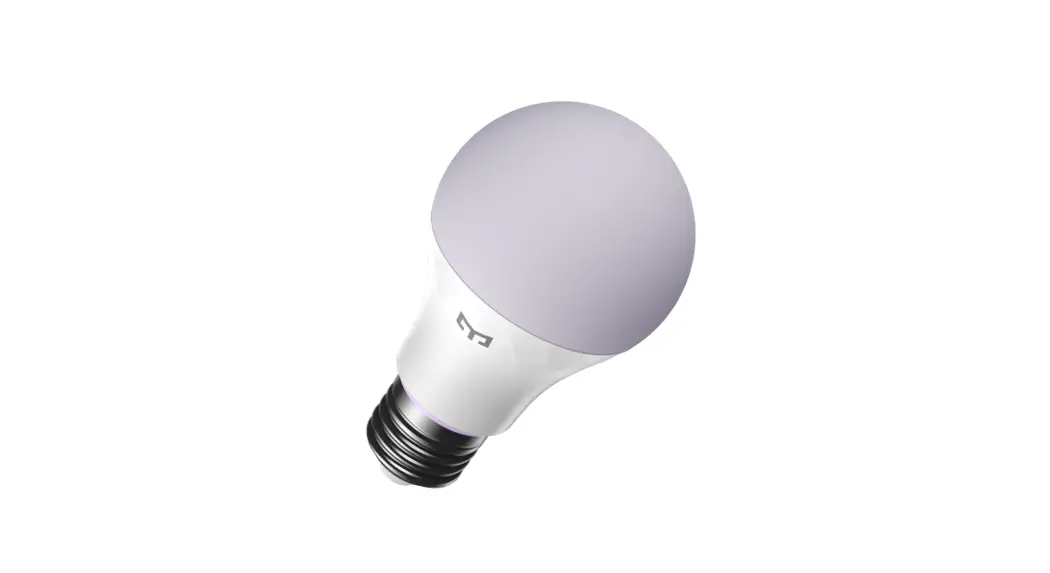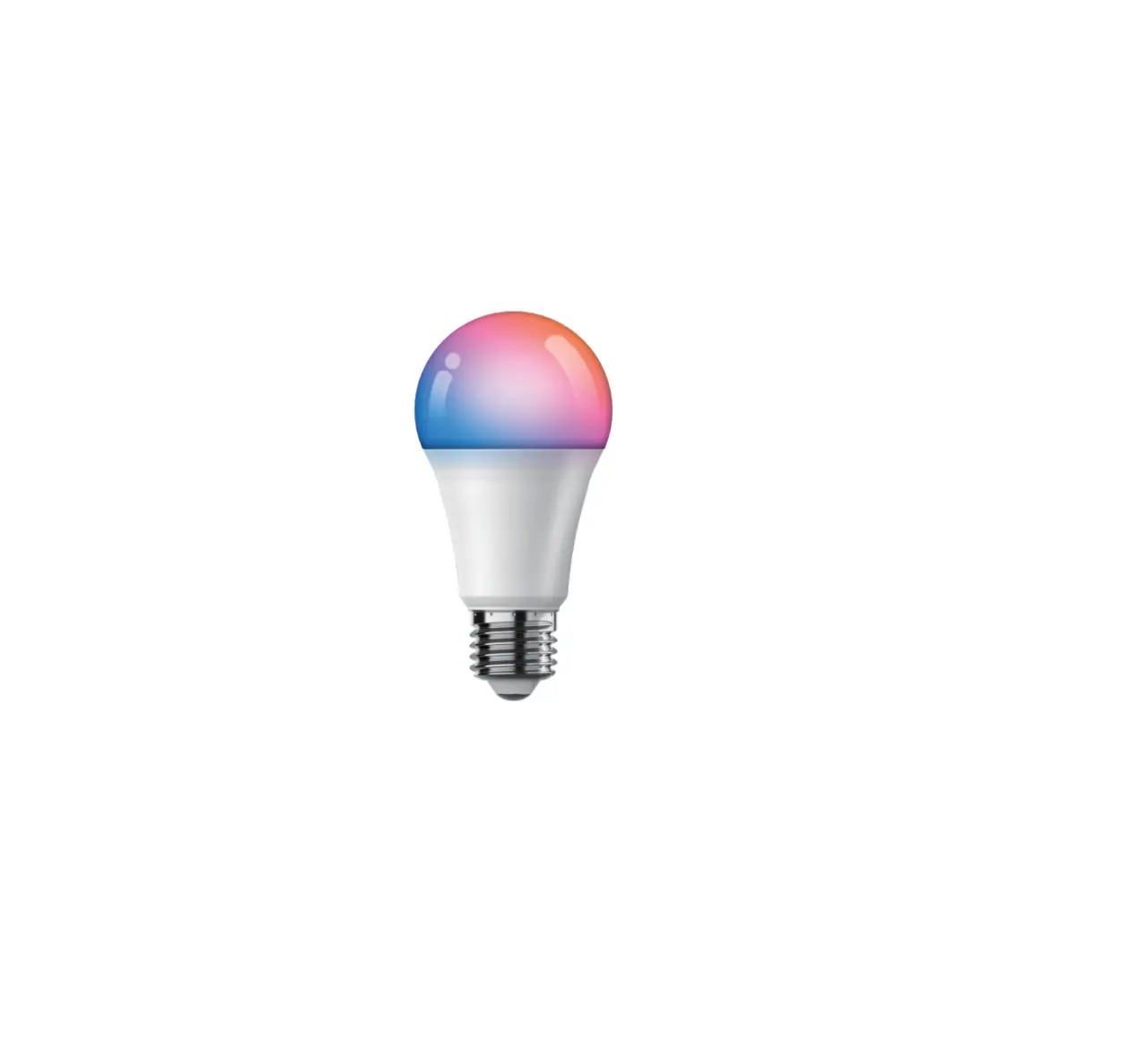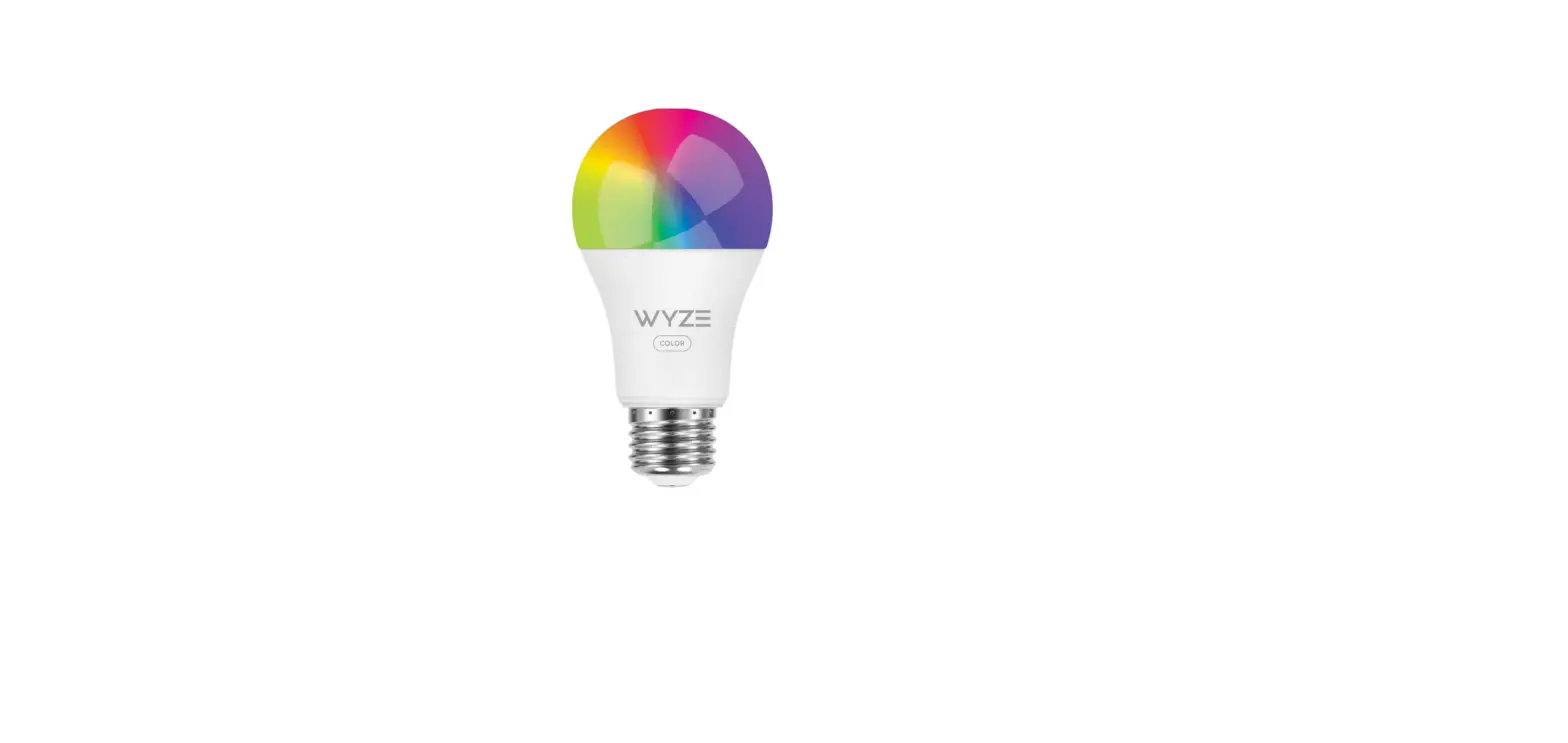
 Wyze WLPA19C Smart Bulb
 Wyze WLPA19C Smart Bulb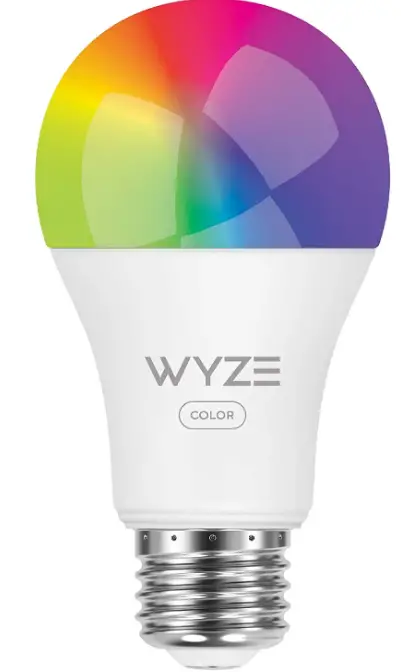
INTRODUCTION
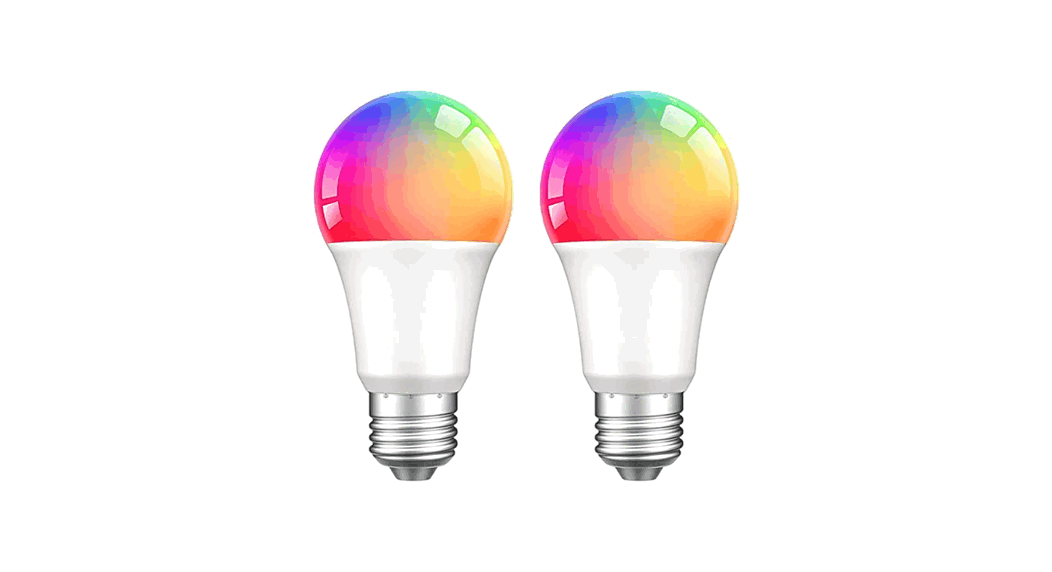
Both color and light aid our senses in perception. Controlling both enables us to survive. Not simply another color light bulb was produced by us. We created a light that improves how you experience each moment. Certain situations call for vivid, expressive colors. Other times call for soft, comforting lighting. With the help of our bulb, you have access to all 16 million hues, allowing you to turn ordinary situations into priceless memories. So, proceed. Live a colorful life.
IN THE BOX
- Wyze Bulb Color × 1
- Quick Start Guide × 1
SETUP
- Download the Wyze app and sign in or create an account.

- Install the light bulb color and turn on the power.
- Open the Wyze app and tap the 3 dots on the top right corner of the Home Page. Select “Add a Product”. Follow the instructions in the Wyze app to finish.

NOTES
- Make sure that the power is off when installing or removing the light bulb.
- Do not use this product with a dimmer (e.g. a desk lamp with a dimmer switch) to avoid damaging the product.
- Risk of electric shock – Do not use where directly exposed to water.
- Do not use in a narrow or poorly ventilated light fixture.
- Not for use in totally enclosed luminaires.
- Not for emergency lighting.
SPECIFICATIONS
- MODEL: WLPA19C
- SIZE: 60x60x116mm
- RATED POWER: 12 watts
- LUMENS: 1100 lumens
- BASE TYPE: E26
- WORKING VOLTAGE: AC 120V~60Hz
- COLOR TEMPERATURE: 1800k – 6500k
- COMMUNICATION MODE:11 b/g/n, 2.4 GHz Bluetooth Life Expectancy: 25,000 hours
FCC WARNING
Any changes or modifications not expressly approved by the party responsible for compliance could void the user’s authority to operate the equipment. This device complies with part 15 of the FCC Rules. Operation is subject to the following two conditions:
- This device may not cause harmful interference
- this device must accept any interference received, including interference that may cause undesired operation.
FCC RADIATION EXPOSURE
STATEMENT
This equipment complies with FCC radiation exposure limits set forth for an uncontrolled environment. This equipment should be installed and operated with a minimum distance of 20 cm between the radiator and your body. This transmitter must not be co-located or operating in conjunction with any other antenna or transmitter.
ISED RADIATION EXPOSURE
STATEMENT
This equipment complies with ISED RF radiation exposure limits set forth for an uncontrolled environment. This transmitter must not be co-located or operating in conjunction with any other antenna or transmitter. This equipment should be installed and operated with a minimum distance of 20 cm between the radiator and your body. Any changes or modifications not expressly approved by the party responsible for compliance could void the user’s authority to operate the equipment.
ISED RSS WARNING
This device complies with ISED license-exempt RSS standard (s). Operation is subject to the following two conditions: (1) this device may not cause interference, and (2) this device must accept any interference, including interference that may cause undesired operation of the device.
WARRANTY INFORMATION
Your Wyze product is covered by a one-year limited warranty. You can view the limited warranty terms at https://wyze.com/return-warranty-policy or request a copy by contacting Wyze at +1 (206) 339-9646.
Apple logo and App Store are trademarks of Apple Inc., registered in the U.S. and other countries and regions. Google Assistant, Google Home, Google Play, and the Google Play logo are trademarks of Google LLC.
FAQs
Does this work with Google?
Yes, it will work with both Alexa and Google Assistant.
What happens after a power outage or somebody turns off the lamp switch? When reenergized are the settings still intact?
Wyze Bulb Color has a setting called “Power Loss Recovery” that allows you to set the Bulb to either turn on when power is restored, or maintain the state it was in before losing power. Once your Bulb Color is set up, this setting can be found under Settings > Power Loss Recovery from the Bulb’s page in the Wyze app.
Program to alternate specific colors?
If you mean the program to alternate or cycle through different colors on a continuous loop, at this time the native WYZE app doesn’t support that as a feature. But I can’t speak to third-party software or apps that integrate with WYZE products e.g. Alexa or Google.
Is this device certified for outdoor use?
Wyze Bulb Color is rated for use in damp locations, but shouldn’t be directly exposed to the elements or used in a fully enclosed luminary. We suggest you use it to light up your life indoors, or under a covered porch.
How do they connect? Are this WIFI, ZigBee, or Bluetooth mesh?
The white version of this bulb connects via your 2.4 GHertz WiFi network. I assume the color bulb does also. You need to connect your phone to the 2.4 GHertz networks, set up the bulb the first time, and from then on connecting to 2.4 or 5 Gertz will operate the bulb.
We have an outdoor light on the photo sensor-will these work there? We would like to change colors with on/off of the bulb controlled by the photo sensor.
The bulb should power on and off through the photo censor okay. You would just change the color through the app when the light is turned on.
Are these devices compatible with the Alexa ramp-up feature and the routines in Alexa as well?
Yes, it works with Alexa app and Routines.
I understand you can change color and dim…. but can you turn it completely off?
YES! You can turn it off completely!
My light bulb turned red and doesn’t work anymore. I tried removing from the app and restarting already, the device seems to be permanently bricked?
These bulbs are really sensitive and I go thru them a lot but alternative is back to the manual way of the 20th century.
Will these bulbs work if I take them on vacation in Europe (Spain & Germany) so I can use them in the lamps in my hotels and Airbnb?
The Wyze Color Bulb should only be used in 120V sockets.
Can you use Alexa to control the color and brightness/dim?
Yes, you can. You may check this article for more info: https://support.wyze.com/hc/en-us/articles/360056605772-Wyze-Bulb-Color-and-Alexa
Will it work on an intranet IP range, that is blocked from access to the internet?
No, it won’t. I tried with mine and it failed. Hence, I returned my bulbs.
does the color pack have a white color option?
Yes, it has multiple temperatures of white light from 3000K-5000K, at least. I would say it could do 6000K, but I have no way of confirming. This information should be in the product description as a selling point, but is vaguely skimmed over.
My light bulb turned red and doesn’t work anymore. How to fix?
“delete” bulb from Wyze app. Then unplug for a minute. Then set it up like you did when it was brand new!
When will you have the Wyze 4 pack color bulbs?
Whenever amazon gets them in.