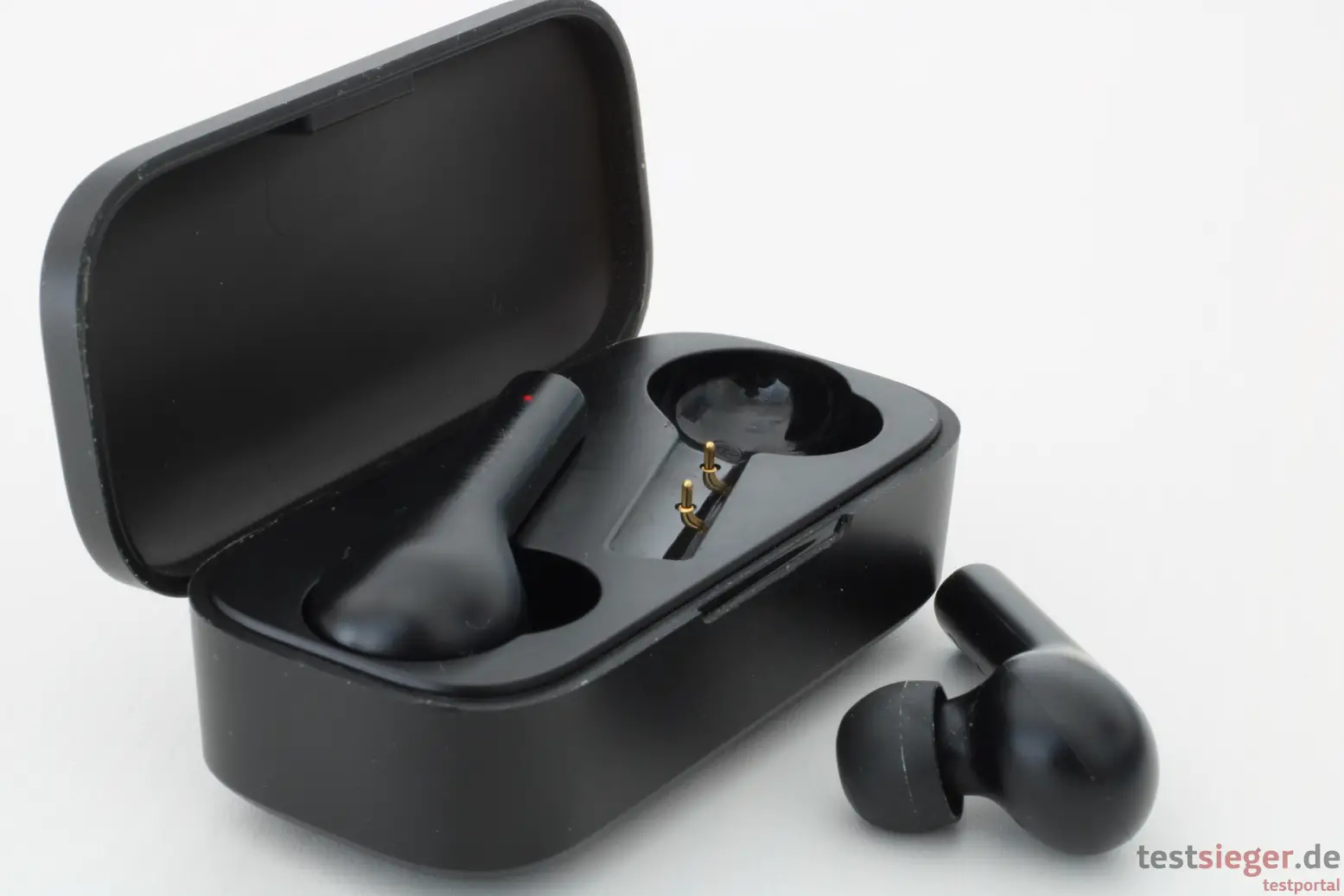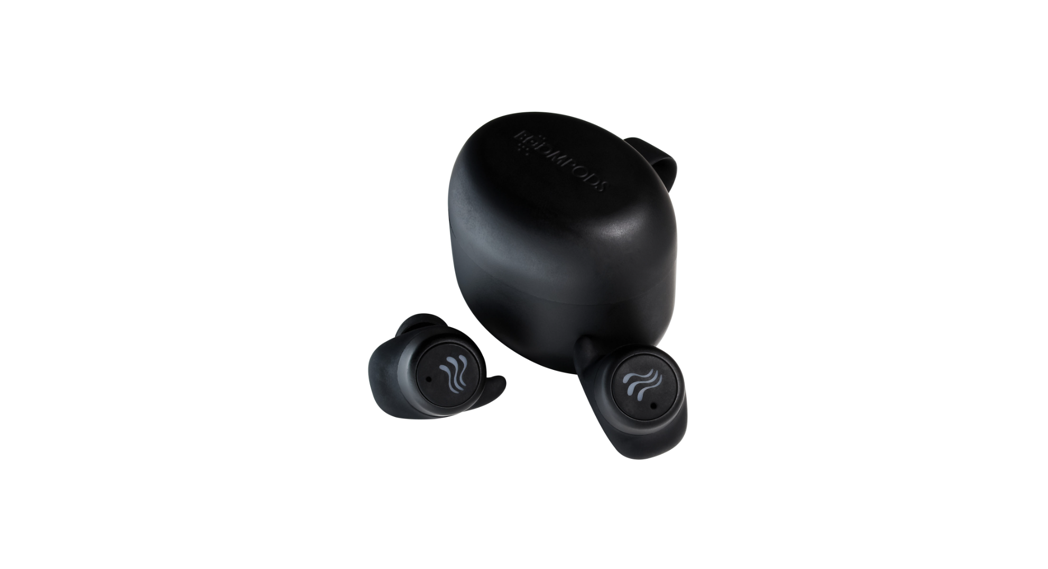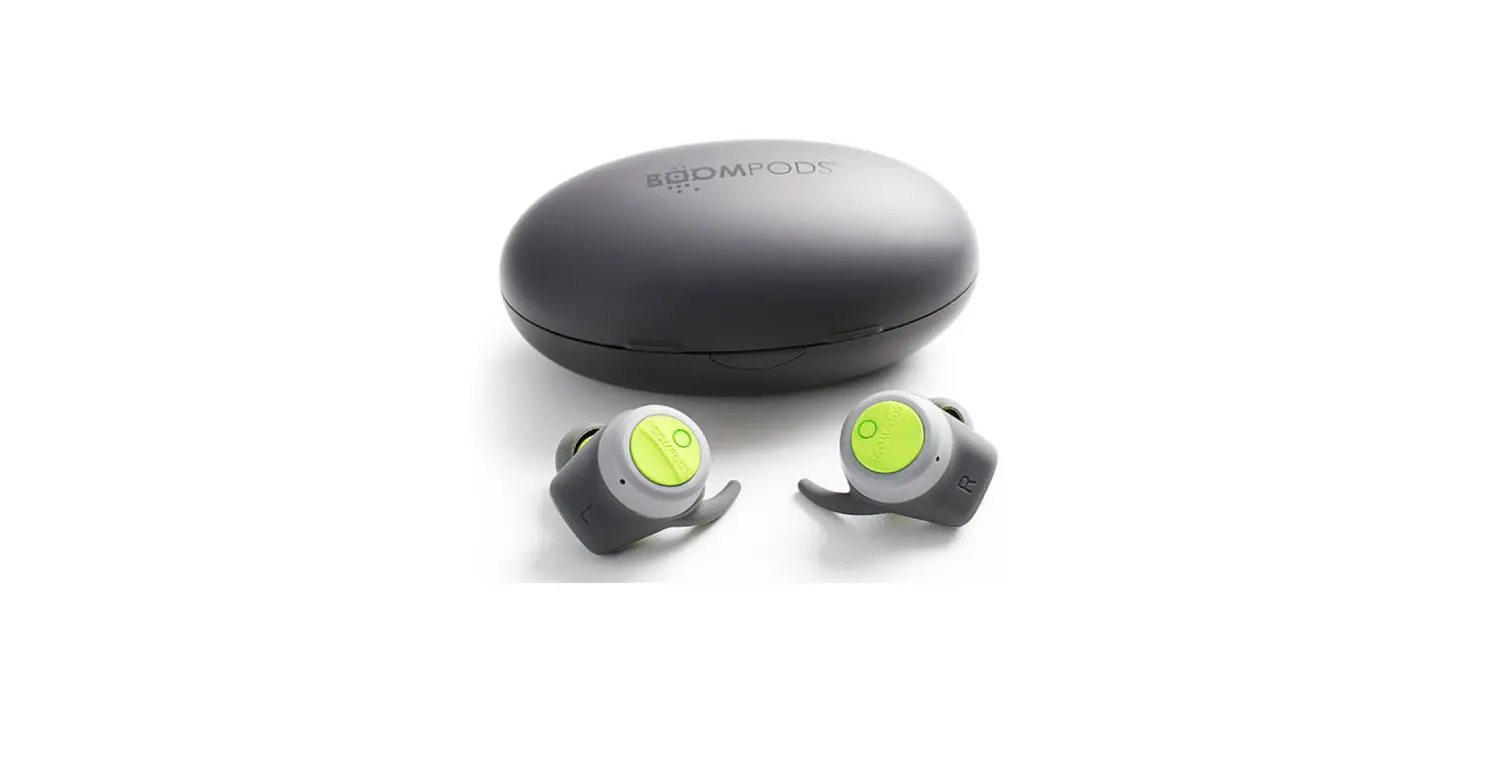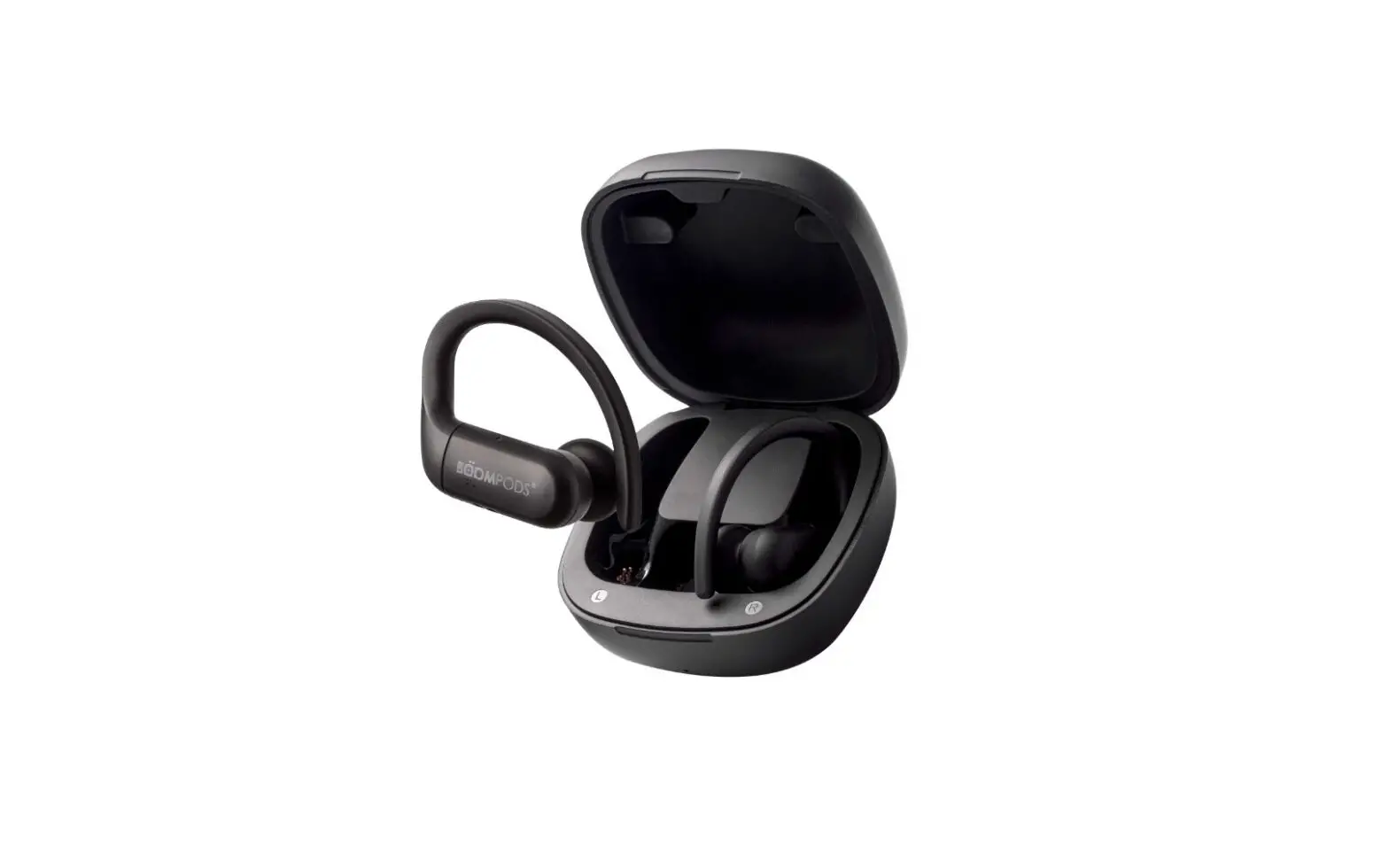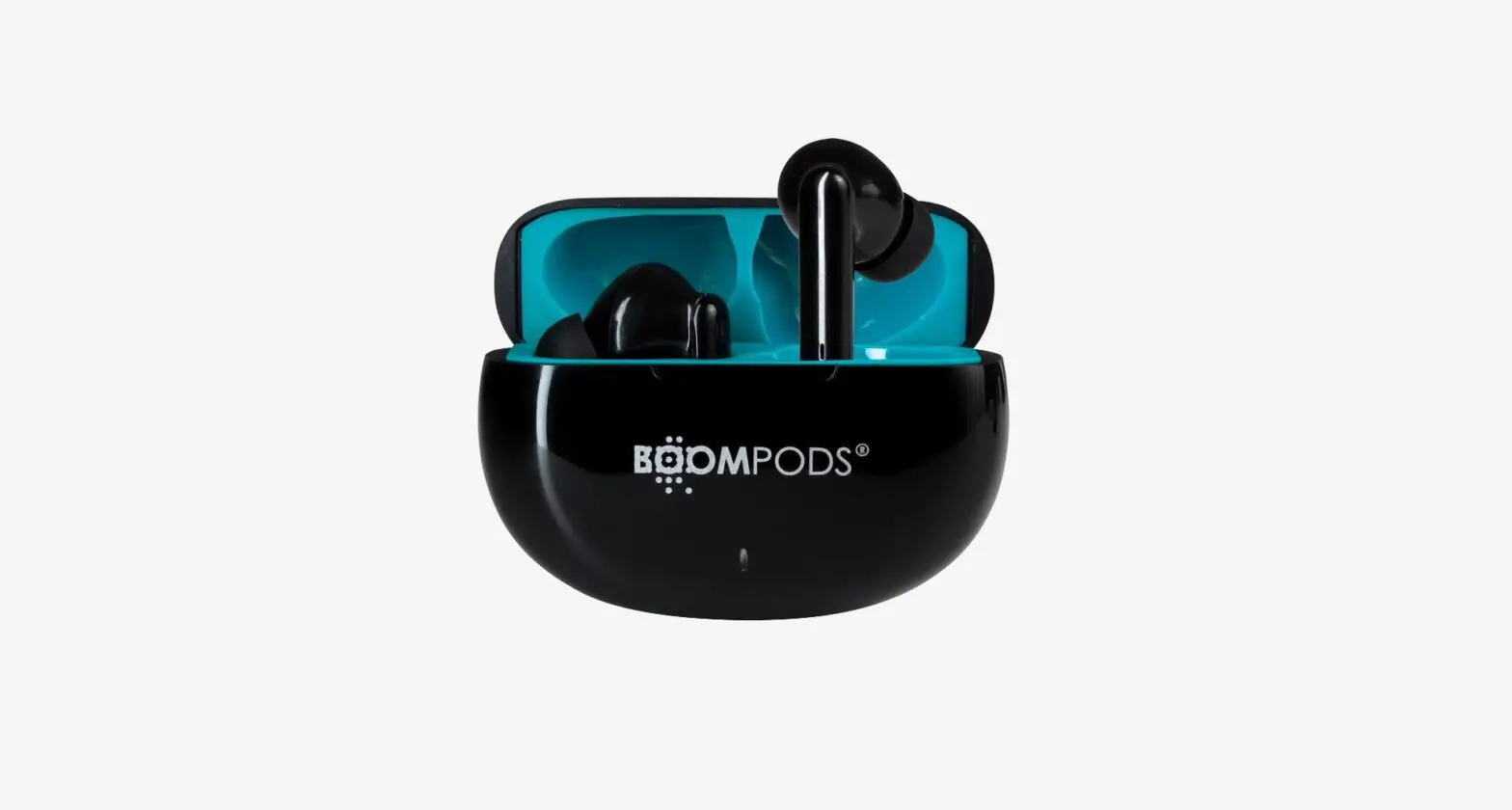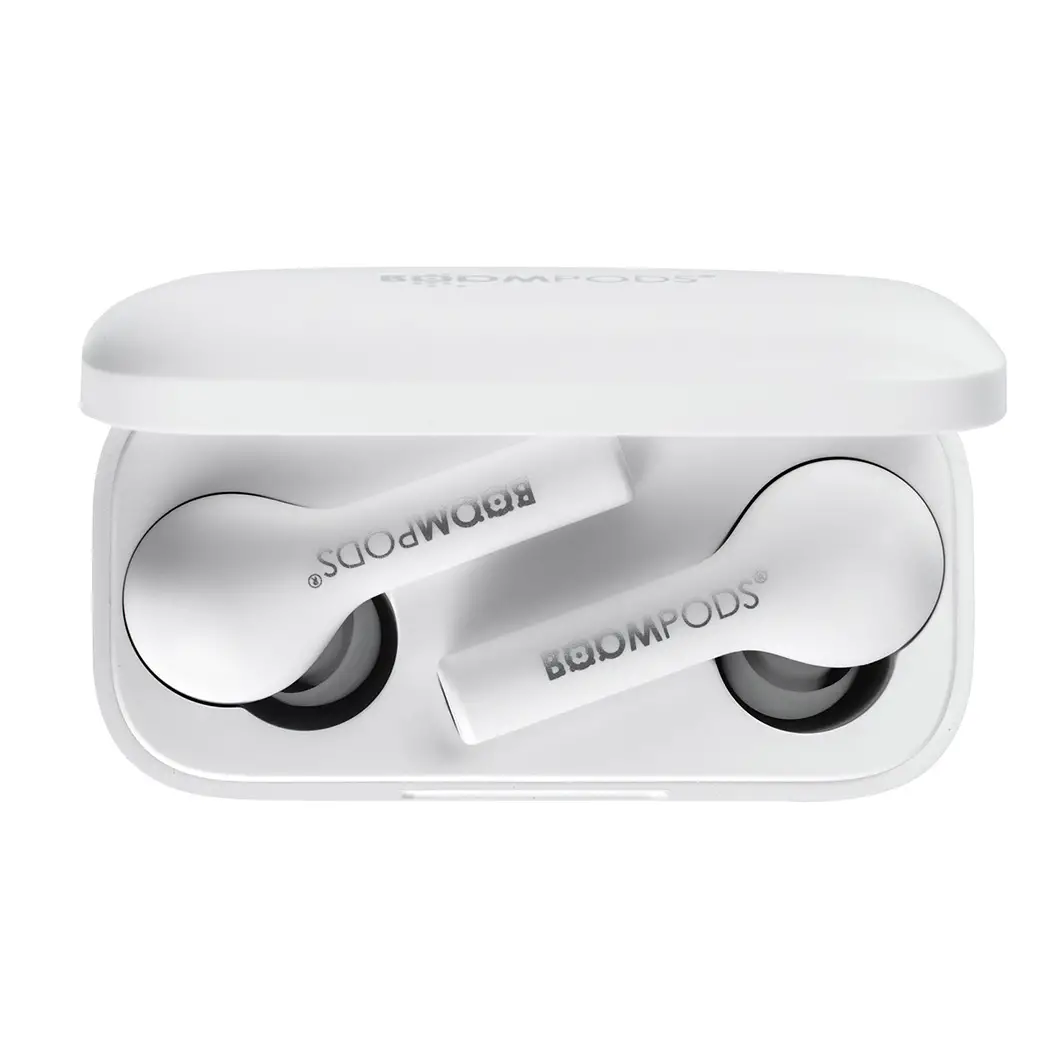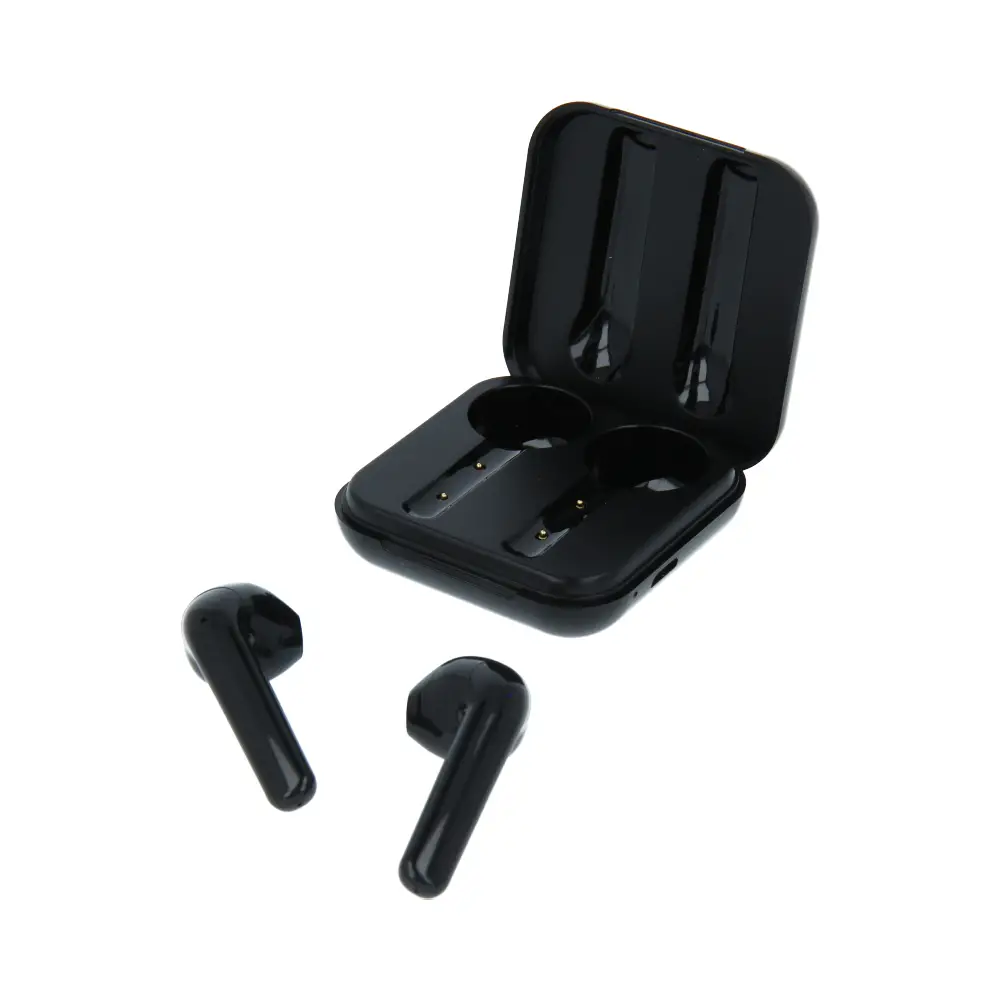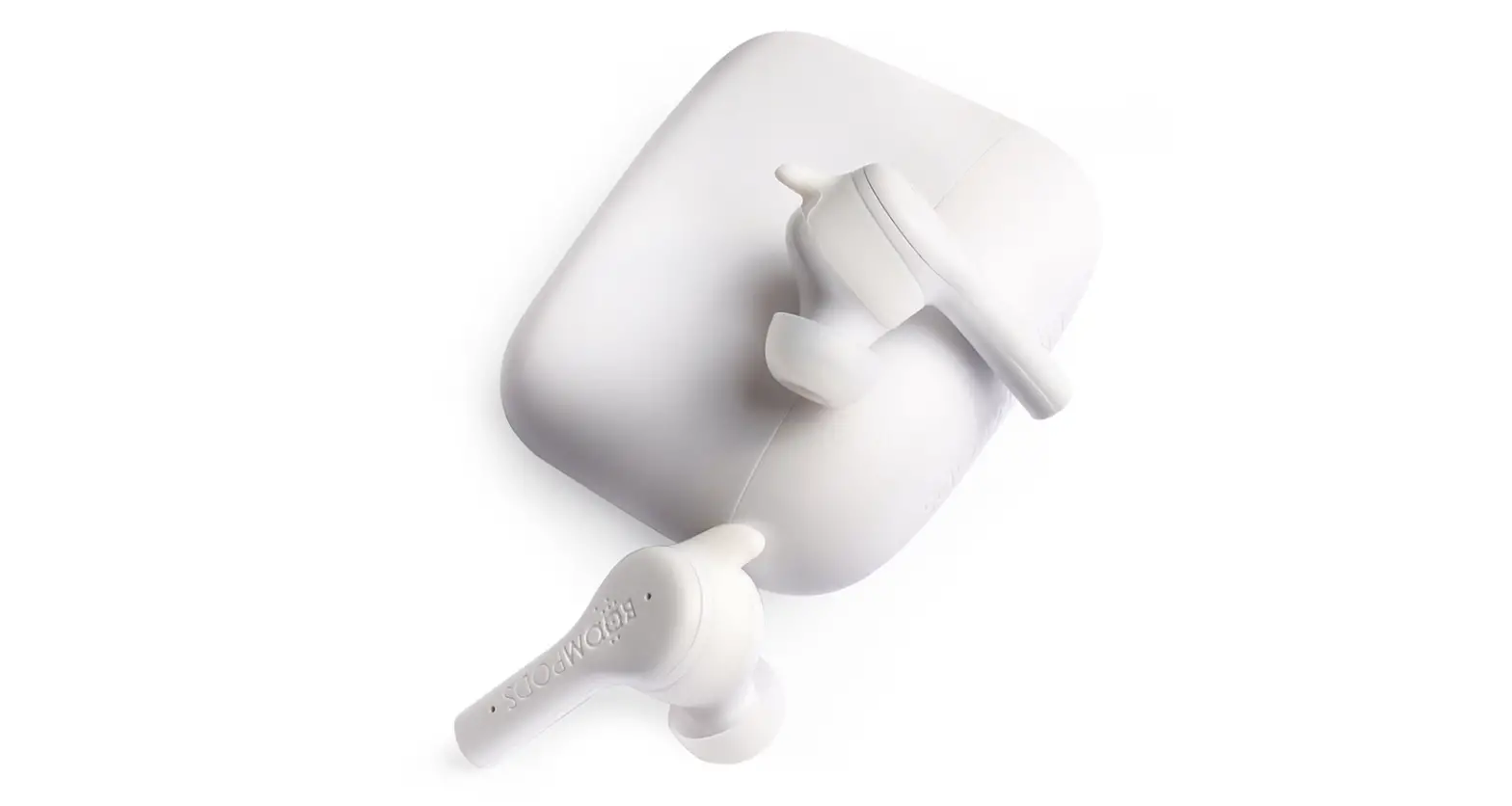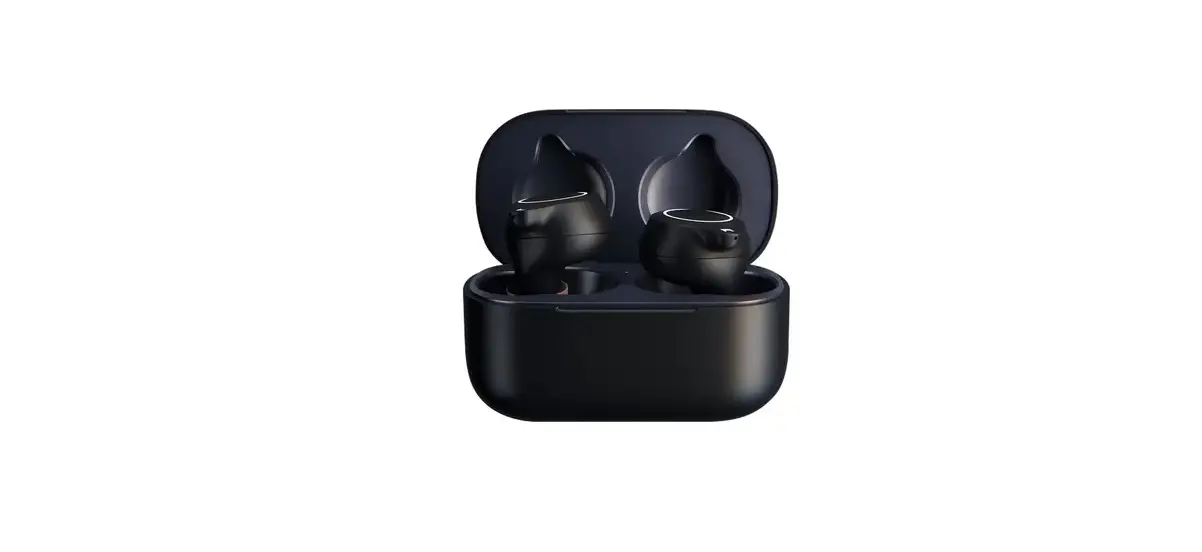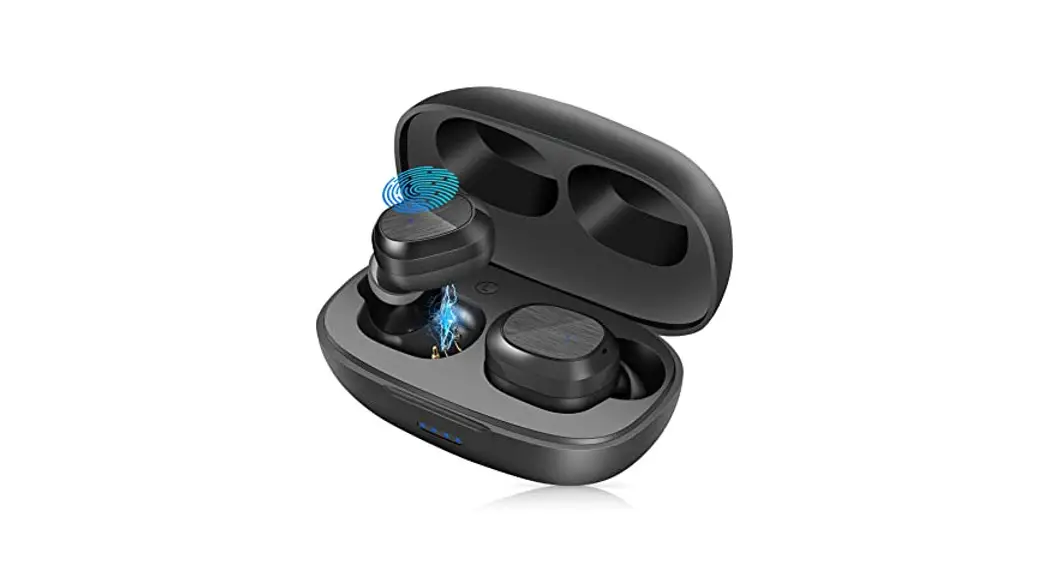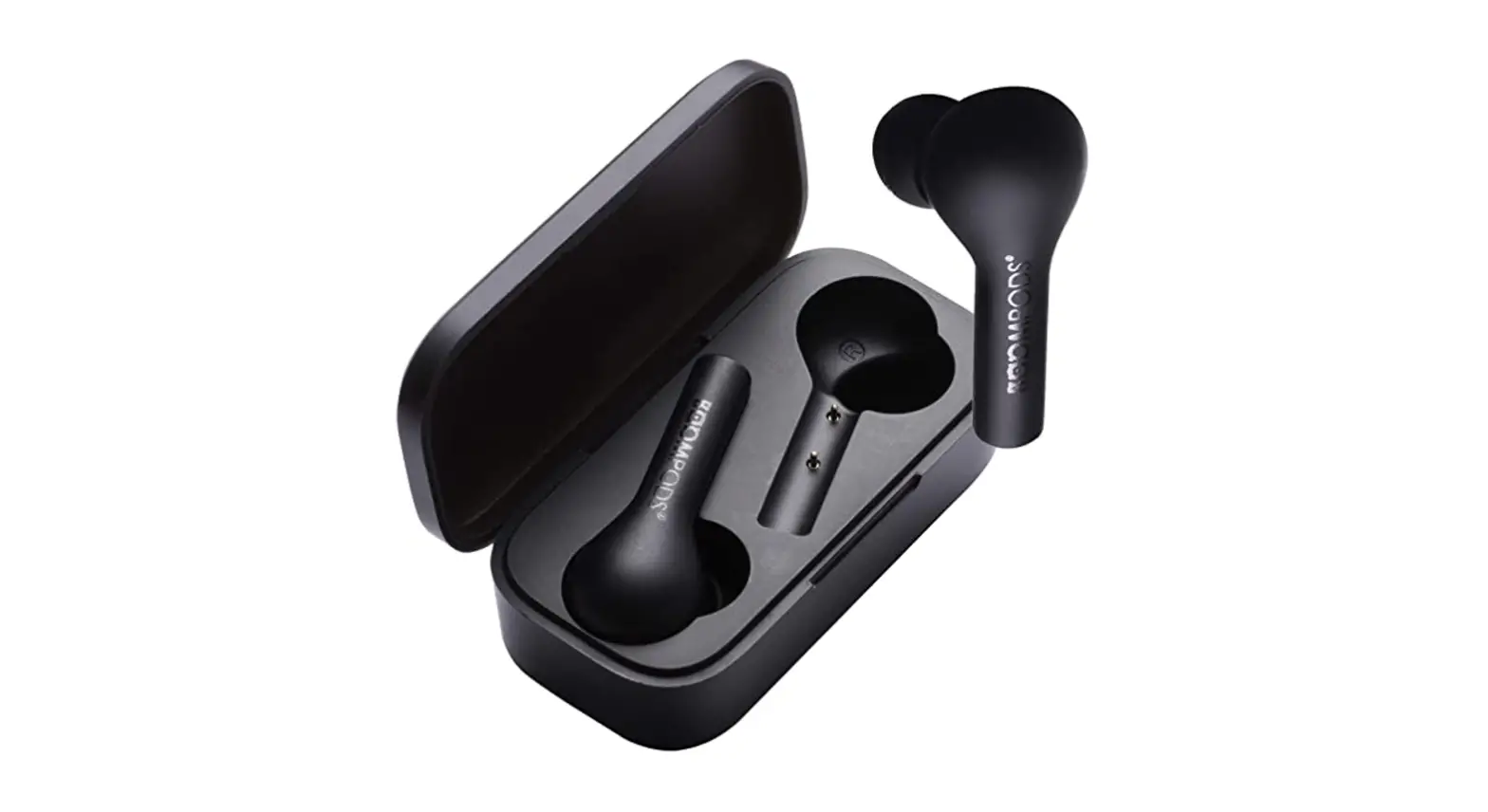
 Bassline Compact
User Manual
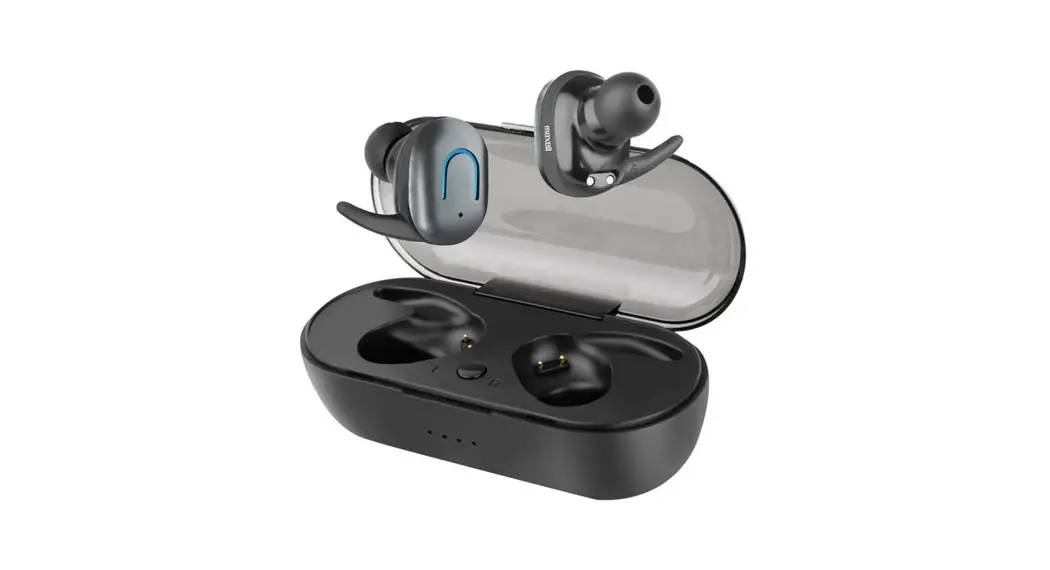
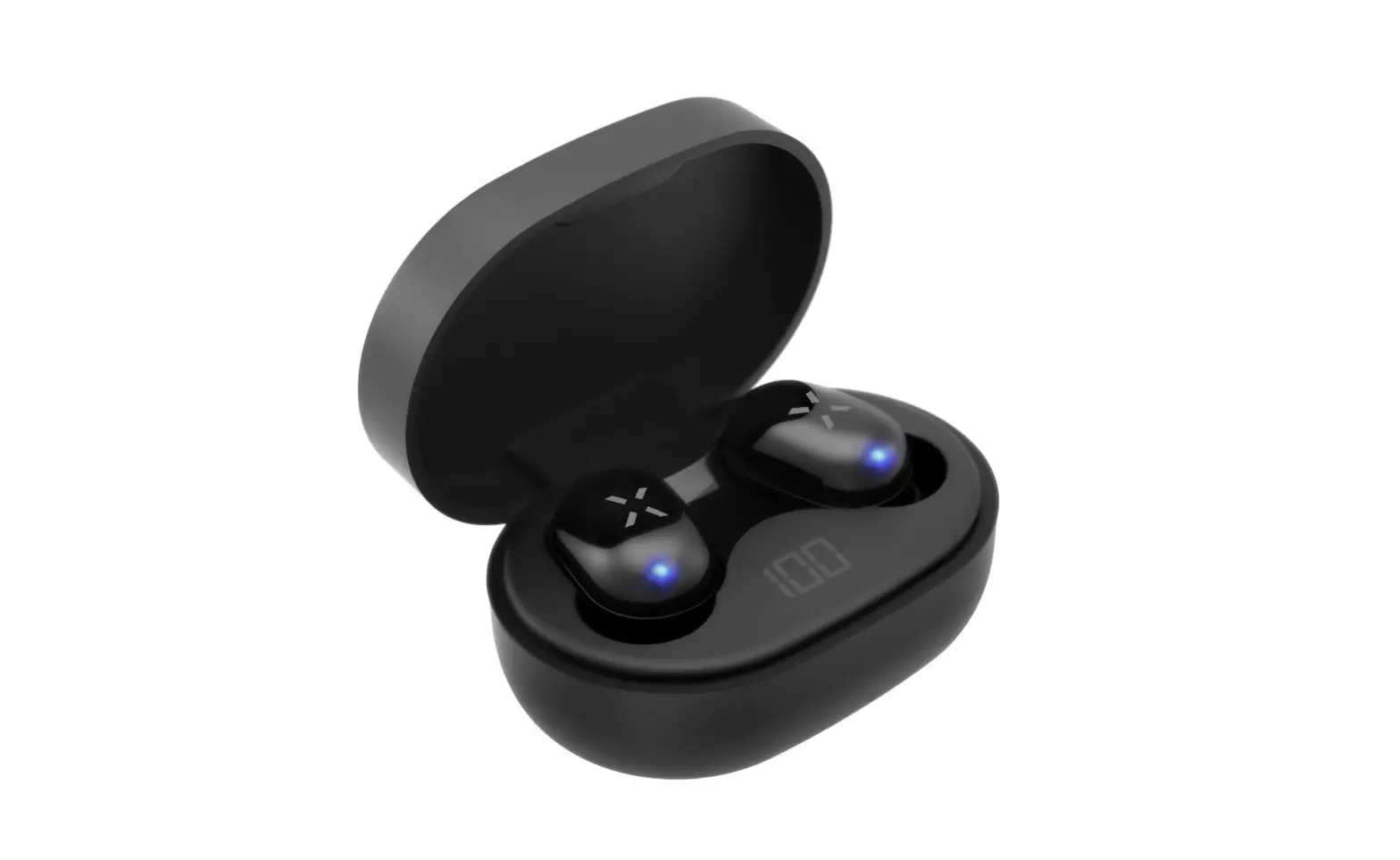
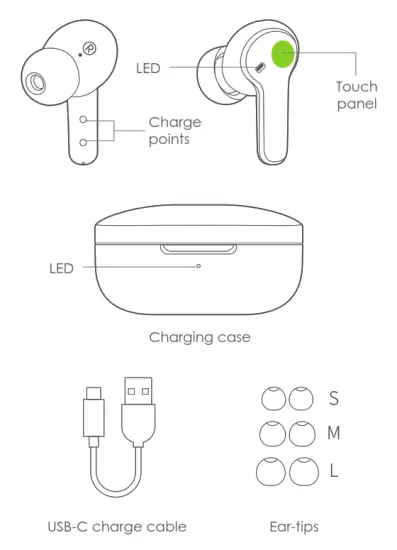
In the Box
How to Connect
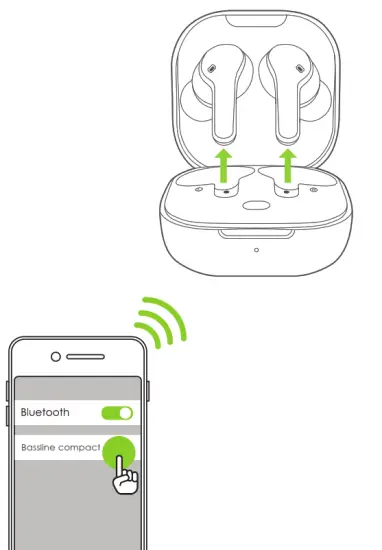
Note: once you have followed this procedure, the next time you remove from charging case earbuds will connect to your phone automatically.
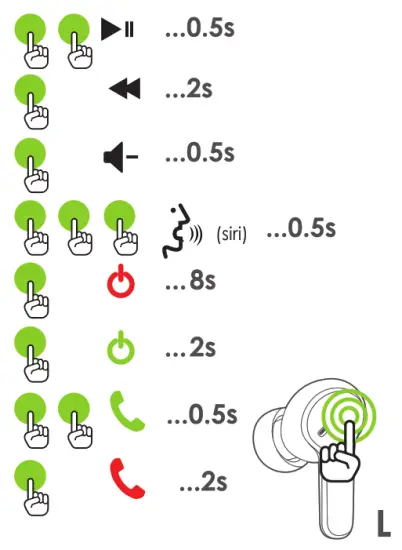
Touch Controls
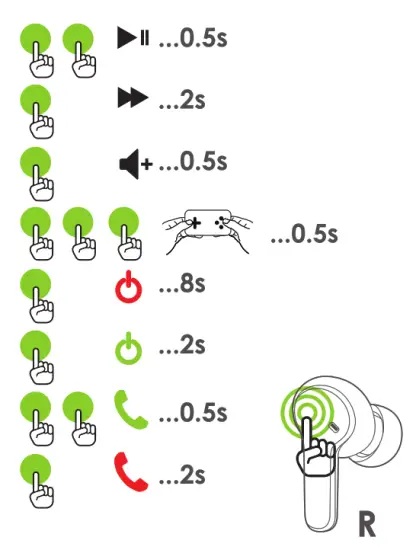 Your earbuds come pre-set as below but you can customise to how you want through the BOOMTUNE APP
Charging
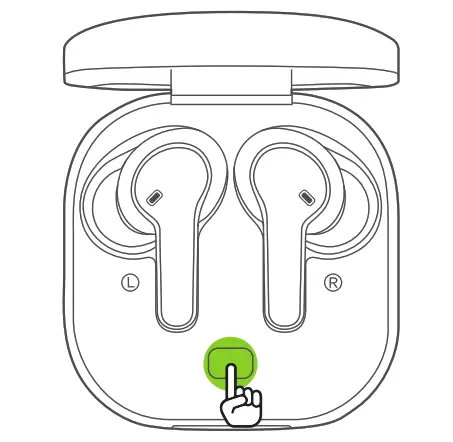
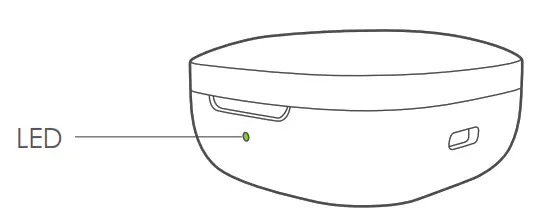
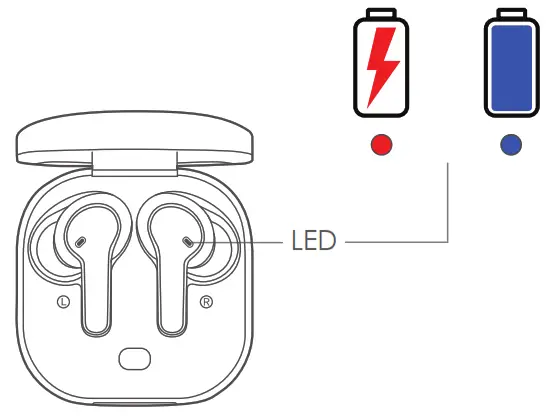
LED – Check case battery- Press button
Battery level 100%/90% 
Battery level 90% – 50% 
Battery level Below 50% 
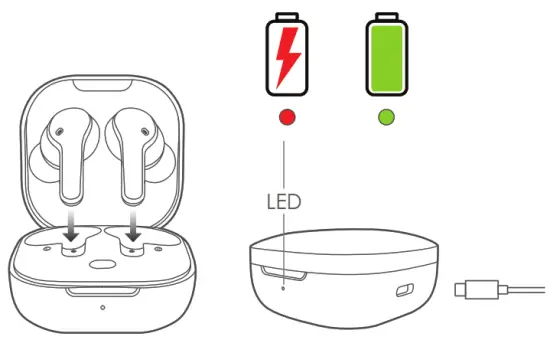
Charge Earbuds
Charge Case
Factory Reset
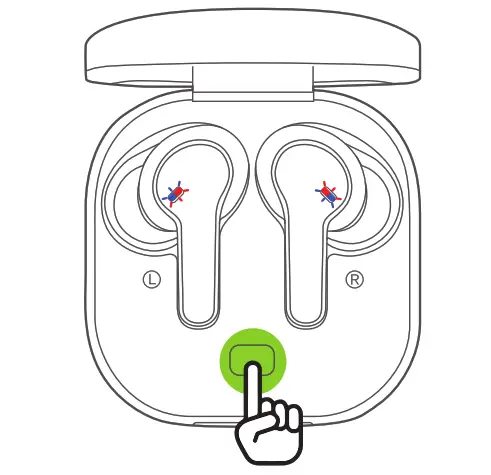
In the unlikely case of any pairing problem
Place earbuds into charging case and press button for approximately 10 seconds or until both earbuds blink red/blue.

Further enhance your experience by downloading the Boompods “BOOMTUNE” App, go to the App store.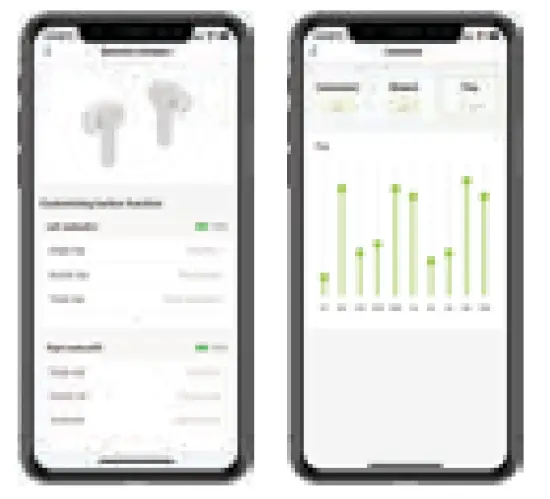

| Battery Case battery Charge time Frequency: Microphone Type Sensitivity Mic frequency range Operating temperature Bluetooth Rated Power IPX Rating Play Time Driver Size | 45mAh Built-in Lithium Battery 380mAh Lithium Battery 1.5 hrs 20– 2.0 KHZ 4x ENC Canceling 90+/-4db /mW at 1KHz 100Hz to 10kHz -0c 45c V5.0 5mW IPX 4 7 hrs (1 charge) total 27hrs 7.2mm |
The Declaration of Conformity can be found at: https://www.boompods.com/product/bassline compact
Hereby, Boompods declares that the radio equipment type [Earphone with Bluetooth] is in compliance with Directive 2014/53/EU.
FCC ID: RDR-BH20T13A
iPod, iPhone, and iPad are trademarks of Apple Inc registered in the US and other countries
Android is a registered trademark of Google Inc., registered in the US and other countries
BOOMPODS is a trademark of BOOMPODS LTD. BOOMPODS ©2021 All Rights.
BOOMPODS Ltd (UK), Norwich NR11 7AQ, UK.
BOOMPODS (EU), Granica, 05-806, PL.
[email protected] Registered No: 08147066. Made in China.